How do I use the Lo-Fi Analog Boudoir 2x2 Grid Contact Sheet template?
Choose the primary action to open PicX Studio with the available template settings. Review the model and format, personalize the creative direction, and generate when ready.
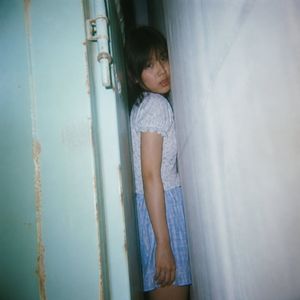
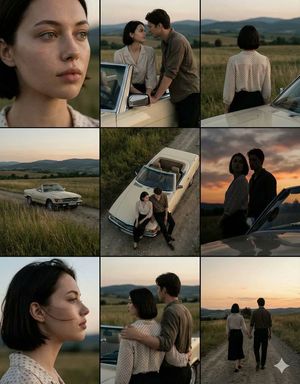
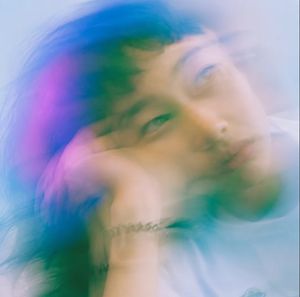
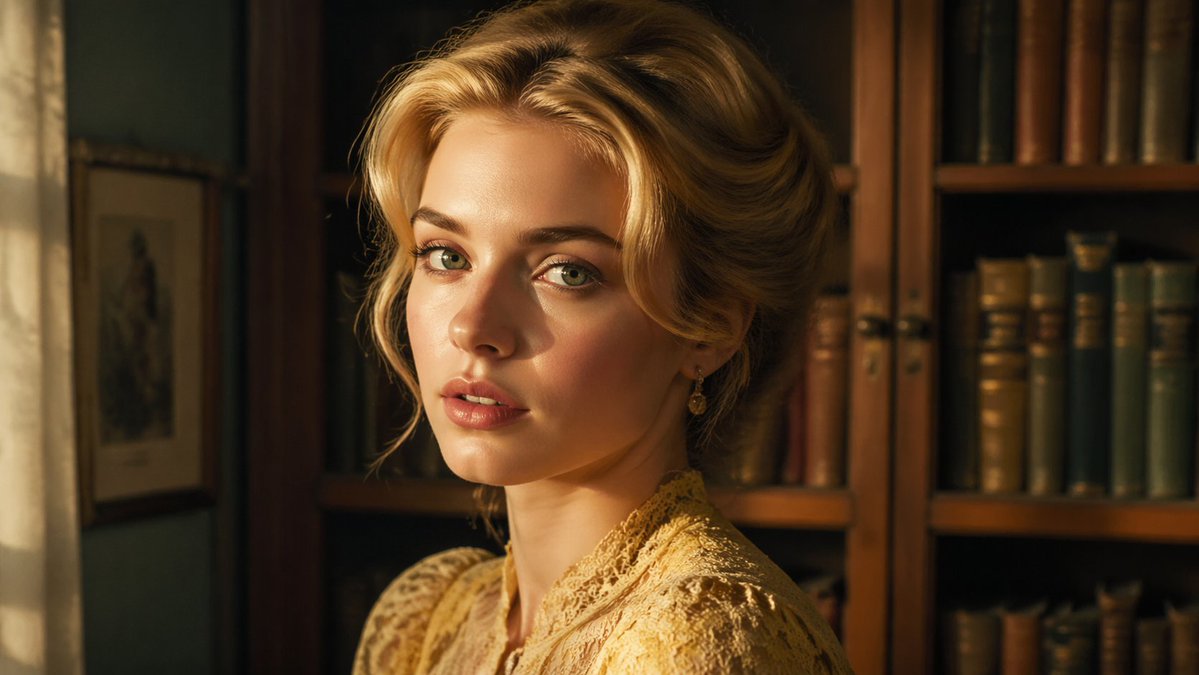
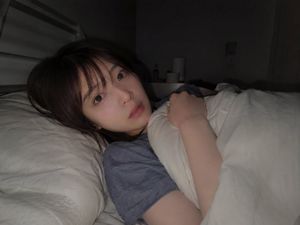
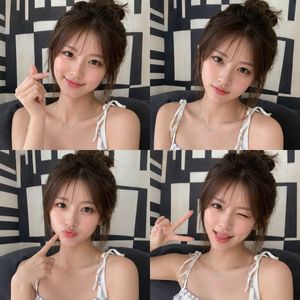
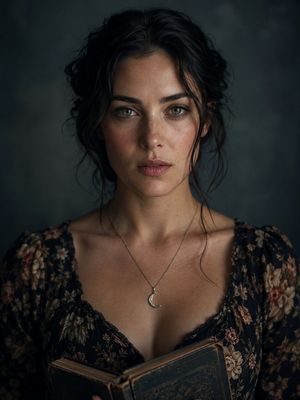
A complex JSON prompt for image-to-image generation, requesting a 2x2 grid contact sheet featuring the same adult woman in a red satin slip dress. The style is specified as lo-fi analog film boudoir with heavy grain, soft focus, and intentional motion blur, focusing on intimate, elegant poses. (free to use) — Free AI image template on PicX Studio.
{ "generation_request": { "meta_data": { "tool": "NanoBanana Pro", "task_type": "lofi_analog_boudoir_red_satin_grid_2x2_no_text", "language": "en", "priority": "highest", "version": "v1.0_LOFI_RED_SATIN_BOUdoir_2X2_FILMROLL" }, "input": { "mode": "image_to_image", "reference_image_usage": "maximum", "preserve_identity": true, "preserve_facial_features": true, "preserve_hairstyle": true, "preserve_wardrobe": true, "notes": "Use the reference as the primary style anchor. Create a 2x2 grid with the SAME adult woman identity and the SAME red satin dress across all panels. Lo-fi analog film look, heavy grain, soft focus, slight motion blur from movement, intimate boudoir mood. Background alternates between deep red wall and a gray curtain/doorway edge. No text, no logos, no watermark." }, "output_settings": { "aspect_ratio": "1:1", "resolution_target": "ultra_high_res", "num_images": 1, "layout": { "type": "grid", "rows": 2, "cols": 2, "gutter": "thin", "outer_border": "none", "panel_consistency": "high" }, "sharpness": "soft_film", "grain": "heavy_analog", "render_style": "lofi_intimate_film" }, "scene": { "concept": "analog film boudoir contact sheet", "environment": "minimal interior, deep red wall + gray curtain/doorframe edge, low light", "lighting": { "style": "dim warm practical light", "key_light": "soft warm side light with gentle falloff", "fill": "minimal", "avoid": "flash, HDR, crisp modern beauty lighting" }, "camera": { "lens": "50mm", "look": "handheld film snapshot", "focus": "intentionally soft; allow slight motion blur", "motion_blur_rule": "blur allowed on hair and face edges only, never melt anatomy" } }, "subject": { "type": "adult woman", "wardrobe": "deep red satin slip dress with draped neckline and thin straps, subtle side slit, tied back detail, no logos", "hair": "dark hair with soft fringe/bangs, slightly messy", "makeup": "minimal, natural lips, soft eyeliner", "anatomy_rules": "realistic proportions, correct hands and fingers, no warped torso" }, "panel_direction": { "global_rule": "same identity + same dress; each panel a different pose; keep intimate, elegant body language; avoid explicit nudity", "panel_01": "soft motion blur portrait, head tilted, shoulder strap slightly off-shoulder, dreamy expression", "panel_02": "standing 3/4 by gray curtain/doorway, arms crossed lightly over chest, subtle gaze", "panel_03": "against deep red wall, head thrown slightly back, hand on collarbone, satin highlights visible", "panel_04": "tight crop of the dress back/side detail showing tied straps and satin folds (no explicit body exposure)"
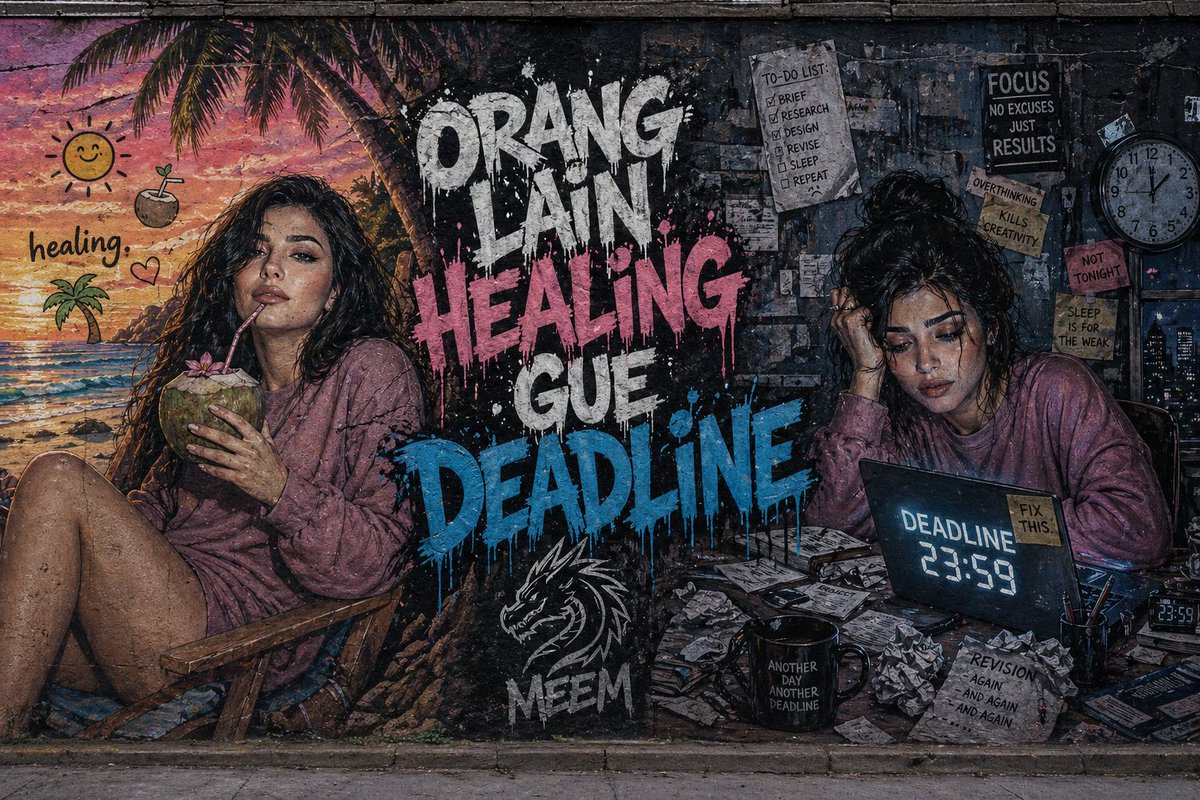
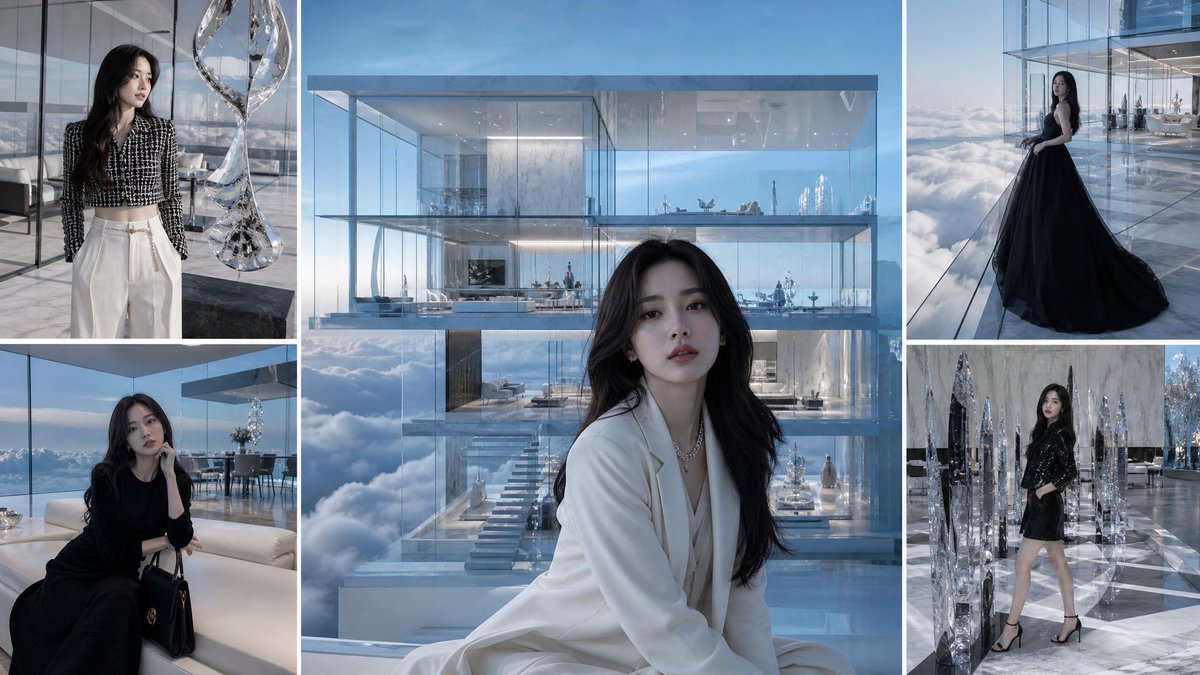
Use Lo-Fi Analog Boudoir 2x2 Grid Contact Sheet to plan an AI image around nano-banana-2 generation. Match the preview's composition first, then personalize the subject, setting, and mood for your own project.
Use the primary action to load the template settings in PicX Studio.
Adjust the subject and creative details for your destination.
Create the image, compare the result with the preview, and refine one variable at a time.
A continuous mix — similar concepts first, woven with same-model prompts and fresh picks from the catalog.
Choose the primary action to open PicX Studio with the available template settings. Review the model and format, personalize the creative direction, and generate when ready.
Yes. You can change the subject, setting, lighting, mood, format, and available model controls before creating your image.
This template is free to open and customize. Generation usage is shown in PicX Studio before you create.
Start with nano-banana-2, which is the model associated with this template. You can compare another compatible model for a different finish.
Follow a topic to a crawlable collection of related PicX Studio templates.
39,155 public templates available. Verified via the PicX Studio public templates API; refreshed hourly.
A continuous mix — similar concepts first, woven with same-model prompts and fresh picks from the catalog.