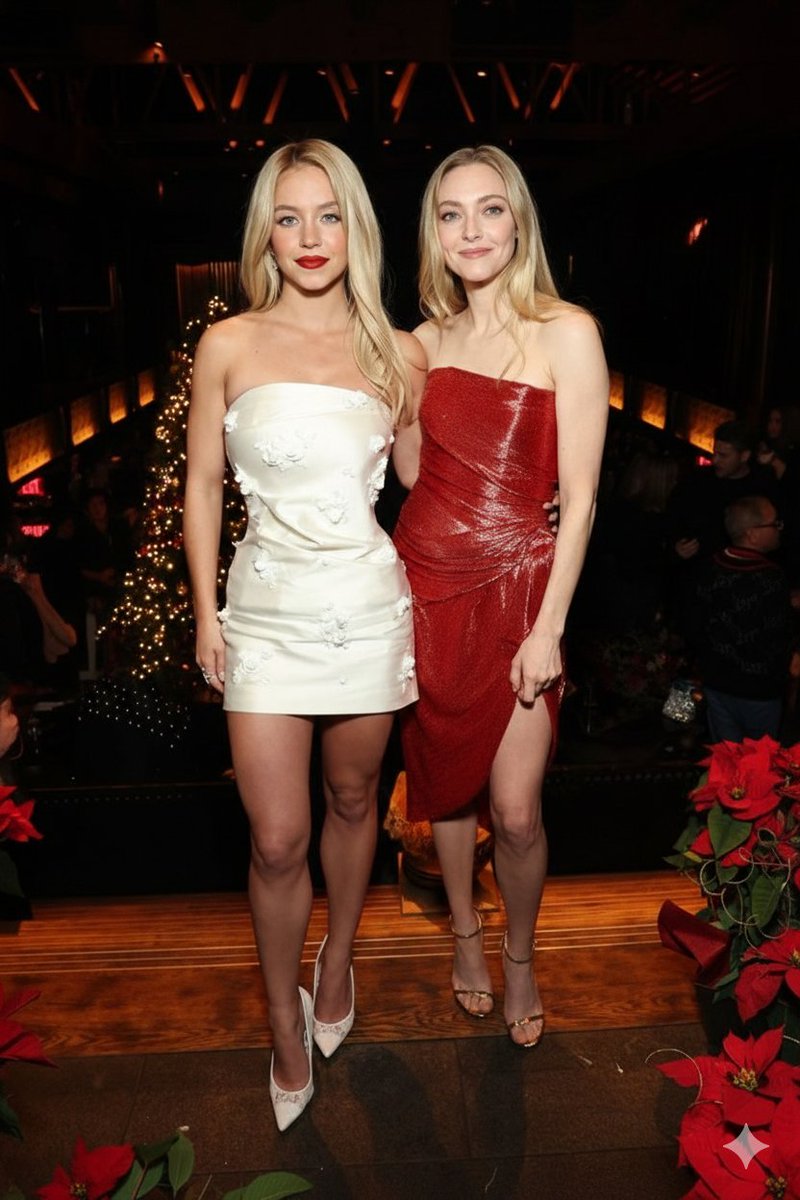
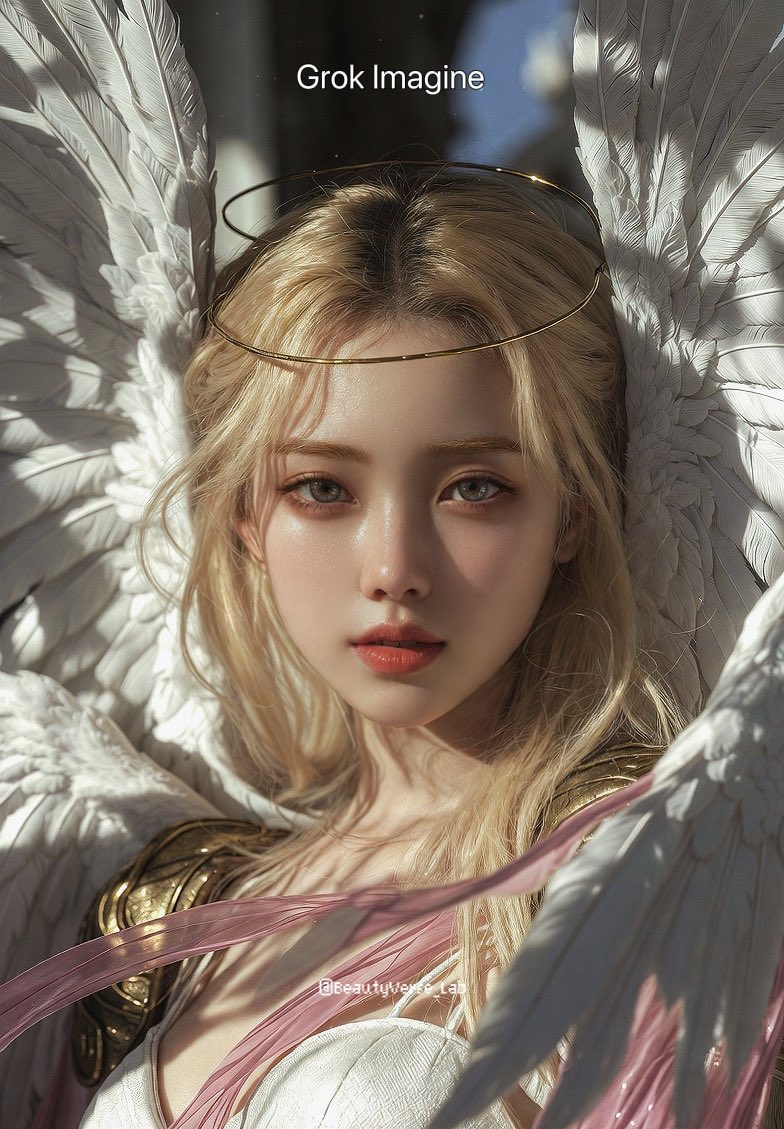
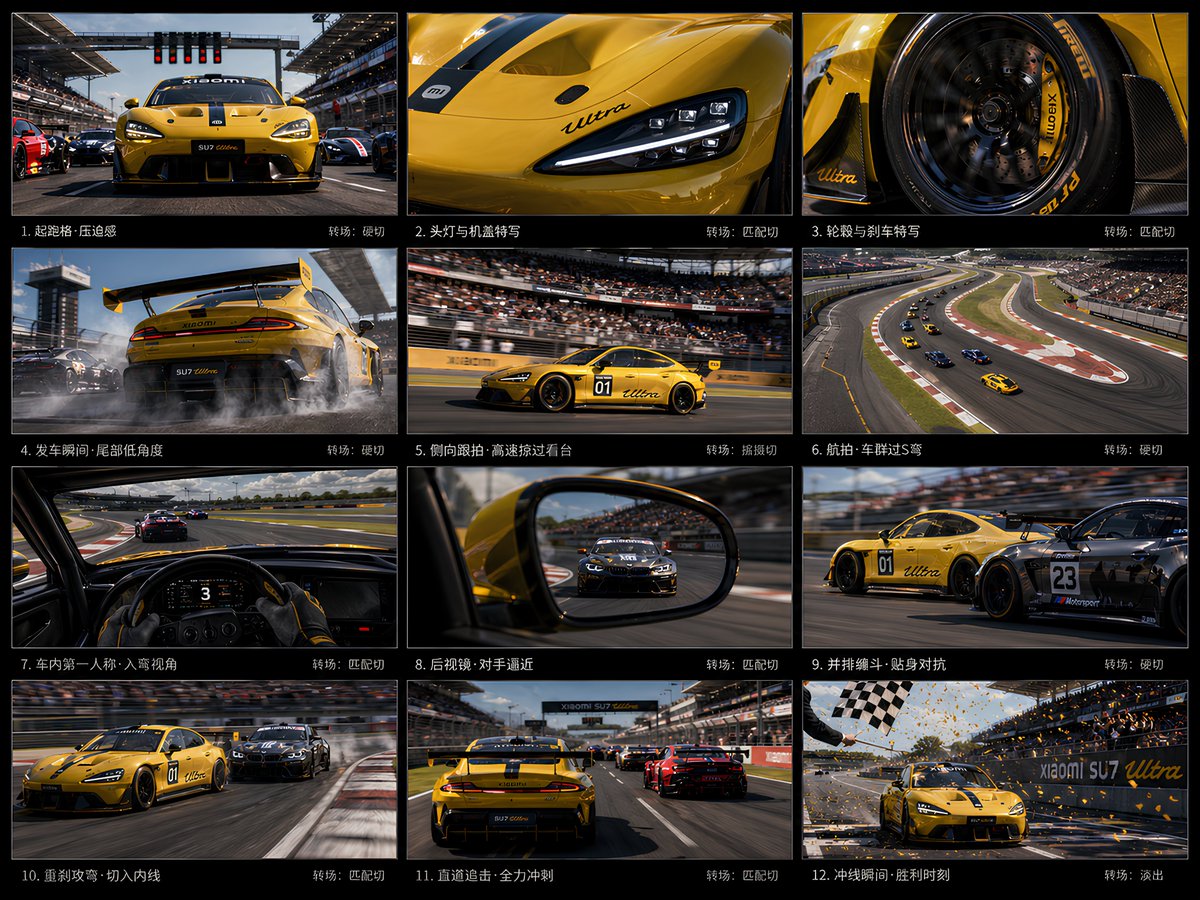
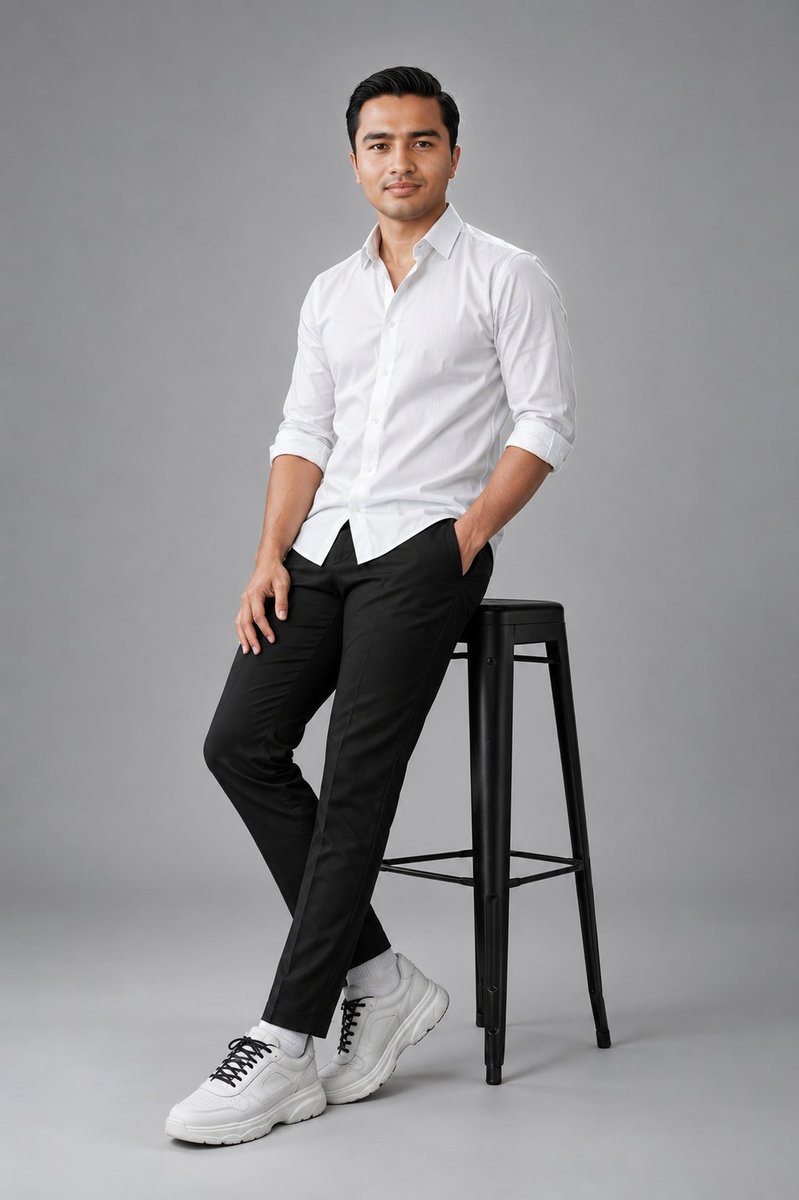
How do I use the iPhone night photo of two girls at a luxury pool template?
Choose the primary action to open PicX Studio with the available template settings. Review the model and format, personalize the creative direction, and generate when ready.
A detailed JSON prompt for Nano Banana Pro designed to generate an ultra-photorealistic image mimicking a raw iPhone night photo. The scene features two girls in minimal bikinis at a luxury villa pool at night, lit by warm underwater lights. The prompt specifies the poses, expressions (one dominant, one teasing), and focuses on realistic details like glowing reflections on wet skin and light night grain, aiming for an intimate and high-end atmosphere. (free to use) — Free AI image template on PicX Studio.
{ "meta": { "camera": "iPhone 17 Pro Max", "lens": "24mm wide", "aspect_ratio": "4:5", "quality": "ultra photorealistic", "style": "raw iPhone night pool realism, natural HDR, slight handheld imperfection" }, "scene": { "location": "luxury villa pool at night", "time": "10:52 PM", "atmosphere": "warm night air, still water, quiet high-end energy" }, "lighting": { "type": "underwater pool lights + warm ambient", "temperature": "warm (3200K)", "effect": [ "glowing reflections on wet skin", "soft highlights across collarbones and legs", "water reflections flickering on bodies", "slight iPhone night mode exposure lift" ] }, "subjects": [ { "role": "foreground girl", "pose": { "position": "sitting on pool edge", "legs": "in water", "torso": "leaning slightly back on one arm" }, "expression": { "eyes": "locked directly into camera", "energy": "calm but dominant" } }, { "role": "second girl", "pose": { "position": "standing in pool between her legs", "water_level": "upper thighs", "arms": "lightly resting on pool edge beside first girl" }, "interaction": { "proximity": "very close, bodies almost touching", "tension": "intimate but unspoken" }, "expression": { "eyes": "looking at the first girl, not camera", "energy": "focused, slightly teasing" } } ], "styling": { "hair": "both slightly wet, natural texture", "outfits": "minimal triangle bikinis, contrasting tones (black + cream)" }, "camera": { "angle": "eye-level, slightly tilted", "distance": "medium shot", "focus": "foreground sharp, background soft" }, "post_processing": { "editing": "minimal", "grain": "light night grain", "skin": "natural wet texture" } }
Use iPhone night photo of two girls at a luxury pool to plan an AI image around nano-banana-2 generation. Match the preview's composition first, then personalize the subject, setting, and mood for your own project.
Use the primary action to load the template settings in PicX Studio.
Adjust the subject and creative details for your destination.
Create the image, compare the result with the preview, and refine one variable at a time.
A continuous mix — similar concepts first, woven with same-model prompts and fresh picks from the catalog.
Choose the primary action to open PicX Studio with the available template settings. Review the model and format, personalize the creative direction, and generate when ready.
Yes. You can change the subject, setting, lighting, mood, format, and available model controls before creating your image.
This template is free to open and customize. Generation usage is shown in PicX Studio before you create.
Start with nano-banana-2, which is the model associated with this template. You can compare another compatible model for a different finish.
Follow a topic to a crawlable collection of related PicX Studio templates.
39,155 public templates available. Verified via the PicX Studio public templates API; refreshed hourly.
A continuous mix — similar concepts first, woven with same-model prompts and fresh picks from the catalog.