Lara Croft Inspired Action Editorial Portrait
{
"main_prompt": "stunning blonde woman in her mid-20s as fierce adventure heroine like {argument name="character name" default="Lara Croft"}, long blonde hair in two thick braids with loose strands, intense determined expression with slight smirk, eyes looking upward diagonally, dirt smudges and mud on face, arms, and clothes for battle-worn look, wearing tight light blue tank top with low scoop neckline showing deep cleavage, brown leather utility belt with large gold buckle, khaki/camo short shorts with thigh holsters, black fingerless gloves, black combat boots, multiple leather straps and harnesses across chest and shoulders holding ammo and gear, dual-wielding pistols: one silver/chrome high-capacity pistol in right hand pointed forward, one black tactical pistol in left hand angled up, dynamic action pose leaning forward with arms extended, powerful stance on rocky jungle ledge, epic jungle waterfall backdrop with cascading water, ancient ruined temple overgrown with vines and foliage, misty fog in air, lush green ferns and tropical plants, dramatic golden hour sunlight filtering through trees creating god rays and rim light on hair and body, strong backlighting with lens flare, cinematic color grading with warm golden tones on skin and cool blue-green jungle shadows, photorealistic, ultra-detailed skin texture with pores, sweat, dirt and realistic fabric wear/tears, high fashion action editorial style, shot on Canon EOS R5 with 50mm f/1.4 lens, shallow depth of field, sharp focus on face and guns with creamy bokeh on waterfall background, film grain subtle, adventurous empowering vibe, Tomb Raider / Indiana Jones meets glamour photoshoot aesthetic",
"negative_prompt": "blurry, lowres, deformed hands, extra fingers, fused fingers, bad anatomy, poorly drawn face, bad proportions, extra limbs, mutated hands, ugly, disfigured, tiling, out of frame, jpeg artifacts, signature, watermark, text, error, cropped, worst quality, low quality, cartoon, 3d render, plastic skin, doll-like, airbrushed skin, overexposed, underexposed, flat lighting, harsh shadows, pale clean skin, no dirt/mud, heavy makeup glamorous look, smiling happy expression, modern clothing, city background, indoor setting, obese, elderly, child, male, group shot, bright midday sun, no waterfall/ruins, clean pristine outfit, visible logos except subtle belt buckle, desaturated colors, monochrome",
"style_tags": [
"photorealistic",
"action heroine portrait",
"Tomb Raider Lara Croft inspired",
"jungle adventure aesthetic",
"dual pistol gunslinger pose",
"golden hour dramatic lighting",
"cinematic epic composition",
"battle-worn glamour",
"film grain subtle",
"high-end movie poster style",
"empowering fierce vibe"
],
"technical": {
"aspect_ratio": "3:4 or 4:5 (vertical heroic portrait / poster style)",
"lighting": "strong golden hour backlight from behind/right creating rim light halo on hair and shoulders, wa"
}
}




![K-POP Idol Stage Performance Portrait — 하이퍼 리얼리스틱, [인물참조 {argument name="참조 이미지" default="이미지 1, 이미지 2, 이미지 3, 이미지 4"}] 첨부 이미지의 인물을 그대로 기준으로 하여, 긴 흑발이 얼굴을 자연스럽게](https://cms-assets.youmind.com/media/1779786525304_uyka4d_HJIYPstaUAAZM3-.jpg)


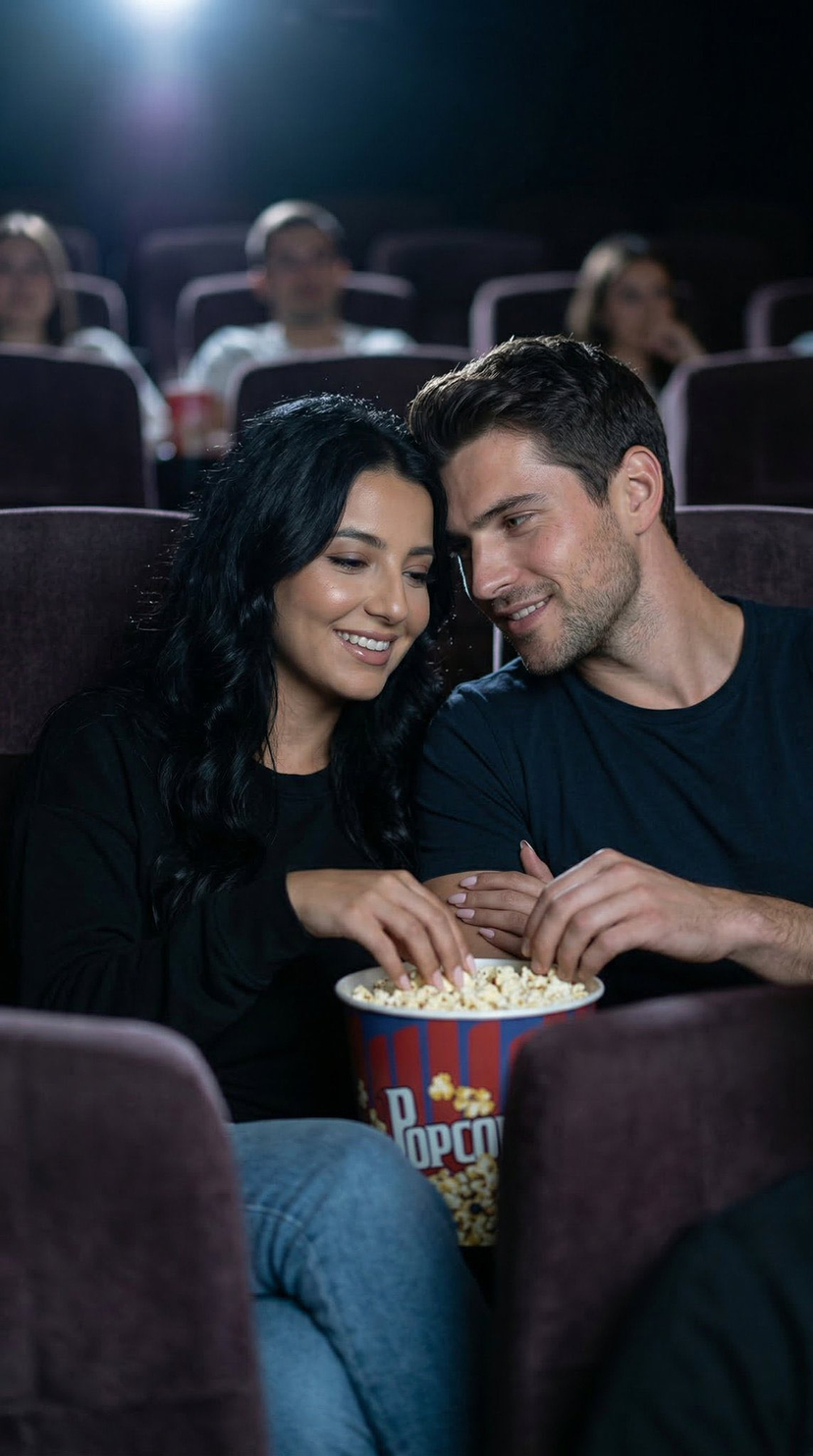


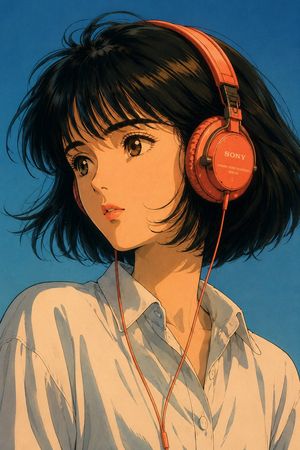
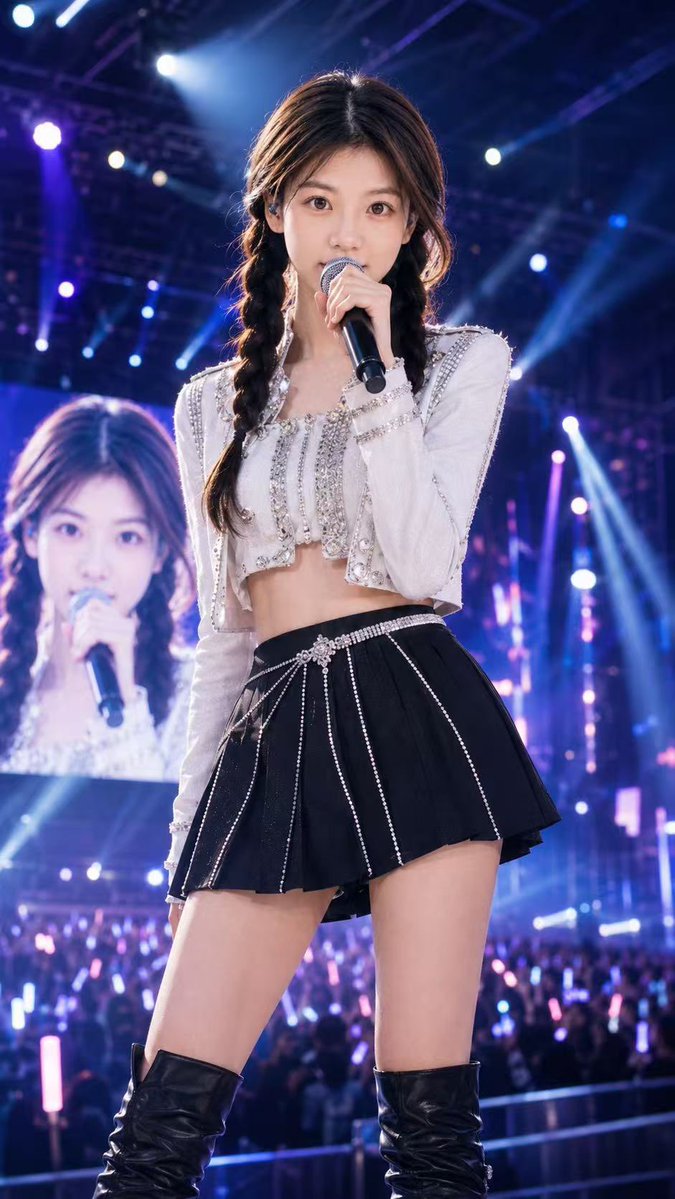


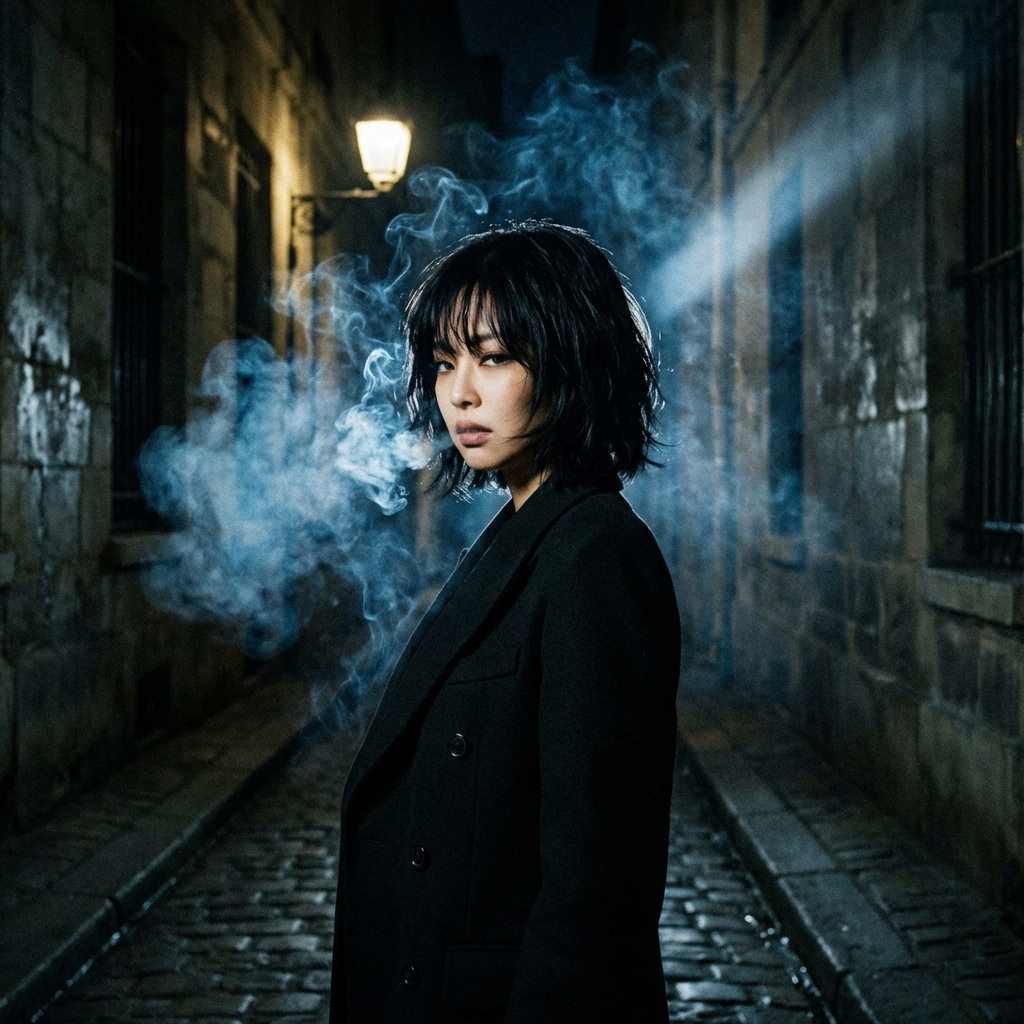


![Naive doodle-style subject illustration — A doodle-style {argument name="subject" default="[subject]"}, naive lines, humorous shape exaggeration](https://pbs.twimg.com/media/G6Wl2YxbsAARB2b.jpg)