How do I use the Jennie Kim Film Noir Portrait Prompt template?
Choose the primary action to open PicX Studio with the available template settings. Review the model and format, personalize the creative direction, and generate when ready.
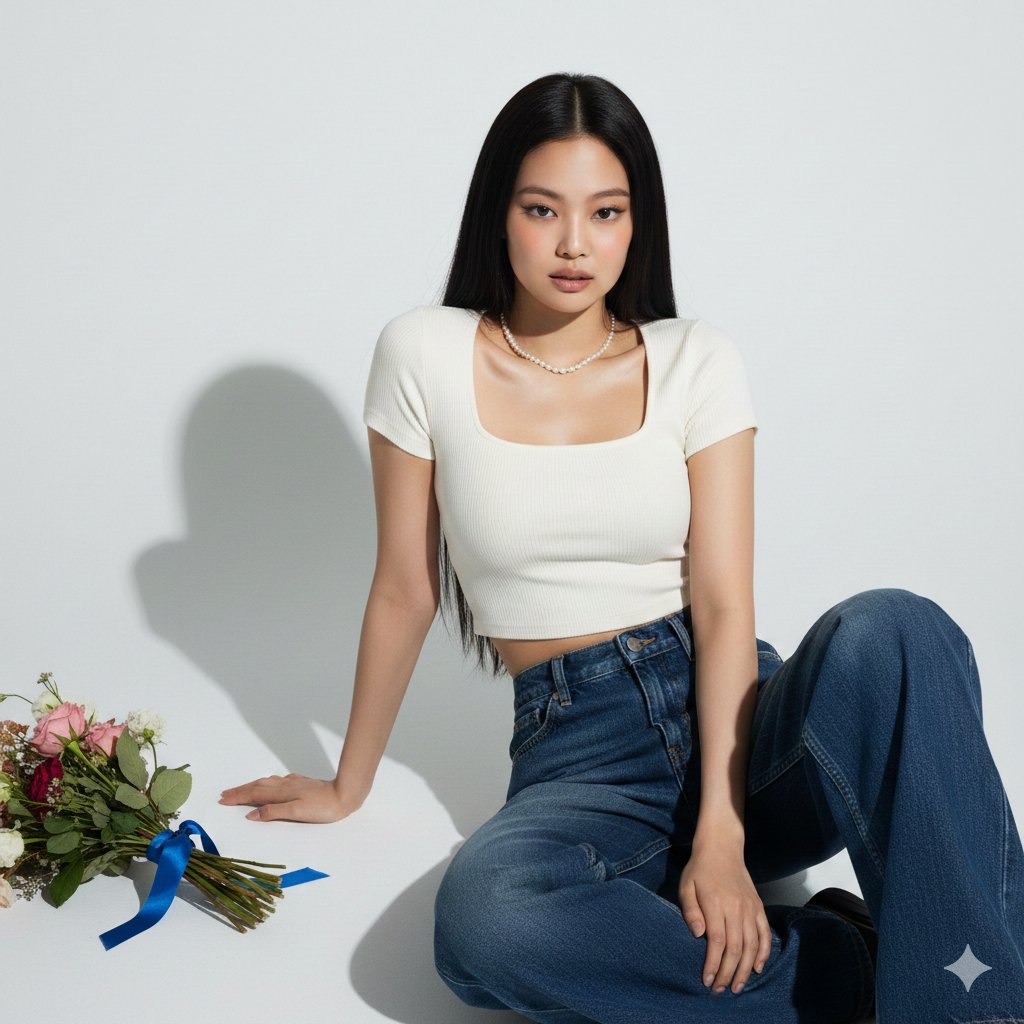
A prompt for generating a cinematic, high-contrast Film Noir portrait of Blackpink's Jennie Kim in a dark alleyway, emphasizing moody lighting, deep shadows, and blue-tinted smoke. Change the subject, setting, or lighting one variable at a time.

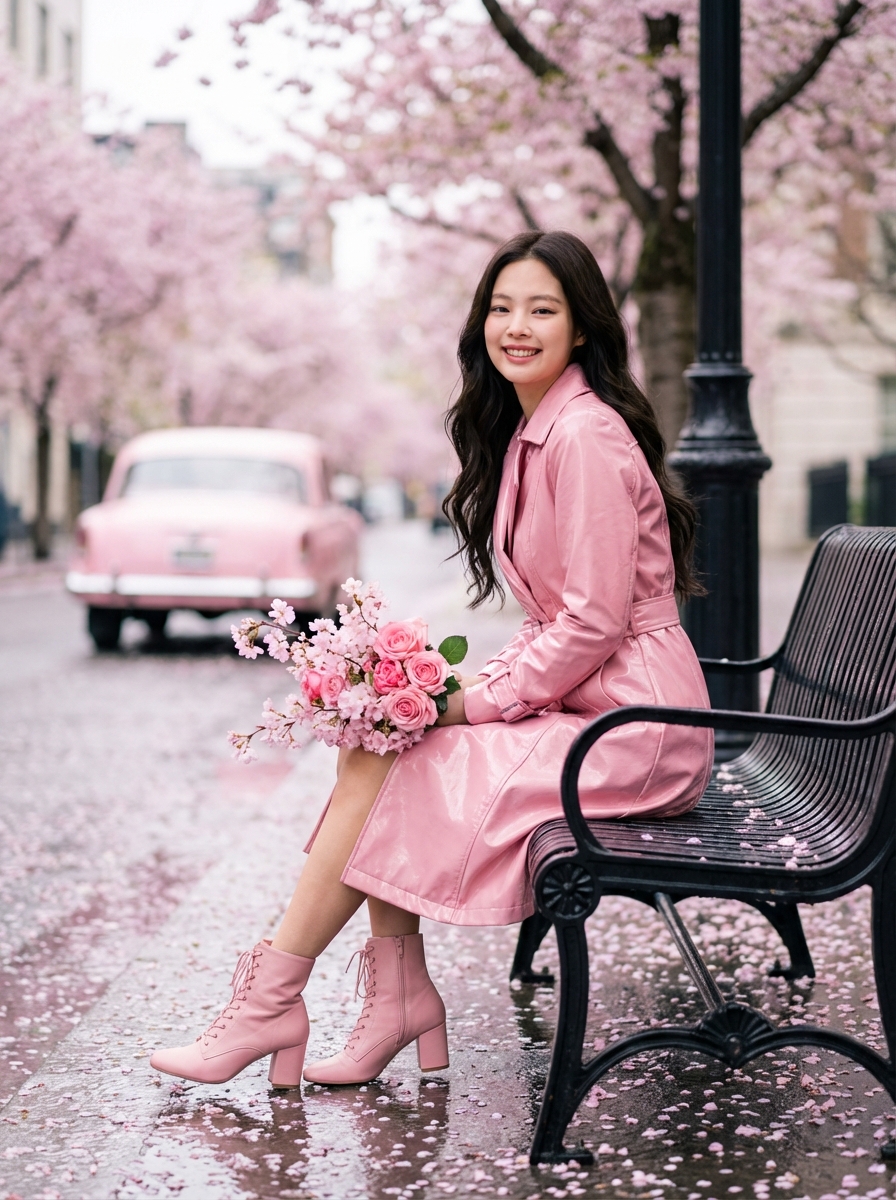
A cinematic, high-contrast Film Noir portrait of {argument name="celebrity" default="Jennie Kim from BLACKPINK"} standing in a dark, narrow cobblestone alleyway at night. She is wearing a double-breasted black wool coat with a wide peak lapel, looking over her shoulder with an intense, enigmatic expression. Wisps of thick blue-tinted smoke swirl around her, illuminated by a single, dim overhead streetlamp. Jennie has a short shaggy bob haircut, jet black hair color. The lighting is moody and low-key, creating deep shadows and a gritty, atmospheric mystery. Clamshell lighting with a spotlight key light. Photorealistic, 8k resolution, shot on 35mm film with a shallow depth of field. Edited for moody color grading.
Choose the primary action to open PicX Studio with the available template settings. Review the model and format, personalize the creative direction, and generate when ready.
Yes. You can change the subject, setting, lighting, mood, format, and available model controls before creating your image.
This template is free to open and customize. Generation usage is shown in PicX Studio before you create.
Start with Nano Banana 2, which is the model associated with this template. You can compare another compatible model for a different finish.
Follow a topic to a crawlable collection of related PicX Studio templates.
43,474 public templates available. Verified via the PicX Studio public templates API; refreshed hourly.
Prompt stories that include this template.












![69-untitled — FORMAT: 15s / 145 BPM / 14 SHOTS
SUBJECT: @[image1]
WARDROBE: Clean modern outfit
ENVIRONMENT: Street / indoor transitions
MOOD: Discovery → contr](/_next/image?url=https%3A%2F%2Fcdn.picxstudio.com%2Fuploads%2Fpost69_img0_d45faecf-38c3-4bcb-81a4-f6eb1cf42bb2.jpg&w=828&q=100)

![Naive doodle-style subject illustration — A doodle-style {argument name="subject" default="[subject]"}, naive lines, humorous shape exaggeration](https://pbs.twimg.com/media/G6Wl2YxbsAARB2b.jpg)














![3D Icon Collection Representing Japanese Seasons — [月]を表すオブジェクト、シンボル、そしてムードを表現したアイコンコレクションを作成してください。
それらは一つの統一されたテーマとしてまとまります。
背景は純白です。
月の名前「{argument name="月名](https://pbs.twimg.com/media/G-nKUajaoAAp5Tz.jpg)





![gpt2-profile-avatar-3d-cartoon-character-render — High-quality 3D CGI render of {argument name="character" default="[character]"} in a charming cartoon style, p](/_next/image?url=https%3A%2F%2Fcdn.picxstudio.com%2Fuploads%2Fp6_437e2c7f_a7b505a5-6a0a-45df-a47d-0cd40b9fe0b1.jpg&w=828&q=100)