How do I use the Sadie Sink Portrait on Modern Stairs template?
Choose the primary action to open PicX Studio with the available template settings. Review the model and format, personalize the creative direction, and generate when ready.
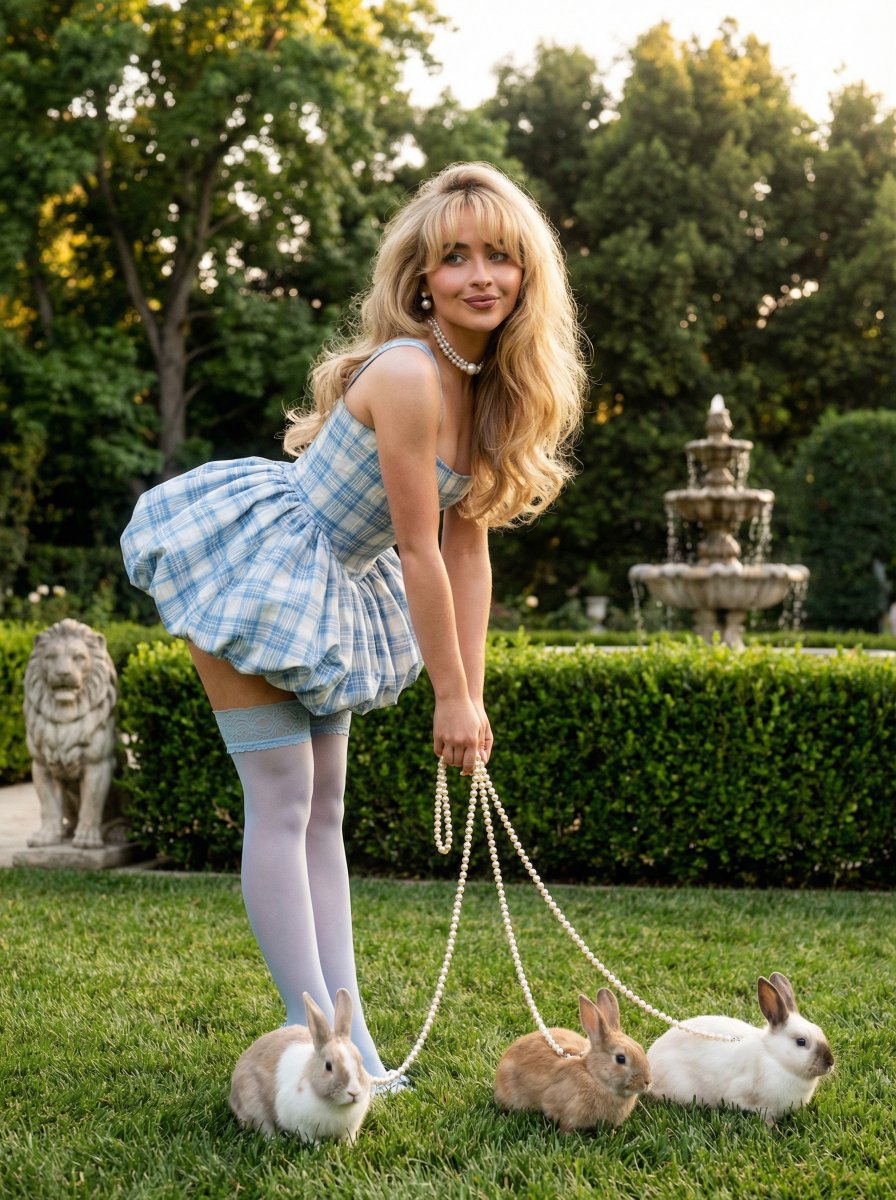
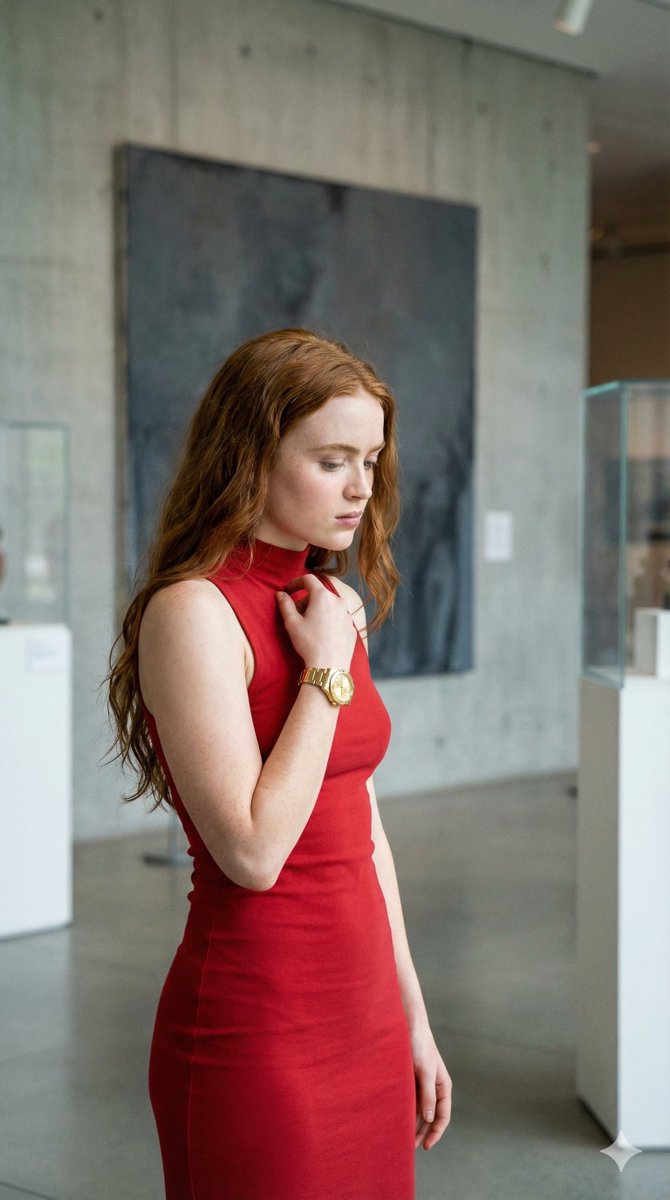
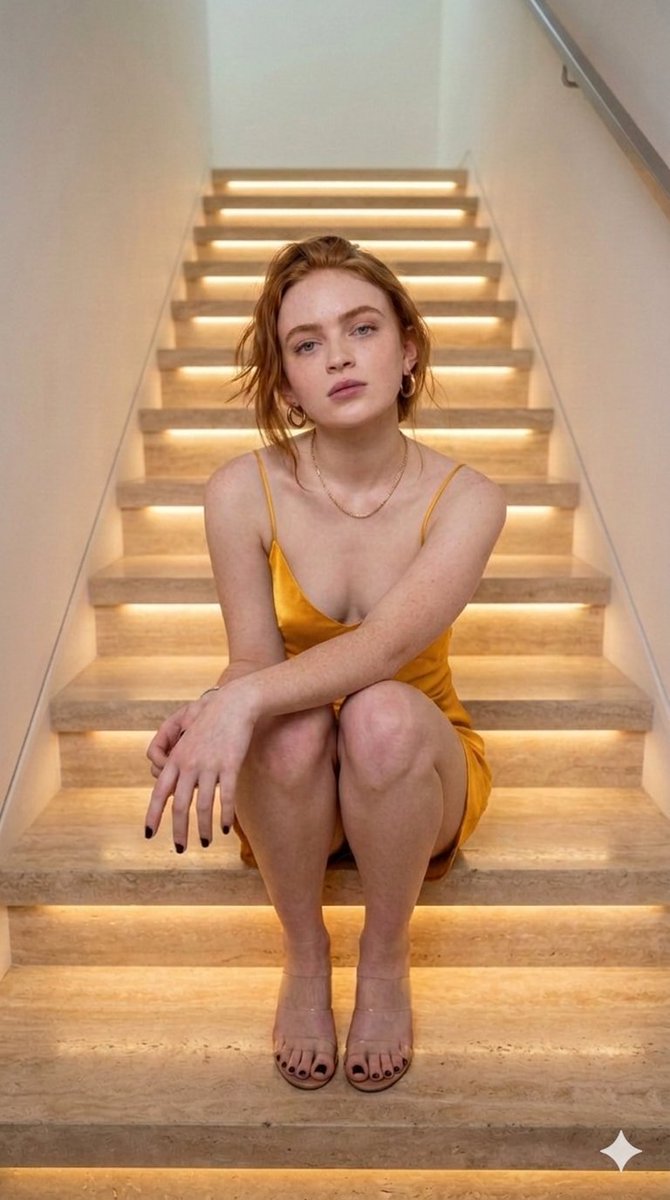
A detailed JSON prompt for the Nano Banana Pro model, describing a photorealistic portrait of actress Sadie Sink crouching on illuminated modern marble stairs, wearing a brown satin dress, emphasizing warm lighting and a stylish, contemporary setting. Change the subject, setting, or lighting one variable at a time.

( description": "A young woman with red hair and freckles is crouching on illuminated marble stairs in a modern indoor setting. She is wearing a silky brown satin dress and transparent high-heeled sandals. The staircase has warm LED lighting under each step and a glass railing on the side. She is smiling gently with one hand near her lips, creating a relaxed and confident pose.", "location": "Indoor modern staircase", "lighting": "Warm LED step lighting with soft ambient indoor light", "pose": "Crouching on the stairs with one hand near her lips", "clothing": { "dress": "Brown satin mini dress", "shoes": "Transparent high-heeled sandals" }, "appearance": { "hair_color": "Red", "hair_style": "Long wavy hair", "skin": "Fair with freckles" }, "mood": "Relaxed, confident, stylish", "style": "Modern lifestyle portrait photography" }
Choose the primary action to open PicX Studio with the available template settings. Review the model and format, personalize the creative direction, and generate when ready.
Yes. You can change the subject, setting, lighting, mood, format, and available model controls before creating your image.
This template is free to open and customize. Generation usage is shown in PicX Studio before you create.
Start with Nano Banana 2, which is the model associated with this template. You can compare another compatible model for a different finish.
Follow a topic to a crawlable collection of related PicX Studio templates.
43,474 public templates available. Verified via the PicX Studio public templates API; refreshed hourly.











![Naive doodle-style subject illustration — A doodle-style {argument name="subject" default="[subject]"}, naive lines, humorous shape exaggeration](https://pbs.twimg.com/media/G6Wl2YxbsAARB2b.jpg)