How do I use the Luxury Editorial Fashion Portrait template?
Choose the primary action to open PicX Studio with the available template settings. Review the model and format, personalize the creative direction, and generate when ready.
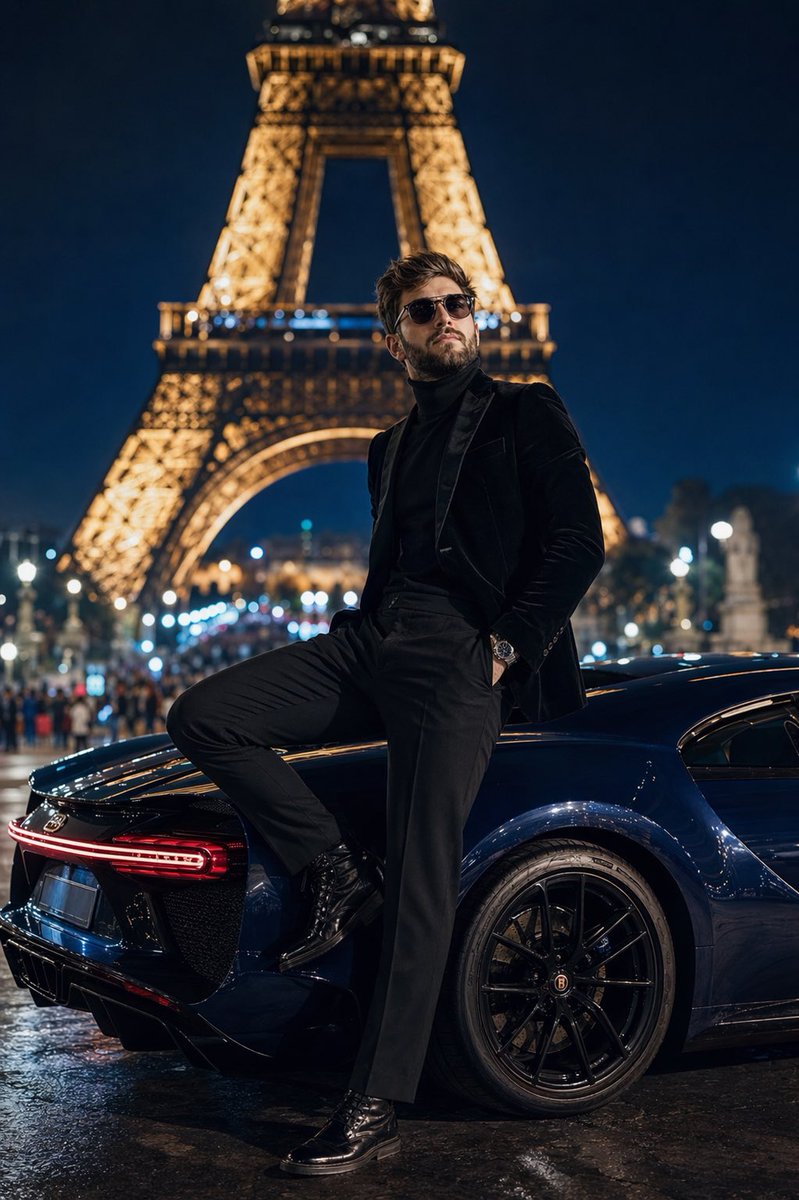
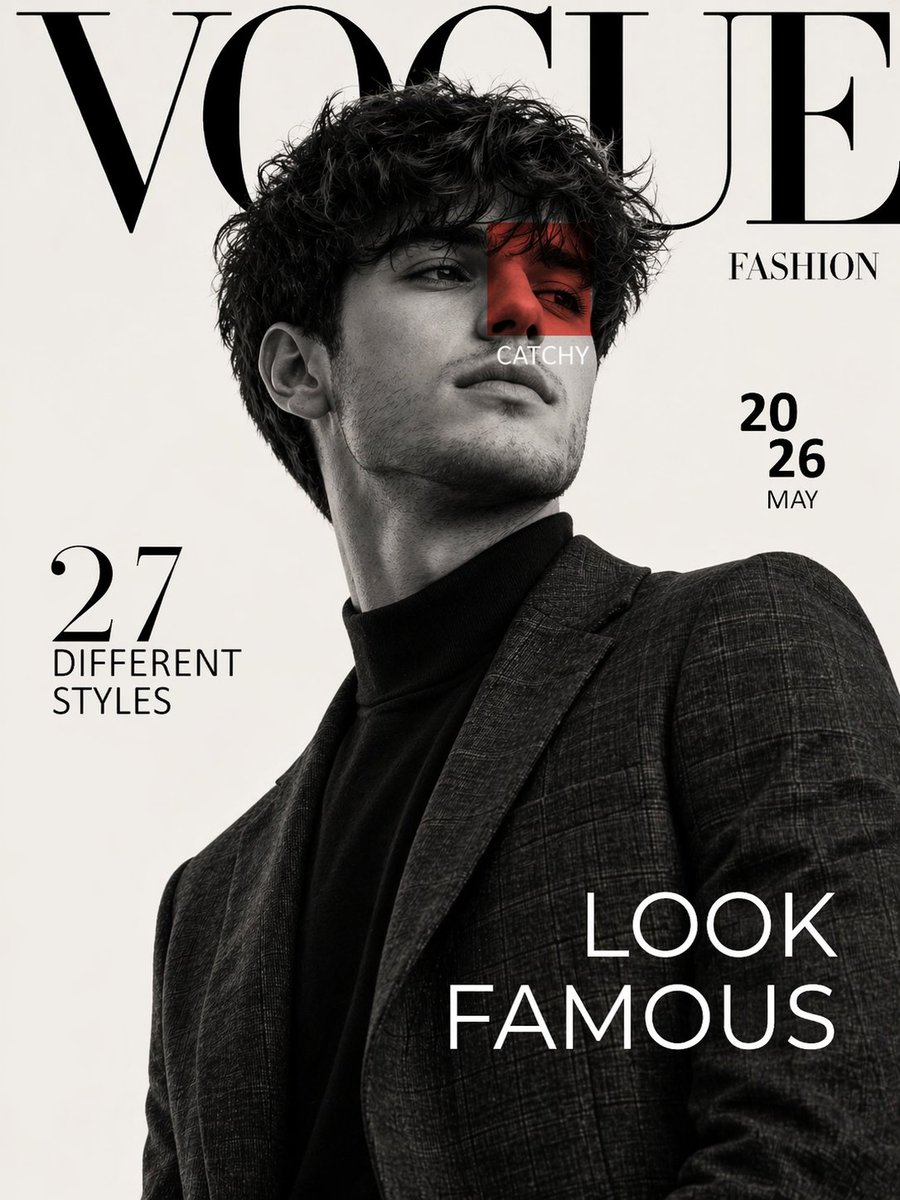
Generates a sophisticated black-and-white editorial portrait of a well-dressed subject with a luxury sports car, using a dramatic high-angle perspective.
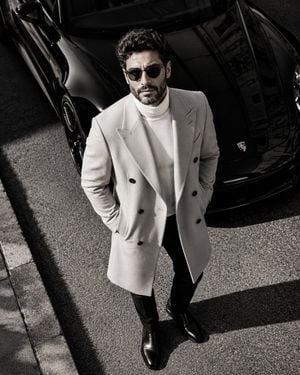
Ultra-luxury editorial fashion portrait, cinematic black-and-white photography, high-angle drone perspective looking straight down at a well-dressed {argument name="subject" default="man"} standing confidently in front of a sleek {argument name="car color" default="black"} luxury sports car, hands in coat pockets, direct eye contact with the camera, tailored light-colored double-breasted overcoat over a white turtleneck, slim black trousers, polished black leather Chelsea boots, premium minimalist aesthetic, dramatic natural sunlight creating bold shadows across the pavement, glossy reflections on the car, clean urban street, high contrast, rich monochrome tones, sophisticated masculine luxury, old-money style, premium magazine cover composition, ultra-realistic, medium format photography, 85mm equivalent, f/4, razor-sharp focus, subtle film grain, HDR, photorealistic, 8K, elegant, timeless, luxury lifestyle, negative space, refined composition. Negative Prompt: low quality, blurry, oversaturated, cartoon, CGI, distorted face, extra limbs, bad anatomy, duplicate person, cluttered background, text, watermark, logo, motion blur, noise, overexposed highlights, underexposed subject, unrealistic reflections, cropped feet, poor proportions.
Choose the primary action to open PicX Studio with the available template settings. Review the model and format, personalize the creative direction, and generate when ready.
Yes. You can change the subject, setting, lighting, mood, format, and available model controls before creating your image.
This template is free to open and customize. Generation usage is shown in PicX Studio before you create.
Start with GPT Image 2, which is the model associated with this template. You can compare another compatible model for a different finish.
Follow a topic to a crawlable collection of related PicX Studio templates.