
Dreamy Motion Blur Portrait
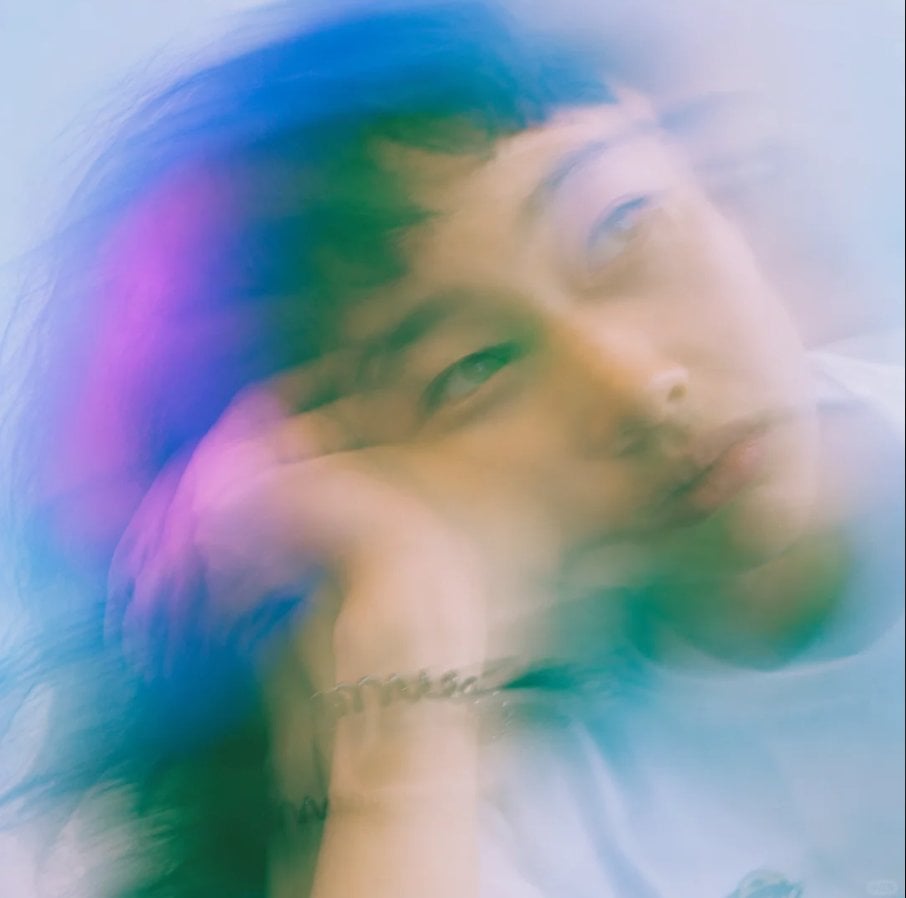
A soft-focus editorial portrait prompt for creating an ethereal, prismatic long-exposure face study with fashion-photography mood.
- Prompt included
- Model and format preset
- Free template
The prompt behind this image
Copy the exact prompt behind Dreamy Motion Blur Portrait, or open it in the studio and make it yours.
Create a square, close-up editorial portrait of {argument name="subject" default="a young East Asian man"} in a dreamy high-fashion style, with his head tilted and resting on a bent arm near the bottom of the frame. Use extreme soft focus, long-exposure motion blur, and double/triple exposure ghosting so the face appears repeated and smeared diagonally across the image, with one clearer eye near the center-left and another translucent face shifted toward the upper right. The expression is calm, distant, and introspective, lips relaxed, gaze slightly off-camera. Show dark tousled hair blending into the blur, pale skin, a white shirt at the lower right, and a small silver chain bracelet on the wrist near the lower center. Lighting should be ethereal and overexposed, with a cool misty background in pale blue and white. Add translucent color washes of {argument name="accent colors" default="cyan, teal, deep blue, and magenta-pink"} across the hair and face, like prism flare or light leaks. Make the image feel analog, romantic, hazy, and painterly, with no sharp edges except faint facial features; use shallow depth of field, airy glow, and smooth pastel gradients. No text, no logos, no hard outlines, no realistic studio crispness.
How to use Dreamy Motion Blur Portrait in 3 steps
- 1Upload ImagePNG, JPG or paste
Add your photo
Upload the photo the template builds on. The prompt, model and format are already set.
- 2…a portrait of your subject in softgolden-hour light, 85mm…
Personalize
Edit the subject and creative details for your destination.
- 3Generate
Generate
Press Generate — your image is created in PicX Studio, so you can compare it with the original and refine one variable at a time.
More like this
Templates with the same subject, style or setup. Open one to see its prompt.
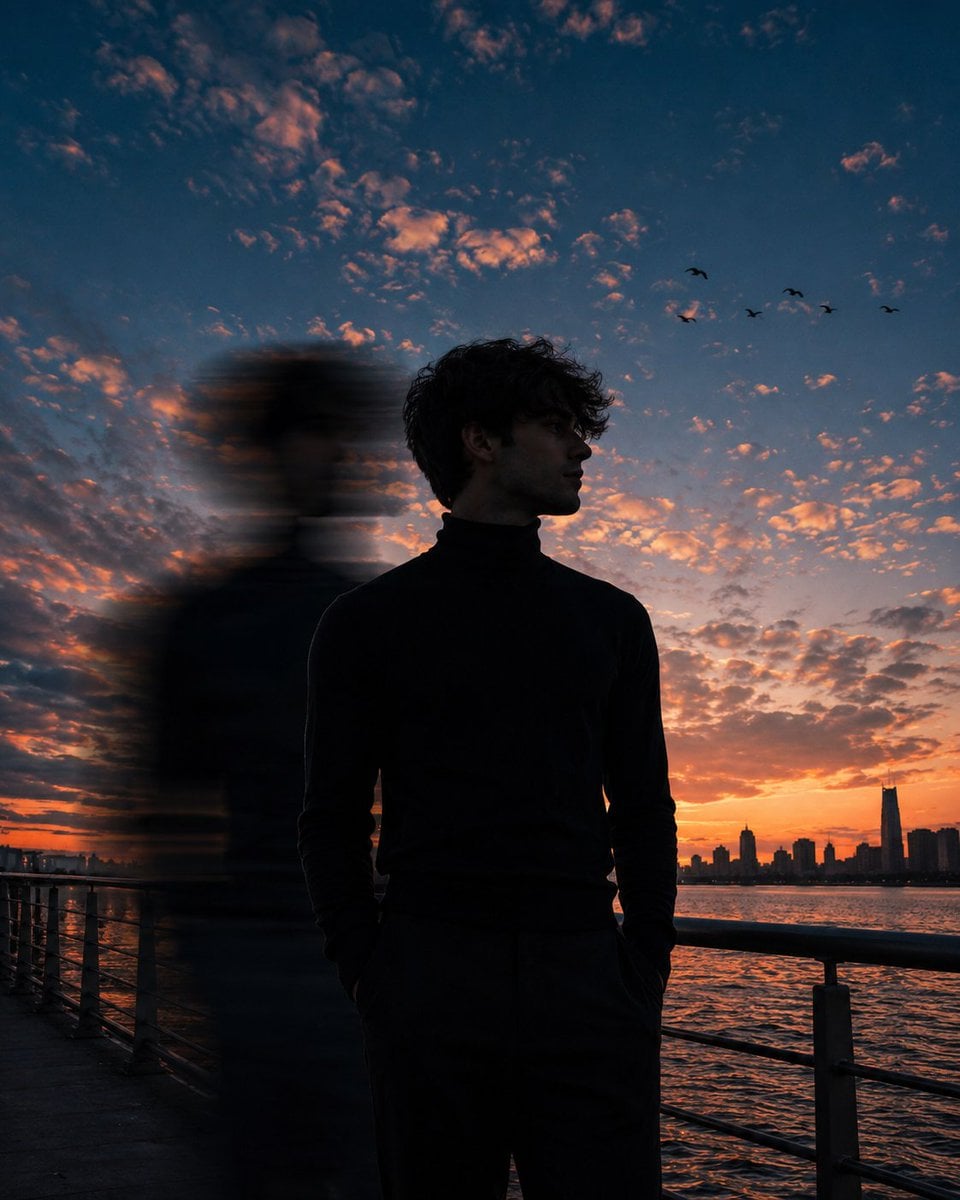
Motion Blur Sunset Portrait
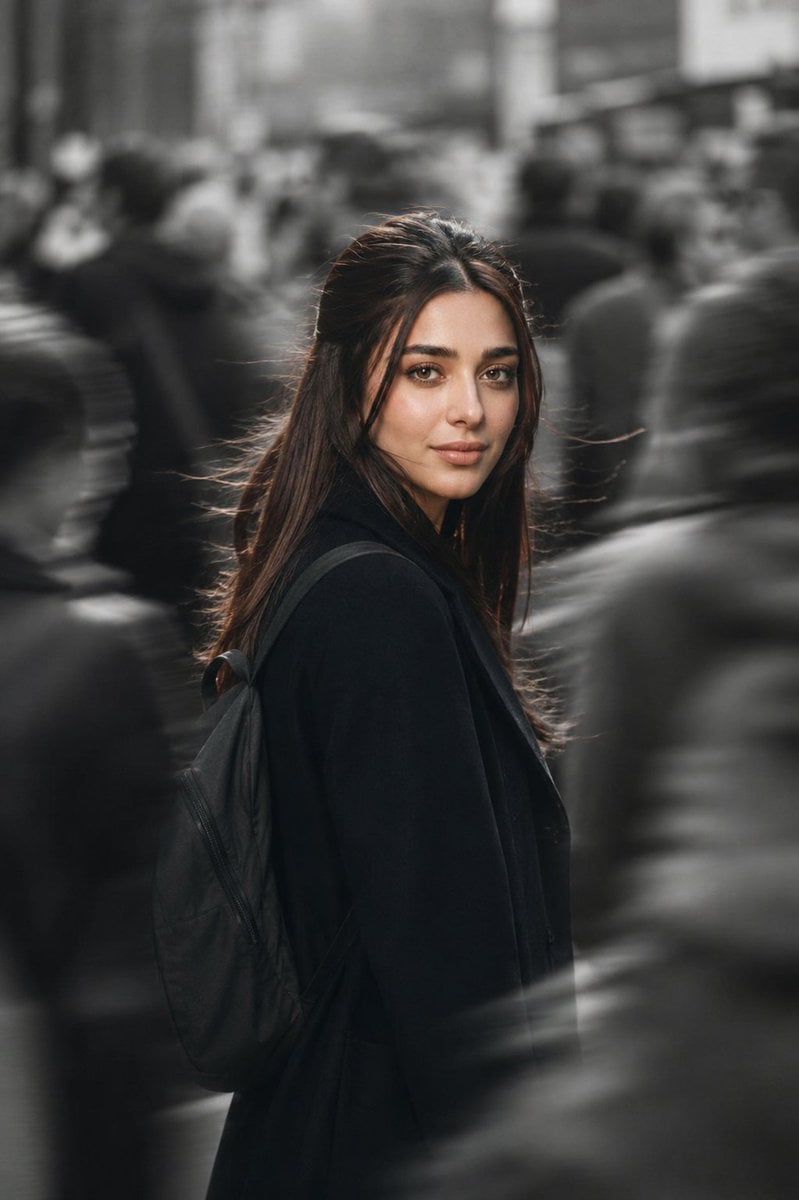
Cinematic City Motion Blur Portrait
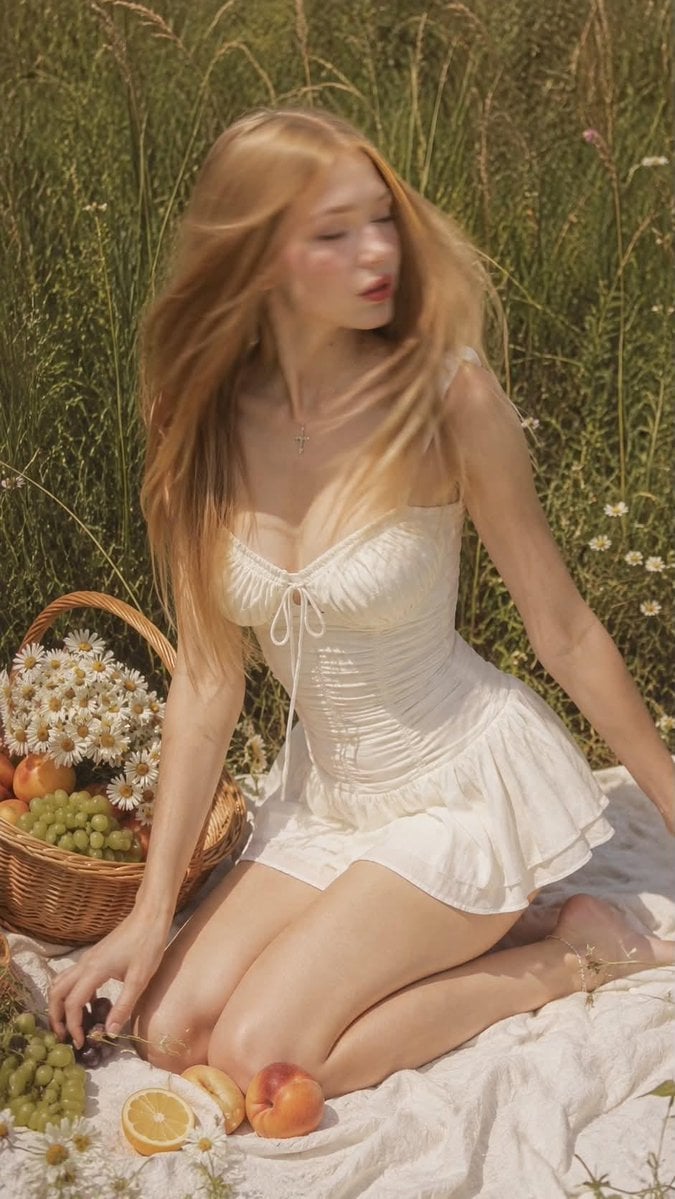
Ultra Realistic Motion Blur Portrait
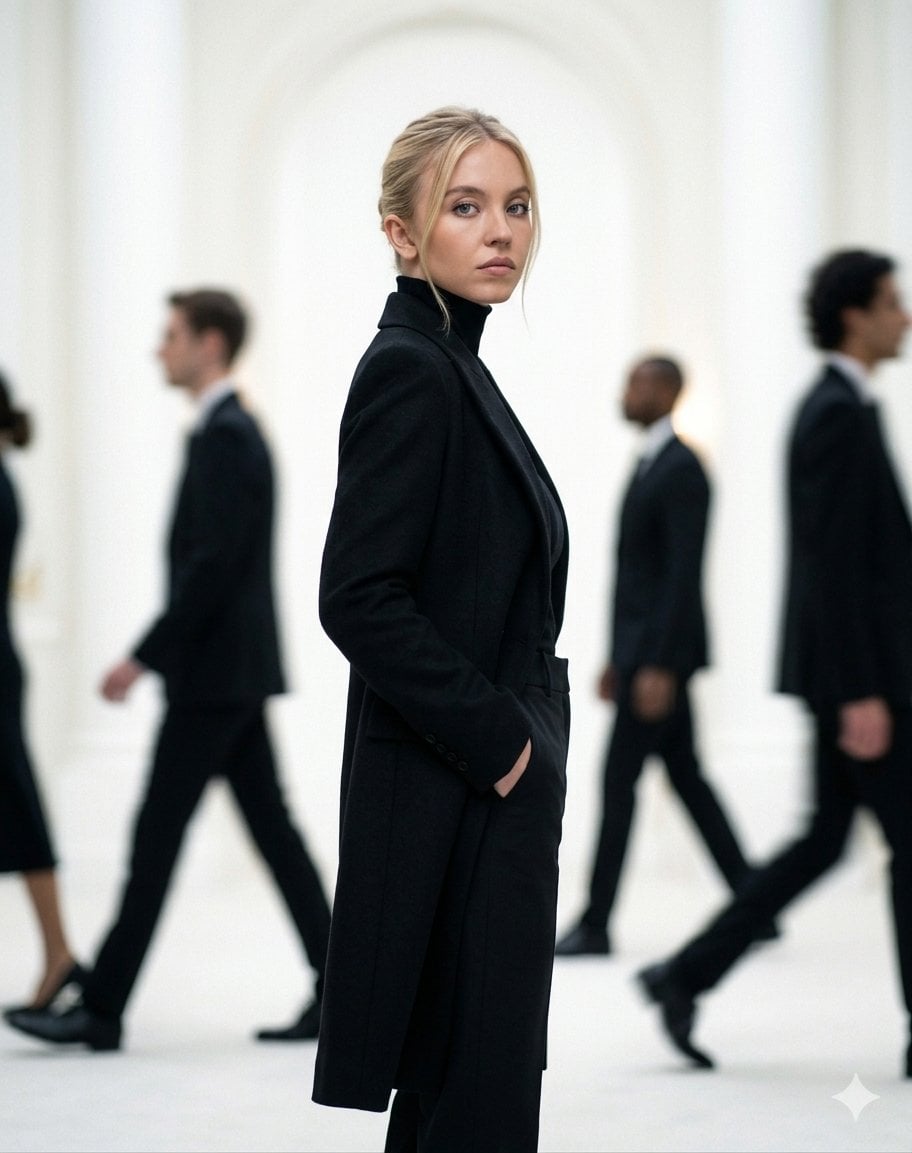
Cinematic Motion Blur Fashion Portrait
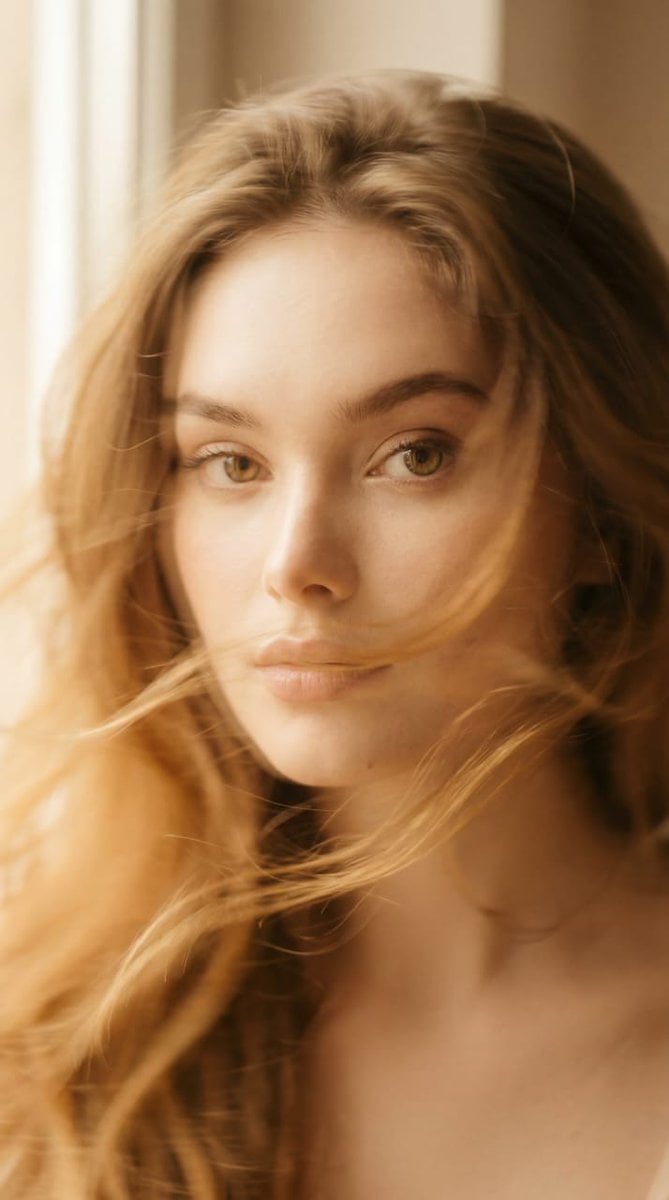
Ethereal Motion Blur Portrait
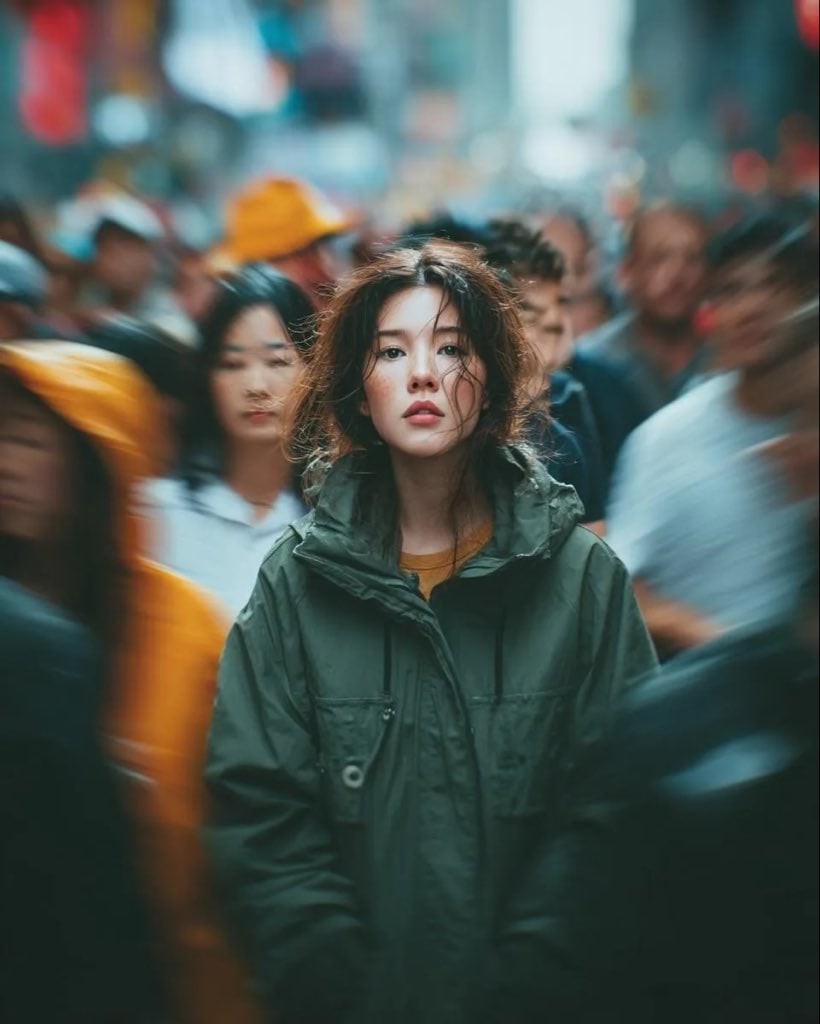
Candid Paparazzi Street Portrait with Motion Blur
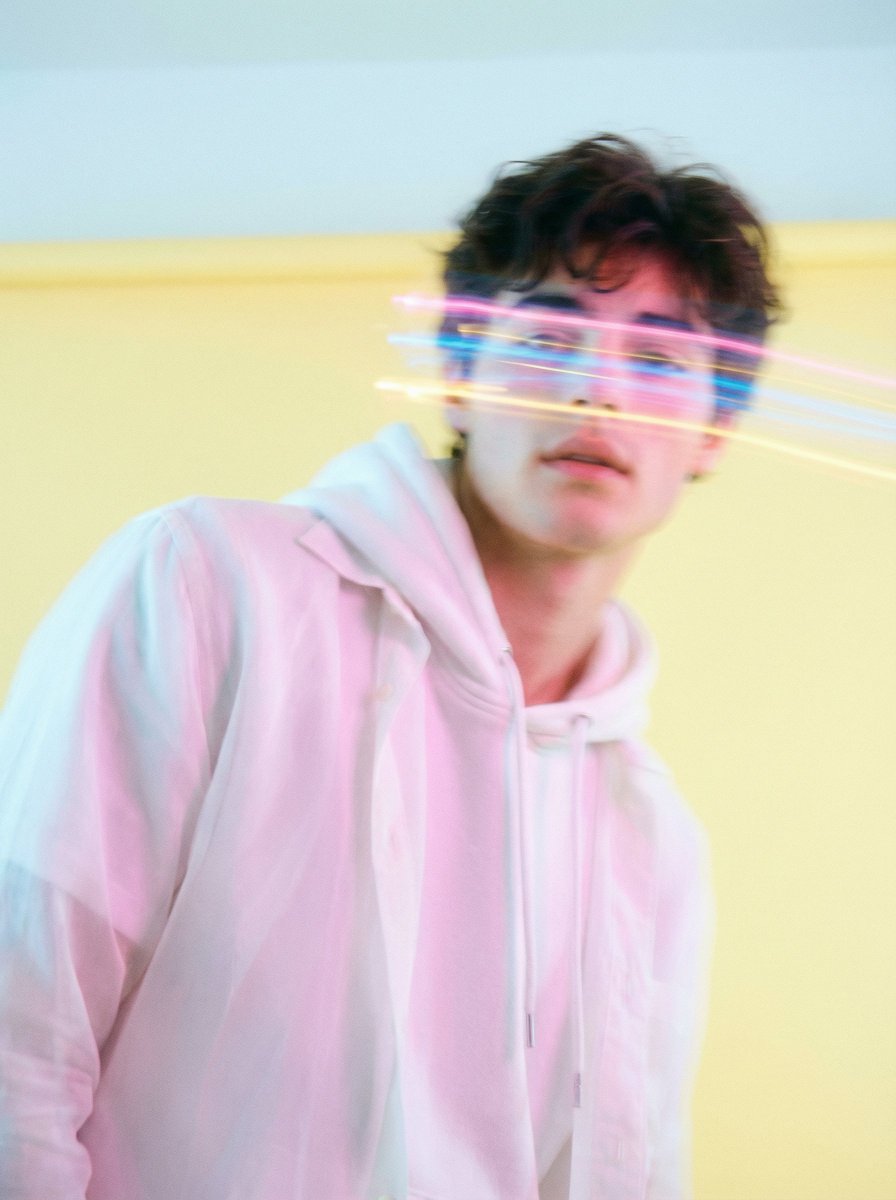
Richard Avedon Style Motion Blur Portrait
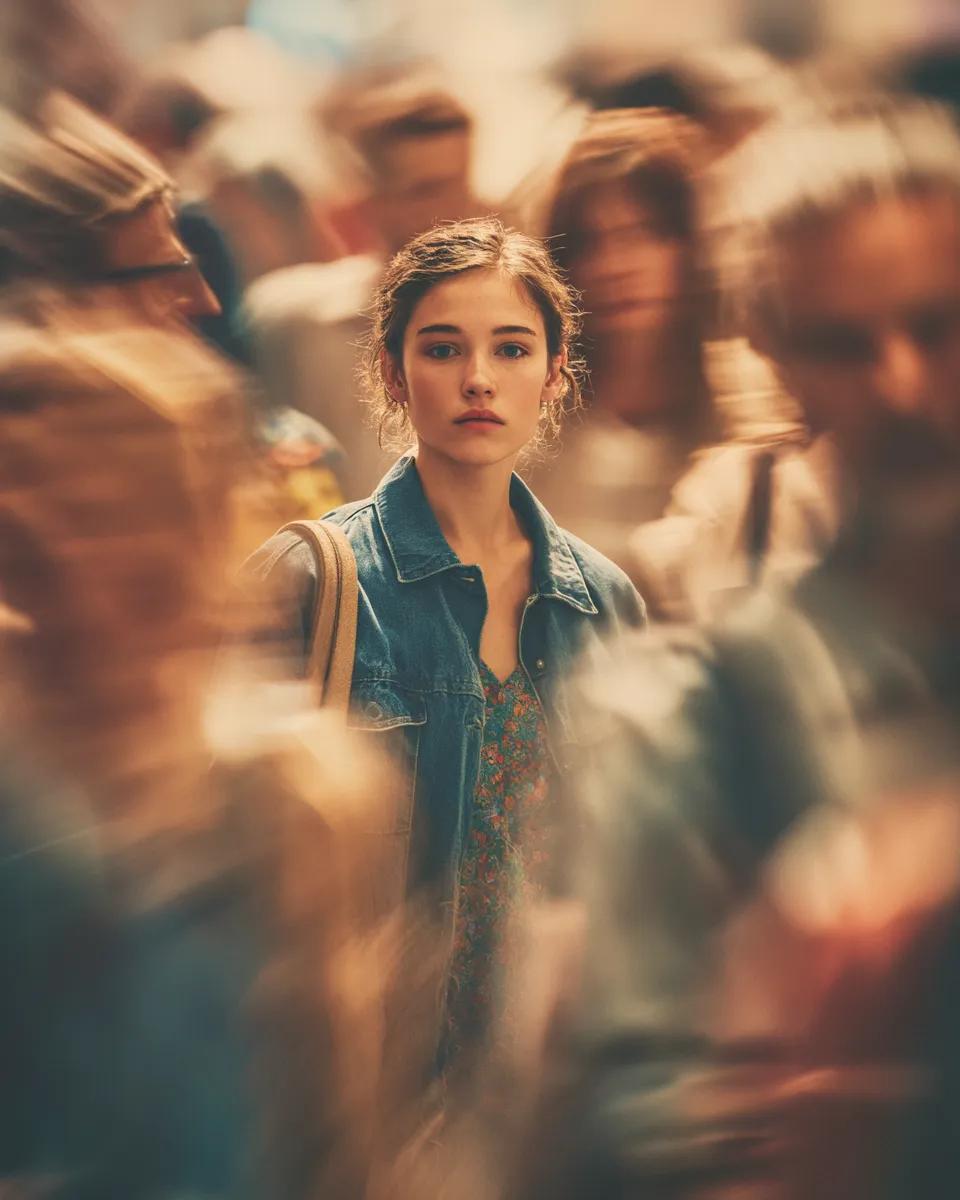
Cinematic Portrait with Motion Blur Crowd
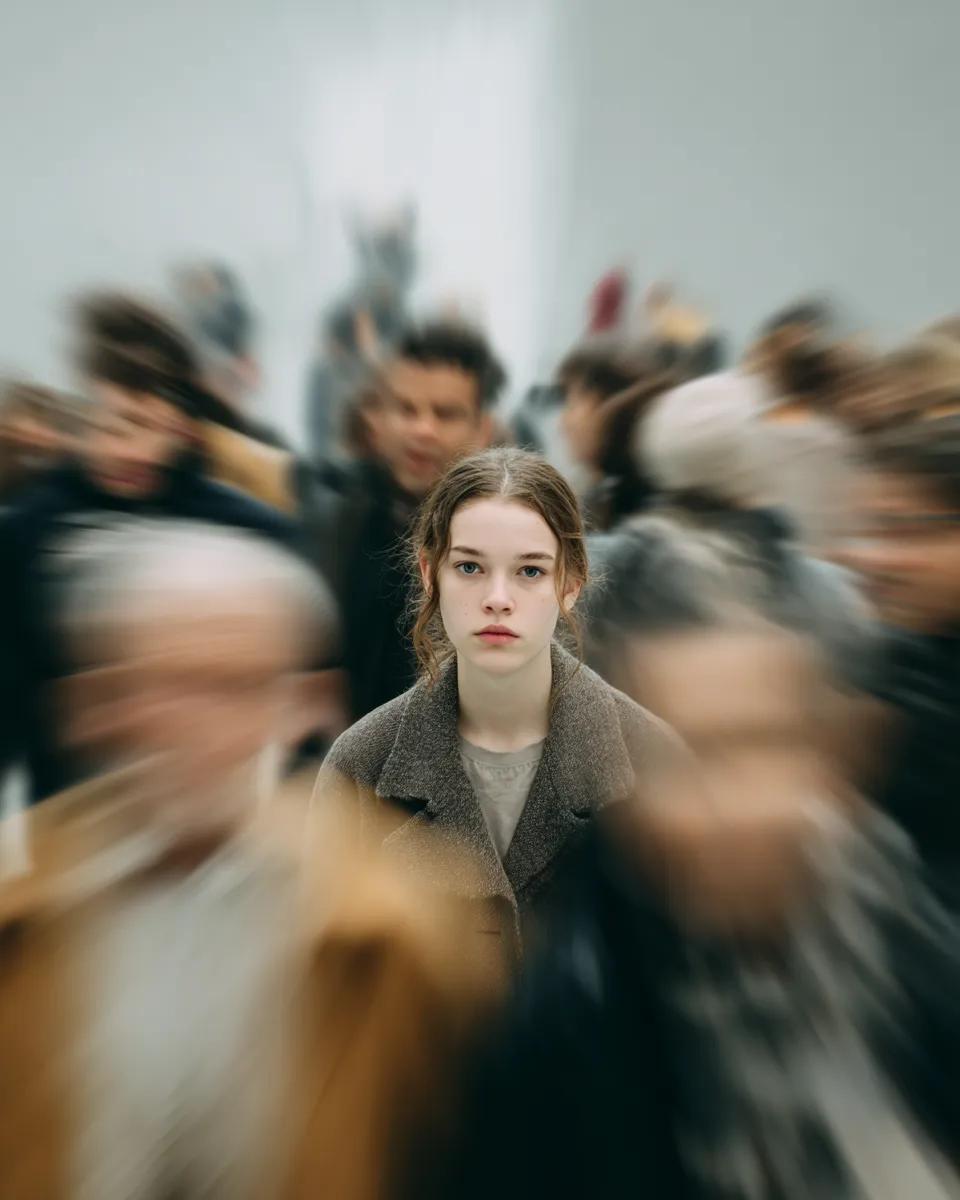
Cinematic Portrait with Radial Motion Blur
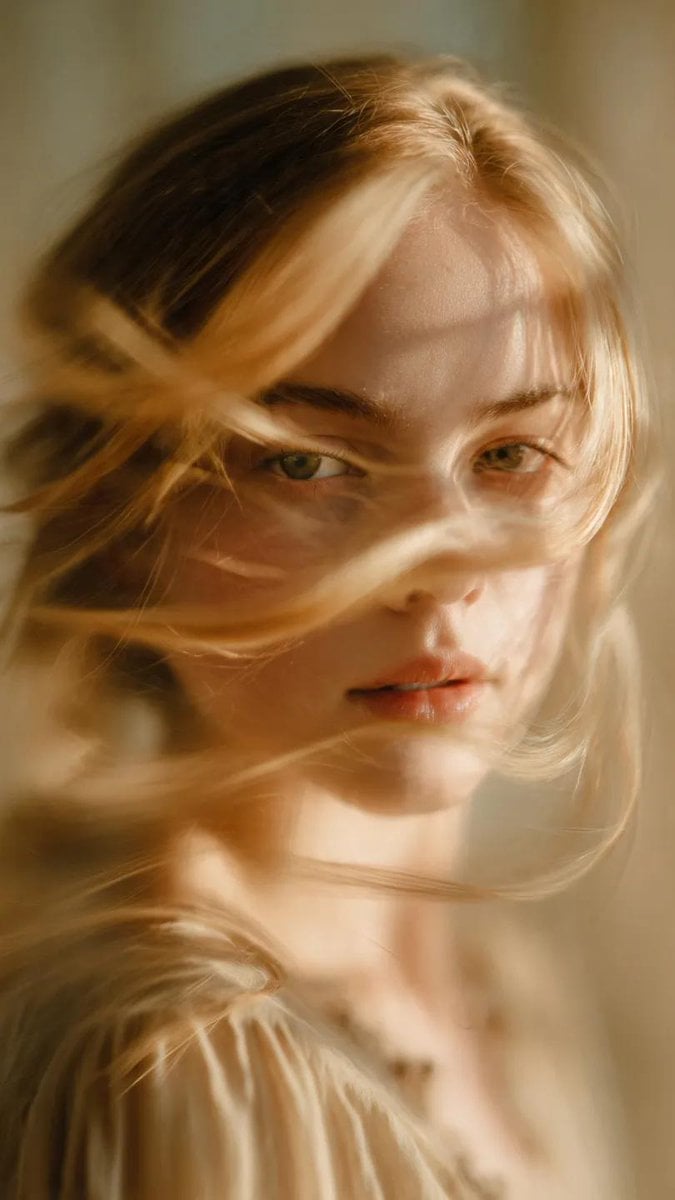
Soft-Focus Ethereal Portrait with Motion Blur
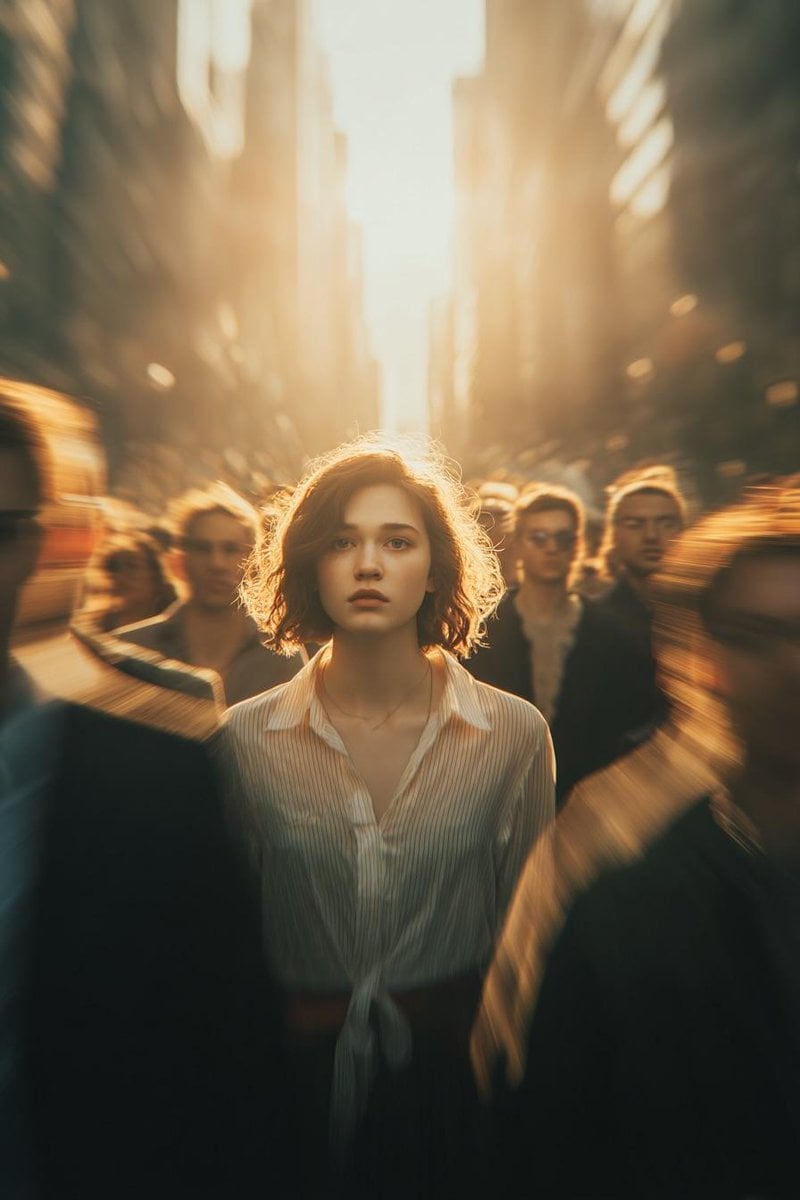
Cinematic Conceptual Portrait with Radial Motion Blur

Found Photograph: Us, 1970
Make it yours
Dreamy Motion Blur Portrait works as-is. These are the safest ways to change it without losing the look.
Change one field
Copy a single group, rewrite it, and generate again so you can see what that field is doing.
Keep the frame, change the subject
Hold the composition and light of Dreamy Motion Blur Portrait, then swap wardrobe, props or the person for a new take.
| If the result… | Why | Fix |
|---|---|---|
| The result drifts from the preview | Too many fields changed at once. | Reuse Dreamy Motion Blur Portrait as-is first, then change one group — subject, light, or setting. |
| The model over-stylizes the scene | The prose prompt leaves finish and camera underspecified. | Add one camera or lighting sentence and stay on GPT Image 2. |
More GPT Image 2 templates
Other prompts made for GPT Image 2.

Six VTuber Japanese Logo Sheet

Realistic Portrait of Woman and Deer

The Vista Modular Condo Poster

AI Model Routing Comparison Infographic

2.5D Anime Art Board

Isometric Productivity Desk Scene

New York Double Exposure Poster

Four-Panel AI Landscape Comparison

Japanese Tatami Lifestyle Magazine Cover

NESCAFÉ Coffee Map Poster
More image prompts
Fresh picks from across the catalog.
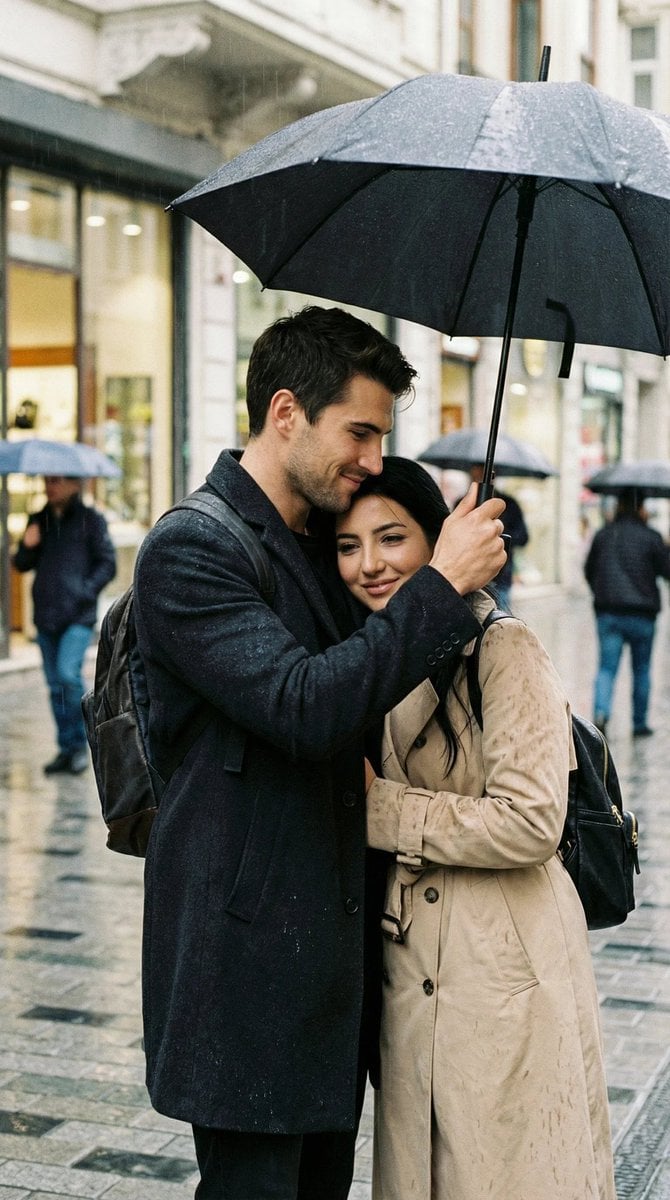
Photoreal Candid Street Romance in Istanbul Prompt
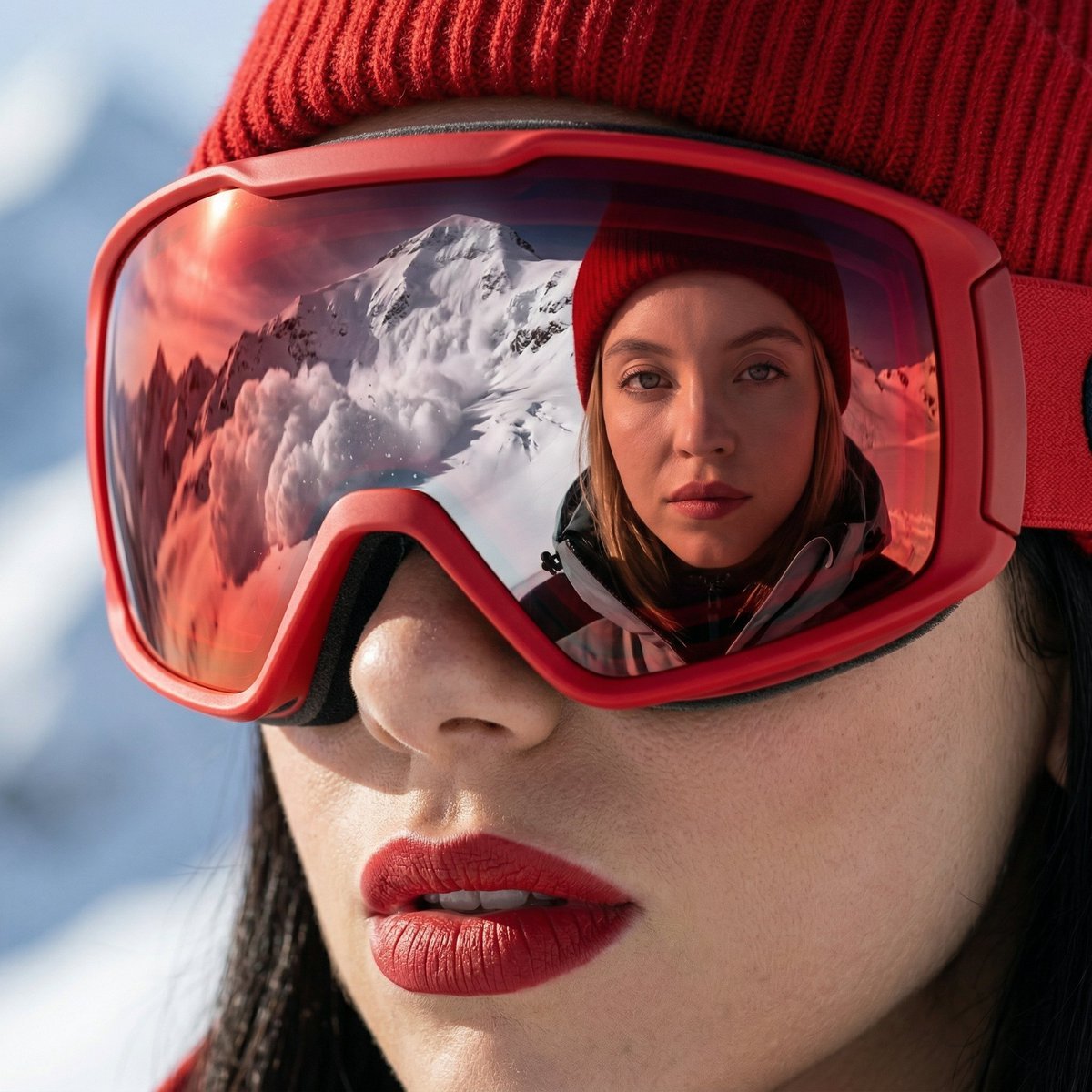
Alpine Thriller Fashion Close-up with Reflection
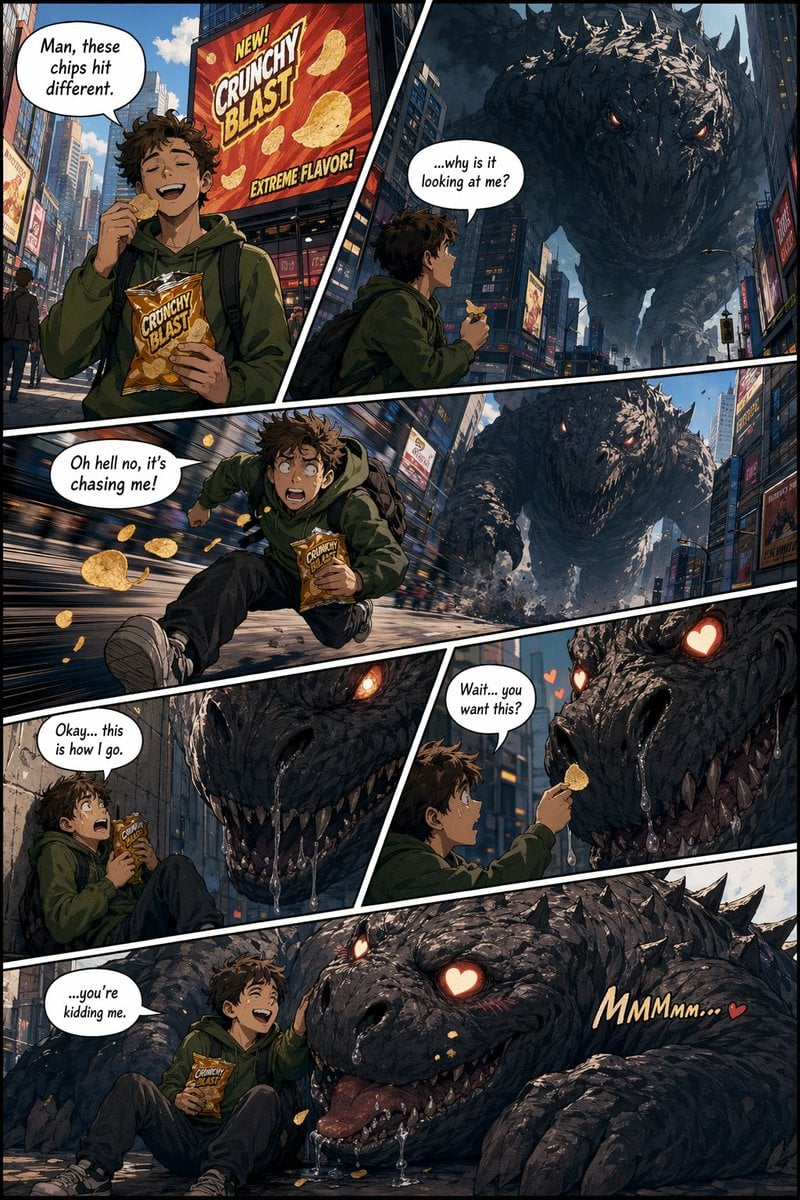
American Comic Strip Template

Penguin Pirate Admiral Parody
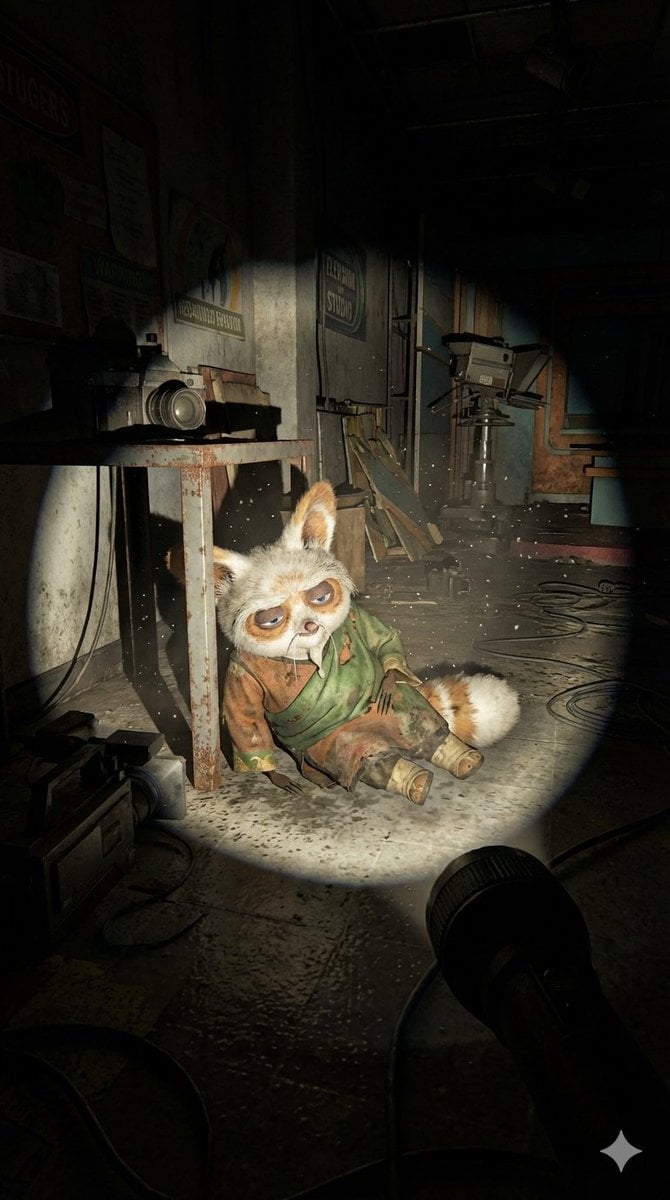
Abandoned Promotional Statue Conversion Prompt
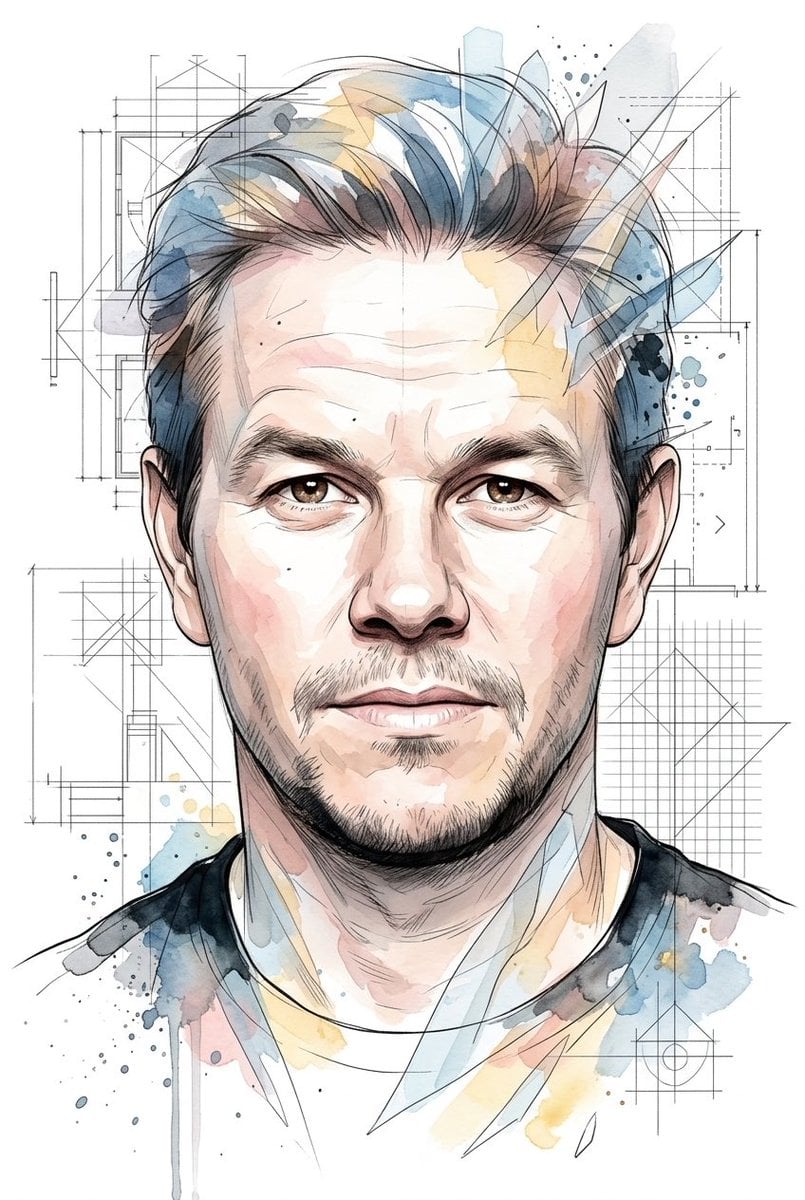
Soft Watercolor Illustration Style Art Prompt for Gemini Nano Banana Pro 2.0

Four-Panel Manga: 2026 Solo Camping Declaration of Independence
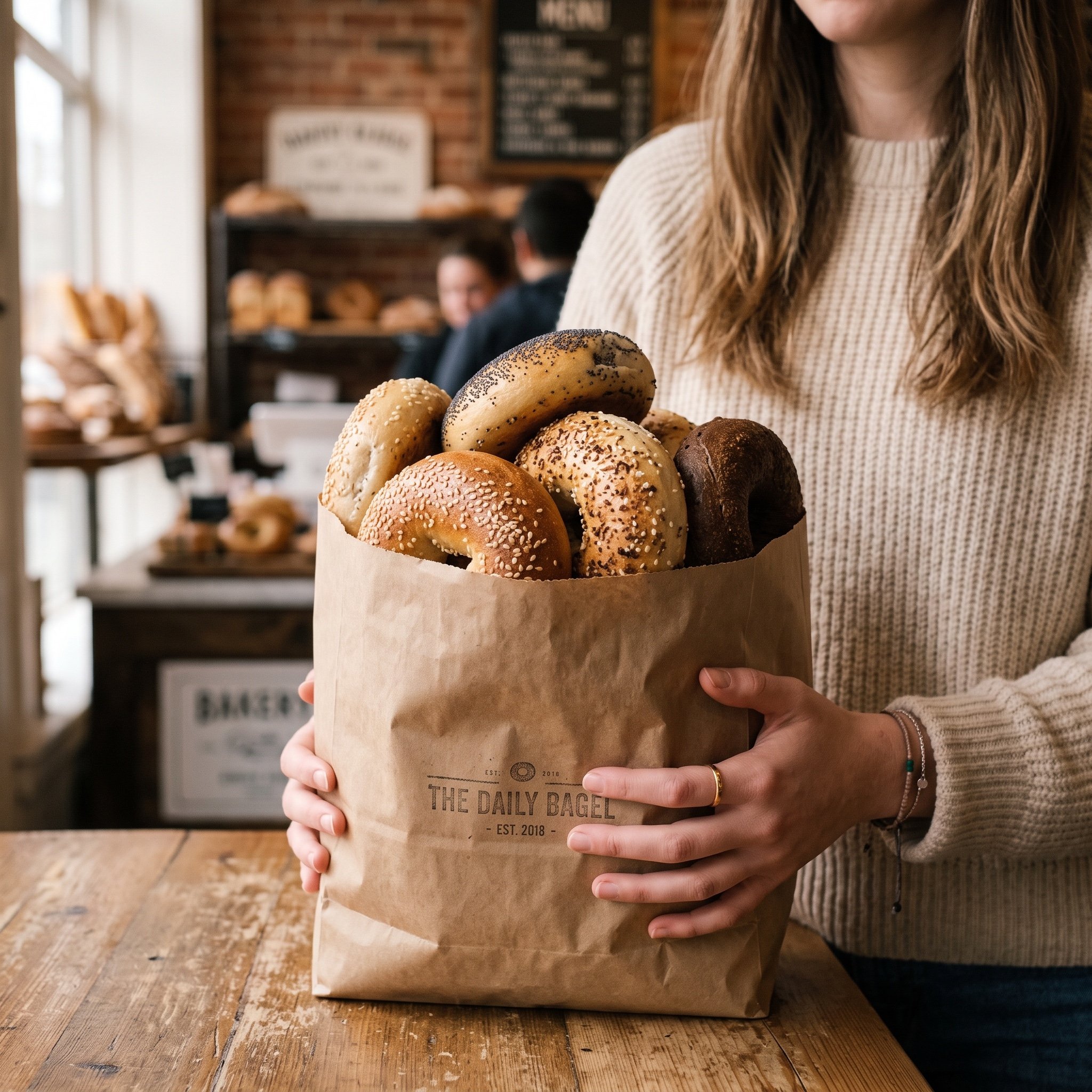
Image Generation Prompt: Purchased Items
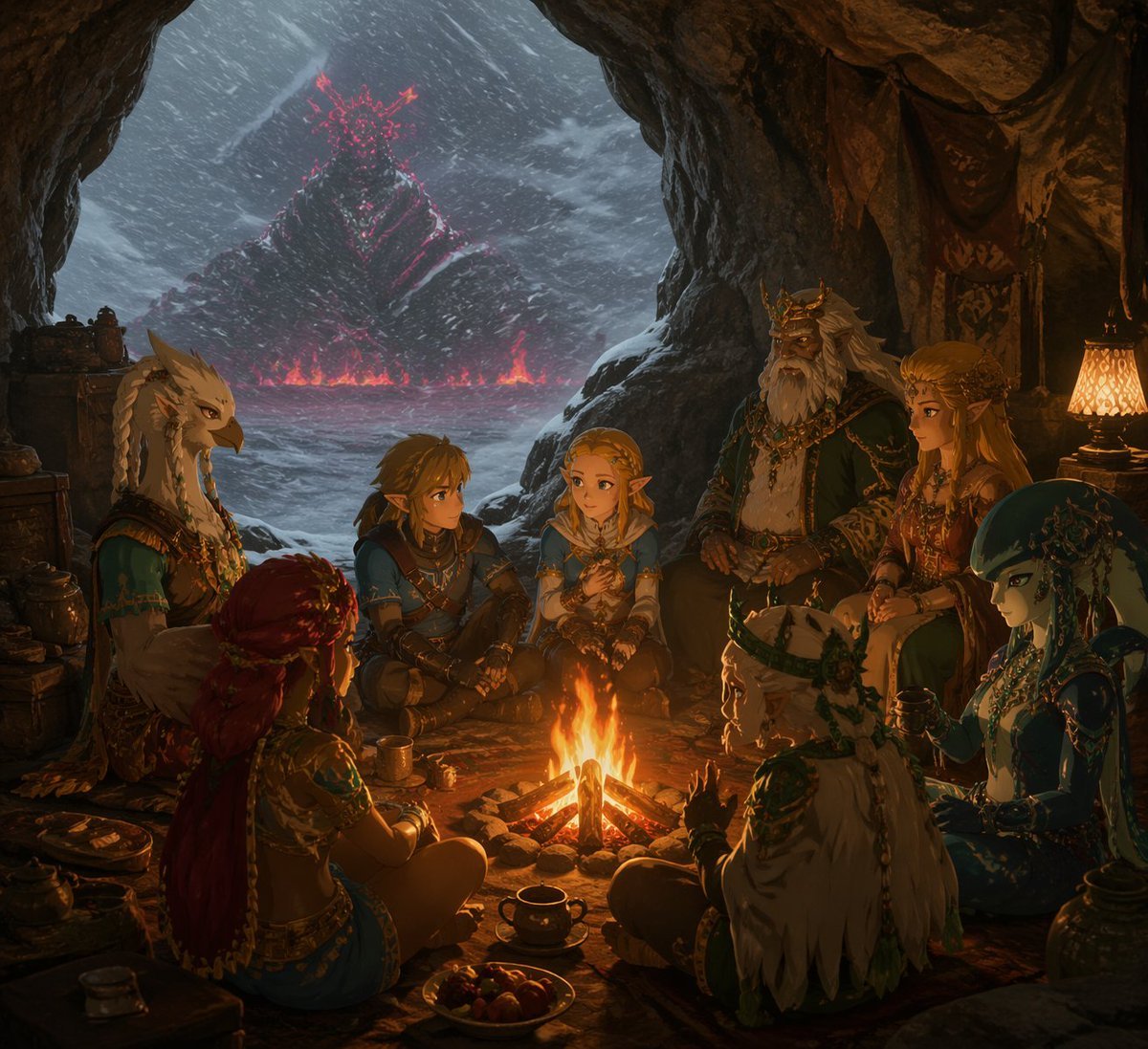
Fantasy Campfire Before a Crimson Mountain
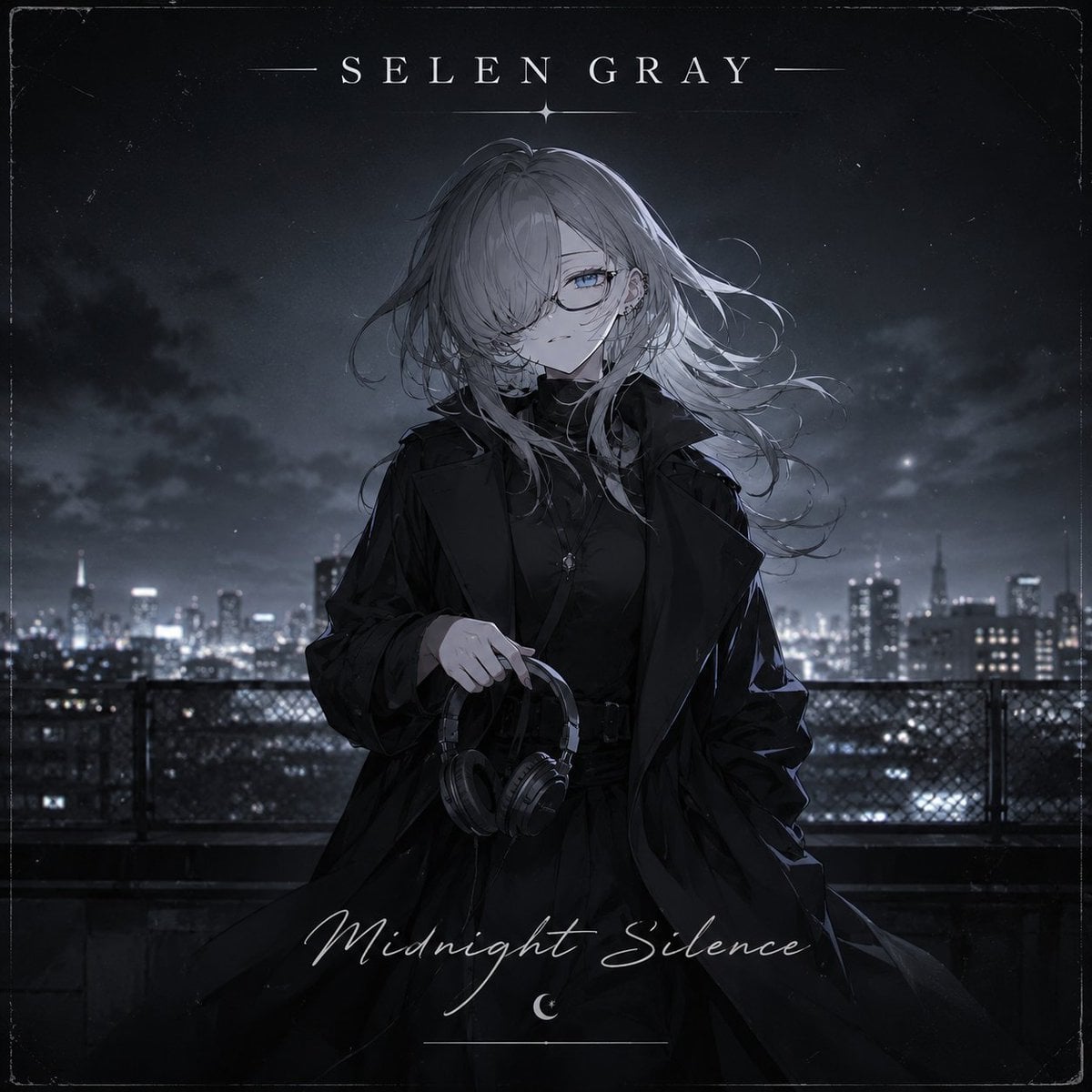
Midnight Anime Album Cover
Browse template categories
Dreamy Motion Blur Portrait questions
How do I use the Dreamy Motion Blur Portrait template?
Add your photo if the template asks for one, edit the prompt if you like — the template's model and format are already selected — and press Generate. Your version opens in PicX Studio.
Can I customize the Dreamy Motion Blur Portrait template?
Yes. You can change the subject, setting, lighting, mood, format, and available model controls before creating your image.
Is the Dreamy Motion Blur Portrait template free?
Opening and editing this template is free. Generating uses credits, shown on the Generate button when you are signed in.
Which AI model should I use?
Start with GPT Image 2, which is the model associated with this template. You can compare another compatible model for a different finish.
Looking for something else? Browse all templates.

Your photo, any look
Thousands of ready templates for every top image and video model, from one credit balance.