How do I use the Luxury Skincare Advertisement Poster template?
Choose the primary action to open PicX Studio with the available template settings. Review the model and format, personalize the creative direction, and generate when ready.
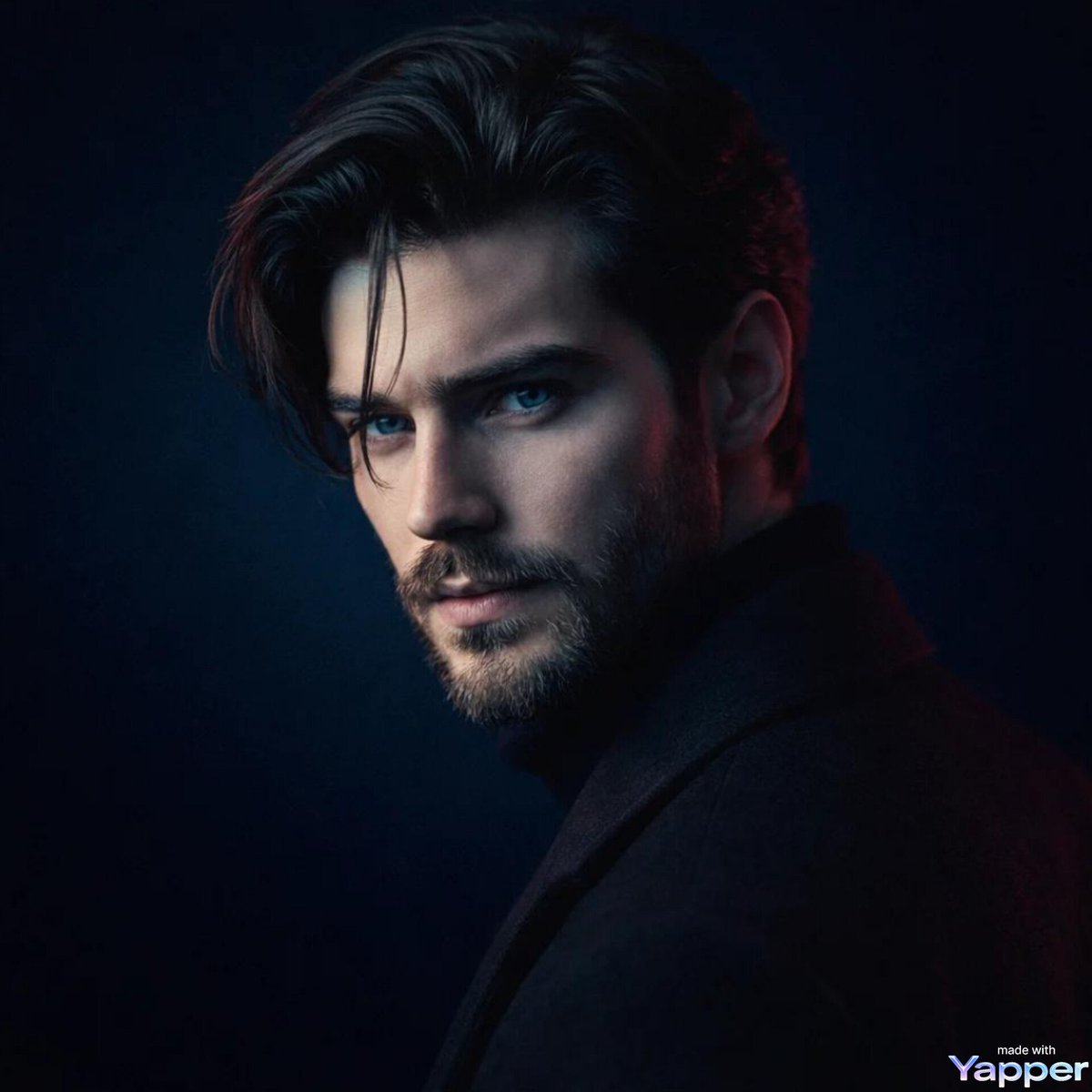
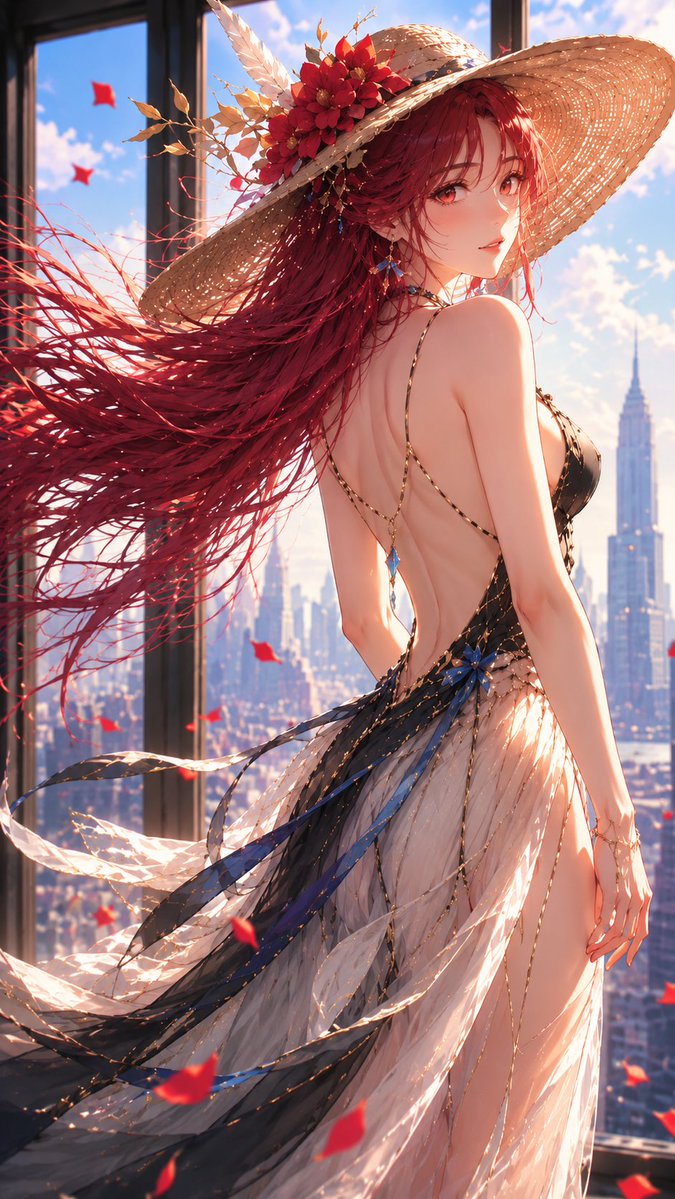
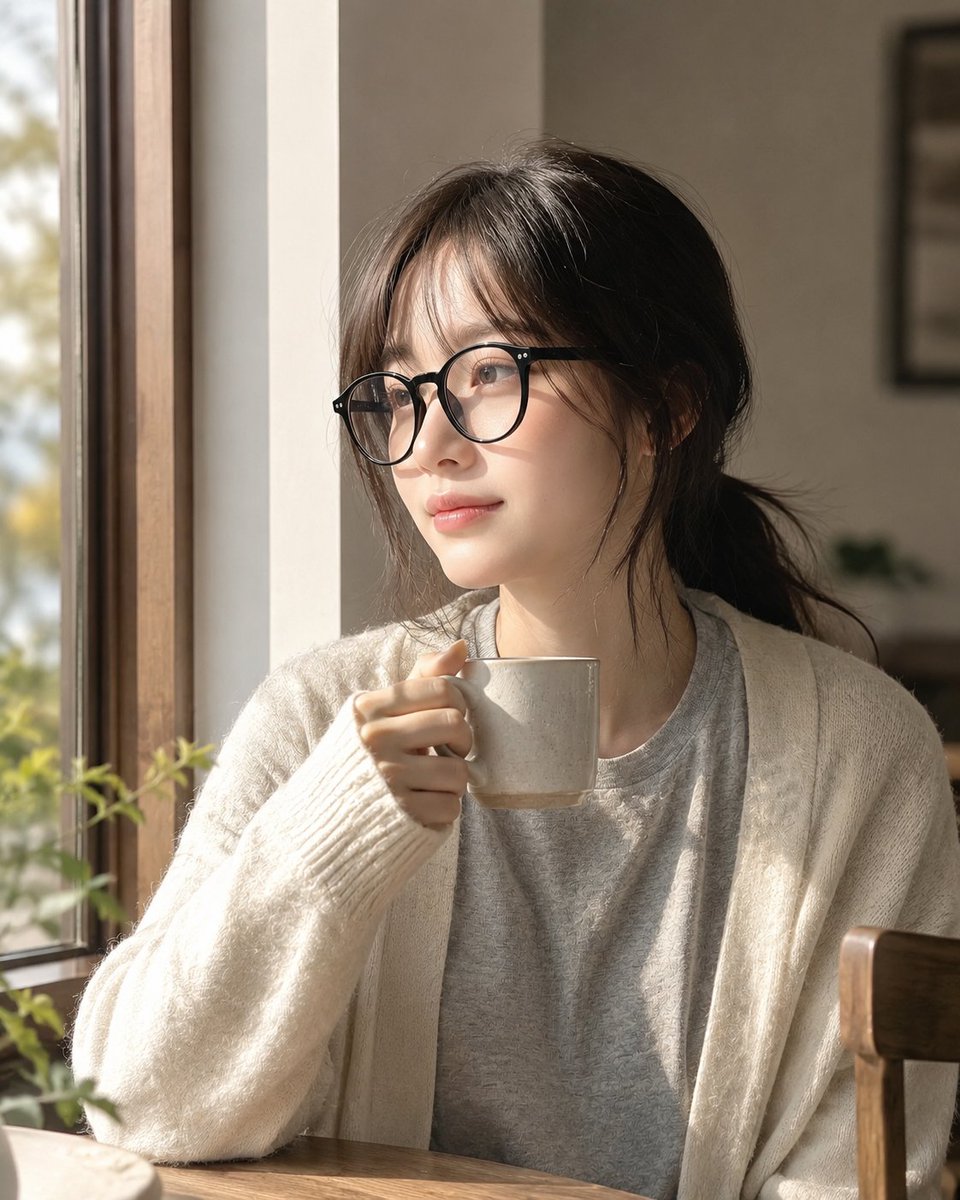
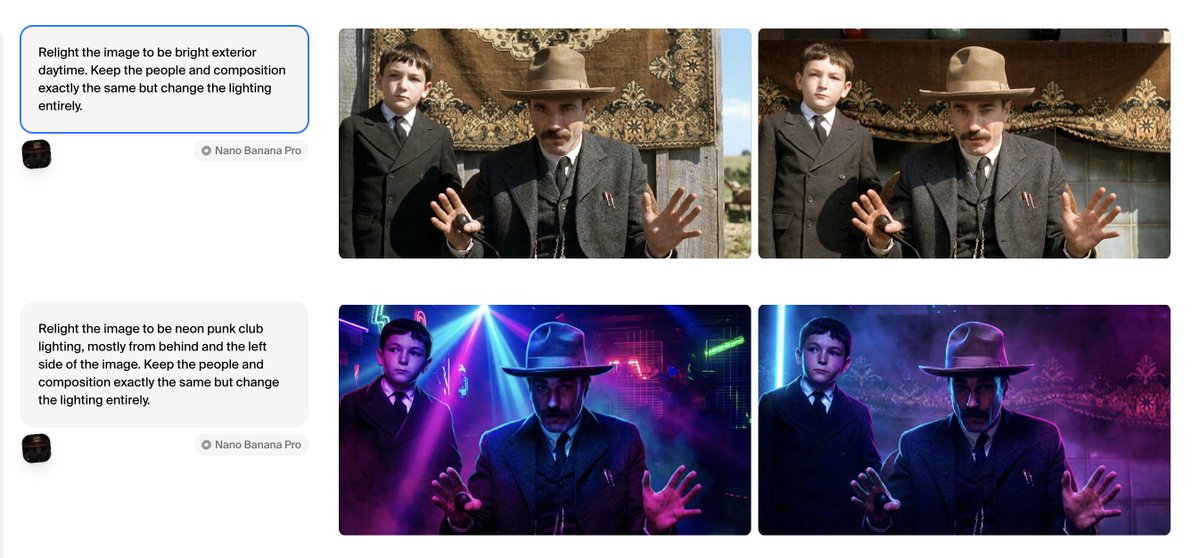
A high-end cinematic advertisement for luxury skincare, featuring floral elements, professional studio lighting, and sophisticated typography. Change the subject, setting, or lighting one variable at a time.
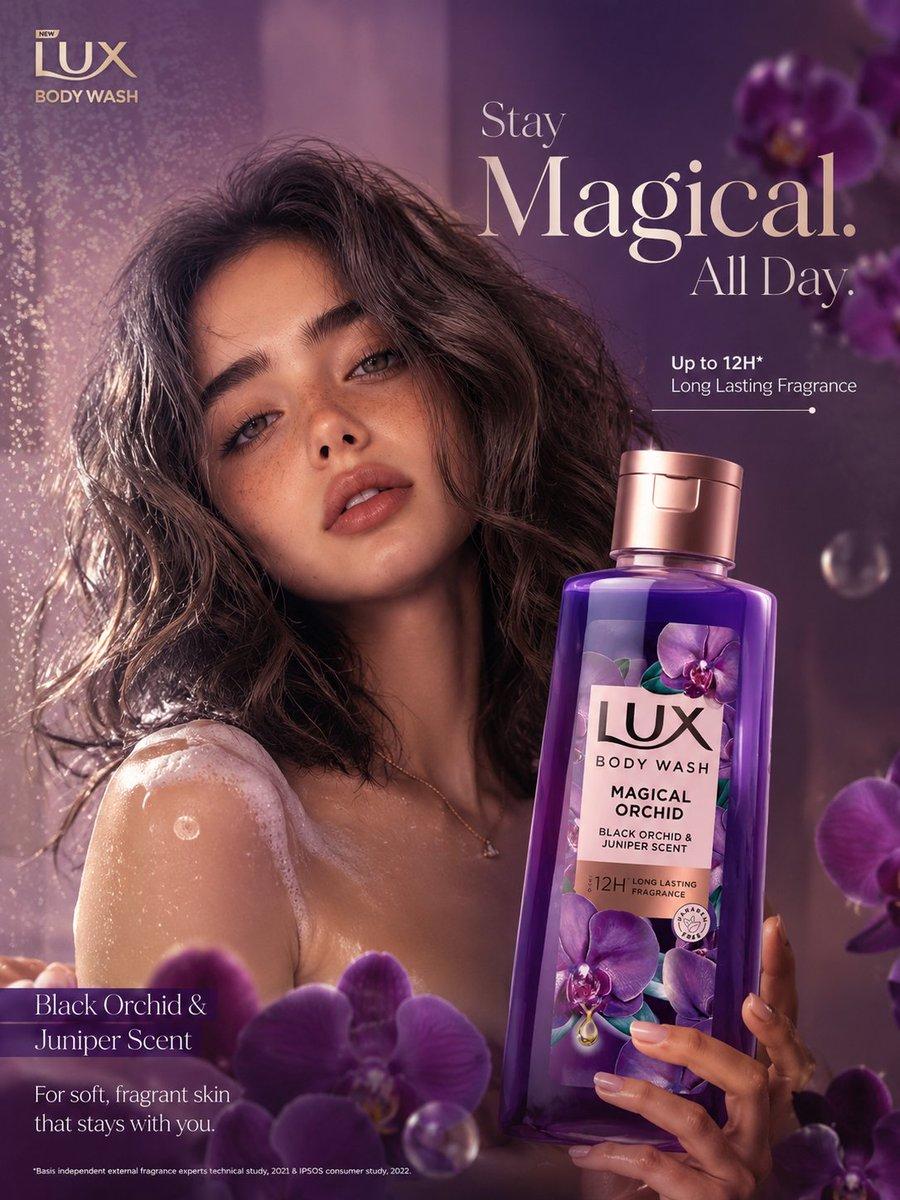
Ultra luxury skincare/body wash advertisement poster for a premium {argument name="product theme" default="purple orchid"} body wash bottle, cinematic beauty campaign style, close-up portrait of a stunning young woman with soft glowing skin and natural freckles, wet wavy voluminous dark hair, dreamy confident expression, foam on shoulder and collarbone, elegant hand holding the bottle near face, rich purple and mauve gradient background, floating orchid flowers in foreground and background, glossy bubbles and mist particles, warm soft studio lighting with golden highlights, shallow depth of field, ultra realistic skin texture, luxury beauty photography, high-end cosmetic commercial aesthetic, premium magazine ad layout, sophisticated typography placement, glowing reflections on bottle, soft shadows, sensual feminine vibe, hyper detailed, 8k quality, photorealistic, luxury perfume-inspired composition. Text placement: Top left logo: “LUX BODY WASH” Main headline on right: “{argument name="headline" default="Stay Magical. All Day."}” Subheadline: “Up to 12H* Long Lasting Fragrance” Bottom left text: “Black Orchid & Juniper Scent” Additional line: “For soft, fragrant skin that stays with you.” Color palette: deep orchid purple, rose gold, mauve, lavender, soft pink highlights. Camera style: Canon EOS R5, {argument name="lens" default="85mm"} lens, f/1.8, cinematic depth of field, commercial beauty retouching, glossy luxury finish.
Choose the primary action to open PicX Studio with the available template settings. Review the model and format, personalize the creative direction, and generate when ready.
Yes. You can change the subject, setting, lighting, mood, format, and available model controls before creating your image.
This template is free to open and customize. Generation usage is shown in PicX Studio before you create.
Start with GPT Image 2, which is the model associated with this template. You can compare another compatible model for a different finish.
© 2026 PicX Studio. All rights reserved.

Follow a topic to a crawlable collection of related PicX Studio templates.
43,474 public templates available. Verified via the PicX Studio public templates API; refreshed hourly.







![Japan Travel Brochure Poster — Create a vertical vintage travel-brochure infographic poster titled “[COUNTRY/DESTINATION]: [TAGLINE]”, using a warm parchment-pa](/_next/image?url=https%3A%2F%2Fcdn.picxstudio.com%2Fuploads%2Fp0_982bf820-bb34-4c43-8a6d-42d799d7282b.jpg&w=828&q=100)





![Minimalist Flat Vector Travel Poster — Premium minimalist flat-vector travel poster for {argument name="city name" default="[CITY_NAME]"}, 3:4 vertical format.](https://cms-assets.youmind.com/media/1787917359711_3ug846_HQX205cbMAA6F6S-300x400.jpg)