How do I use the D-Portrait with Face Lock and Film Grain Prompt template?
Choose the primary action to open PicX Studio with the available template settings. Review the model and format, personalize the creative direction, and generate when ready.
A highly specific prompt for generating a D-portrait image of a young woman, requiring 100% preservation of facial features from an uploaded reference image, styled with Fujifilm Pro 400H film look, natural light filtering through a window, and a modern butterfly haircut. Change the subject, setting, or lighting one variable at a time.

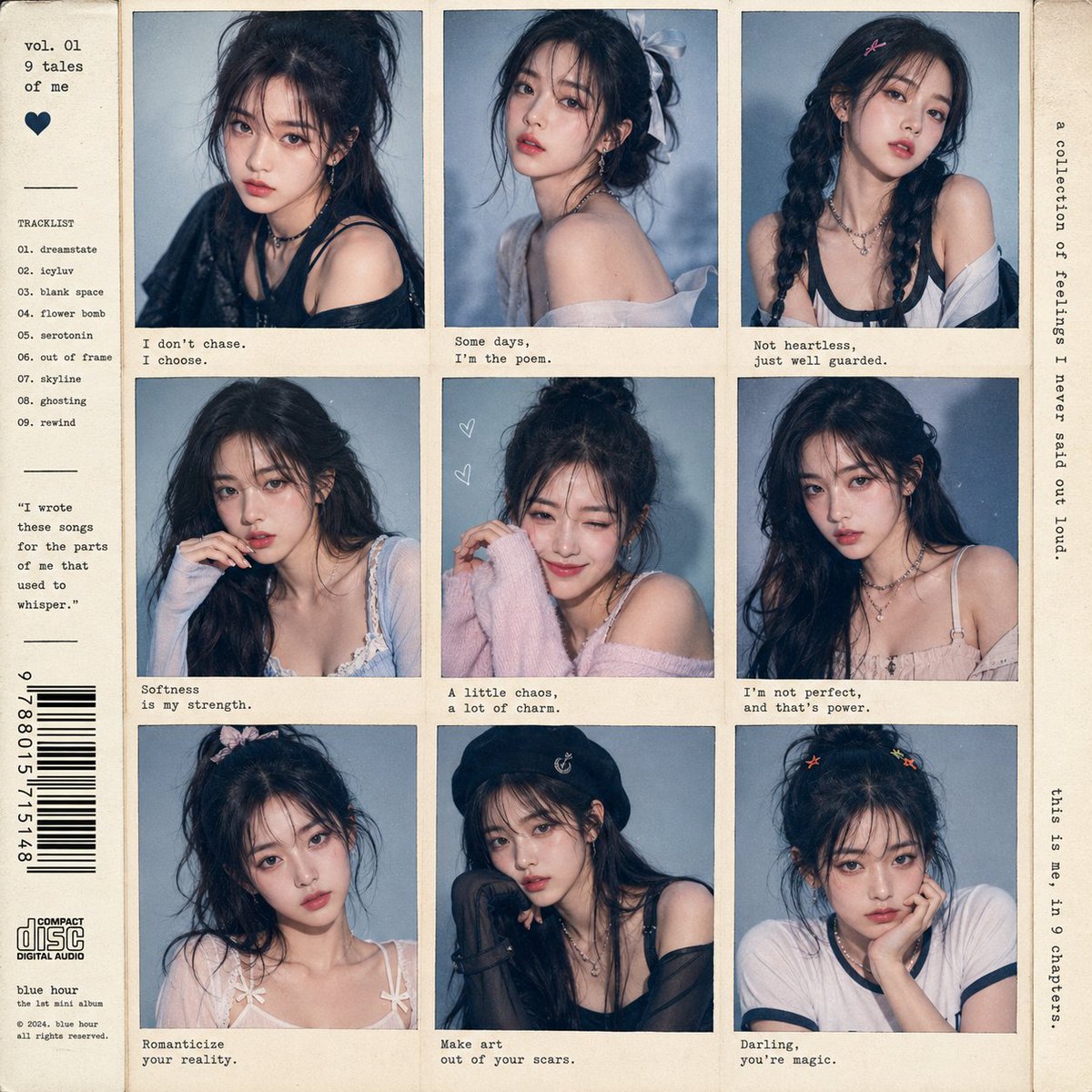
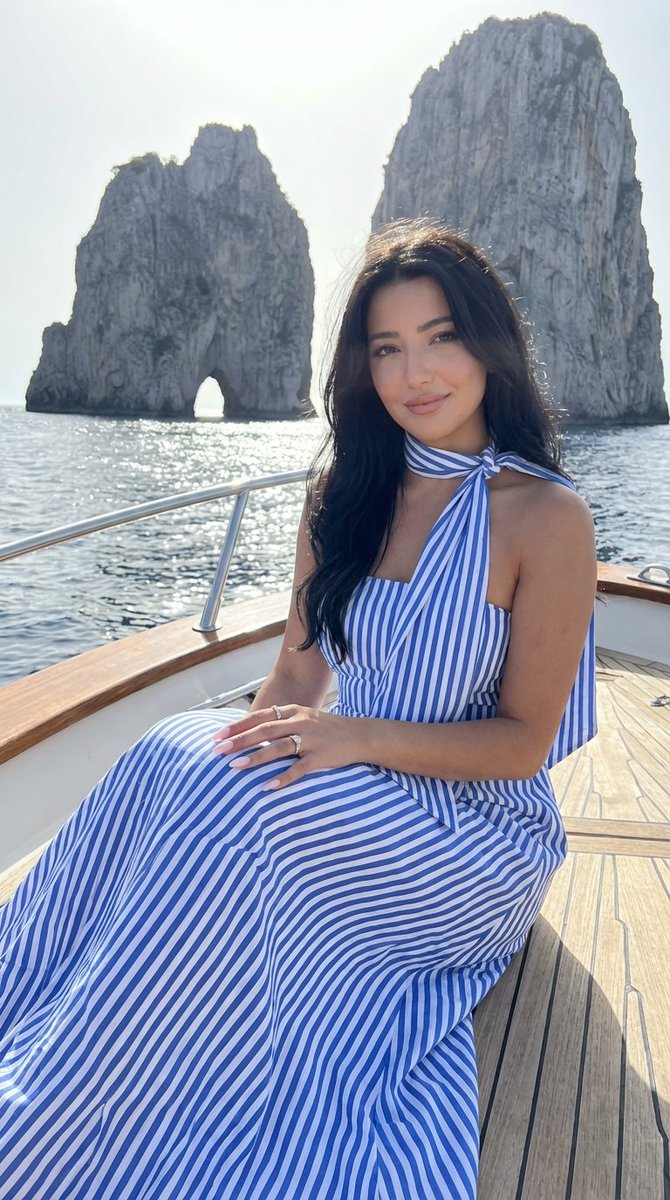
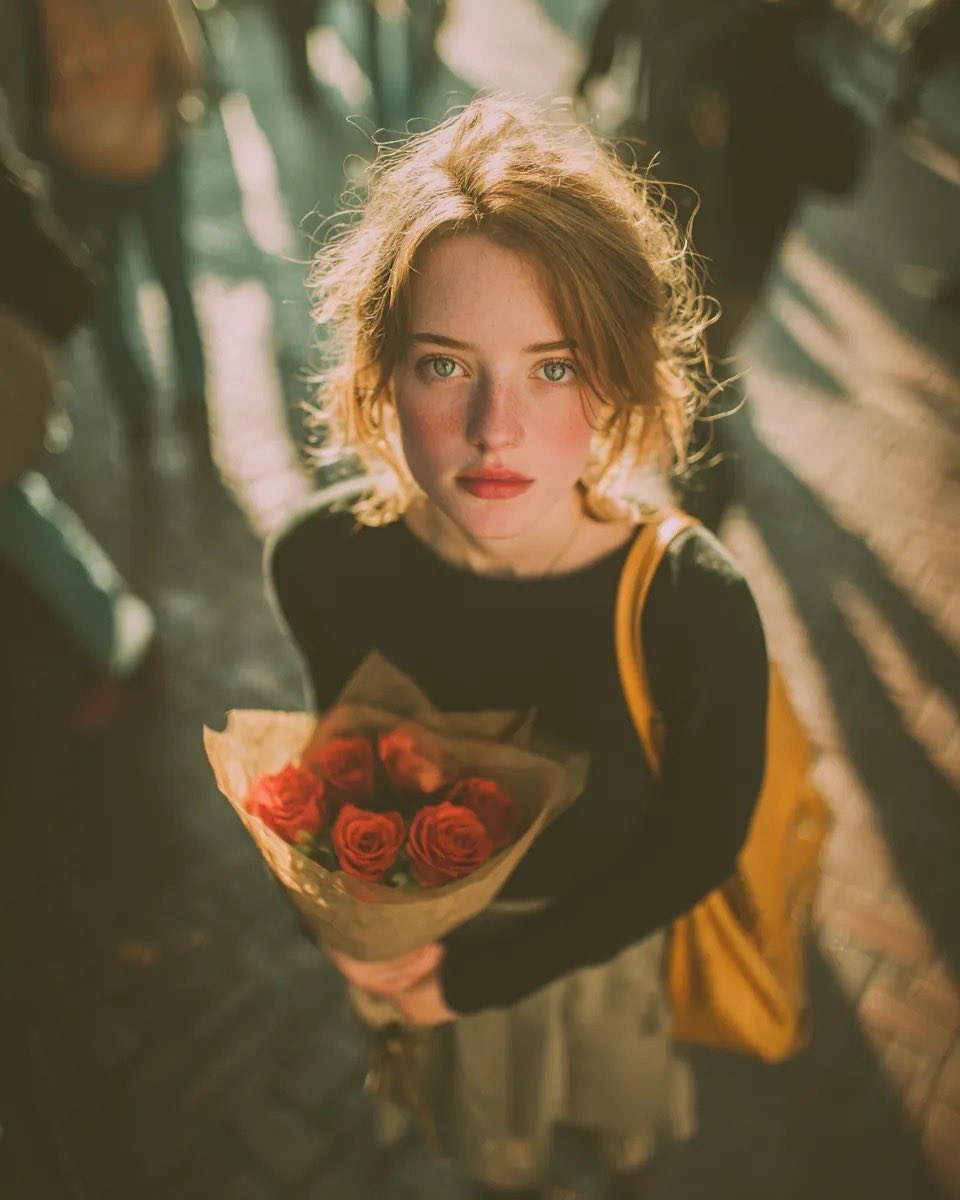
Create a portrait identical to the attached reference image, preserving the face and facial features 100 percent. A D-portrait shot on Fujifilm Pro 400H film, using an old lens filter. Keep the face and facial structure exactly the same as the reference image. The subject is a young woman wearing a clean white spaghetti-strap dress with a cute, light, flowing design. The bodice has a corset-like or gently gathered fit around the chest and torso, subtly highlighting her beautiful proportions, with soft ruffle or pleated details. Her hairstyle is modern “{argument name="hair style" default="long black butterfly-cut hair"},” or layered hair that frames the face, with lots of volume. The hair is slightly messy, with fine strands partially covering her face. She is leaning by an old wooden window covered with lush green leaves and climbing vines. Sunlight filters softly through the leaves, creating a gentle and beautiful glow. High detail, slight film grain, and natural light passing through the window create a calm, fresh, and relaxing atmosphere. She looks directly at the viewer with a gentle expression. Her right hand holds her hair, with her elbow resting on the window frame. The lighting is soft and natural. The camera angle is from the front, shot from outside the window and slightly tilted to the left. The final image appears bright and hazy from sunlight, with visible film grain texture.
Choose the primary action to open PicX Studio with the available template settings. Review the model and format, personalize the creative direction, and generate when ready.
Yes. You can change the subject, setting, lighting, mood, format, and available model controls before creating your image.
This template is free to open and customize. Generation usage is shown in PicX Studio before you create.
© 2026 PicX Studio. All rights reserved.

Start with Nano Banana 2, which is the model associated with this template. You can compare another compatible model for a different finish.
Follow a topic to a crawlable collection of related PicX Studio templates.
43,474 public templates available. Verified via the PicX Studio public templates API; refreshed hourly.

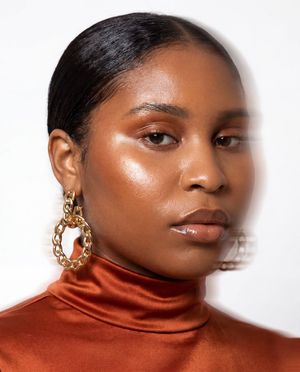


![Intense film grain, analog noise, and scanline artifacts — [BRAND NAME]. Act as a Creative Director and Brand Strategist.
PHASE 1: CONCEPT & COMPOSITION.
Crea](https://images.meigen.ai/tweets/2022753970704286181/0.jpg)





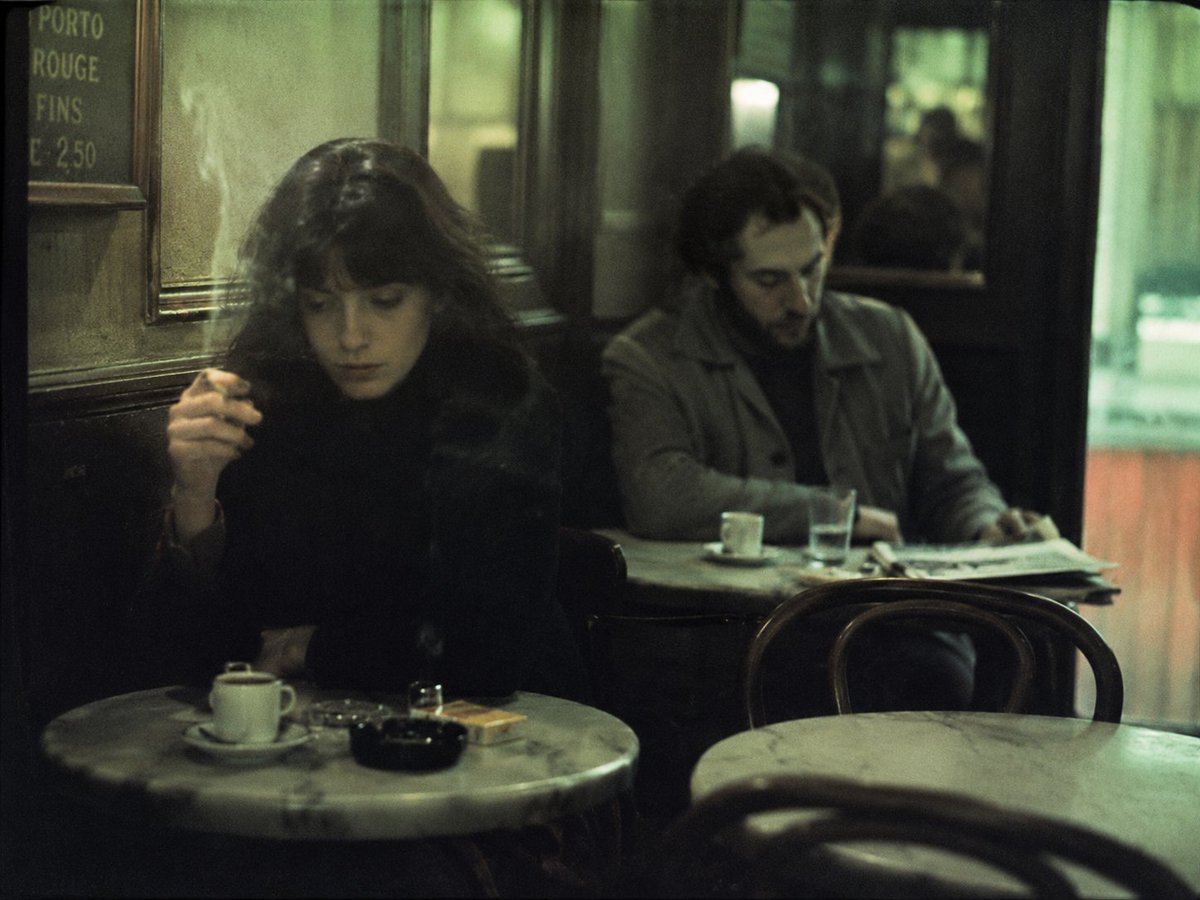

![69-untitled — FORMAT: 15s / 145 BPM / 14 SHOTS
SUBJECT: @[image1]
WARDROBE: Clean modern outfit
ENVIRONMENT: Street / indoor transitions
MOOD: Discovery → contr](/_next/image?url=https%3A%2F%2Fcdn.picxstudio.com%2Fuploads%2Fpost69_img0_d45faecf-38c3-4bcb-81a4-f6eb1cf42bb2.jpg&w=828&q=100)

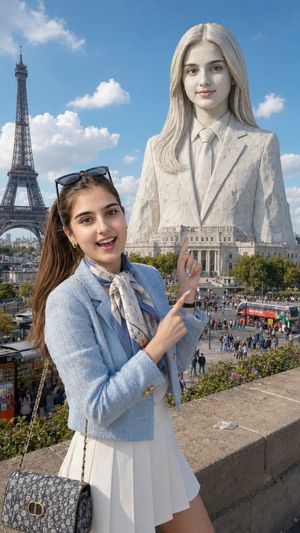




![Naive doodle-style subject illustration — A doodle-style {argument name="subject" default="[subject]"}, naive lines, humorous shape exaggeration](https://pbs.twimg.com/media/G6Wl2YxbsAARB2b.jpg)