How do I use the Monochrome Anime Hakama Character template?
Choose the primary action to open PicX Studio with the available template settings. Review the model and format, personalize the creative direction, and generate when ready.
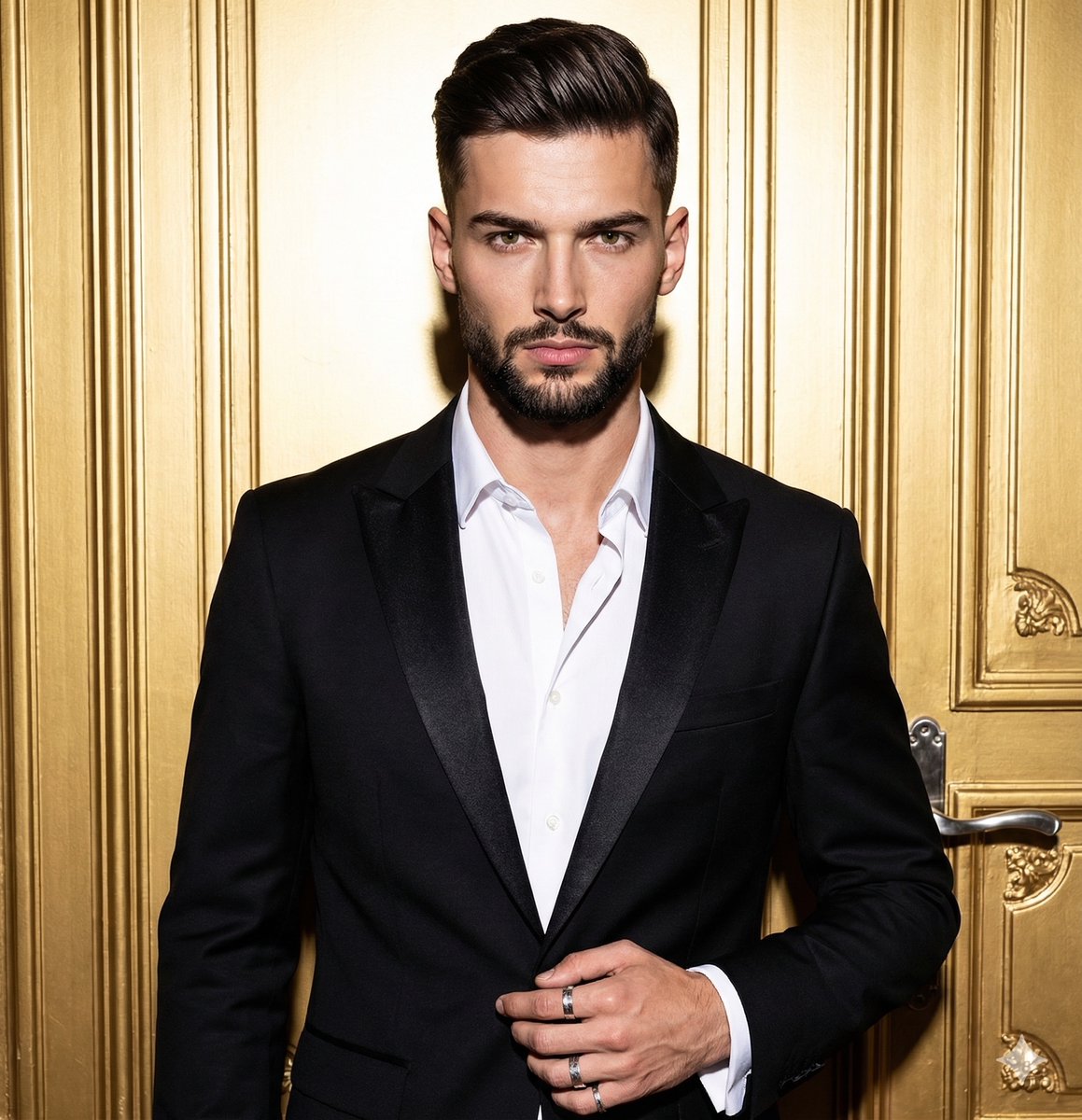
A full-body black-and-white manga character design of a young man wearing a haori, hakama, and polished boots for standing sprite or concept art use.
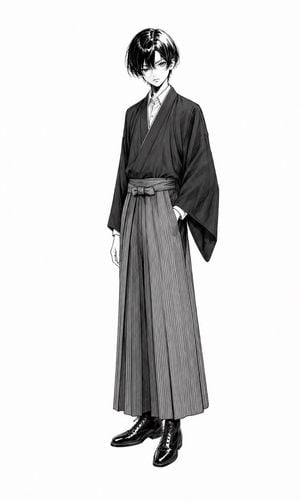
Create a full-body standing character design sheet of a slim young anime man named {argument name="character name" default="unnamed young man"} on a plain white background, drawn in detailed black-and-white manga ink style with fine crosshatching and grayscale shading. He has pale skin, a delicate serious expression, large sharp eyes, and glossy {argument name="hair color" default="black"} medium-length hair parted near the center with long bangs partly covering one eye. Pose him facing forward with a slight contrapposto, head subtly tilted down, one arm relaxed at his side and the other hand tucked into his sleeve or pocket area. Dress him in a modern Japanese formal outfit combining traditional and contemporary elements: a dark kimono-style haori jacket with wide sleeves over a white collared shirt, a wrapped obi belt tied at the waist, long vertically pleated hakama trousers in medium gray, and polished black lace-up dress boots. The image contains exactly one character and exactly five main visible outfit pieces: dark haori jacket, white collared shirt, obi belt, pleated hakama trousers, and black lace-up boots. Use elegant fashion-illustration proportions, long legs, narrow shoulders, crisp garment folds, strong black highlights in the hair and shoes, and no text, props, scenery, borders, or watermark.
Choose the primary action to open PicX Studio with the available template settings. Review the model and format, personalize the creative direction, and generate when ready.
Yes. You can change the subject, setting, lighting, mood, format, and available model controls before creating your image.
This template is free to open and customize. Generation usage is shown in PicX Studio before you create.
Start with GPT Image 2, which is the model associated with this template. You can compare another compatible model for a different finish.
Follow a topic to a crawlable collection of related PicX Studio templates.