How do I use the Beige Editorial Side-Braid Portrait template?
Choose the primary action to open PicX Studio with the available template settings. Review the model and format, personalize the creative direction, and generate when ready.
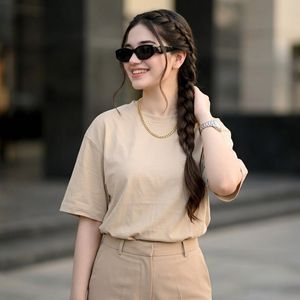
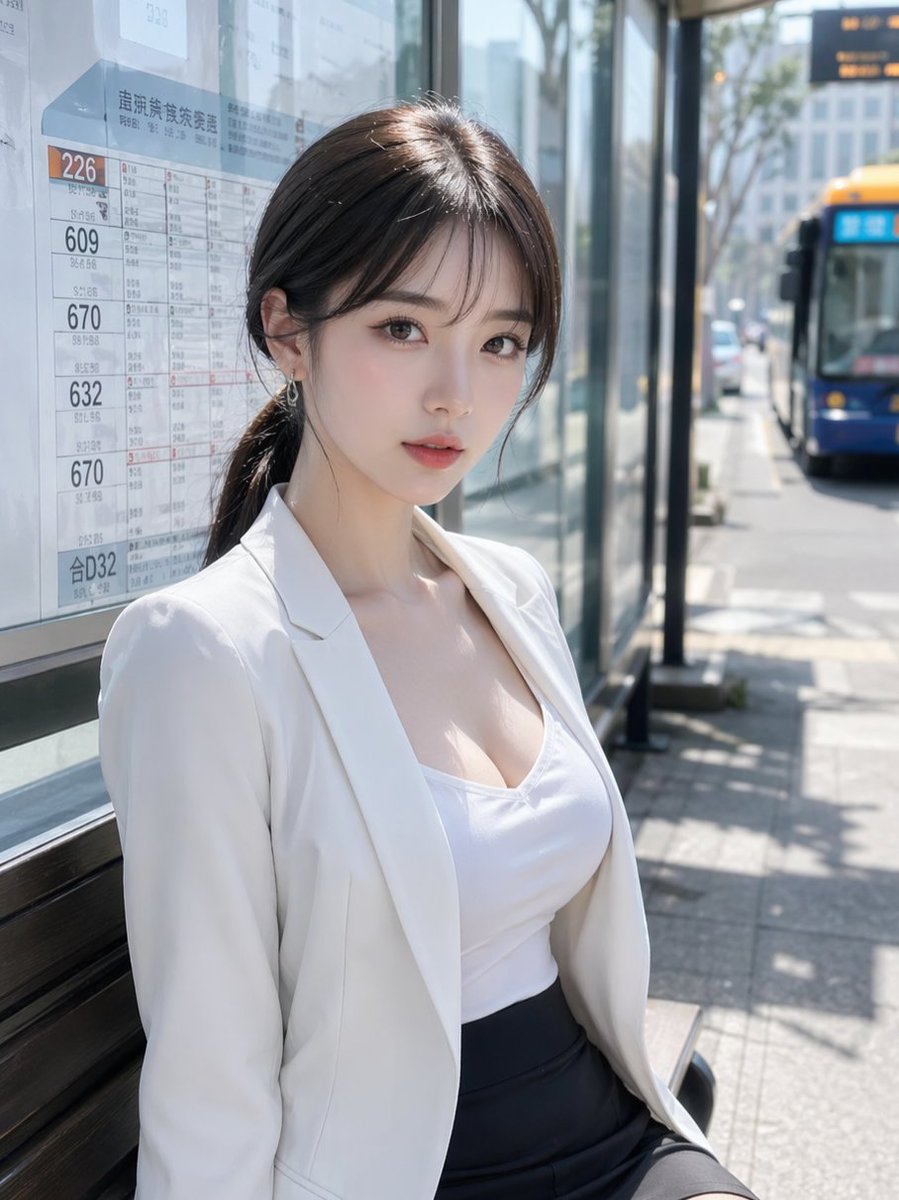
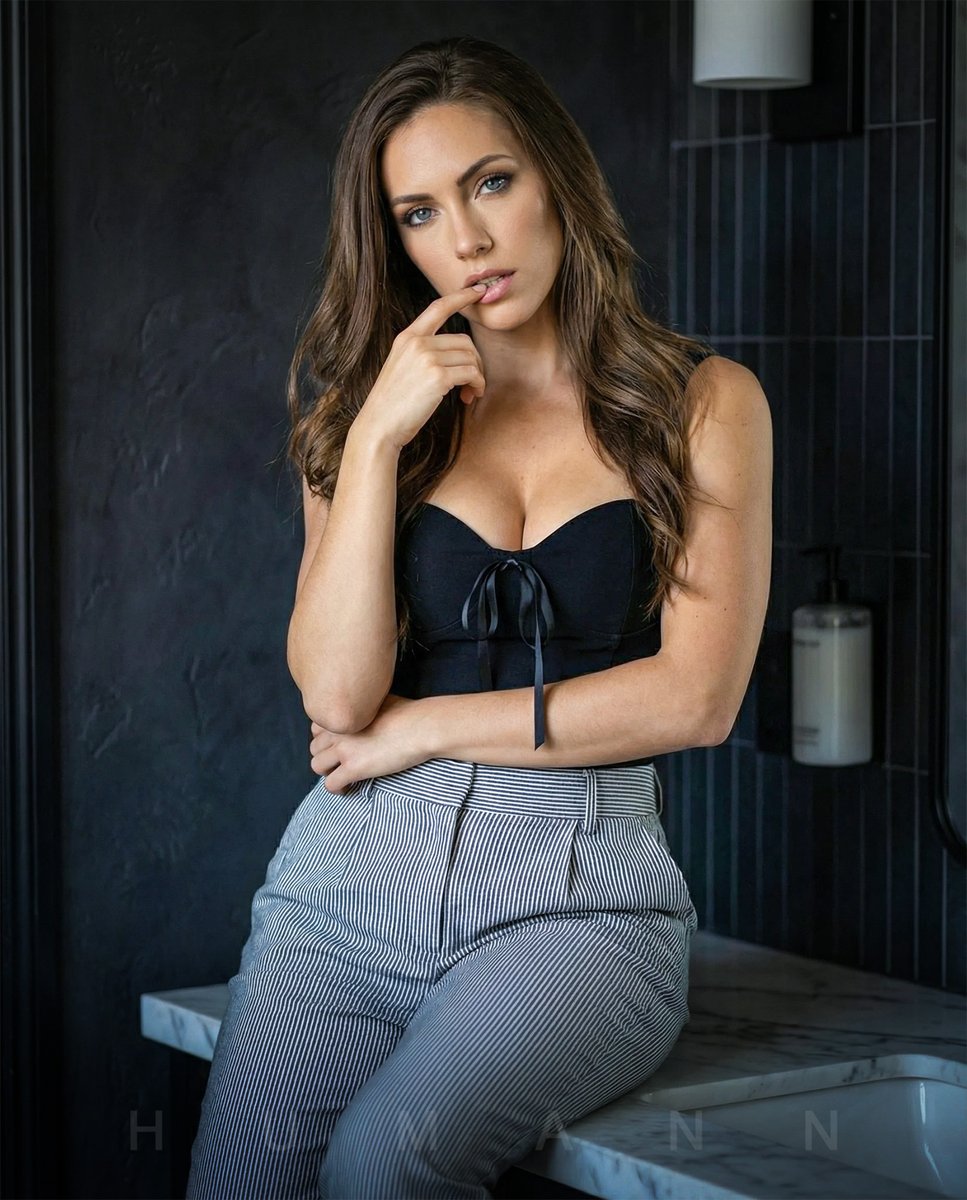
Generates a realistic fashion street portrait of a woman in neutral beige styling with a side braid and luxury accessories.
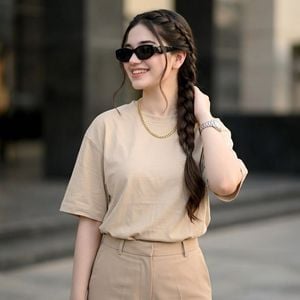
Create an ultra-realistic high-fashion editorial street portrait of a stylish {argument name="subject" default="young woman"} standing outdoors in front of a softly blurred modern building facade. She has long, thick dark brown hair styled into one prominent French side braid draped over her right shoulder, with a few loose face-framing strands. Her face is intentionally obscured by a plain square blur block centered over the face, while one black designer sunglass lens is partially visible at the left edge of the blur. She wears a premium oversized {argument name="shirt color" default="beige"} T-shirt tucked into tailored high-waisted {argument name="trouser color" default="beige"} trousers, creating a clean monochrome neutral outfit. Add exactly two visible accessories: a minimalist thick gold chain necklace around her neck and a luxury silver wristwatch on the wrist of the hand touching her braid. Pose her with one arm relaxed down and the other hand raised to lightly hold the side braid near her shoulder. Use soft natural daylight, shallow depth of field, DSLR realism, cinematic editorial color grading, 8K detail, creamy bokeh background, sharp fabric texture, realistic skin and hair, vertical fashion-crop composition, no text, no watermark.
Choose the primary action to open PicX Studio with the available template settings. Review the model and format, personalize the creative direction, and generate when ready.
Yes. You can change the subject, setting, lighting, mood, format, and available model controls before creating your image.
This template is free to open and customize. Generation usage is shown in PicX Studio before you create.
Start with GPT Image 2, which is the model associated with this template. You can compare another compatible model for a different finish.
Follow a topic to a crawlable collection of related PicX Studio templates.