How do I use the Human to Na'vi Transformation Grid Prompt template?
Choose the primary action to open PicX Studio with the available template settings. Review the model and format, personalize the creative direction, and generate when ready.
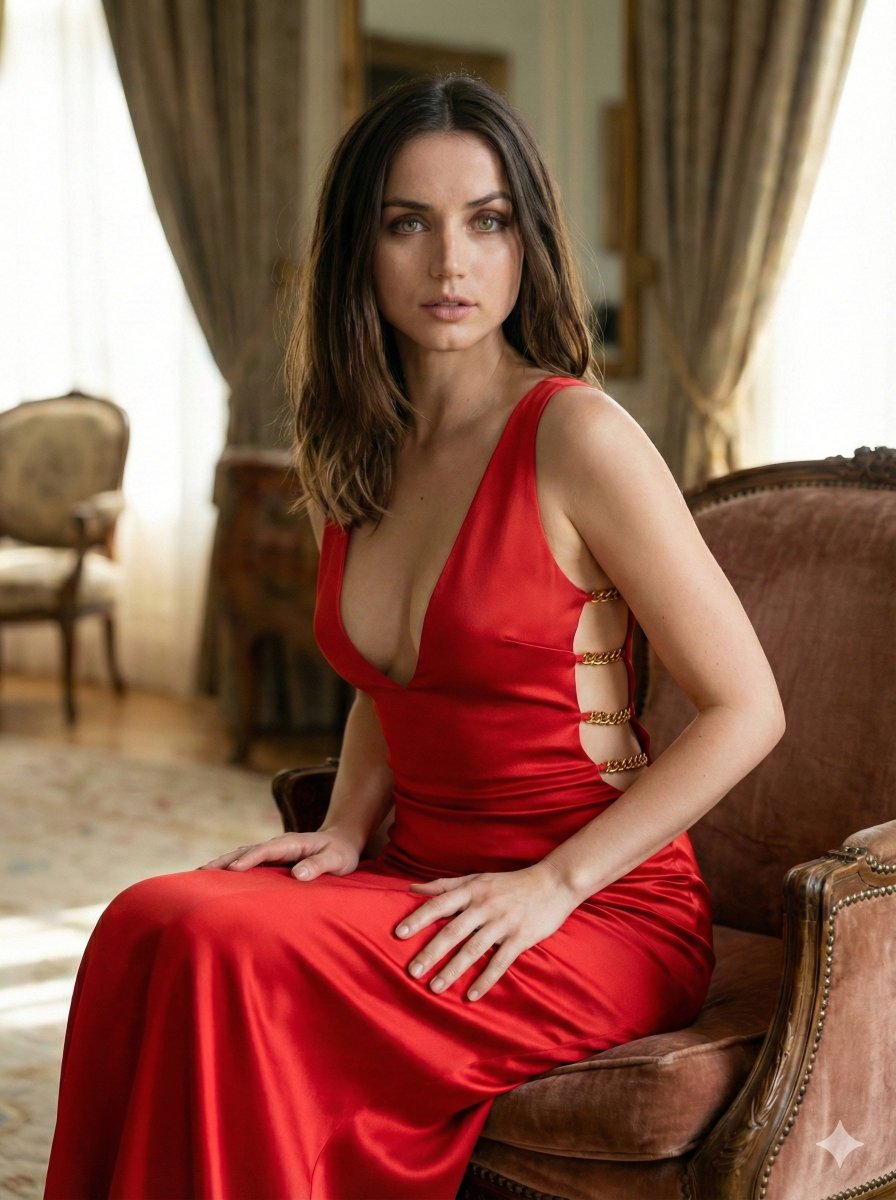
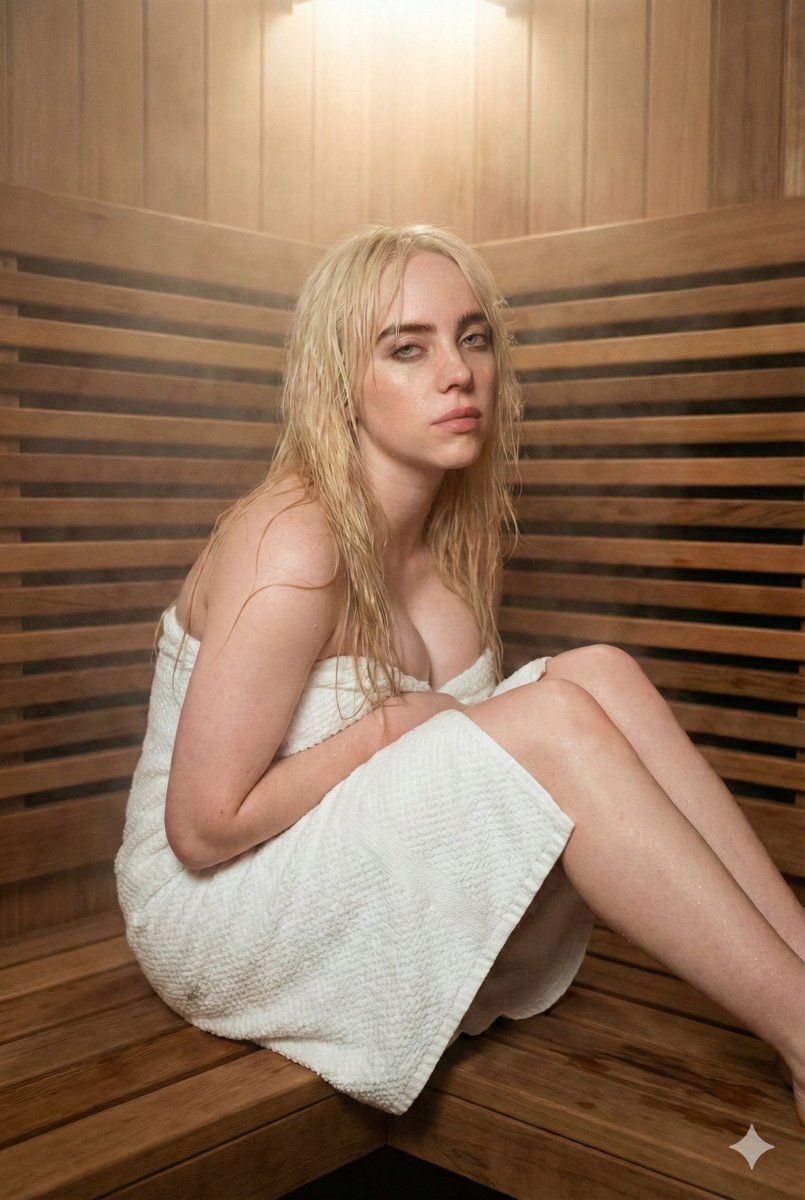
A complex JSON prompt for generating a 2x2 grid demonstrating a 'Transformation' concept, showing a human female subject (top-left, bottom-left) and her corresponding Na'vi/Avatar hybrid version (top-right, bottom-right) in two different settings (restaurant booth and studio portrait), ensuring consistency in pose, hair, and apparel across the transformation. Change the subject, setting, or lighting one variable at a time.

{ "image_layout": { "type": "2x2 Grid", Transformation", "style": "Photorealistic to CGI/Digital Art conversion" }, "panels": [ { "position": "Top-Left", "subject_type": "Human Female", "setting": "Indoor Restaurant/Bar Booth", "lighting": "Warm ambient strip lighting from behind, soft frontal illumination", "subject_details": { "hair": "Long, dark brown, wavy, side-swept", "skin": "Fair, smooth complexion", "eyes": "Dark brown, almond-shaped", "apparel": { "top": "Black asymmetrical halter-neck top (one shoulder exposed)", "bottom": "Grey denim jeans" }, "pose": "Seated, leaning forward slightly, arms resting on a dark marble table", "expression": "Soft, alluring, head slightly tilted" }, "background": "Wood paneling with horizontal grain, dark leather booth seating" }, { "position": "Top-Right", "subject_type": "Na'vi / Avatar Hybrid", "setting": "Indoor Restaurant/Bar Booth (Same as Top-Left)", "lighting": "Warm ambient strip lighting matches original, skin reflects blue tones", "subject_details": { "hair": "Long, dark brown, wavy (same as original)", "skin": "Blue textured skin, faint darker blue stripes on arms and face, bioluminescent white dots", "eyes": "Large, yellow irises, feline pupil shape", "ears": "Pointed, elven/Na'vi style", "nose": "Broad, flat feline bridge", "apparel": "Black asymmetrical halter-neck top, grey denim jeans", "pose": "Seated, leaning forward (matches original)", "expression": "Soft, alluring (matches original)" }, "background": "Wood paneling and dark leather booth (matches original)" }, { "position": "Bottom-Left", "subject_type": "Human Female", "setting": "Studio Portrait", "lighting": "Soft, even studio lighting, neutral background", "subject_details": { "hair": "Dark brown, voluminous, center-parted, layered", "skin": "Fair, dewy finish", "eyes": "Dark, direct gaze", "apparel": { "top": "Greyish-blue tank top/camisole", "accessory": "Delicate silver necklace with a wing-shaped pendant" }, "pose": "Front-facing bust shot", "expression": "Neutral, calm, lips slightly parted" }, "background": "Plain off-white/light grey gradient" }, { "position": "Bottom-Right", "subject_type": "Na'vi / Avatar Hybrid", "setting": "Studio Portrait (Same as Bottom-Left)", "lighting": "Soft studio lighting (matches original)", "subject_details": { "hair": "Dark brown, voluminous, center-parted (same as original)", "skin": "Blue, smooth texture with subtle speckling/bioluminescence patterns on cheeks and forehead", "eyes": "Large, bright yellow/amber", "ears":
Choose the primary action to open PicX Studio with the available template settings. Review the model and format, personalize the creative direction, and generate when ready.
Yes. You can change the subject, setting, lighting, mood, format, and available model controls before creating your image.
This template is free to open and customize. Generation usage is shown in PicX Studio before you create.
Start with Nano Banana 2, which is the model associated with this template. You can compare another compatible model for a different finish.
Follow a topic to a crawlable collection of related PicX Studio templates.
43,474 public templates available. Verified via the PicX Studio public templates API; refreshed hourly.



![Human Fragments Editorial Poster Layout — Create a 9:16 editorial poster in the HUMAN FRAGMENTS visual system.
Theme: {argument name="theme" default="[Theme]"}](https://cms-assets.youmind.com/media/1785487728583_quneux_HOceSIGaMAAtJ9Q-300x537.jpg)

![A hyper-realistic 3D anatomical human made from semi-translucent frosted — A hyper-realistic 3D anatomical human [organ] made from semi-translucent frosted poly](https://images.meigen.ai/tweets/2033543326444720272/0.jpg)


![Movement Sheet - Dance Reference (Seedance 2.0) — [STYLE]
Monochrome grayscale illustration, 3D-rendered character, clean instructional reference sheet, white b](https://pbs.twimg.com/media/HGzSvcnboAA_bjD.jpg?name=orig)


![An ultra-realistic miniature showroom balanced on a human palm, designed — An ultra-realistic miniature [YOUR BRAND] showroom balanced on a human palm, designed](https://images.meigen.ai/tweets/2044605023557222629/0.jpg)


![Naive doodle-style subject illustration — A doodle-style {argument name="subject" default="[subject]"}, naive lines, humorous shape exaggeration](https://pbs.twimg.com/media/G6Wl2YxbsAARB2b.jpg)



















![K-Pop Choreography Instruction Sheet — K-Pop Dance 16-Step Instruction Sheet (4×4 Grid)
[VISUAL STYLE]
High-end K-pop choreography guide in monochrome grayscal](https://cms-assets.youmind.com/media/1777539302475_28y0fd_HHFfuhfbkAAWGXK.jpg)