How do I use the Korean Ulzzang Street Selfie Prompt (Duo) template?
Choose the primary action to open PicX Studio with the available template settings. Review the model and format, personalize the creative direction, and generate when ready.
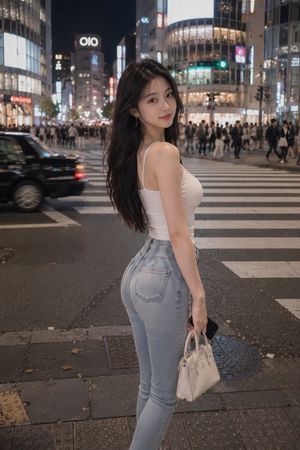
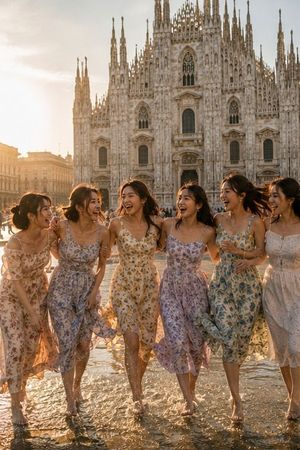
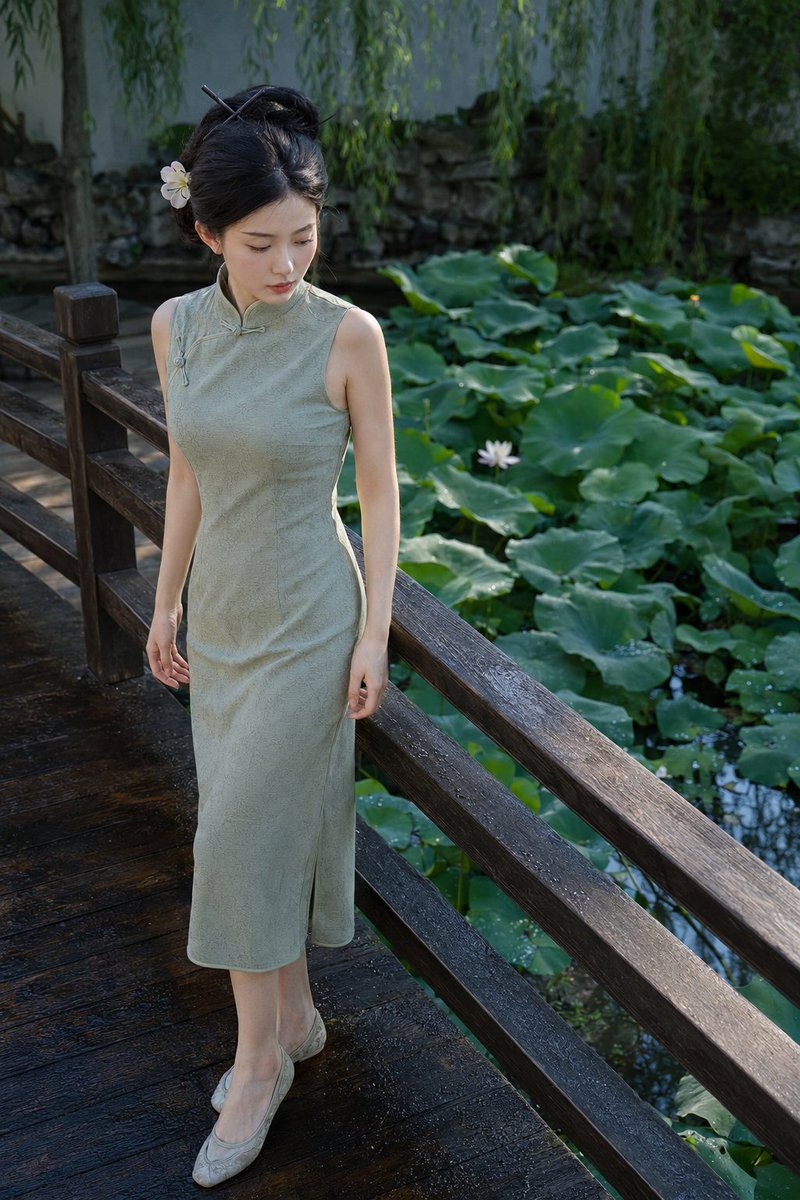
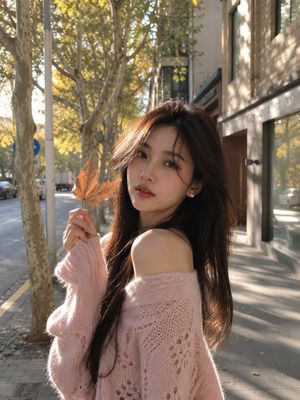
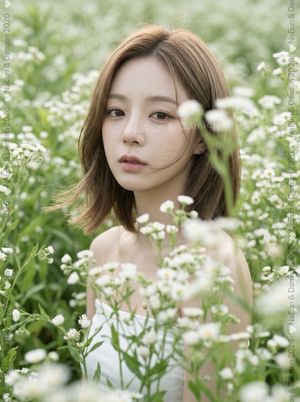
A prompt for Nano Banana Pro to generate a crisp, high-resolution photo of two Korean women in the 'ulzzang' aesthetic, styled as a street selfie. It details their appearance (flawless skin, dolly eyes, black hair), trendy outfits (pastel lavender hoodie, baggy jeans), accessories (bear-ear beanies, iced lattes), poses (V-sign, finger heart), and setting (trendy Seoul street, soft diffused daylight). (free to use) — Free AI image template on PicX Studio.
{ "style": "crisp Korean ulzzang street selfie, soft diffused daylight, clean high-resolution smartphone photo, subtle beauty filter", "subject": "two gorgeous Korean women in their mid-20s, long straight black hair with see-through bangs, flawless porcelain skin, big dolly eyes, glossy nude-pink lips, confident yet soft expressions", "outfit": "{argument name="トップス" default="oversized pastel lavender hoodie half-zipped showing black lace bralette"}, high-waisted light-wash baggy jeans, white platform sneakers, delicate silver layered necklaces", "accessories": "matching fluffy white bear-ear beanies, tiny heart-shaped sunglasses perched on head, holding iced vanilla lattes in clear cups with cute sleeves, luxury mini shoulder bags", "pose": "standing close together, one doing small V-sign under chin, the other doing finger heart, heads slightly tilted inward, perfect ulzzang angles", "setting": "trendy Seoul street ({argument name="場所" default="Myeongdong/Hongdae vibe"}), blurred storefronts and neon signs behind", "mood": "peak Korean ulzzang aesthetic, soft-girl sexy, effortlessly chic and adorable" }
Use Korean Ulzzang Street Selfie Prompt (Duo) to plan an AI image around nano-banana-2 generation. Match the preview's composition first, then personalize the subject, setting, and mood for your own project.
Use the primary action to load the template settings in PicX Studio.
Adjust the subject and creative details for your destination.
Create the image, compare the result with the preview, and refine one variable at a time.
A continuous mix — similar concepts first, woven with same-model prompts and fresh picks from the catalog.
Choose the primary action to open PicX Studio with the available template settings. Review the model and format, personalize the creative direction, and generate when ready.
Yes. You can change the subject, setting, lighting, mood, format, and available model controls before creating your image.
This template is free to open and customize. Generation usage is shown in PicX Studio before you create.
Start with nano-banana-2, which is the model associated with this template. You can compare another compatible model for a different finish.
Follow a topic to a crawlable collection of related PicX Studio templates.
39,155 public templates available. Verified via the PicX Studio public templates API; refreshed hourly.
A continuous mix — similar concepts first, woven with same-model prompts and fresh picks from the catalog.