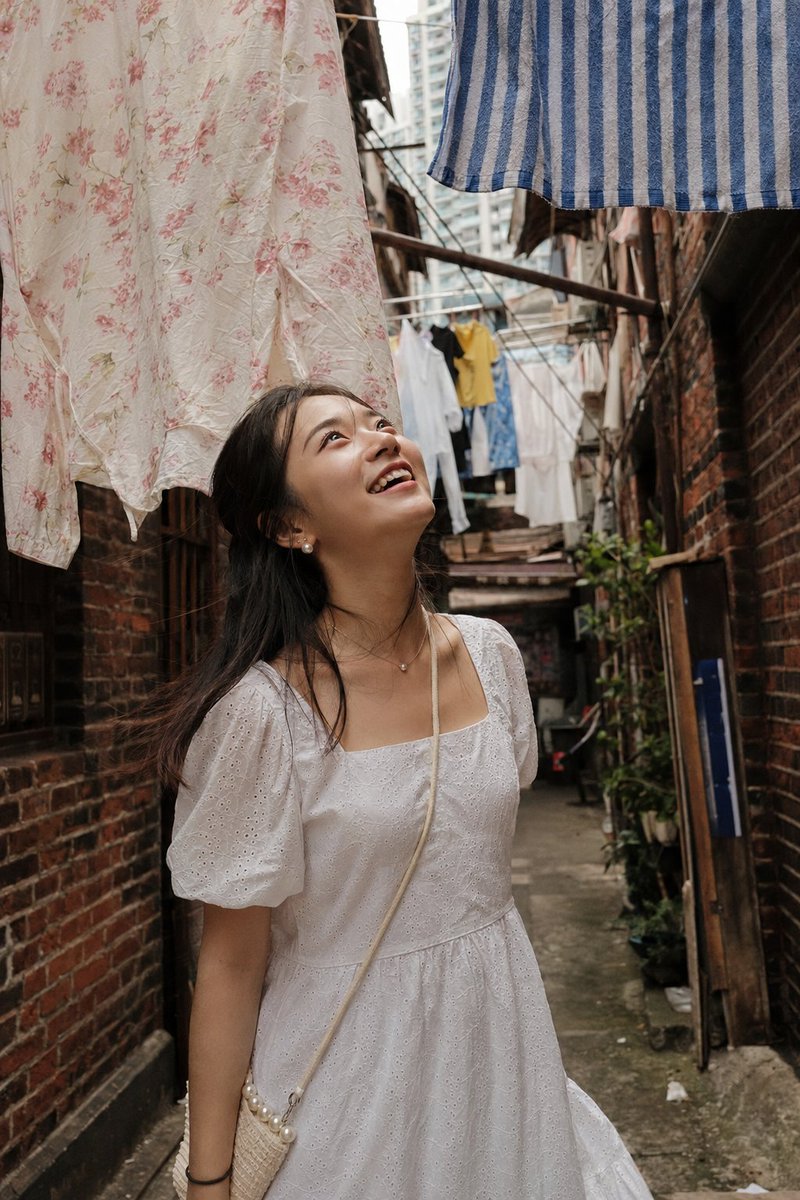
Glamorous Nightlife Flash Portrait in Velvet Booth
{
"generation_request": {
"meta_data": {
"tool": "NanoBanana Pro",
"task_type": "photoreal_nightlife_editorial_portrait",
"version": "v1.0_DARK_LOUNGE_FLASH_GLAM",
"priority": "highest",
"language": "en"
},
"global_constraints": {
"rating": "PG-13",
"no_explicit_sexual_content": true,
"no_text": true,
"no_logos": true,
"no_watermark": true
},
"output_settings": {
"aspect_ratio": "3:4",
"resolution_target": "ultra_high_res",
"render_style": "ultra_photoreal_candid_flash_photography",
"sharpness": "crisp_but_natural",
"film_grain": "subtle_35mm",
"color_grade": "warm_lowlight_bar_flash",
"dynamic_range": "natural_not_hdr",
"skin_rendering": "real_texture_no_retouch"
},
"global_rules": {
"camera_language": "direct on-camera flash, eye-level, intimate portrait, shallow depth of field",
"lighting_language": "hard flash on subject + low ambient background light",
"authenticity_markers": "no AI glow, no beauty filter, realistic shadows and specular highlights"
},
"creative_prompt": {
"scene_summary": "Glamorous nightlife portrait in a dark lounge or bar. Patterned velvet booth seating with animal/tiger print texture, warm wooden interior details in the background.",
"subject": {
"count": 1,
"description": "young glamorous woman, confident and elegant",
"expression": "soft confident gaze, slightly flirty, relaxed lips",
"skin_and_face": "natural skin texture, visible pores, glossy lips, soft blush"
},
"pose_and_micro_action": "Woman seated sideways on a velvet booth, one hand placed behind her for support, legs crossed, torso angled toward camera, head slightly tilted.",
"wardrobe_and_style": {
"female": "charcoal or black satin mini dress with subtle sparkly appliqué details, fitted silhouette",
"hair": "long dark brown hair, voluminous, loose natural strands framing the face",
"makeup": "glam but realistic, defined lashes, glossy lips, soft highlight",
"no_logos": true
},
"jewelry": {
"female": "small elegant earrings, delicate necklace"
},
"environment_details": {
"location": "dark upscale bar or lounge",
"background": "patterned velvet booth, warm wood walls, small hooks or decor elements, softly blurred",
"props": "none"
},
"composition": "medium portrait framing, subject centered or slightly off-center, background softly out of focus",
"mood": "intimate, glamorous, confident, modern nightlife"
},
"negative_prompt": [
"AI glow",
"HDR",
"beauty retouch",
"plastic skin",
"over-smoothing",
"over-sharpening",
"cartoon",
"CGI",
"painterly",
"distorted hands",
"extra fingers",
"deformed anatomy",
"duplicate face",
}


![Pose and Lighting Analysis Sheet Transformer — [CORE TASK]
Transform the provided input image into a pose-and-light analysis sheet.
This is NOT a finished char](https://cms-assets.youmind.com/media/1776756778810_dclrin_HGYS0HYakAAO1Kt-300x200.jpg)





![Minimalist Flat Vector Travel Poster — Premium minimalist flat-vector travel poster for {argument name="city name" default="[CITY_NAME]"}, 3:4 vertical format.](https://cms-assets.youmind.com/media/1787917359711_3ug846_HQX205cbMAA6F6S-300x400.jpg)





















![Minimalist 3D Clay Render — A minimalist 3D render of a {argument name="subject" default="[SUBJECT]"}, featuring a soft, smooth clay-like texture, centered and](https://cms-assets.youmind.com/media/1777280760968_ve2bdc_HG1WfiDaEAAxRJl.jpg)