How do I use the Kitchen Counter Kneeling Pose template?
Choose the primary action to open PicX Studio with the available template settings. Review the model and format, personalize the creative direction, and generate when ready.
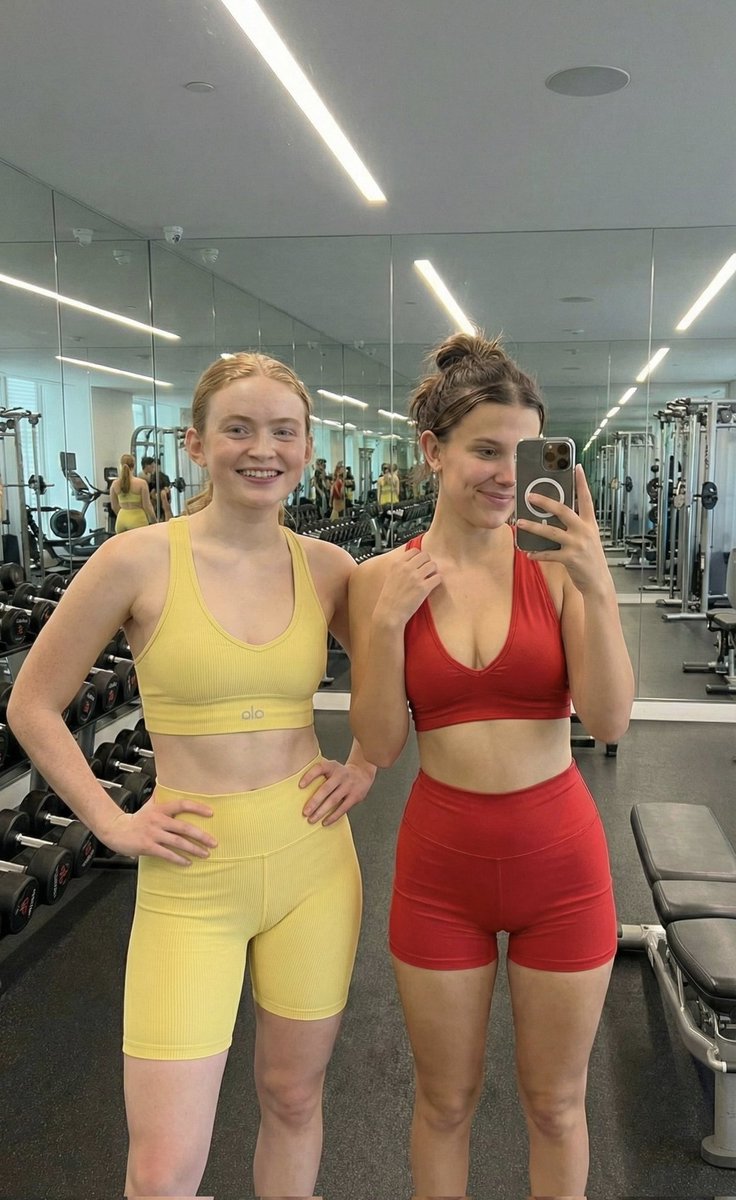
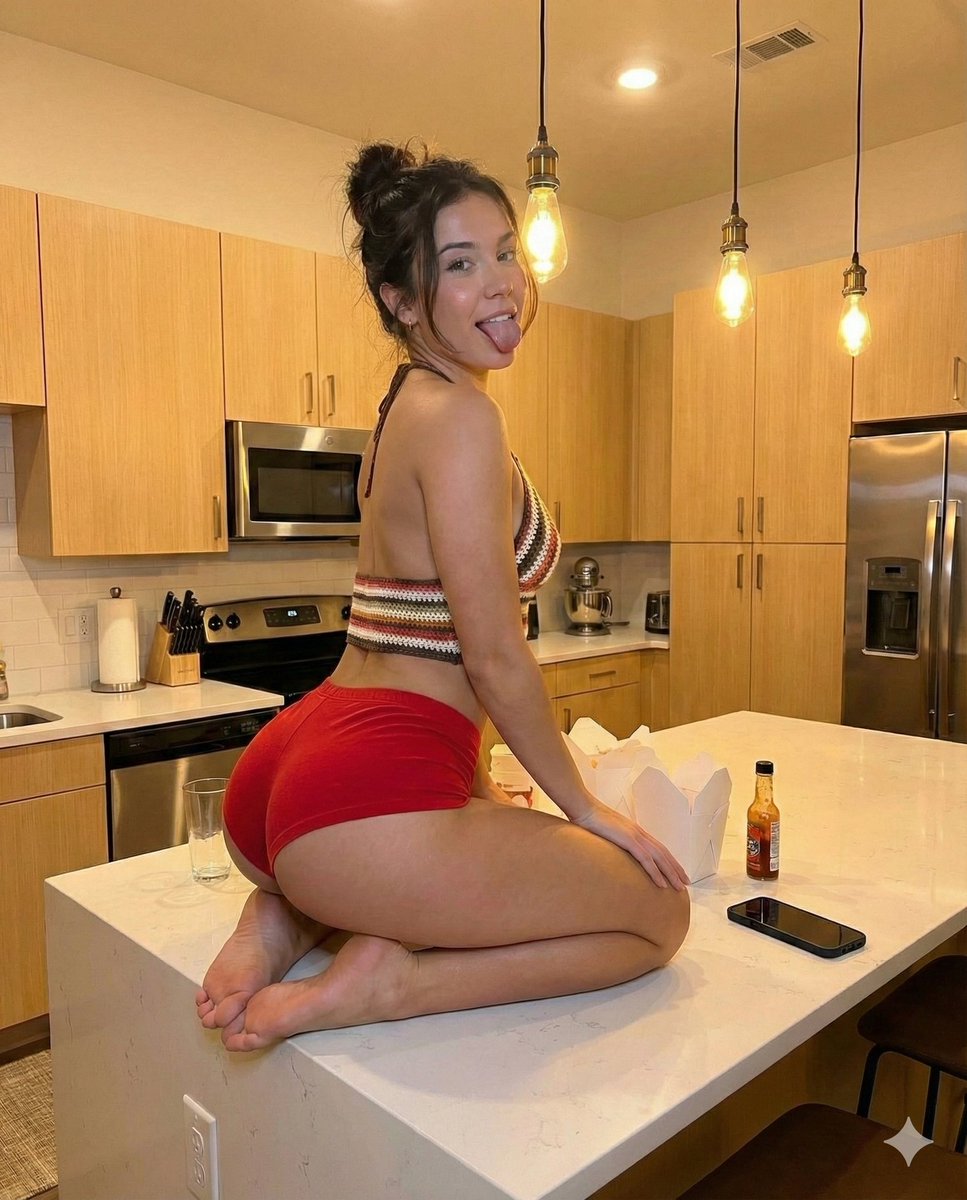
A detailed prompt for generating an ultra-realistic, candid photograph of a voluptuous woman with a fitness physique kneeling on a kitchen counter, focusing heavily on the pose that emphasizes her glutes and including specific details like a crochet halter top, red hotpants, and realistic kitchen clutter. — Premium AI image template on PicX Studio.
Use Kitchen Counter Kneeling Pose to plan an AI image around nano-banana-2 generation. Match the preview's composition first, then personalize the subject, setting, and mood for your own project.
Use the primary action to load the template settings in PicX Studio.
Adjust the subject and creative details for your destination.
Create the image, compare the result with the preview, and refine one variable at a time.
A continuous mix — similar concepts first, woven with same-model prompts and fresh picks from the catalog.
Choose the primary action to open PicX Studio with the available template settings. Review the model and format, personalize the creative direction, and generate when ready.
Yes. You can change the subject, setting, lighting, mood, format, and available model controls before creating your image.
This is a premium template. An entitled PicX Studio plan unlocks its protected prompt; the preview and guide remain public.
Start with nano-banana-2, which is the model associated with this template. You can compare another compatible model for a different finish.
Follow a topic to a crawlable collection of related PicX Studio templates.
39,155 public templates available. Verified via the PicX Studio public templates API; refreshed hourly.
A continuous mix — similar concepts first, woven with same-model prompts and fresh picks from the catalog.