How do I use the 2x2 Beauty Editorial Collage Prompt template?
Choose the primary action to open PicX Studio with the available template settings. Review the model and format, personalize the creative direction, and generate when ready.
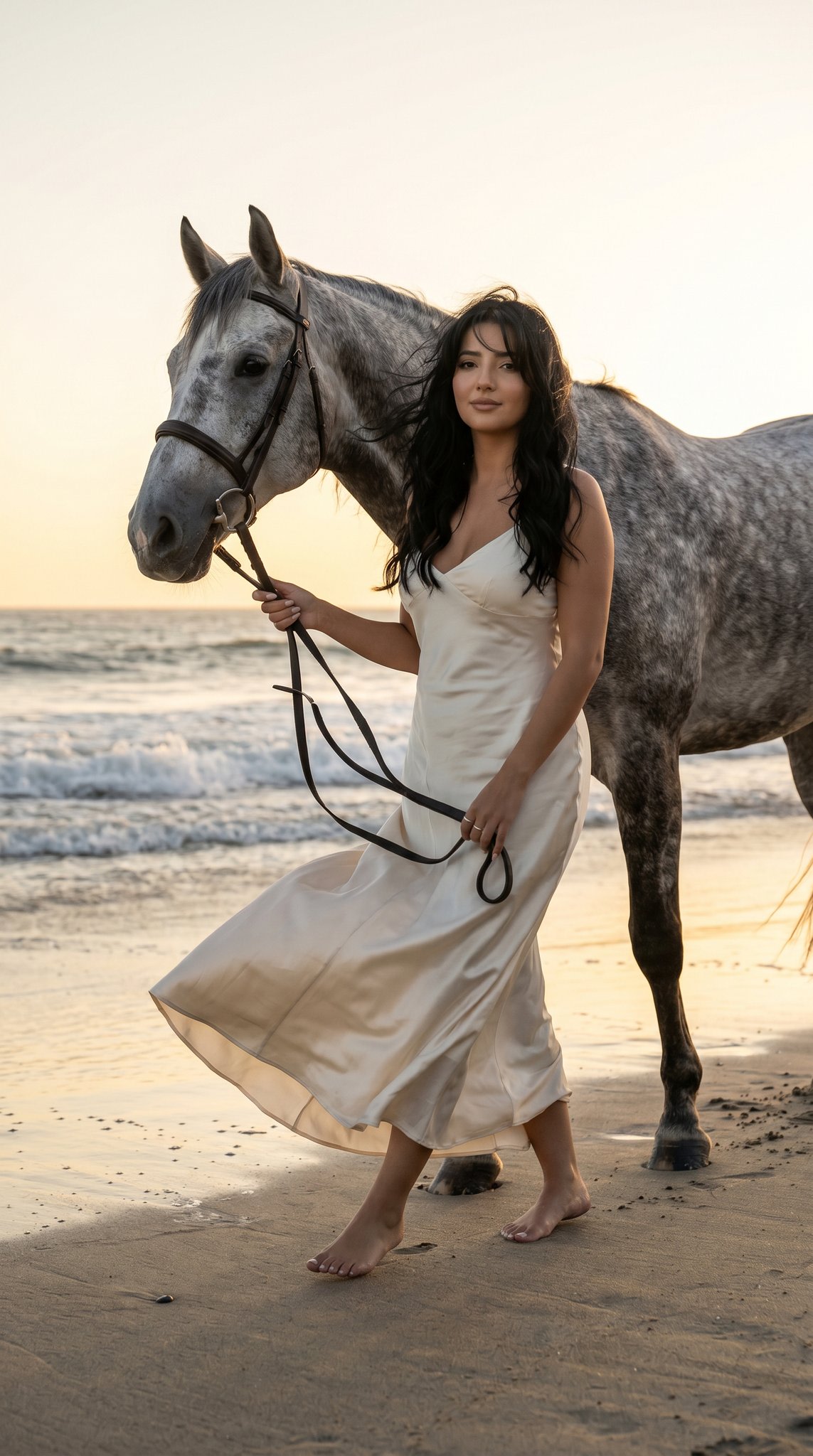
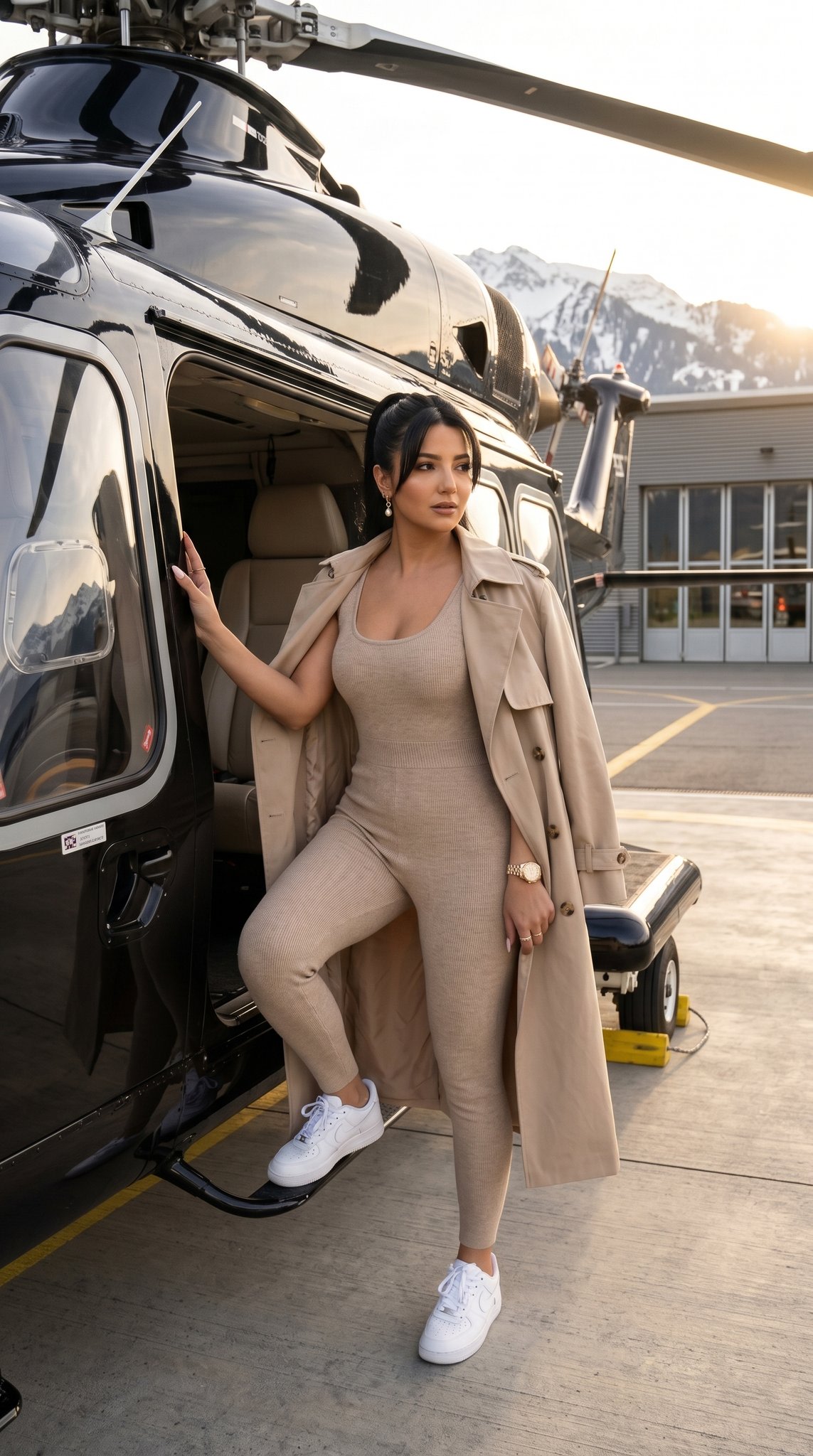
A complex JSON prompt for generating a 2x2 grid collage in a high-end beauty editorial style, focusing on hyper-realistic skin texture, dewy makeup, and a soft knit dress, with panels featuring extreme close-ups (eating a strawberry) and full-body shots. (free to use) — Free AI image template on PicX Studio.
{ "project_specifications": { "format": "2x2 Grid Collage", "aspect_ratio": "4:5", "aesthetic_style": "High-end Beauty Editorial", "rendering_engine_hints": { "realism_level": "Ultra-photorealistic", "texture_quality": "8k", "lighting_simulation": "Ray-traced studio lighting" } }, "global_assets": { "subject_definition": { "hair": { "style": "Long, loosely wavy, voluminous", "texture": "Natural, individual strands defined", "behavior": "Messy but styled, framing face and shoulders" }, "complexion": { "skin_texture": "Porous, hyper-realistic", "finish": "Dewy, glass-skin effect", "makeup": { "cheeks": "Heavy flush/blush", "lips": "High-gloss, plump, natural pink", "eyes": "Clean, defined lashes, natural brows" } }, "wardrobe": { "item": "Mini dress", "fit": "Bodycon / Tight", "fabric": { "material": "Soft textured knit / Boucle", "tactility": "Fuzzy, light-catching fibers", "color": "{argument name=\"dress color\" default=\"Soft mauve or neutral taupe\"}" }, "details": "Spaghetti straps, mid-thigh length" } }, "environment_definition": { "studio_setup": { "background": "Seamless paper, soft off-white/beige", "atmosphere": "Clean, warm, intimate" }, "lighting_rig": { "key_light": "Large diffuse softbox (Front-Left)", "fill_light": "Reflector (Right)", "highlights": "Specular highlights on lips, cheekbones, and shoulders" } } }, "panel_architecture": [ { "position": "Top-Left (1)", "shot_type": "Extreme Close-Up (Macro)", "composition": { "angle": "Low angle, looking up slightly", "focus": "Mouth and nose area", "depth_of_field": "Shallow" }, "action": { "primary": "Eating a strawberry", "nuance": "Delicate finger hold, lips slightly parted" }, "visual_anchors": [ "Moisture on strawberry surface", "Gloss reflection on lips", "Baby hairs at temple" ] }, { "position": "Top-Right (2)", "shot_type": "Medium Shot (Thigh-up)", "composition": { "angle": "Eye level", "pose_dynamic": "Leaning forward slightly towards lens" }, "action": { "stance": "Standing straight on", "arms": "Relaxed at sides", "expression": "Direct gaze, alluring pout" }, "visual_anchors": [ "Texture of knit dress", "Collarbone shadows", "Curvature of waist" ] }, { "position": "Bottom-Left (3)", "shot_type": "Full Body (Seated)", "composition": { "angle": "Side profile", "framing": "Subject compacted on floor" }, "action": { "pose": "Knees to chest (fetal position variation)", "inter" } } ] }
Use 2x2 Beauty Editorial Collage Prompt to plan an AI image around nano-banana-2 generation. Match the preview's composition first, then personalize the subject, setting, and mood for your own project.
Use the primary action to load the template settings in PicX Studio.
Adjust the subject and creative details for your destination.
Create the image, compare the result with the preview, and refine one variable at a time.
A continuous mix — similar concepts first, woven with same-model prompts and fresh picks from the catalog.
Choose the primary action to open PicX Studio with the available template settings. Review the model and format, personalize the creative direction, and generate when ready.
Yes. You can change the subject, setting, lighting, mood, format, and available model controls before creating your image.
This template is free to open and customize. Generation usage is shown in PicX Studio before you create.
Start with nano-banana-2, which is the model associated with this template. You can compare another compatible model for a different finish.
A continuous mix — similar concepts first, woven with same-model prompts and fresh picks from the catalog.
Follow a topic to a crawlable collection of related PicX Studio templates.
32,032 public templates available. Verified via the PicX Studio public templates API; refreshed hourly.