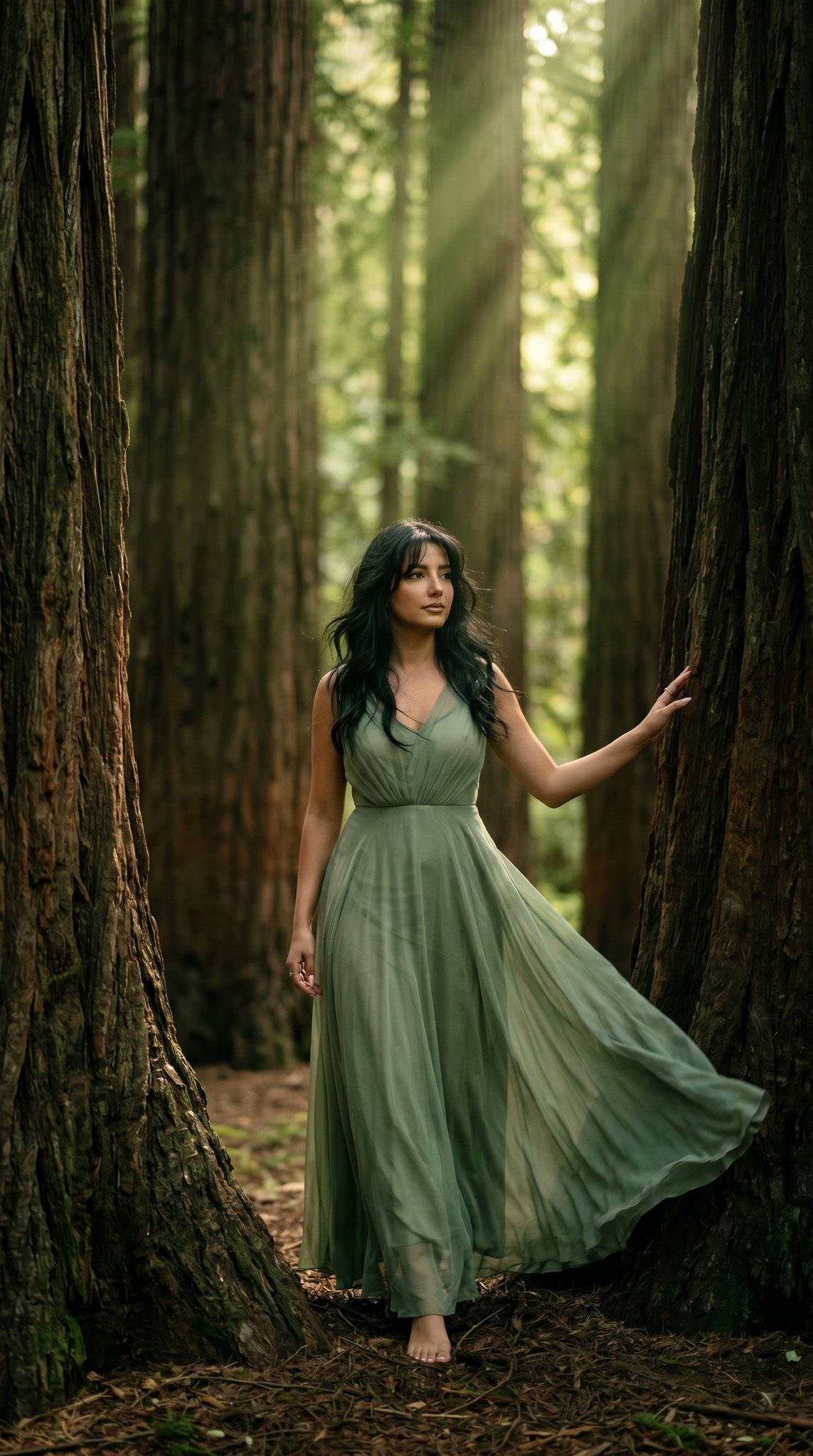
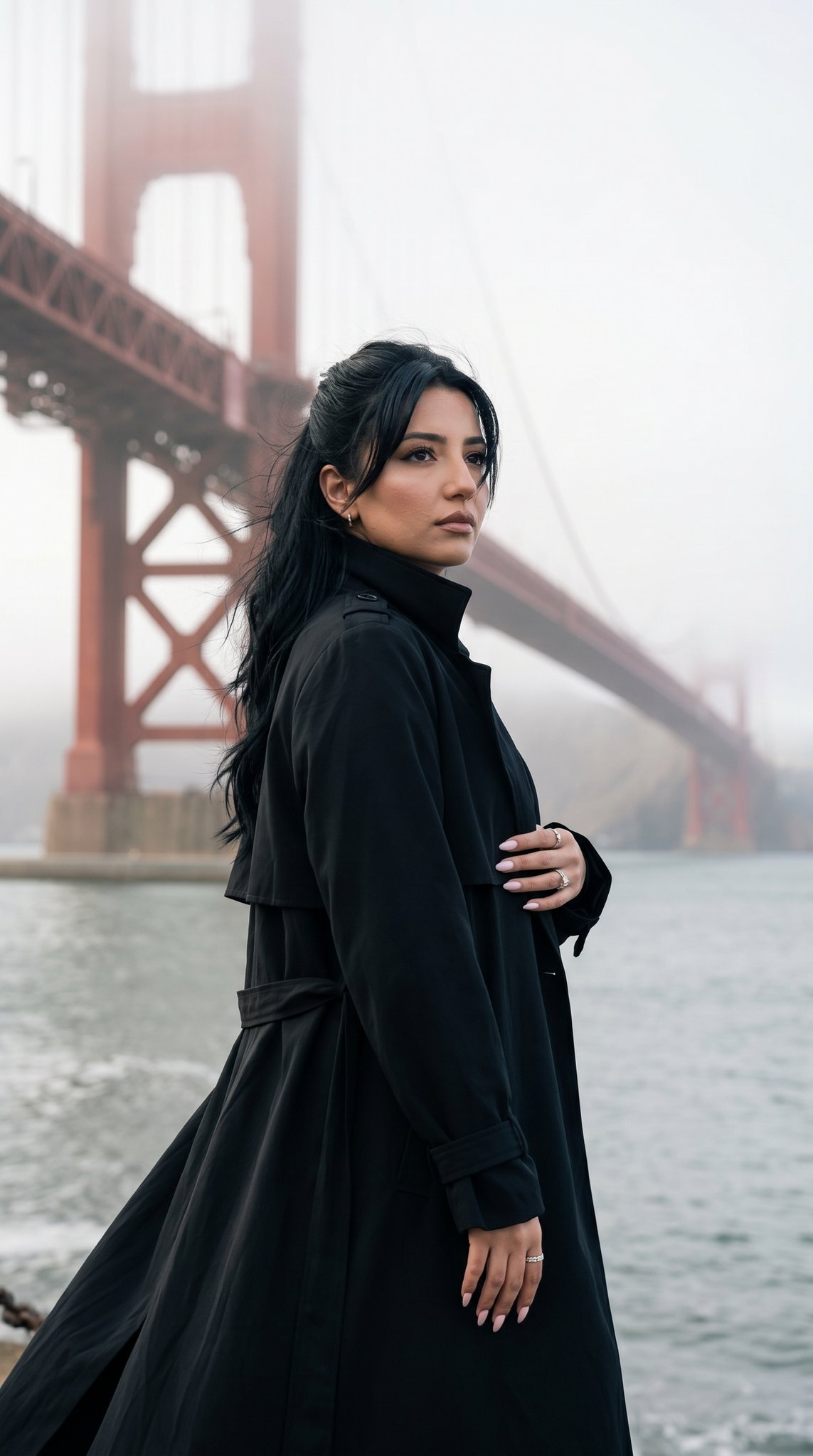
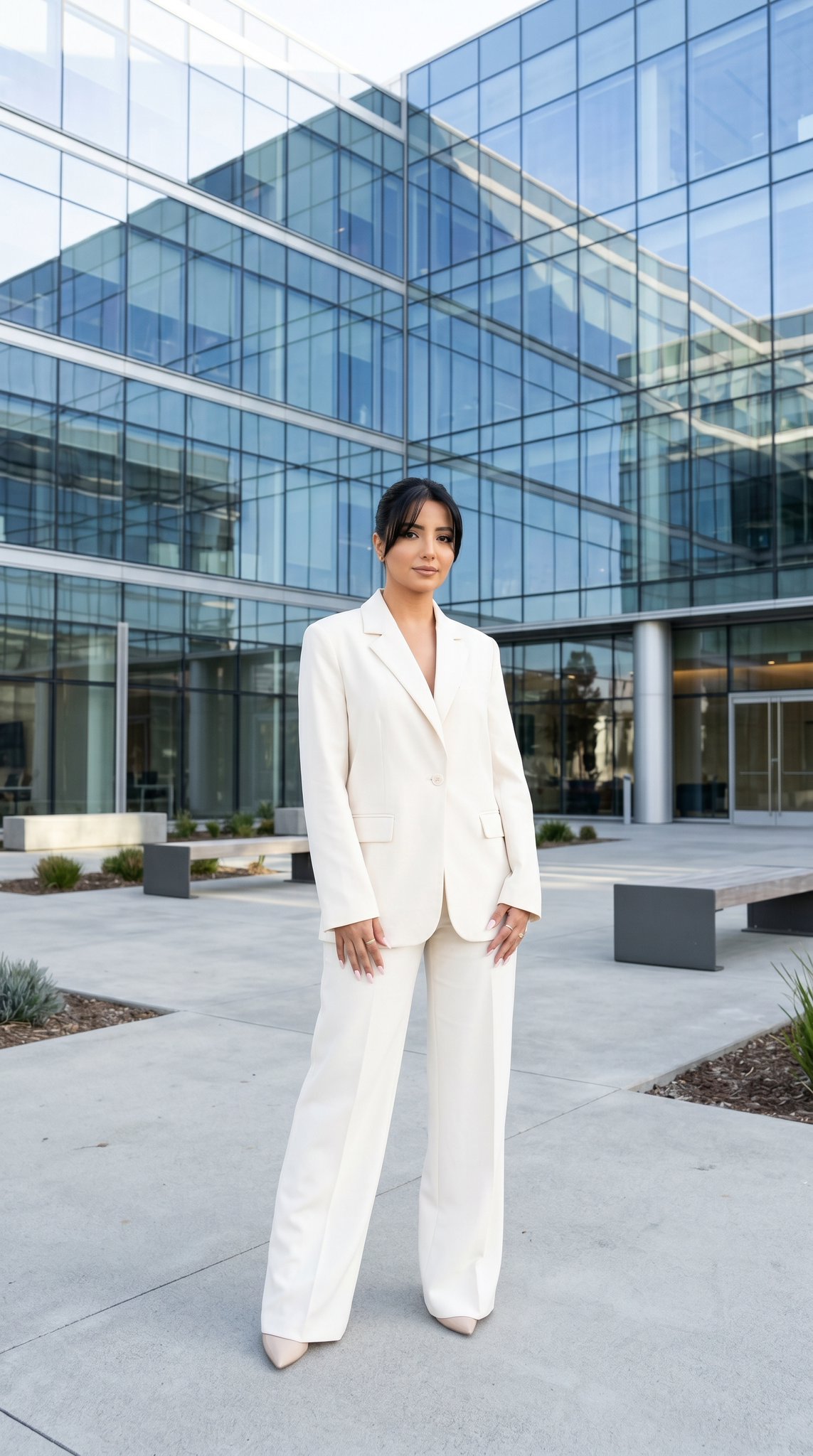
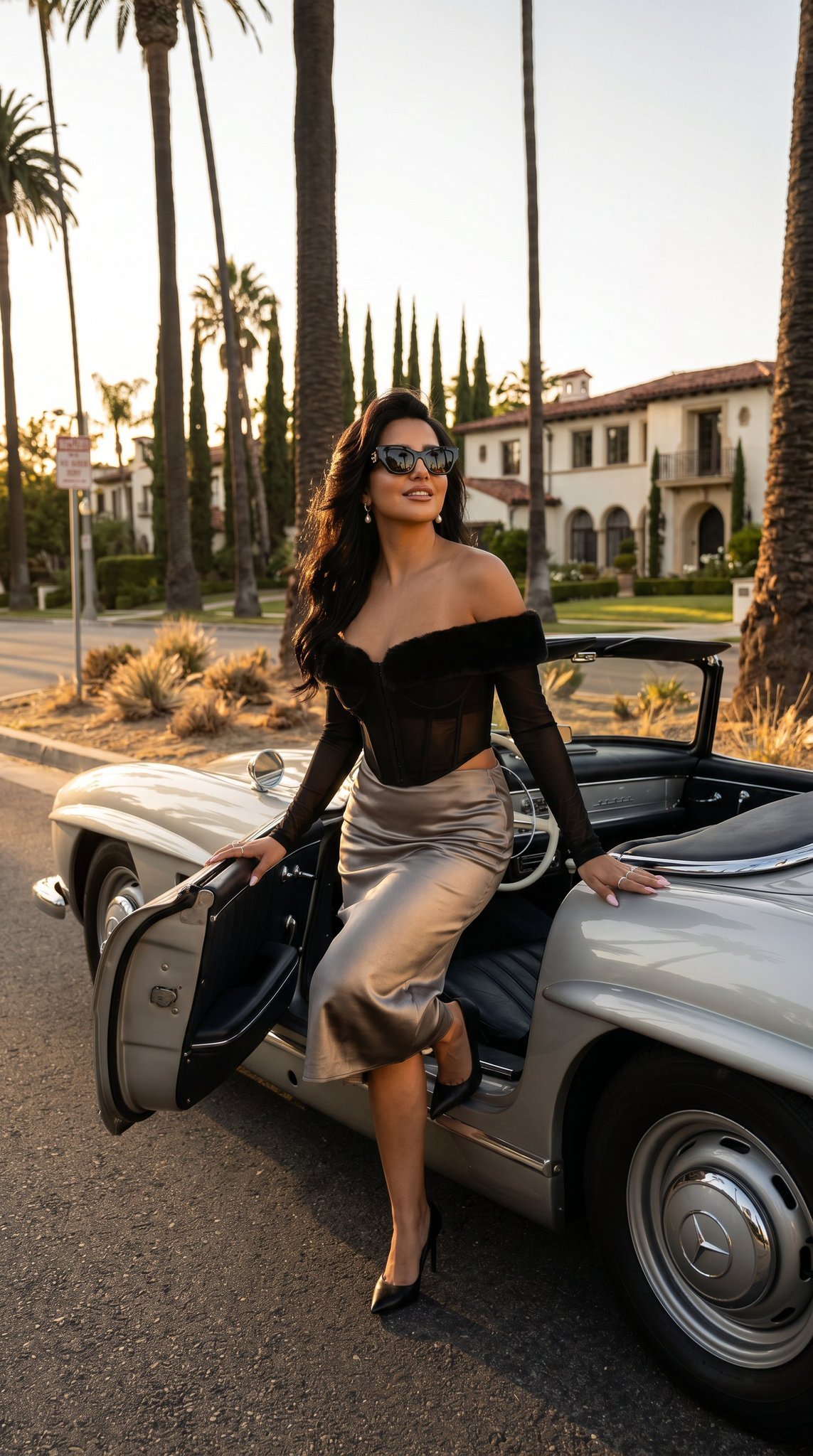
How do I use the Editorial Fashion and Beauty Series template?
Edit the prompt in the box under the preview — the template's model and format are already selected — and press Generate. Your version appears right on this page.
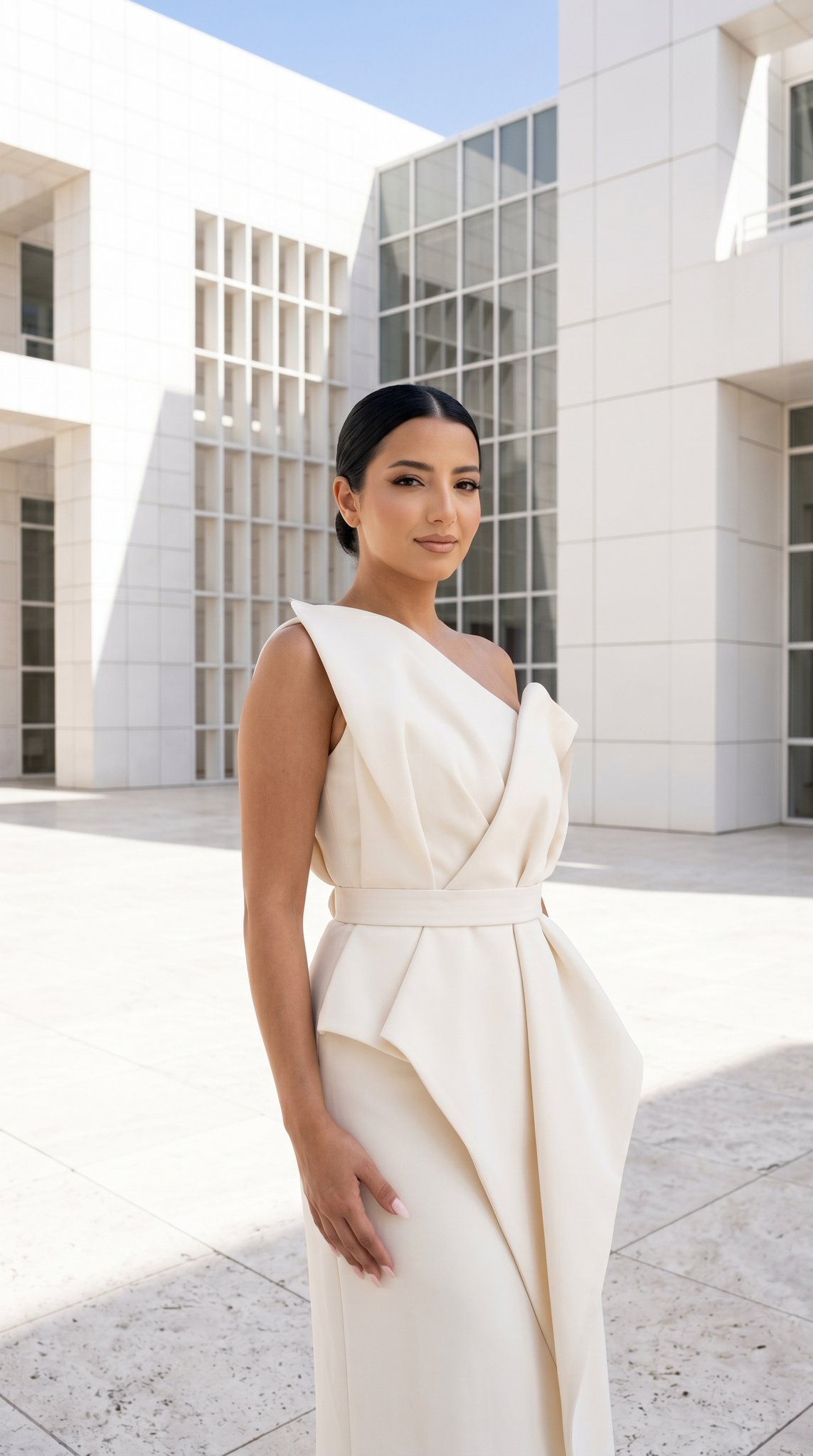
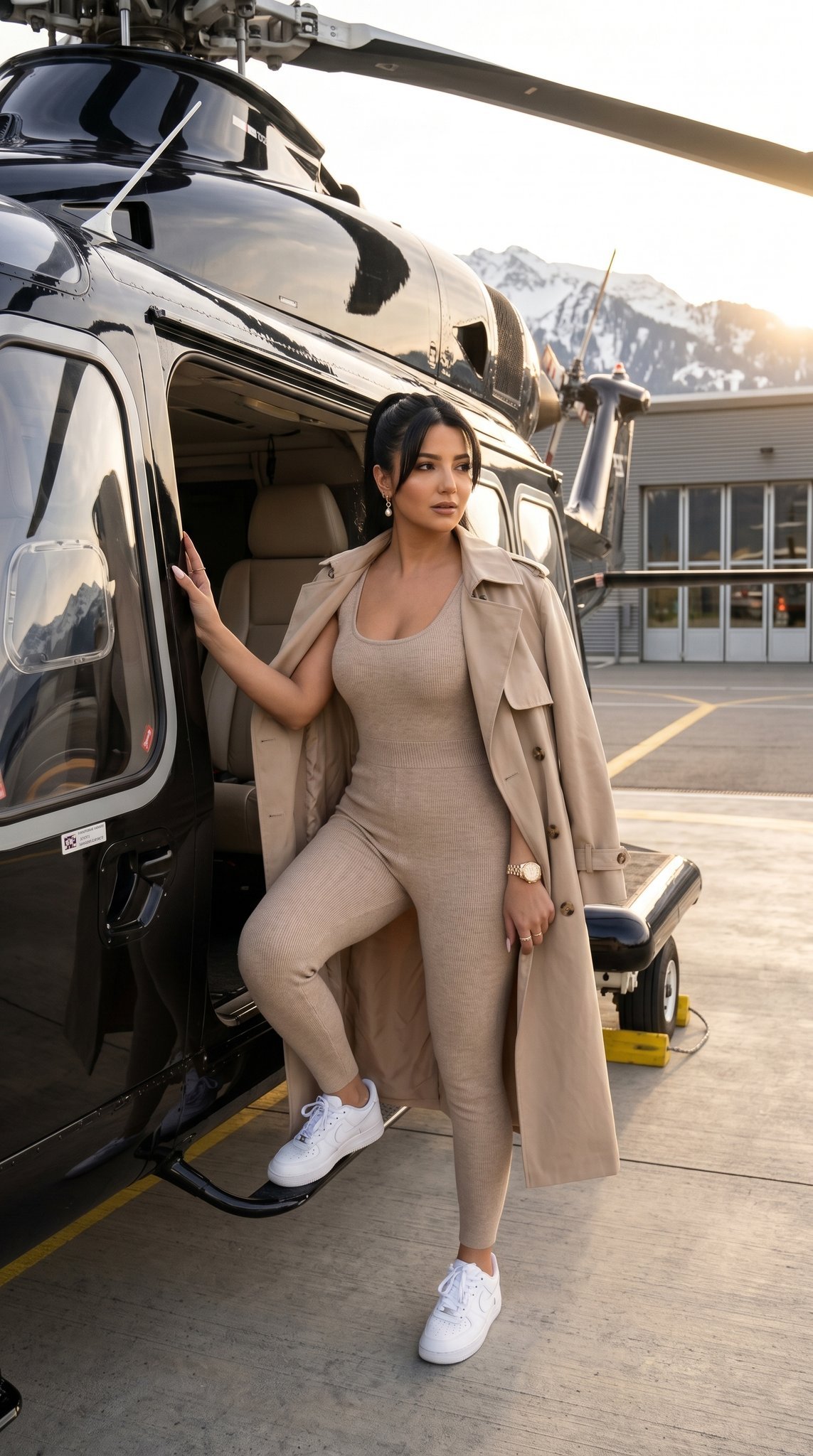
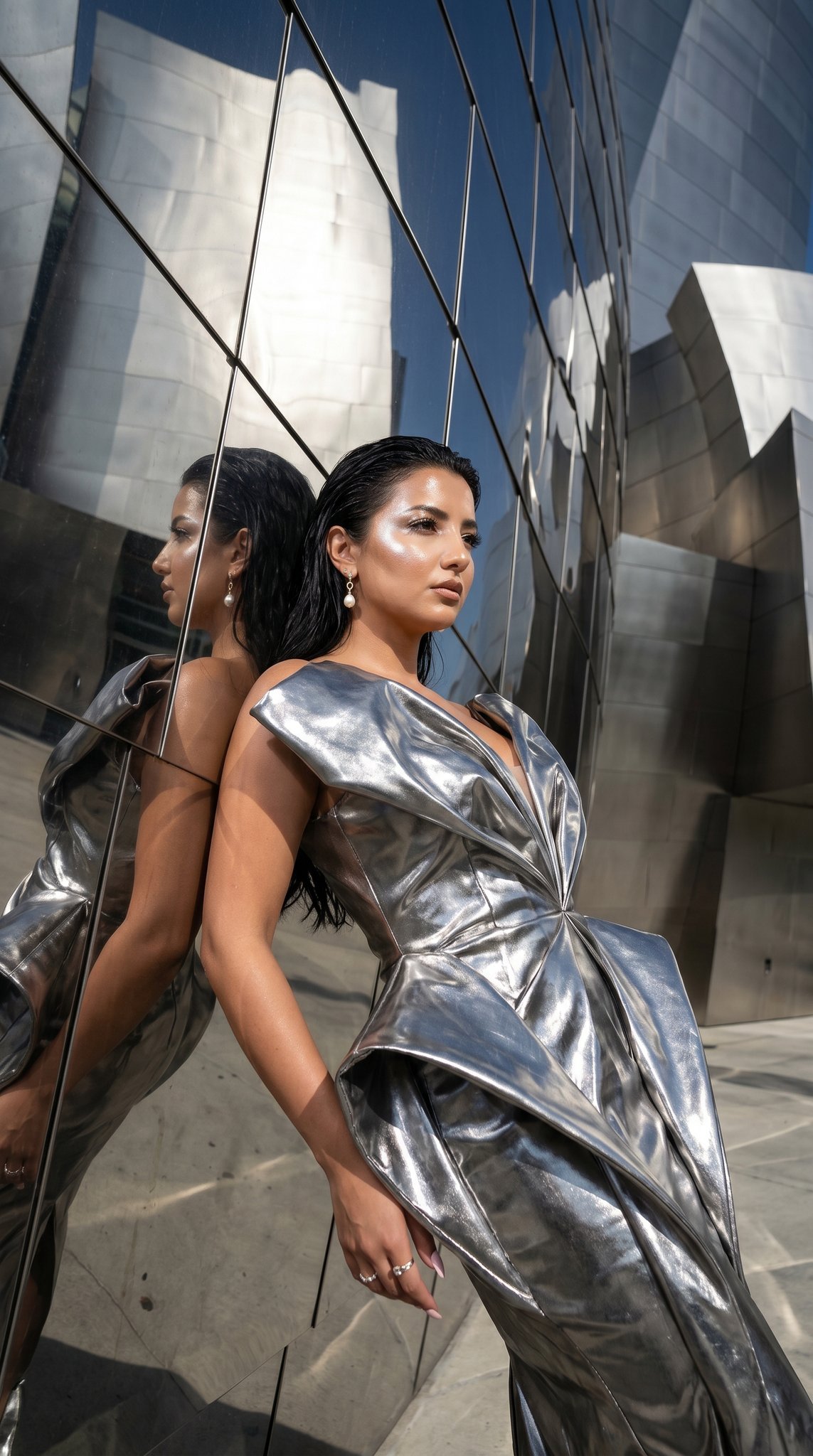
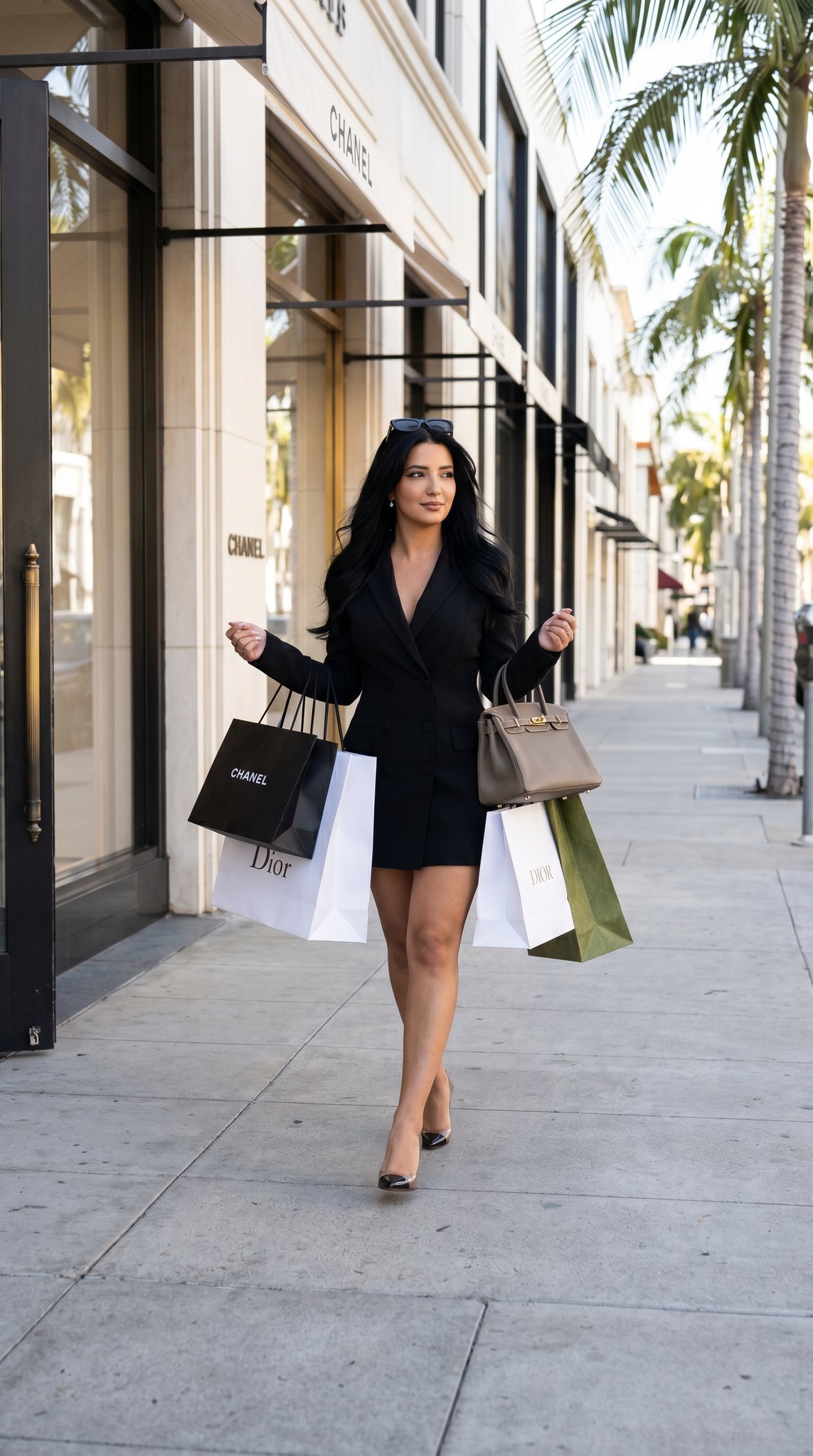
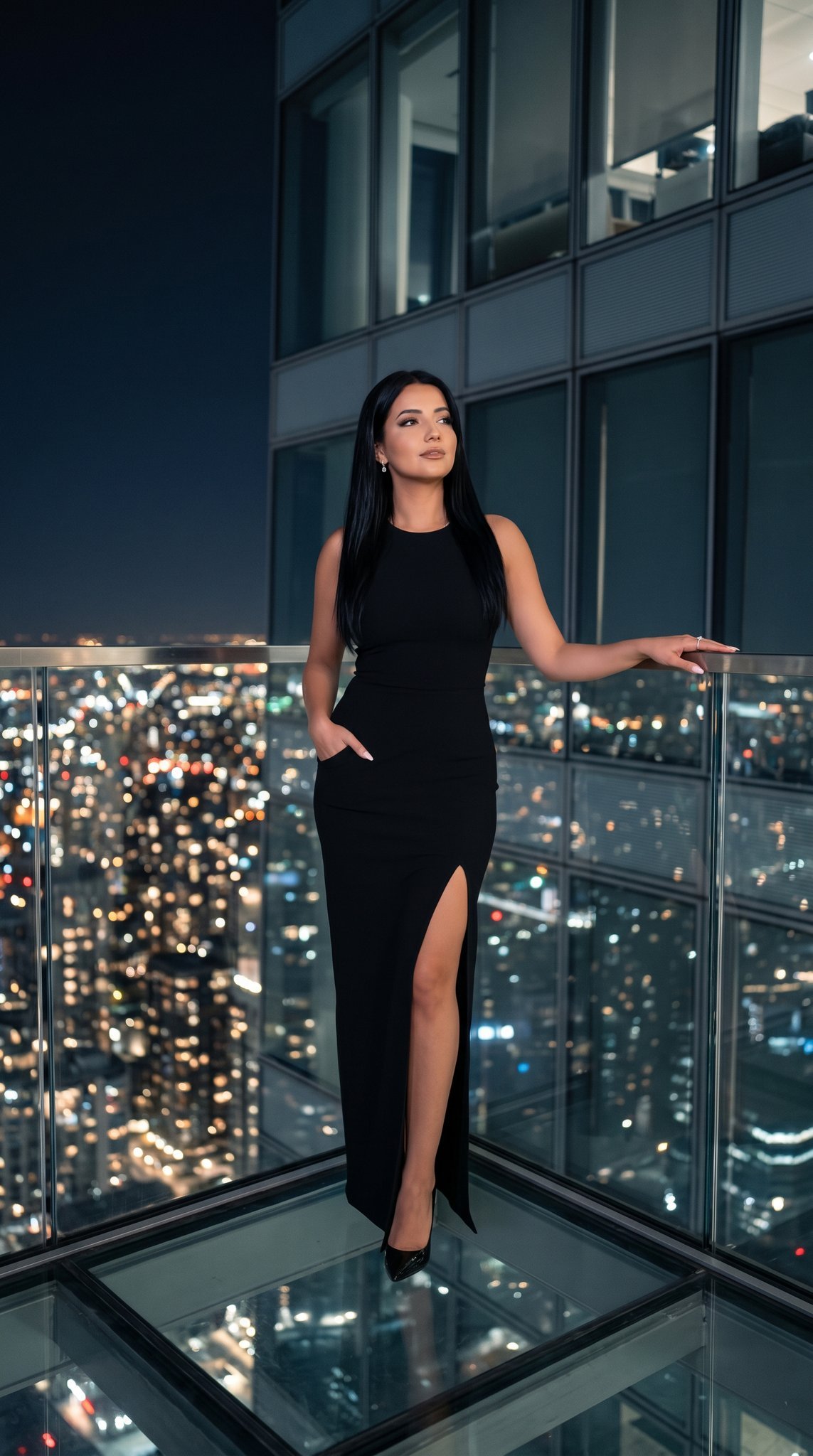
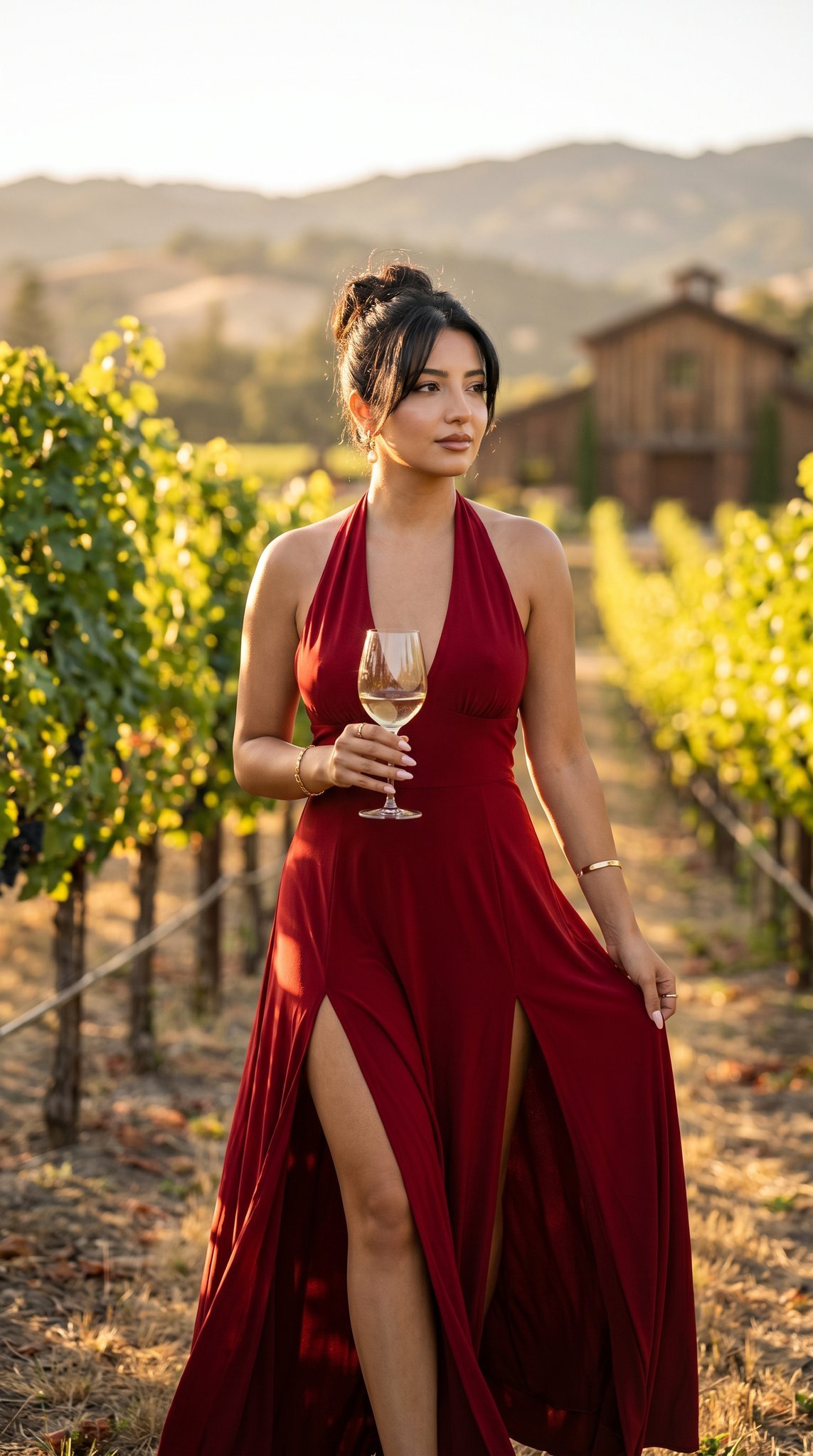
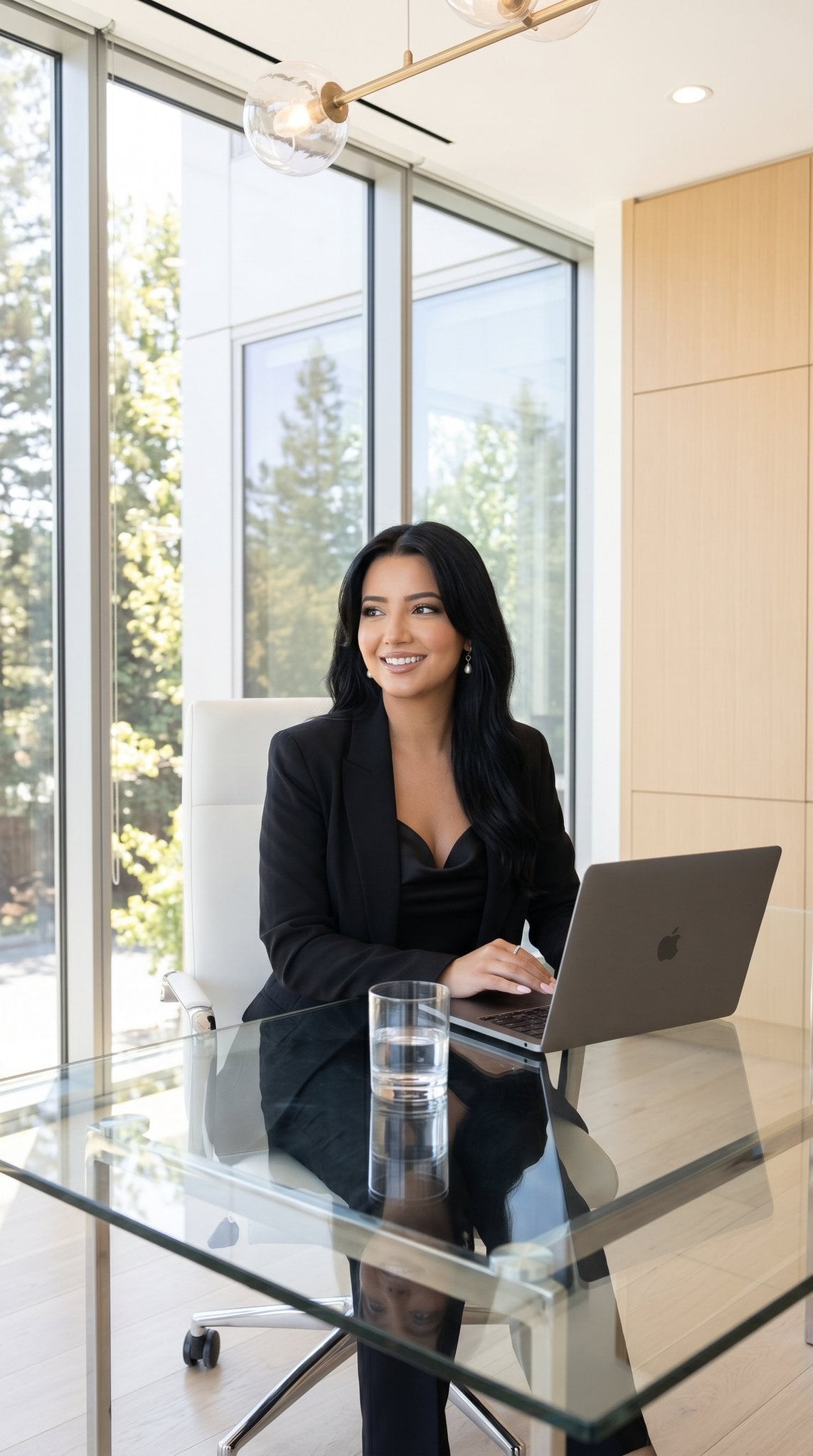
A series of high-end editorial prompts for creating lifestyle and beauty shots, featuring a model in a metallic dress with cinematic golden-hour lighting.

Wide editorial lifestyle shot, young woman in {argument name="dress style" default="sheer emerald and gold metallic billowing dress"}, both arms raised toward the sky, spinning mid-motion on a {argument name="location" default="rooftop or open hillside"}, wind dramatically moving dress fabric and hair simultaneously, soft golden-hour sunlight, pale blue sky with wispy clouds, negative space for caption text, joyful editorial photography, vertical 4:5 --ar 4:5 --v 6 Close-up beauty portrait, young woman's face with wind-blown dark hair strands across cheek, genuine uninhibited laughing smile, eyes crinkled with real joy, warm golden-hour light on skin, soft pale blue blurred background, shallow depth of field, vertical 4:5 --ar 4:5 --v 6 Editorial portrait cropped chest-up, young woman with wind-blown dark hair escaping a loose bun, genuine wide smile, one hand raised near face in spontaneous joyful gesture, sheer emerald and gold metallic fabric visible at shoulders, warm golden-hour skin glow, pale blue-gray sky background, subtle rim light, vertical 4:5 --ar 4:5 --v 6
Wide editorial lifestyle shot, young woman in {argument name="dress style" default="sheer emerald and gold metallic billowing dress"}, both arms raised toward the sky, spinning mid-motion on a {argument name="location" default="rooftop or open hillside"}, wind dramatically moving dress fabric and hair simultaneously, soft golden-hour sunlight, pale blue sky with wispy clouds, negative space for caption text, joyful editorial photography, vertical 4:5 --ar 4:5 --v 6 Close-up beauty portrait, young woman's face with wind-blown dark hair strands across cheek, genuine uninhibited laughing smile, eyes crinkled with real joy, warm golden-hour light on skin, soft pale blue blurred background, shallow depth of field, vertical 4:5 --ar 4:5 --v 6 Editorial portrait cropped chest-up, young woman with wind-blown dark hair escaping a loose bun, genuine wide smile, one hand raised near face in spontaneous joyful gesture, sheer emerald and gold metallic fabric visible at shoulders, warm golden-hour skin glow, pale blue-gray sky background, subtle rim light, vertical 4:5 --ar 4:5 --v 6
Edit the prompt in the box under the preview — the template's model and format are already selected — and press Generate. Your version appears right on this page.
Yes. You can change the subject, setting, lighting, mood, format, and available model controls before creating your image.
Opening and editing this template is free. Generating uses credits, shown on the Generate button when you are signed in.
Start with GPT Image 2, which is the model associated with this template. You can compare another compatible model for a different finish.
Follow a topic to a crawlable collection of related PicX Studio templates.