How do I use the Flash Photography Portrait in Dimly Lit Bar template?
Choose the primary action to open PicX Studio with the available template settings. Review the model and format, personalize the creative direction, and generate when ready.
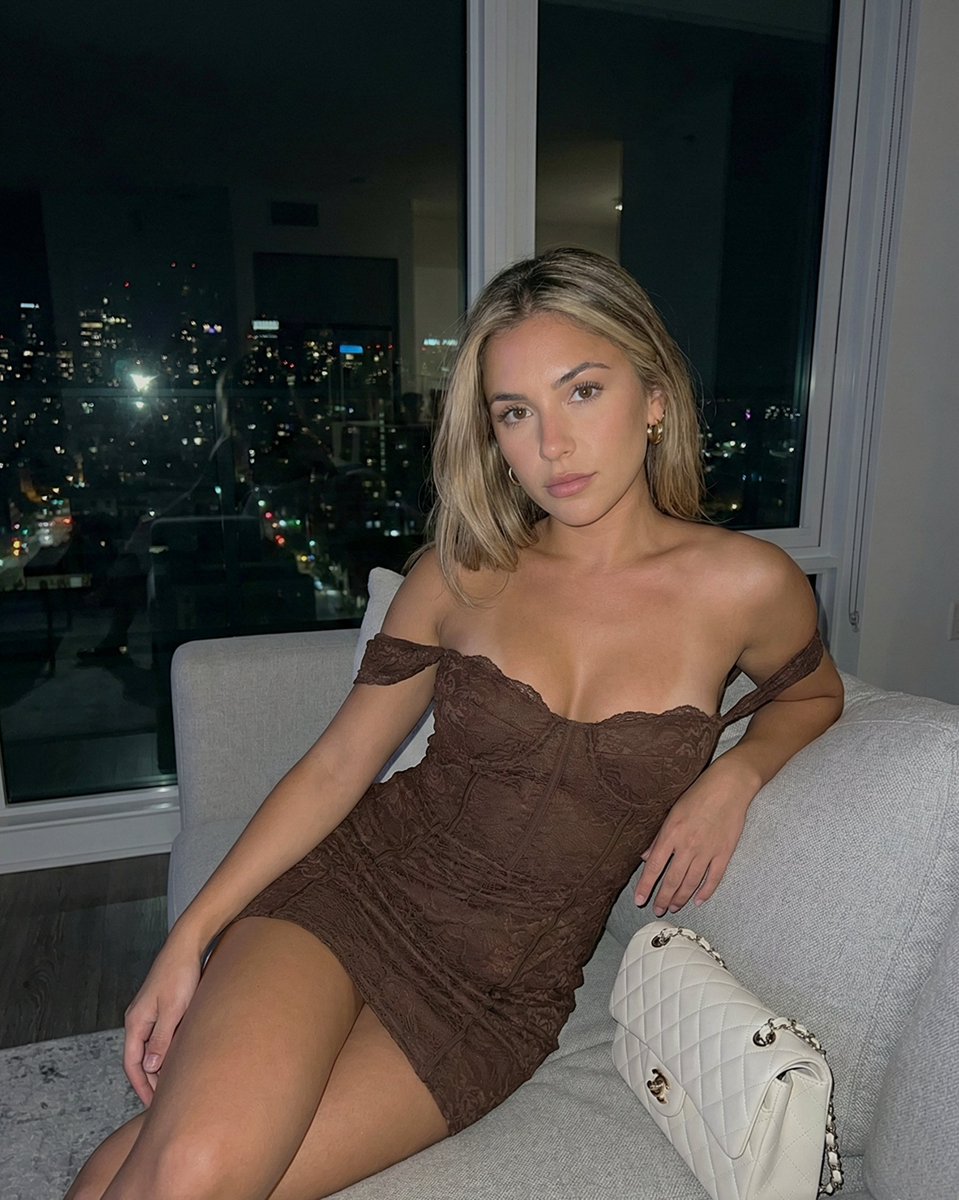
A detailed JSON prompt for generating a photorealistic image of a woman seated in a dimly lit, rustic bar, emphasizing the high contrast created by direct on-camera flash, specific body anatomy (prominent bust volume), and the texture of a black satin slip dress. Change the subject, setting, or lighting one variable at a time.

{ "subject": { "description": "Young woman with shoulder-length blonde hair featuring subtle dark roots, styled in loose, casual waves. She has a deep, golden-tan complexion and soft, realistic skin texture with visible shine from flash photography.", "anatomy": { "body_type": "Curvy and fit", "bust": "Extremely prominent, full, and heavy bust volume with significant forward projection. The chest visual mass is substantial and clearly defined, creating a deep cleavage line within the dress neckline. The volume is physically weighted and natural, strictly adhering to the reference's large scale relative to the torso.", "waist_and_hips": "Slim waist visible beneath the draping of the dress, transitioning into seated hips." }, "clothing": { "outfit": "A black satin or silk slip dress with thin spaghetti straps. The dress features black floral lace detailing along the plunging neckline and sheer lace panels at the waist/midriff. The fabric has a soft sheen.", "accessories": "Holding a textured, light beige woven clutch or bag resting on her right thigh." } }, "pose": { "posture": "Seated on a dark leather bar stool or chair. The body is angled slightly to the viewer's left, while the head is turned primarily forward but tilting slightly to her left.", "limbs": "Shoulders are relaxed and down. Arms act naturally, with hands resting comfortably on her lap/thighs, clutching the bag. The legs are seated, covered by the long dress fabric.", "head_direction": "Face is oriented slightly off-center, gaze looking slightly upward and to the viewer's right, not directly into the lens." }, "environment": { "setting": "A dimly lit, rustic bar or restaurant interior with dark wooden textures.", "background_elements": "To the left (viewer's perspective), a large, pale, draped statue or sculpture stands against a dark wood wall, with a sombrero hanging above it. To the right, a bar counter surface is visible with blurred glassware and bottles. The background is dark and atmospheric." }, "camera": { "shot_type": "Medium shot, capturing the subject from the thighs up.", "angle": "Eye-level to slightly high angle, emphasizing the subject's seated position.", "focus": "Sharp focus on the subject with a slight depth-of-field drop-off in the background.", "perspective": "Natural lens perspective, no wide-angle distortion." }, "lighting": { "type": "Direct flash photography in a low-light environment.", "characteristics": "Hard, frontal illumination typical of a camera flash, creating bright highlights on the subject's face, chest, and shoulders, and casting subtle drop shadows against the immediate background. High contrast between the brightly lit subject and the dark ambient background.", "skin_rendering": "Realistic subsurface scattering with specular highlights on the forehead, cheeks, and chest due to" } }
Choose the primary action to open PicX Studio with the available template settings. Review the model and format, personalize the creative direction, and generate when ready.
Yes. You can change the subject, setting, lighting, mood, format, and available model controls before creating your image.
This template is free to open and customize. Generation usage is shown in PicX Studio before you create.
Start with Nano Banana 2, which is the model associated with this template. You can compare another compatible model for a different finish.
© 2026 PicX Studio. All rights reserved.

Follow a topic to a crawlable collection of related PicX Studio templates.
43,474 public templates available. Verified via the PicX Studio public templates API; refreshed hourly.







![LIGHTING each element still lit by its original source, windows casting — [ROOM TYPE] pulled apart in 3D, every surface and object floating at its exact positi](https://images.meigen.ai/tweets/2035390729527378146/0.jpg)


![Naive doodle-style subject illustration — A doodle-style {argument name="subject" default="[subject]"}, naive lines, humorous shape exaggeration](https://pbs.twimg.com/media/G6Wl2YxbsAARB2b.jpg)