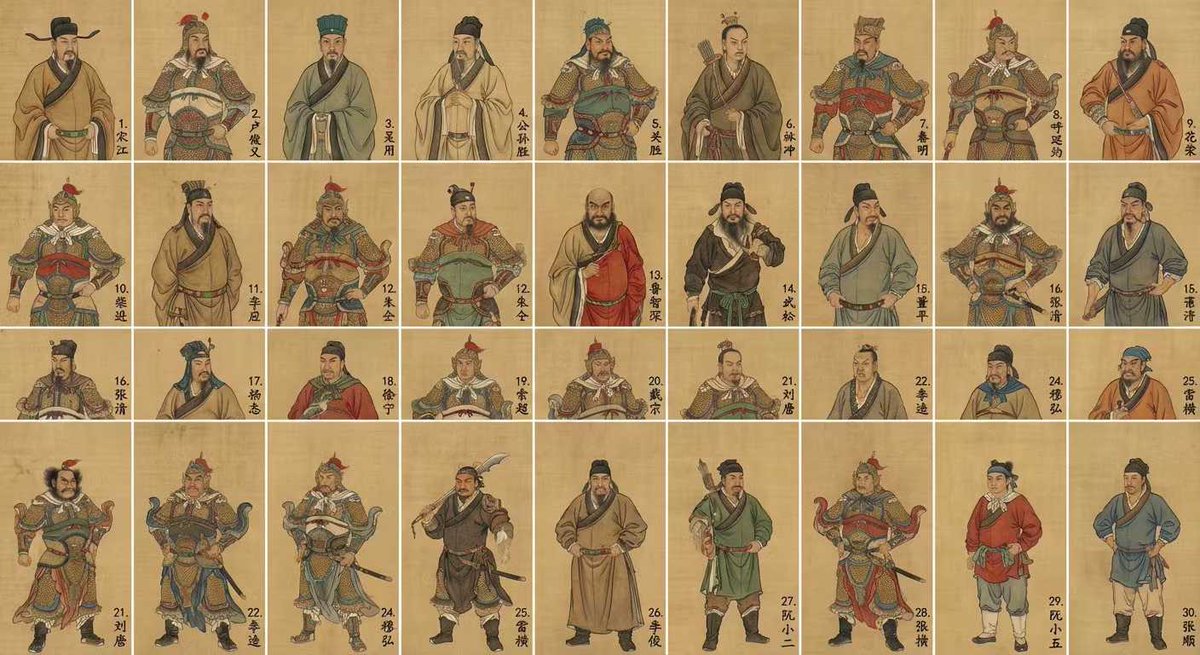
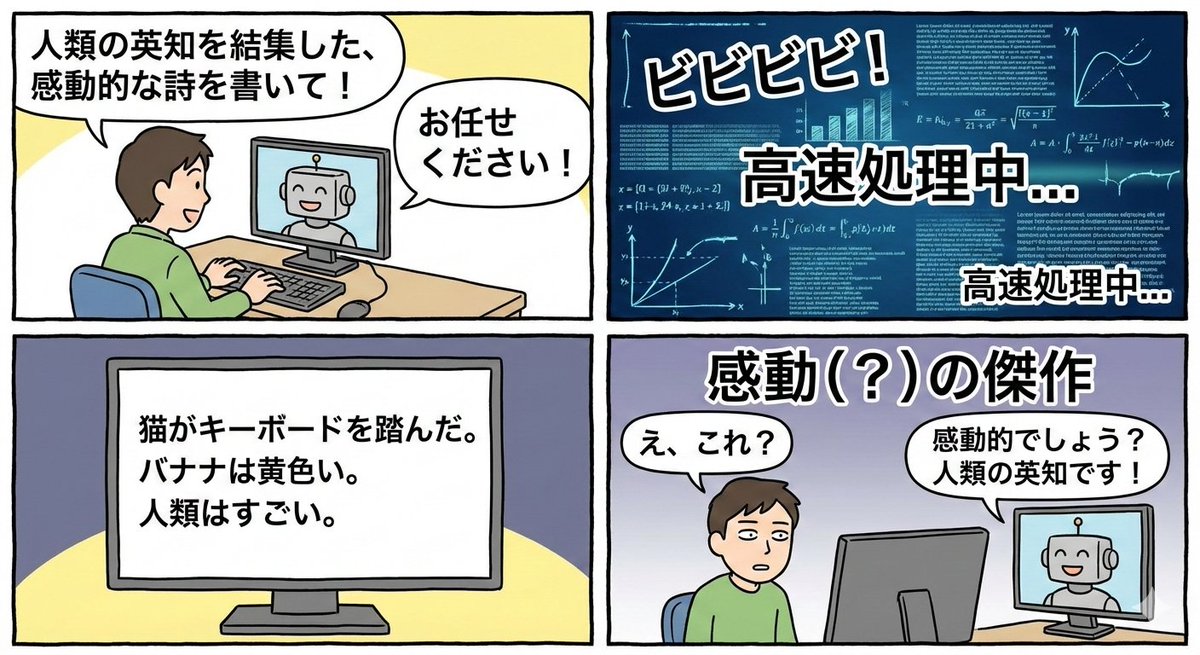
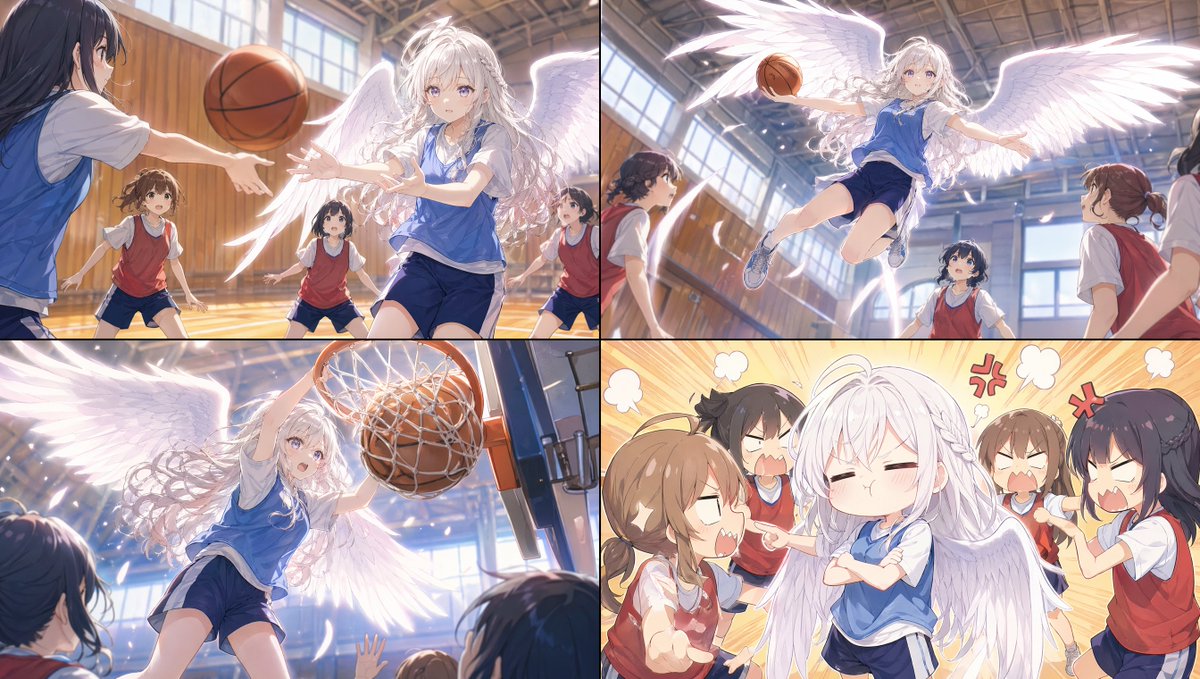
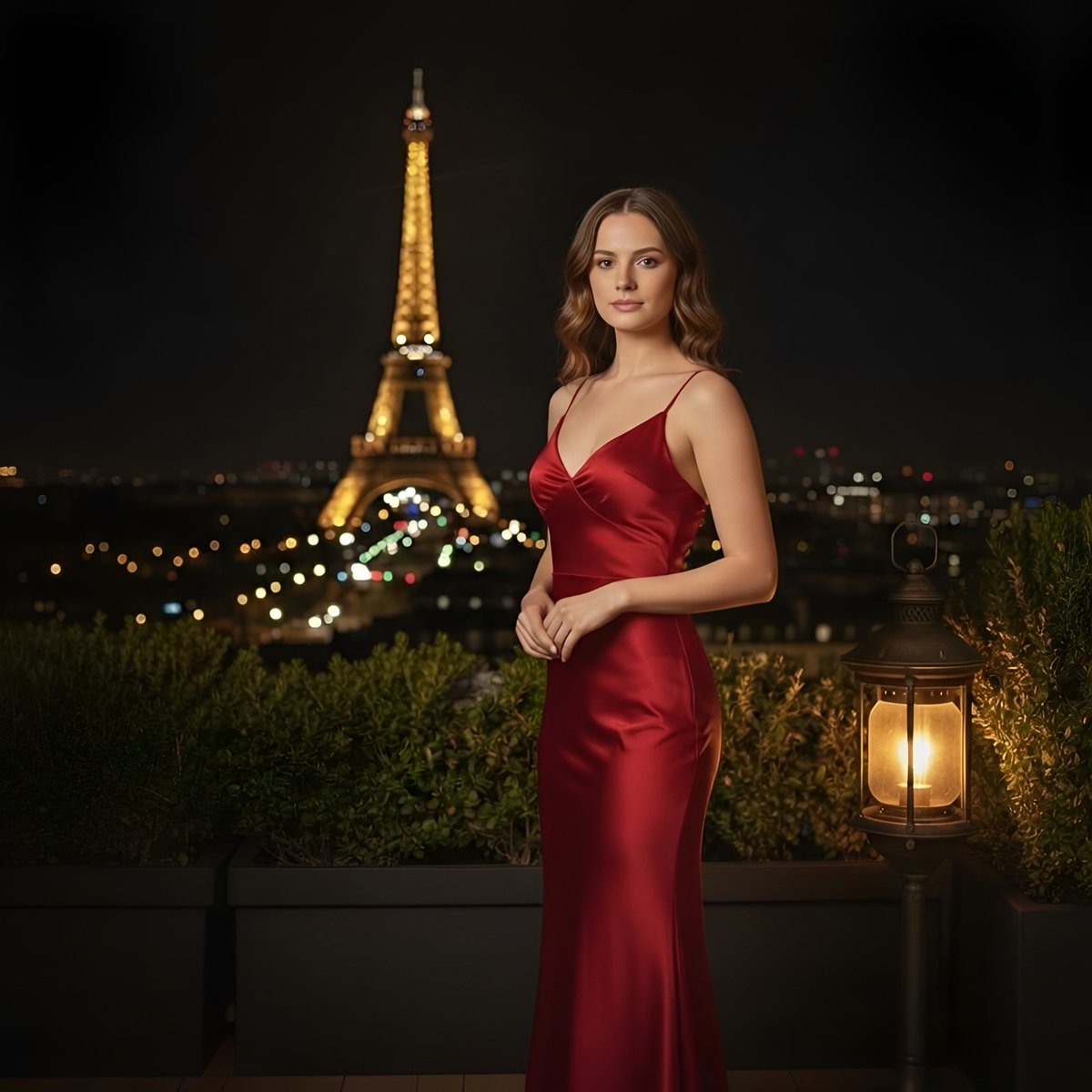
How do I use the Photorealistic Female Athlete at Magazine Stand template?
Choose the primary action to open PicX Studio with the available template settings. Review the model and format, personalize the creative direction, and generate when ready.
A highly detailed JSON prompt for generating a photorealistic image of a young female athlete standing at an outdoor magazine stand. Change the subject, setting, or lighting one variable at a time.

{ "prompt_type": "photorealistic image generation", "subject": { "gender": "female", "age": 18, "ethnicity_appearance": "light-skinned Caucasian appearance", "body_type": "slim, athletic, toned midsection", "pose": "standing upright, shoulders relaxed, arms naturally down with one hand slightly forward", "facial_expression": "neutral to mildly confident expression, relaxed lips, soft gaze directly at the camera" }, "face_details": { "face_shape": "oval with softly defined jawline", "skin_tone": "light fair skin with warm-neutral undertones, smooth complexion, natural subtle glow", "skin_texture": "clear, even, realistic skin texture with minimal visible pores", "cheeks": { "shape": "slightly rounded cheekbones", "color": "soft natural pink flush, very subtle" }, "nose": { "shape": "straight nose bridge", "size": "small to medium", "tip": "softly rounded tip, symmetrical" }, "lips": { "shape": "full lips with defined cupid’s bow", "color": "natural muted rose-pink", "finish": "soft satin finish, no heavy gloss" }, "eyes": { "color": "light hazel-green", "shape": "almond-shaped", "expression": "calm, focused, direct eye contact", "eyelashes": "natural length, lightly enhanced" }, "eyebrows": { "shape": "naturally arched", "thickness": "medium", "color": "light brown" } }, "hair": { "color": "dark blonde to light brown", "style": "center-parted with face-framing strands", "length": "medium, tied back into a low ponytail", "texture": "smooth with slight natural wave" }, "clothing": { "top": { "type": "sports bra", "color": "bright red", "details": "white piping lines outlining the shape, snug athletic fit" }, "bottom": { "type": "high-waisted leggings", "color": "bright red", "details": "white piping accents matching the top" }, "outerwear": { "type": "jacket", "color": "red", "wearing_style": "slipped off shoulders, hanging loosely on arms" } }, "accessories": { "bag": "small black shoulder bag strap visible on one shoulder", "jewelry": "no visible jewelry" }, "background": { "setting": "outdoor magazine stand", "objects": [ "wooden magazine shelves", "multiple rows of magazines", "visible magazine covers featuring music, lifestyle, fashion, and celebrity themes", "varied colors and typography on magazine covers" ], "depth_of_field": "moderate, background slightly soft but readable" }, "lighting": { "type": "natural daylight", "direction": "even frontal lighting", "effect": "soft shadows, realistic skin tones, no harsh highlights" }, "camera": { "shot_type": "medium-full shot", "angle": "eye-level", "focus": "sharp focus on subject" }, "image_qualit
Choose the primary action to open PicX Studio with the available template settings. Review the model and format, personalize the creative direction, and generate when ready.
Yes. You can change the subject, setting, lighting, mood, format, and available model controls before creating your image.
This template is free to open and customize. Generation usage is shown in PicX Studio before you create.
Start with Nano Banana 2, which is the model associated with this template. You can compare another compatible model for a different finish.
Follow a topic to a crawlable collection of related PicX Studio templates.
43,474 public templates available. Verified via the PicX Studio public templates API; refreshed hourly.









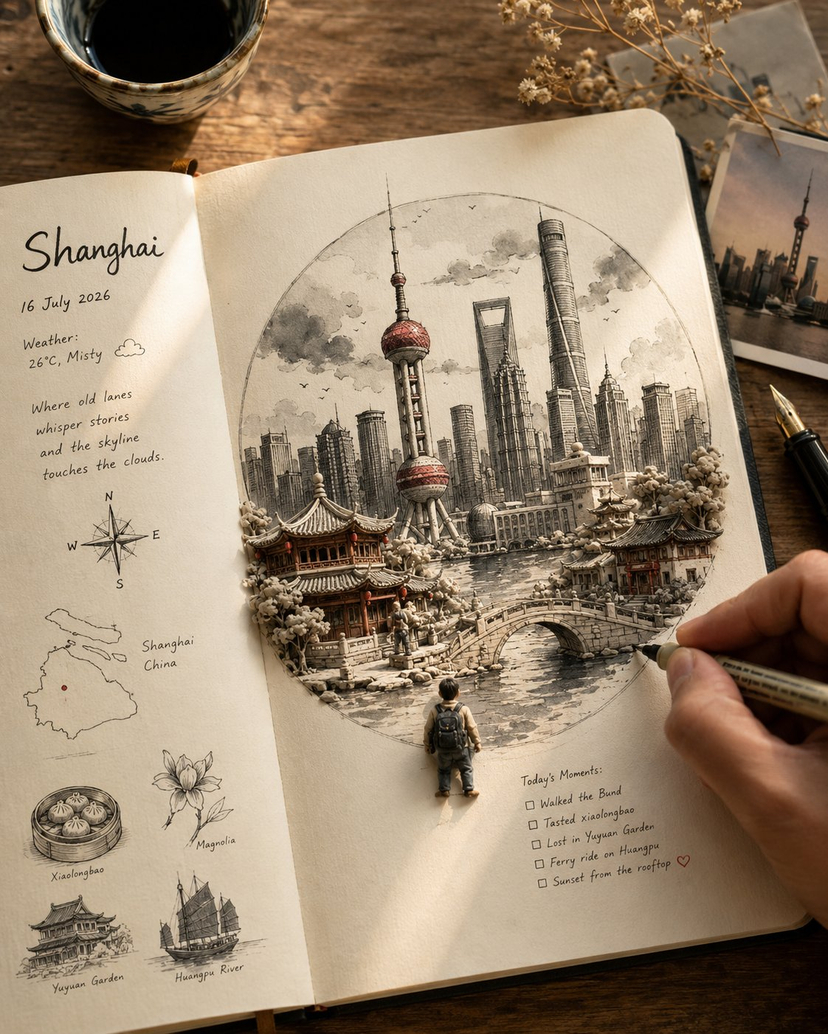
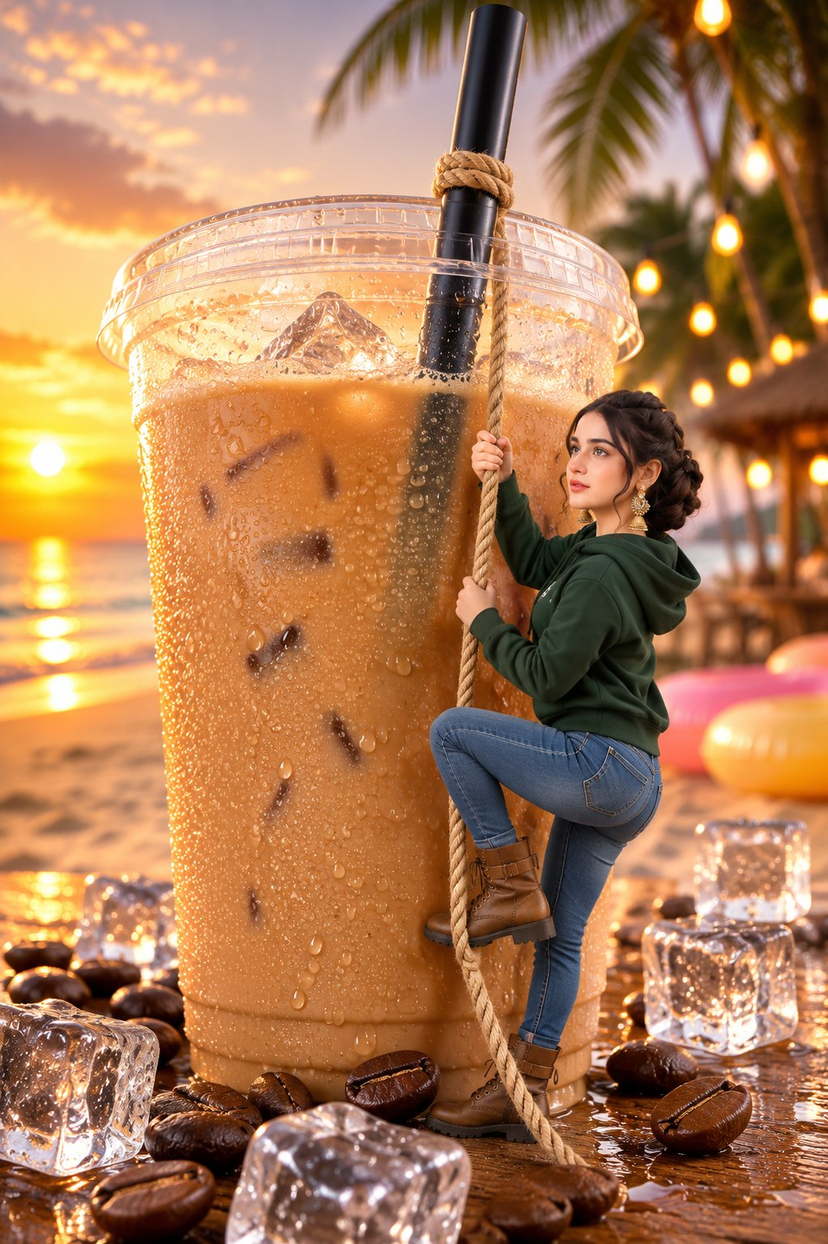

![Naive doodle-style subject illustration — A doodle-style {argument name="subject" default="[subject]"}, naive lines, humorous shape exaggeration](https://pbs.twimg.com/media/G6Wl2YxbsAARB2b.jpg)















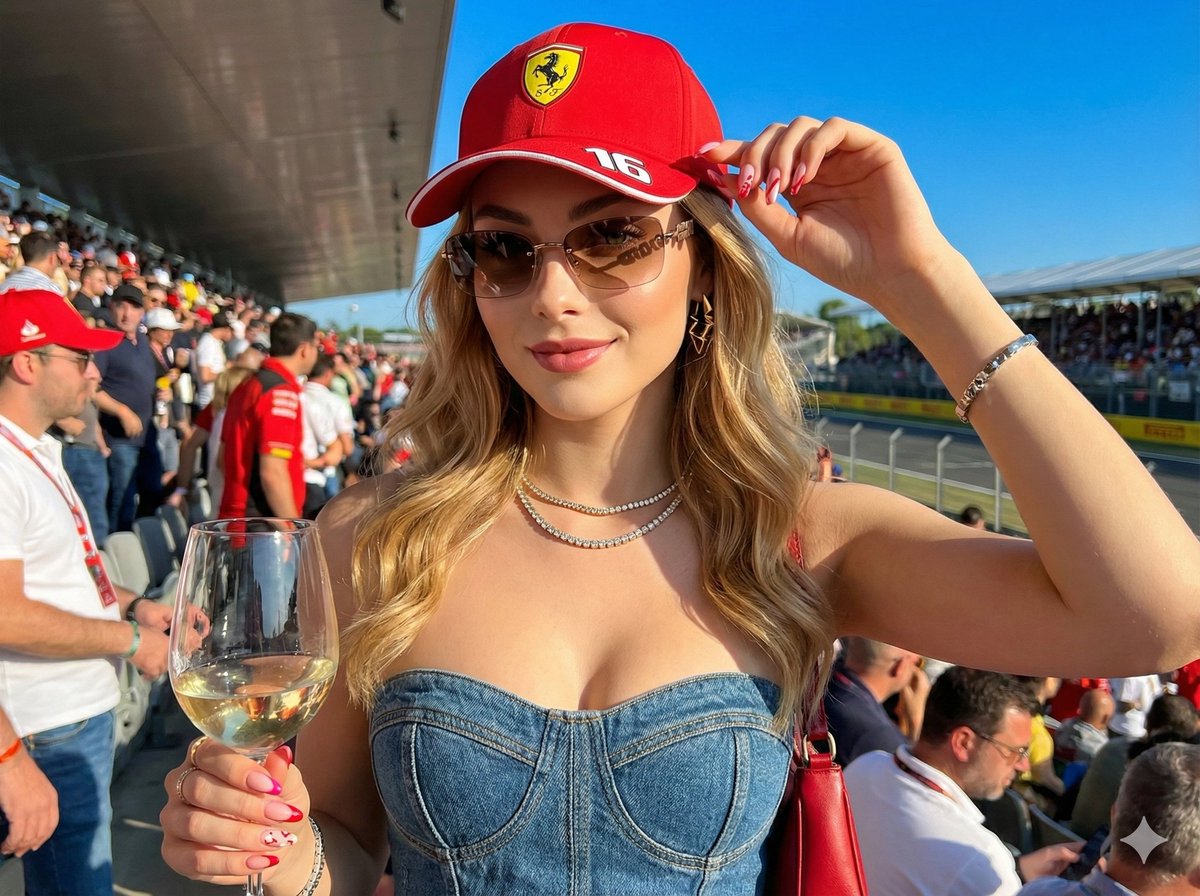
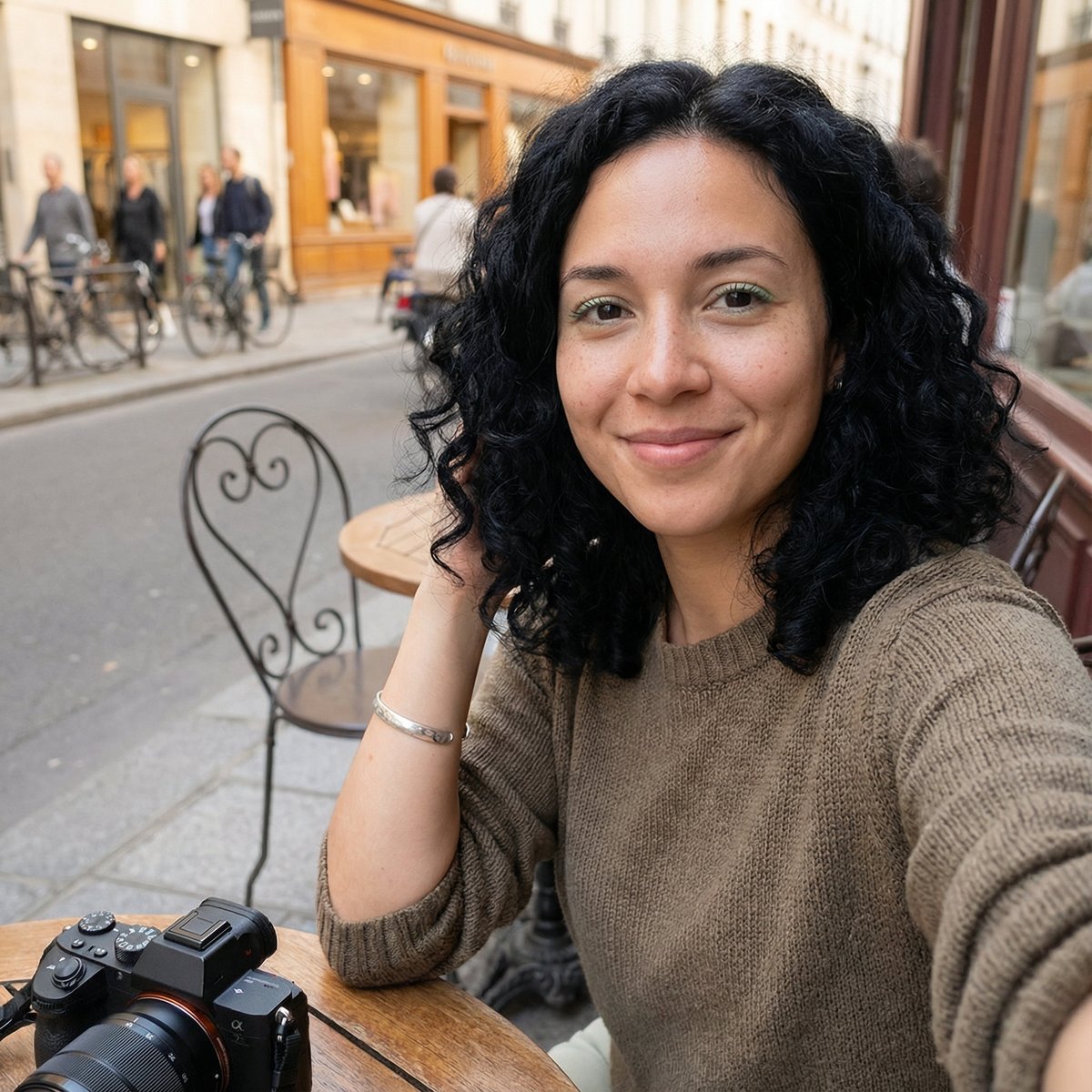
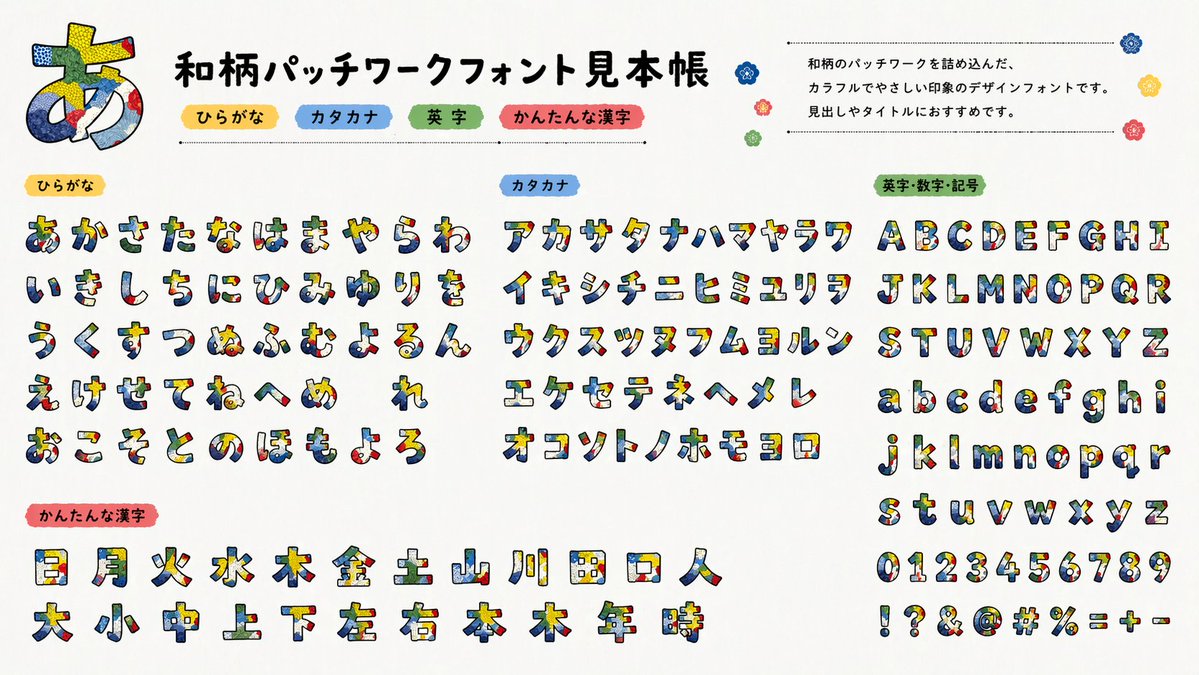


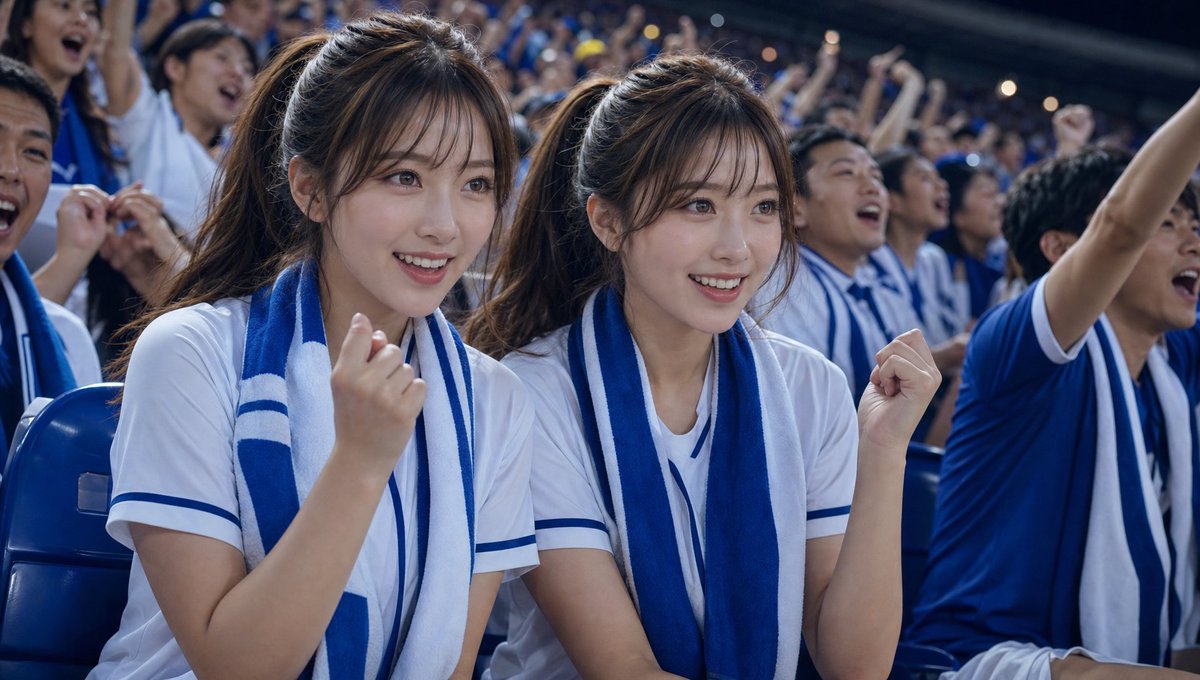

![Mixed Media Sketch Portrait — A mixed-media portrait of {argument name="subject" default="[SUBJECT]"} showing {argument name="expression" default="[EXPRESSION]"](https://cms-assets.youmind.com/media/1780822664914_nkywne_HKFts6AasAANELX.jpg)