
Photorealistic Female Character Sheet
Generates a realistic multi-view character reference sheet with portraits, profiles, full-body views, and facial expressions for identity consistency.
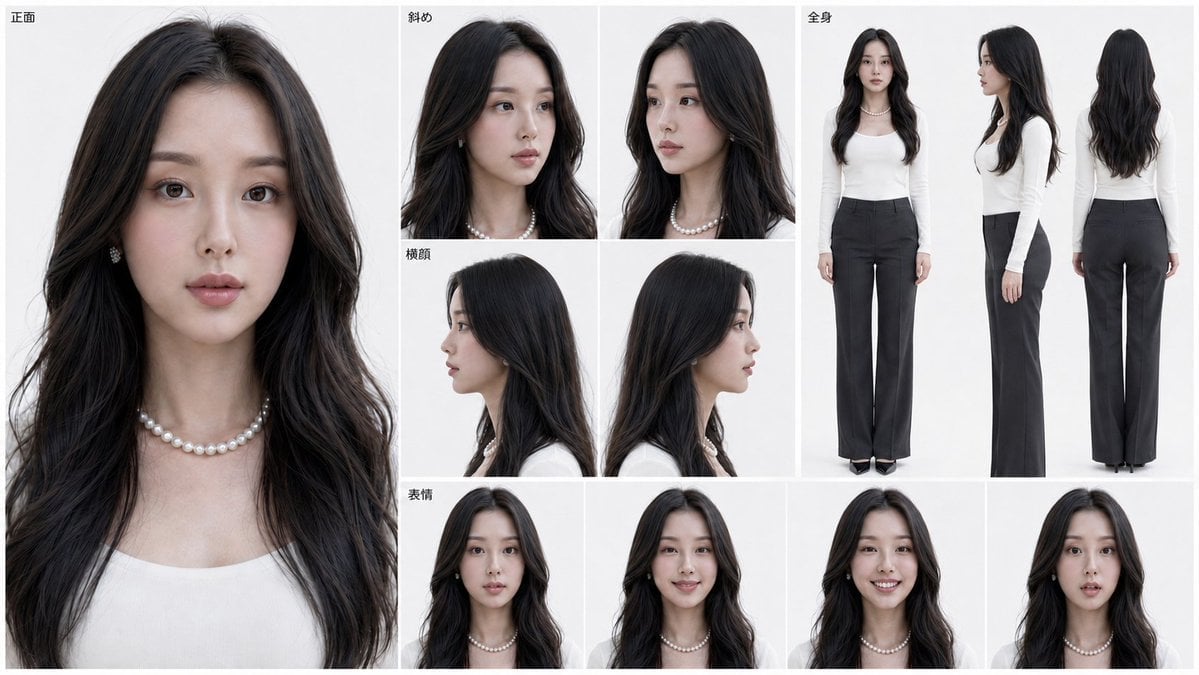
- Prompt included
- Model and format preset
- Premium template
The prompt behind this image
Copy the exact prompt behind Photorealistic Female Character Sheet, or open it in the studio and make it yours.
Goal: Create a clean photographic character reference sheet for {argument name="character name" default="a young East Asian woman"}, designed like a model identity sheet for consistent AI character generation. Canvas: Wide horizontal 16:9 layout on a pure white studio background, divided by thin light-gray grid lines into multiple rectangular panels. Use soft even studio lighting, realistic skin texture, neutral color grading, sharp editorial photography, and no decorative background elements. Layout and count: Include exactly 12 visible character views/panels. Panel 1 is a very large close-up frontal portrait occupying the entire left third of the sheet. Panels 2 and 3 are upper head-and-shoulders three-quarter angled portraits in the top center. Panels 4 and 5 are left and right side-profile head portraits in the middle center. Panels 6, 7, and 8 are full-body standing views on the top right: front view, side view, and back view. Panels 9, 10, 11, and 12 form a bottom row of facial-expression portraits: neutral, slight smile, broad smile showing teeth, and surprised parted-lips expression. Visible labels: Add small black Japanese section labels near the top-left of relevant grid areas, using {argument name="section labels" default="正面, 斜め, 横顔, 全身, 表情"}. Keep the labels minimal, plain sans-serif, and unobtrusive. Subject details: The woman has long {argument name="hair color" default="black"} wavy hair parted near the center, soft natural makeup, fair skin, large dark eyes, delicate eyebrows, a small straight nose, and muted rose lips. Her expression is calm and elegant. Maintain the same face, hair length, facial proportions, and styling consistently across all 12 panels. Wardrobe and accessories: She wears a fitted {argument name="top color" default="white"} long-sleeve scoop-neck knit top, high-waisted wide-leg dark charcoal trousers, black pointed shoes, a short pearl necklace, and small pearl earrings. In the full-body panels her posture is upright with arms relaxed at her sides. Constraints: Make it look like a real studio photo reference sheet, not anime or illustration. Avoid extra people, props, logos, watermarks, heavy shadows, colorful backgrounds, or additional text. Keep the full-body back view showing long hair falling down the back and the trousers clearly visible.
How to use Photorealistic Female Character Sheet in 3 steps
- 1Upload ImagePNG, JPG or paste
Add your photo
Upload the photo the template builds on. The prompt, model and format are already set.
- 2…a portrait of your subject in softgolden-hour light, 85mm…
Personalize
Edit the subject and creative details for your destination.
- 3Generate
Generate
Press Generate — your image is created in PicX Studio, so you can compare it with the original and refine one variable at a time.
More like this
Templates with the same subject, style or setup. Open one to see its prompt.

Dancer Character - Four View Reference Sheet

Cozy Knit Sweater Window Portrait

Gen Z Triple Selfie Collage — Y2K Flash Photography

Mountain Lake Sunset Landscape

Cinematic Destination Letter Panel Poster

Spider-Man Rooftop Golden Hour Cinematic Photo

Face-Locked Train Window Lifestyle Portrait

Face-Locked Cream Half-Zip Street Walk

Luxury Toothpaste Commercial Storyboard

Unfinished Sketch Comes Alive Portrait

Open Travel Journal Overhead Still Life

Face-Locked City Skyline Double Exposure
Make it yours
Photorealistic Female Character Sheet works as-is. These are the safest ways to change it without losing the look.
Change one field
Copy a single group, rewrite it, and generate again so you can see what that field is doing.
Keep the frame, change the subject
Hold the composition and light of Photorealistic Female Character Sheet, then swap wardrobe, props or the person for a new take.
| If the result… | Why | Fix |
|---|---|---|
| The result drifts from the preview | Too many fields changed at once. | Reuse Photorealistic Female Character Sheet as-is first, then change one group — subject, light, or setting. |
| The model over-stylizes the scene | The prose prompt leaves finish and camera underspecified. | Add one camera or lighting sentence and stay on GPT Image 2. |
More GPT Image 2 templates
Other prompts made for GPT Image 2.

Six VTuber Japanese Logo Sheet

Realistic Portrait of Woman and Deer

The Vista Modular Condo Poster

AI Model Routing Comparison Infographic

2.5D Anime Art Board

Isometric Productivity Desk Scene

New York Double Exposure Poster

Four-Panel AI Landscape Comparison

Japanese Tatami Lifestyle Magazine Cover

NESCAFÉ Coffee Map Poster
More image prompts
Fresh picks from across the catalog.
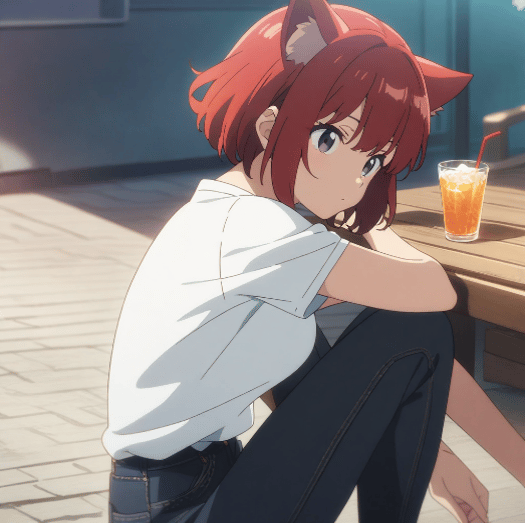
Character Prompt with Drinking Action for Anifusion/Nano Banana
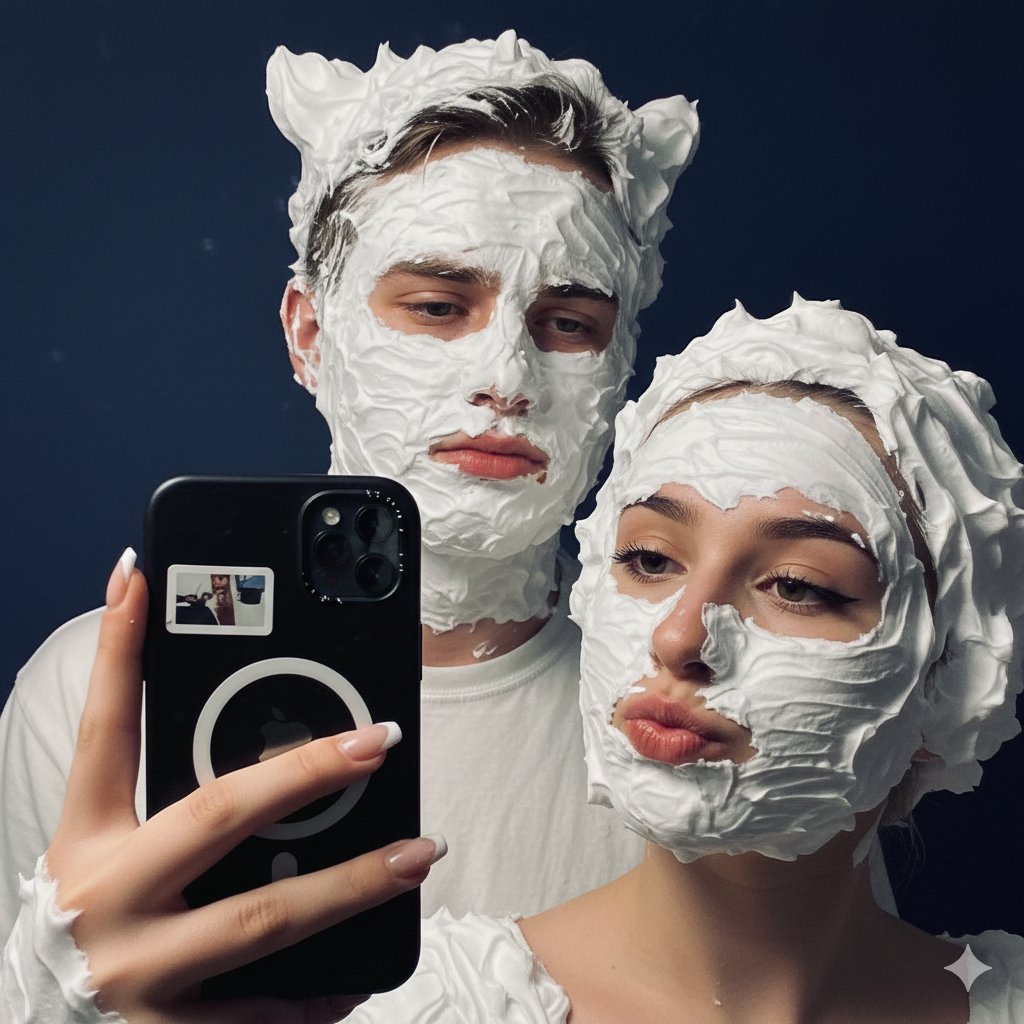
Playful Shaving Cream Mirror Selfie Prompt
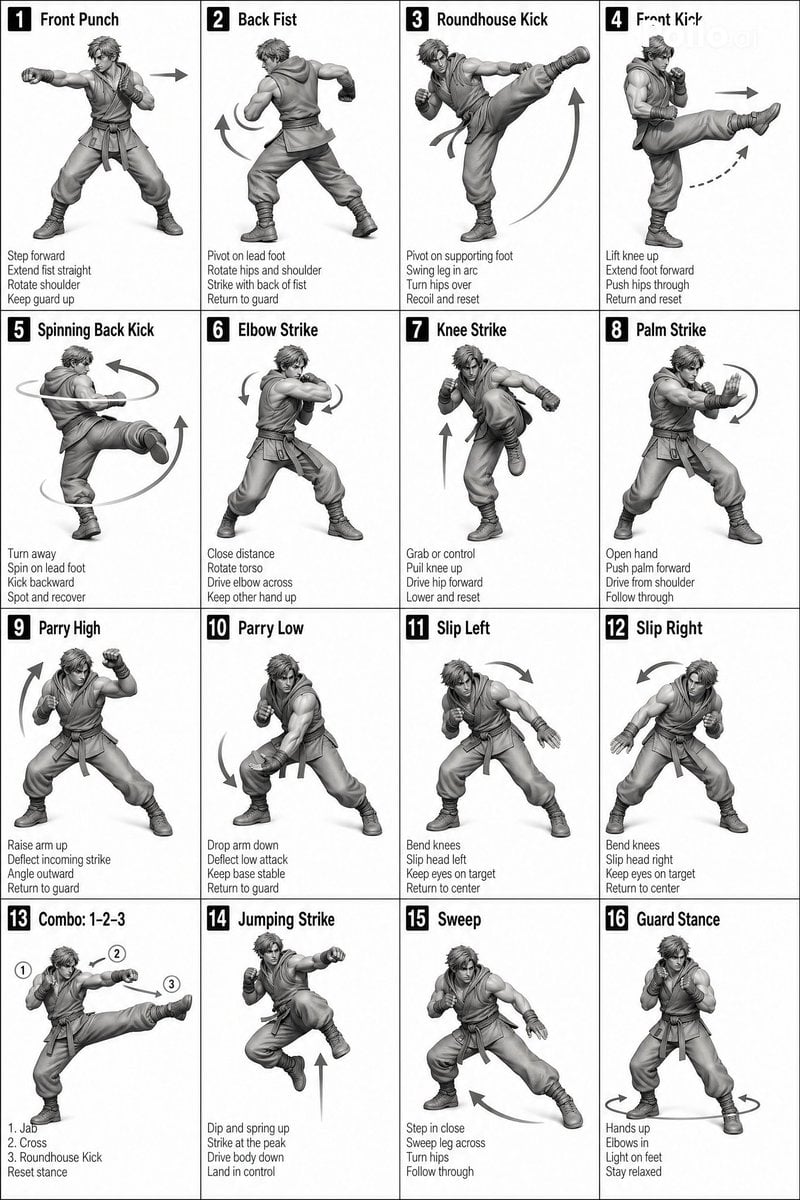
Instructional Martial Arts Movement Sheet

Retro-Futuristic Product Photography Prompt
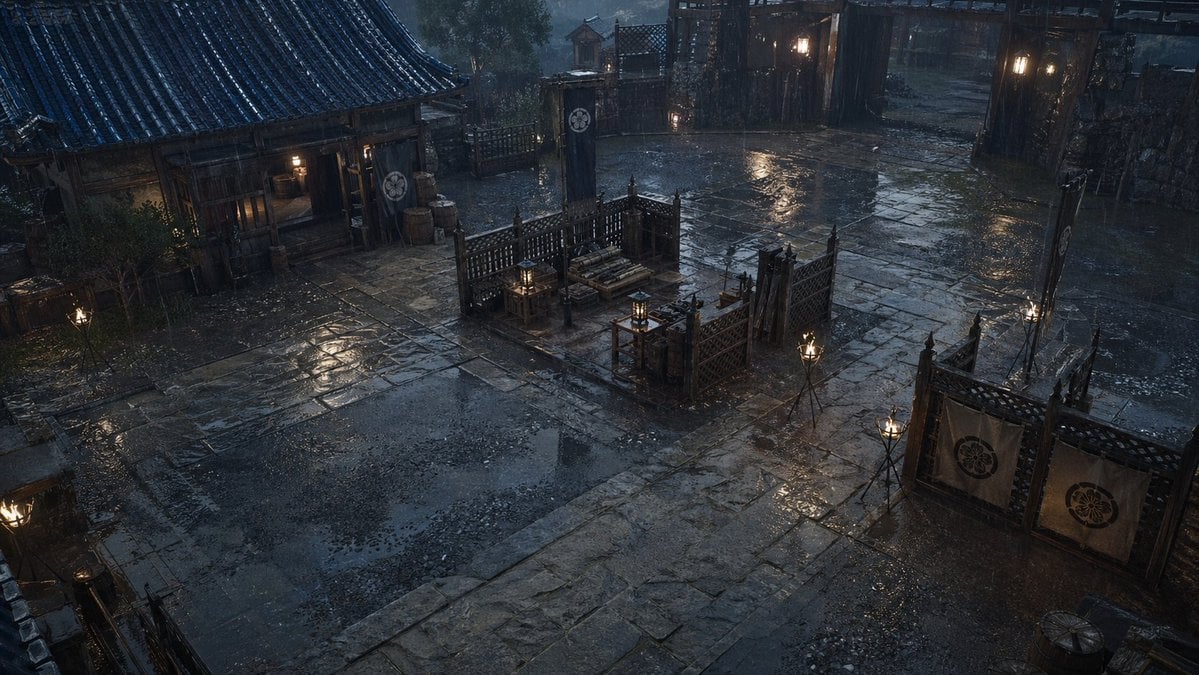
Rainy Feudal Japan Courtyard
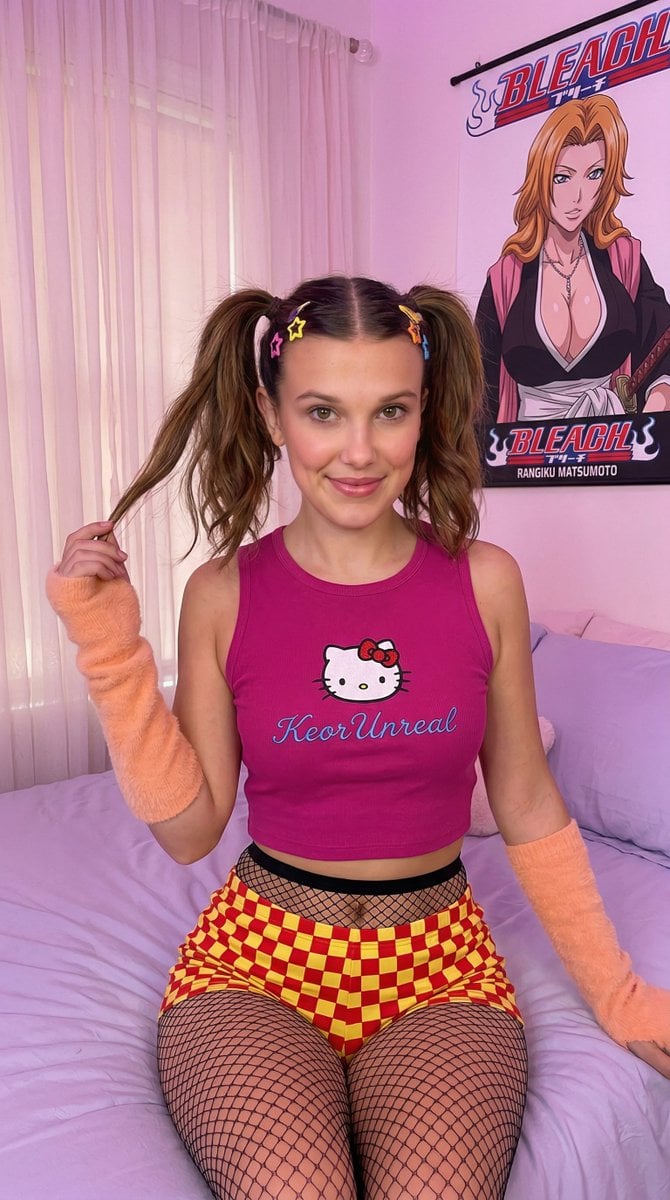
Kawaii-Inspired Pastel Bedroom Portrait with Bleach Poster

Anime Movie Poster Layout
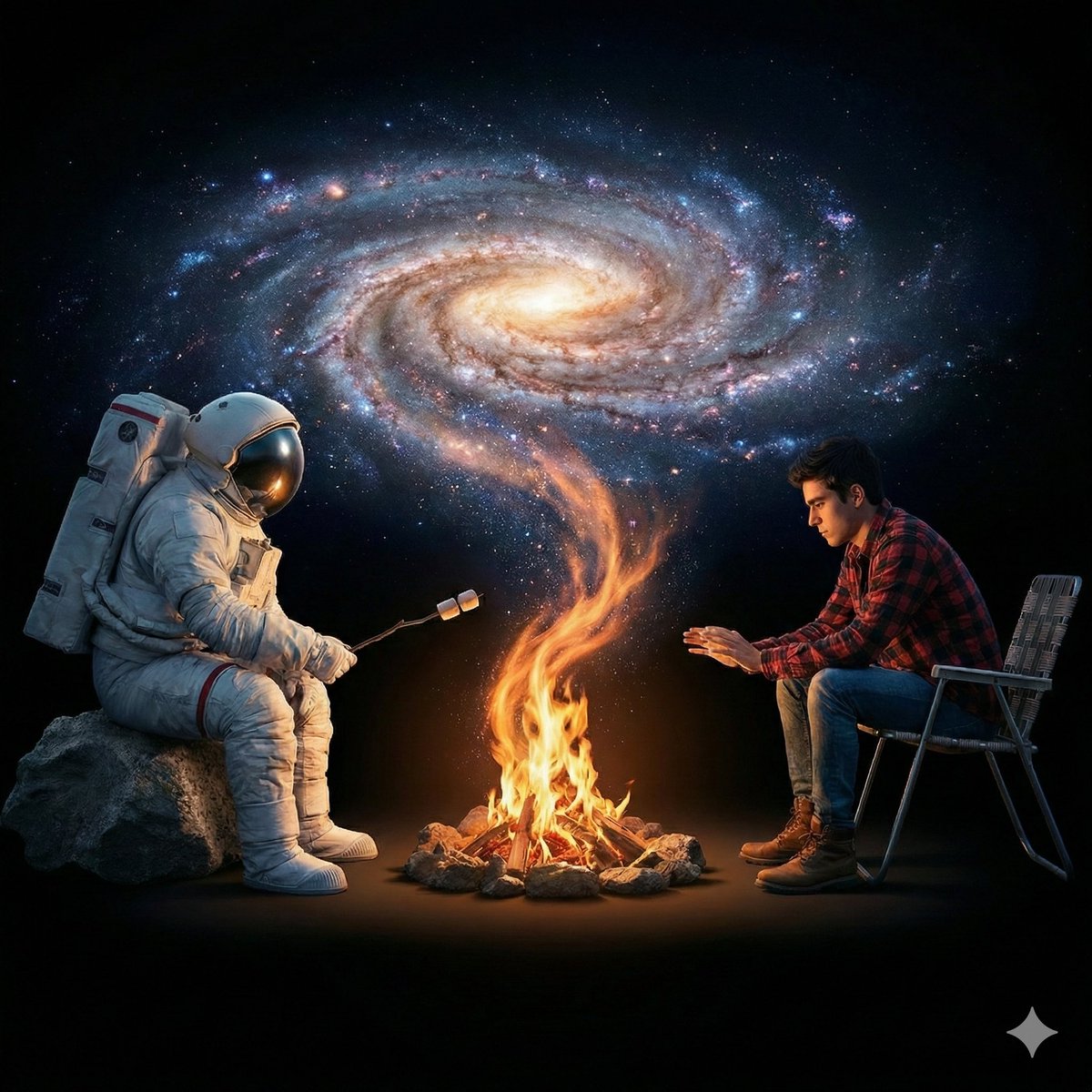
Surreal Cinematic Campfire in Cosmic Void

Ultra-Realistic Cinematic Portrait Prompt
Luxury Diamond X Logo
Browse template categories
Photorealistic Female Character Sheet questions
How do I use the Photorealistic Female Character Sheet template?
Add your photo if the template asks for one, edit the prompt if you like — the template's model and format are already selected — and press Generate. Your version opens in PicX Studio.
Can I customize the Photorealistic Female Character Sheet template?
Yes. You can change the subject, setting, lighting, mood, format, and available model controls before creating your image.
Is the Photorealistic Female Character Sheet template free?
Opening and editing this template is free. Generating uses credits, shown on the Generate button when you are signed in.
Which AI model should I use?
Start with GPT Image 2, which is the model associated with this template. You can compare another compatible model for a different finish.
Looking for something else? Browse all templates.

Your photo, any look
Thousands of ready templates for every top image and video model, from one credit balance.