How do I use the Window Lit East Asian Portrait template?
Edit the prompt in the box under the preview — the template's model and format are already selected — and press Generate. Your version appears right on this page.
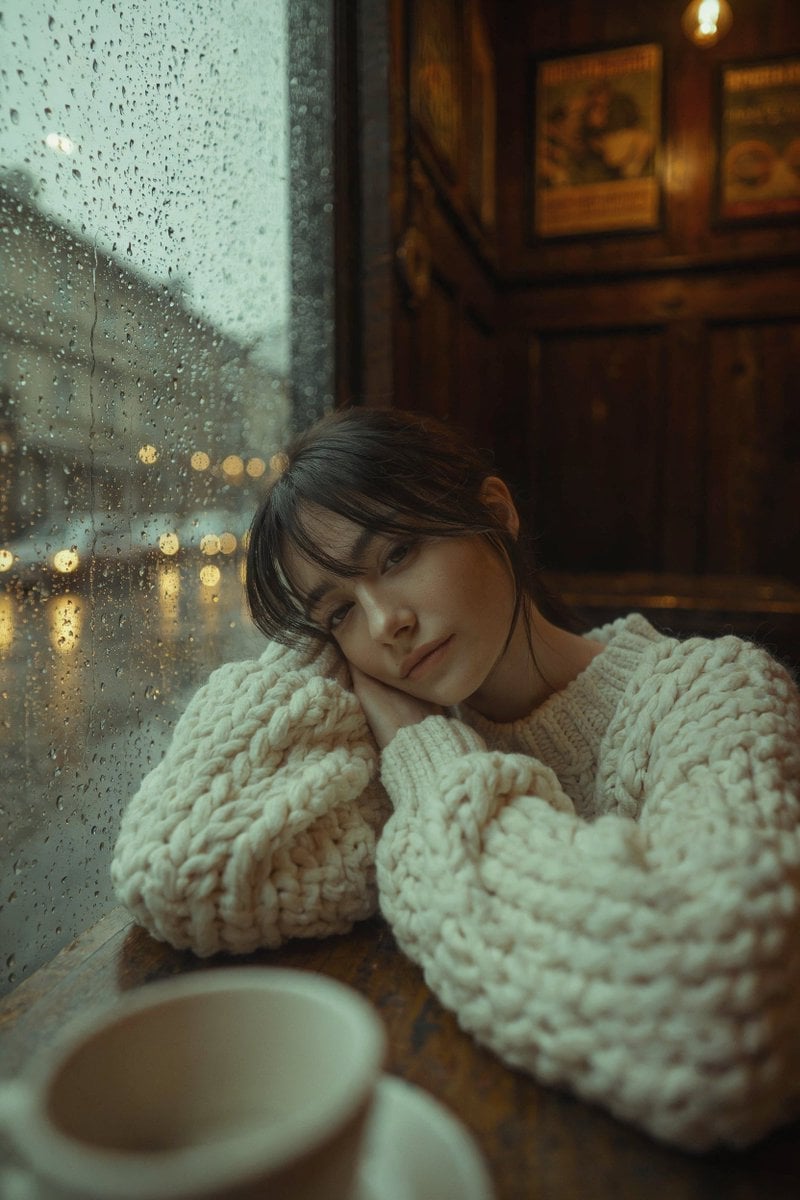
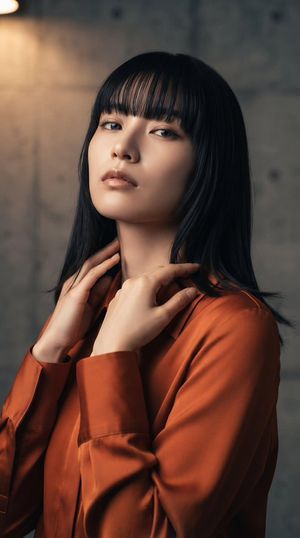
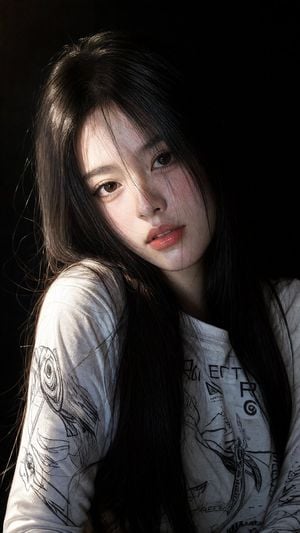
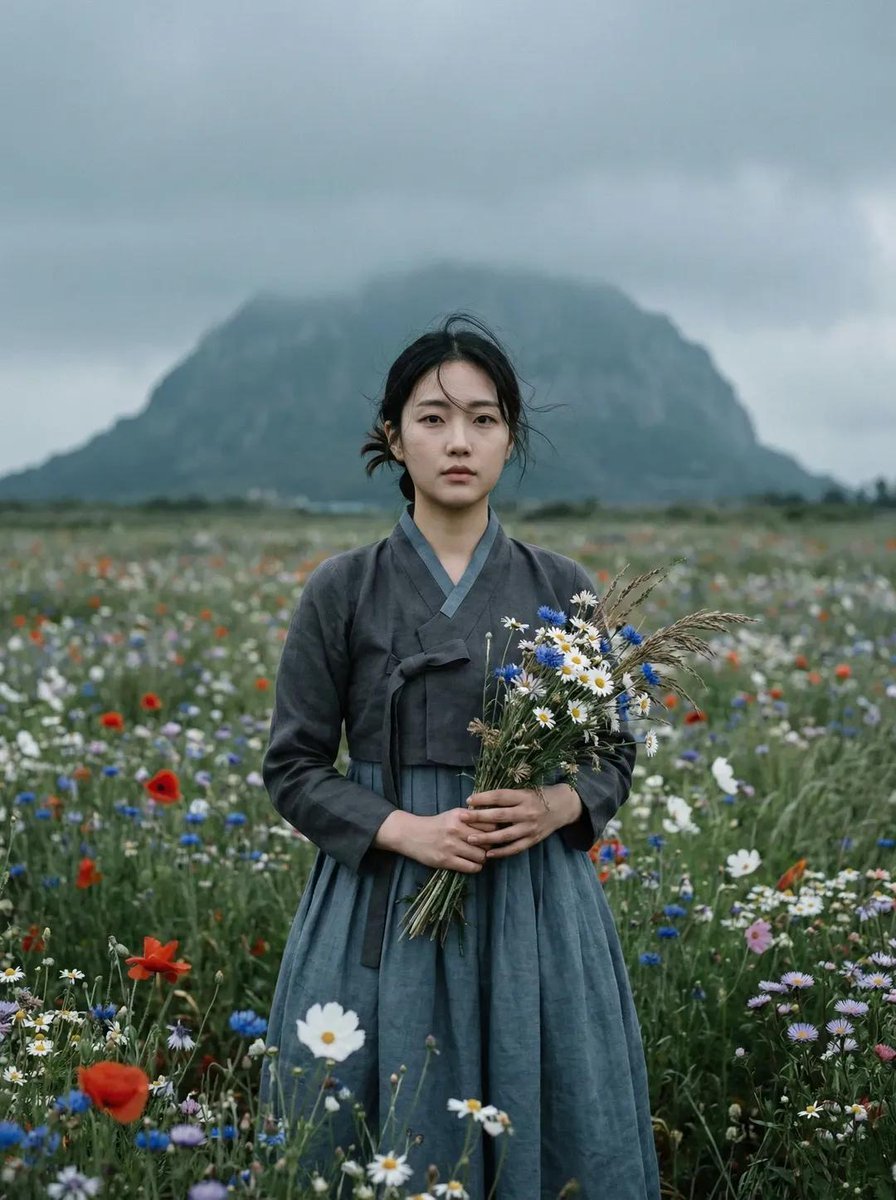
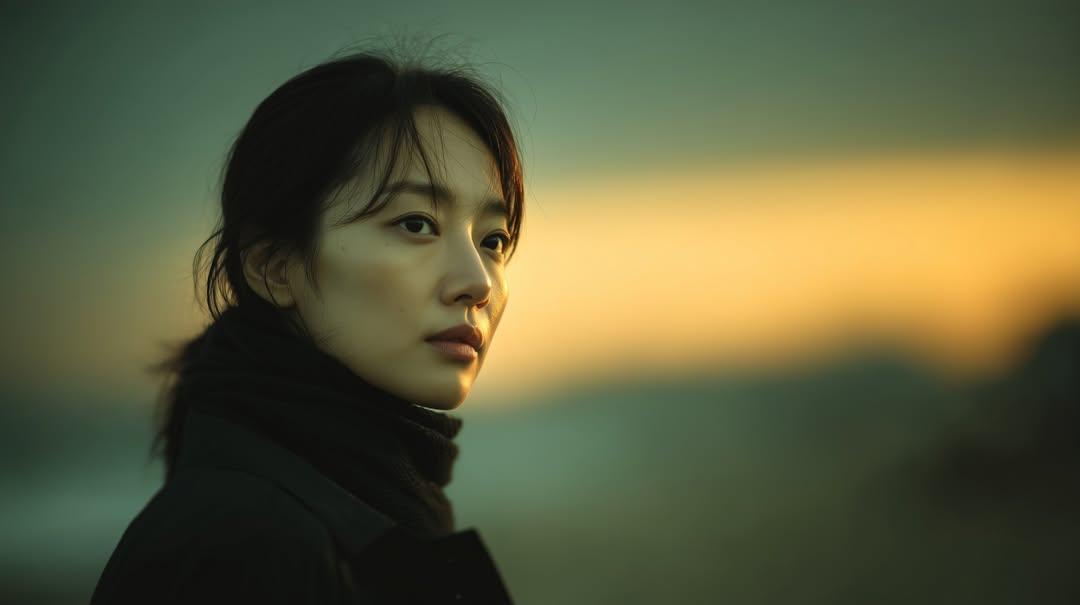
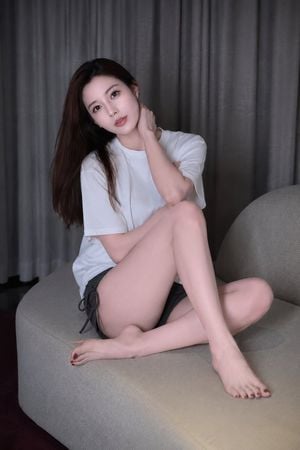
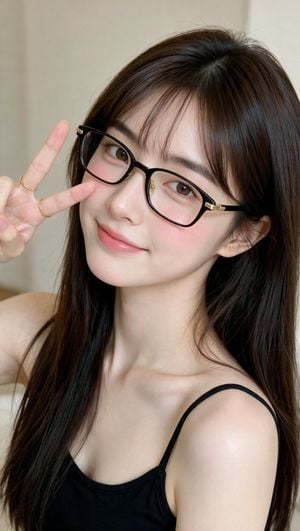
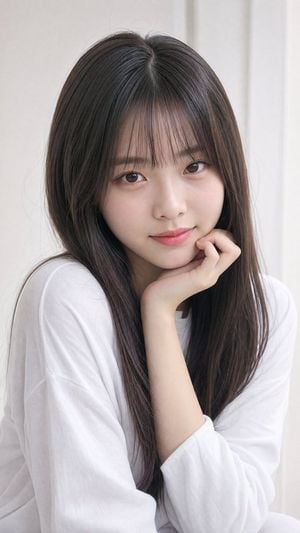
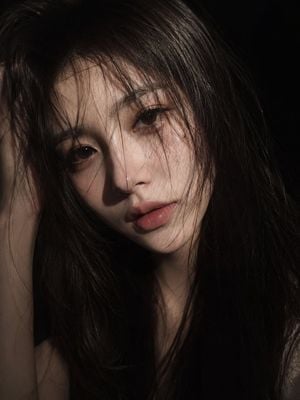
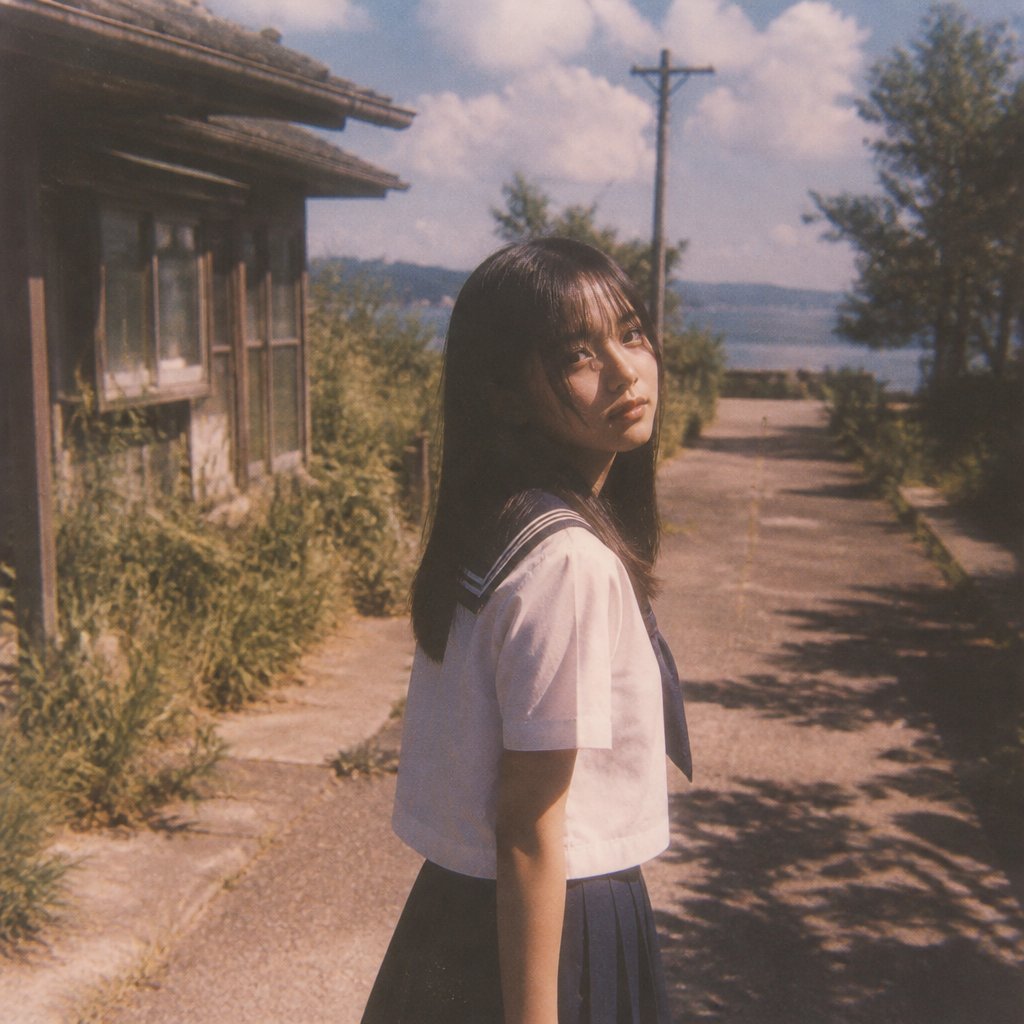
A realistic vertical portrait prompt for creating an intimate indoor window-lit photo of a young woman with natural hair and soft expression.

This template uses your photo — add one with the + button.
Create a photorealistic vertical 3:4 portrait of a young East Asian woman with {argument name="hair color" default="natural deep brown"} long hair, slightly messy loose strands, and realistic airy texture. She sits indoors beside a bright window on the left, leaning slightly forward with one forearm resting across the lower frame and her other hand lifted near her hair in a delicate relaxed gesture. She looks directly at the viewer with calm, subtly alluring eyes, a soft neutral expression, natural makeup, smooth fair skin, softly defined brows, small nose, and slightly parted rosy lips. She wears a fitted {argument name="top color" default="black"} short-sleeve low scoop-neck top and a white lace choker with a small cross pendant. Use warm natural window light from the left, soft shadows on the right side of her face, gentle highlights in the hair, shallow depth of field, realistic skin texture, and a muted beige-gray wall background with a visible window ledge. Frame from upper torso to head, centered slightly right, intimate editorial portrait style, high-resolution DSLR realism, no hat, no glasses, no text, no watermark, no extra people.
Create a photorealistic vertical 3:4 portrait of a young East Asian woman with {argument name="hair color" default="natural deep brown"} long hair, slightly messy loose strands, and realistic airy texture. She sits indoors beside a bright window on the left, leaning slightly forward with one forearm resting across the lower frame and her other hand lifted near her hair in a delicate relaxed gesture. She looks directly at the viewer with calm, subtly alluring eyes, a soft neutral expression, natural makeup, smooth fair skin, softly defined brows, small nose, and slightly parted rosy lips. She wears a fitted {argument name="top color" default="black"} short-sleeve low scoop-neck top and a white lace choker with a small cross pendant. Use warm natural window light from the left, soft shadows on the right side of her face, gentle highlights in the hair, shallow depth of field, realistic skin texture, and a muted beige-gray wall background with a visible window ledge. Frame from upper torso to head, centered slightly right, intimate editorial portrait style, high-resolution DSLR realism, no hat, no glasses, no text, no watermark, no extra people.
Edit the prompt in the box under the preview — the template's model and format are already selected — and press Generate. Your version appears right on this page.
Yes. You can change the subject, setting, lighting, mood, format, and available model controls before creating your image.
Opening and editing this template is free. Generating uses credits, shown on the Generate button when you are signed in.
Start with GPT Image 2, which is the model associated with this template. You can compare another compatible model for a different finish.
Follow a topic to a crawlable collection of related PicX Studio templates.