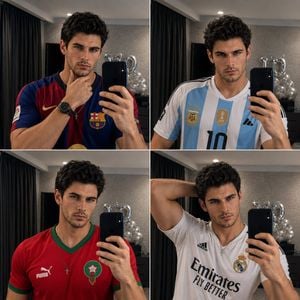
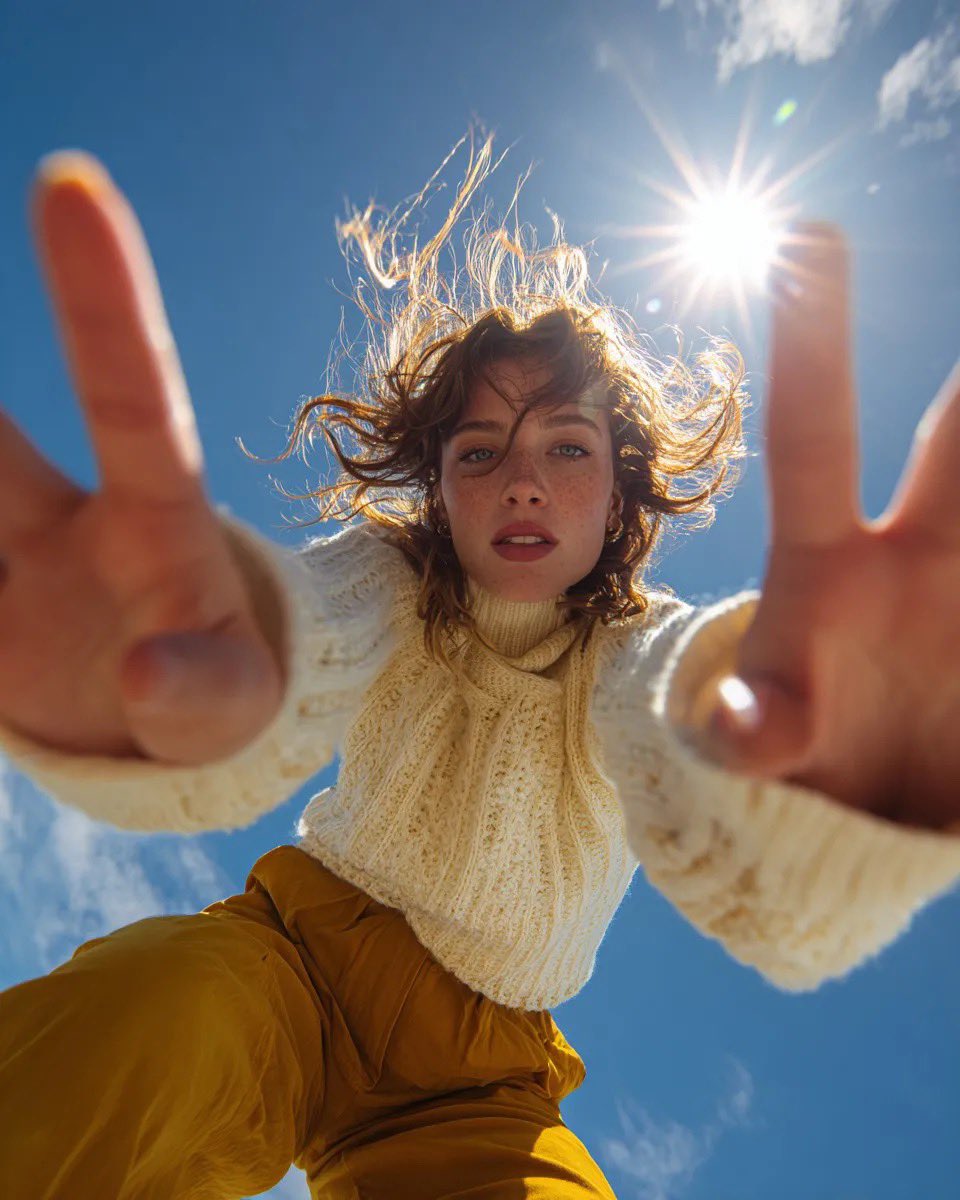
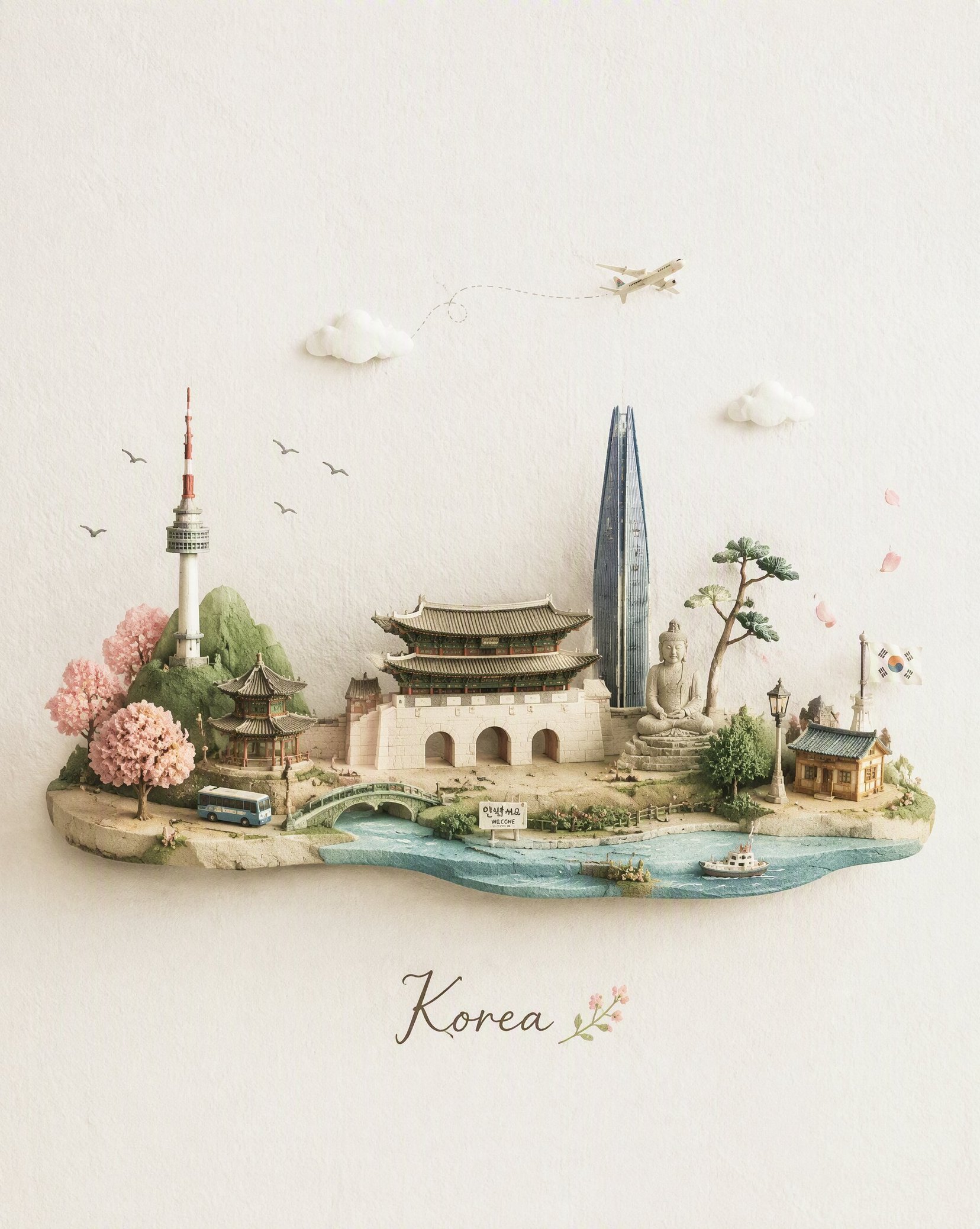
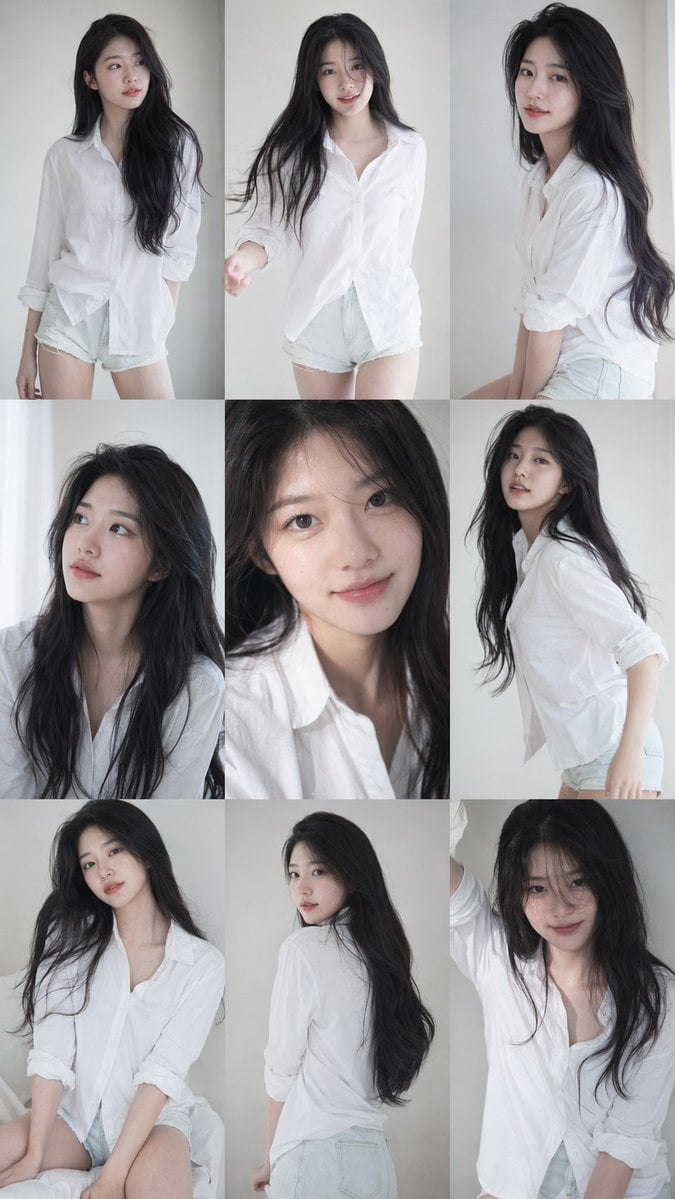
How do I use the Vertical Three-Panel Collage Selfie in Low Light template?
Edit the prompt in the box under the preview — the template's model and format are already selected — and press Generate. Your version appears right on this page.
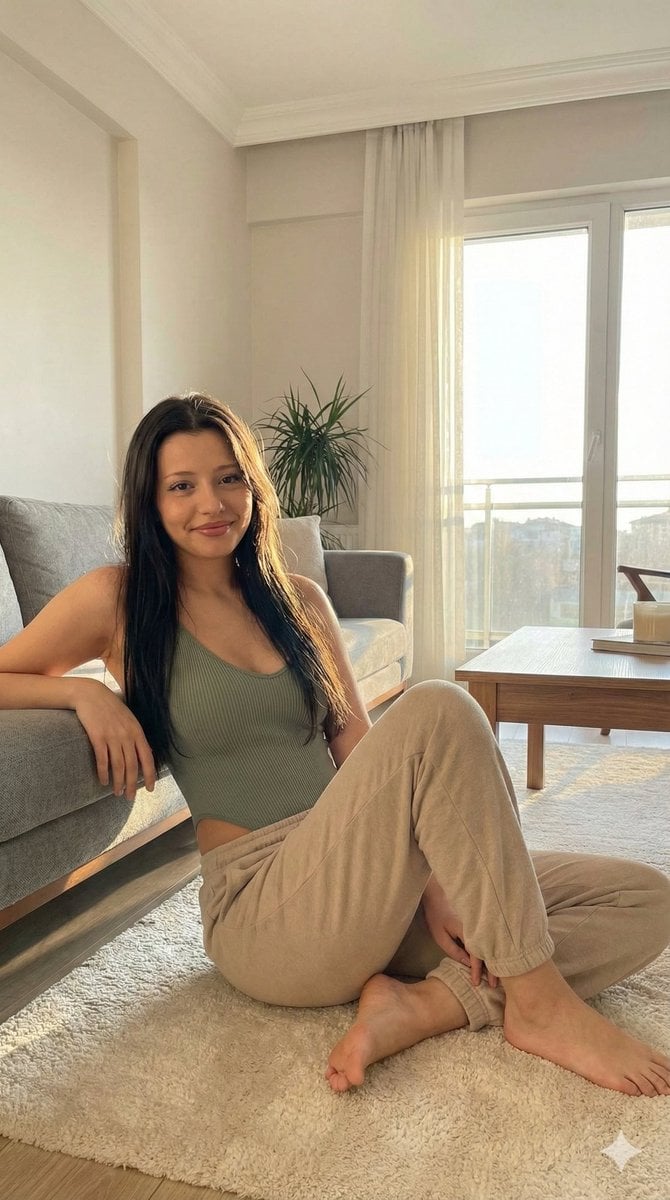
An image generation prompt detailing a vertical three-panel collage of close-up selfies featuring a young woman in a pink lace-trimmed top, set in a dimly lit bedroom with warm artificial lighting, aiming for an early…

{ "image_structure": { "layout": "Vertical three-panel collage", "aspect_ratio": "Tall vertical strip", "shot_type": "Close-up selfies" }, "subject_details": { "demographics": "Young woman with long, wavy brunette hair", "skin": "Natural skin texture, minimal or no makeup", "clothing": "{argument name="clothing item" default="Pink lace-trimmed bralette or camisole top"} with thin spaghetti straps", "accessories": "Long manicured nails ({argument name="nail color" default="nude/pale pink color"})" }, "environment": { "setting": "Dimly lit bedroom or hotel room interior", "background_elements": [ "Beige/cream colored walls", "Heavy brown curtains on the left side", "Partial view of a bed headboard in the background" ] }, "lighting_and_style": { "lighting": "Warm, indoor artificial lighting, low-light conditions", "aesthetic": "Candid selfie style, slightly grainy phone camera quality, early 2010s social media aesthetic, flash photography look", "mood": "Casual, intimate, playful" }, "panel_breakdown": { "top_panel": { "expression": "Pouting or confused, eyebrows slightly furrowed", "pose": "Finger hooked over bottom lip, looking directly at camera" }, "middle_panel": { "expression": "Soft smile, looking directly at camera", "overlay_effect": "Digital {argument name="overlay color" default="pink"} heart crown filter (Snapchat style) floating around the head" }, "bottom_panel": { "expression": "Relaxed, mouth slightly open, gazing at camera", "pose": "Head tilted to the side, hand gently touching chin and lower lip" } } }
{ "image_structure": { "layout": "Vertical three-panel collage", "aspect_ratio": "Tall vertical strip", "shot_type": "Close-up selfies" }, "subject_details": { "demographics": "Young woman with long, wavy brunette hair", "skin": "Natural skin texture, minimal or no makeup", "clothing": "{argument name="clothing item" default="Pink lace-trimmed bralette or camisole top"} with thin spaghetti straps", "accessories": "Long manicured nails ({argument name="nail color" default="nude/pale pink color"})" }, "environment": { "setting": "Dimly lit bedroom or hotel room interior", "background_elements": [ "Beige/cream colored walls", "Heavy brown curtains on the left side", "Partial view of a bed headboard in the background" ] }, "lighting_and_style": { "lighting": "Warm, indoor artificial lighting, low-light conditions", "aesthetic": "Candid selfie style, slightly grainy phone camera quality, early 2010s social media aesthetic, flash photography look", "mood": "Casual, intimate, playful" }, "panel_breakdown": { "top_panel": { "expression": "Pouting or confused, eyebrows slightly furrowed", "pose": "Finger hooked over bottom lip, looking directly at camera" }, "middle_panel": { "expression": "Soft smile, looking directly at camera", "overlay_effect": "Digital {argument name="overlay color" default="pink"} heart crown filter (Snapchat style) floating around the head" }, "bottom_panel": { "expression": "Relaxed, mouth slightly open, gazing at camera", "pose": "Head tilted to the side, hand gently touching chin and lower lip" } } }
Edit the prompt in the box under the preview — the template's model and format are already selected — and press Generate. Your version appears right on this page.
Yes. You can change the subject, setting, lighting, mood, format, and available model controls before creating your image.
Opening and editing this template is free. Generating uses credits, shown on the Generate button when you are signed in.
Start with Nano Banana 2, which is the model associated with this template. You can compare another compatible model for a different finish.
Follow a topic to a crawlable collection of related PicX Studio templates.