
Old Film Studio Shoot
Old Film Studio Shoot is a ready photo look.
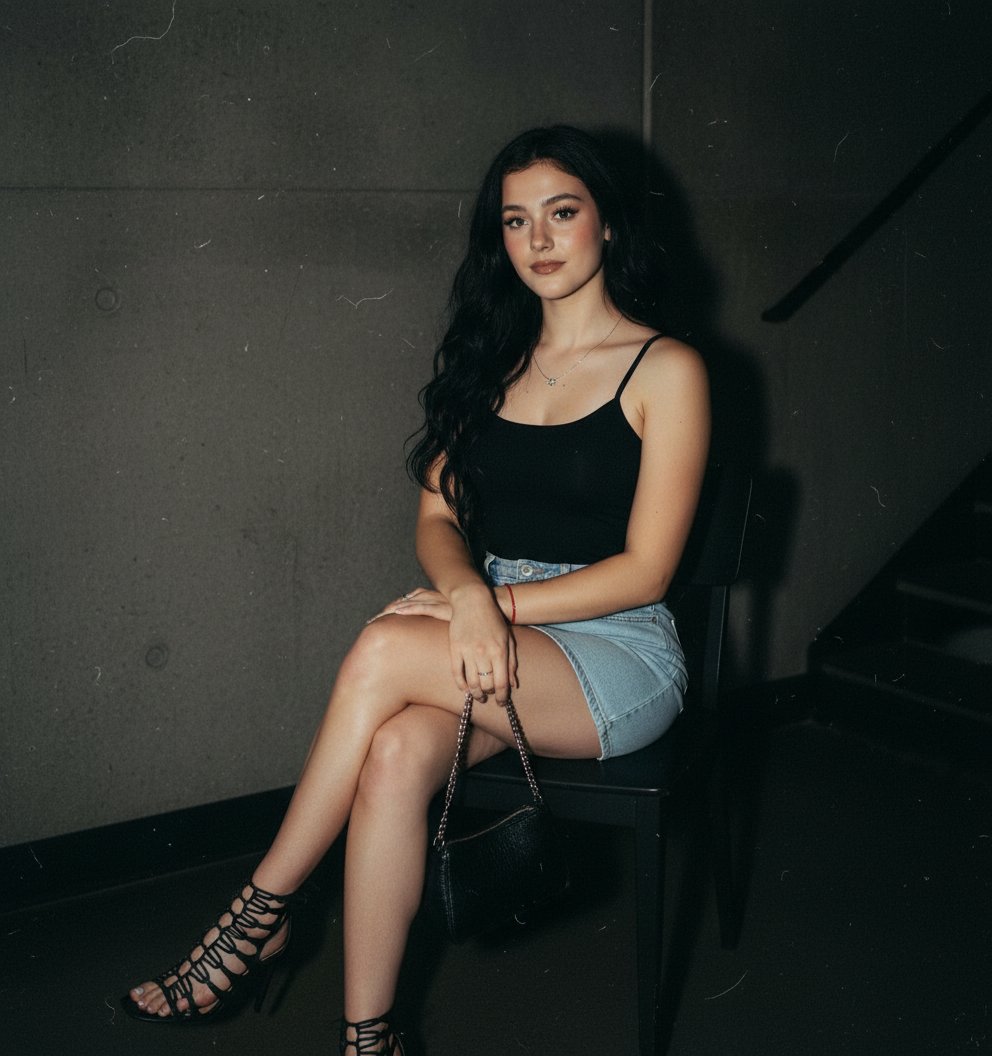
- Prompt included
- Model and format preset
- Free template
The prompt behind this image
Copy the exact prompt behind Old Film Studio Shoot, or open it in the studio and make it yours.
Using this picture (do not alter the face) A contemporary woman posing confidently, seated in a restaurant against a dark, minimalist background suggesting a concrete wall or staircase. She is wearing a black top with thin straps and a light blue below-the-knee skirt. She pairs this with black sandals featuring delicate, filigree straps and high heels.In her right hand, she holds a small black bag with chain details. Her very long, wavy black hair flows freely over her shoulders. She is wearing several rings on her fingers, a red bracelet on her left wrist, and a delicate necklace with a small pendant. The lighting is dramatic, creating a slightly gritty, almost nostalgic atmosphere, reminiscent of an old film noir. The entire scene has a slightly grainy or textural effect, evoking vintage photography. The makeup is expressive: long black eyelashes, beige and white eyeshadow, strong contouring and blush, plump-looking skin and lips enhanced with brown lip gloss and dark brown lip liner. Her eyebrows are well-groomed with a brown lifting effect.She has long, well-manicured nails. (Keep her facial features as they are.)
How to use Old Film Studio Shoot in 3 steps
- 1Upload ImagePNG, JPG or paste
Add your photo
Upload the photo the template builds on. The prompt, model and format are already set.
- 2…a portrait of your subject in softgolden-hour light, 85mm…
Personalize
Edit the subject and creative details for your destination.
- 3Generate
Generate
Press Generate — your image is created in PicX Studio, so you can compare it with the original and refine one variable at a time.
More like this
Templates with the same subject, style or setup. Open one to see its prompt.
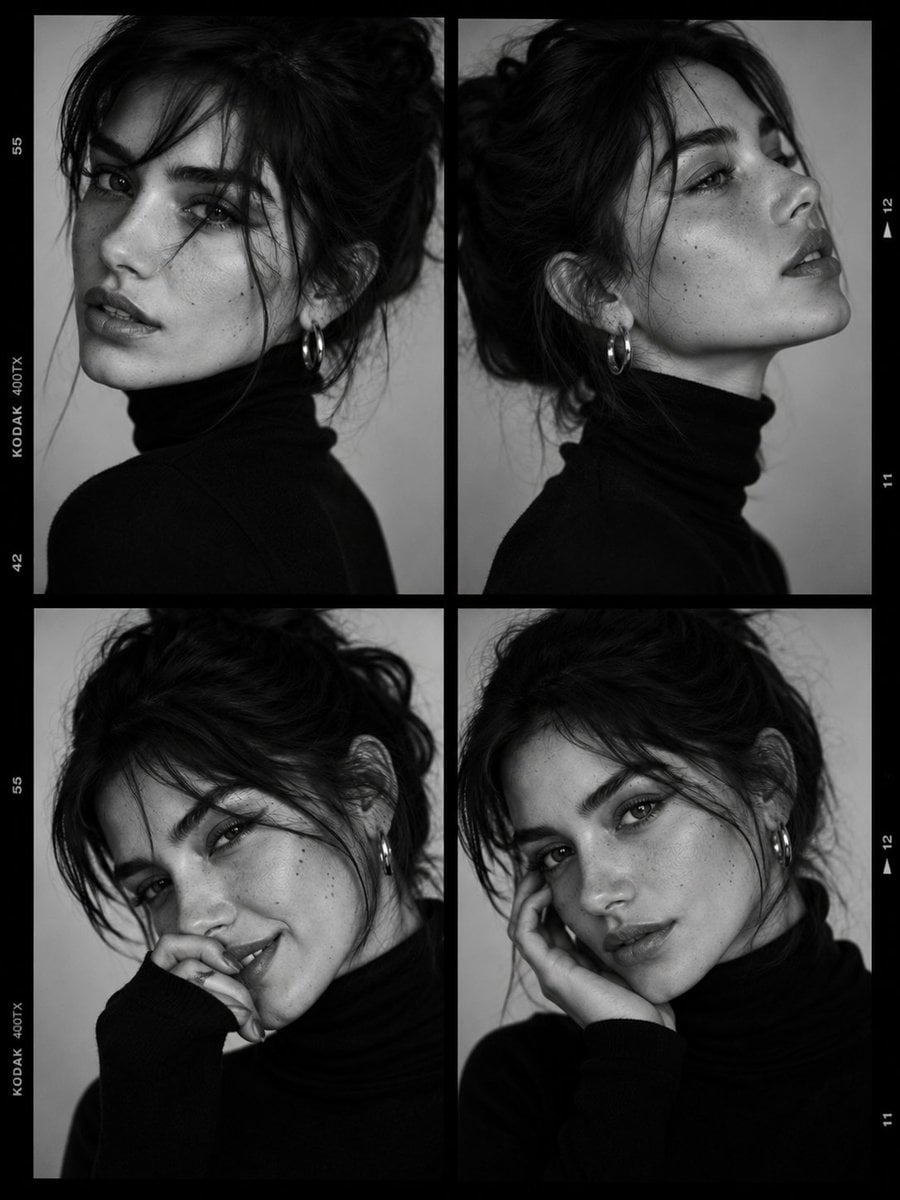
Luxury Black-and-White Fashion Contact Sheet
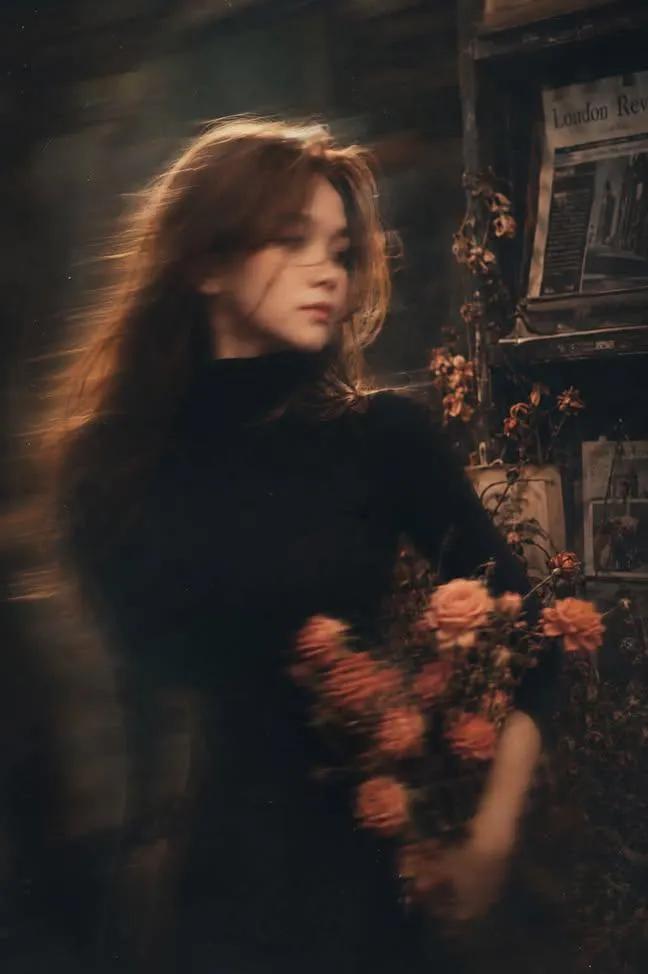
Sepia Family Portrait Studio
Tuxedo Portrait Studio
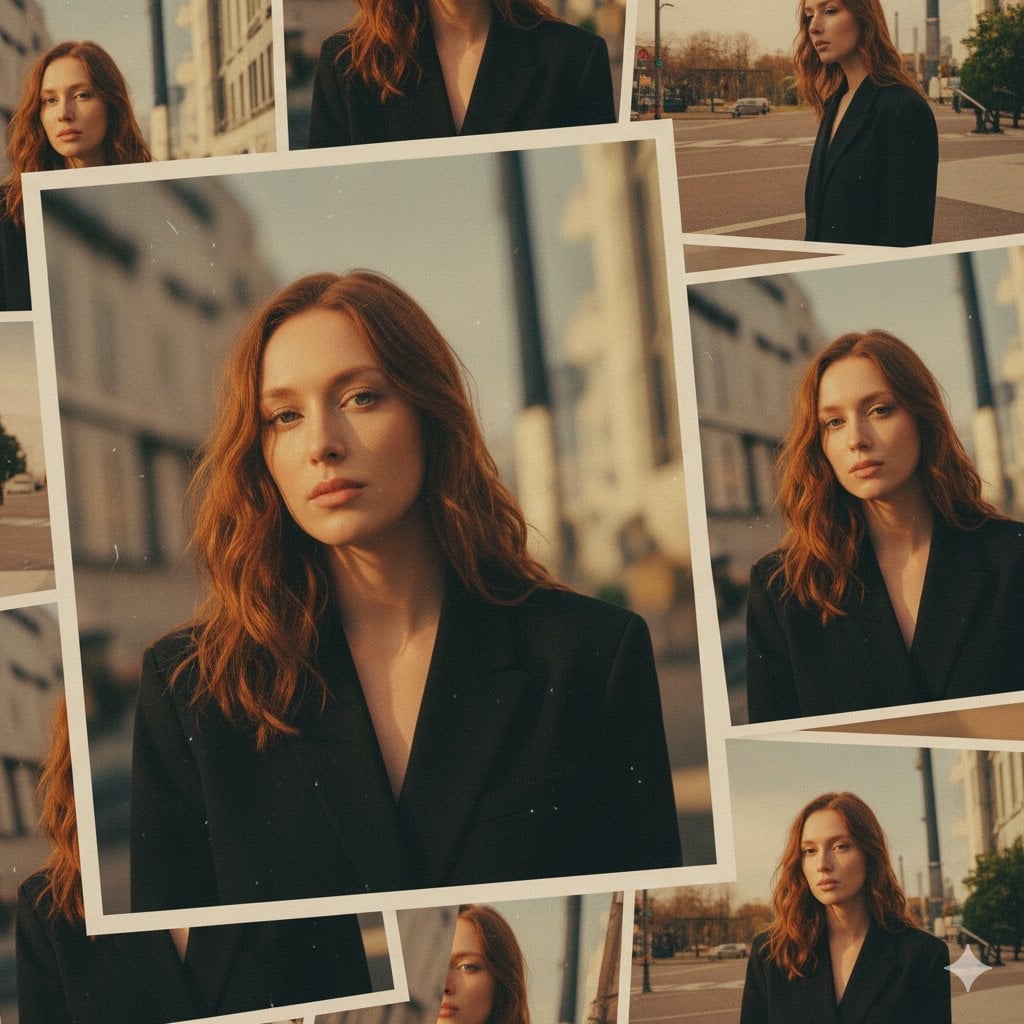
Art Deco Ballroom Gold

80s Couple Studio Portrait

1985 Studio Portrait
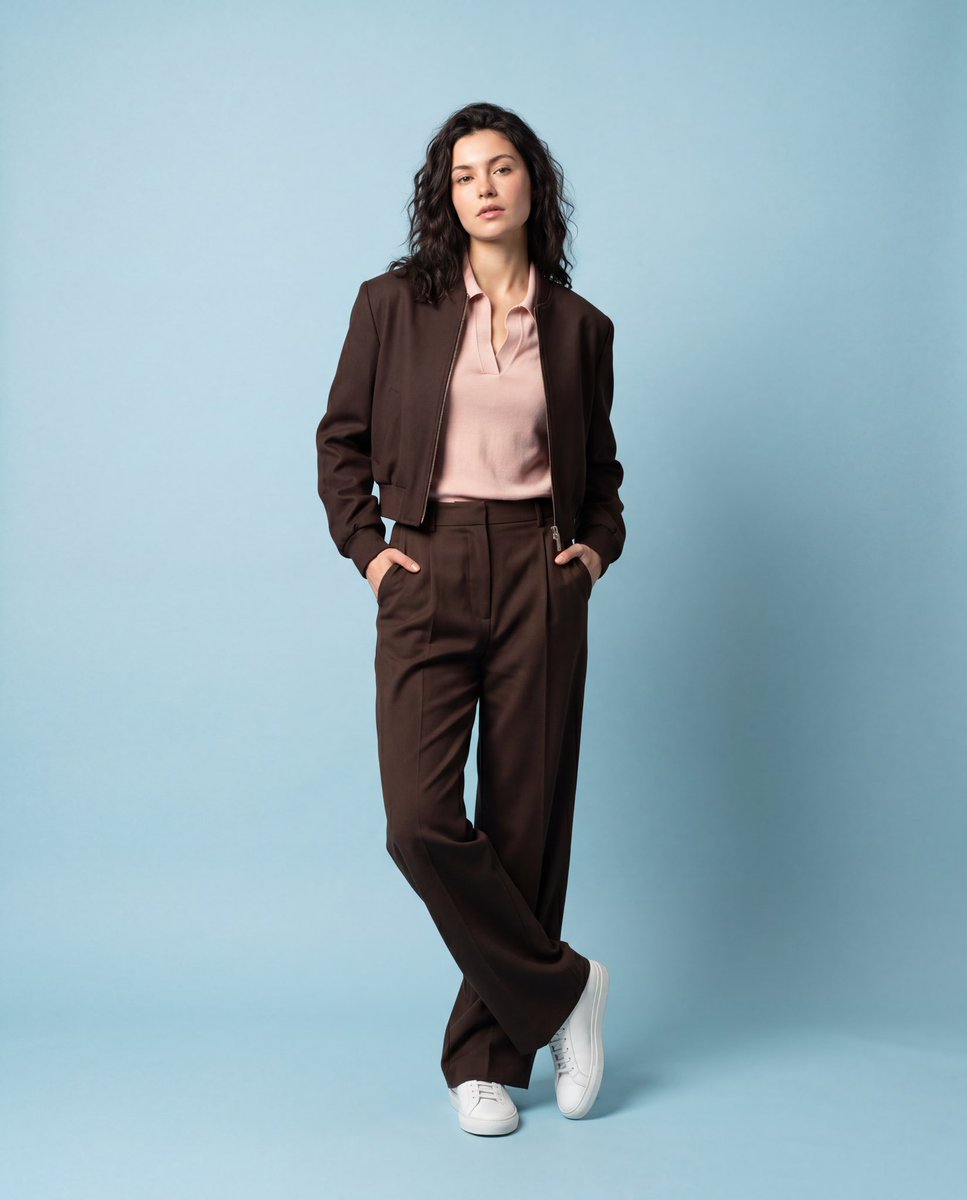
Luxury Fashion Editorial Studio Shoot

Monogram Luggage Cart
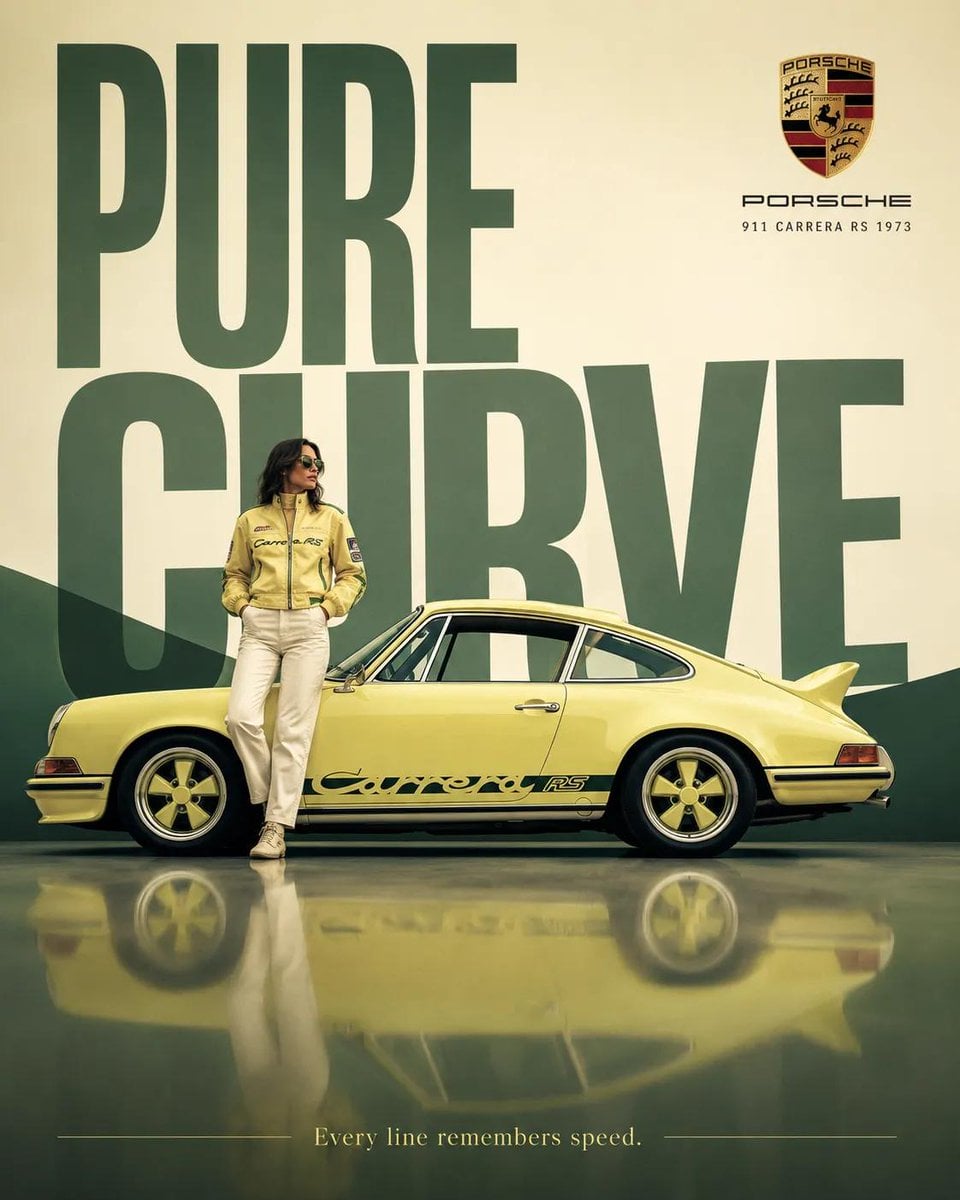
Statue Garden Twilight
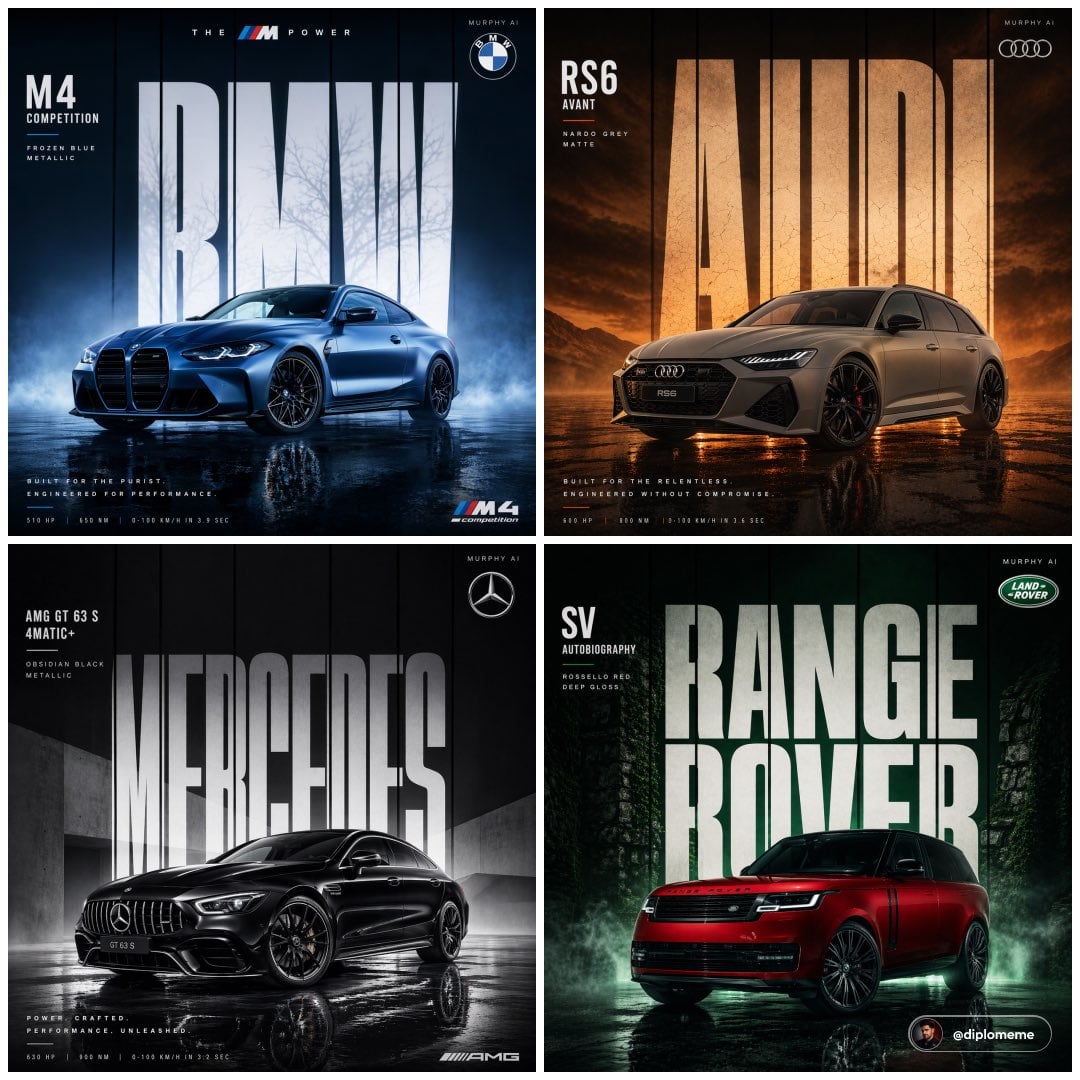
Opera Glasses Velvet Seat
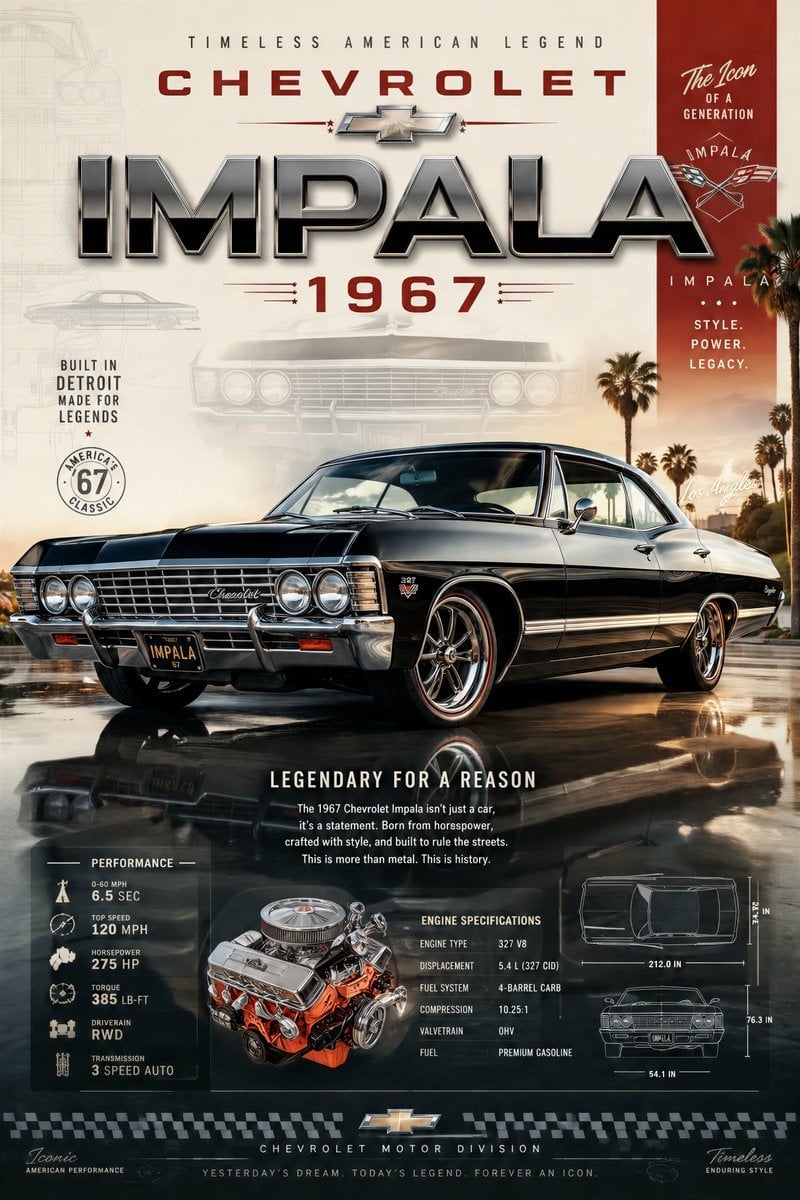
Fountain Pen Ink Splash
Manor Garden Topiary Path
Make it yours
Old Film Studio Shoot works as-is. These are the safest ways to change it without losing the look.
Change one field
Copy a single group, rewrite it, and generate again so you can see what that field is doing.
Keep the frame, change the subject
Hold the composition and light of Old Film Studio Shoot , then swap wardrobe, props or the person for a new take.
| If the result… | Why | Fix |
|---|---|---|
| The result drifts from the preview | Too many fields changed at once. | Reuse Old Film Studio Shoot as-is first, then change one group — subject, light, or setting. |
| The model over-stylizes the scene | The prose prompt leaves finish and camera underspecified. | Add one camera or lighting sentence and stay on PicX Studio. |
More image prompts
Fresh picks from across the catalog.
Aesthetic 2027 Desk Calendar
Grid of four camera angles from reference image

Coca-Cola Product and Lifestyle Shots
Ink Sketchbook Zine Illustration

3D printed Corinthian netrunner helmet
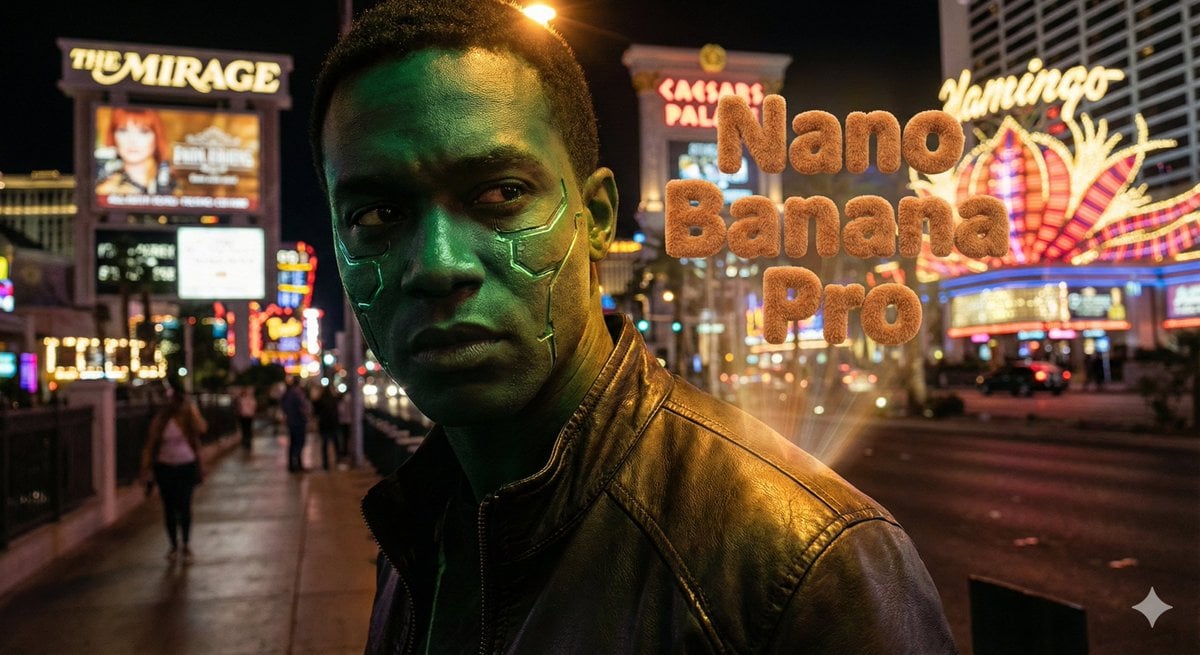
Hyper-realistic portrait with vibrant green skin on the Las Vegas Strip
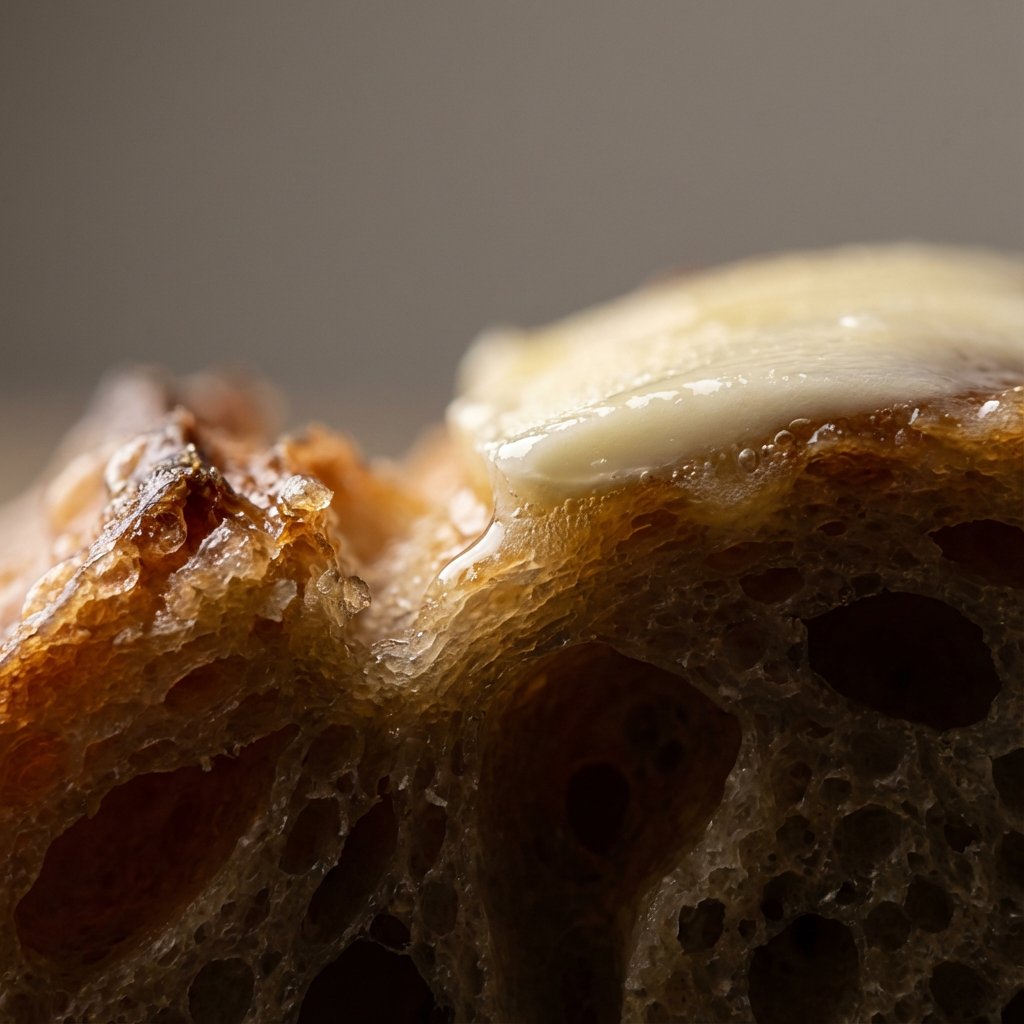
Extreme Macro Cinematography of Food
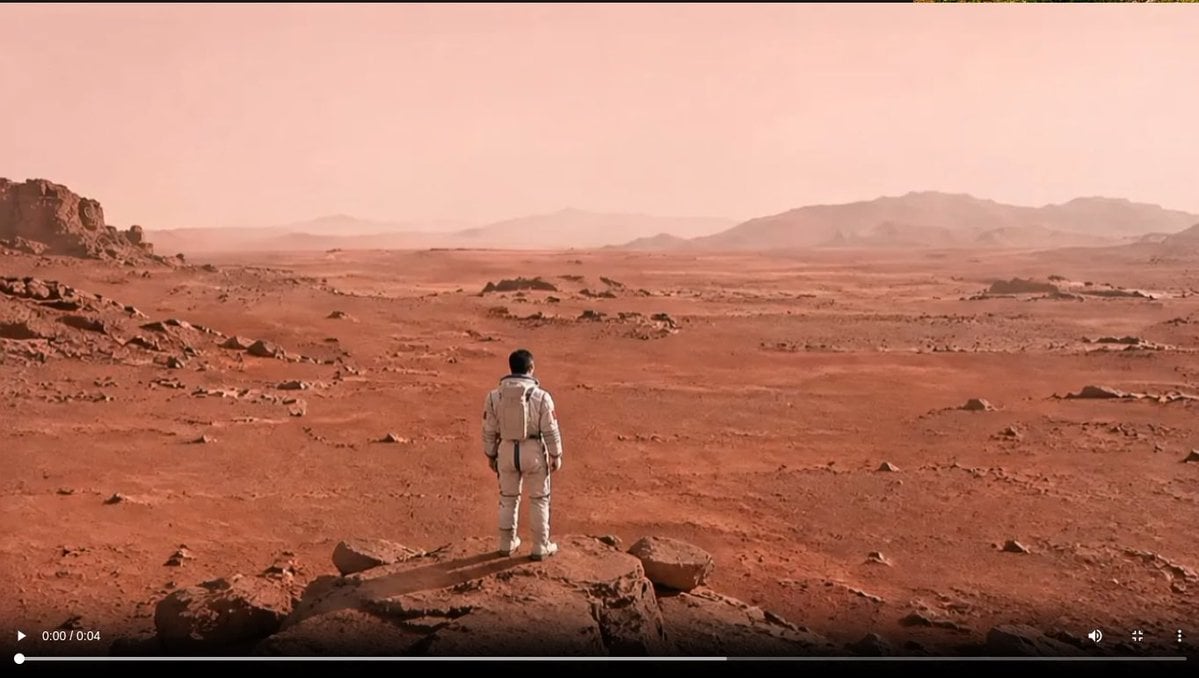
Astronaut on a Red Desert World
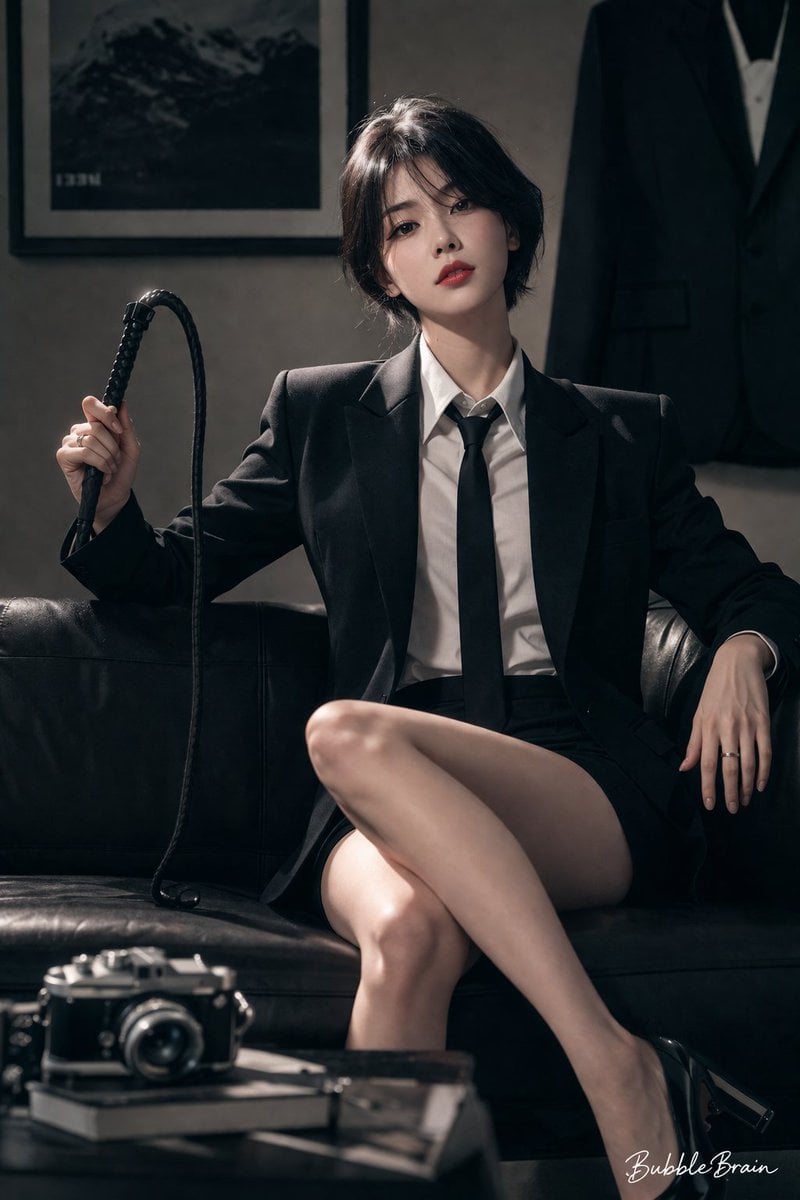
Cool Beauty Korean Idol Portrait
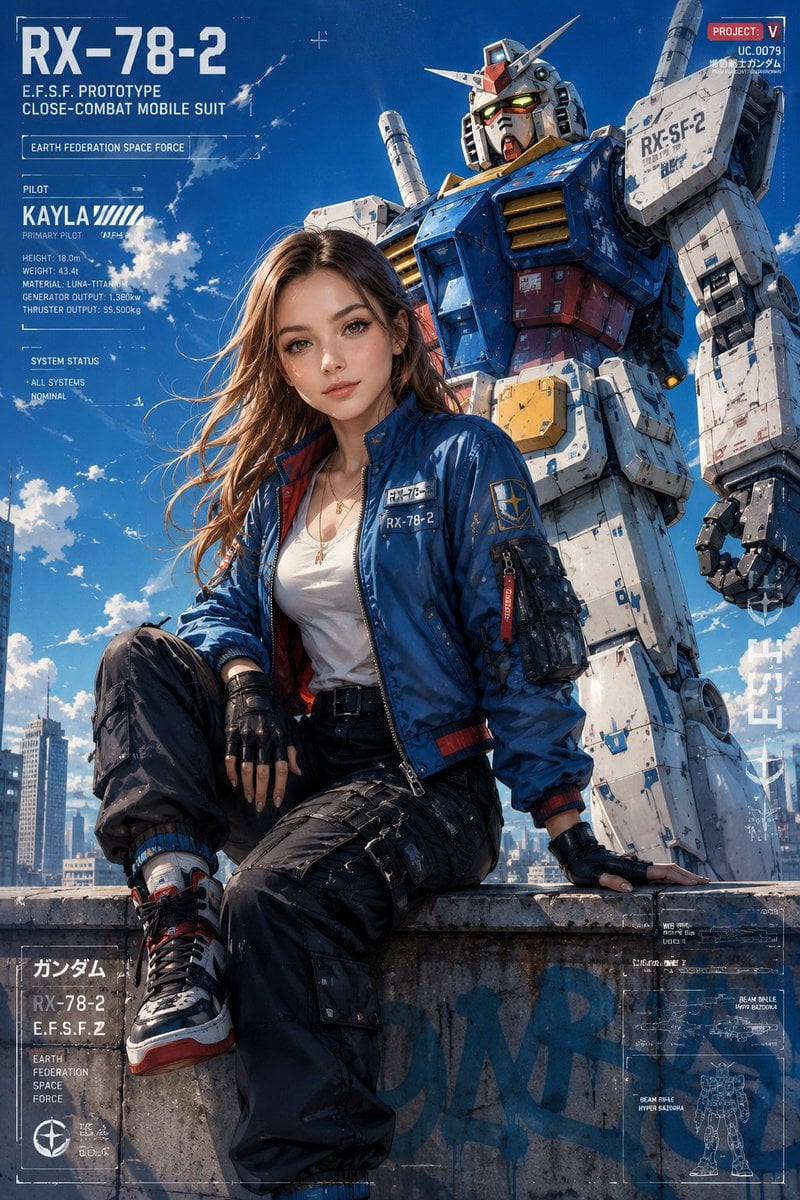
Anime Style Mecha Fashion Editorial
Browse template categories
Old Film Studio Shoot questions
How do I use the Old Film Studio Shoot template?
Add your photo if the template asks for one, edit the prompt if you like — the template's model and format are already selected — and press Generate. Your version opens in PicX Studio.
Can I customize the Old Film Studio Shoot template?
Yes. You can change the subject, setting, lighting, mood, format, and available model controls before creating your image.
Is the Old Film Studio Shoot template free?
Opening and editing this template is free. Generating uses credits, shown on the Generate button when you are signed in.
Which AI model should I use?
Choose a compatible model in PicX Studio based on the style, speed, and output controls your project needs.
Looking for something else? Browse all templates.

Your photo, any look
Thousands of ready templates for every top image and video model, from one credit balance.