
Nomad Sci-Fi Cinematic Sequence
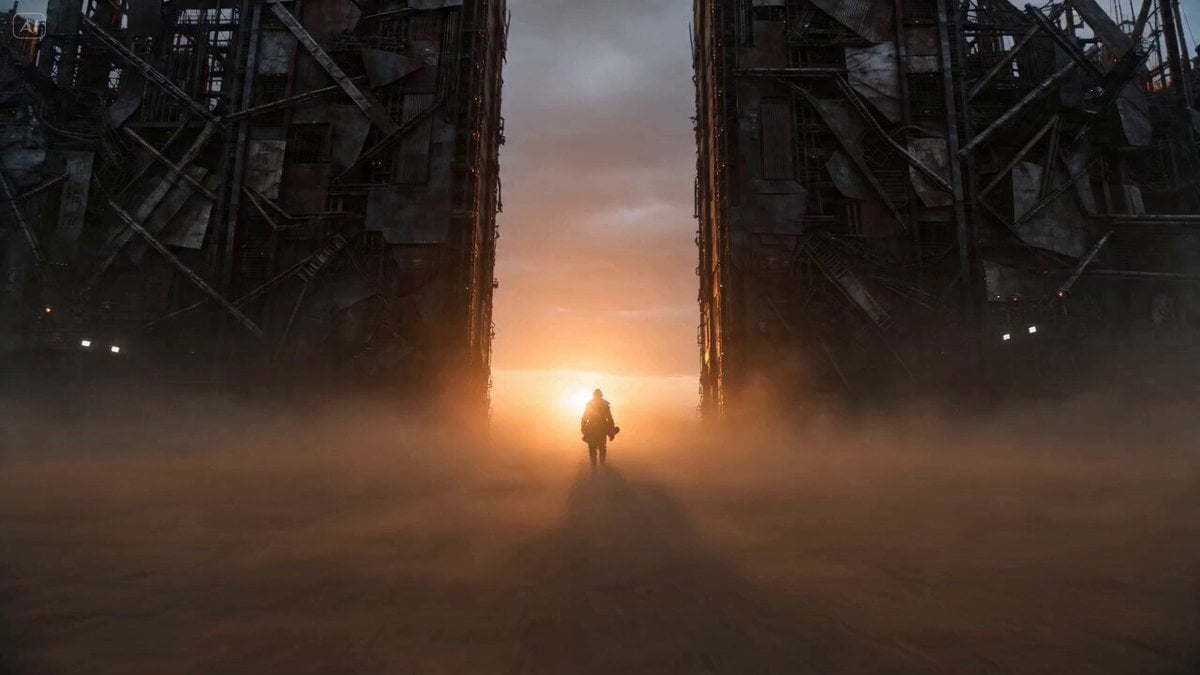
A detailed multi-shot cinematic prompt for a sci-fi scene featuring a nomad approaching a scrap-metal city gate during a sandstorm.
- Prompt included
- Model and format preset
- Premium template
The prompt behind this video
Copy the exact prompt behind Nomad Sci-Fi Cinematic Sequence, or open it in the studio and make it yours.
Low angle tracking through blowing dust toward a lone nomad facing massive scrap-metal city gates at sunset. Camera rises as wind intensifies. Hard cut: side orbit. Gates begin closing with heavy metallic force. Nomad steps forward into the storm, coat whipping. Watchtower lights snap on one by one, scanning. Hard cut: telephoto from behind. Spotlight instantly locks onto him. In the distance, a massive sandstorm rapidly approaches, wind shifts violently toward the city. Hard cut: tight front close-up. Goggles reflecting gates and storm. Dust hits lens. Sound peaks. Cut to black just before the gates fully shut.
How to use Nomad Sci-Fi Cinematic Sequence in 3 steps
- 1
Open
The prompt is already in the box next to the preview, with the template's model and format selected.
- 2…a portrait of your subject in softgolden-hour light, 85mm…
Personalize
Edit the subject and creative details for your destination.
- 3Generate
Generate
Press Generate — your video is created in PicX Studio, so you can compare it with the original and refine one variable at a time.
More like this
Templates with the same subject, style or setup. Open one to see its prompt.
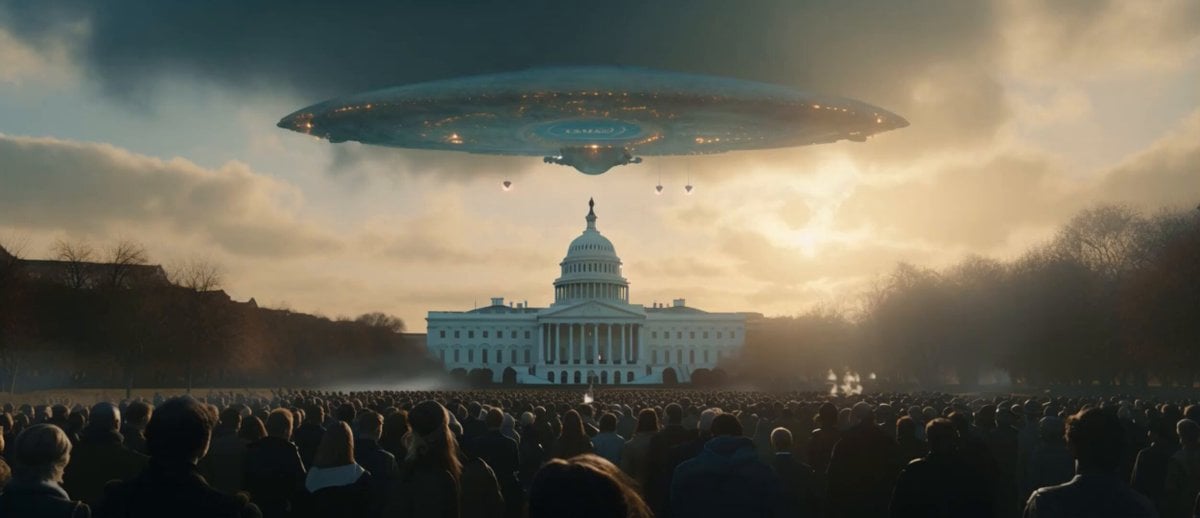
Sci-Fi Disaster Movie Scene - Seedance 2.5
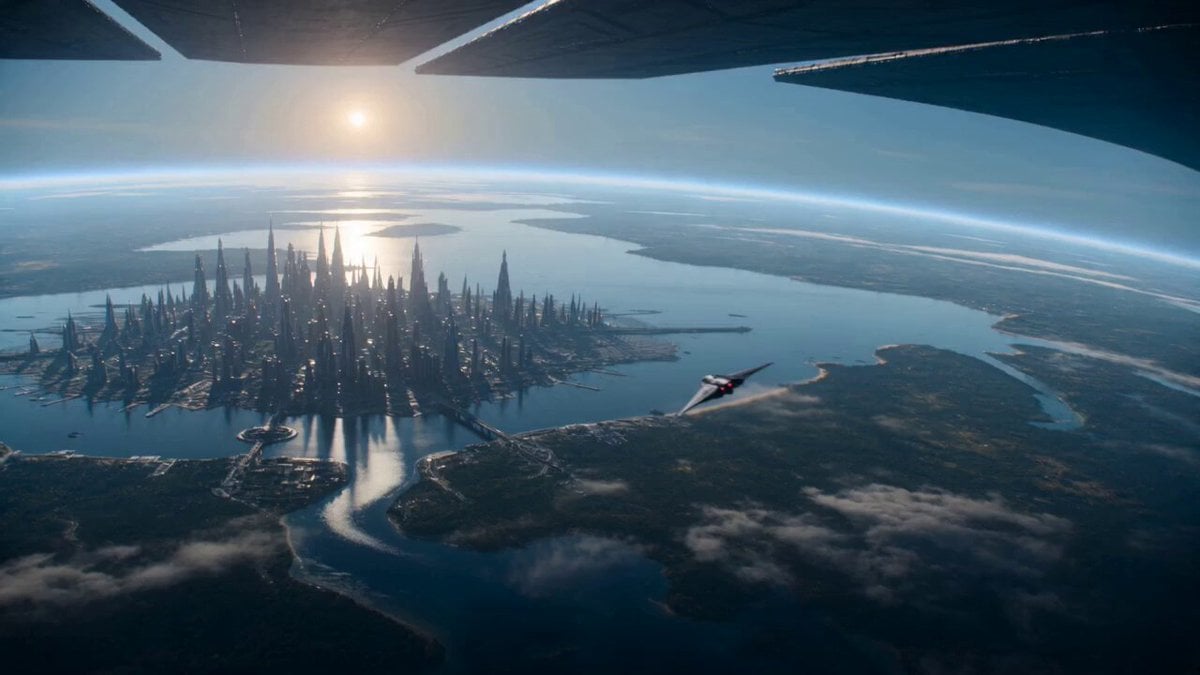
Sci-Fi Planetary Defense Sequence
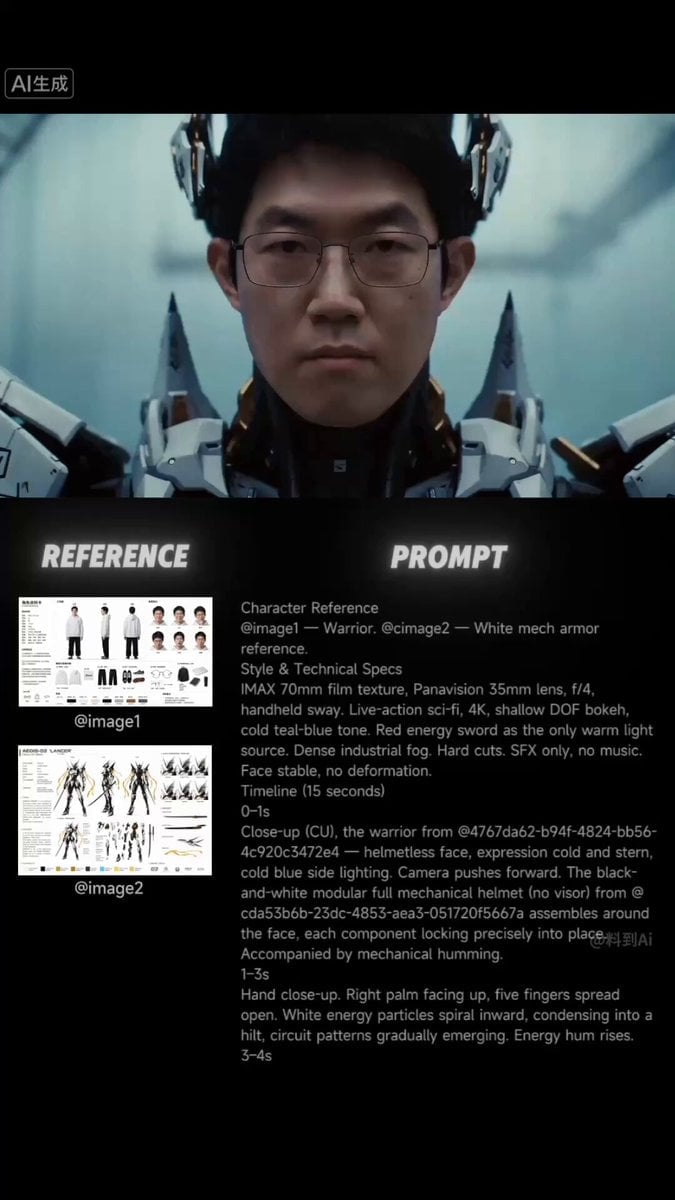
Sci-Fi Samurai Combat Sequence
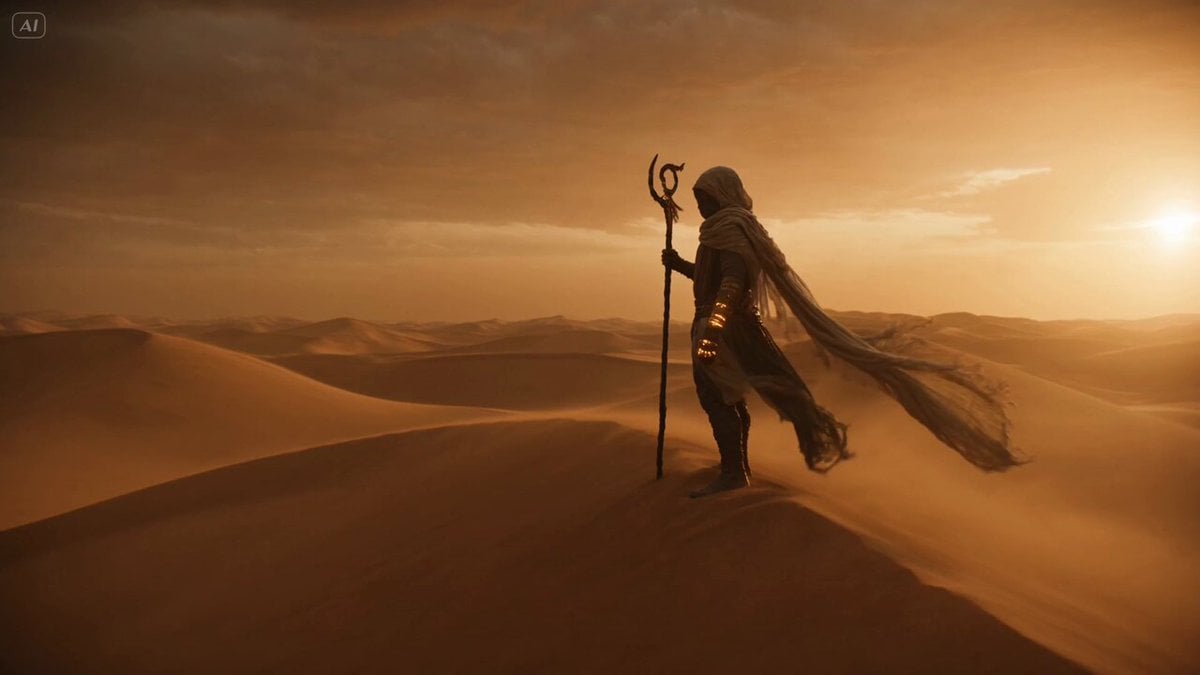
Desert Nomad and Sand Dragon Sequence
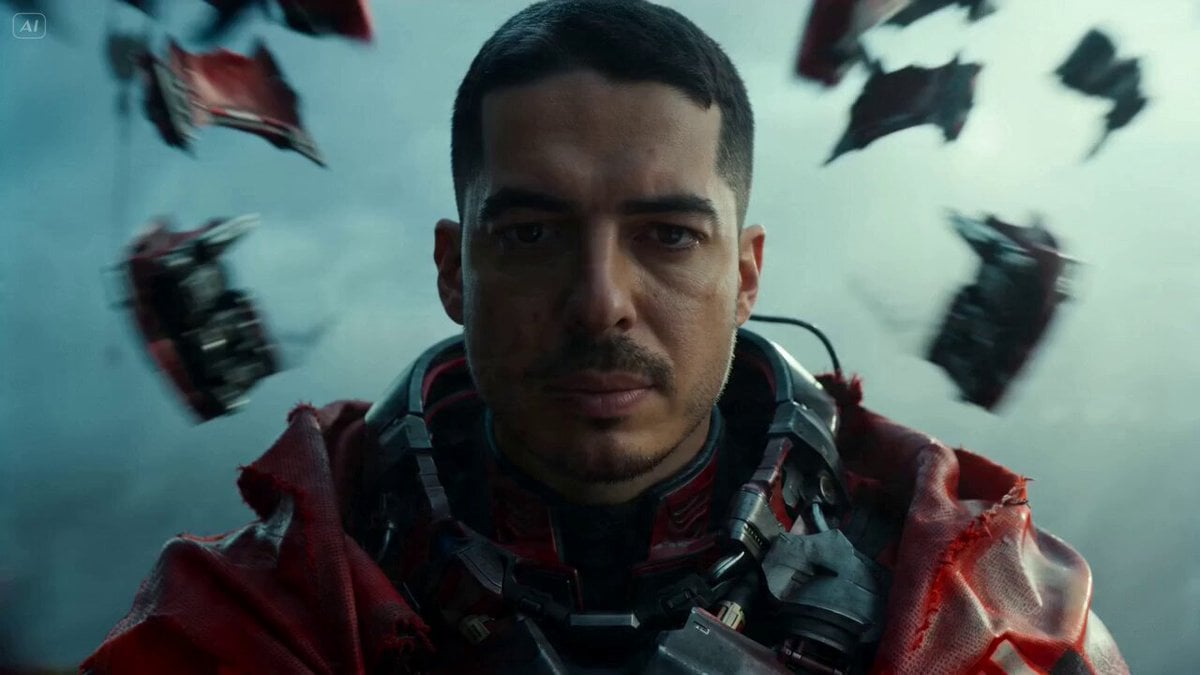
Sci-Fi Warrior Combat Sequence
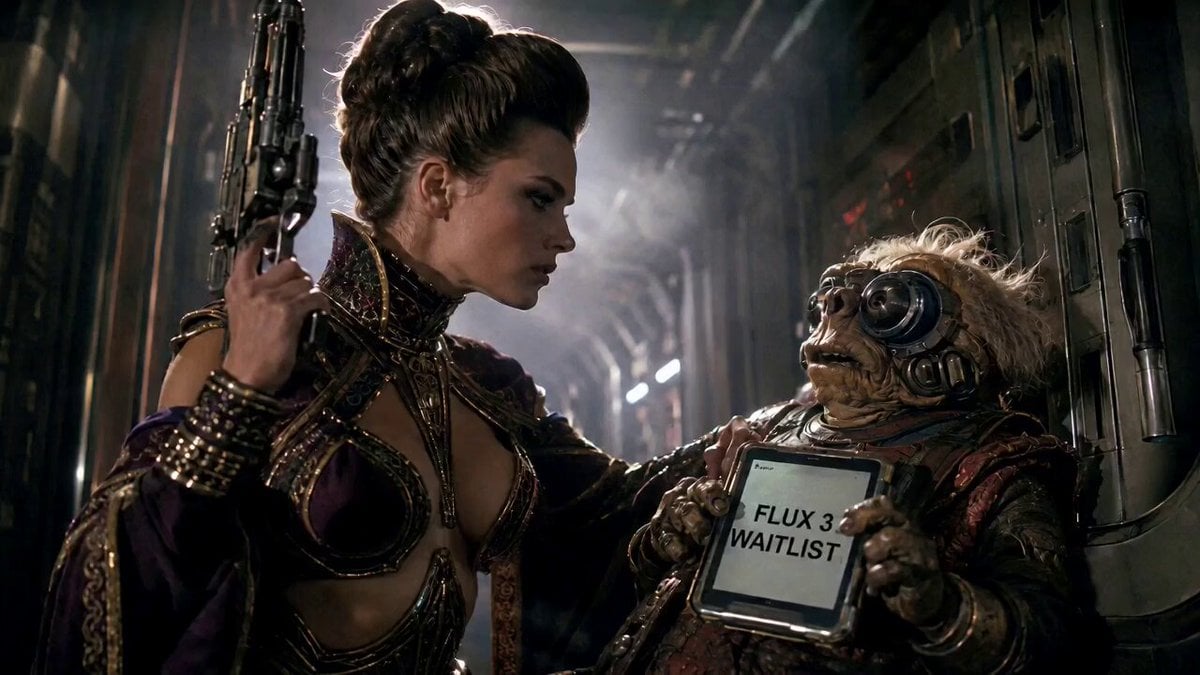
80s Sci-Fi Practical Effects Scene Prompt
Sci-Fi Horror Hospital Alien Scene
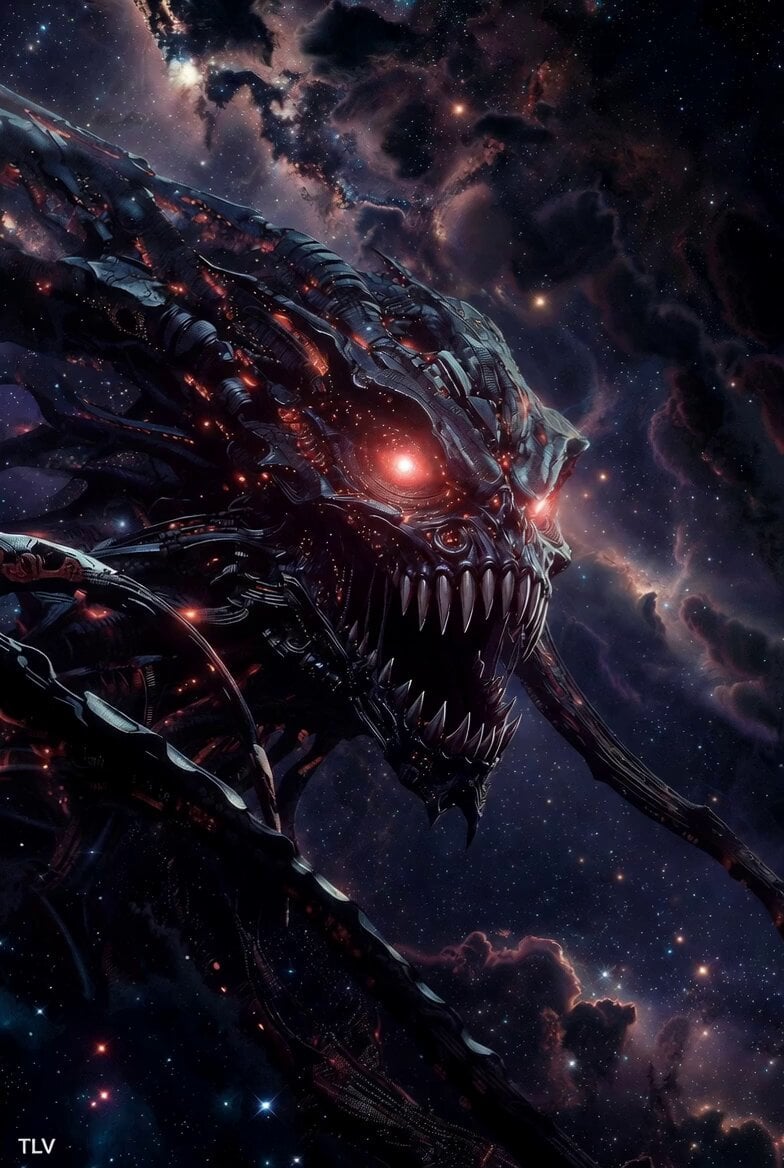
Evil Space Sci-Fi Power Threshold
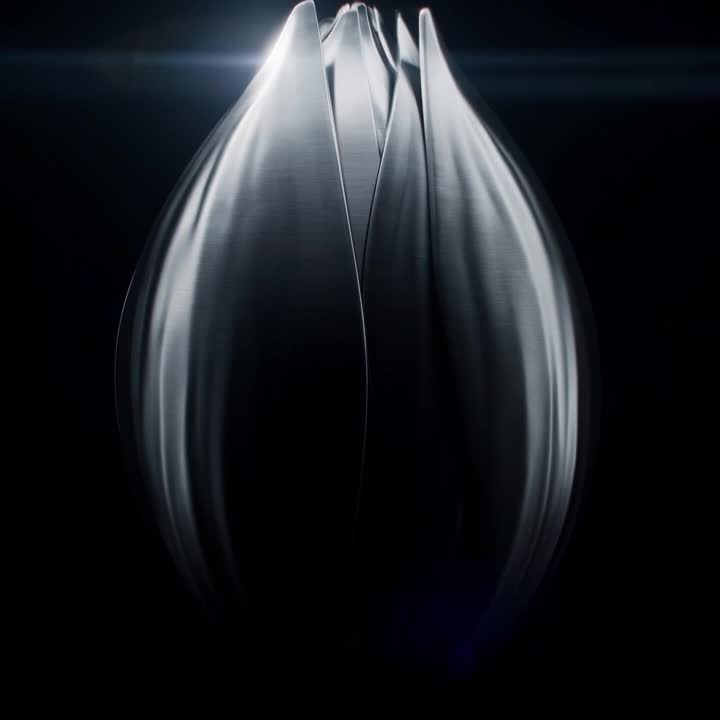
Oceanic Civilization Epic Sci-Fi Film
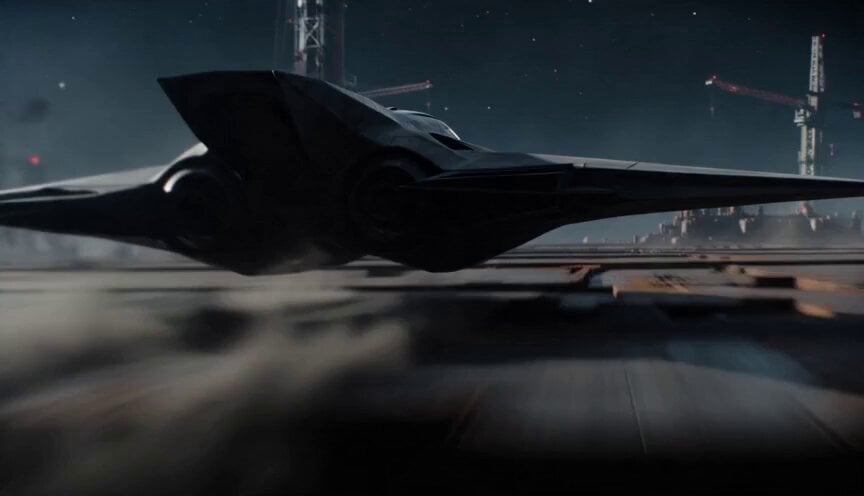
Sci-Fi Interceptor Planet Engine Race
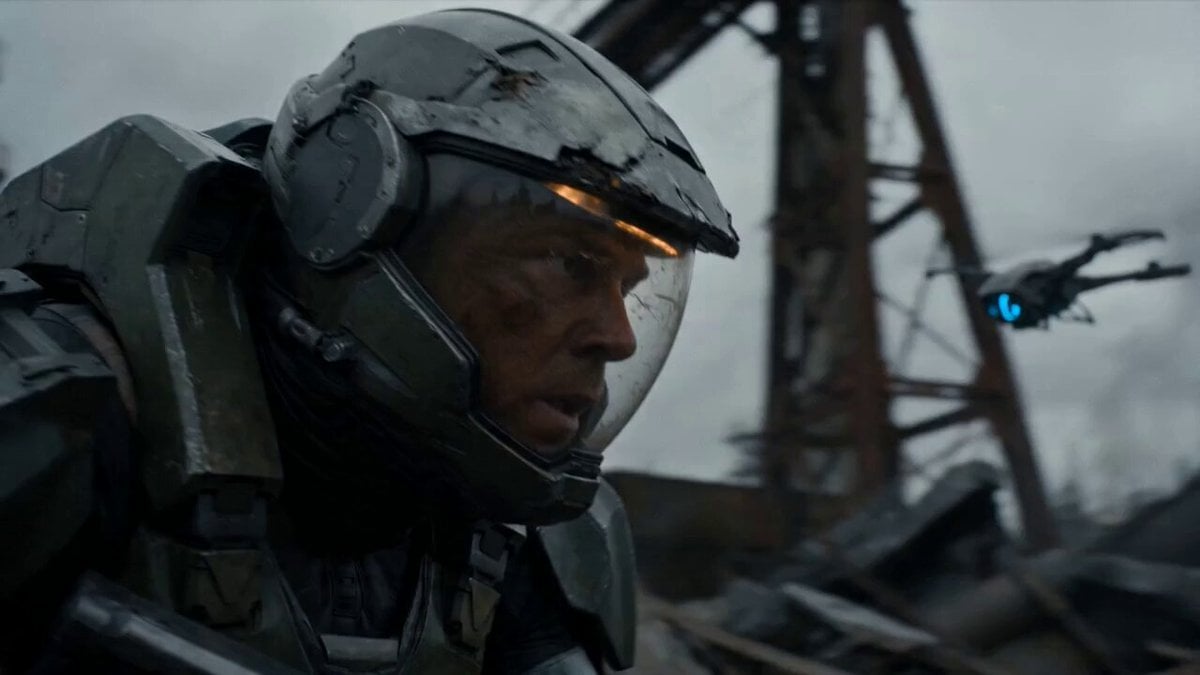
Post-Apocalyptic Sci-Fi Soldier Combat
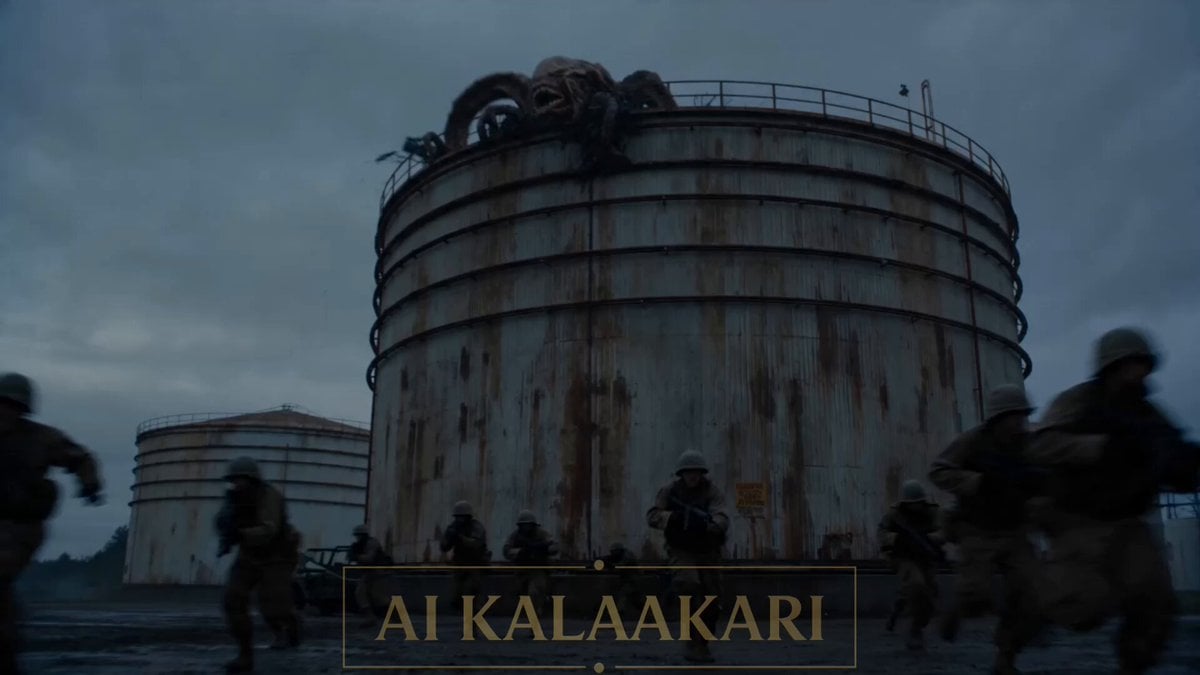
Sci-Fi Alien Attack on Fuel Depot
Make it yours
Nomad Sci-Fi Cinematic Sequence works as-is. These are the safest ways to change it without losing the look.
Change one field
Copy a single group, rewrite it, and generate again so you can see what that field is doing.
Keep the frame, change the subject
Hold the composition and light of Nomad Sci-Fi Cinematic Sequence, then swap wardrobe, props or the person for a new take.
| If the result… | Why | Fix |
|---|---|---|
| The result drifts from the preview | Too many fields changed at once. | Reuse Nomad Sci-Fi Cinematic Sequence as-is first, then change one group — subject, light, or setting. |
| The model over-stylizes the scene | The prose prompt leaves finish and camera underspecified. | Add one camera or lighting sentence and stay on Seedance 2.0. |
More Seedance 2.0 templates
Other prompts made for Seedance 2.0.

Comical Martial Arts Punch Scene

Maglev Train Action Sequence

Martial Arts Fight Sequence

Wuxia Protection and Trust Script

Vintage Korean Arcade MiniDV Vlog

Mercedes 190 SL Luxury Ad

Rainy Night Supernatural Reverse Comedy Video Script

Amazon Civilization Discovery

Futuristic South Asian City Transformation

Cozy Luxury Cafe Commercial
More video prompts
Fresh picks from across the catalog.
Majestic Glowing Whale Fantasy
Golden Hour Cinematic Desert Journey
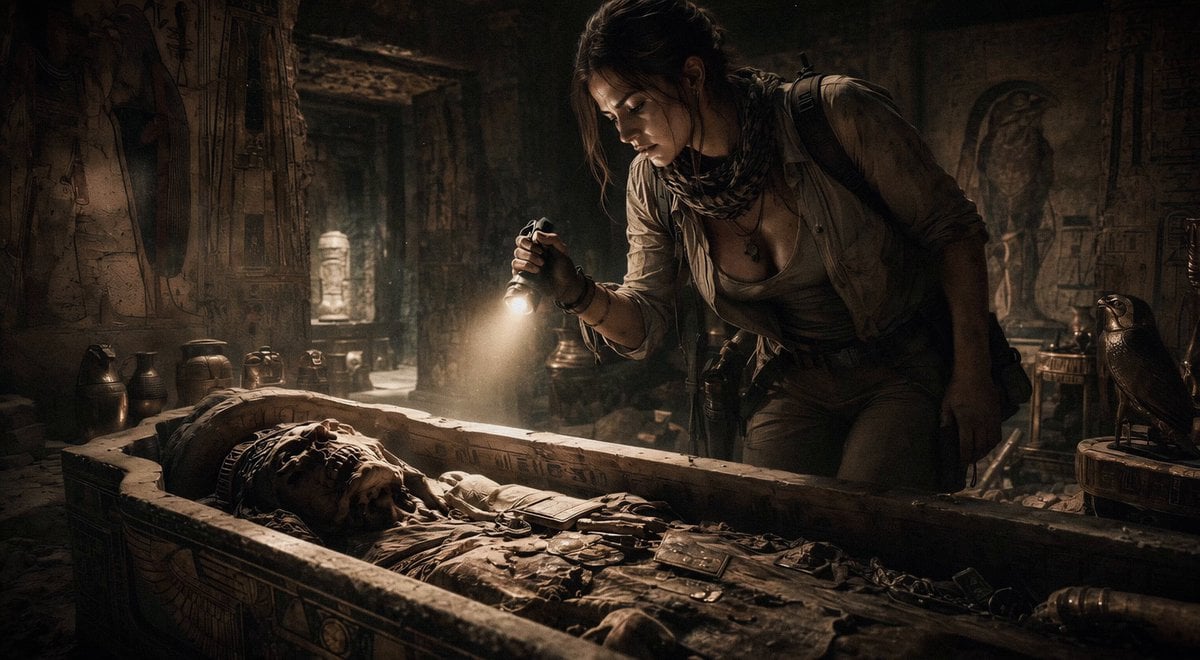
Ancient Tomb Treasure Hunt
Futuristic AI Studio Masterpiece
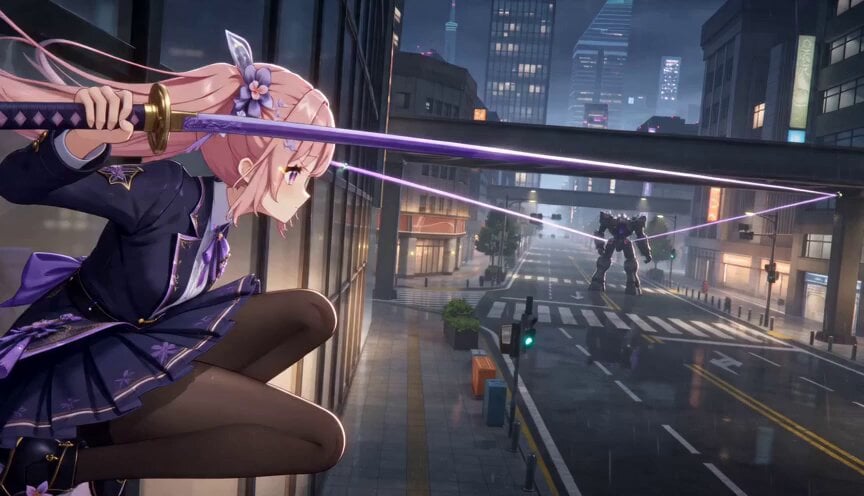
Cinematic 3D Anime Wire Action Sequence

Toddler Tantrum Cinematic Commercial

Second Spring Festival Gala Talk Show: Zhen Huan and Hu Fei
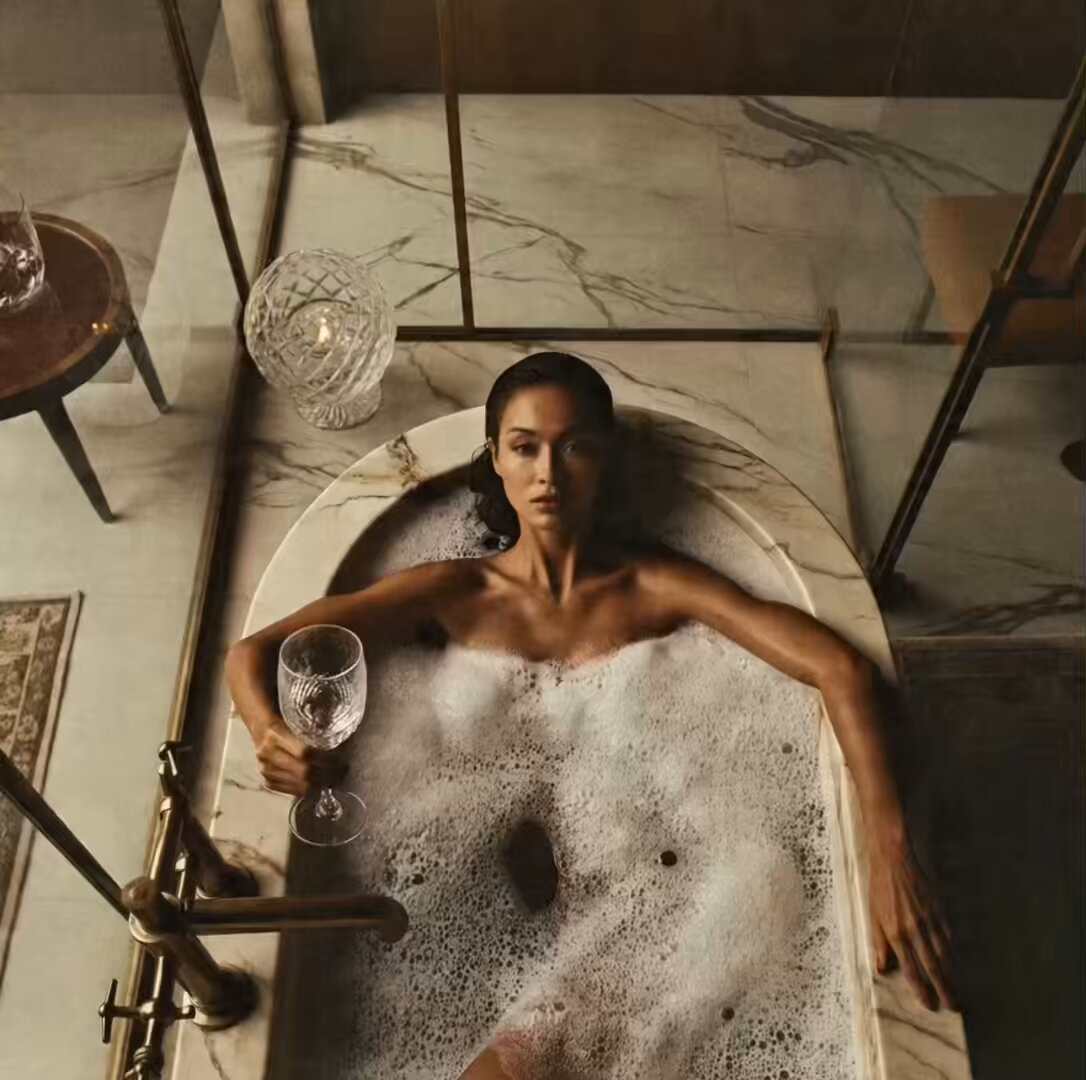
Serene Luxury Spa Visual
Coffee and Milk Swirl Macro Shot
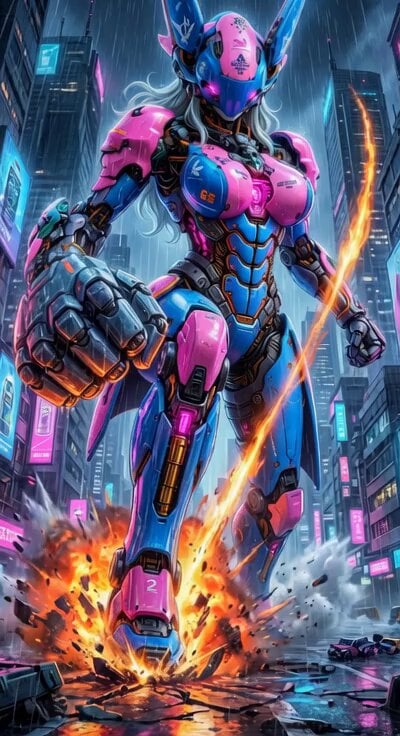
Cyberpunk Mecha Action Scene
Browse template categories
Nomad Sci-Fi Cinematic Sequence questions
How do I use the Nomad Sci-Fi Cinematic Sequence template?
Add your photo if the template asks for one, edit the prompt if you like — the template's model and format are already selected — and press Generate. Your version opens in PicX Studio.
Can I customize the Nomad Sci-Fi Cinematic Sequence template?
Yes. You can change the subject, setting, lighting, mood, format, and available model controls before creating your video.
Is the Nomad Sci-Fi Cinematic Sequence template free?
Opening and editing this template is free. Generating uses credits, shown on the Generate button when you are signed in.
Which AI model should I use?
Start with Seedance 2.0, which is the model associated with this template. You can compare another compatible model for a different finish.
Looking for something else? Browse all templates.

Your photo, any look
Thousands of ready templates for every top image and video model, from one credit balance.