
Autonomous High-Speed Chase
A cinematic high-pressure driving prompt that transitions from a stressed human driver to a perfectly precise autonomous system, featuring anamorphic lenses and 8K photorealism.
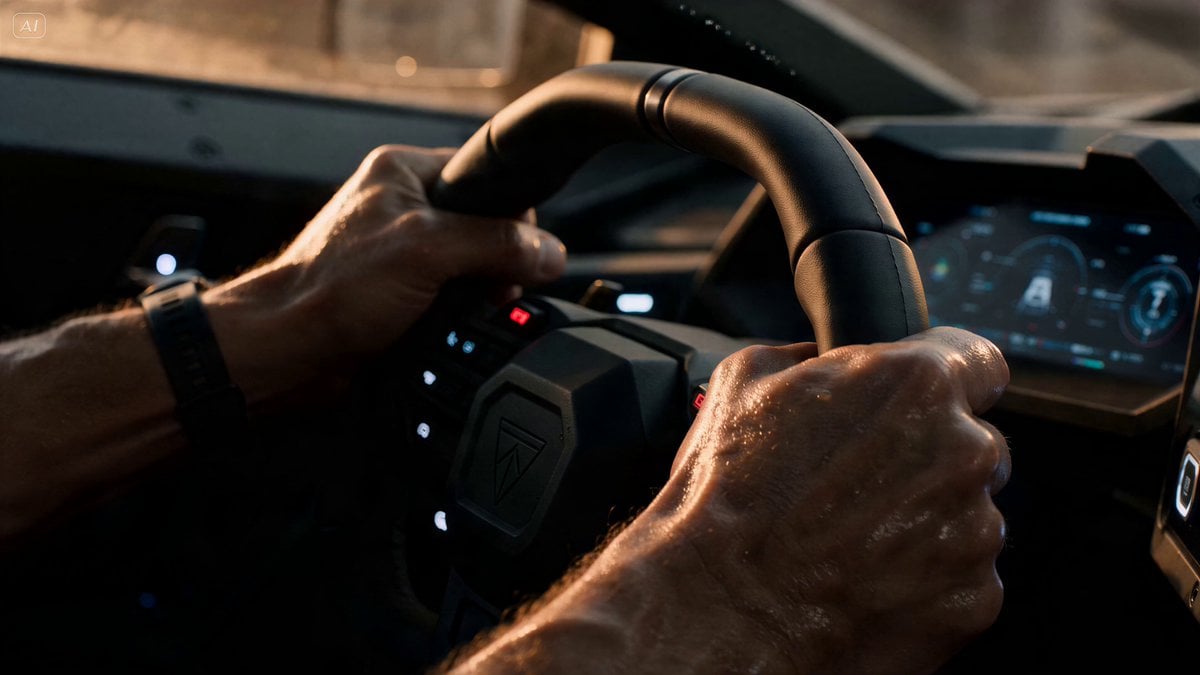
- Prompt included
- Model and format preset
- Premium template
The prompt behind this video
Copy the exact prompt behind Autonomous High-Speed Chase, or open it in the studio and make it yours.
High-speed urban environment under extreme pressure. Hyper-realistic, grounded physics. The tone shifts from human tension to machine-level precision. Shot on 35mm anamorphic lens, f/2.8. Natural motion blur, realistic exposure, high dynamic range. Golden hour light cutting through dust, glass particles, and atmospheric haze. Subject: A skilled driver under intense stress. Fully human at the start, breathing, micro-errors, instability. Gradually transitions into passive role as control shifts to a system beyond them. Audio: starts organic (breath, friction, engine strain) → evolves into tight, mechanical, synchronized sound → ends in overwhelming environmental impact. 0–2s: Interior close-up. Hands gripping controls (steering wheel / throttle / harness). Micro-corrections, slight oversteer, imperfect rhythm. Breath audible. Stress visible. 2–4s: Rapid cuts: exterior tracking shot (speed established), side angle (environment rushing past), forward POV (danger ahead forming). Everything is still human-driven, slightly unstable. 4–6s: Wide shot, impossible situation ahead: blocked path, collapsing structure, incoming collision, or narrowing space. No clear solution. 6–8s: Back inside, the subject braces. Then controls shift subtly on their own. Movement becomes smoother… too smooth. Sound tightens. Breathing drops out of focus. 8–11s: Camera language changes: ultra-stable tracking shots, perfect alignment through space, impossible micro-adjustments at high speed. Multiple angles: top-down threading through obstacles, side pass with millimeter clearance, forward POV locking onto optimal path. The subject is no longer driving, just holding on. 11–13s: The system commits to a maneuver no human would attempt: threading through collapsing debris / crossing moving objects / cutting through a closing gap at full speed. Time feels compressed and precise. 13–15s: Massive physical consequence: debris explosion, chain reaction collisions, shockwave through environment. But the subject emerges through it cleanly. Final shot: interior close-up, subject still frozen, realizing they were not in control. Sound fades from mechanical precision back to raw breathing. Ultra-photorealistic 8K, cinematic HDR lighting, perfect motion continuity, physically accurate mass interaction, multi-angle coherence, no artifacts, grounded realism.
How to use Autonomous High-Speed Chase in 3 steps
- 1
Open
The prompt is already in the box next to the preview, with the template's model and format selected.
- 2…a portrait of your subject in softgolden-hour light, 85mm…
Personalize
Edit the subject and creative details for your destination.
- 3Generate
Generate
Press Generate — your video is created in PicX Studio, so you can compare it with the original and refine one variable at a time.
More like this
Templates with the same subject, style or setup. Open one to see its prompt.
Speeder Chase Across a Cliff City
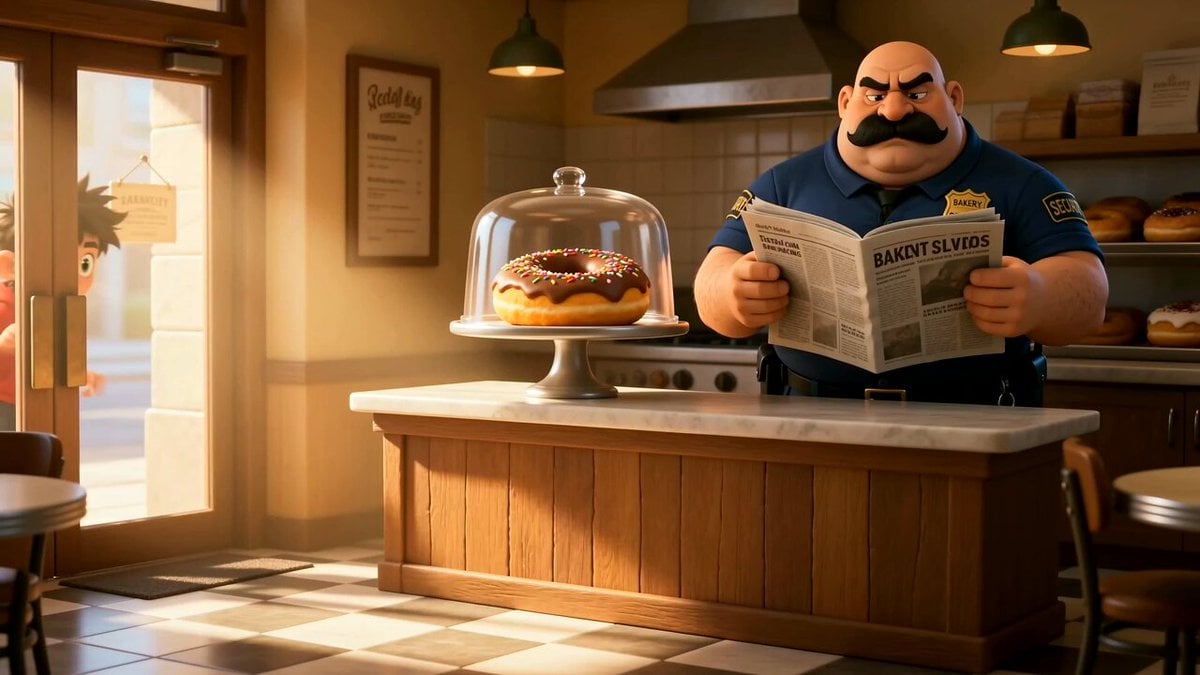
Cartoon Donut Heist Bakery Chase

Walking Factory with Rebel on Hoverbike - Wasteland
Amazon FPV Drone Chase — Seedance 2.0
Highway Biker — Aggressive Lane Split (PixVerse C1)
Dim Sum Chase — Shrimp Dumpling Monster
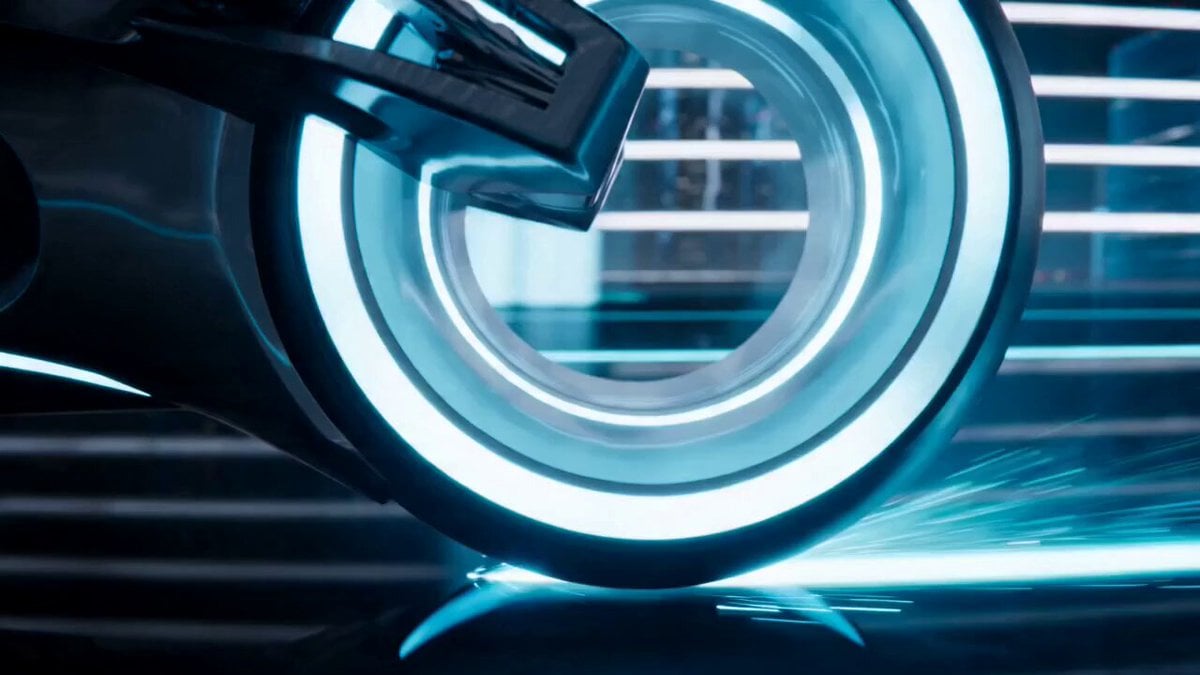
Tron-Inspired Speed Chase
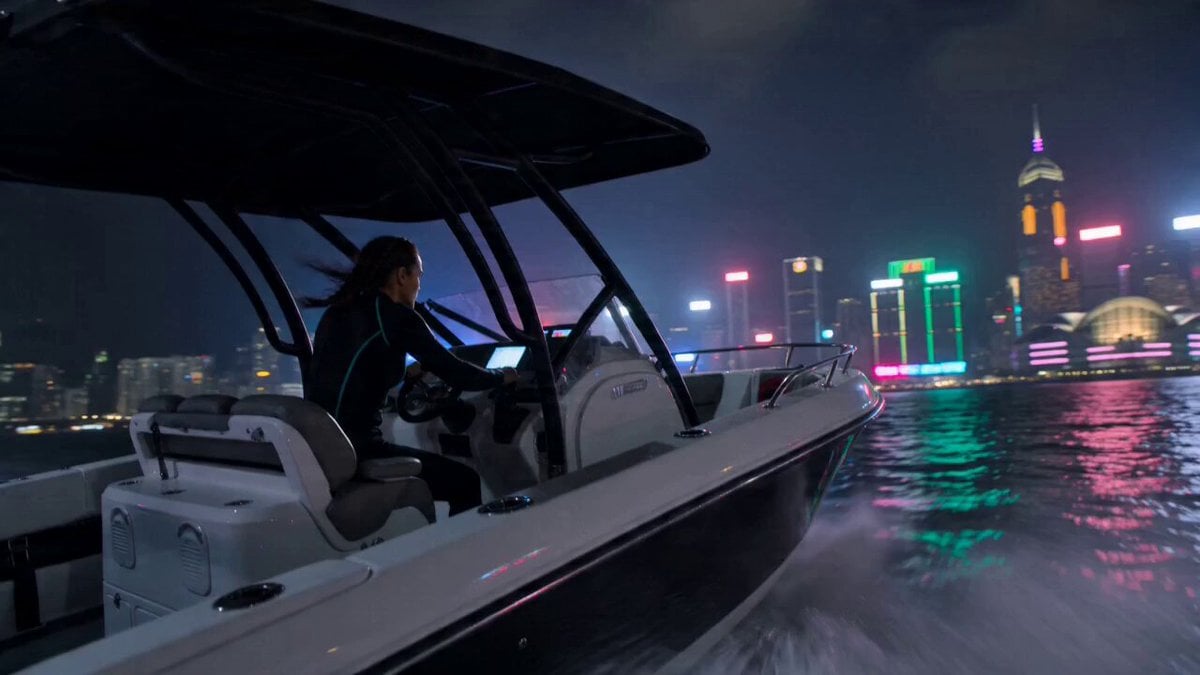
High-Speed Boat Chase in Hong Kong Harbor
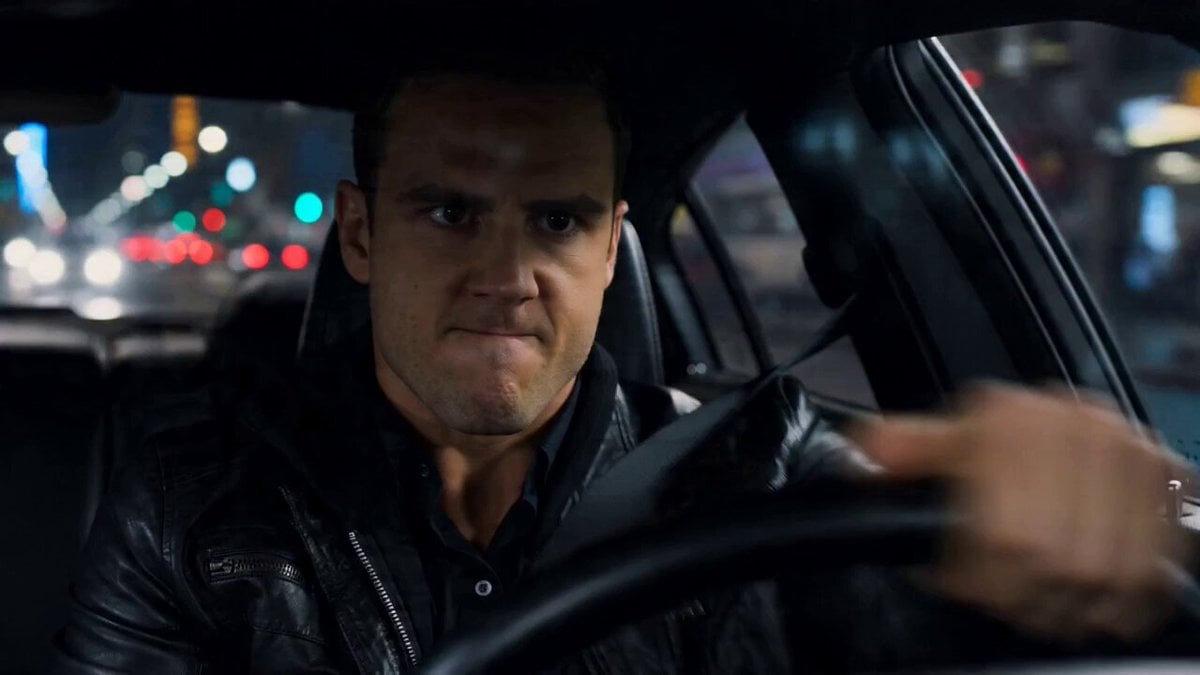
High-Speed Car Chase Gear Shift Video
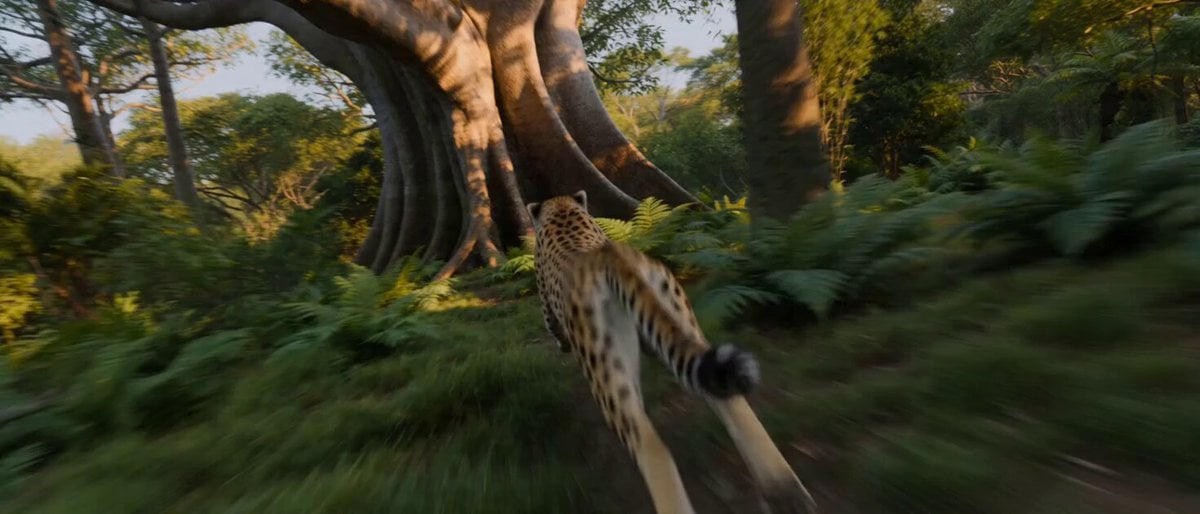
High-Speed Cheetah Chase Cam
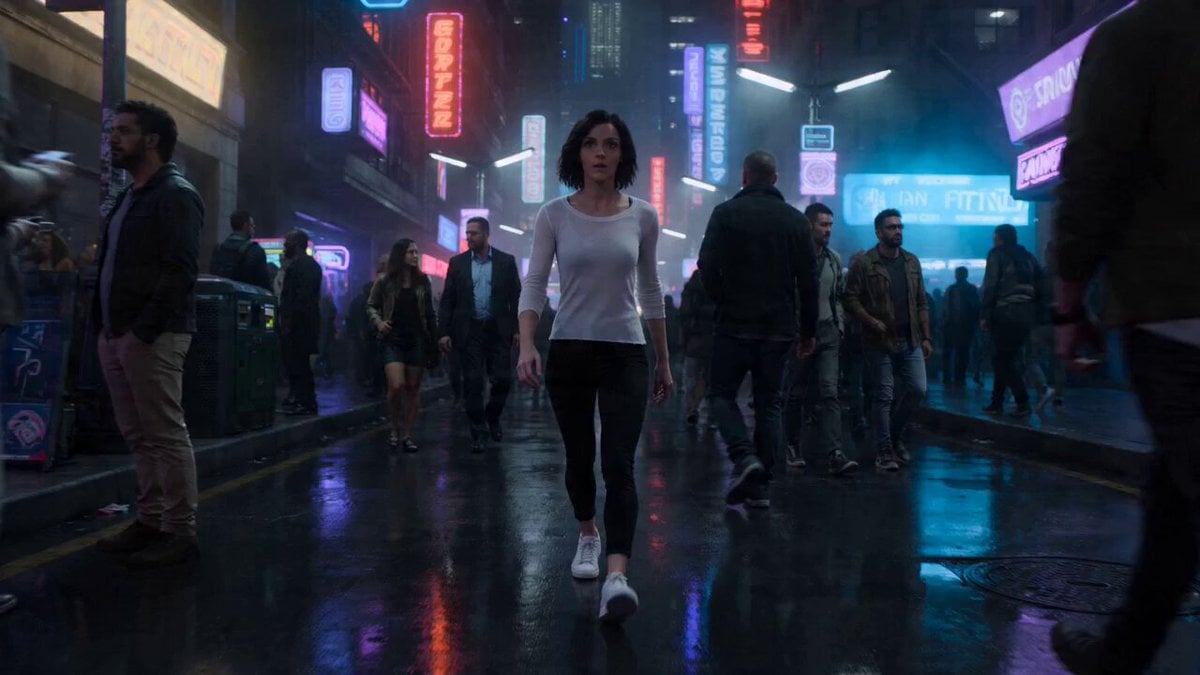
High-Speed Urban Chase and Transformation
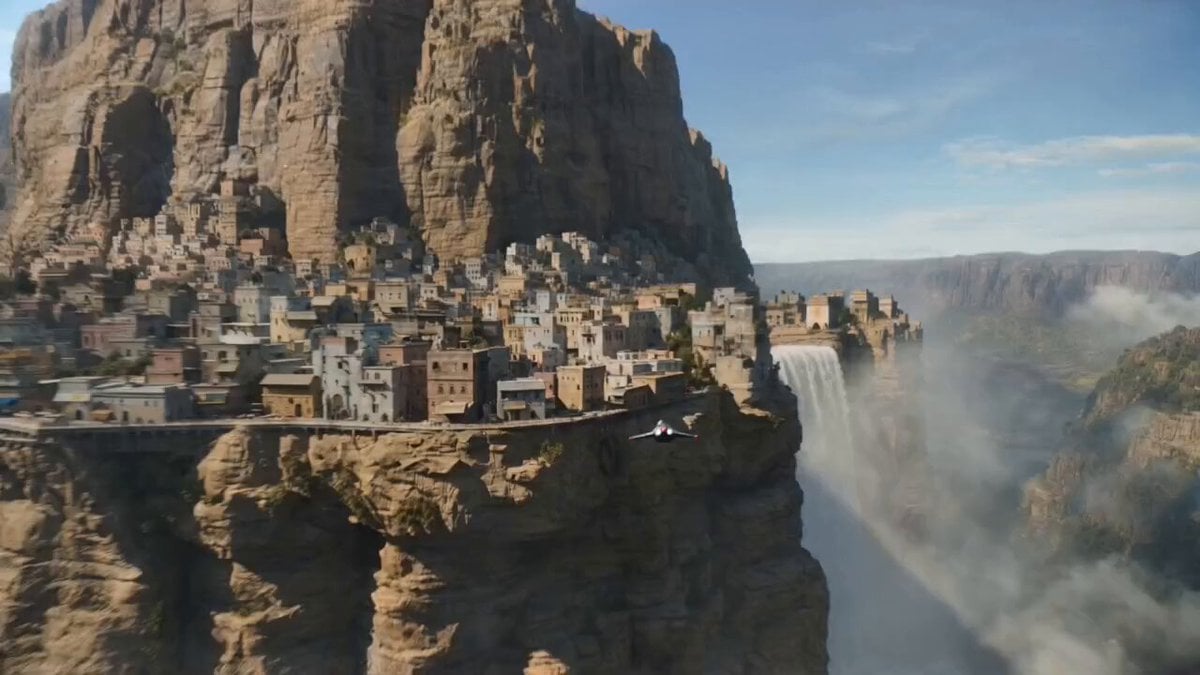
Speeder Chase Cliffside City Action
Make it yours
Autonomous High-Speed Chase works as-is. These are the safest ways to change it without losing the look.
Change one field
Copy a single group, rewrite it, and generate again so you can see what that field is doing.
Keep the frame, change the subject
Hold the composition and light of Autonomous High-Speed Chase, then swap wardrobe, props or the person for a new take.
| If the result… | Why | Fix |
|---|---|---|
| The result drifts from the preview | Too many fields changed at once. | Reuse Autonomous High-Speed Chase as-is first, then change one group — subject, light, or setting. |
| The model over-stylizes the scene | The prose prompt leaves finish and camera underspecified. | Add one camera or lighting sentence and stay on Seedance 2.0. |
More Seedance 2.0 templates
Other prompts made for Seedance 2.0.

Comical Martial Arts Punch Scene

Maglev Train Action Sequence

Martial Arts Fight Sequence

Wuxia Protection and Trust Script

Vintage Korean Arcade MiniDV Vlog

Mercedes 190 SL Luxury Ad

Rainy Night Supernatural Reverse Comedy Video Script

Amazon Civilization Discovery

Futuristic South Asian City Transformation

Cozy Luxury Cafe Commercial
More video prompts
Fresh picks from across the catalog.
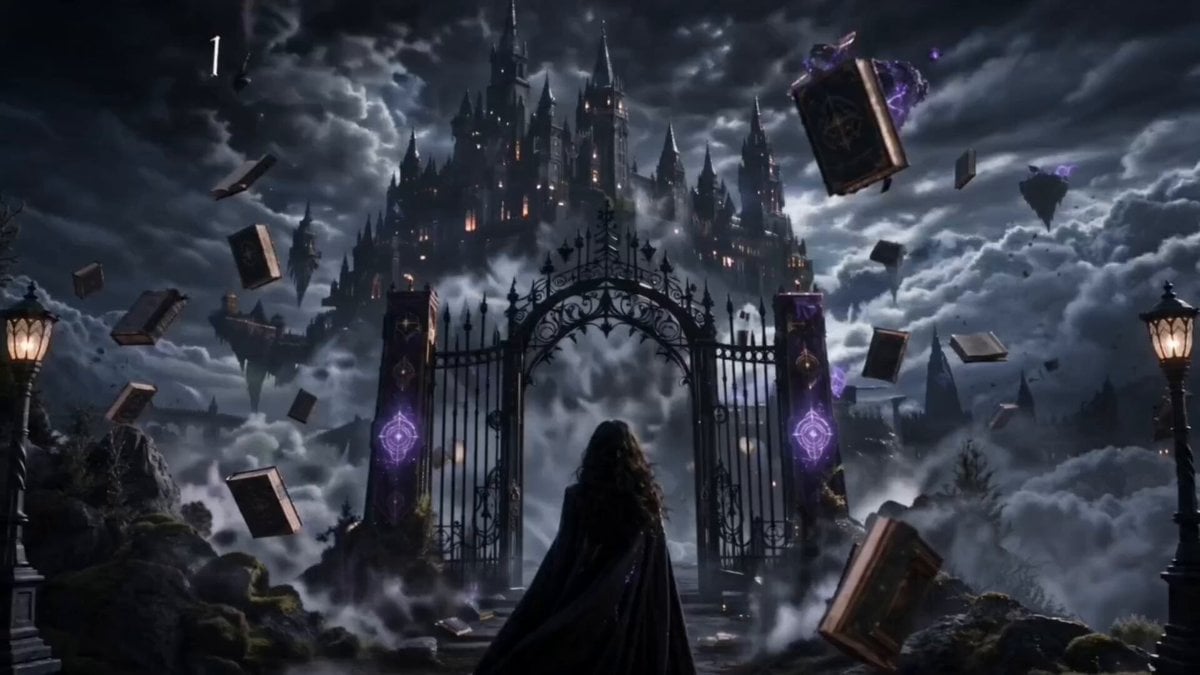
Magical Academy Storyboard Sequence
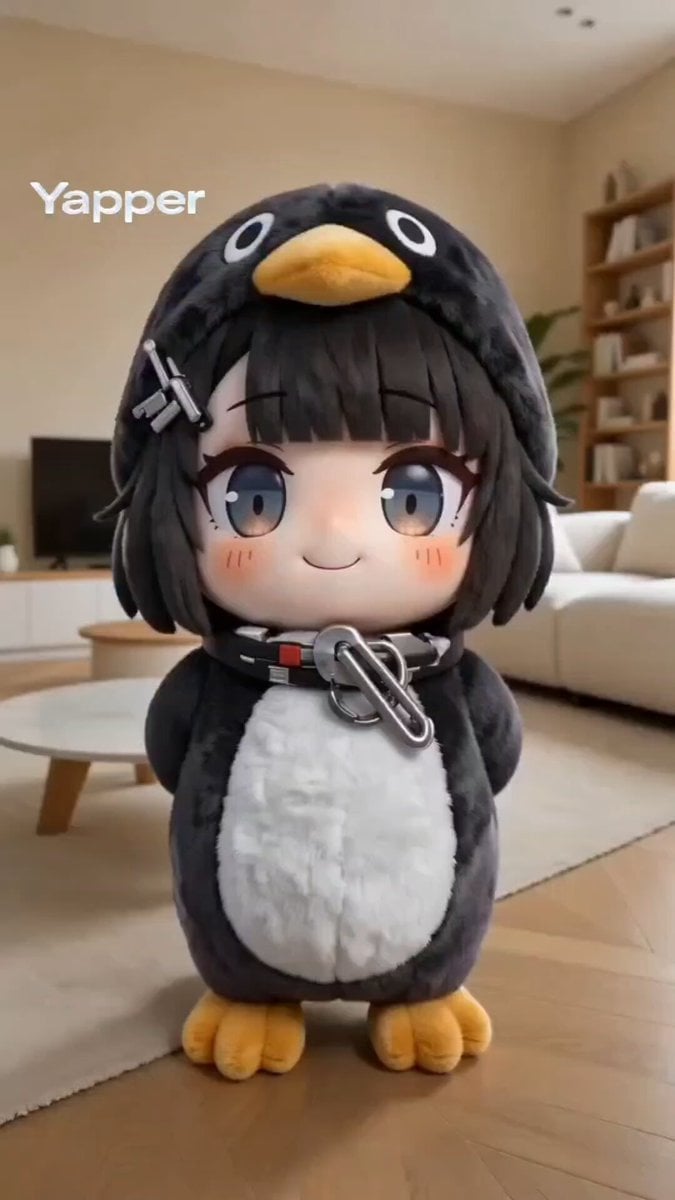
Kawaii chibi penguin-girl dancing prompt

Art Nouveau Ballerina

Cinematic Roman Soldier Mountain Escape
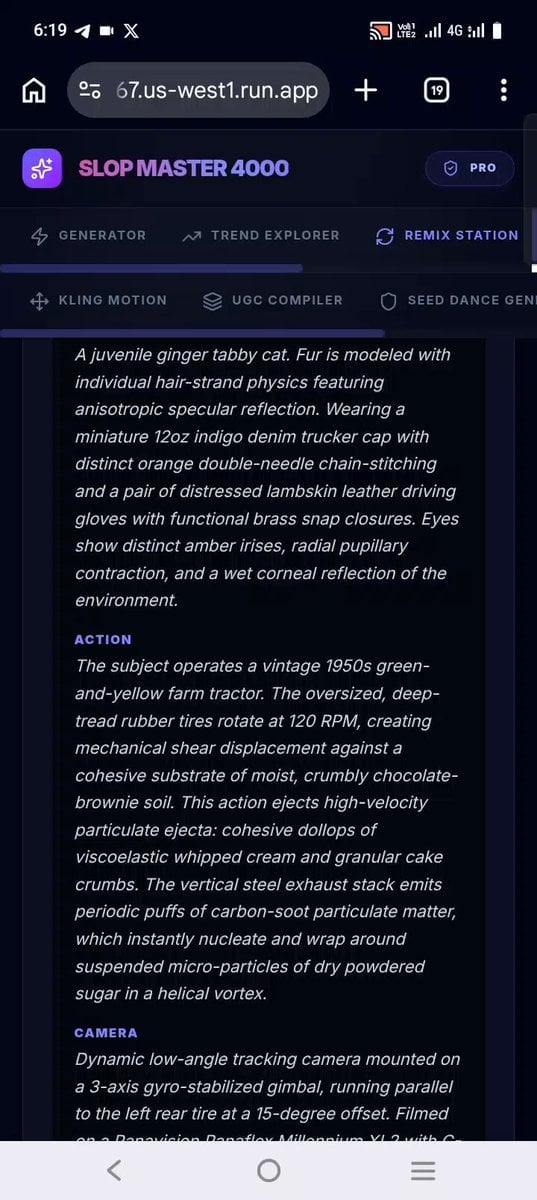
Confectionery Cat Tractor Scene
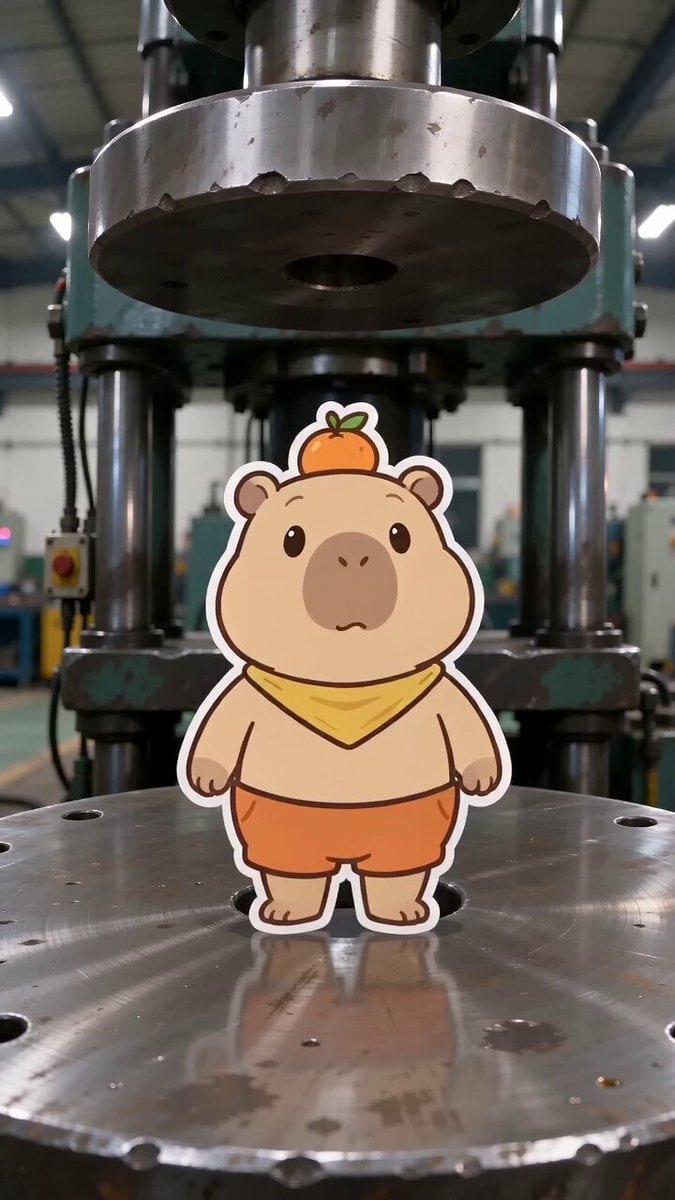
Capybara vs. Hydraulic Press Animation
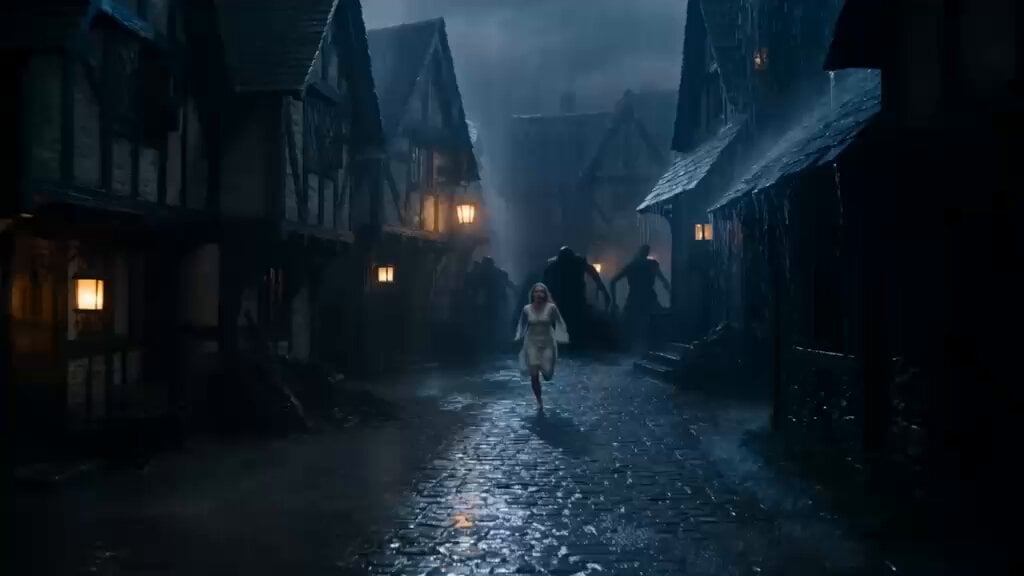
Ancient Guardian Dragon Rescue
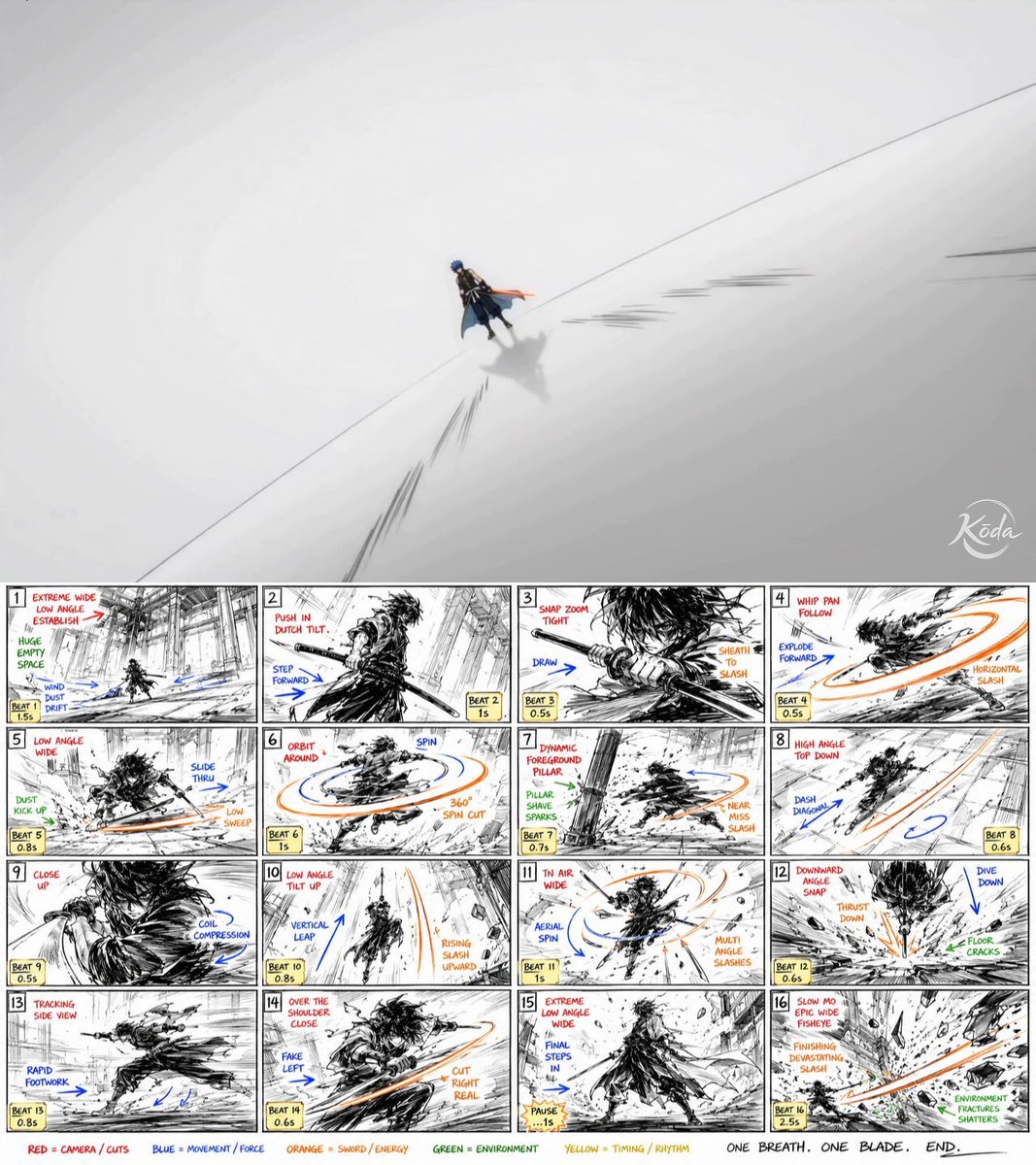
Anime Combat Sequence Prompt
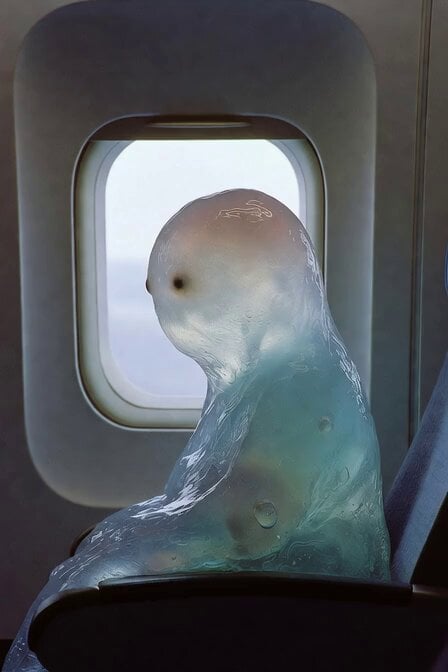
Blob Sucked Out Airplane
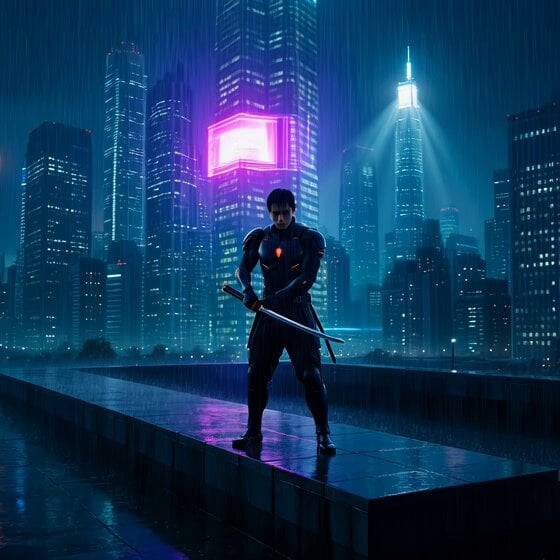
Cyberpunk Samurai in Neon Tokyo Rain
Browse template categories
Autonomous High-Speed Chase questions
How do I use the Autonomous High-Speed Chase template?
Add your photo if the template asks for one, edit the prompt if you like — the template's model and format are already selected — and press Generate. Your version opens in PicX Studio.
Can I customize the Autonomous High-Speed Chase template?
Yes. You can change the subject, setting, lighting, mood, format, and available model controls before creating your video.
Is the Autonomous High-Speed Chase template free?
Opening and editing this template is free. Generating uses credits, shown on the Generate button when you are signed in.
Which AI model should I use?
Start with Seedance 2.0, which is the model associated with this template. You can compare another compatible model for a different finish.
Looking for something else? Browse all templates.

Your photo, any look
Thousands of ready templates for every top image and video model, from one credit balance.