How do I use the Giantess Anime Climbing Scene Prompt template?
Edit the prompt in the box under the preview — the template's model and format are already selected — and press Generate. Your version appears right on this page.
A highly detailed prompt for generating a 2D anime-style video.
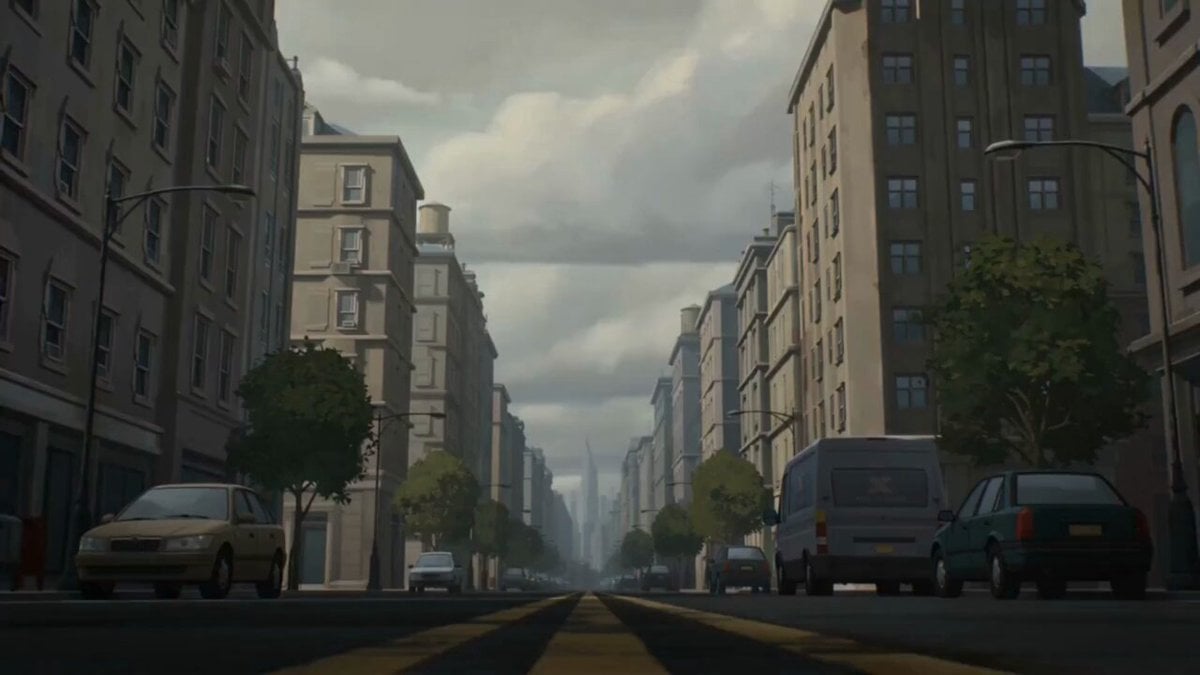
High-quality anime style, 2D animation. Warm, cinematic lighting with sunlight filtering through blinds. A tiny man wearing a green hoodie and blue jeans runs across a wooden floor toward a giantess. He climbs up her massive foot and leg, which are covered in black fishnet stockings, using the fishnet holes to climb. Dynamic low-angle camera following his ascent, emphasizing the colossal scale of the giantess. He climbs past her black pleated skirt and white collared shirt, scaling up her dark blue ribbed sweater. The camera pans up to reveal the giantess looking down at him. She has long brown hair, a flower hair clip, and large brown eyes. She wears a highly surprised, wide-eyed expression with a slight blush. Background is a softly blurred bedroom with a music keyboard.
High-quality anime style, 2D animation. Warm, cinematic lighting with sunlight filtering through blinds. A tiny man wearing a green hoodie and blue jeans runs across a wooden floor toward a giantess. He climbs up her massive foot and leg, which are covered in black fishnet stockings, using the fishnet holes to climb. Dynamic low-angle camera following his ascent, emphasizing the colossal scale of the giantess. He climbs past her black pleated skirt and white collared shirt, scaling up her dark blue ribbed sweater. The camera pans up to reveal the giantess looking down at him. She has long brown hair, a flower hair clip, and large brown eyes. She wears a highly surprised, wide-eyed expression with a slight blush. Background is a softly blurred bedroom with a music keyboard.
Edit the prompt in the box under the preview — the template's model and format are already selected — and press Generate. Your version appears right on this page.
Yes. You can change the subject, setting, lighting, mood, format, and available model controls before creating your video.
Opening and editing this template is free. Generating uses credits, shown on the Generate button when you are signed in.
Start with Seedance 2.0, which is the model associated with this template. You can compare another compatible model for a different finish.
Follow a topic to a crawlable collection of related PicX Studio templates.