
First-Person POV Flying Broomstick Video Generation
A detailed, multi-section prompt for Seedance 2.0 to generate a first-person POV video of a young Japanese woman flying on a broomstick over famous Tokyo landmarks (Shibuya, Senso-ji, Torii gates).
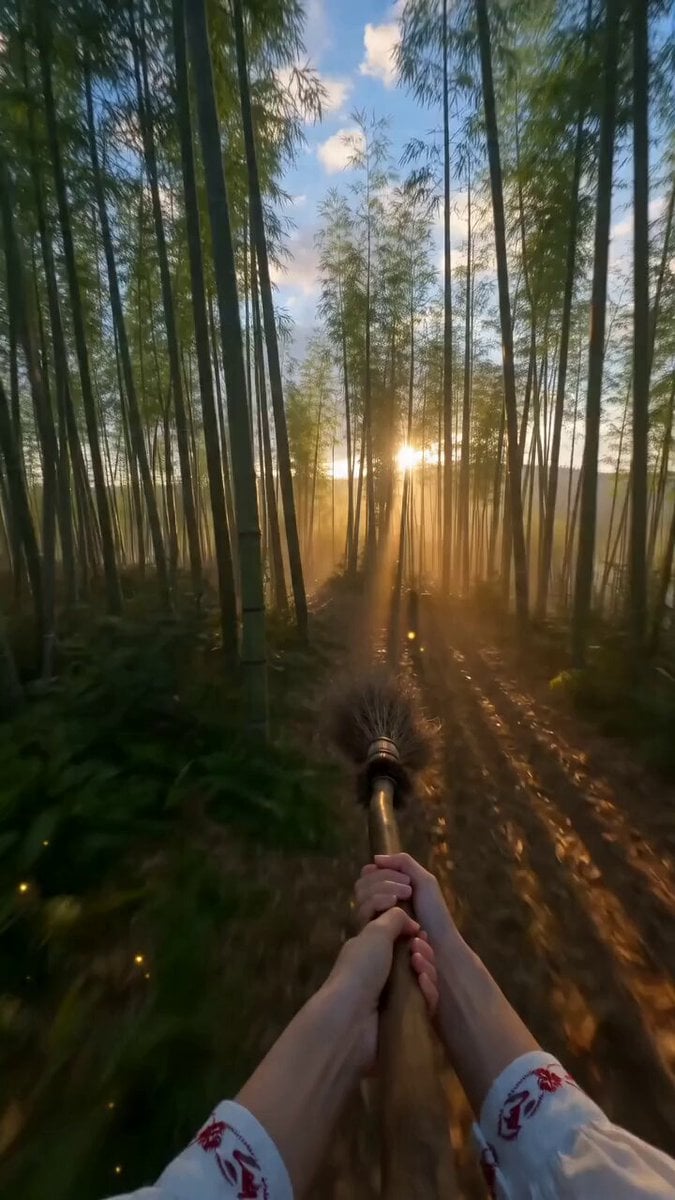
- Prompt included
- Model and format preset
- Free template
The prompt behind this video
Copy the exact prompt behind First-Person POV Flying Broomstick Video Generation, or open it in the studio and make it yours.
Video type: vertical cinematic video, 9:16 aspect ratio, ultra realistic, 4K, 24fps Perspective: Strict first-person POV from a young Japanese woman riding a flying broom Camera = her eye level No third-person shots, no external camera --- Character (visible elements only): Both hands clearly visible, gripping a wooden broom stick firmly (left and right hand spaced naturally) Hands positioned in front of the camera at lower center Legs visible behind the broom, wearing short denim pants (shorts), bare thighs Sneakers on feet Slight visibility of short hair tips at top edge, moving in wind Riding posture: Leaning slightly forward (like riding a broom in a classic witch style) Broom stick aligned between legs Stable but dynamic posture --- Framing (VERY IMPORTANT): Vertical composition (9:16) Hands and broom handle always remain in the lower 30% of the frame Forward view dominates the upper 70% of the frame No cutting away from POV --- Scene setting: Bright daytime, clear sky, vivid and saturated colors Japanese sightseeing locations --- Camera motion: Fast forward movement Natural up-down motion (broom floating effect) Slight shaking from wind Subtle tilting during turns --- [0.0s - 1.2s | TAKE OFF] Camera angled slightly downward Both hands gripping broom visible Feet lift off ground smoothly Wind begins lightly --- [1.2s - 3.0s | ACCELERATION] Speed increases Wind becomes stronger Hands tighten grip slightly Legs react subtly to airflow --- [3.0s - 6.0s | SHIBUYA FLIGHT] Fly low across Shibuya crossing People below looking up (motion blurred) Buildings passing quickly Maintain stable forward POV --- [6.0s - 8.5s | TEMPLE PASS] Transition to Senso-ji area Fly close to lanterns and gate Slight slowdown for cinematic feel --- [8.5s - 11.0s | TORII RUN] Enter red torii gates pathway Fly straight through multiple gates at high speed Strong motion blur on sides --- [11.0s - 13.0s | FINAL ASCENT] Tilt upward slightly Gain altitude Sky fills upper frame Hands still gripping broom visible --- Effects: Wind affecting hands, legs, and hair tips Motion blur at edges Depth of field: center sharp, sides slightly blurred --- Lighting: Bright natural sunlight, soft shadows, high contrast --- Color grading: Vivid, cinematic, slightly warm tone for travel appeal --- Mood: Exciting, मुक्त, magical, immersive travel experience Sense of freedom and speed --- Style: Hyper-realistic POV, fantasy + tourism fusion, immersive experience
How to use First-Person POV Flying Broomstick Video Generation in 3 steps
- 1
Open
The prompt is already in the box next to the preview, with the template's model and format selected.
- 2…a portrait of your subject in softgolden-hour light, 85mm…
Personalize
Edit the subject and creative details for your destination.
- 3Generate
Generate
Press Generate — your video is created in PicX Studio, so you can compare it with the original and refine one variable at a time.
More like this
Templates with the same subject, style or setup. Open one to see its prompt.
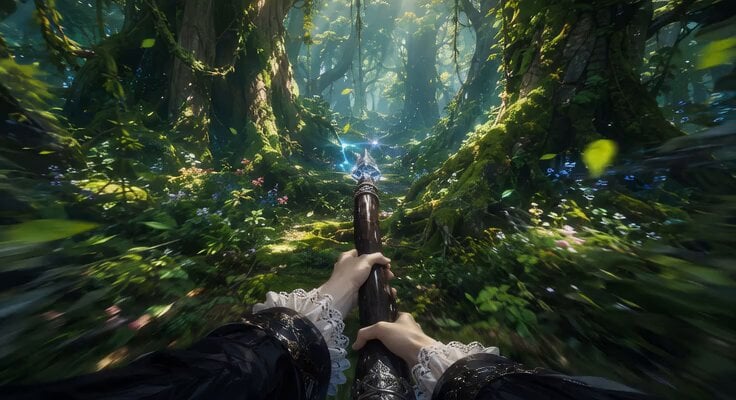
First-Person Flying Broom POV
First-Person POV Broomstick Chase
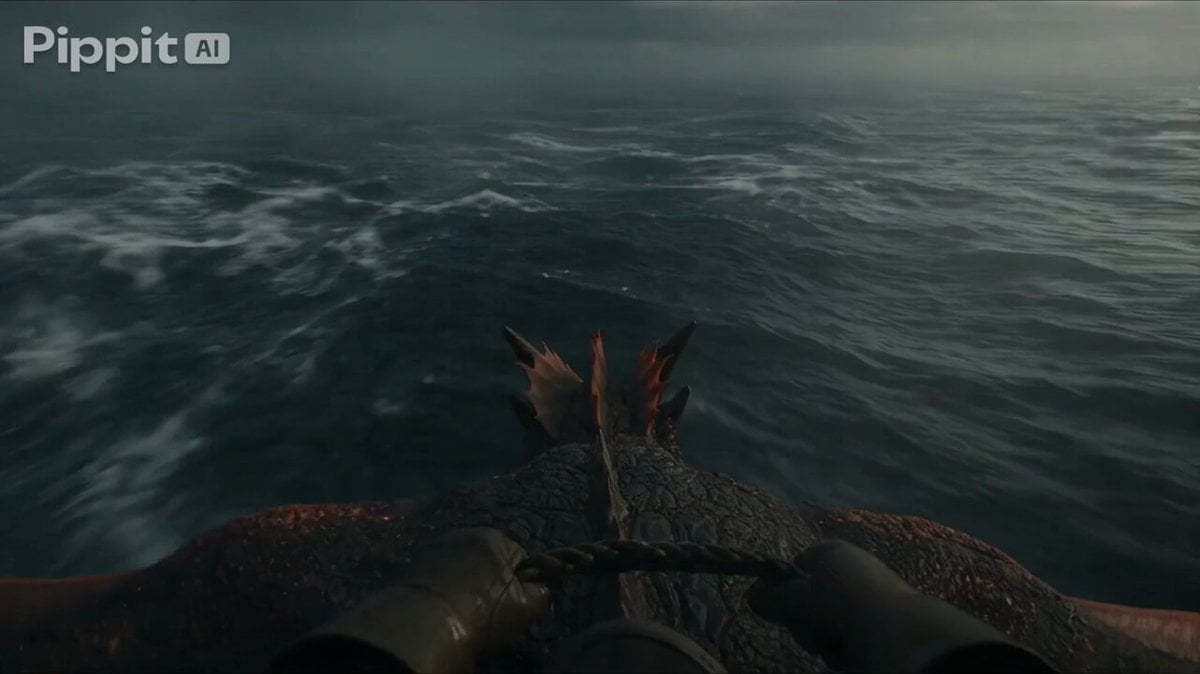
First Person Dragon Rider POV
First-Person POV Fantasy Demon Battle
POV First-Person Remote Outfit Swap
First-Person POV Ping Pong Match with Digital Human
First Person POV Maid Cafe Interaction
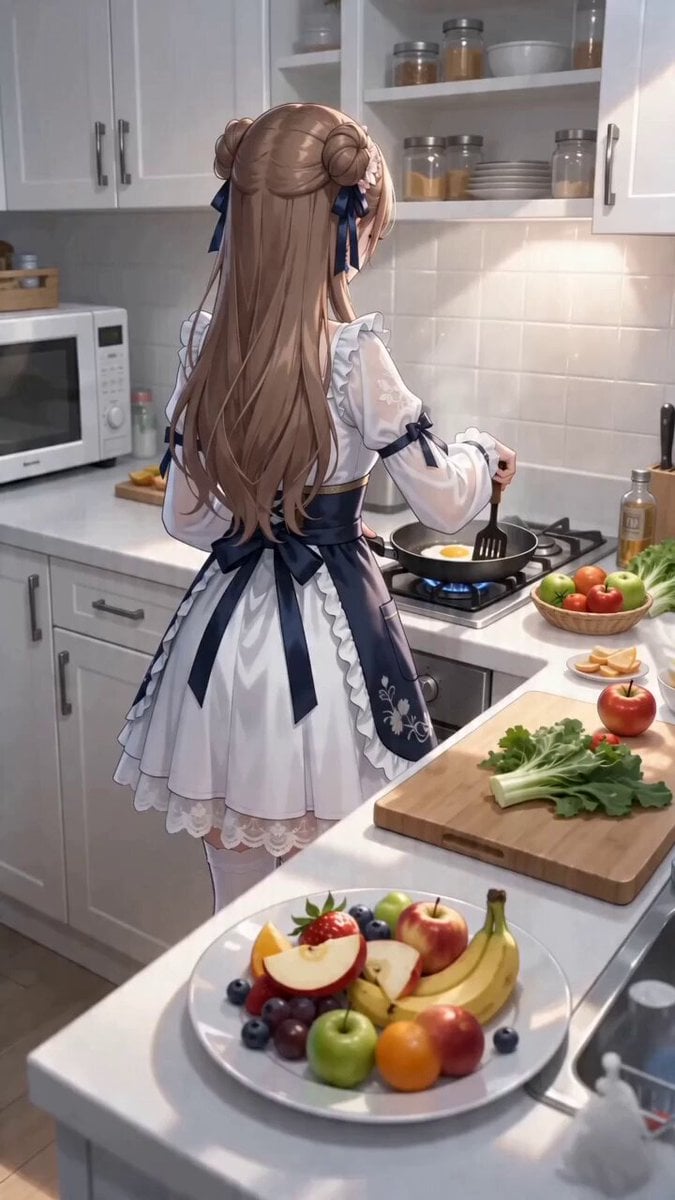
First-Person POV Kitchen Scene with Dialogue
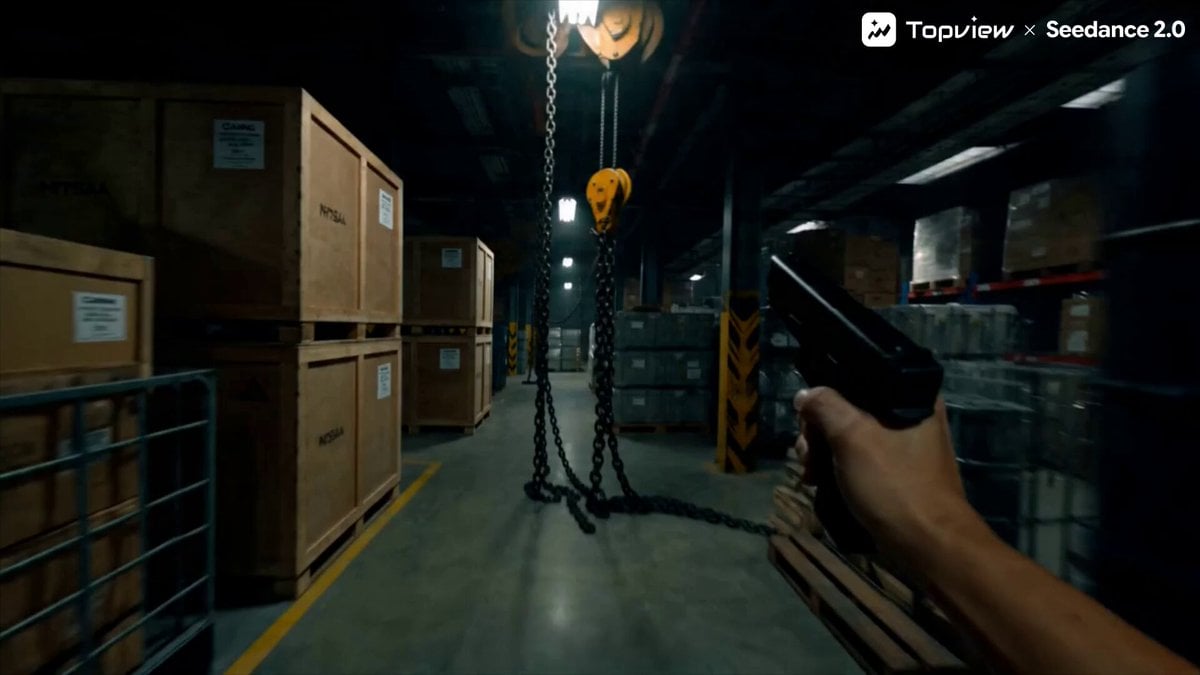
First-Person Shooter POV Scene
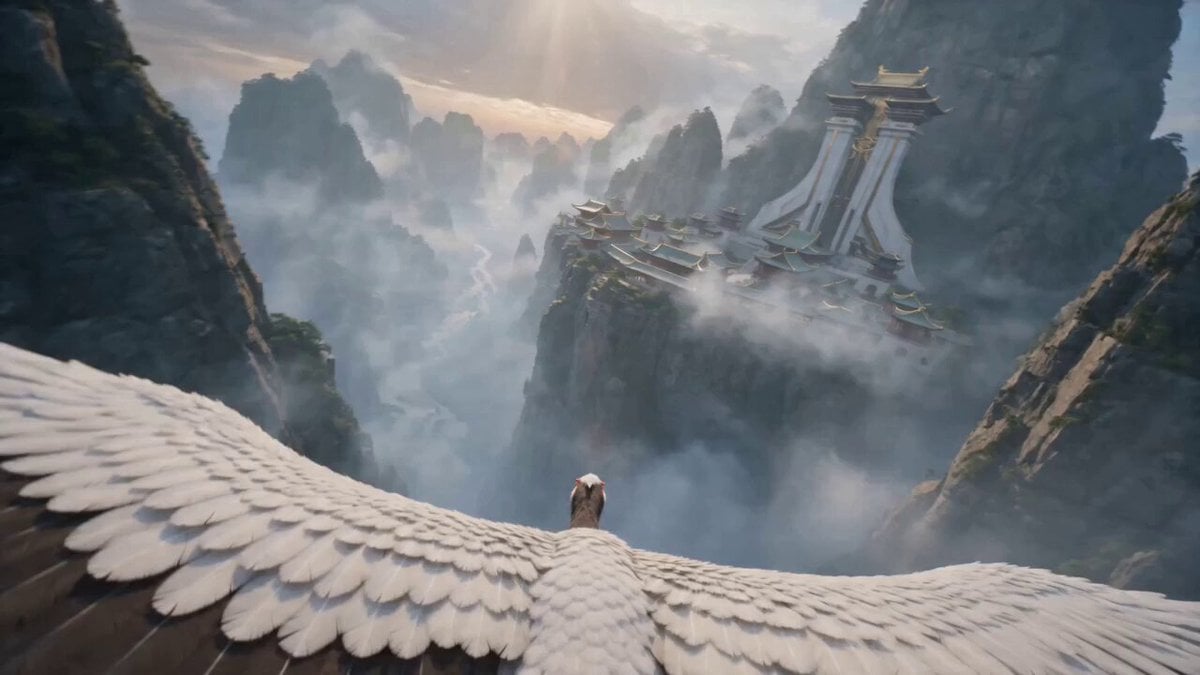
First-Person POV White Crane Flight
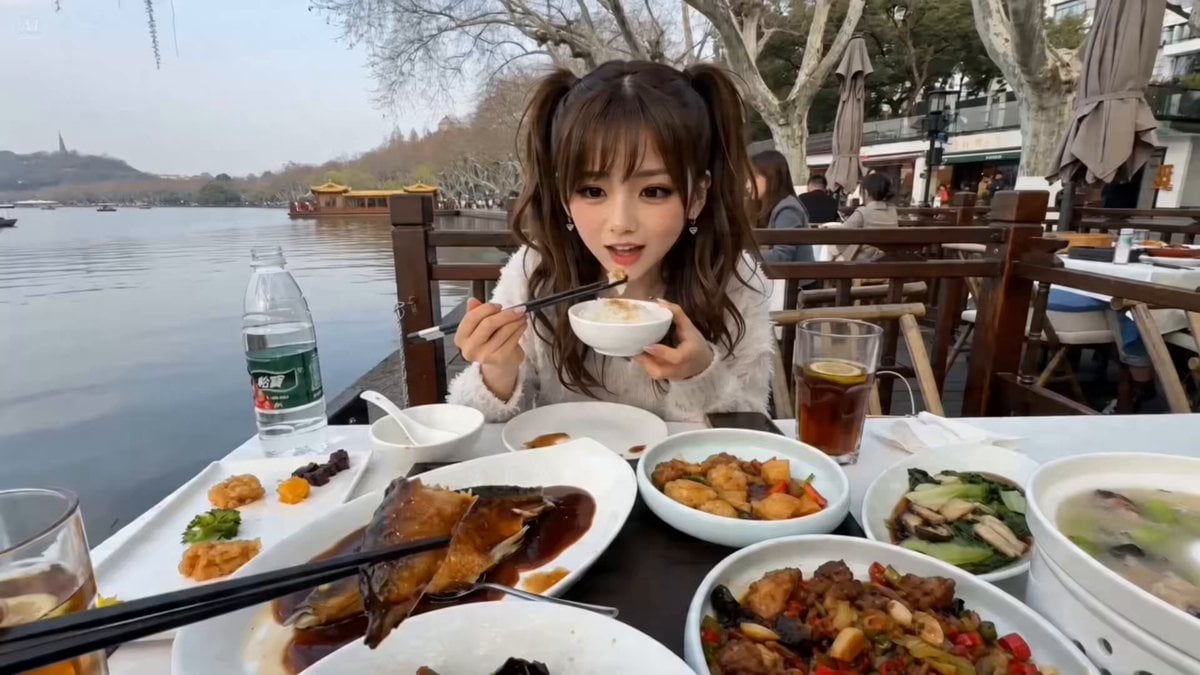
First-Person POV Hangzhou Dining Prank
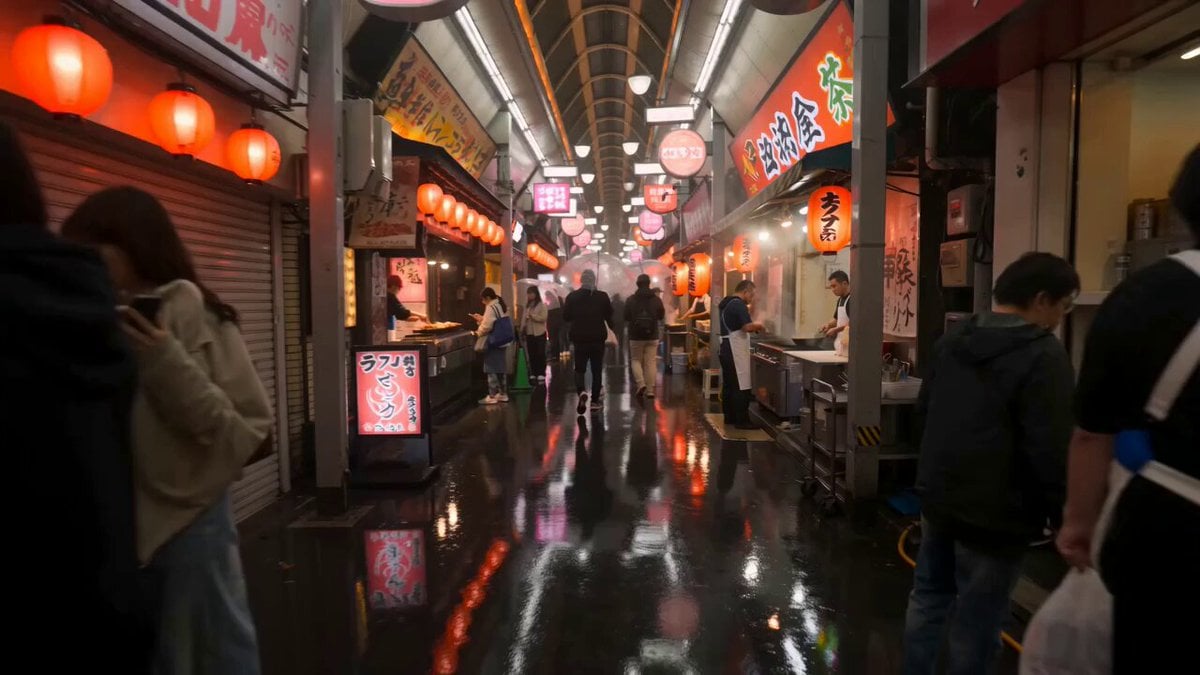
First-Person Night Market Walkthrough
Make it yours
First-Person POV Flying Broomstick Video Generation works as-is. These are the safest ways to change it without losing the look.
Change one field
Copy a single group, rewrite it, and generate again so you can see what that field is doing.
Keep the frame, change the subject
Hold the composition and light of First-Person POV Flying Broomstick Video Generation, then swap wardrobe, props or the person for a new take.
| If the result… | Why | Fix |
|---|---|---|
| The result drifts from the preview | Too many fields changed at once. | Reuse First-Person POV Flying Broomstick Video Generation as-is first, then change one group — subject, light, or setting. |
| The model over-stylizes the scene | The prose prompt leaves finish and camera underspecified. | Add one camera or lighting sentence and stay on Seedance 2.0. |
More Seedance 2.0 templates
Other prompts made for Seedance 2.0.

Comical Martial Arts Punch Scene

Maglev Train Action Sequence

Martial Arts Fight Sequence

Wuxia Protection and Trust Script

Vintage Korean Arcade MiniDV Vlog

Mercedes 190 SL Luxury Ad

Rainy Night Supernatural Reverse Comedy Video Script

Amazon Civilization Discovery

Futuristic South Asian City Transformation

Cozy Luxury Cafe Commercial
More video prompts
Fresh picks from across the catalog.
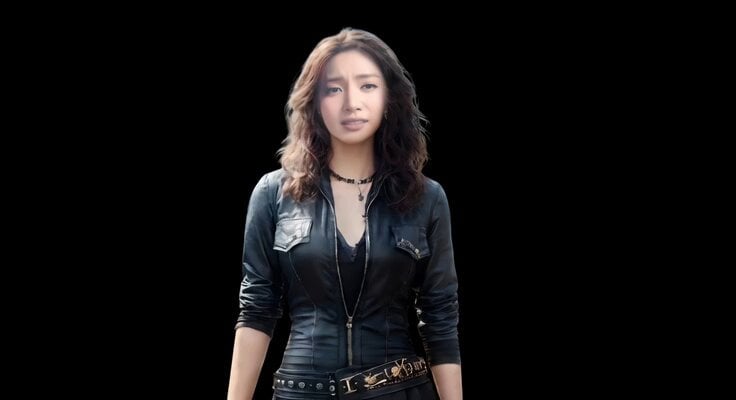
Realistic Emotional Natural Tears Video
Cyberpunk Tokyo 2099 Rain
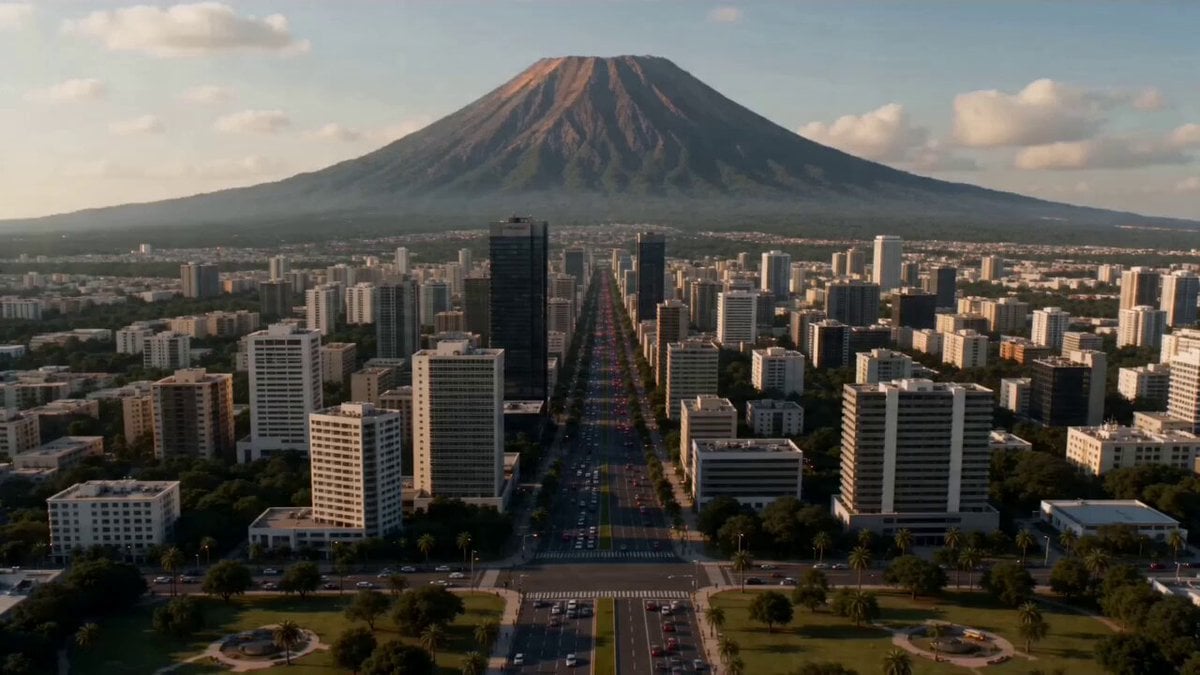
Supervolcano City Destruction
Premium Spicy Chips Fashion Commercial
Biomechanical Insect Aerial Chase
Animation transfer and camera tracking prompt
Midjourney Style Reference for Minimalist Pink & Black Fashion Aesthetic
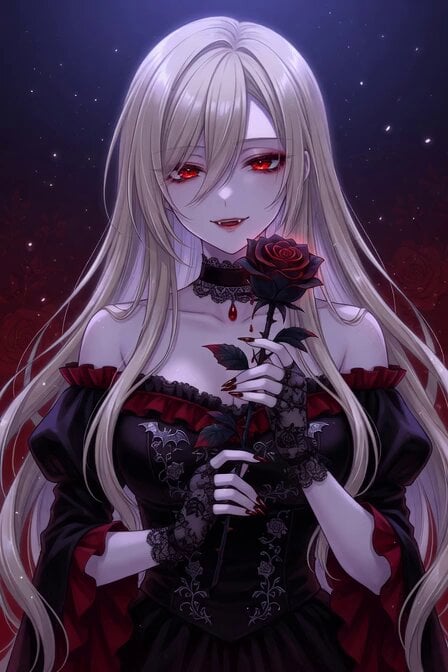
Vampire Woman with Platinum Hair
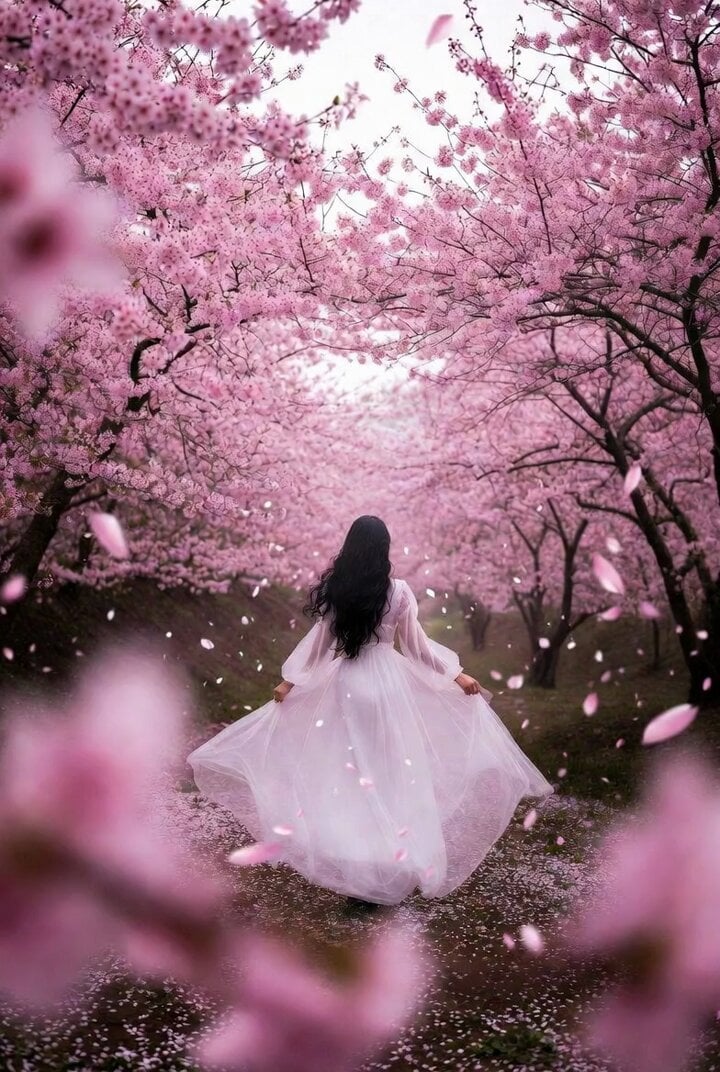
Dreamlike Cherry Blossom Valley
Seedance 2.0 15s Continuous Shot Prompt (Attempt 1)
Browse template categories
First-Person POV Flying Broomstick Video Generation questions
How do I use the First-Person POV Flying Broomstick Video Generation template?
Add your photo if the template asks for one, edit the prompt if you like — the template's model and format are already selected — and press Generate. Your version opens in PicX Studio.
Can I customize the First-Person POV Flying Broomstick Video Generation template?
Yes. You can change the subject, setting, lighting, mood, format, and available model controls before creating your video.
Is the First-Person POV Flying Broomstick Video Generation template free?
Opening and editing this template is free. Generating uses credits, shown on the Generate button when you are signed in.
Which AI model should I use?
Start with Seedance 2.0, which is the model associated with this template. You can compare another compatible model for a different finish.
Looking for something else? Browse all templates.

Your photo, any look
Thousands of ready templates for every top image and video model, from one credit balance.