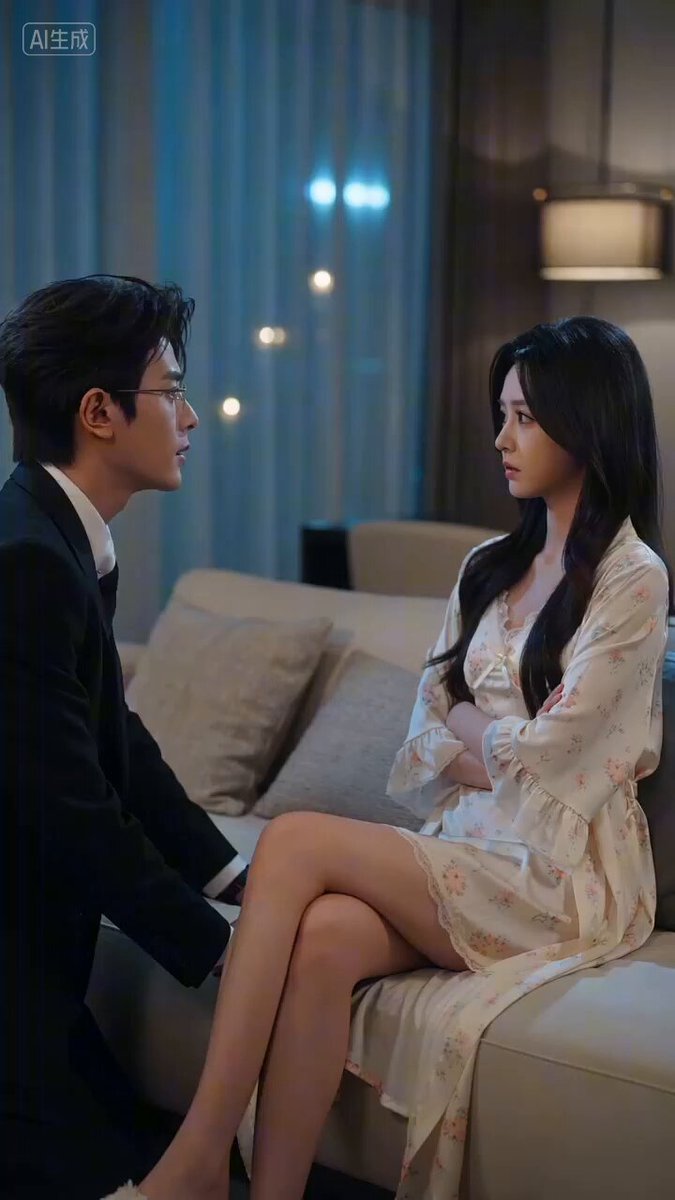
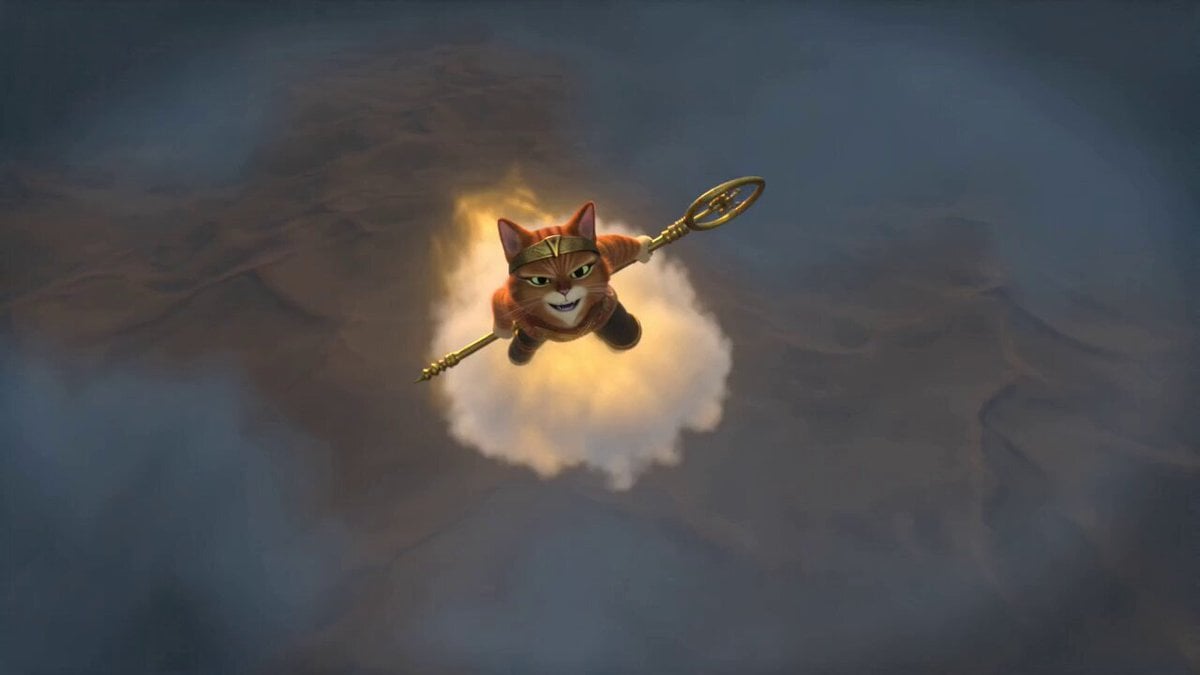
How do I use the Hearts2Hearts New Tale Prompt template?
Edit the prompt in the box under the preview — the template's model and format are already selected — and press Generate. Your version appears right on this page.
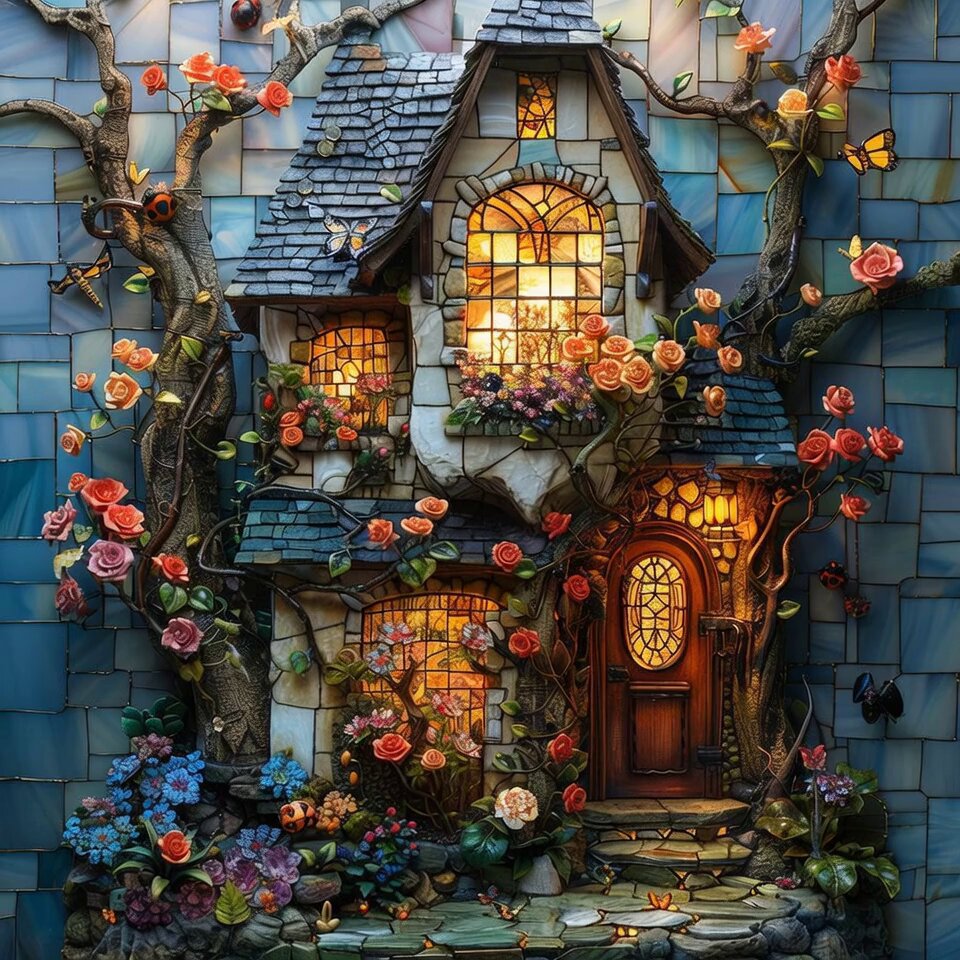
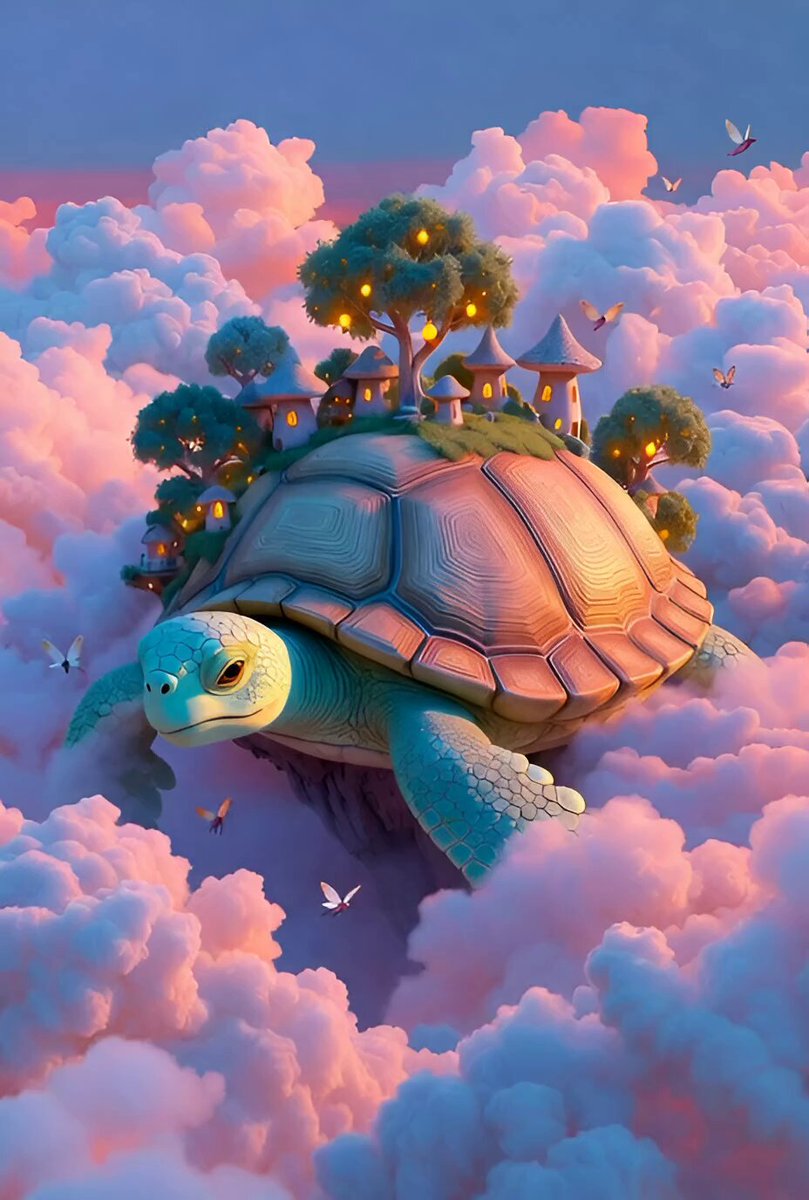
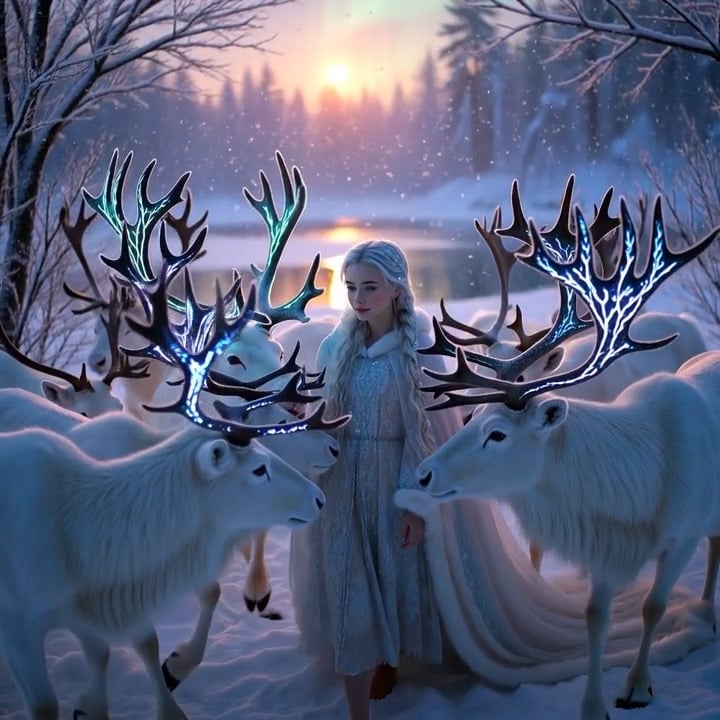
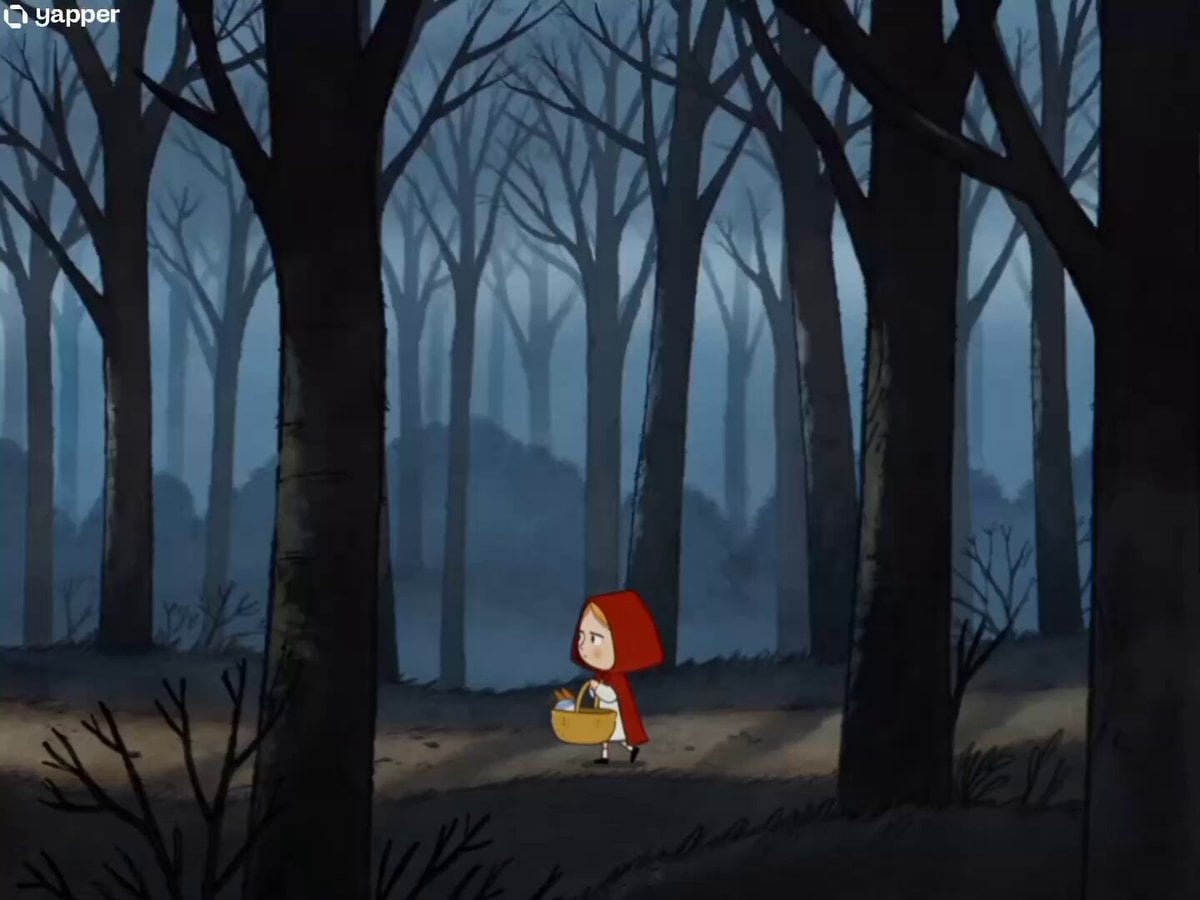
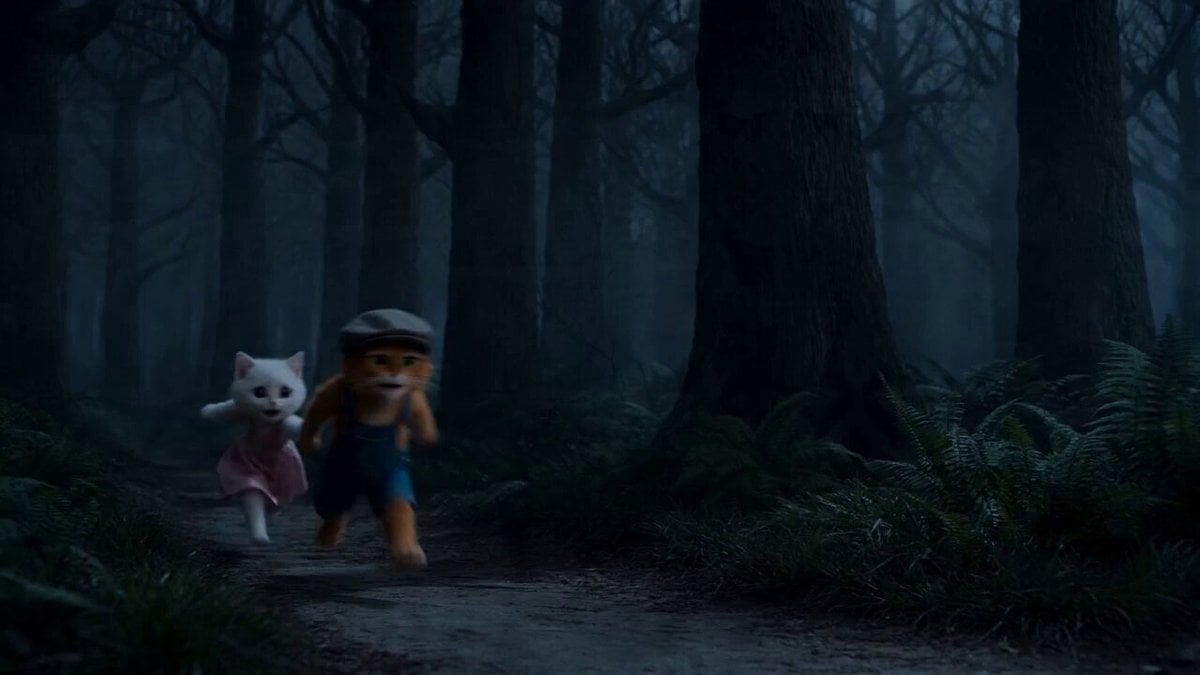
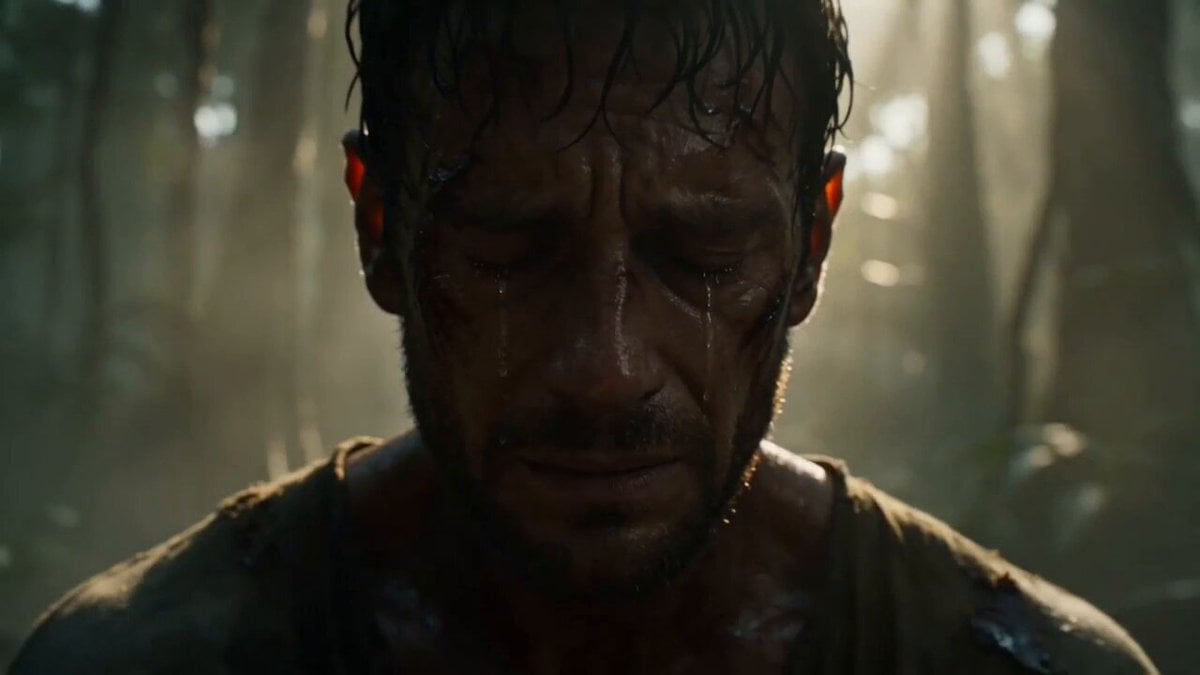
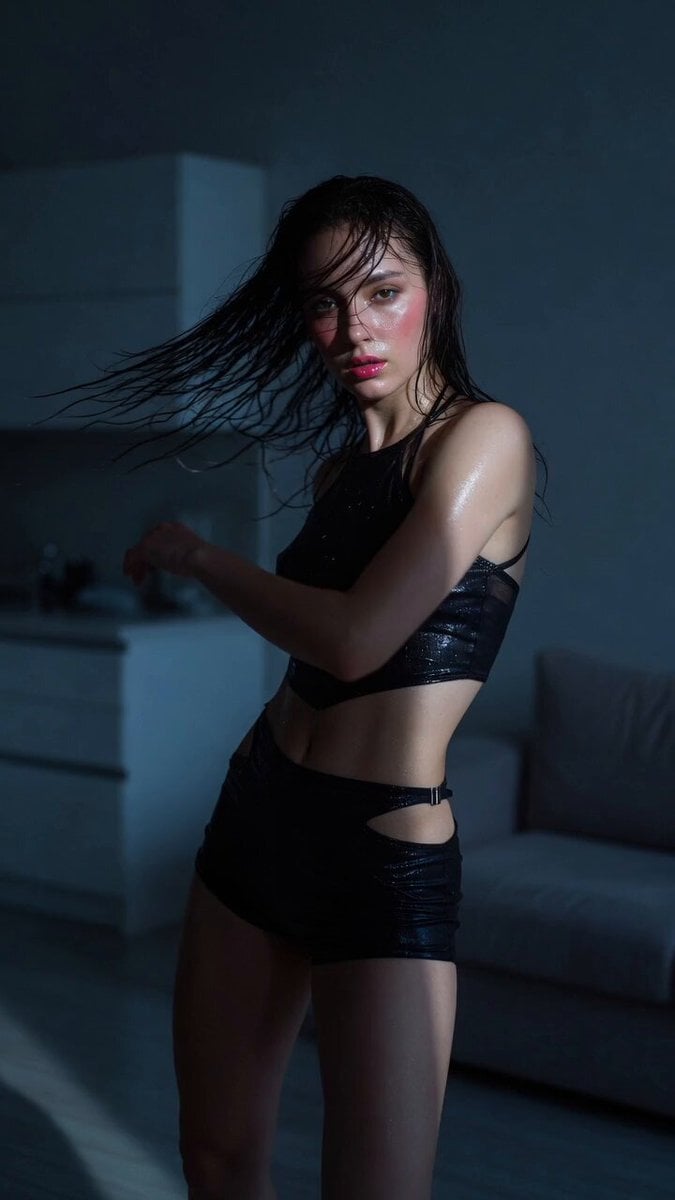
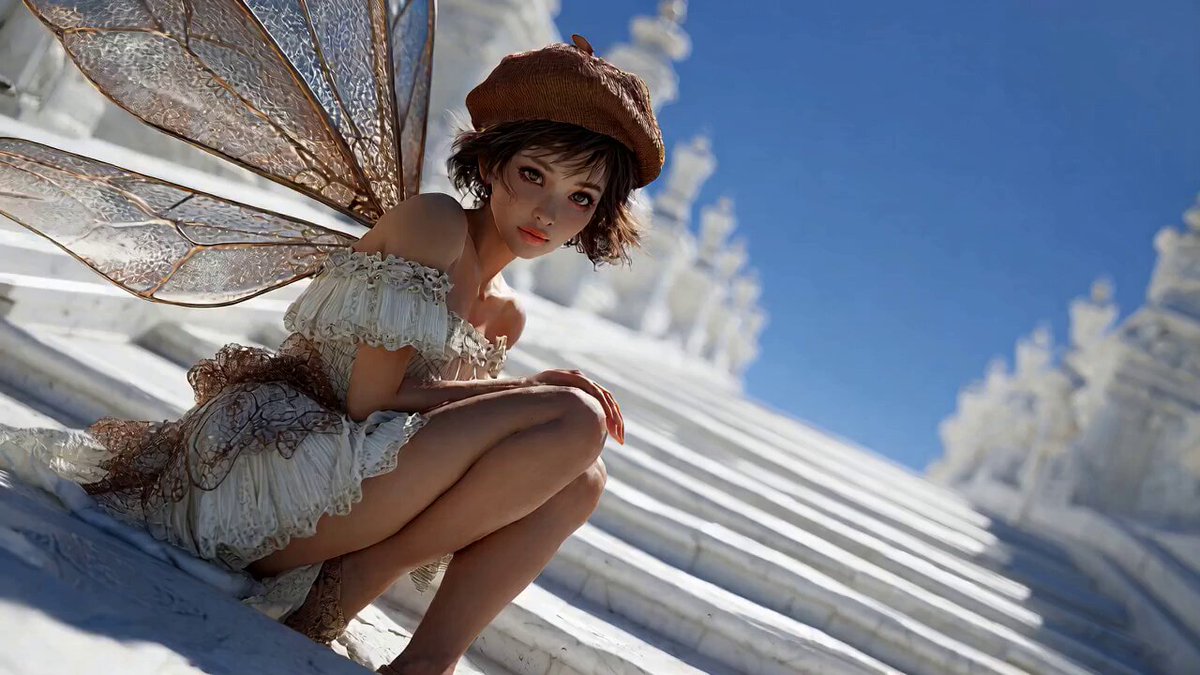
A creative writing prompt encouraging users to 'grab your paintbrush' and start writing a new tale for 'Hearts2Hearts' on a lovely day.

The loveliest day finally tiptoes in, nudging everyone awake with a soft rush of love that refuses to be ignored. So go on, 𝗴𝗿𝗮𝗯 𝘆𝗼𝘂𝗿 𝗽𝗮𝗶𝗻𝘁𝗯𝗿𝘂𝘀𝗵 and steady your hand, because it’s time to paint Hearts2Hearts’ new tale!
The loveliest day finally tiptoes in, nudging everyone awake with a soft rush of love that refuses to be ignored. So go on, 𝗴𝗿𝗮𝗯 𝘆𝗼𝘂𝗿 𝗽𝗮𝗶𝗻𝘁𝗯𝗿𝘂𝘀𝗵 and steady your hand, because it’s time to paint Hearts2Hearts’ new tale!
Edit the prompt in the box under the preview — the template's model and format are already selected — and press Generate. Your version appears right on this page.
Yes. You can change the subject, setting, lighting, mood, format, and available model controls before creating your video.
Opening and editing this template is free. Generating uses credits, shown on the Generate button when you are signed in.
Start with Seedance 2.0, which is the model associated with this template. You can compare another compatible model for a different finish.
Follow a topic to a crawlable collection of related PicX Studio templates.