How do I use the Wuxia Swordsman Duel Prompt template?
Edit the prompt in the box under the preview — the template's model and format are already selected — and press Generate. Your version appears right on this page.
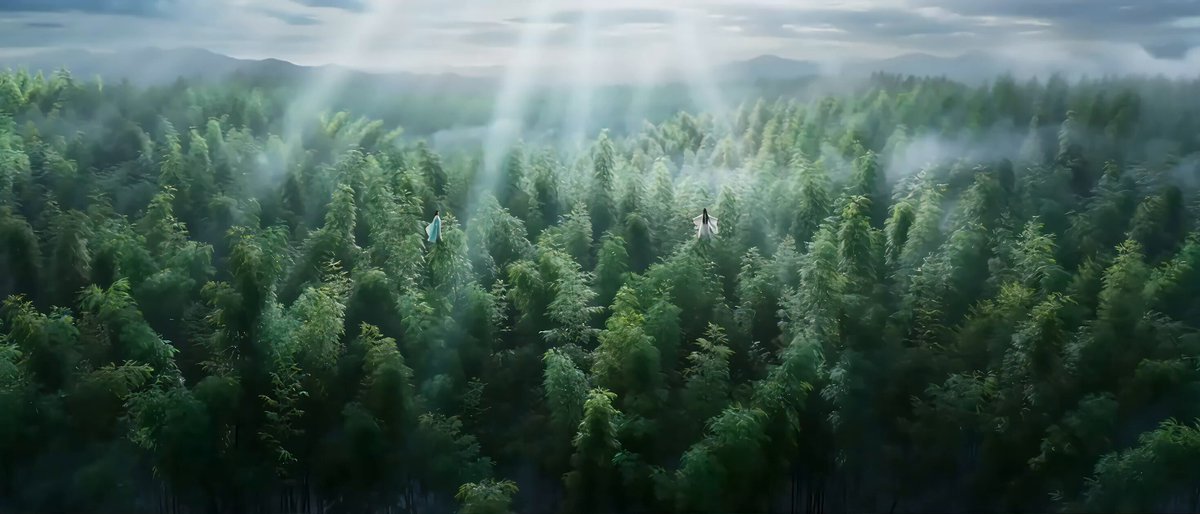
A highly detailed, cinematic prompt for Seedance 2.0 describing a Wuxia-style audiovisual blockbuster featuring a duel between two swordsmen in a bamboo forest, focusing on camera movement, atmosphere, and ultra-slow…
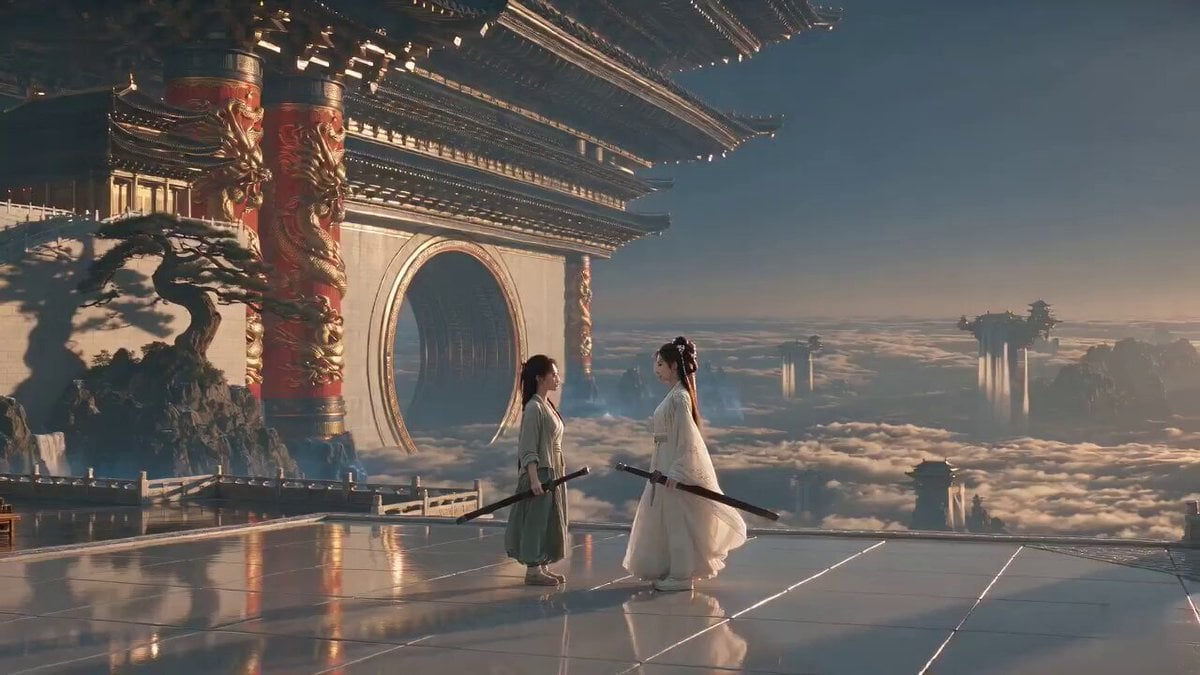
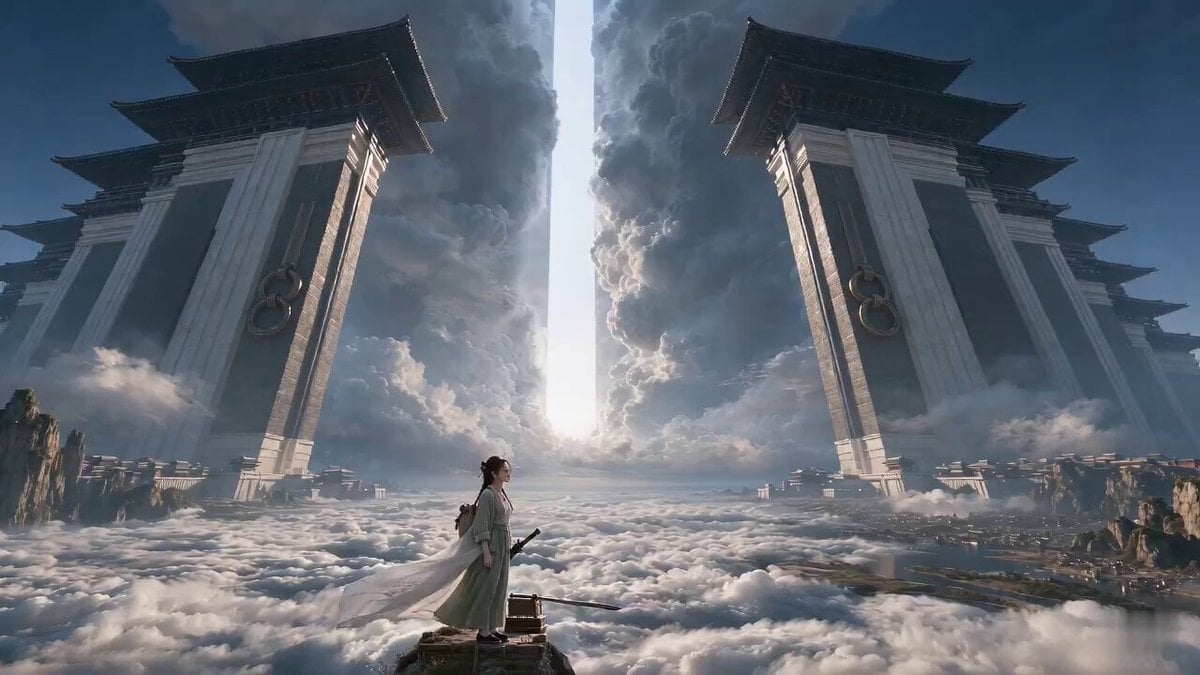
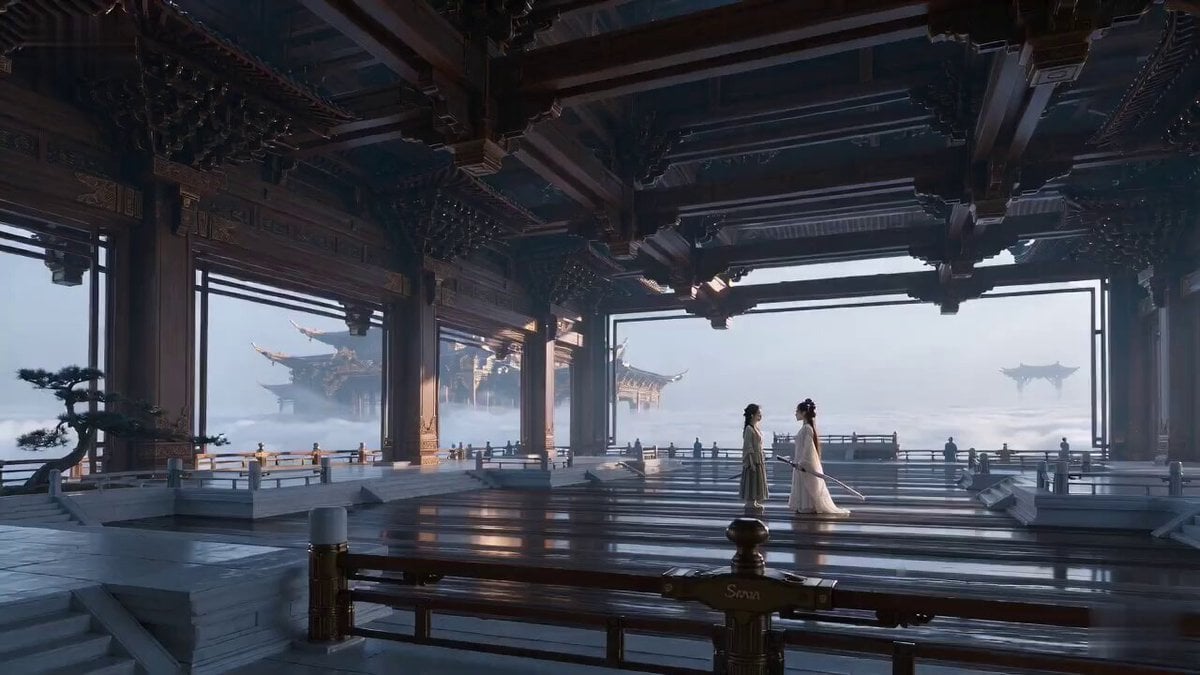
A Wuxia-style audiovisual blockbuster. A white-clad swordsman and a straw-caped blademaster face off in a bamboo forest. The camera slowly pushes in between them, shifting focus between raindrops and sword hilts. The atmosphere is extremely oppressive; only the sound of rain can be heard. Suddenly, a crack of thunder flashes, and both charge simultaneously. A fast-panning profile shot captures their mud-splattering footsteps. The precise moment their weapons clash, the footage switches to ultra-slow motion, clearly displaying the ring-shaped shockwaves of rainwater blasted away by the blades, along with bamboo leaves sliced by sword aura. Normal speed resumes as they land back-to-back. The straw-caped blademaster's bamboo hat splits open, and the scene cuts abruptly.
A Wuxia-style audiovisual blockbuster. A white-clad swordsman and a straw-caped blademaster face off in a bamboo forest. The camera slowly pushes in between them, shifting focus between raindrops and sword hilts. The atmosphere is extremely oppressive; only the sound of rain can be heard. Suddenly, a crack of thunder flashes, and both charge simultaneously. A fast-panning profile shot captures their mud-splattering footsteps. The precise moment their weapons clash, the footage switches to ultra-slow motion, clearly displaying the ring-shaped shockwaves of rainwater blasted away by the blades, along with bamboo leaves sliced by sword aura. Normal speed resumes as they land back-to-back. The straw-caped blademaster's bamboo hat splits open, and the scene cuts abruptly.
Edit the prompt in the box under the preview — the template's model and format are already selected — and press Generate. Your version appears right on this page.
Yes. You can change the subject, setting, lighting, mood, format, and available model controls before creating your video.
Opening and editing this template is free. Generating uses credits, shown on the Generate button when you are signed in.
Start with Seedance 2.0, which is the model associated with this template. You can compare another compatible model for a different finish.
Follow a topic to a crawlable collection of related PicX Studio templates.