How do I use the Dark Fantasy/Horror Narrative Prompt template?
Edit the prompt in the box under the preview — the template's model and format are already selected — and press Generate. Your version appears right on this page.
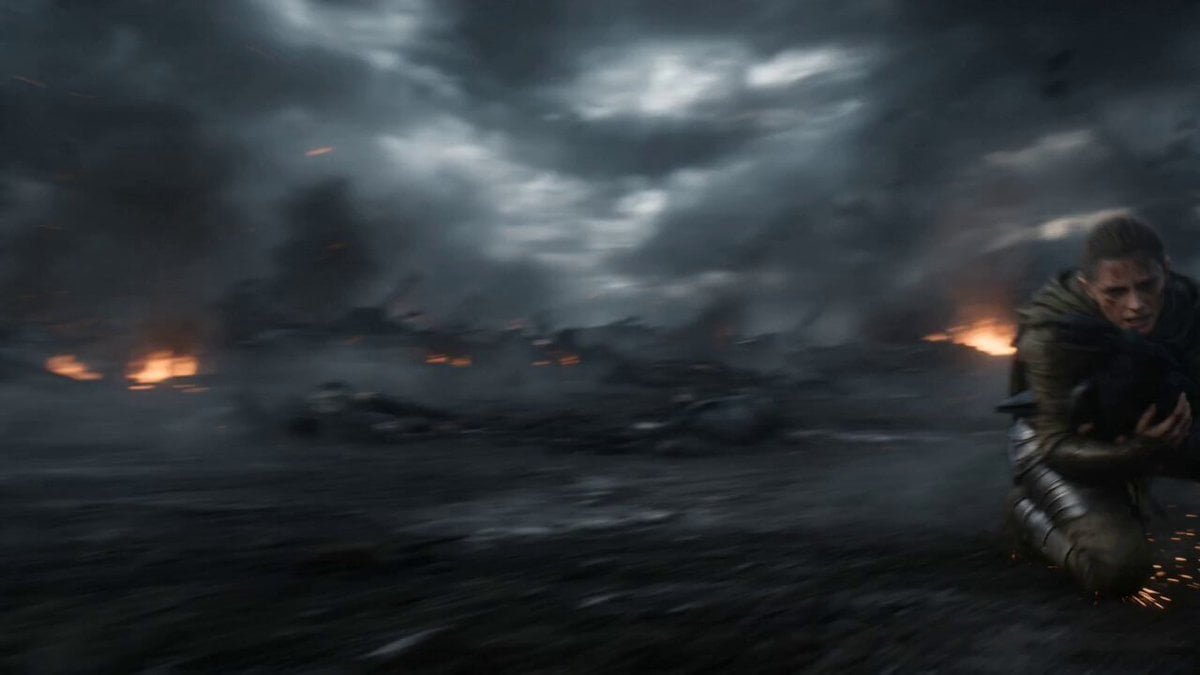
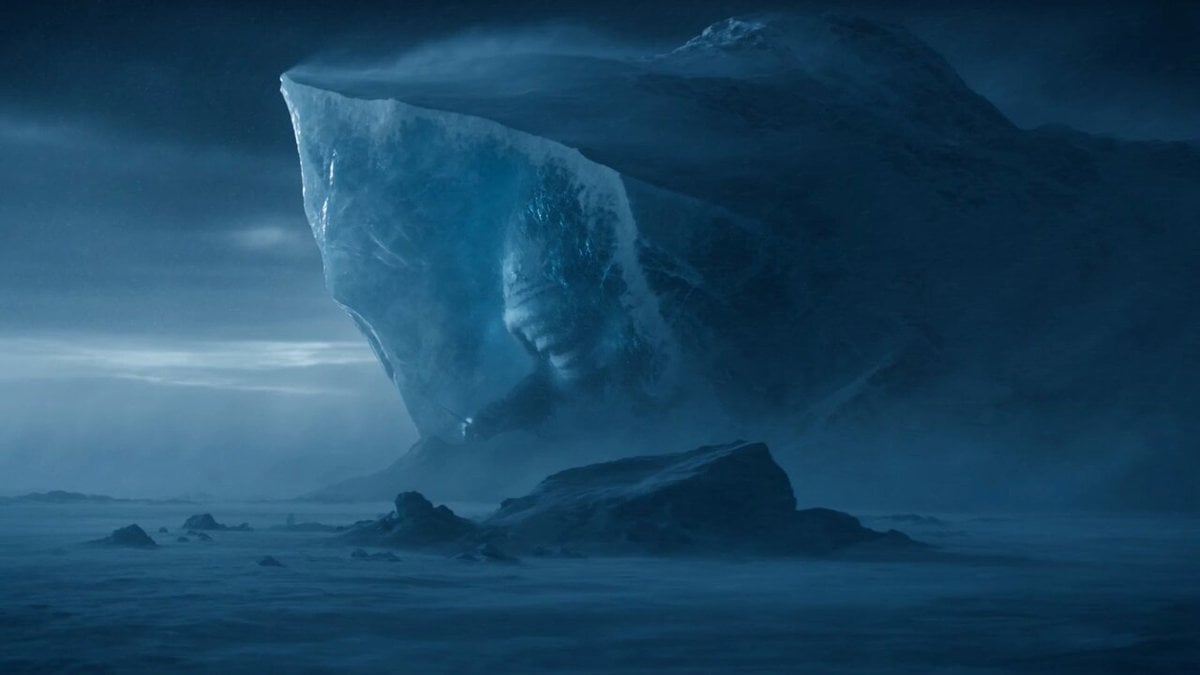
A long, highly descriptive narrative prompt focusing on a dark, cold, and stormy scene in a forest, emphasizing sensory details like the wind, lashing snow, trembling torchlight, and the 'wrong-cold' feeling of mail…
The wind threads through the black pines like a dull blade scraping bone. Snow doesn’t fall—it lashes sideways, stinging into the gaps of a collar, melting into a sharp, immediate pain. The torchlight trembles in the white storm, revealing a trunk, a branch, a sliver of ground—then surrendering it back to the deeper dark. They move slowly. Boots sink with a muffled crunch, and every step feels like an argument with the forest: please don’t notice us. Someone coughs once and regrets it instantly—the sound rebounds, thin and humiliating, as if the trees are laughing at his fear. The mail should be warm by now, tempered by body heat, but it isn’t. It’s wrong-cold, as though an unseen chill is crawling over the metal from the outside in.
The wind threads through the black pines like a dull blade scraping bone. Snow doesn’t fall—it lashes sideways, stinging into the gaps of a collar, melting into a sharp, immediate pain. The torchlight trembles in the white storm, revealing a trunk, a branch, a sliver of ground—then surrendering it back to the deeper dark. They move slowly. Boots sink with a muffled crunch, and every step feels like an argument with the forest: please don’t notice us. Someone coughs once and regrets it instantly—the sound rebounds, thin and humiliating, as if the trees are laughing at his fear. The mail should be warm by now, tempered by body heat, but it isn’t. It’s wrong-cold, as though an unseen chill is crawling over the metal from the outside in.
Edit the prompt in the box under the preview — the template's model and format are already selected — and press Generate. Your version appears right on this page.
Yes. You can change the subject, setting, lighting, mood, format, and available model controls before creating your video.
Opening and editing this template is free. Generating uses credits, shown on the Generate button when you are signed in.
Start with Seedance 2.0, which is the model associated with this template. You can compare another compatible model for a different finish.
Follow a topic to a crawlable collection of related PicX Studio templates.