How do I use the Pearls of Elegance template?
Choose the primary action to open PicX Studio with the available template settings. Review the model and format, personalize the creative direction, and generate when ready.
A ready image prompt for PicX Studio. Change the subject, setting, or lighting one variable at a time.

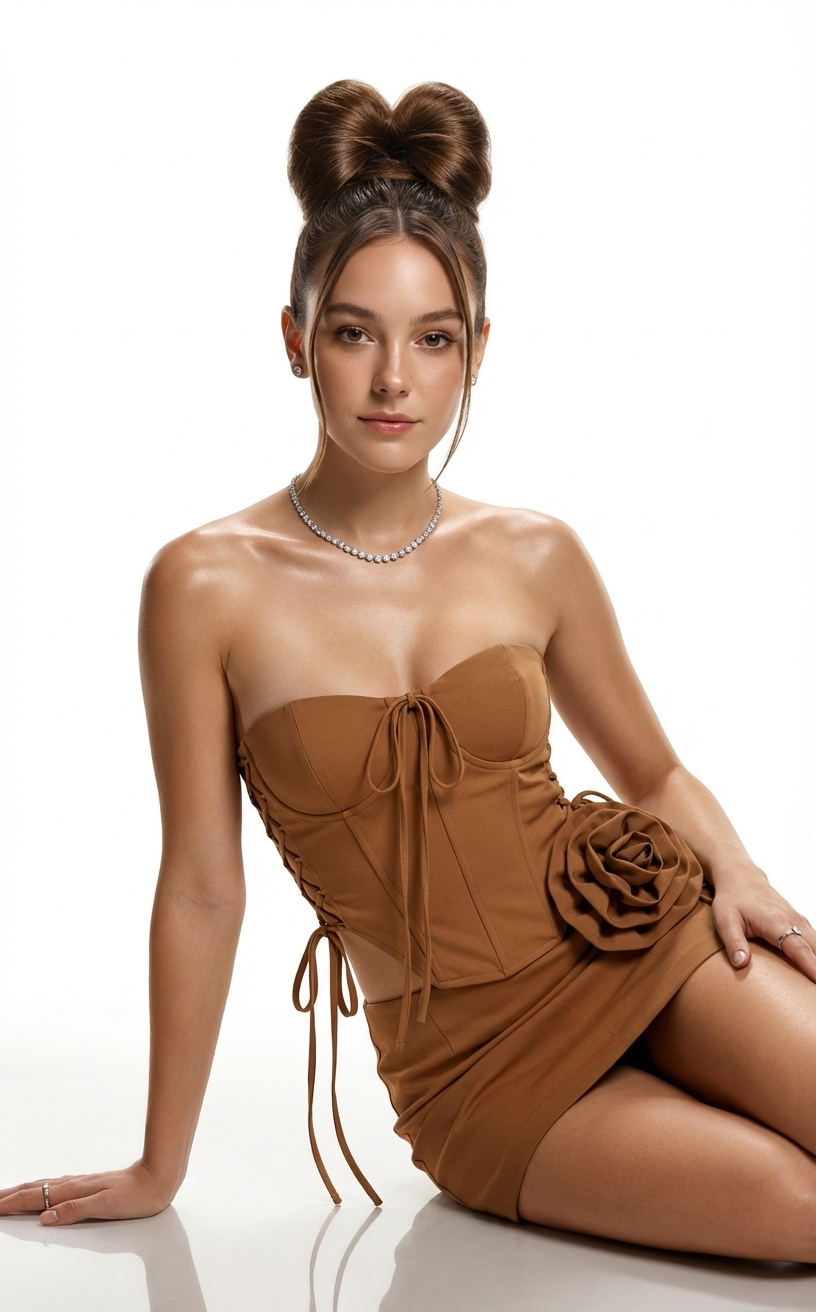
A glamorous woman posing elegantly on a white grand piano in an opulent classical interior. She is wearing a luxurious white satin gown paired with an intricate pearl-embellished top, long white opera gloves, layered pearl necklaces, and matching pearl accents. Her hair is styled in a sophisticated updo, with flawless evening makeup and a confident, regal expression. The room features ornate wall molding, warm golden lighting, chandeliers, and vintage furniture, creating an aristocratic ambiance. The overall mood is high-fashion couture, cinematic, dramatic elegance, ultra-realistic 8K, soft shadows, refined color palette, luxury magazine photoshoot.
Choose the primary action to open PicX Studio with the available template settings. Review the model and format, personalize the creative direction, and generate when ready.
Yes. You can change the subject, setting, lighting, mood, format, and available model controls before creating your image.
This template is free to open and customize. Generation usage is shown in PicX Studio before you create.
Choose a compatible model in PicX Studio based on the style, speed, and output controls your project needs.
© 2026 PicX Studio. All rights reserved.

Follow a topic to a crawlable collection of related PicX Studio templates.
43,474 public templates available. Verified via the PicX Studio public templates API; refreshed hourly.