How do I use the Met Gala Black Couture Tuxedo template?
Choose the primary action to open PicX Studio with the available template settings. Review the model and format, personalize the creative direction, and generate when ready.
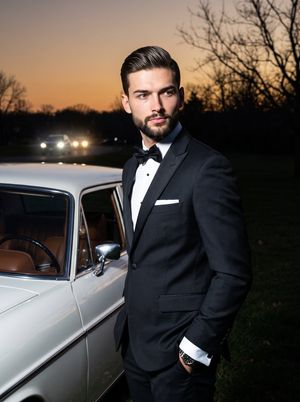
Generates a cinematic Met Gala red-carpet portrait of a man in a dramatic black couture tuxedo on glossy museum steps. Change the subject, setting, or lighting one variable at a time.
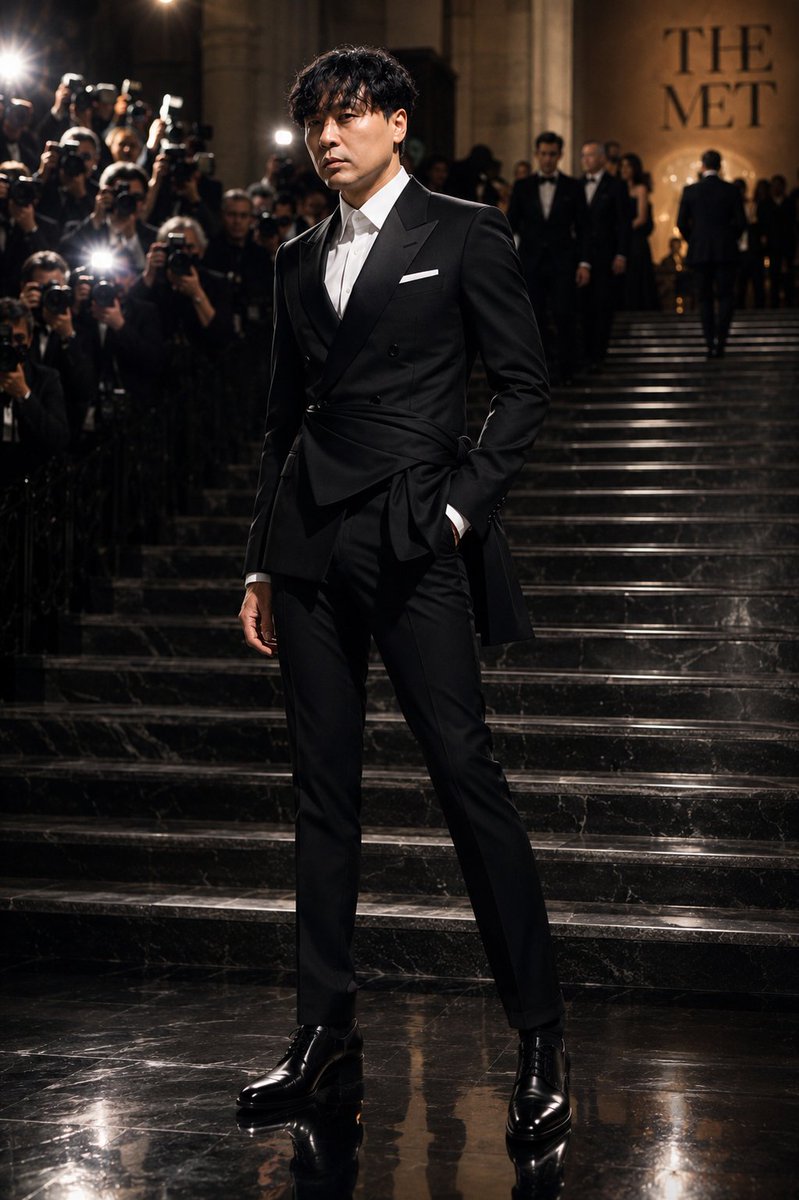
Create a cinematic full-body editorial fashion photograph of {argument name="subject" default="a stylish young East Asian man"} arriving at the 2026 Met Gala red carpet, standing confidently on glossy black marble steps outside The Met at night. He wears a luxurious {argument name="designer style" default="Saint Laurent-inspired"} black couture tuxedo with a sharp double-breasted jacket, satin lapels, asymmetrical wrapped waist detail tied into a dramatic side knot, crisp white open-collar dress shirt, slim tailored black trousers, white pocket square, and polished black leather dress boots. Pose him slightly angled toward camera with one hand in his trouser pocket and the other relaxed at his side, long legs emphasized, elegant calm expression, red-carpet celebrity presence. The background shows a grand museum staircase with warm stone architecture, the words “THE MET” softly visible on the wall, suited guests on the steps, and a dense crowd of photographers on the left with camera flashes firing. Use dramatic low-key lighting, warm spotlights, strong flash highlights, shallow depth of field, realistic skin and fabric texture, glossy reflections on the marble floor, high-fashion magazine composition, vertical 3:4 framing, ultra-realistic gpt-image-2 style. Keep exactly one main subject, include many blurred background photographers and guests but no extra foreground models, no watermark, no logos besides the visible “THE MET” wall text.
Choose the primary action to open PicX Studio with the available template settings. Review the model and format, personalize the creative direction, and generate when ready.
Yes. You can change the subject, setting, lighting, mood, format, and available model controls before creating your image.
This template is free to open and customize. Generation usage is shown in PicX Studio before you create.
Start with GPT Image 2, which is the model associated with this template. You can compare another compatible model for a different finish.
Follow a topic to a crawlable collection of related PicX Studio templates.
43,449 public templates available. Verified via the PicX Studio public templates API; refreshed hourly.







![Minimalist Flat Vector Travel Poster — Premium minimalist flat-vector travel poster for {argument name="city name" default="[CITY_NAME]"}, 3:4 vertical format.](https://cms-assets.youmind.com/media/1787917359711_3ug846_HQX205cbMAA6F6S-300x400.jpg)






















![Refined Academic Degree Graduation Photos — # 新中式学位袍毕业写真|4张单独精修照 请基于用户上传的 1-3 张清晰个人照片,一次性生成 **4 张不同的单独精修毕业写真照片**。 主题为: 「新中式[学位等级]学位袍毕业写真」 可替换参数: - [学位等级]:学士 / 硕](https://cms-assets.youmind.com/media/1778748582326_h3hjte_HIMfnDzWgAEwDyn.jpg)