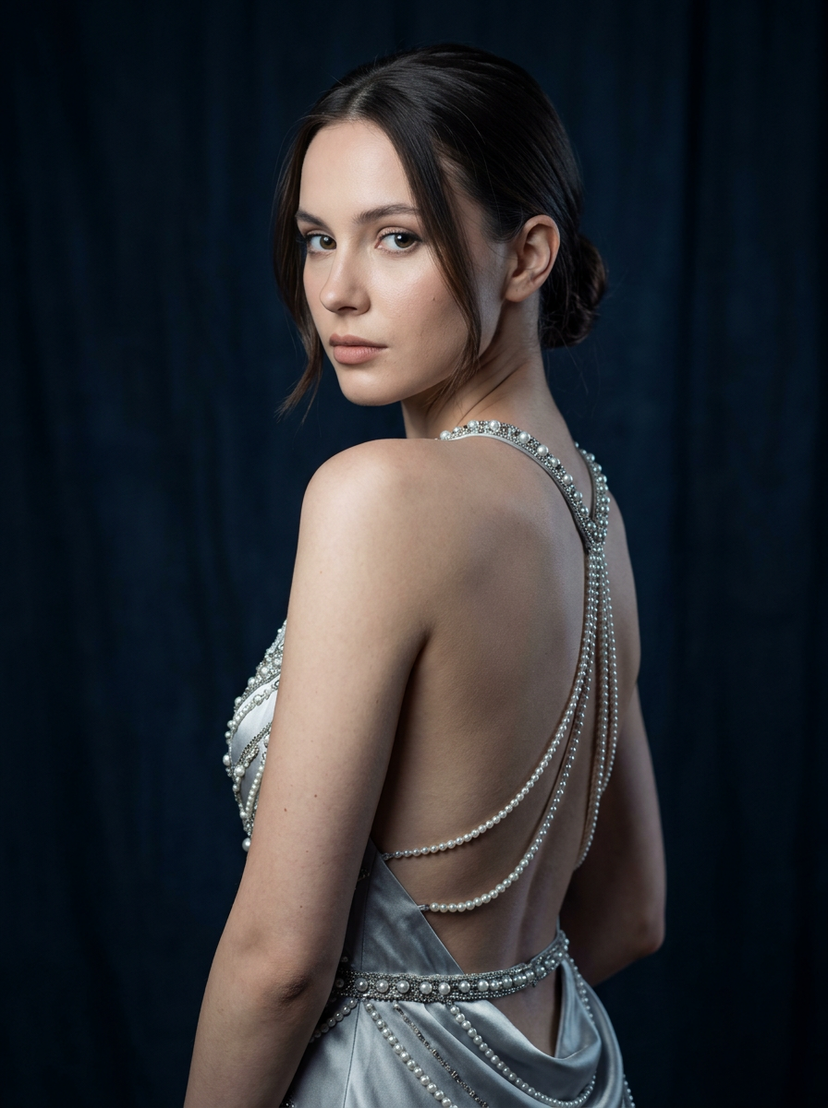
How do I use the Margot Robbie Inspired Sunlit iPhone Shot template?
Choose the primary action to open PicX Studio with the available template settings. Review the model and format, personalize the creative direction, and generate when ready.
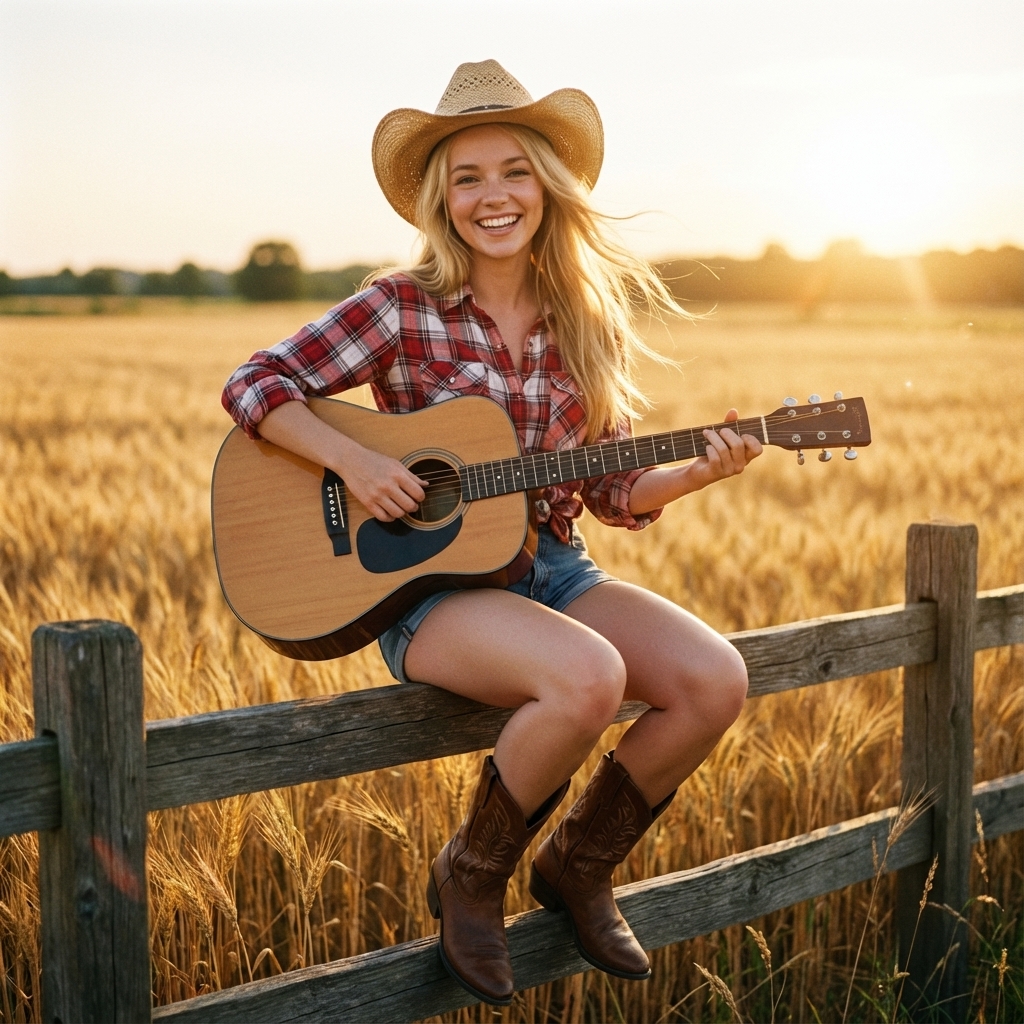
A structured JSON prompt for Nano Banana Pro, aiming for a hyper-realistic, sunlit iPhone photo aesthetic of a subject inspired by Margot Robbie. Change the subject, setting, or lighting one variable at a time.

{ "meta": { "camera": "iPhone 17 Pro", "lens": "35mm", "aspect_ratio": "4:5", "style": "sunlit iphone shot, harsh daylight, natural highlights" }, "scene": { "location": "{argument name="location" default="luxury balcony"}", "time": "midday", "lighting": "direct sun shaping legs with hard shadows" }, "subject": { "identity": "{argument name="subject identity" default="margot robbie inspired"}", "pose": { "position": "sitting on railing", "legs": "long legs extended downward, one foot slightly forward toward camera", "feet": "sunlit, defined with strong highlights", "body": "upright confident posture" }, "expression": "cool, effortless confidence", "outfit": "{argument name="outfit" default="minimal white summer dress"}" } }
Choose the primary action to open PicX Studio with the available template settings. Review the model and format, personalize the creative direction, and generate when ready.
Yes. You can change the subject, setting, lighting, mood, format, and available model controls before creating your image.
This template is free to open and customize. Generation usage is shown in PicX Studio before you create.
Start with Nano Banana 2, which is the model associated with this template. You can compare another compatible model for a different finish.
Follow a topic to a crawlable collection of related PicX Studio templates.
43,474 public templates available. Verified via the PicX Studio public templates API; refreshed hourly.














![Naive doodle-style subject illustration — A doodle-style {argument name="subject" default="[subject]"}, naive lines, humorous shape exaggeration](https://pbs.twimg.com/media/G6Wl2YxbsAARB2b.jpg)