
Photographe
Photographe is a ready photo look.
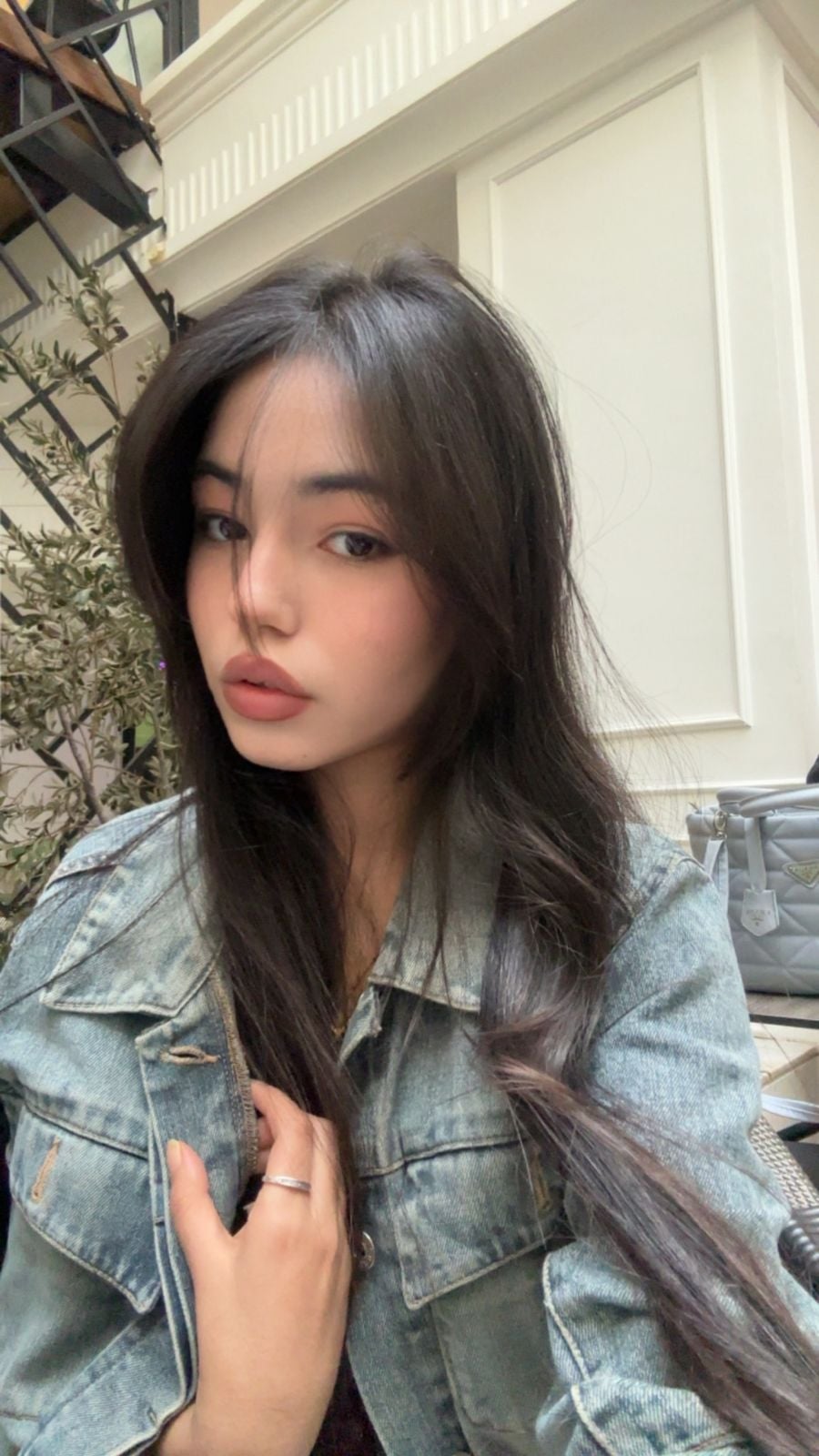
- Prompt included
- Model and format preset
- Free template
The prompt behind this image
Copy the exact prompt behind Photographe, or open it in the studio and make it yours.
Use facial feature of attached photo. A close-up shot of a young woman displayed on the screen of a compact Canon digital camera. The camera body surrounds the image with its buttons, dials, and textured surface visible, including the FUNC/SET wheel, DISP button, and the “IMAGE STABILIZER” label along the side. The photo on the screen shows the woman indoors at night, illuminated by a bright built-in flash that creates sharp highlights on her face and hair. She has long dark hair falling across part of her face in loose strands, with a soft, slightly open-lip expression. The flash accentuates her features against a dim, cluttered kitchen background with appliances, shelves, and metallic surfaces softly blurred. The mood is candid, raw, nostalgic, and reminiscent of early 2000s digital camera snapshots. Colors are slightly muted with cool undertones, strong flash contrast, and natural grain from the display. No text, no logos inside the photo preview itself. Scale ratio: 4:5 vertical Camera: compact digital camera simulation Lens: equivalent to 28–35mm Aperture: f/2.8 ISO: 400 Shutter speed: 1/60 with flash White balance: auto flash Lighting: harsh direct flash on subject, ambient low light in the background Color grading: nostalgic digital-camera tones, high contrast flash, subtle display grain, authentic screen glow.
How to use Photographe in 3 steps
- 1Upload ImagePNG, JPG or paste
Add your photo
Upload the photo the template builds on. The prompt, model and format are already set.
- 2…a portrait of your subject in softgolden-hour light, 85mm…
Personalize
Edit the subject and creative details for your destination.
- 3Generate
Generate
Press Generate — your image is created in PicX Studio, so you can compare it with the original and refine one variable at a time.
More like this
Templates with the same subject, style or setup. Open one to see its prompt.
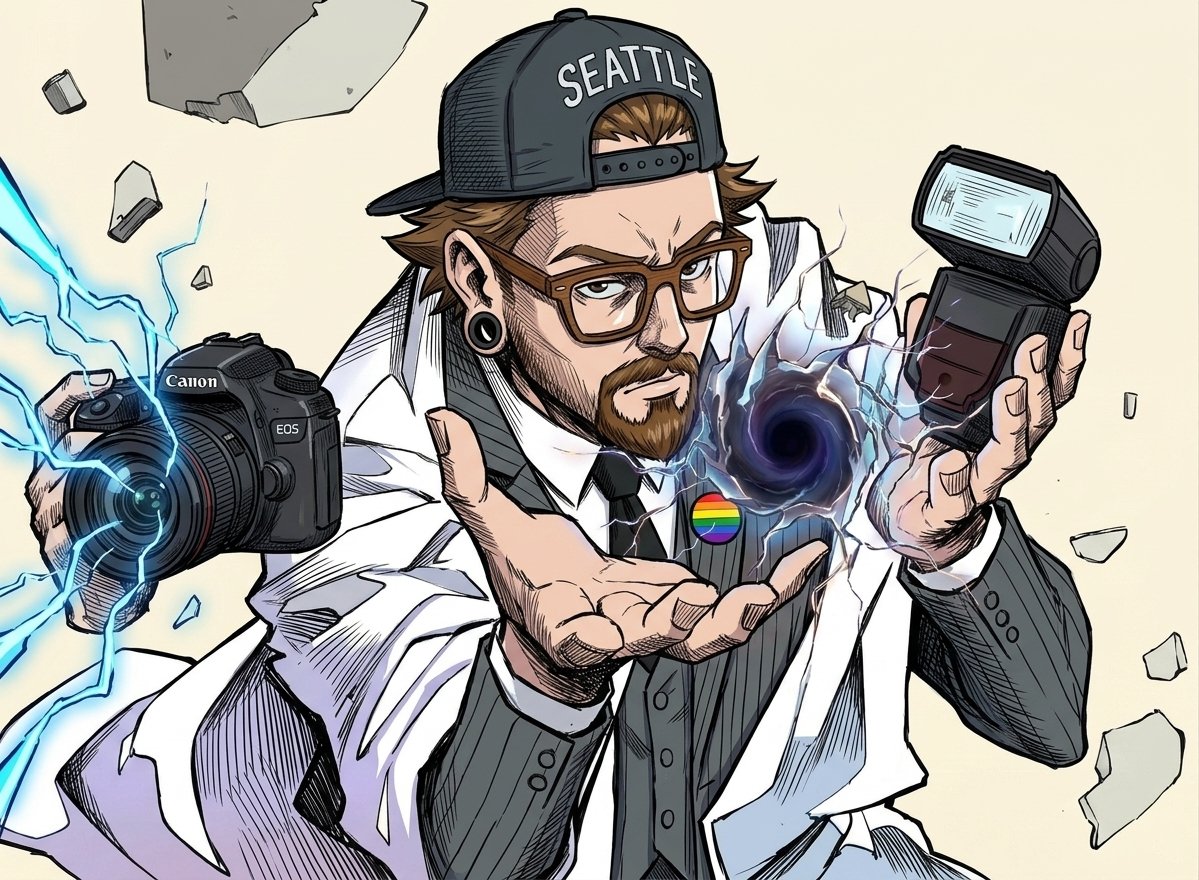
Comic Photographer Portal Action Scene
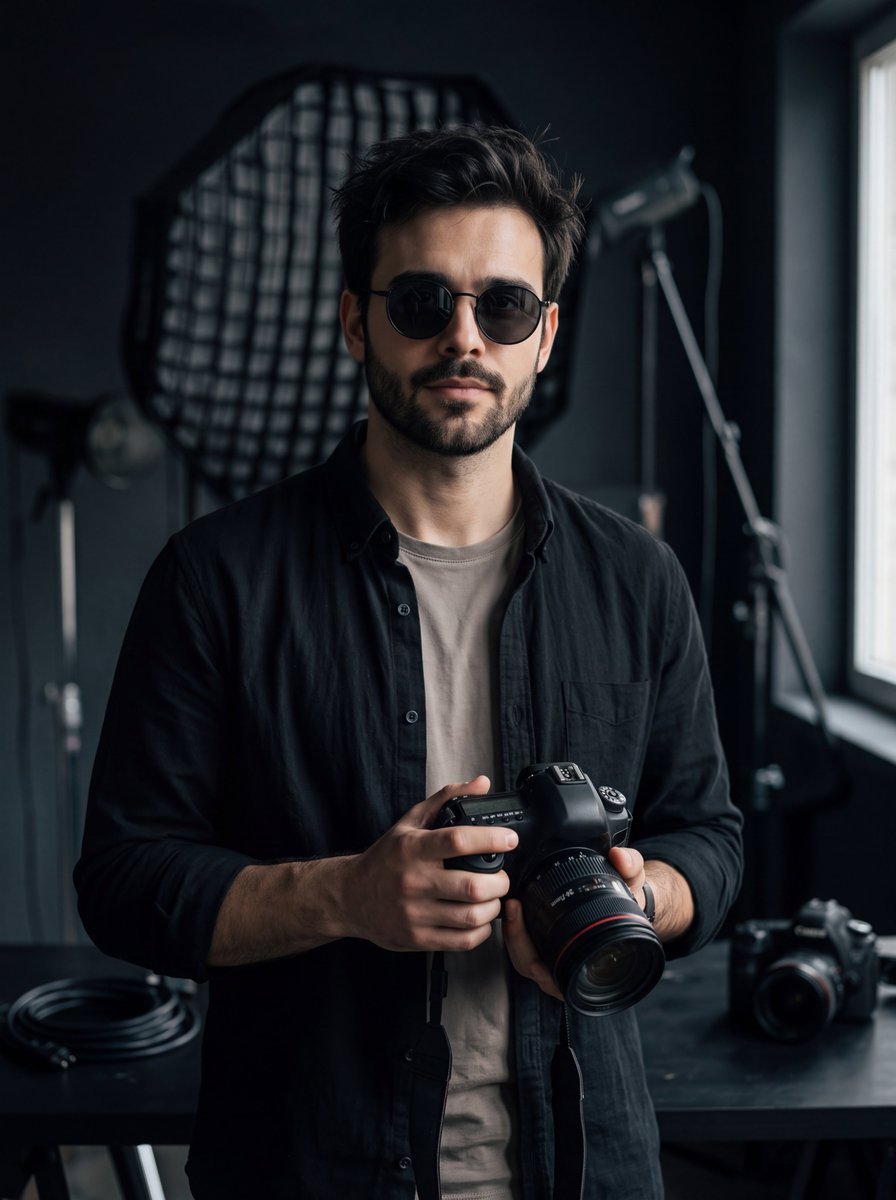
Cinematic Photographer Studio Portrait
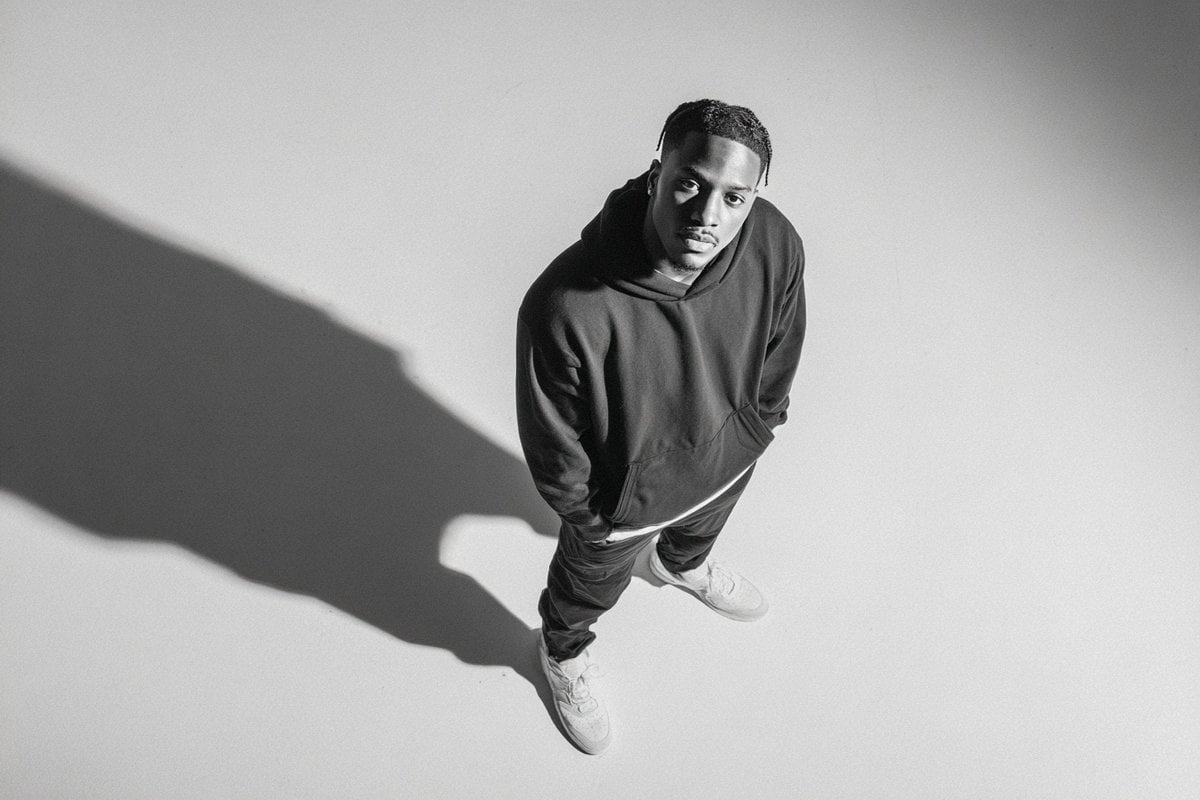
A photographed from a 35-degree overhead angle, standing alone
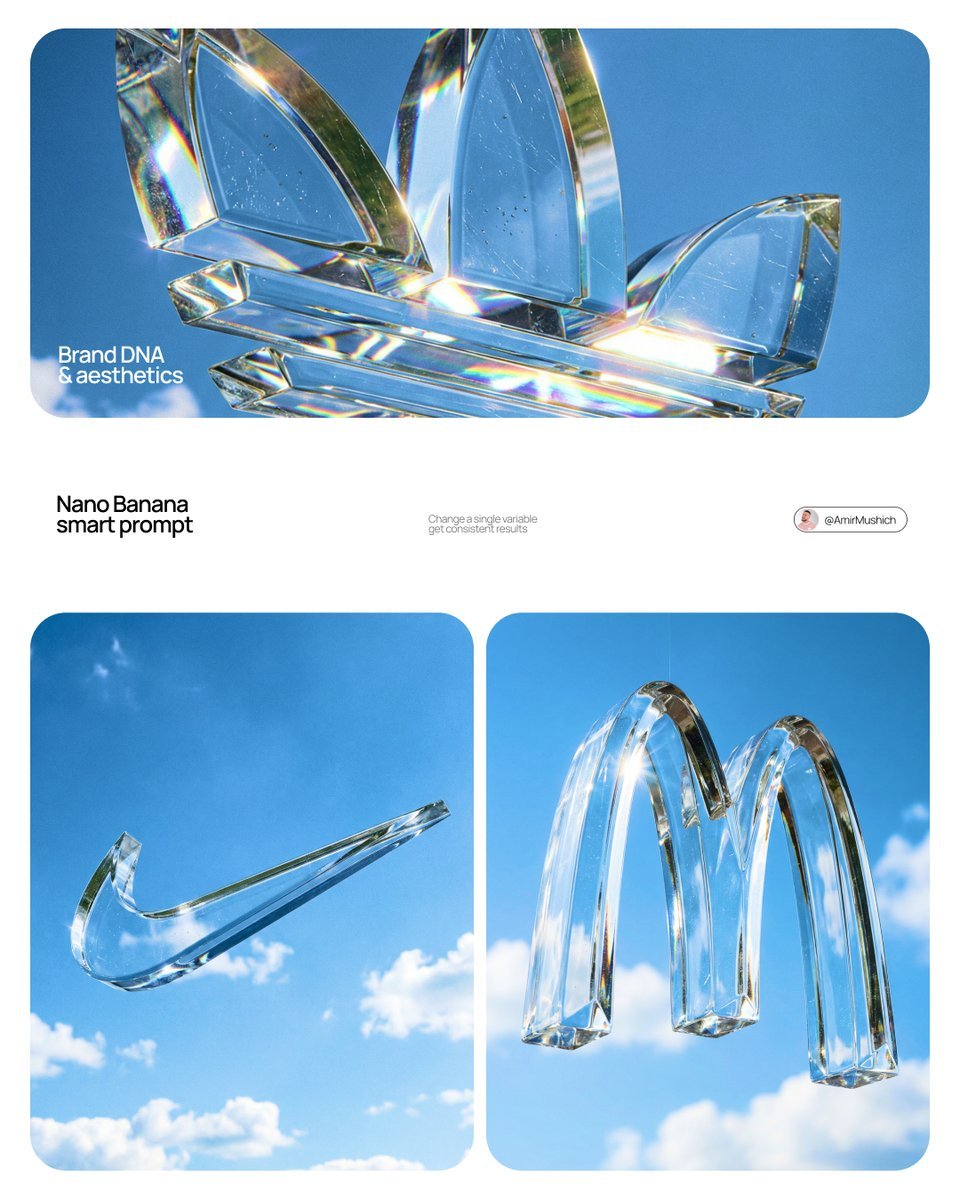
Act as a High-End Product Photographer and CGI Artist
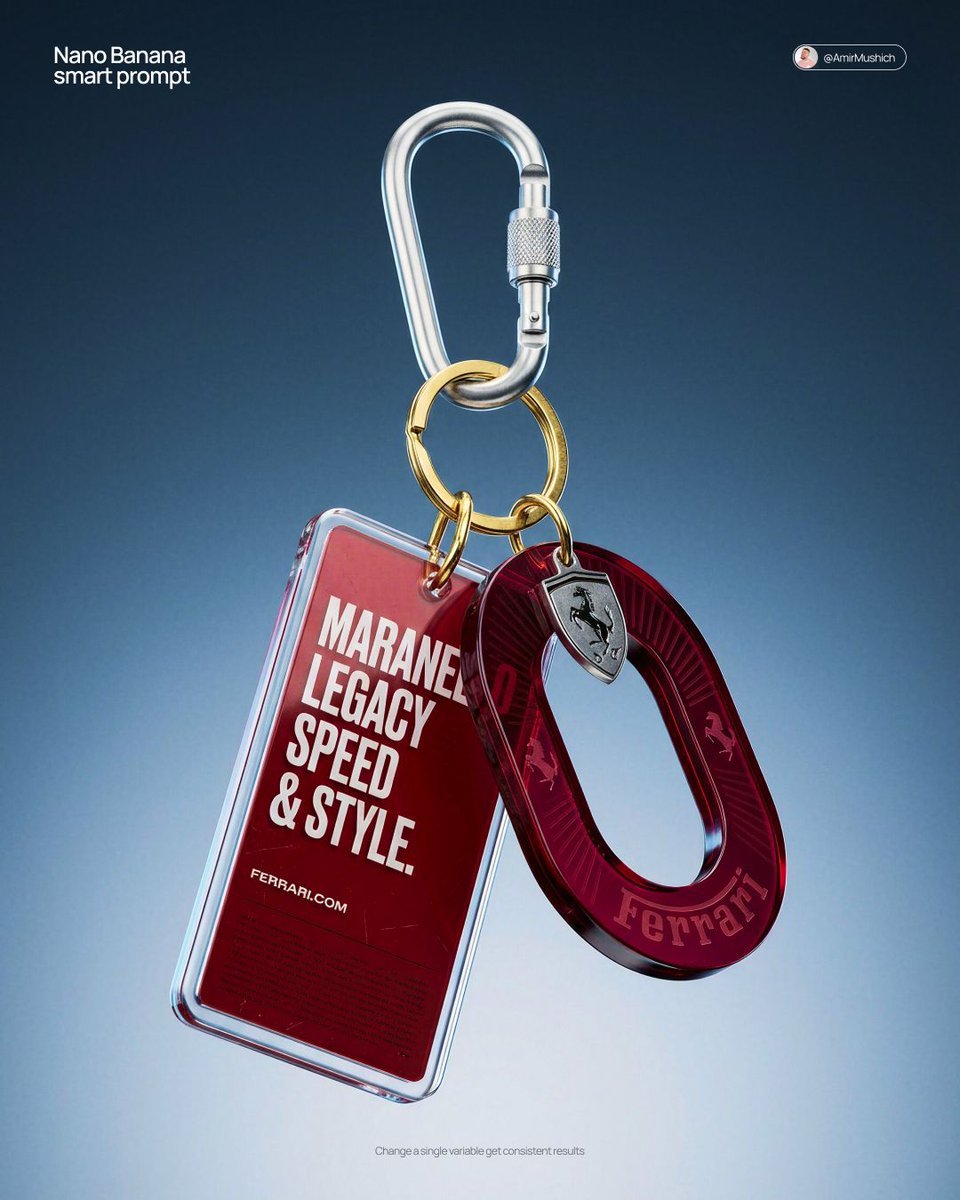
Act as a High-End CGI Product Photographer and 3D Render Artist
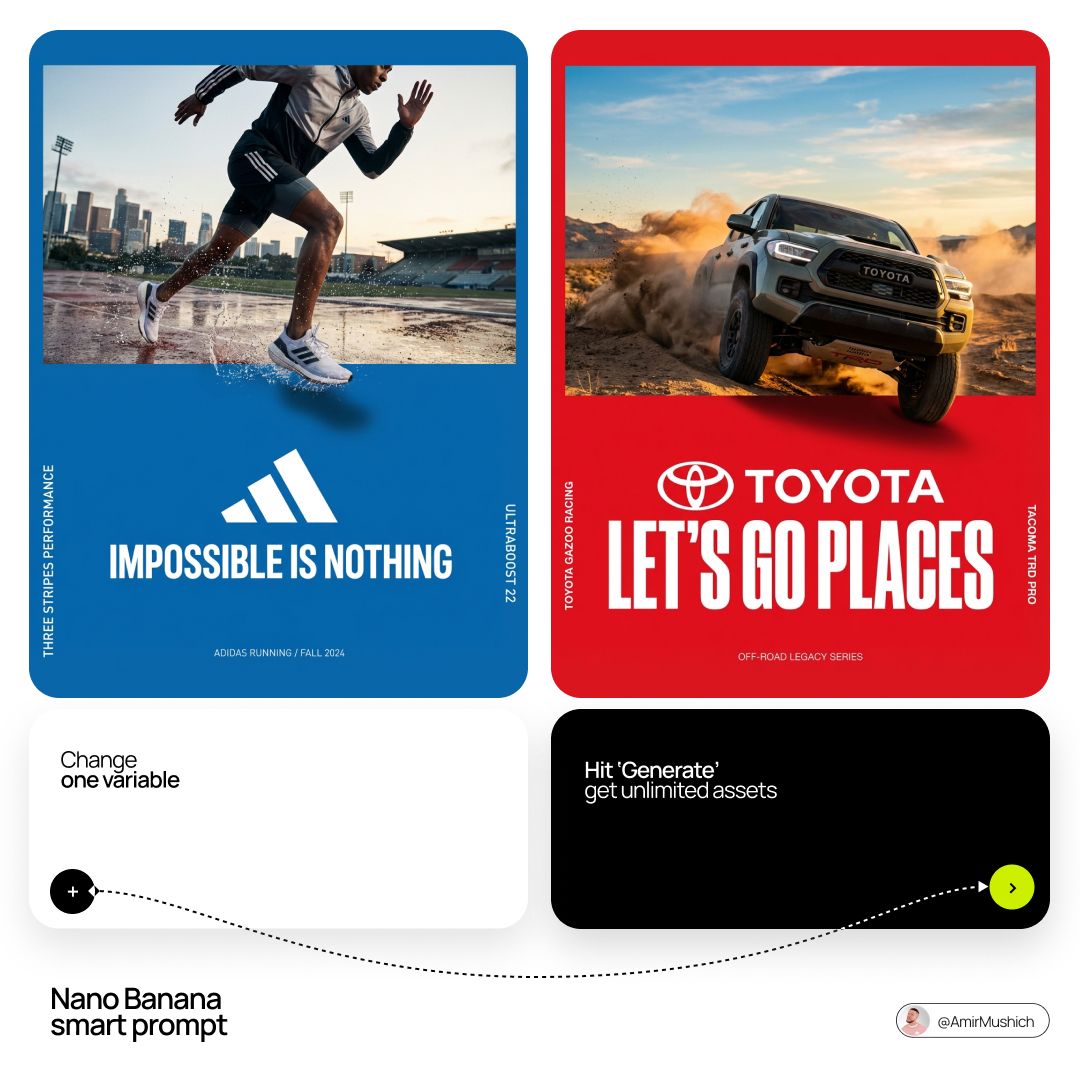
Act as a Senior Editorial Art Director and Campaign Photographer
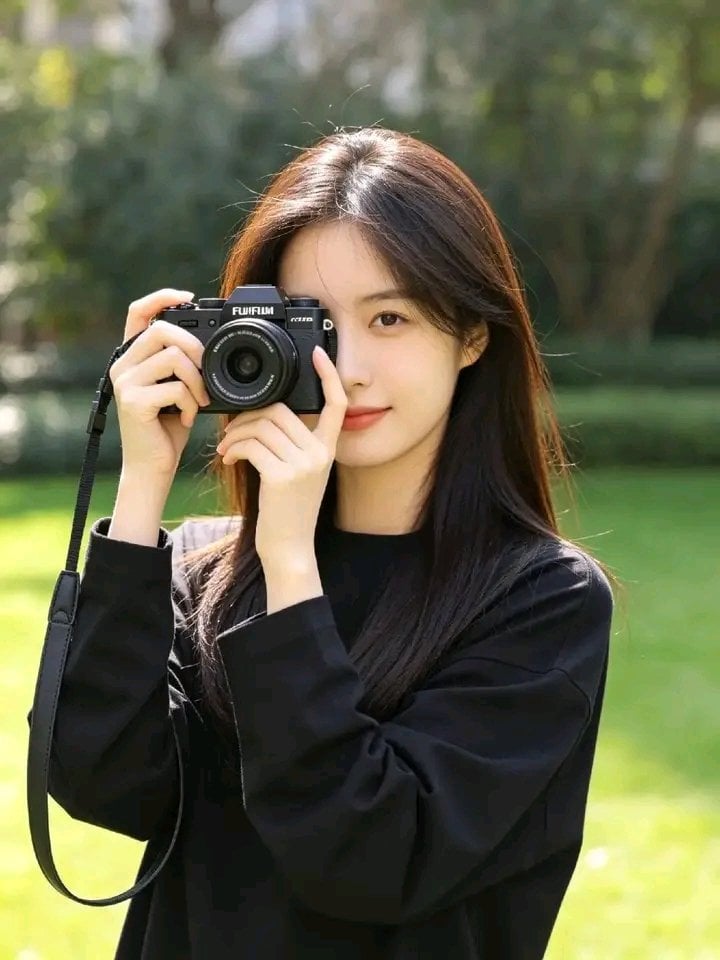
Photorealistic Korean Photographer Portrait
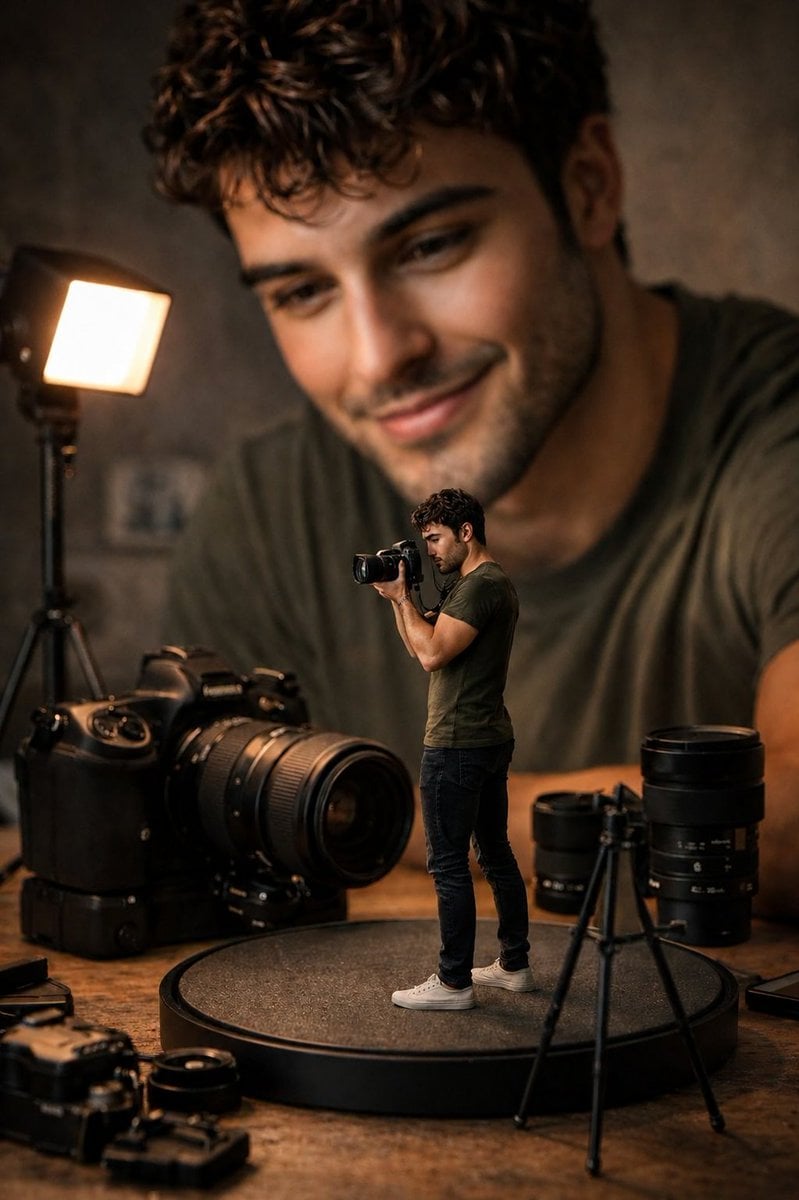
Miniature Photographer Macro Studio Scene
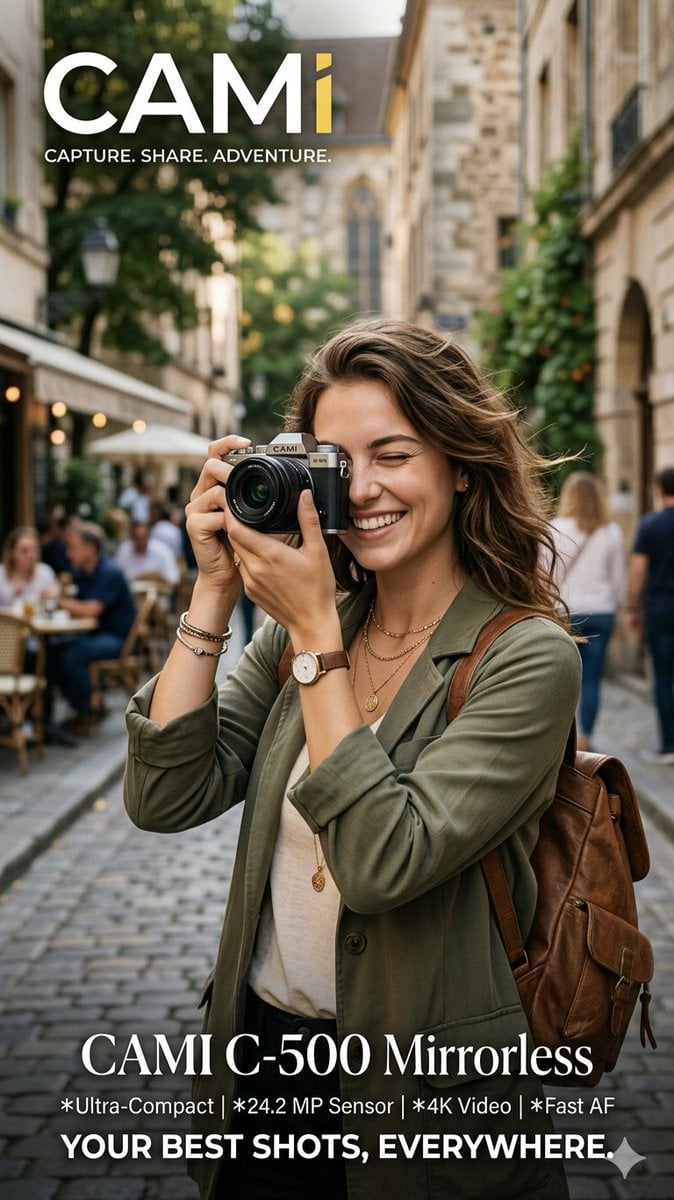
Travel Photographer Camera Advertisement
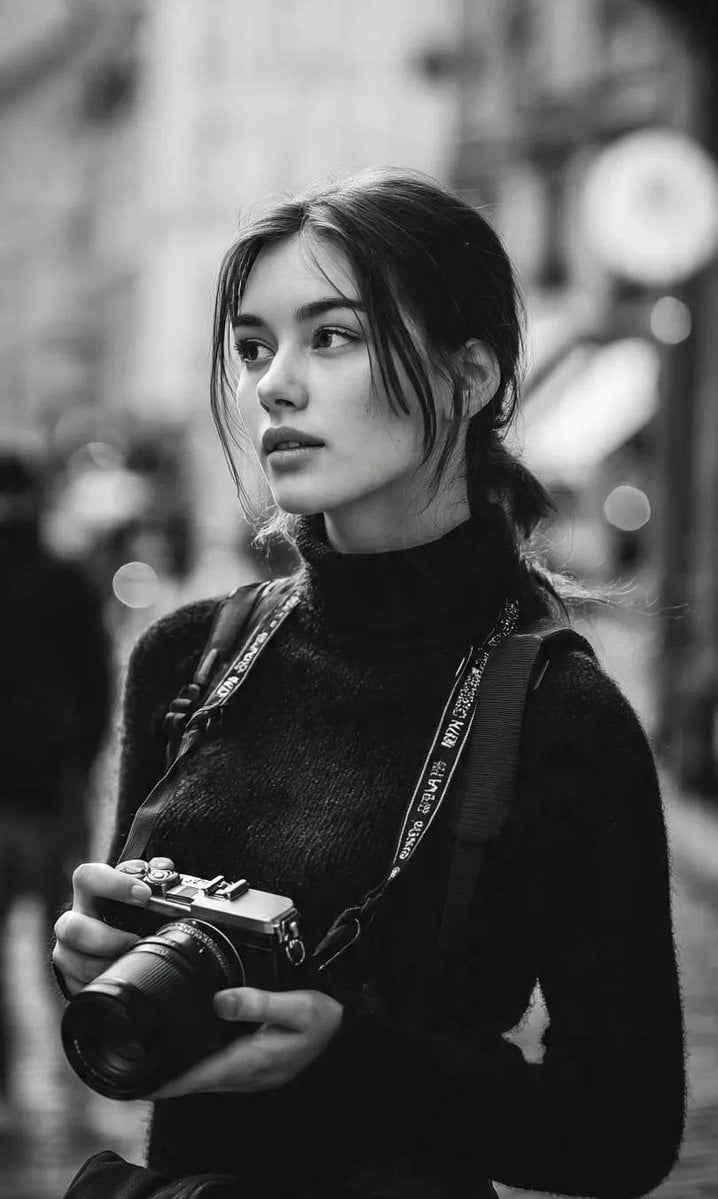
Cinematic Street Fashion Photographer Portrait
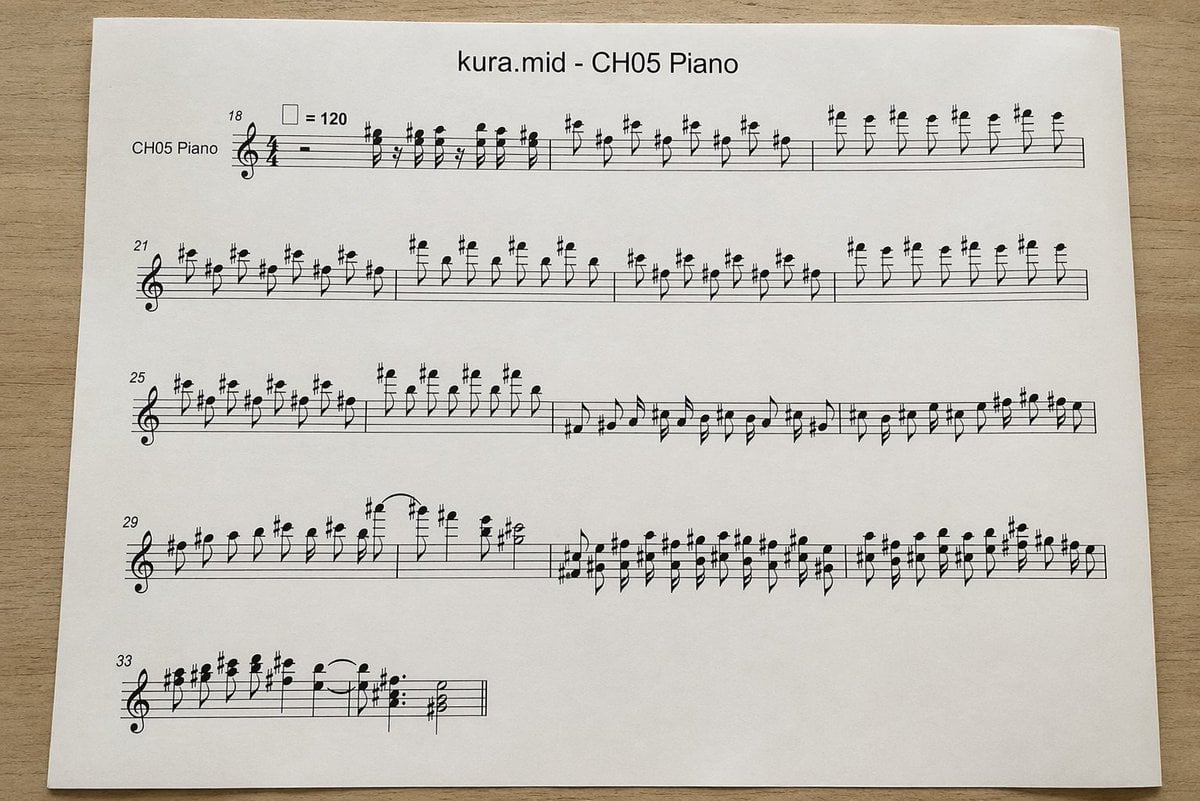
Photographed MIDI Piano Score Sheet
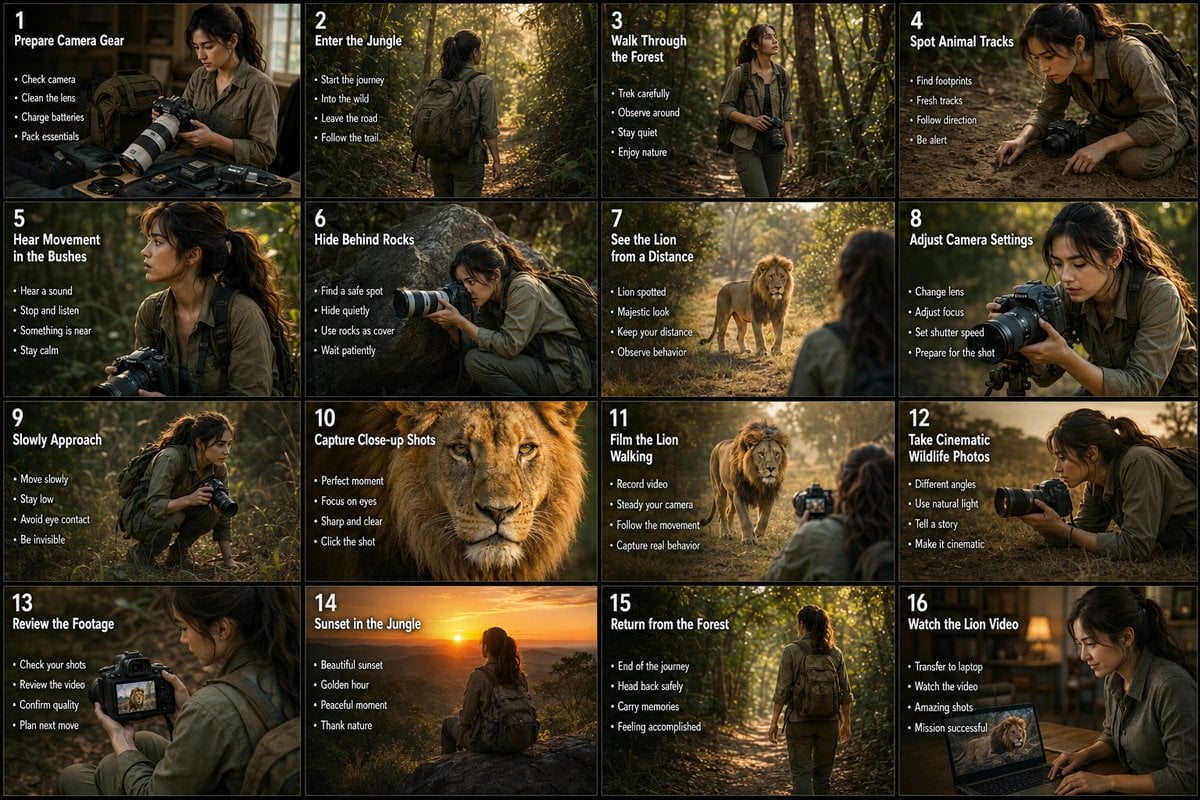
Wildlife Photographer Adventure Storyboard
Make it yours
Photographe works as-is. These are the safest ways to change it without losing the look.
Change one field
Copy a single group, rewrite it, and generate again so you can see what that field is doing.
Keep the frame, change the subject
Hold the composition and light of Photographe , then swap wardrobe, props or the person for a new take.
| If the result… | Why | Fix |
|---|---|---|
| The result drifts from the preview | Too many fields changed at once. | Reuse Photographe as-is first, then change one group — subject, light, or setting. |
| The model over-stylizes the scene | The prose prompt leaves finish and camera underspecified. | Add one camera or lighting sentence and stay on PicX Studio. |
More image prompts
Fresh picks from across the catalog.
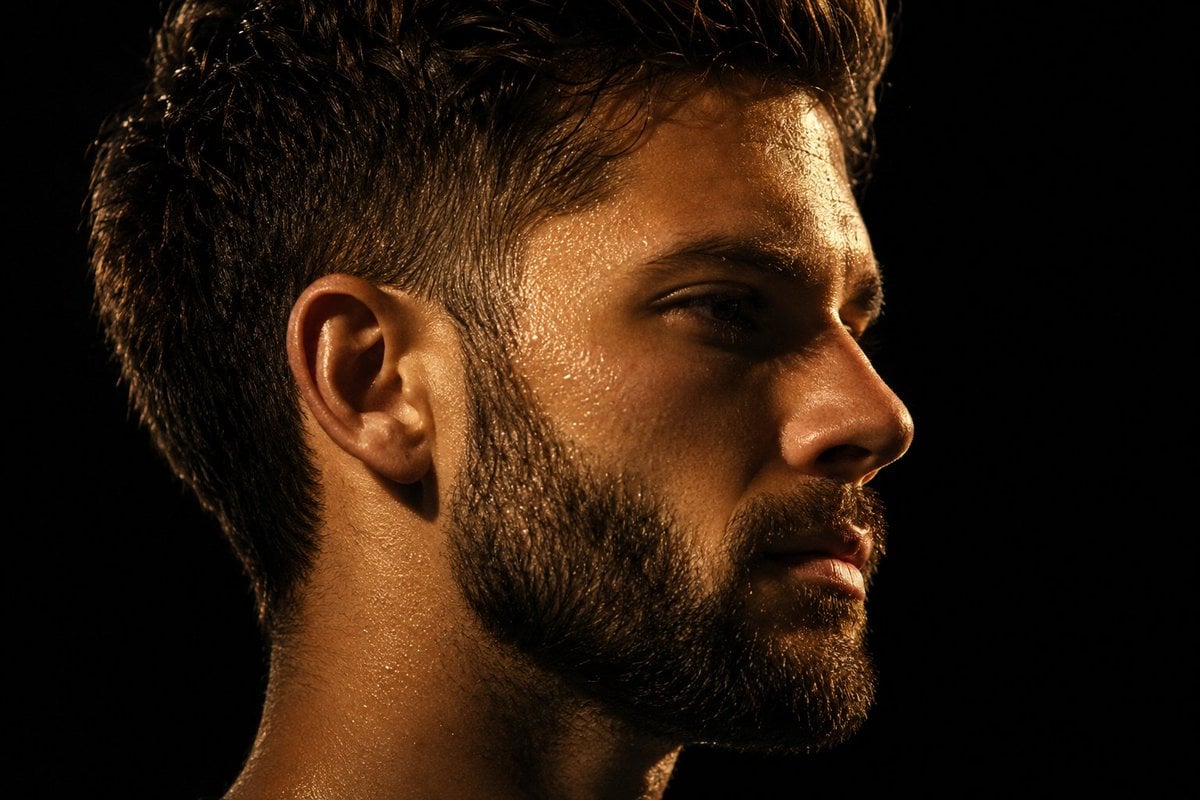
Chiaroscuro Mullet Profile Portrait
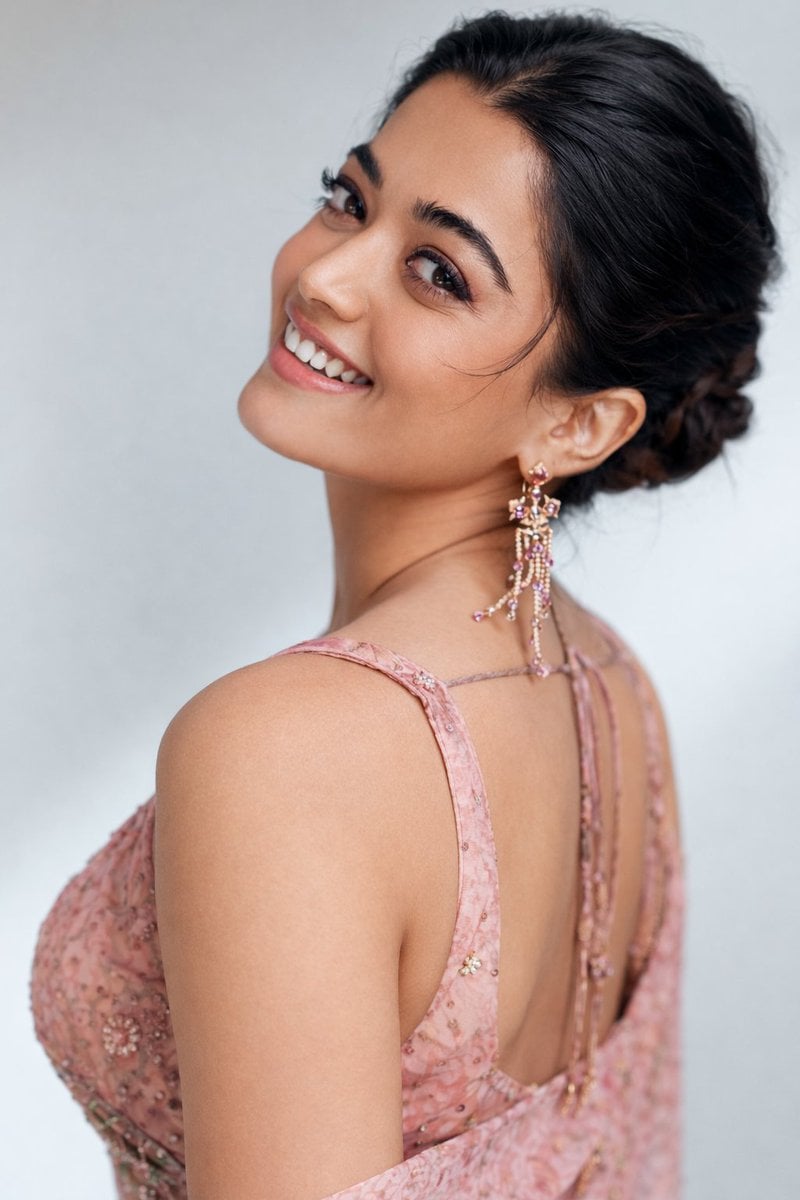
8K Studio Portrait of Rashmika Mandhana in Saree
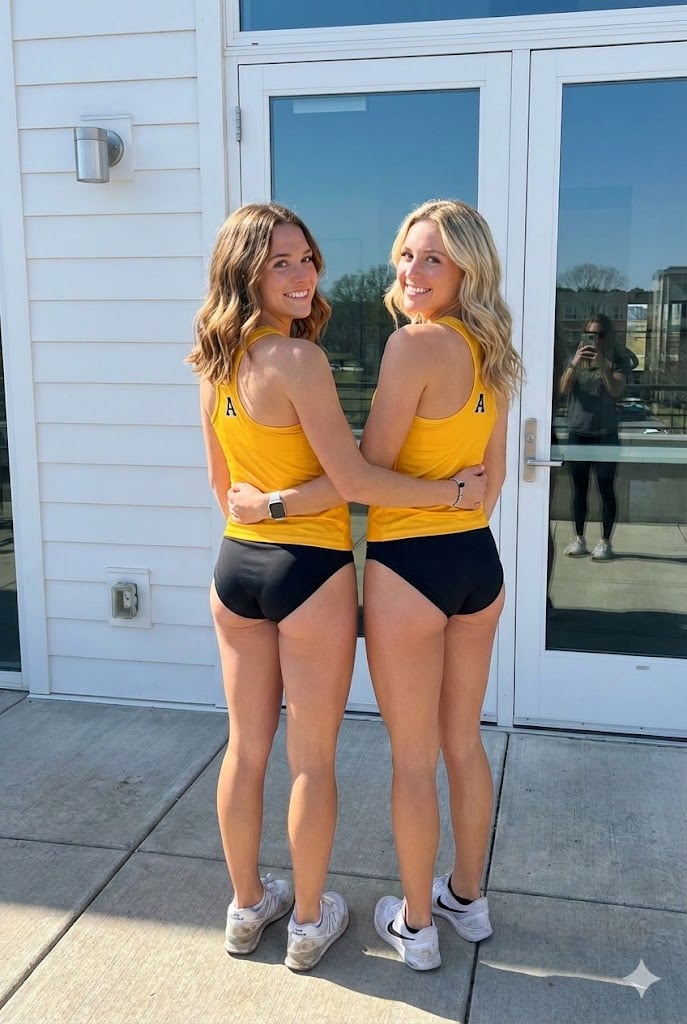
Nano Banana Pro Image Generation Prompt
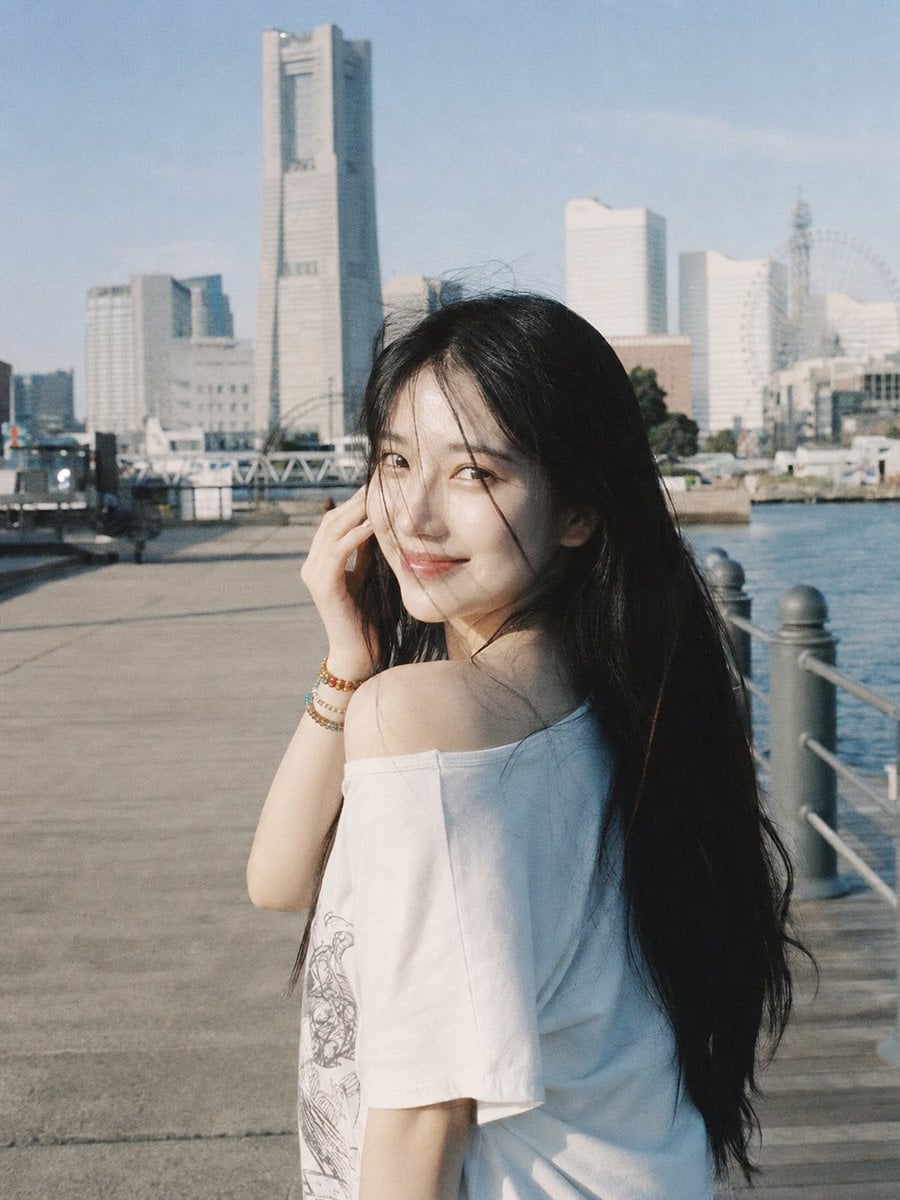
Yokohama Waterfront Film Portrait
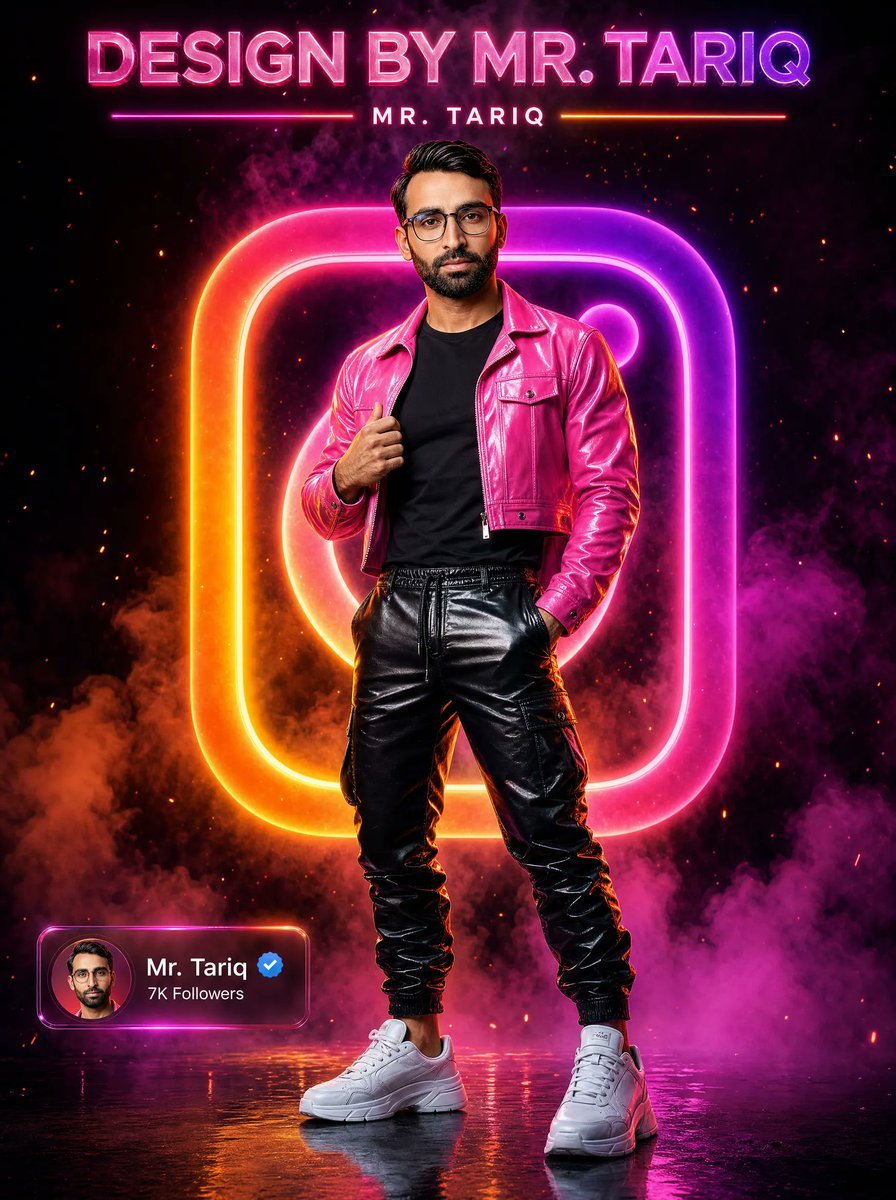
Neon Instagram Fashion Poster
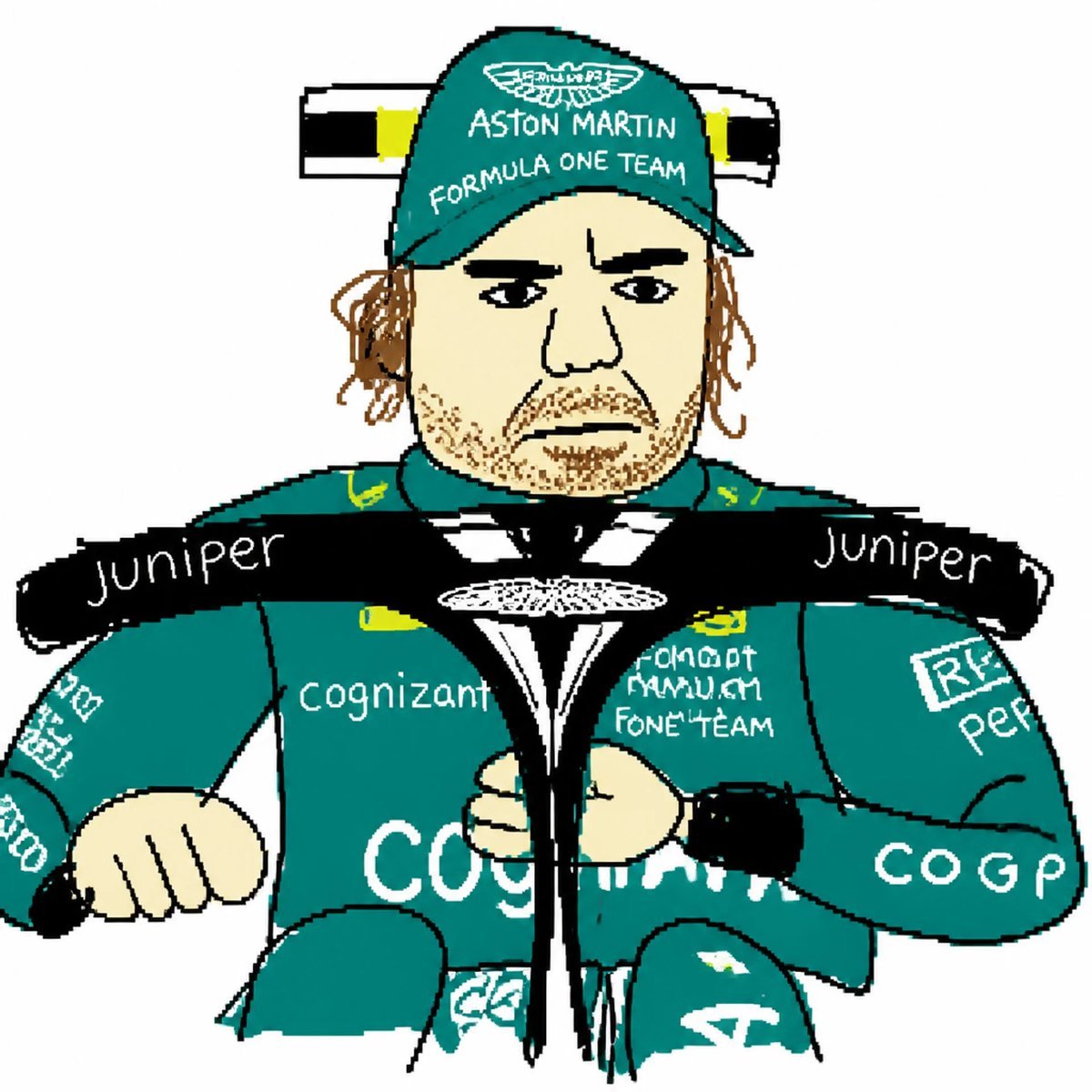
MS Paint Style Redraw
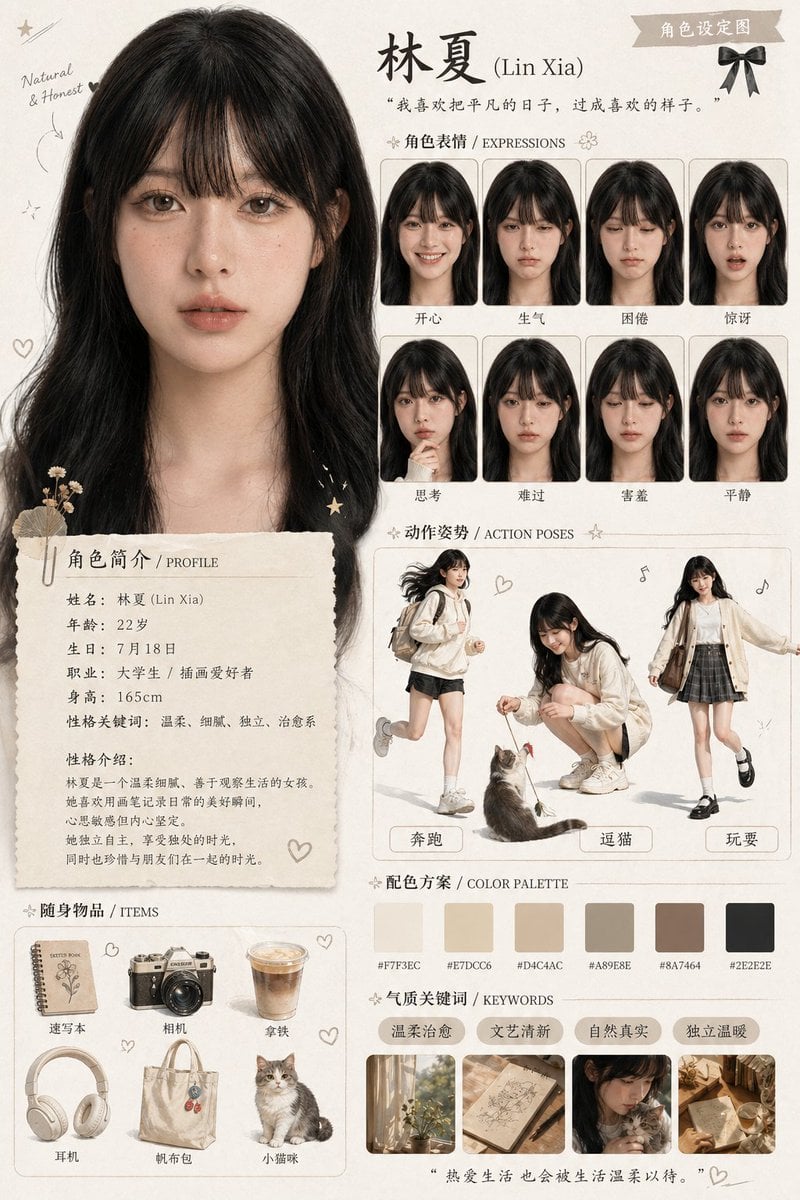
Character Asset Design Card
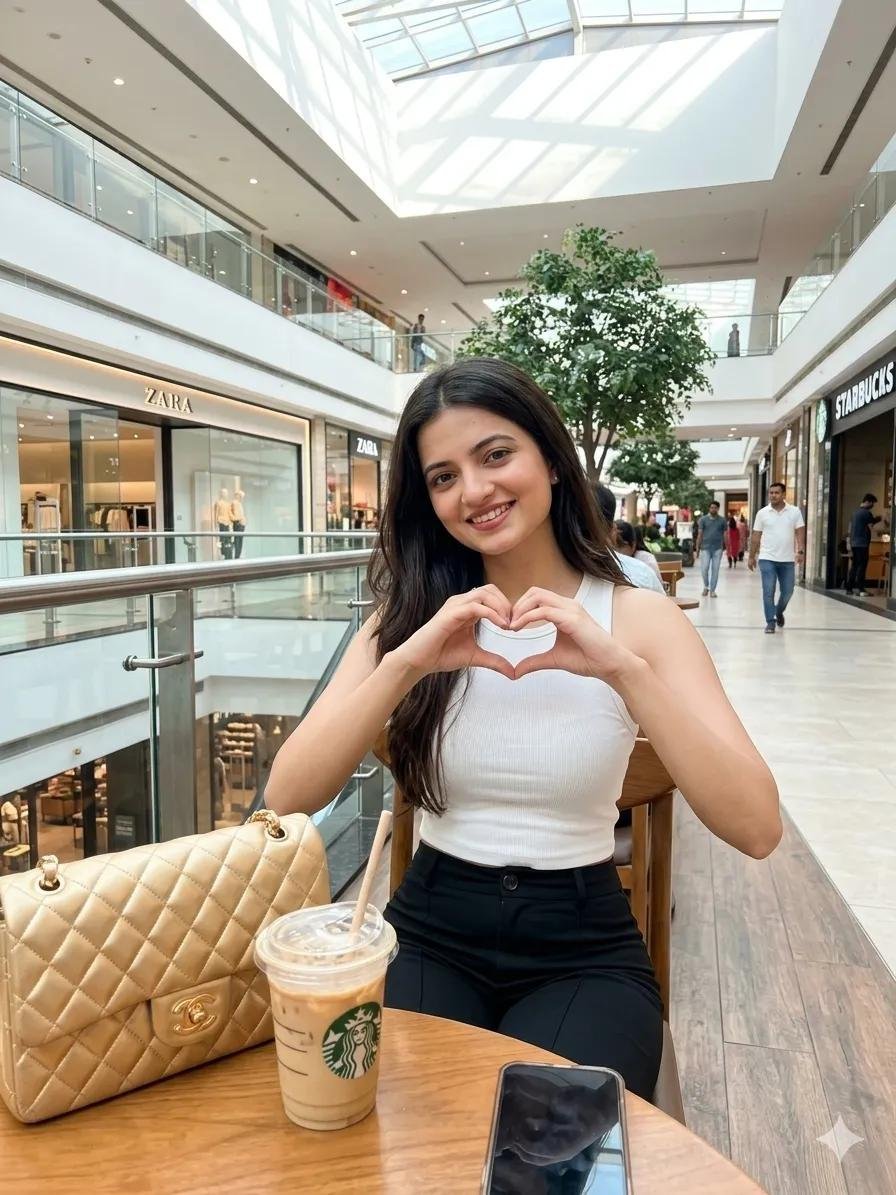
Woman in Mall with Chanel Bag - Heart Gesture
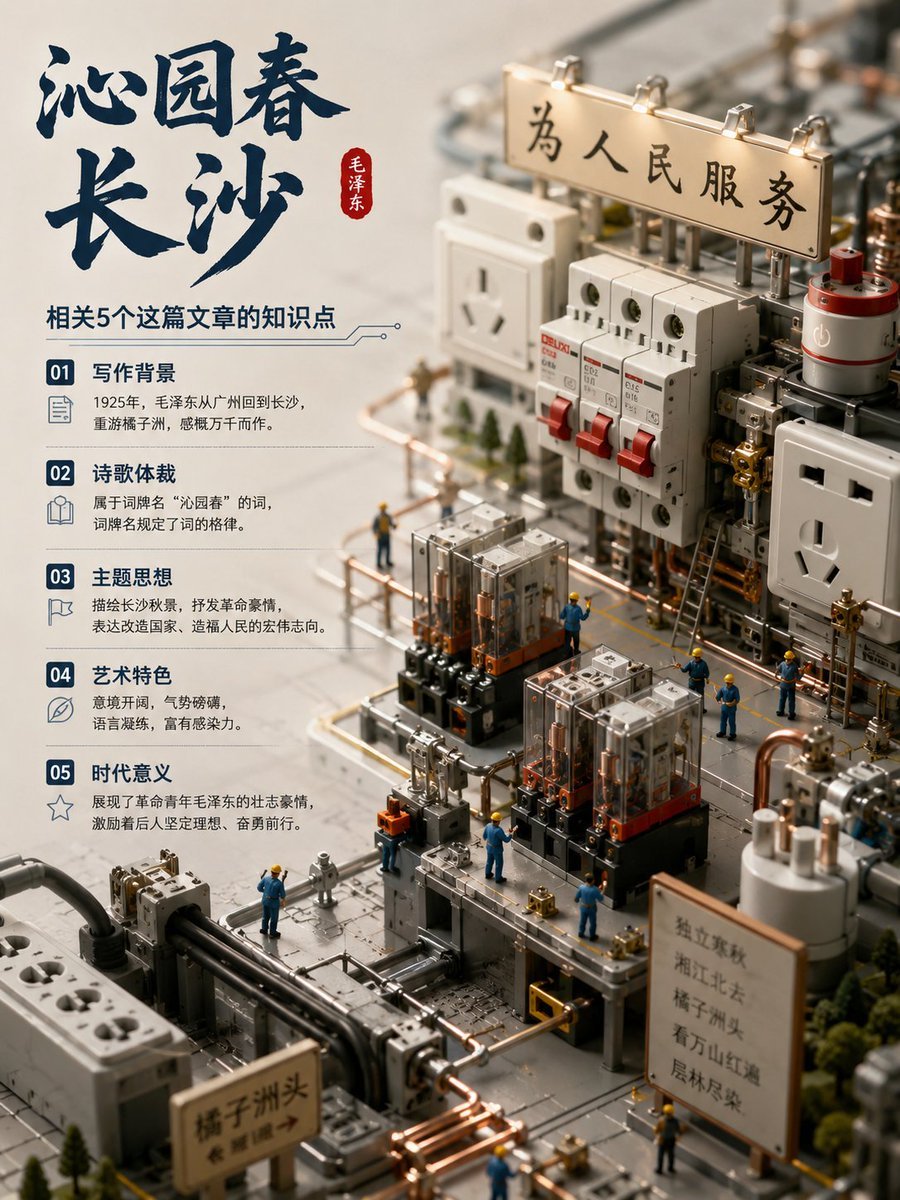
Chinese Poem Electrical Diorama Poster
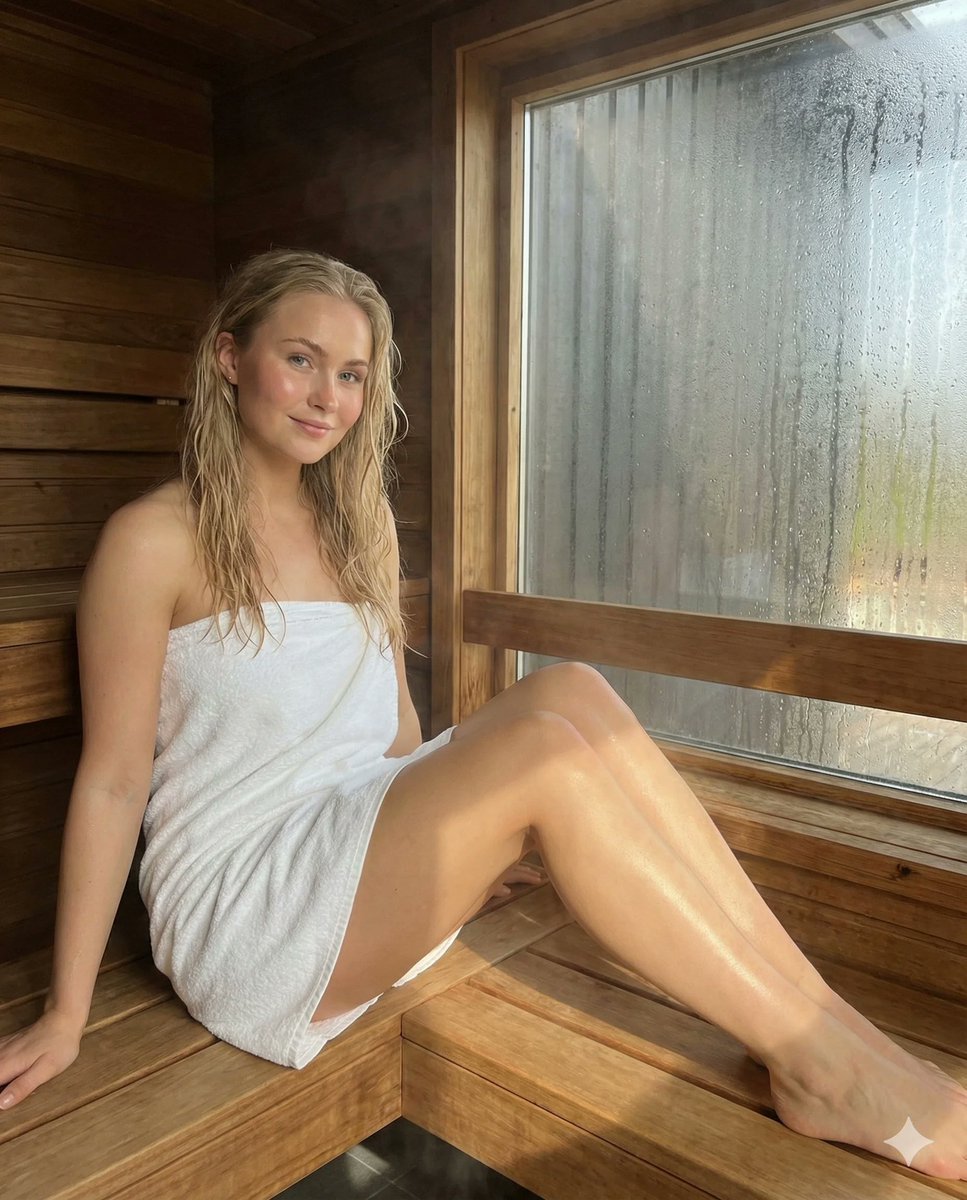
Photorealistic Spa Lifestyle Portrait with Identity Lock
Browse template categories
Photographe questions
How do I use the Photographe template?
Add your photo if the template asks for one, edit the prompt if you like — the template's model and format are already selected — and press Generate. Your version opens in PicX Studio.
Can I customize the Photographe template?
Yes. You can change the subject, setting, lighting, mood, format, and available model controls before creating your image.
Is the Photographe template free?
Opening and editing this template is free. Generating uses credits, shown on the Generate button when you are signed in.
Which AI model should I use?
Choose a compatible model in PicX Studio based on the style, speed, and output controls your project needs.
Looking for something else? Browse all templates.

Your photo, any look
Thousands of ready templates for every top image and video model, from one credit balance.