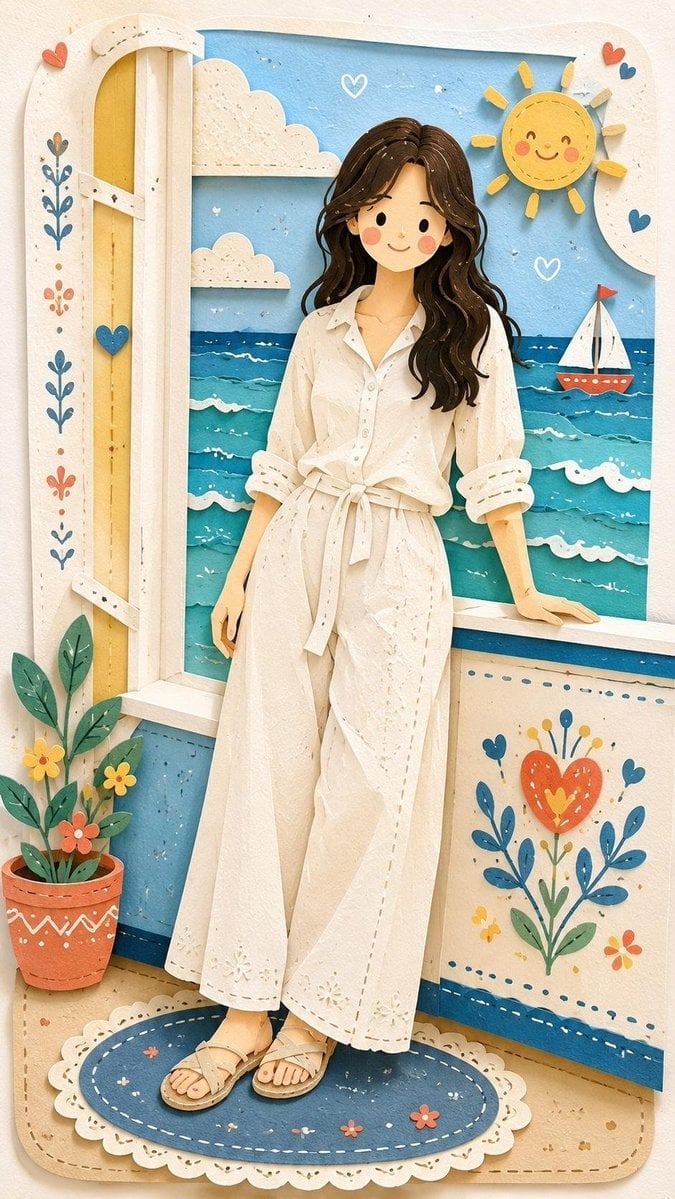
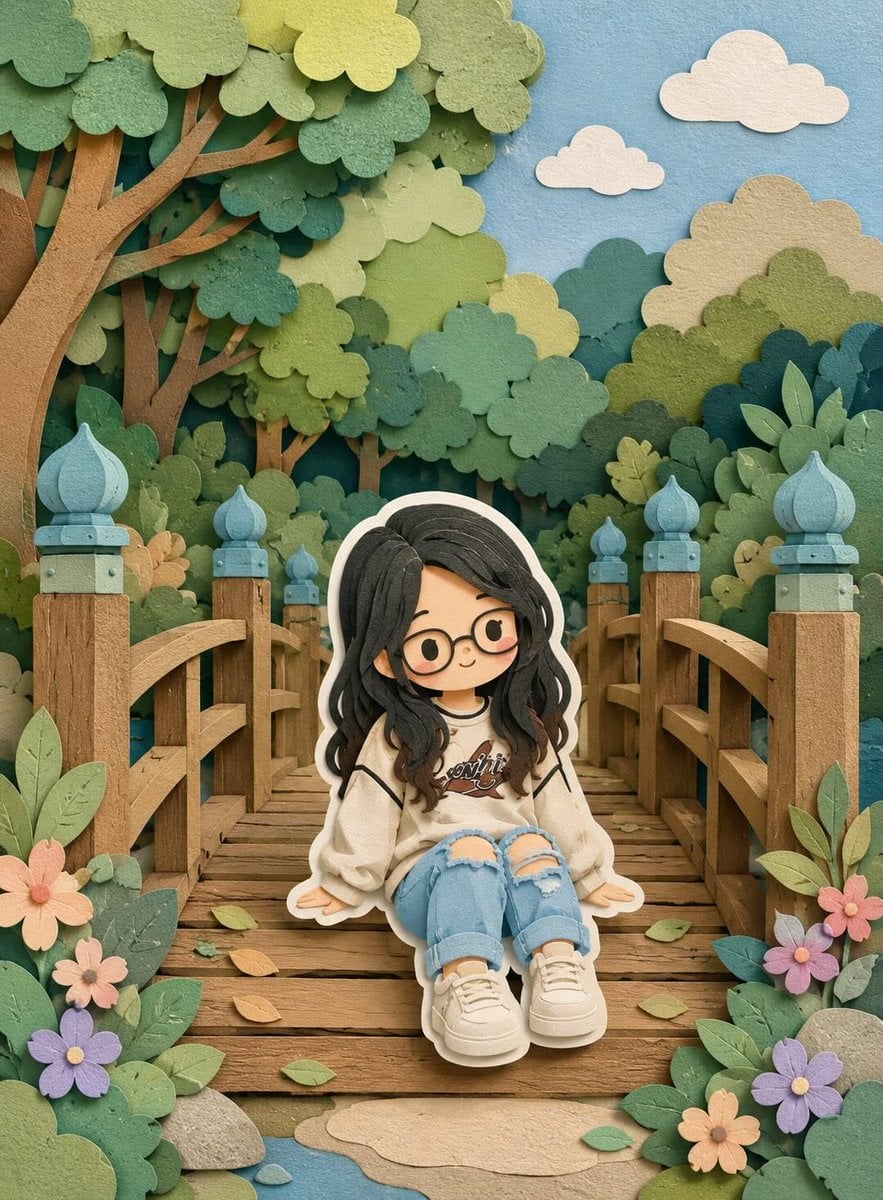
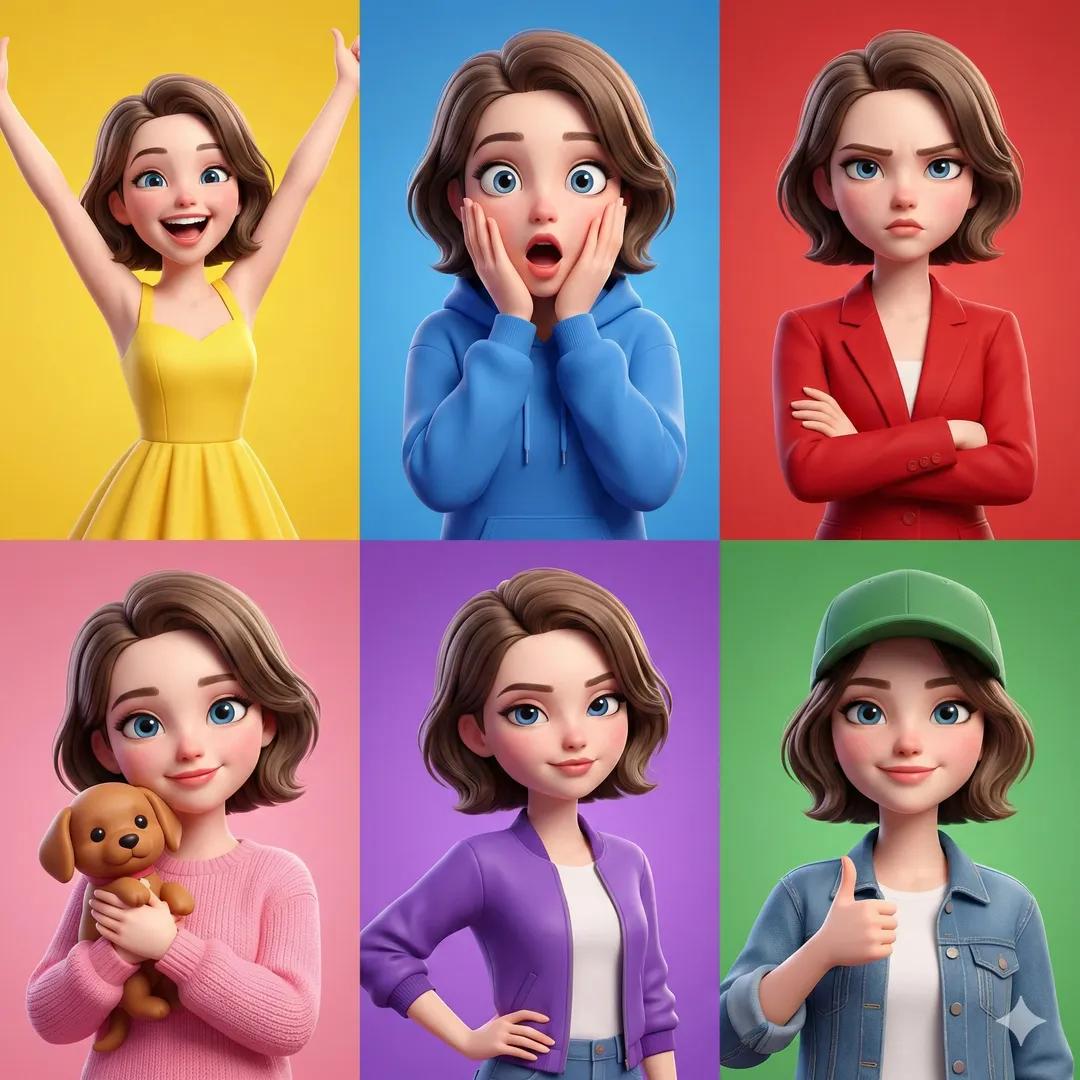
How do I use the Whimsical Folk Art Window Scene template?
Edit the prompt in the box under the preview — the template's model and format are already selected — and press Generate. Your version appears right on this page.
A textured folk-art illustration of a presenter gesturing toward colorful windows, a trumpet player, and handmade floral wall decorations.

This template uses your photo — add one with the + button.
Create a whimsical hand-drawn folk-art illustration with a textured crayon, marker, and gouache look. Show an indoor wall scene filled with decorative floral doodles and bright handmade charm. In the foreground, place an adult woman presenter with {argument name="face style" default="a plain featureless tan square covering the face"}, dark center-parted hair, a black jacket, and a vivid red dress with a rounded red collar, black buttons, and drawstring details; she stands on the right half of the canvas and extends her left arm open toward a large window display. On the left, draw one large cream-colored double window with two tall panels and black hinges, decorated with tiny hearts, dots, and blue leafy borders. Behind the left window, show exactly one seated trumpet player: blue pants, dark jacket, curly gray hair, red cheek, holding a yellow trumpet, with black musical notes floating around; the pink background behind him contains leafy sprigs, white dots, yellow starbursts, and a handwritten vertical date-like note reading {argument name="window note" default="Feb / 13"}. On the far right, draw a second window with a golden yellow frame, teal curtains, pale lace trim, and a green garden-like view filled with flowers and vines. Between the woman and the left window, include a small wall poster reading {argument name="poster text" default="ACQUA PER LA VITA – WATER FOR LIFE"} with blue wave lines. Count and include exactly two windows, one presenter, one trumpet player, one poster, and two visible black musical notes. Surround everything with playful decorative motifs: red hearts, blue leafy branches, pink and red flowers, yellow starbursts, green vines, multicolored dots, and small white speckled texture. Use an off-white background, naïve proportions, thick black sketchy outlines, visible paper grain, and a cheerful Italian folk-art mood. Avoid photorealism, shadows, or digital polish; make it look handmade and slightly imperfect.
Create a whimsical hand-drawn folk-art illustration with a textured crayon, marker, and gouache look. Show an indoor wall scene filled with decorative floral doodles and bright handmade charm. In the foreground, place an adult woman presenter with {argument name="face style" default="a plain featureless tan square covering the face"}, dark center-parted hair, a black jacket, and a vivid red dress with a rounded red collar, black buttons, and drawstring details; she stands on the right half of the canvas and extends her left arm open toward a large window display. On the left, draw one large cream-colored double window with two tall panels and black hinges, decorated with tiny hearts, dots, and blue leafy borders. Behind the left window, show exactly one seated trumpet player: blue pants, dark jacket, curly gray hair, red cheek, holding a yellow trumpet, with black musical notes floating around; the pink background behind him contains leafy sprigs, white dots, yellow starbursts, and a handwritten vertical date-like note reading {argument name="window note" default="Feb / 13"}. On the far right, draw a second window with a golden yellow frame, teal curtains, pale lace trim, and a green garden-like view filled with flowers and vines. Between the woman and the left window, include a small wall poster reading {argument name="poster text" default="ACQUA PER LA VITA – WATER FOR LIFE"} with blue wave lines. Count and include exactly two windows, one presenter, one trumpet player, one poster, and two visible black musical notes. Surround everything with playful decorative motifs: red hearts, blue leafy branches, pink and red flowers, yellow starbursts, green vines, multicolored dots, and small white speckled texture. Use an off-white background, naïve proportions, thick black sketchy outlines, visible paper grain, and a cheerful Italian folk-art mood. Avoid photorealism, shadows, or digital polish; make it look handmade and slightly imperfect.
Edit the prompt in the box under the preview — the template's model and format are already selected — and press Generate. Your version appears right on this page.
Yes. You can change the subject, setting, lighting, mood, format, and available model controls before creating your image.
Opening and editing this template is free. Generating uses credits, shown on the Generate button when you are signed in.
Start with GPT Image 2, which is the model associated with this template. You can compare another compatible model for a different finish.
Follow a topic to a crawlable collection of related PicX Studio templates.