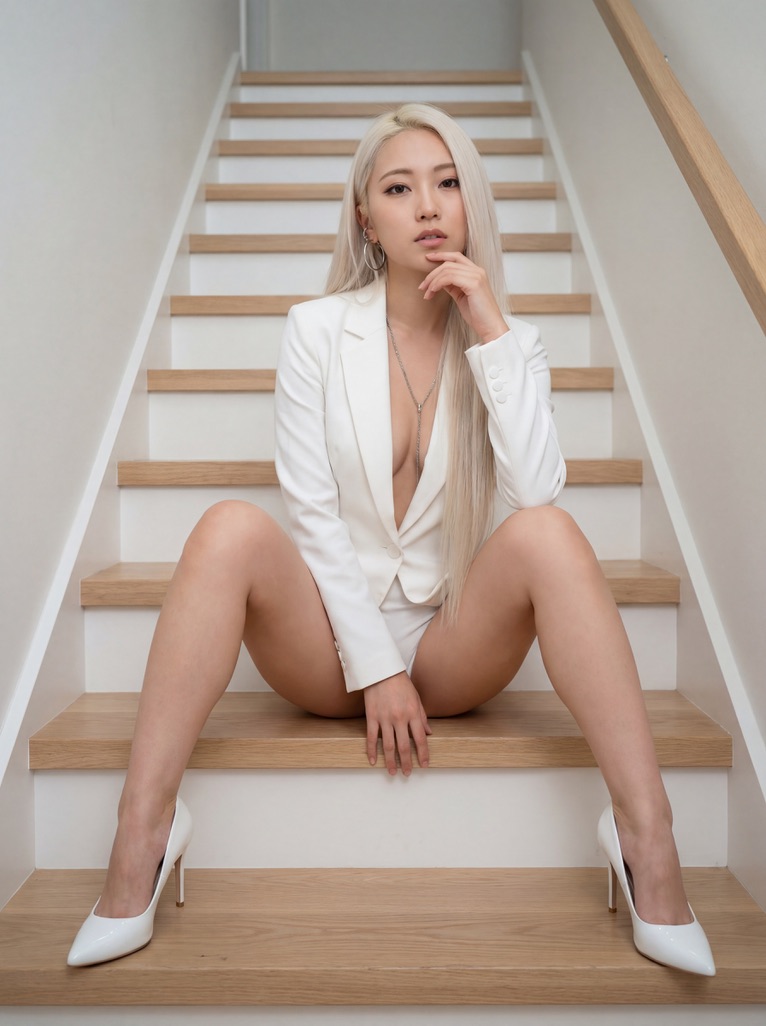
How do I use the Rosé K-pop Idol Portrait on Modern Stairs template?
Choose the primary action to open PicX Studio with the available template settings. Review the model and format, personalize the creative direction, and generate when ready.
A structured prompt for Nano Banana Pro to generate a photorealistic portrait of K-pop idol Rosé sitting on modern wooden stairs, wearing a plunging pink latex blazer bodysuit and pink stilettos. Change the subject, setting, or lighting one variable at a time.

{ "prompt": "Photorealistic portrait of K-pop idol Rosé with long platinum blonde hair sitting on modern wooden stairs. She wears a plunging pink latex blazer bodysuit and glossy pink stilettos with red soles. Symmetrical pose with legs apart. --ar 3:4", "subject": { "appearance": "Young woman, K-pop idol Rosé, fair skin, dark brown almond eyes.", "hair": "Extra-long, straight, platinum blonde.", "jewelry": "Silver hoop earrings, thin silver chain with small round pendant." }, "outfit": { "clothing": "Pink latex tailored blazer styled as a bodysuit, deeply unbuttoned.", "shoes": "Glossy pink patent leather stiletto pumps featuring red bottoms." }, "pose": { "body": "Sitting upright on a stair tread facing the camera.", "legs": "Spread wide apart, knees bent at an angle.",
Choose the primary action to open PicX Studio with the available template settings. Review the model and format, personalize the creative direction, and generate when ready.
Yes. You can change the subject, setting, lighting, mood, format, and available model controls before creating your image.
This template is free to open and customize. Generation usage is shown in PicX Studio before you create.
Start with Nano Banana 2, which is the model associated with this template. You can compare another compatible model for a different finish.
Follow a topic to a crawlable collection of related PicX Studio templates.
43,474 public templates available. Verified via the PicX Studio public templates API; refreshed hourly.


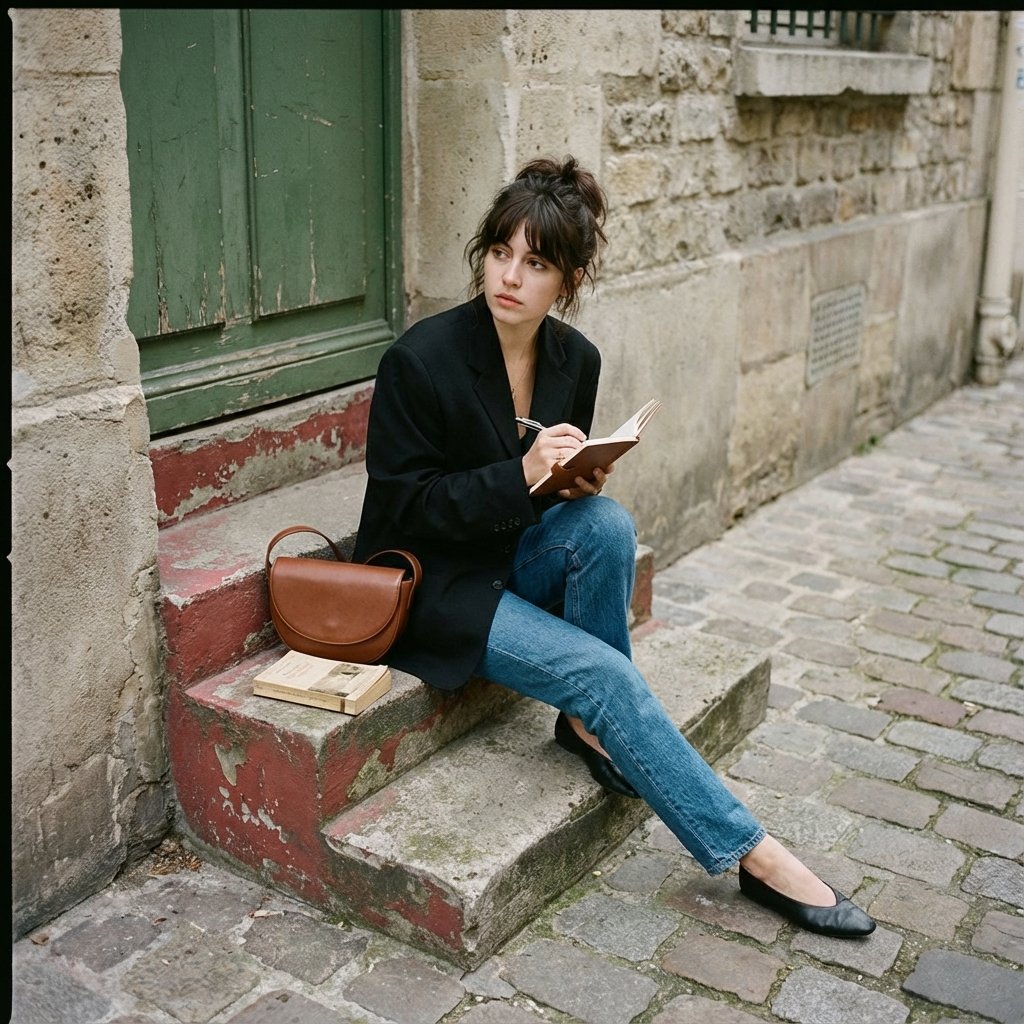


![69-untitled — FORMAT: 15s / 145 BPM / 14 SHOTS
SUBJECT: @[image1]
WARDROBE: Clean modern outfit
ENVIRONMENT: Street / indoor transitions
MOOD: Discovery → contr](/_next/image?url=https%3A%2F%2Fcdn.picxstudio.com%2Fuploads%2Fpost69_img0_d45faecf-38c3-4bcb-81a4-f6eb1cf42bb2.jpg&w=828&q=100)













![Naive doodle-style subject illustration — A doodle-style {argument name="subject" default="[subject]"}, naive lines, humorous shape exaggeration](https://pbs.twimg.com/media/G6Wl2YxbsAARB2b.jpg)











![Deconstructed Ingredients Visualization — ( Deconstructed_Ingredients_{argument name="dish name" default="[DISH_NAME]"} * 1.5 ) +
( Miniature…](https://pbs.twimg.com/media/HEYWiLEbYAA3lky.jpg)



![Luxury Birthday Milestone Poster — Create a luxury minimalist birthday milestone poster featuring a giant 3D number “{argument name="age" default="[AGE]"}” carv](https://cms-assets.youmind.com/media/1781341240913_p0jz0x_HKlIX_0a0AAqRIY.jpg)







![Brand Concept Generation Prompt: Unexpected Functional Objects — {argument name="品牌名称" default="[品牌名称]"}:
一本高端、光泽的概念艺术杂志编辑摄影照片,展示由该品牌概念化和设计的一个独特、意想不到的功能性物体。](https://pbs.twimg.com/media/G8jxIaYW8AA1TI4.jpg)