
Cinematic Rainy City Sword Action
An incredibly detailed multi-shot cinematic video prompt for Seedance 2.0 featuring a magical swordsman fighting obsidian magical soldiers in a rainy intersection.
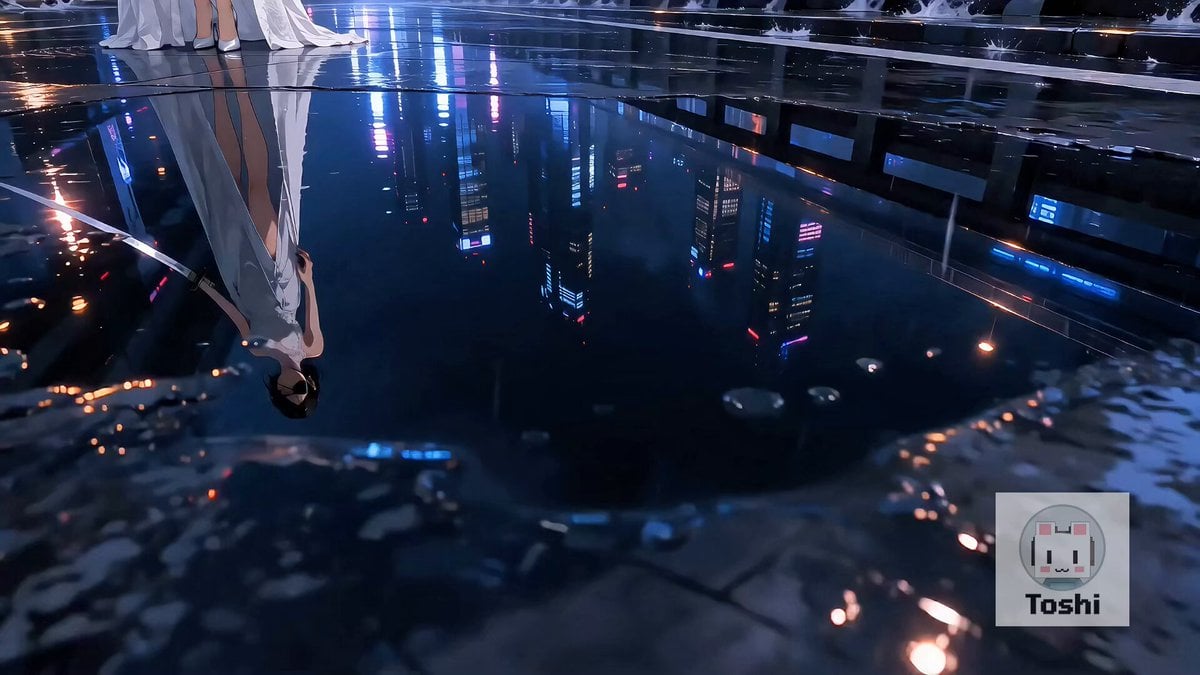
- Prompt included
- Model and format preset
- Free template
The prompt behind this video
Copy the exact prompt behind Cinematic Rainy City Sword Action, or open it in the studio and make it yours.
敵は生命体ではなく、黒曜石と金属で造られた無人の魔導兵。黒い多面体装甲、角のような突起、青く輝く魔力核を持つ。内部も石材、歯車、青い光だけで構成されている。 魔導兵は道路、車両周辺、左右の路地、壁面、高架上へ不規則に点在する。大きさ、向き、距離、姿勢を少しずつ変え、等間隔や左右対称に配置しない。それぞれ異なる速度とタイミングで、走る、跳躍する、蛇行する、壁を移動する、立ち止まって照準を合わせる。 Shot 1(0–4秒): 雨の交差点。リラは画面左手前、魔導兵は画面右の中景から遠景へ自然に散らばっている。カメラは水たまりの反射を横切りながらリラへ接近し、その横を通過して、都市の各所で別々に起動する魔導兵を見せる。青い魔力核が不規則な順番で点灯する。 Shot 2(4–10秒): リラが水しぶきを弾いて加速。低い横移動で並走するカメラ。リラの刀が魔導兵の装甲を通過すると、斬撃線に沿って黒曜石の外殻へ青い亀裂が走る。次の瞬間、魔導兵は大小の幾何学的な石片と金属部品へ砕け、内部の青い魔力が光の粒となって上空へ消える。 リラは突進型の脚部を砕き、蛇行型を横薙ぎで粉砕。車上から跳ぶ二体の間を前転で抜け、立ち上がりながら青白い斬撃を放つ。壁面から降下する個体を空中回転斬りで破壊する。砕けた黒曜石片が路面を滑り、雨水を跳ね上げる。 Shot 3(10–15秒): 多数の魔導兵がリラの目の前まで迫っている。最前列の三体は刀が届く距離で腕を振り上げ、中景の個体は左右から接近し、遠景の大型個体も突進中。リラと接近中の敵を必ず同じ画面内に映す。 リラが鞘のない刀を右手で低く構える。青白い光が刀身へ集中。最前列の三体が攻撃を放つ直前、リラが腰を回転させ、水平180度の巨大な扇状斬撃波を放つ。 横からの広い構図で、リラ、刀、眼前の魔導兵、斬撃波を同時に映す。斬撃波が最前列から奥へ進み、魔導兵の黒曜石装甲へ一本の青い亀裂を刻む。一拍遅れて、近い個体から遠い個体へ連鎖的に砕け散る。何百もの黒曜石片、金属片、青い光粒が雨の交差点を覆い、路面のネオンへ反射する。 最後の大型個体が巨大な石片へ崩壊すると、青い魔力核が静かに消灯。リラだけが交差点に立ち、刀を下げて息を吐く。砕けた黒曜石片が雨に打たれ、白いドレスがゆっくり静まる。 重要: 敵は無人の石造・金属製構造物として一貫させる。破壊時は黒曜石片、金属部品、青い光粒だけを描く。柔らかい身体表現や有機的な内部構造を描かない。 最後の大斬撃は、複数の魔導兵がリラの眼前まで接近し、攻撃動作に入った瞬間に放つ。敵が消えた後や空の道路へ向けて斬撃を放たない。
How to use Cinematic Rainy City Sword Action in 3 steps
- 1
Open
The prompt is already in the box next to the preview, with the template's model and format selected.
- 2…a portrait of your subject in softgolden-hour light, 85mm…
Personalize
Edit the subject and creative details for your destination.
- 3Generate
Generate
Press Generate — your video is created in PicX Studio, so you can compare it with the original and refine one variable at a time.
More like this
Templates with the same subject, style or setup. Open one to see its prompt.
Stone Colossus Desert Riders — Golden Fire Reveal
Time Freeze — Snap Shockwave Scene Seedance
Subway Flood — Epic Tunnel Chaos
Vertical City — São Paulo Parkour at Sunset
Swordsman vs Shadow Monster — Bamboo Forest Battle
Speeder Chase Across a Cliff City

Realistic City Street Story Cinematic Video - Seedance
Rainy Night Neon City

Luxury Lifestyle Day Vlog

NYC Wingsuit Hot Dog Landing

Luxury Airport Travel Vlog

Iced Coffee Dog Good-News Montage
Make it yours
Cinematic Rainy City Sword Action works as-is. These are the safest ways to change it without losing the look.
Change one field
Copy a single group, rewrite it, and generate again so you can see what that field is doing.
Keep the frame, change the subject
Hold the composition and light of Cinematic Rainy City Sword Action, then swap wardrobe, props or the person for a new take.
| If the result… | Why | Fix |
|---|---|---|
| The result drifts from the preview | Too many fields changed at once. | Reuse Cinematic Rainy City Sword Action as-is first, then change one group — subject, light, or setting. |
| The model over-stylizes the scene | The prose prompt leaves finish and camera underspecified. | Add one camera or lighting sentence and stay on Seedance 2.0. |
More Seedance 2.0 templates
Other prompts made for Seedance 2.0.

Comical Martial Arts Punch Scene

Maglev Train Action Sequence

Martial Arts Fight Sequence

Wuxia Protection and Trust Script

Vintage Korean Arcade MiniDV Vlog

Mercedes 190 SL Luxury Ad

Rainy Night Supernatural Reverse Comedy Video Script

Amazon Civilization Discovery

Futuristic South Asian City Transformation

Cozy Luxury Cafe Commercial
More video prompts
Fresh picks from across the catalog.
Dinosaur War Military Jets
Model Climbing Slope Behind Grasses

Cosmic Sand Silhouette Transformation

Smartphone Travel Vlog Tokyo Trip Identity Preserved

3D Animation: Kung Fu Soccer Cinematic Sequence

Global Flower Thank-You Film

Luxury Perfume Boutique Tracking Shot

Grok Imagine prompt for an animated xAI Grok anthropomorphic character video
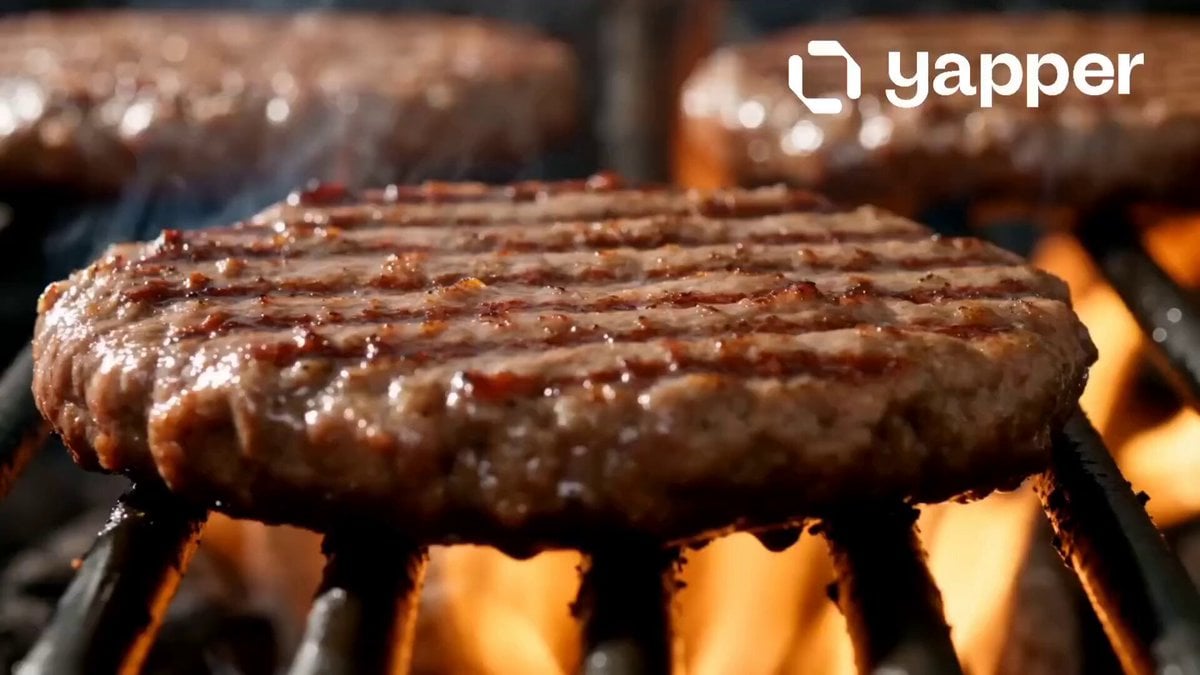
McDonald's Fast Food Commercial
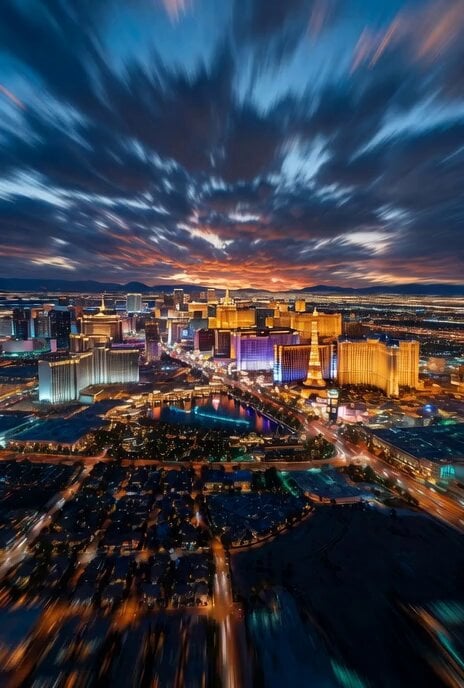
Grok Imagine Real Estate Intro Video Prompt
Browse template categories
Cinematic Rainy City Sword Action questions
How do I use the Cinematic Rainy City Sword Action template?
Add your photo if the template asks for one, edit the prompt if you like — the template's model and format are already selected — and press Generate. Your version opens in PicX Studio.
Can I customize the Cinematic Rainy City Sword Action template?
Yes. You can change the subject, setting, lighting, mood, format, and available model controls before creating your video.
Is the Cinematic Rainy City Sword Action template free?
Opening and editing this template is free. Generating uses credits, shown on the Generate button when you are signed in.
Which AI model should I use?
Start with Seedance 2.0, which is the model associated with this template. You can compare another compatible model for a different finish.
Looking for something else? Browse all templates.

Your photo, any look
Thousands of ready templates for every top image and video model, from one credit balance.