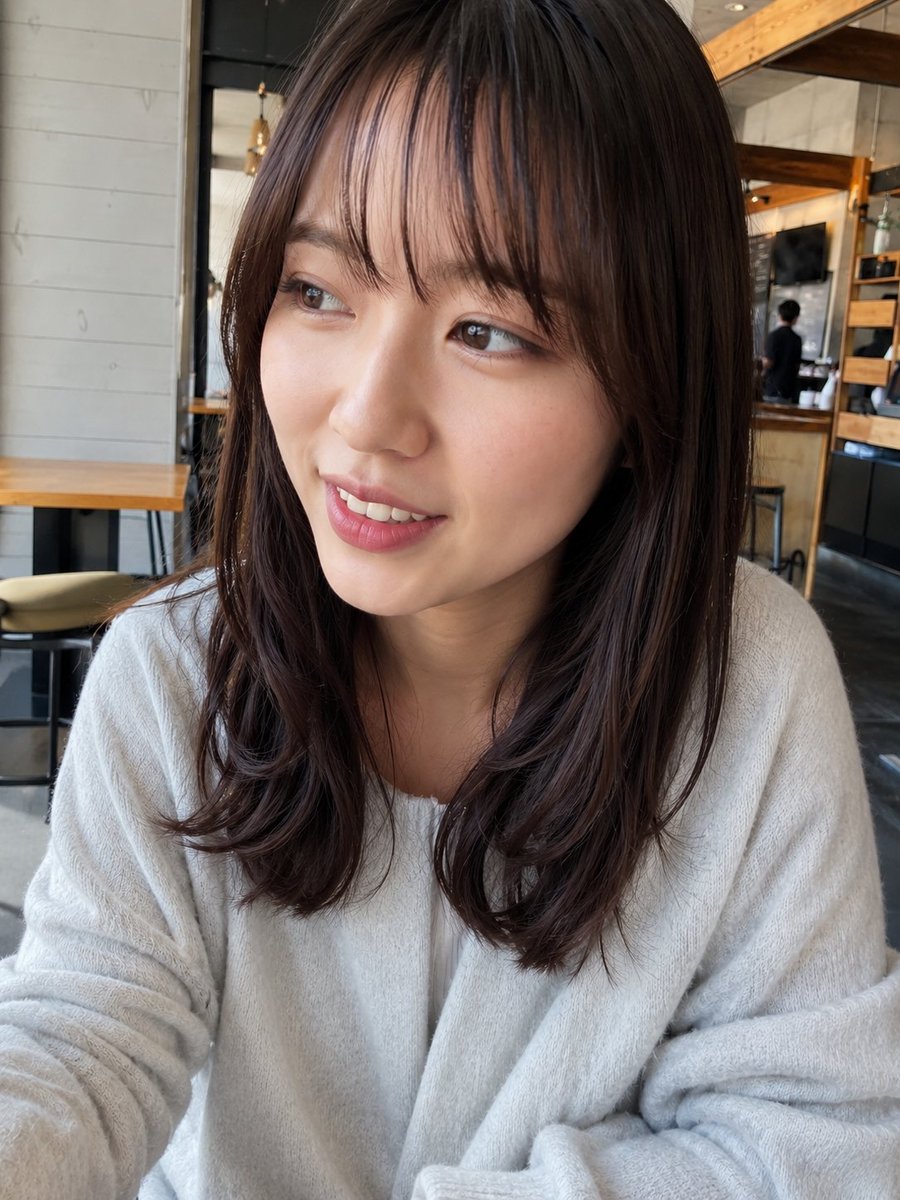
Streetwear Fashion Editorial Studio Portrait Prompt
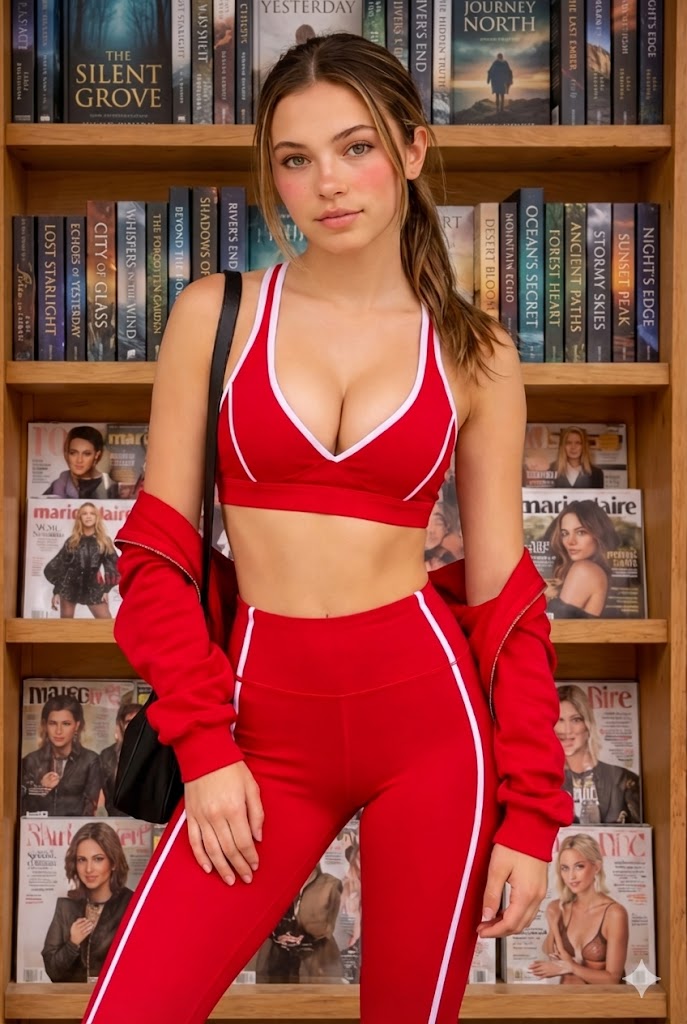
{ "composition": { "framing": "medium full-body portrait", "orientation": "vertical", "camera_angle": "slightly above eye-level", "pose": "seated on floor with one knee raised, head resting on hand", "subject_position": "centered", "depth_of_field": "moderate, background fully in focus", "cropping": "full body visible within frame" }, "subject": { "gender_presentation": "female", "approximate_age_range": "teen to young adult", "skin_tone": "light with neutral undertones", "facial_features": { "face_shape": "round to oval", "eyes": "light brown or hazel", "eyebrows": "natural, straight", "nose": "small, rounded tip", "lips": "medium fullness, muted pink", "expression": "relaxed, mildly introspective" }, "hair": { "color": "medium brown", "length": "long", "texture": "straight with slight natural wave", "parting": "center", "styling": "two low braids with loose front strands" }, "distinct_features": { "freckles": "visible across cheeks and nose" } }, "clothing_and_accessories": { "headwear": { "type": "baseball cap", "color": "dark green", "text": "IDOL", "style": "casual streetwear" }, "top": { "type": "oversized sweatshirt", "color": "dark green", "material": "cotton fleece", "graphics": "large collegiate-style typography", "text": "Atlanta Georgia", "details": "white V-neck trim, logo patch on sleeve" }, "bottoms": { "type": "track pants", "color": "black", "material": "velour or plush fabric", "details": "white side piping" }, "footwear": { "type": "sneakers", "color": "black and white", "style": "classic skate or street sneaker" }, "jewelry": { "necklaces": "layered thin chain necklaces", "other": "none visible" } }, "lighting": { "type": "studio lighting", "key_light": "soft diffused frontal light", "fill_light": "gentle fill reducing shadows", "highlights": "soft highlights on cheeks and nose", "shadows": "minimal, soft-edged", "color_temperature": "neutral to slightly cool" }, "color_palette": { "dominant_colors": [ "dark green", "black", "gray" ], "accent_colors": [ "white", "gold", "muted yellow" ], "overall_tone": "cool, muted, modern" }, "background": { "environment": "studio setting", "background_type": "seamless backdrop", "background_color": "light gray", "texture": "smooth, matte", "distractions": "none" }, "technical_traits": { "camera_type": "DSLR or mirrorless camera", "lens_effect": "standard portrait lens", "estimated_focal_length": "35–50mm equivalent", "sharpness": "high overall clarity", "noise": "none visible", "exposure": "even and balanced" }, "artistic_style": { "genre": "studio lifestyle portrait", "mood": "casual, relaxed, youthful", "aesthetic": "streetwear fashion editorial", "post_processing": { "skin_retouching": "very minimal", "color_grading": "cool-neutral balance", "contrast": "low to moderate", "vignette": "none" } }, "typography": { "text_present": true, "text_style": "collegiate varsity lettering", "text_color": "white and gold", "placement": "center chest and sleeve" }, "ov
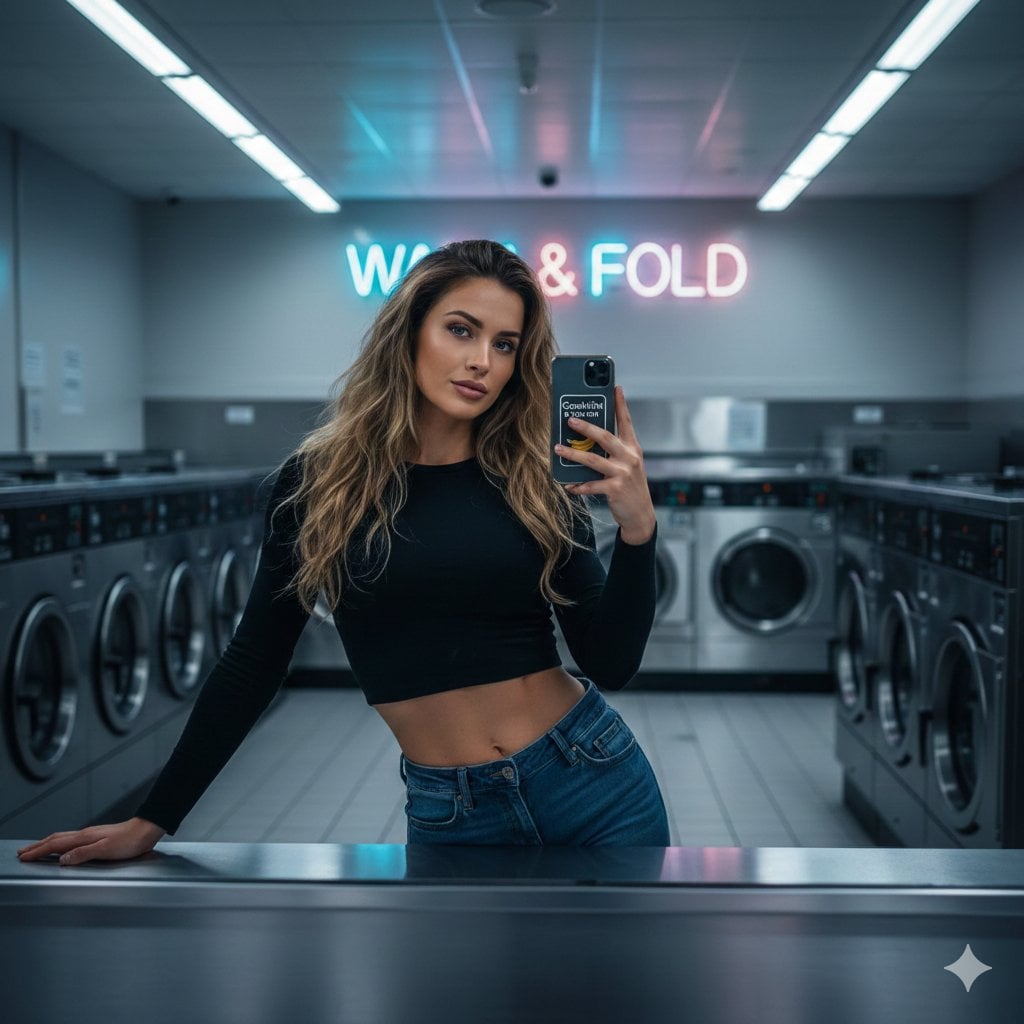


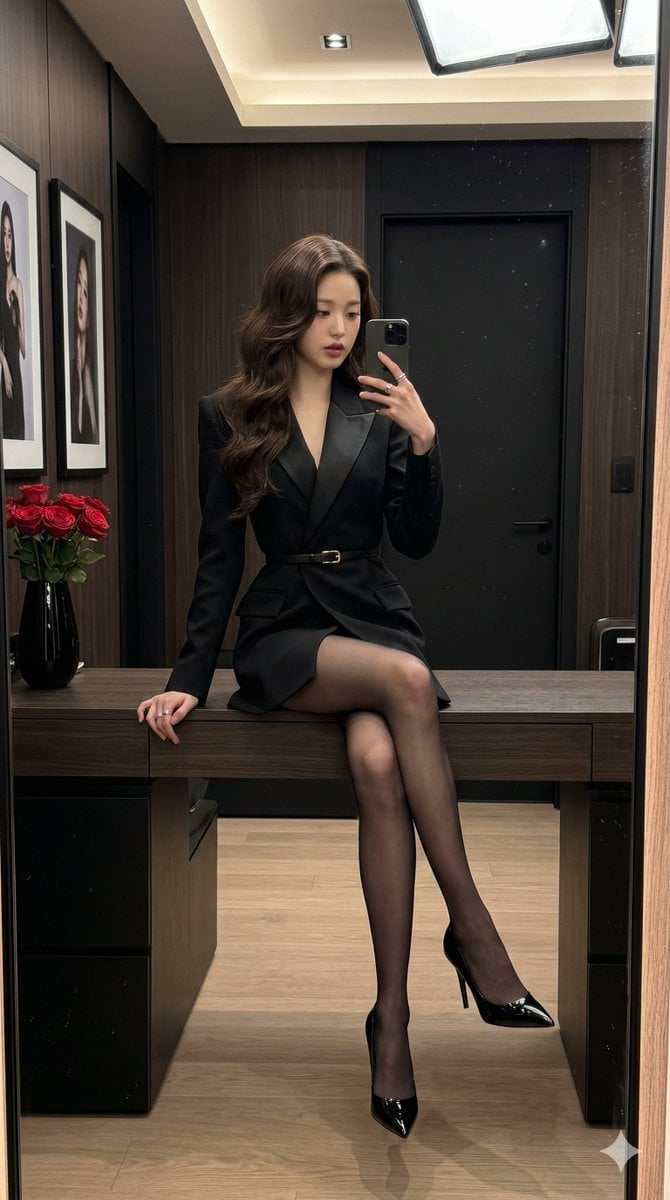
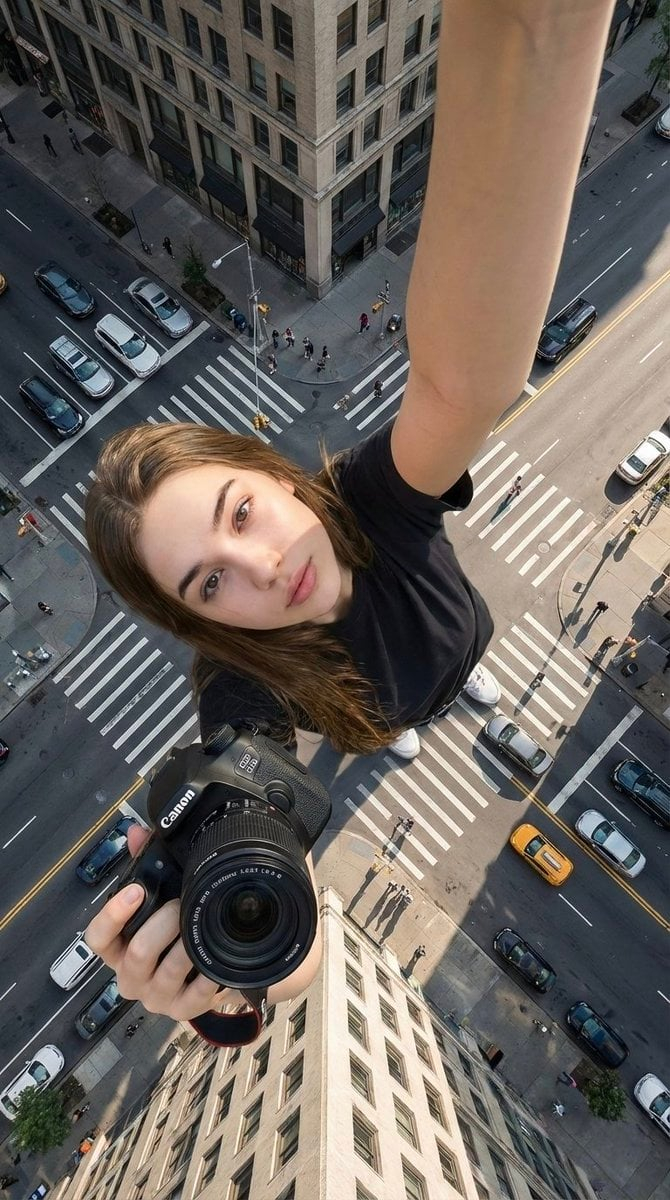
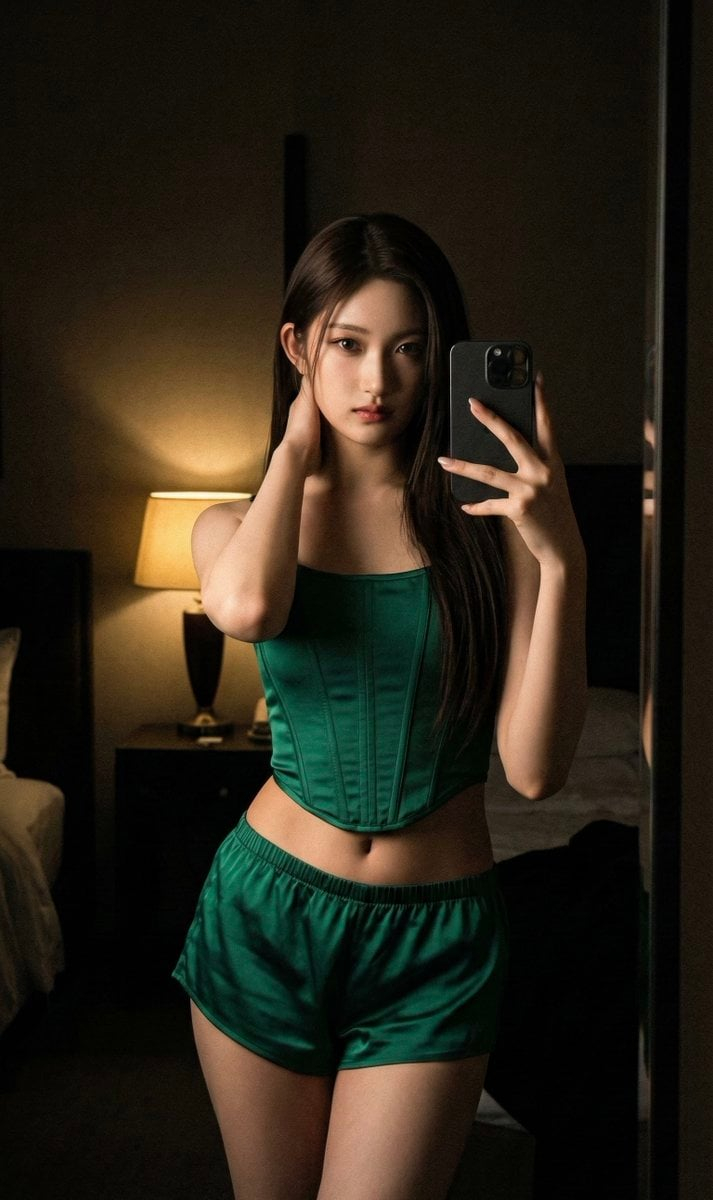
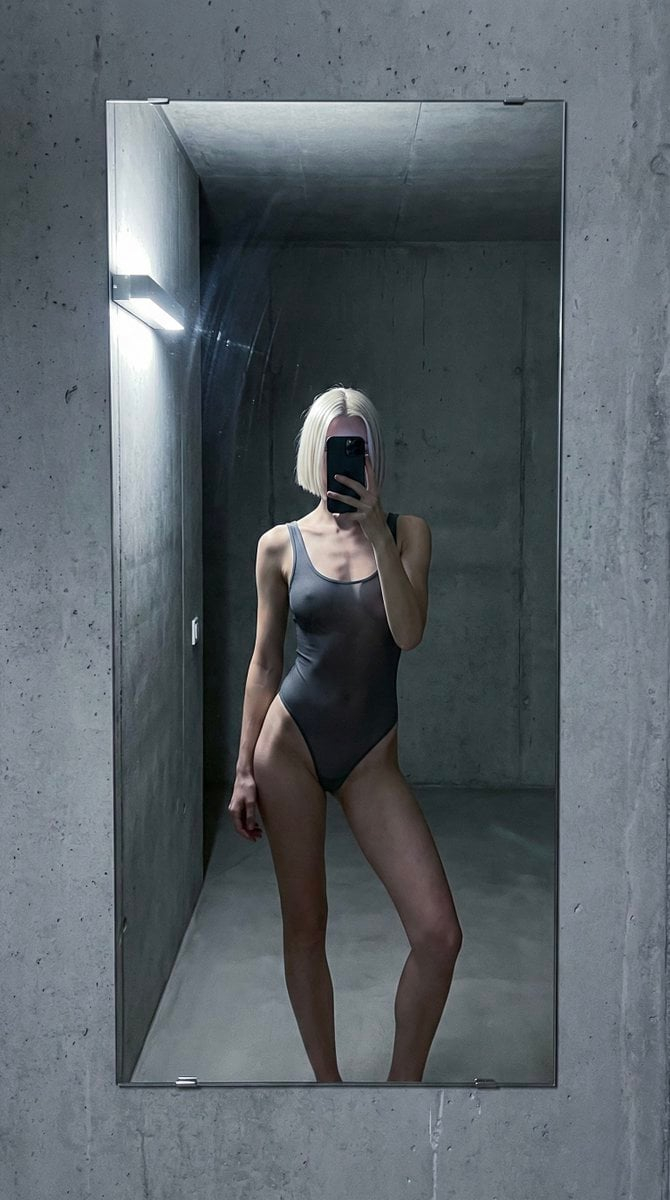
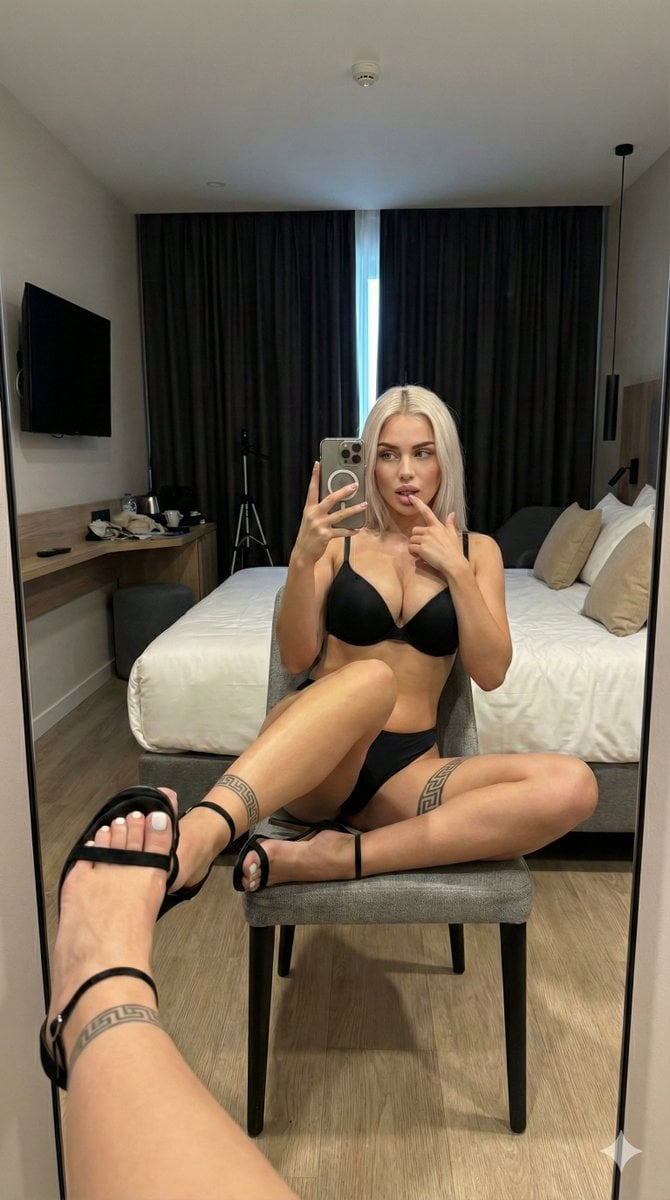
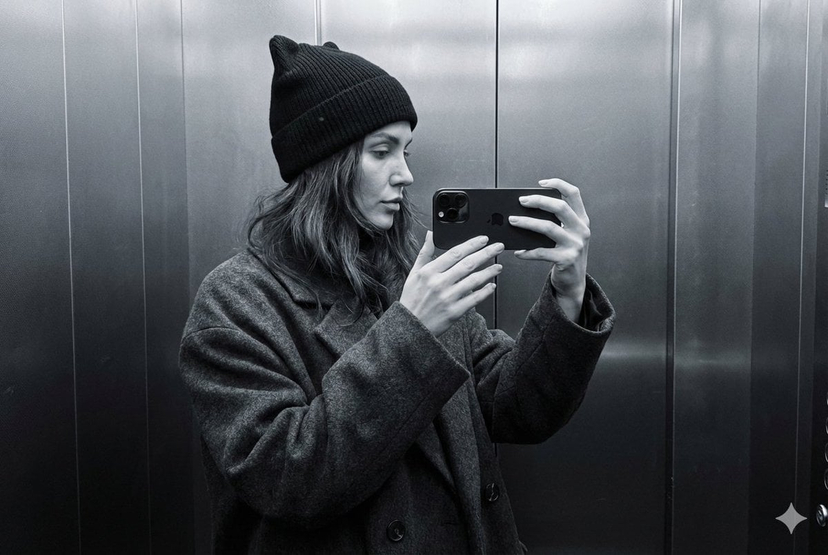
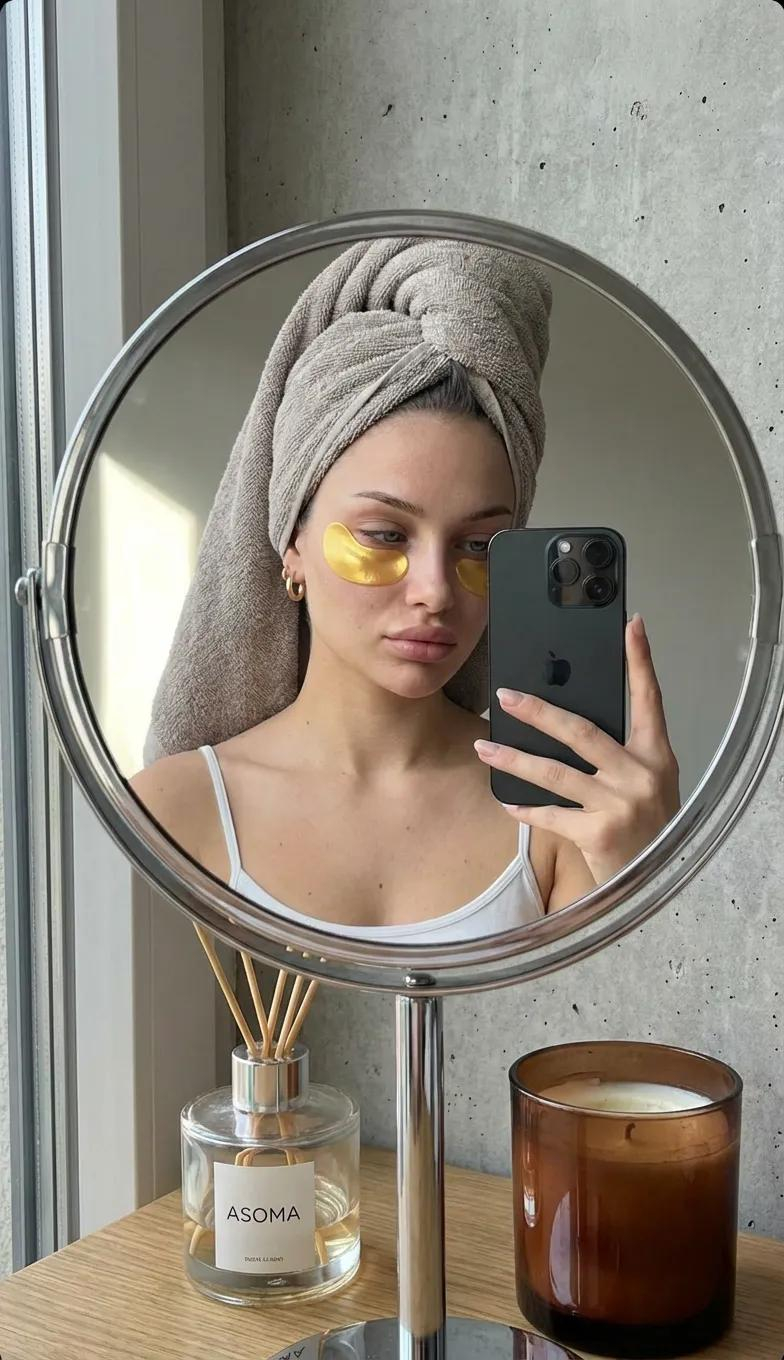
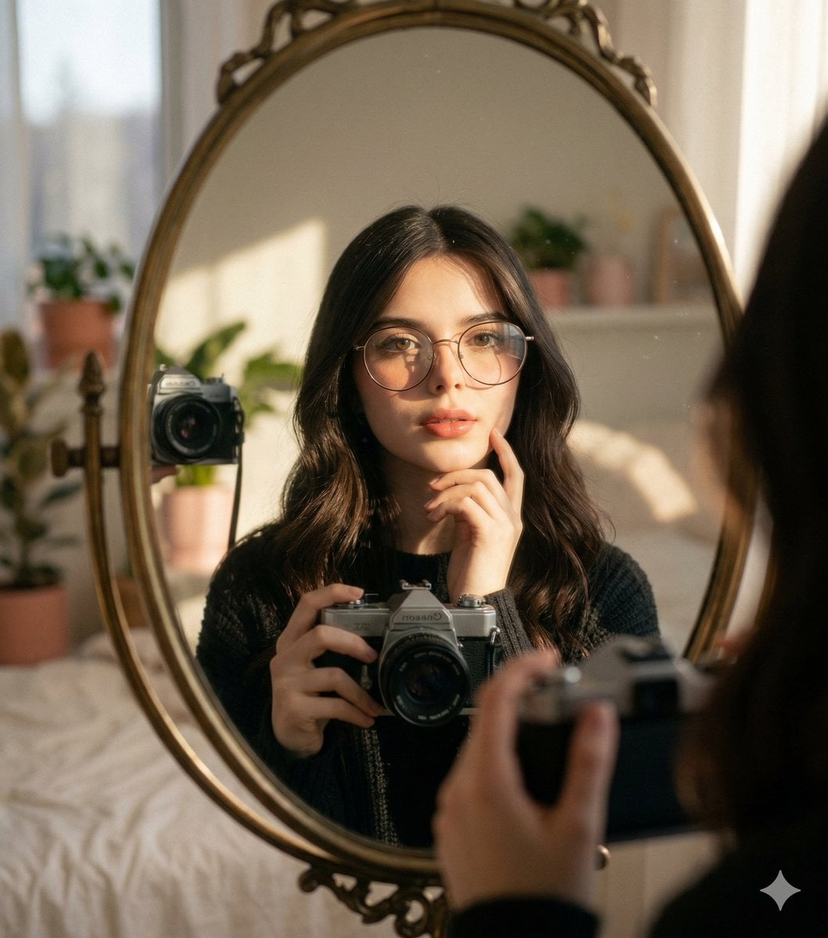
![nano-banana-grwm-mirror-selfie-pink — Nano Banana 2
Prompt (JSON):
{
"type": "image_prompt",
"description": {
"subject": {
"main": "[NAME] com o](/_next/image?url=https%3A%2F%2Fcdn.picxstudio.com%2Fuploads%2Ftweet_img_10a_612da6f9-cf6d-417e-bdd5-cc1300d1d830.jpg&w=828&q=100)



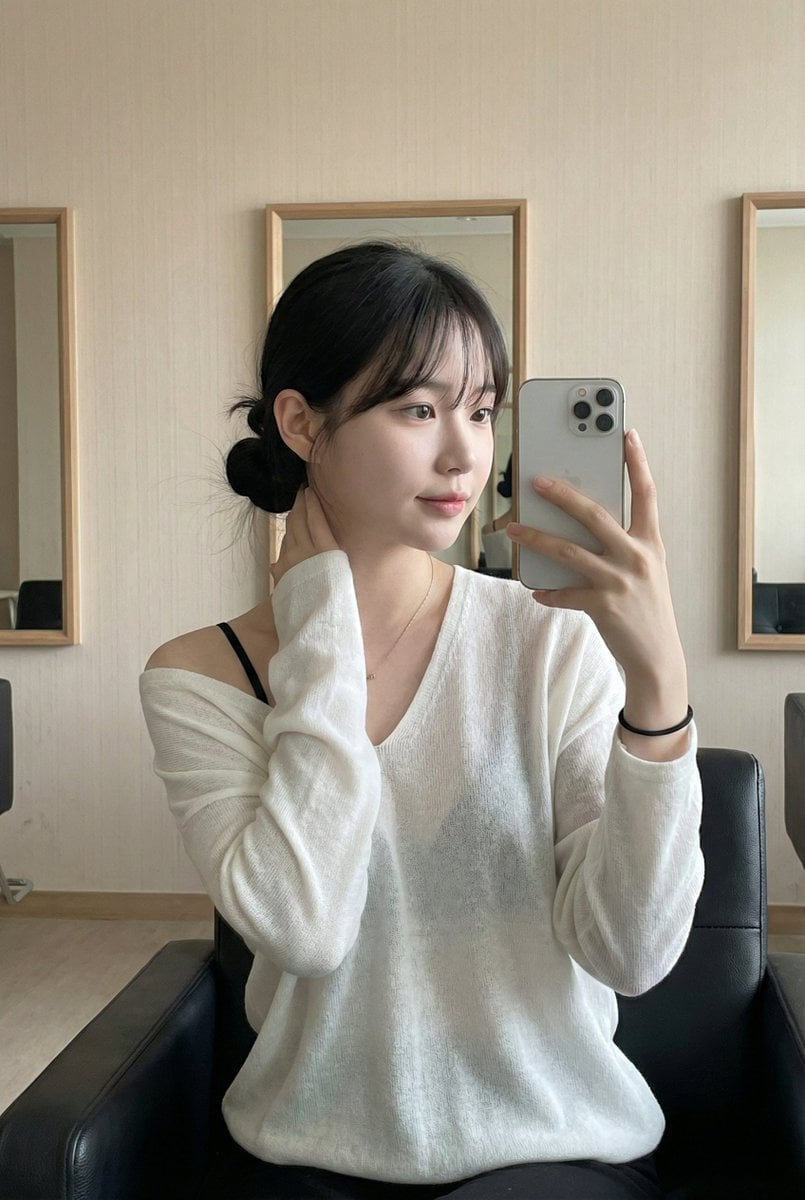








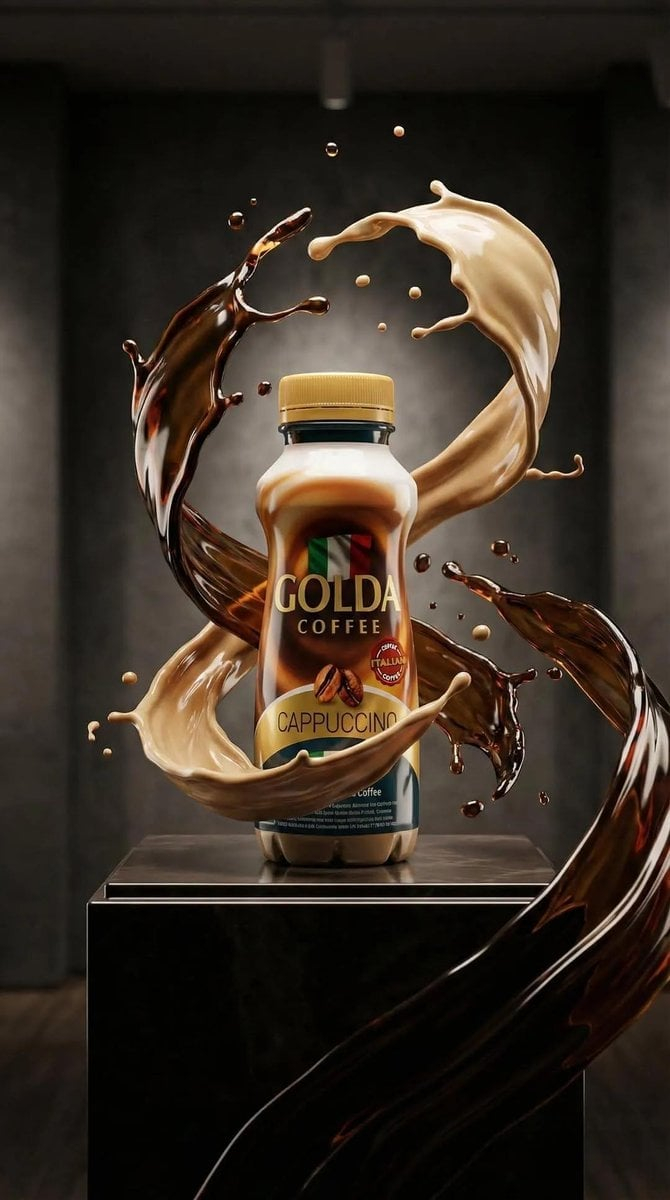















![travel-poster-graphic-collage — Create a stylized travel poster / graphic collage for [country]. The main subject should be a stylish international tourist visi](https://pbs.twimg.com/media/HGwXN0JbgAAY5vm?format=jpg&name=large)