
Final Episode Realization Scene
A cinematic prompt for generating a final episode atmosphere where characters have achieved a sense of realization or enlightenment.
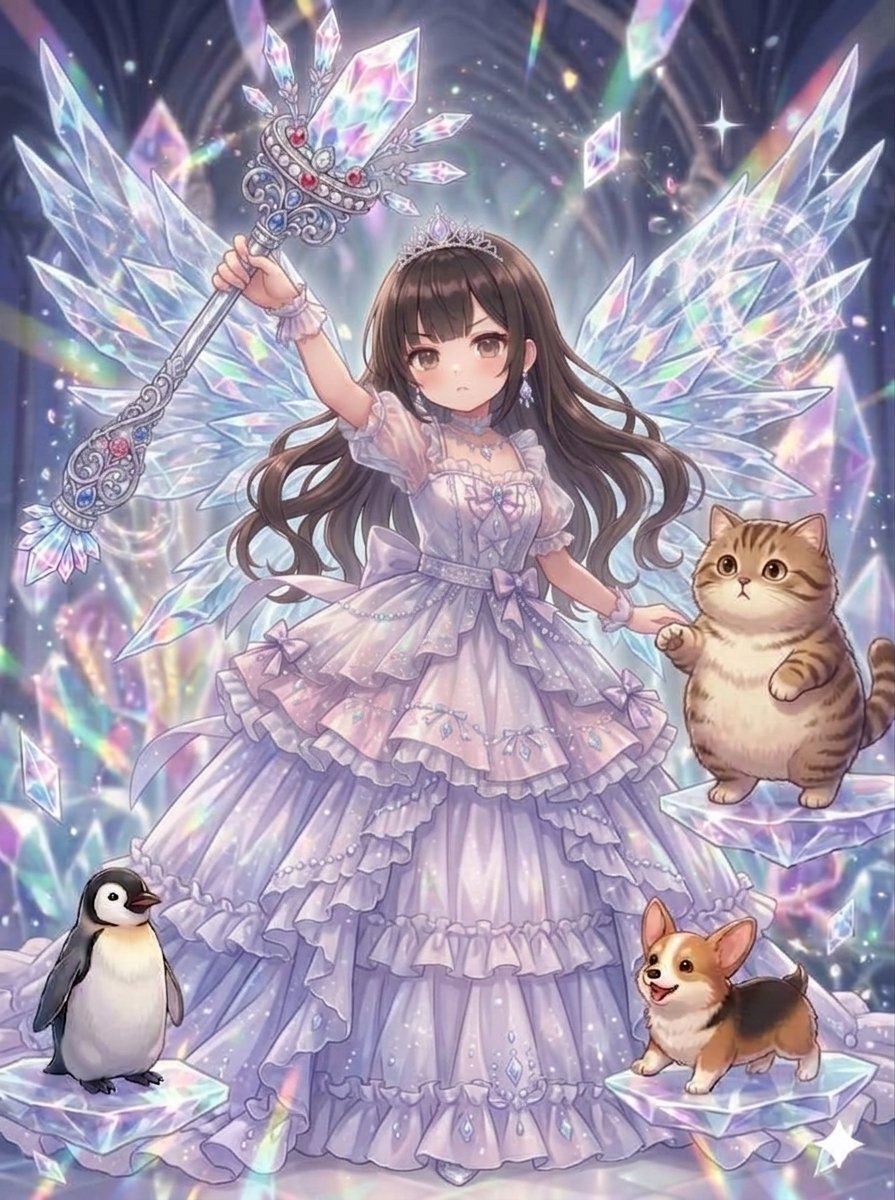
- Prompt included
- Model and format preset
- Premium template
The prompt behind this image
Copy the exact prompt behind Final Episode Realization Scene, or open it in the studio and make it yours.
{argument name="バージョン" default="何かを悟った最終話ver."} {argument name="追加要素" default="絶大な力を抑えてくれる仲間たちを添えて"}
How to use Final Episode Realization Scene in 3 steps
- 1
Open
The prompt is already in the box next to the preview, with the template's model and format selected.
- 2…a portrait of your subject in softgolden-hour light, 85mm…
Personalize
Edit the subject and creative details for your destination.
- 3Generate
Generate
Press Generate — your image is created in PicX Studio, so you can compare it with the original and refine one variable at a time.
More like this
Templates with the same subject, style or setup. Open one to see its prompt.
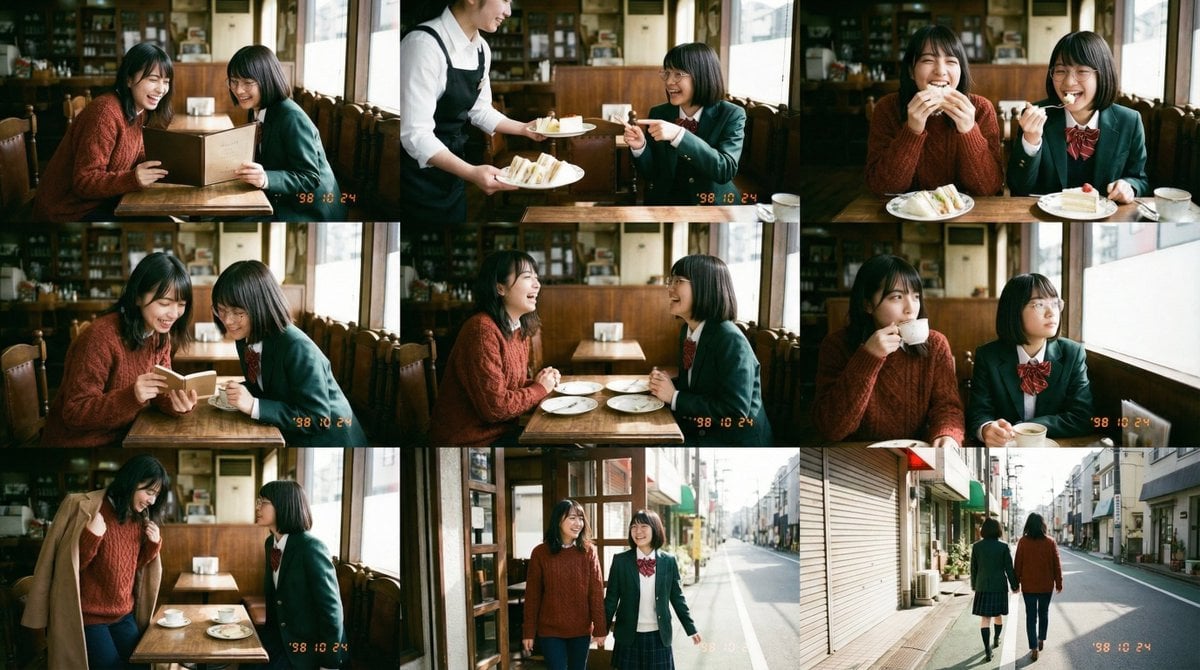
Panel Episode Continuation Prompt
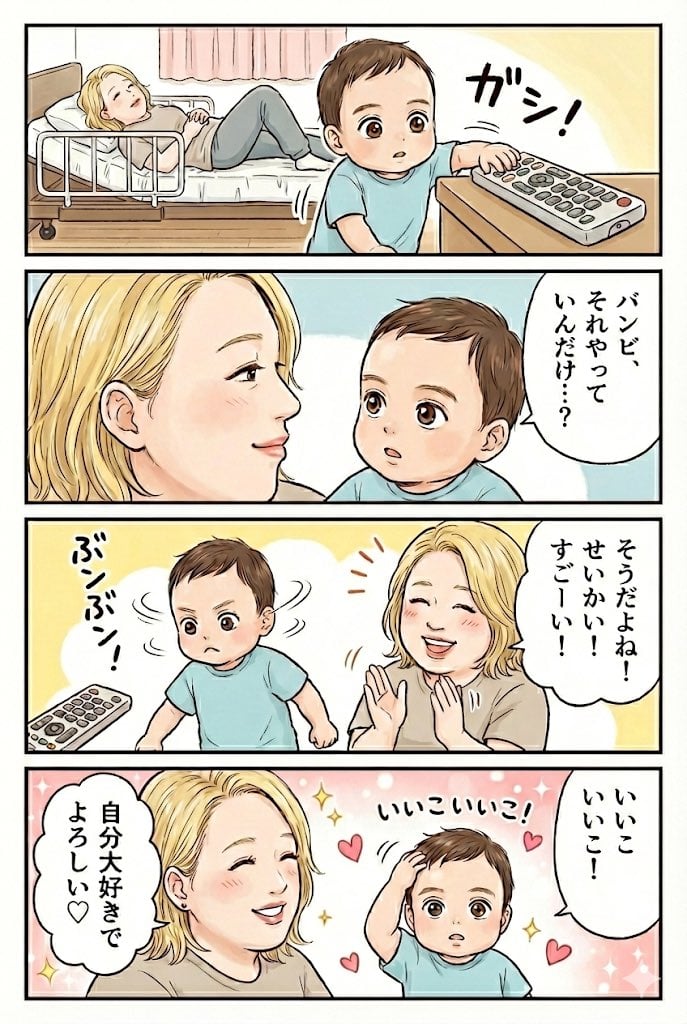
Gemini Nano Banana Pro 4-Panel Manga: Remote Control Episode

Pastel Anime Idol Concert Finale
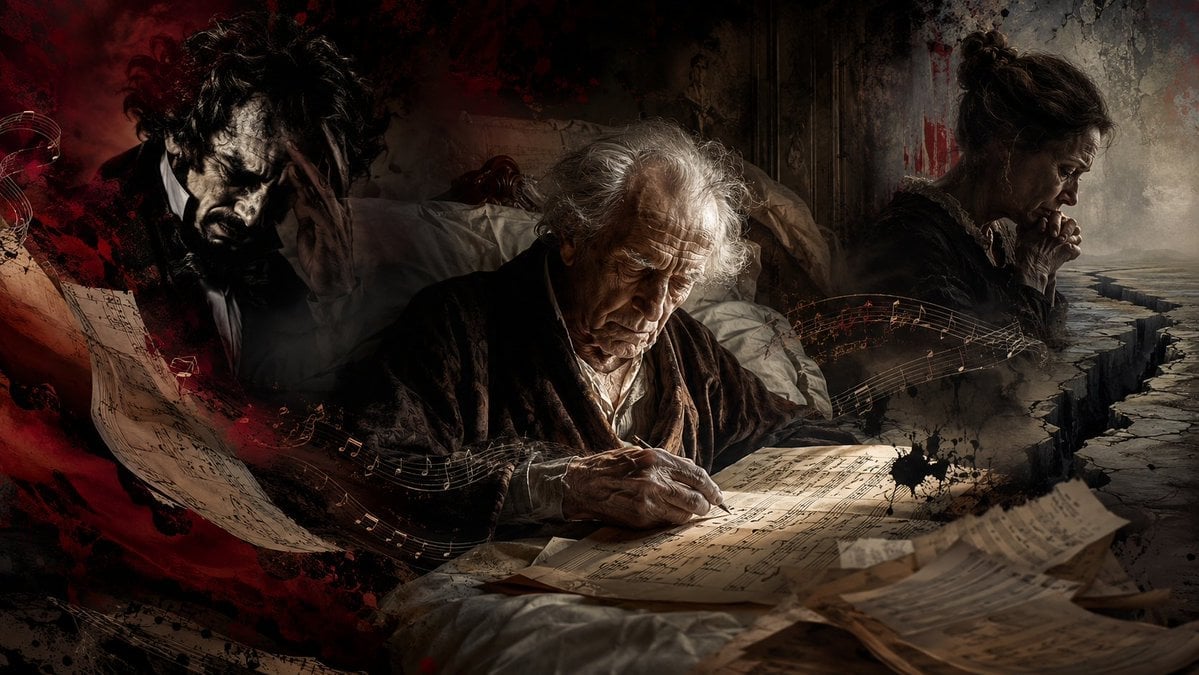
Dying Composer Final Masterpiece

Toon Cartoon Finale Fireworks

Paper Cut Finale Fireworks

Pixel Limited Finale Fireworks

Watercolor Anim Finale Fireworks

Motion Graphics Finale Fireworks

Stop Motion Finale Fireworks

CGI 3D Finale Fireworks

Cel 2D Finale Fireworks
Make it yours
Final Episode Realization Scene works as-is. These are the safest ways to change it without losing the look.
Change one field
Copy a single group, rewrite it, and generate again so you can see what that field is doing.
Keep the frame, change the subject
Hold the composition and light of Final Episode Realization Scene, then swap wardrobe, props or the person for a new take.
| If the result… | Why | Fix |
|---|---|---|
| The result drifts from the preview | Too many fields changed at once. | Reuse Final Episode Realization Scene as-is first, then change one group — subject, light, or setting. |
| The model over-stylizes the scene | The prose prompt leaves finish and camera underspecified. | Add one camera or lighting sentence and stay on Nano Banana 2. |
More Nano Banana 2 templates
Other prompts made for Nano Banana 2.

Photorealistic Leaf Shaped Like a Dragon

K-Pop Idol Portrait Grid for Rapid Selection

Poetic Rain Forest Portrait During Golden Hour

Urban Street Portrait with Cartoon Inner Self Duo

Candid Nighttime Photo with Cat Prompt

High-Concept 3D Diorama Generation Prompt

Cinematic Futuristic Studio Portrait Template

Skincare Editorial Photography Collage Prompt

Hyper-Realistic Commercial Product Photography (Splash Effect)

Hyper-Realistic Nightclub Portrait Prompt
More image prompts
Fresh picks from across the catalog.
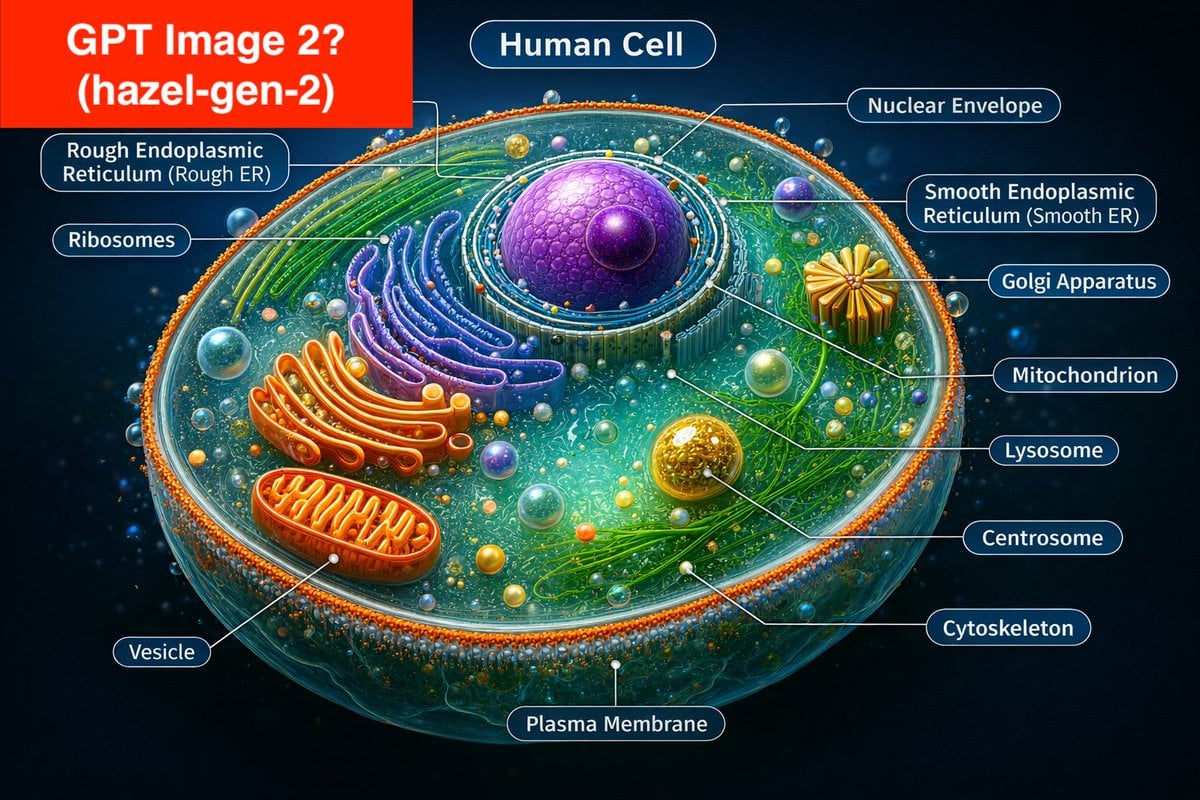
Labeled Diagram of a Human Cell (Comparison Prompt)
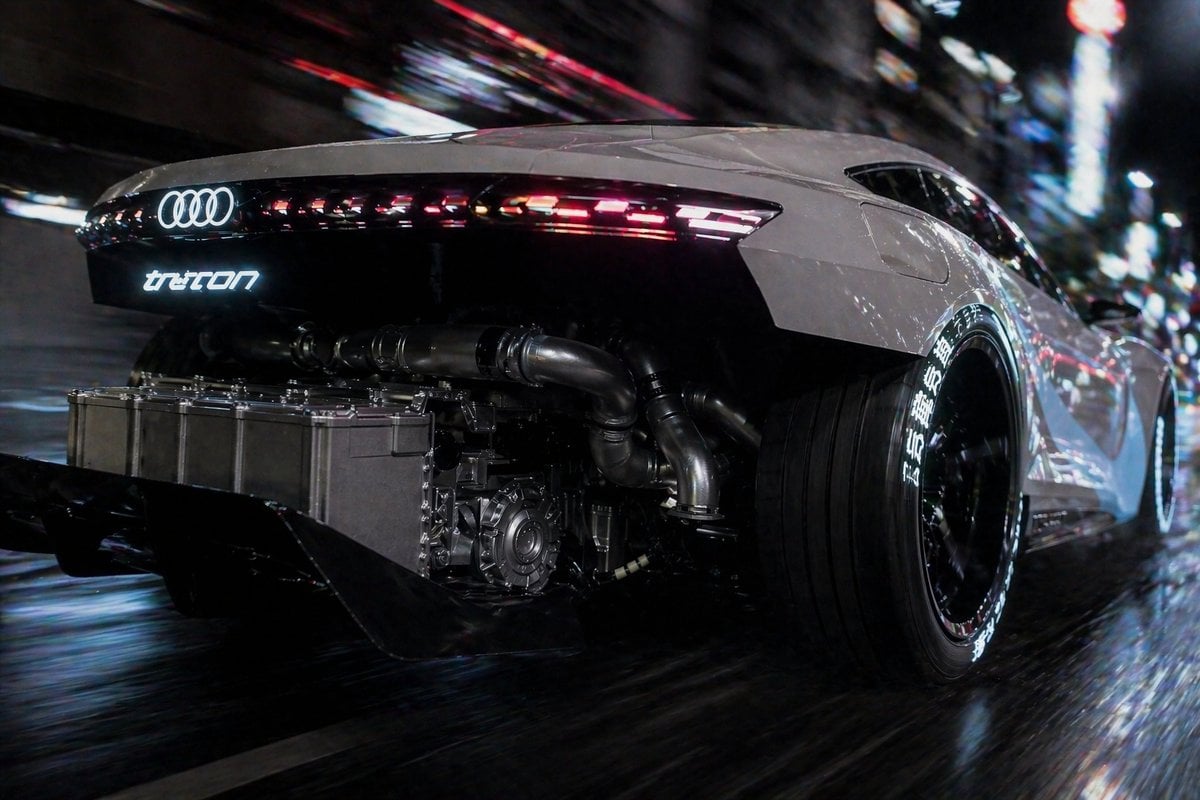
Cyberpunk Audi Rear Chase Shot
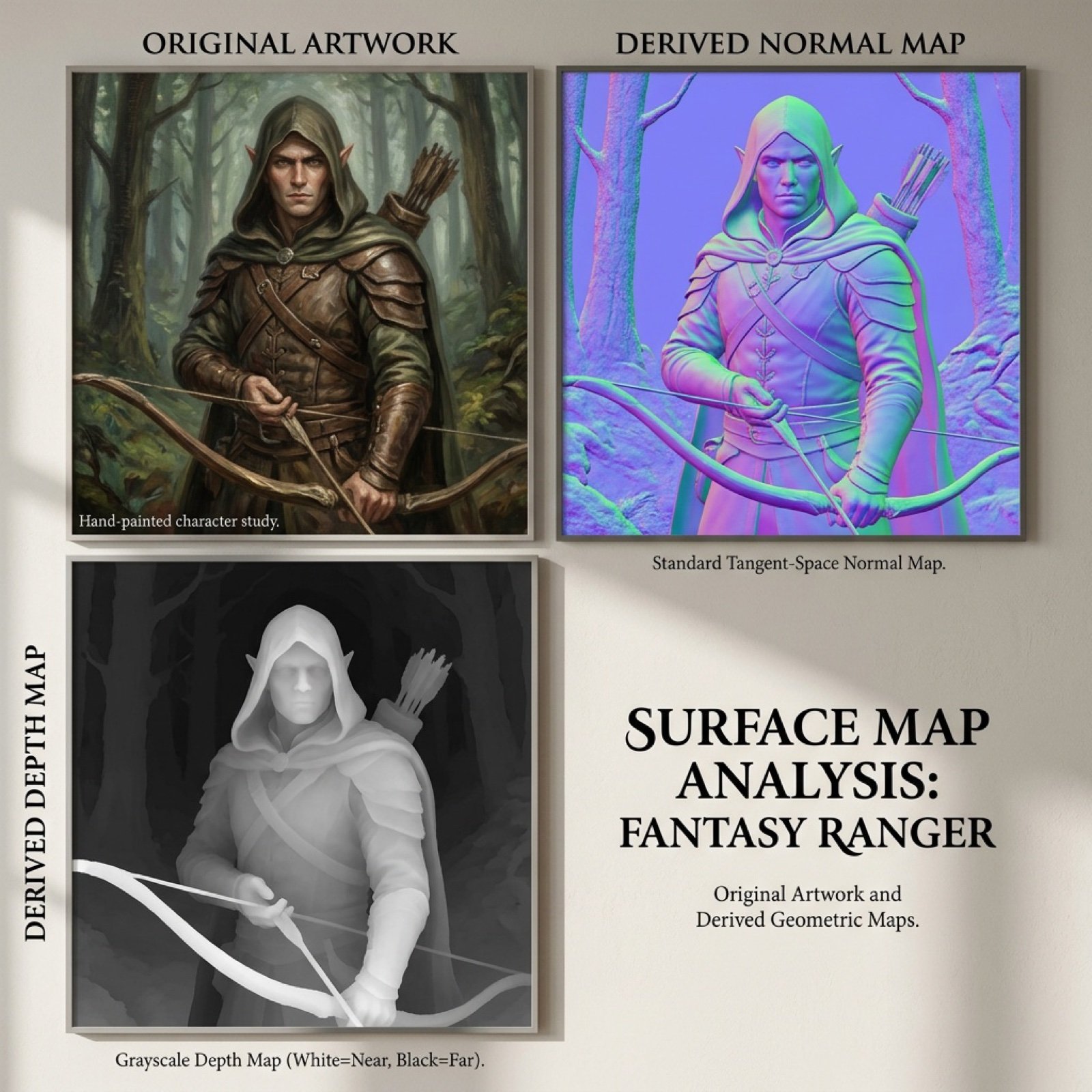
Normal and depth map generation prompts for Nano Banana Pro
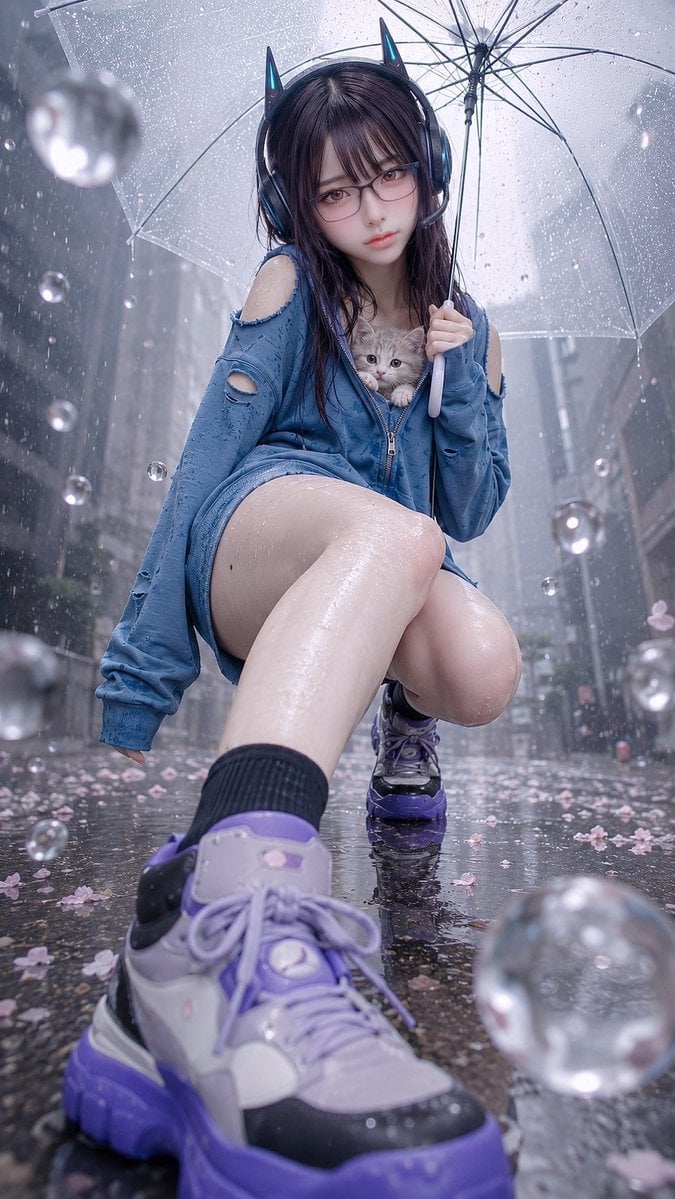
Rainy Cat-Ear Girl with Kitten
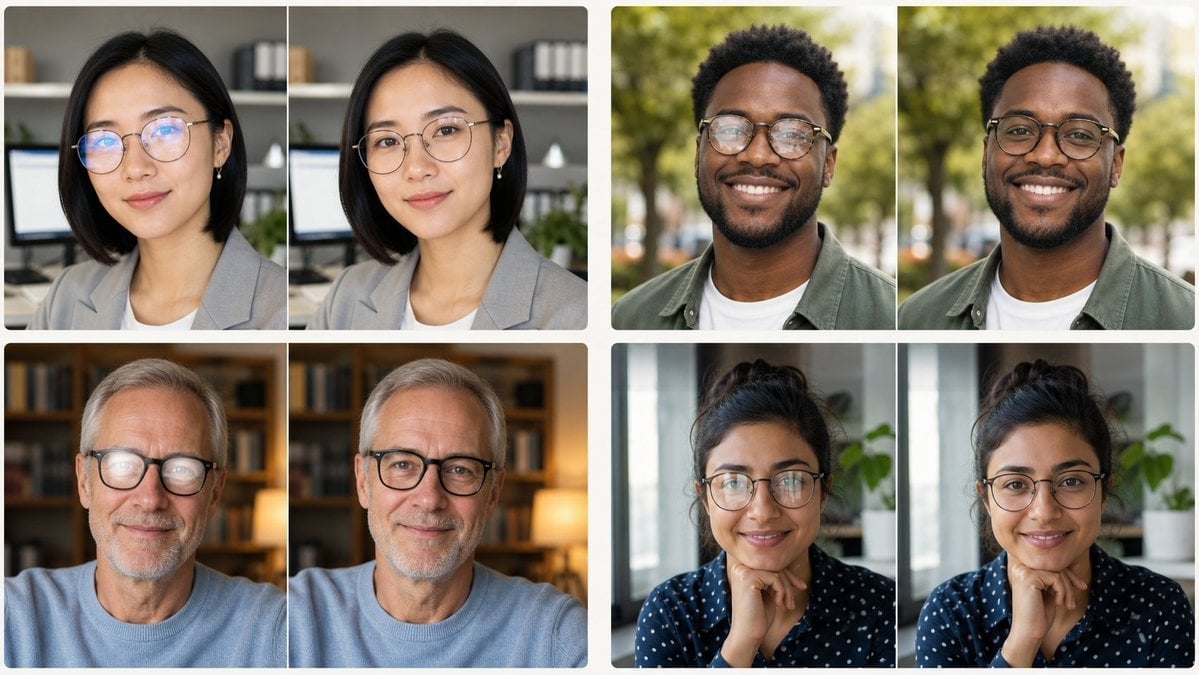
Glasses Glare Removal Portrait Collage
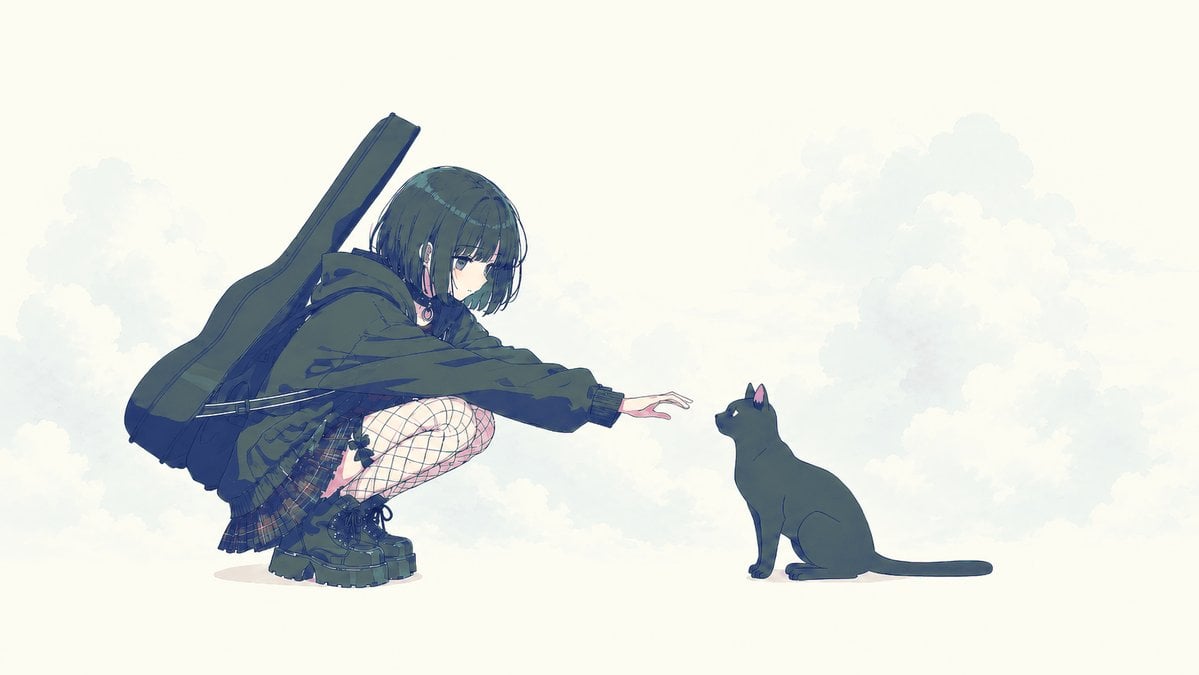
Anime Girl Reaching Toward Cat
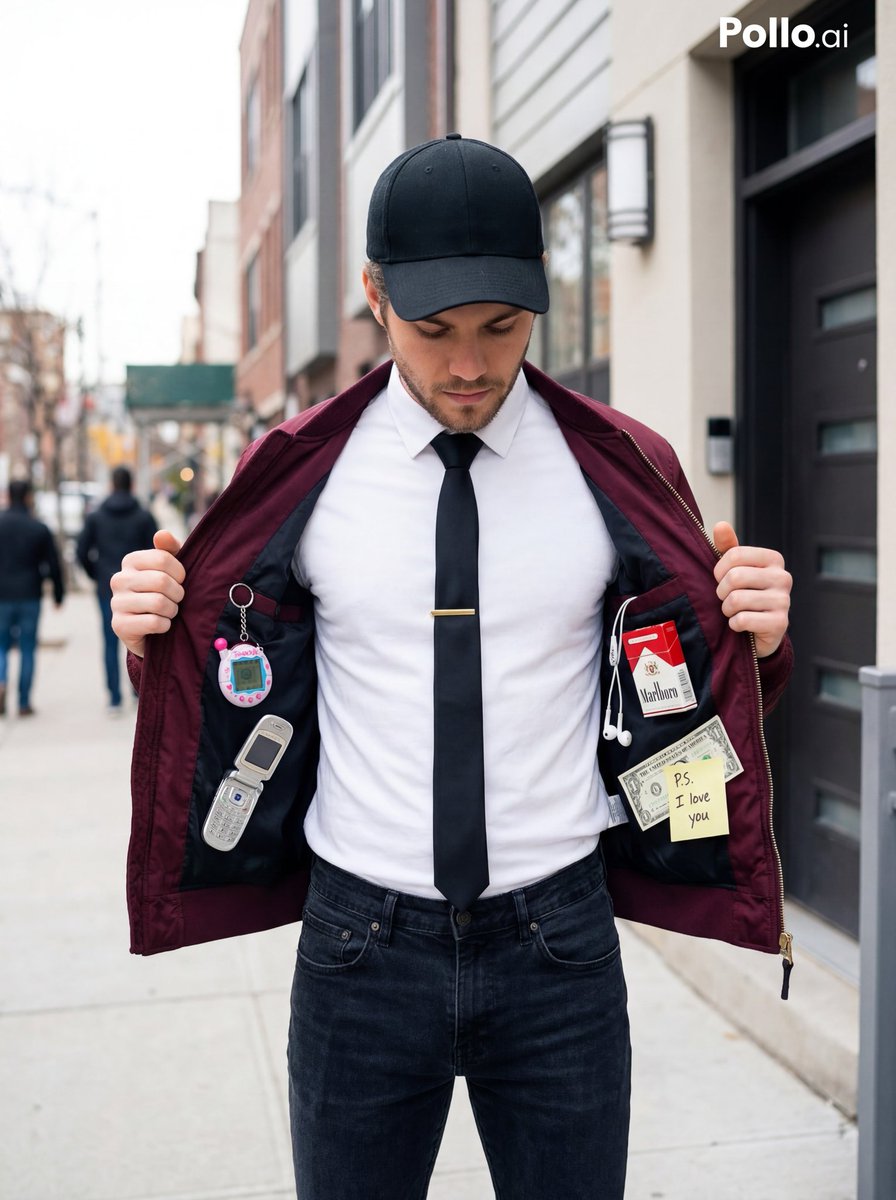
Street Fashion Editorial with 90s Nostalgia Items
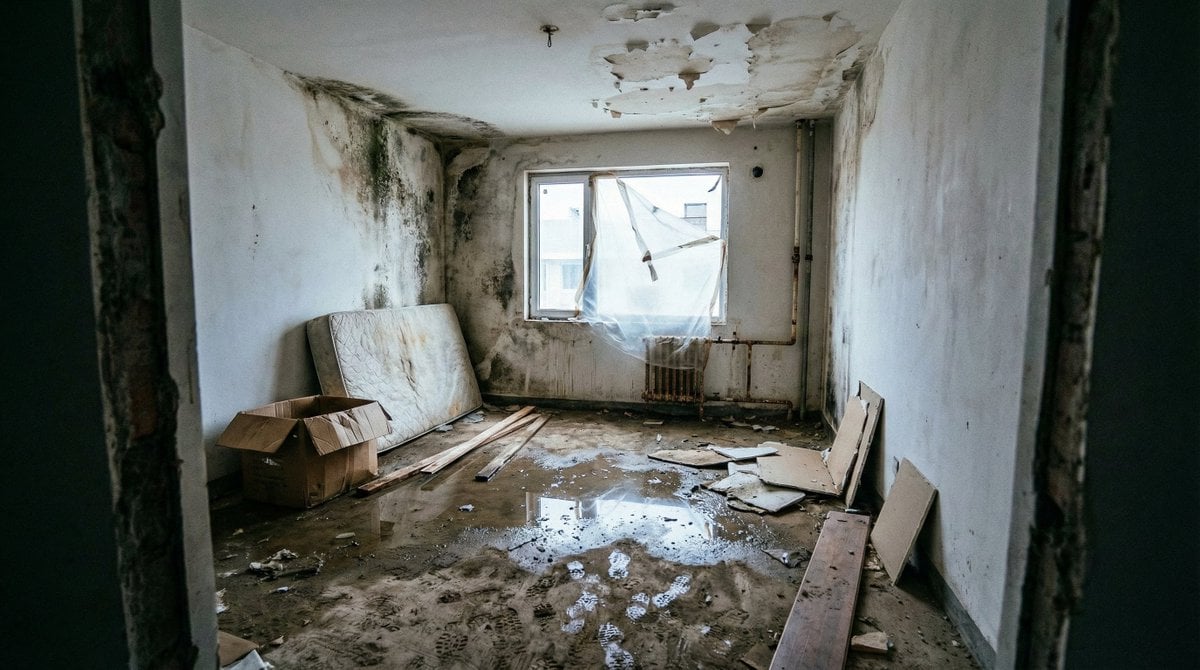
Renovation Visualization: Before Frame
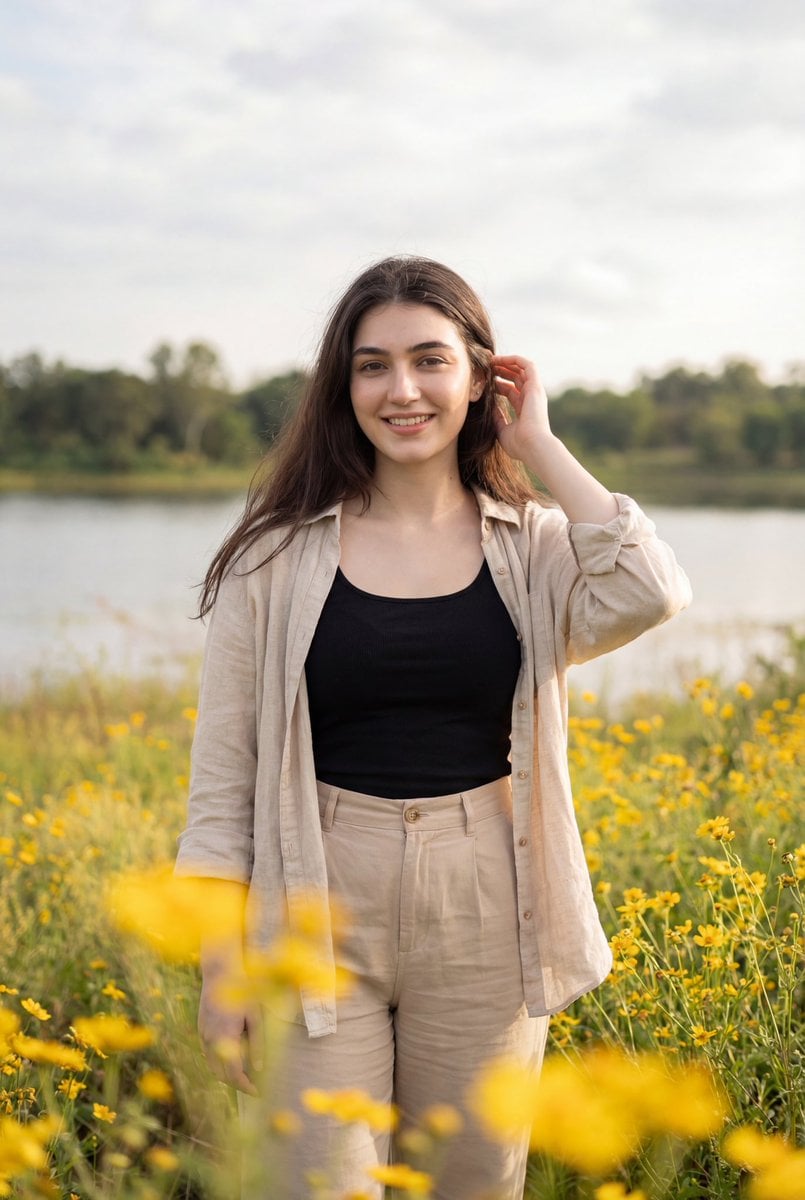
Photorealistic Portrait of Woman in Wildflowers
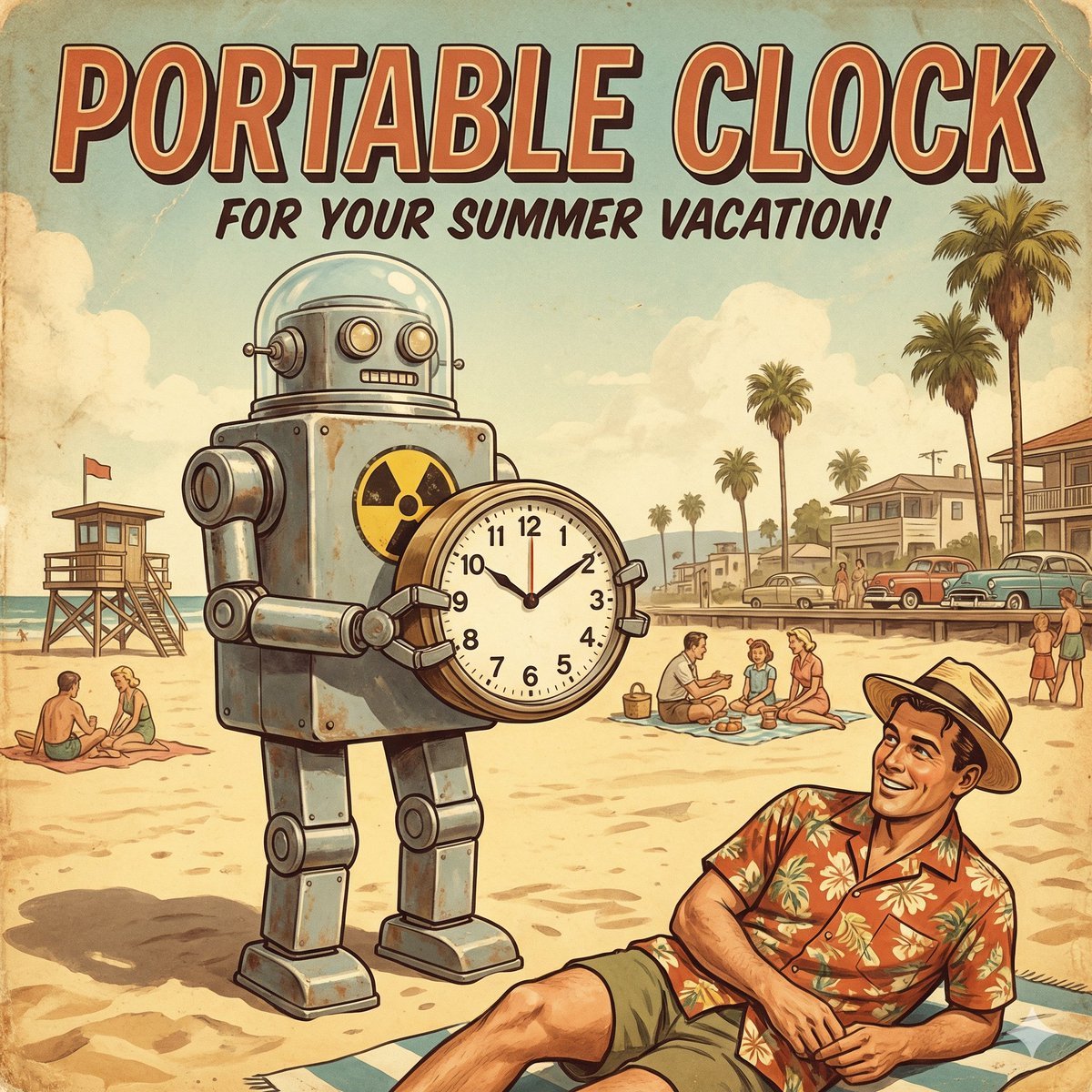
Retro Futurism smart watch prompt
Browse template categories
Final Episode Realization Scene questions
How do I use the Final Episode Realization Scene template?
Add your photo if the template asks for one, edit the prompt if you like — the template's model and format are already selected — and press Generate. Your version opens in PicX Studio.
Can I customize the Final Episode Realization Scene template?
Yes. You can change the subject, setting, lighting, mood, format, and available model controls before creating your image.
Is the Final Episode Realization Scene template free?
Opening and editing this template is free. Generating uses credits, shown on the Generate button when you are signed in.
Which AI model should I use?
Start with Nano Banana 2, which is the model associated with this template. You can compare another compatible model for a different finish.
Looking for something else? Browse all templates.

Your photo, any look
Thousands of ready templates for every top image and video model, from one credit balance.