
Dying Composer Final Masterpiece
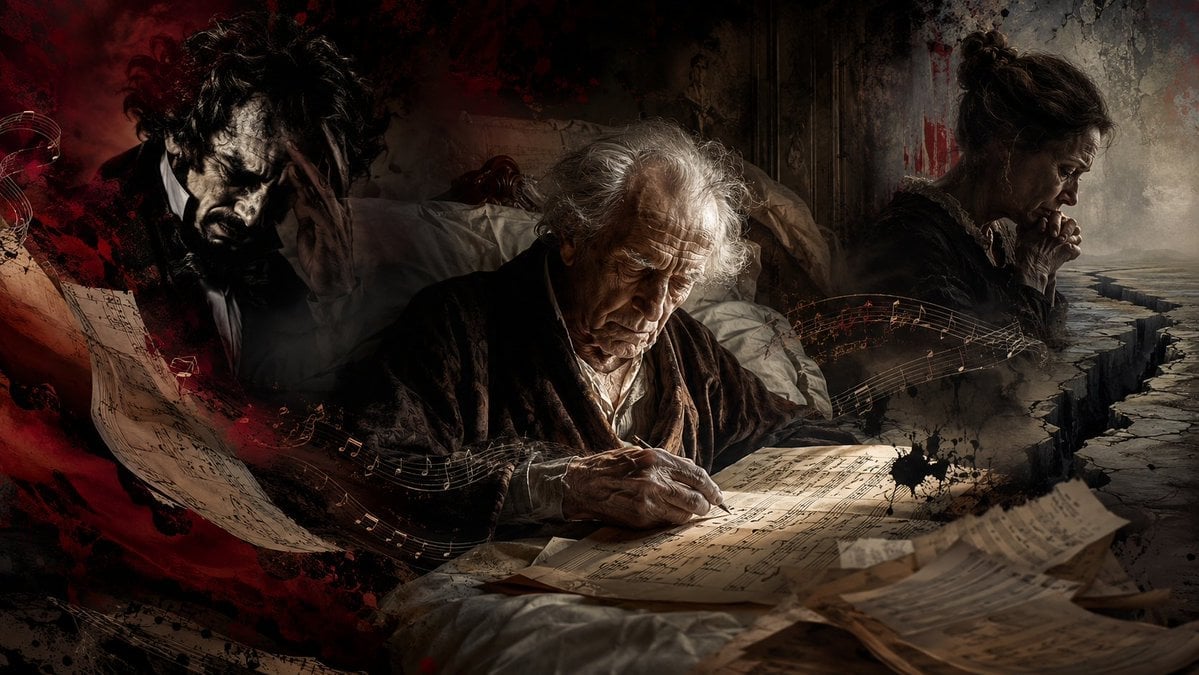
A cinematic dark historical illustration of an elderly composer writing sheet music in bed, surrounded by grief, madness, and musical symbolism.
- Prompt included
- Model and format preset
- Free template
The prompt behind this image
Copy the exact prompt behind Dying Composer Final Masterpiece, or open it in the studio and make it yours.
Create a dark cinematic historical photomontage about {argument name="composer name" default="an 84-year-old dying composer"} writing his final masterpiece from a sickbed. Use a wide 16:9 canvas with painterly realism, chiaroscuro lighting, distressed textures, and a tragic romantic-classical music mood. Center the scene on an elderly white-haired man in a dark robe, seated or propped in bed, hunched over illuminated parchment sheet music, writing notes with a pen; his wrinkled face is sorrowful and focused, lit by a warm spotlight from above/front. Surround him with exactly 2 secondary figures: on the left, a shadowy insane husband-like man in a black suit with wild curly hair, clutching his head in anguish, partially obscured by red-black smoke and torn musical manuscript; on the right, a grieving middle-aged mother in profile, hands clasped near her mouth, looking down toward a cracked abyss-like stone path fading into mist. Add exactly 4 prominent visual motifs: scattered manuscript pages in the foreground, flowing golden musical staves and notes sweeping across the composition, blood-red ink/smoke splashes on the left and upper background, and a deep jagged crack splitting the ground on the right. The background should suggest an old bedroom with rumpled white sheets and worn walls, blending into abstract darkness. Color palette: near-black shadows, sepia parchment, warm candlelit gold, dirty gray stone, and dramatic crimson red. No readable modern text, no captions, no logos, no clean digital UI; keep it gritty, emotional, operatic, and high-detail like a dramatic album-cover or magazine feature illustration.
How to use Dying Composer Final Masterpiece in 3 steps
- 1Upload ImagePNG, JPG or paste
Add your photo
Upload the photo the template builds on. The prompt, model and format are already set.
- 2…a portrait of your subject in softgolden-hour light, 85mm…
Personalize
Edit the subject and creative details for your destination.
- 3Generate
Generate
Press Generate — your image is created in PicX Studio, so you can compare it with the original and refine one variable at a time.
More like this
Templates with the same subject, style or setup. Open one to see its prompt.
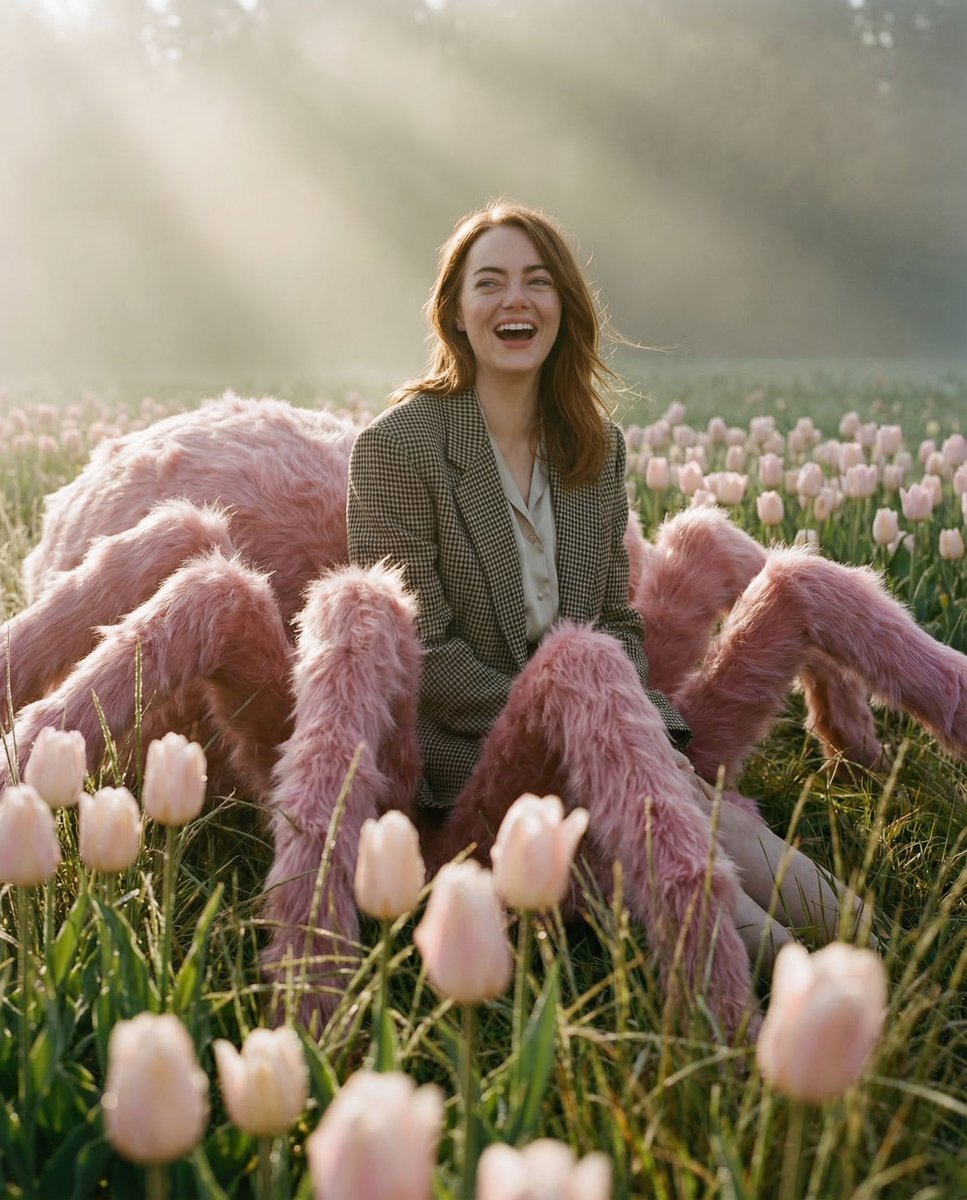
Pastel Arachnid Surreal Masterpiece
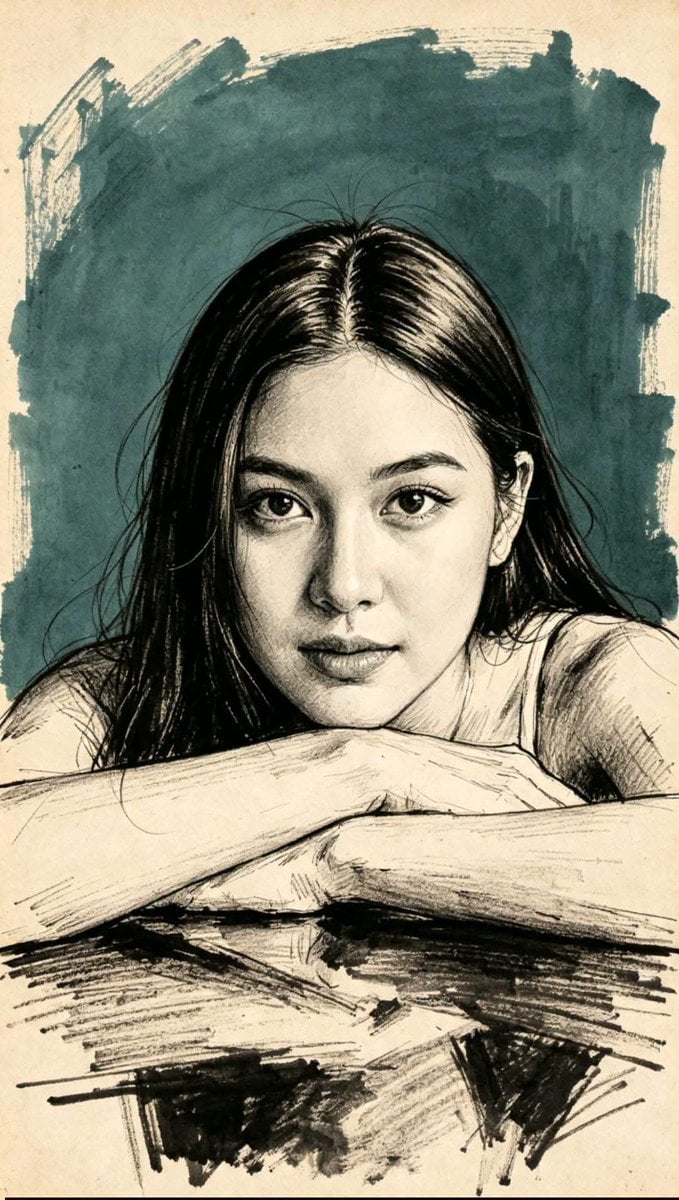
Traditional Masterpiece Sketch Technique
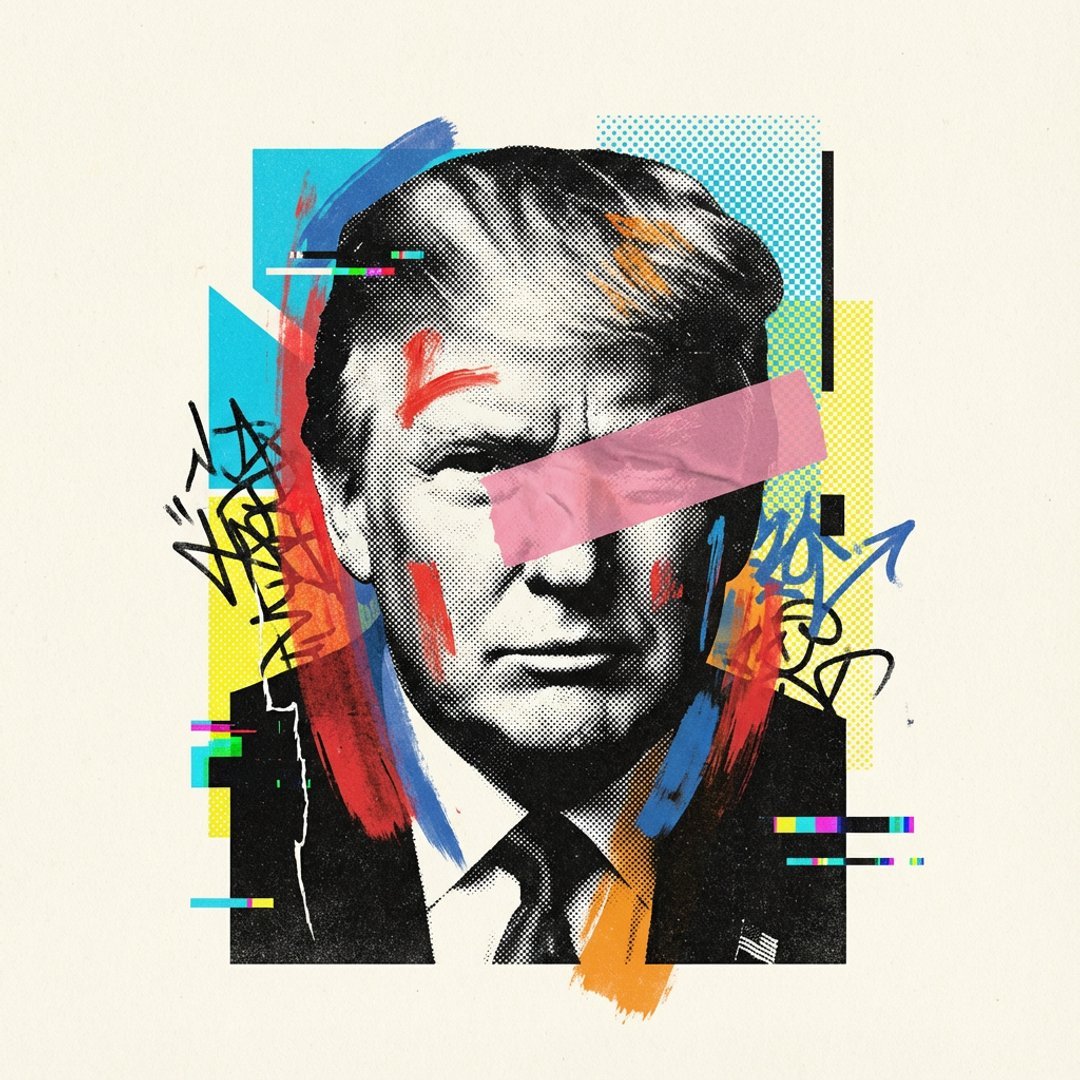
Visualized as the central masterpiece of a surreal avant-garde collage
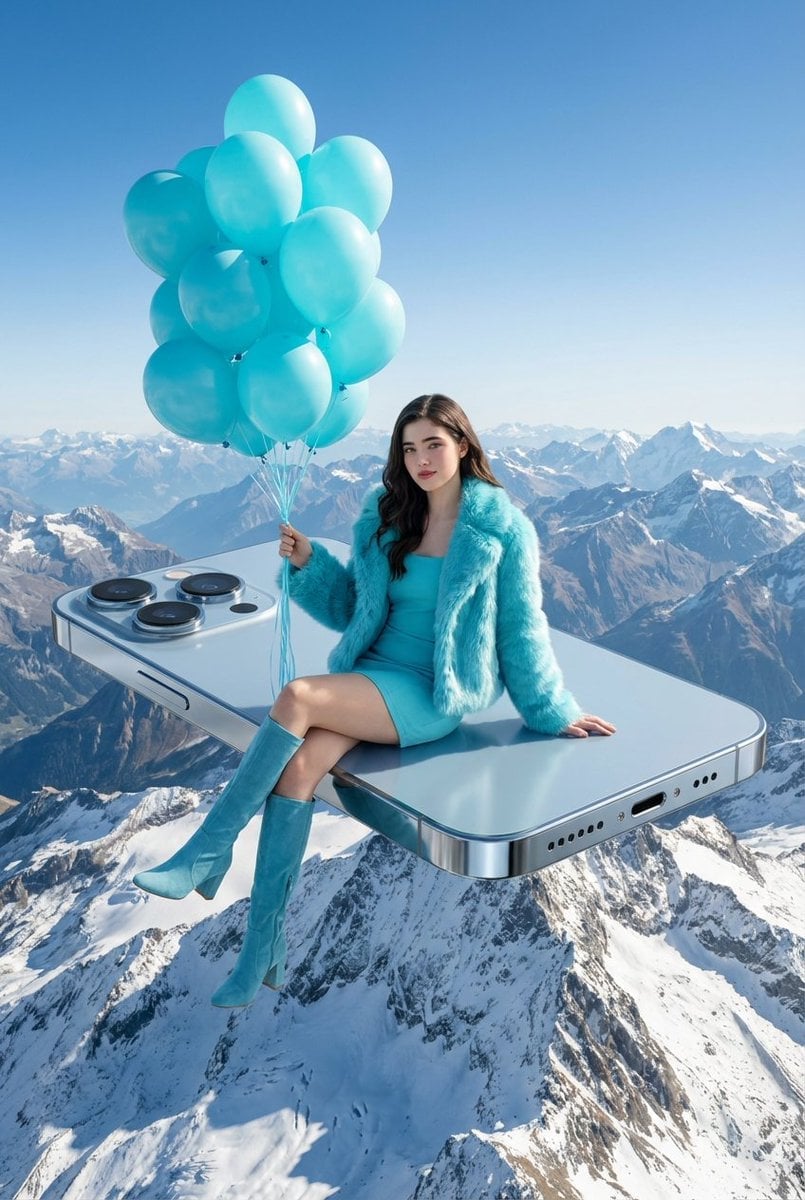
A surreal, high-concept masterpiece featuring uploaded face as reference
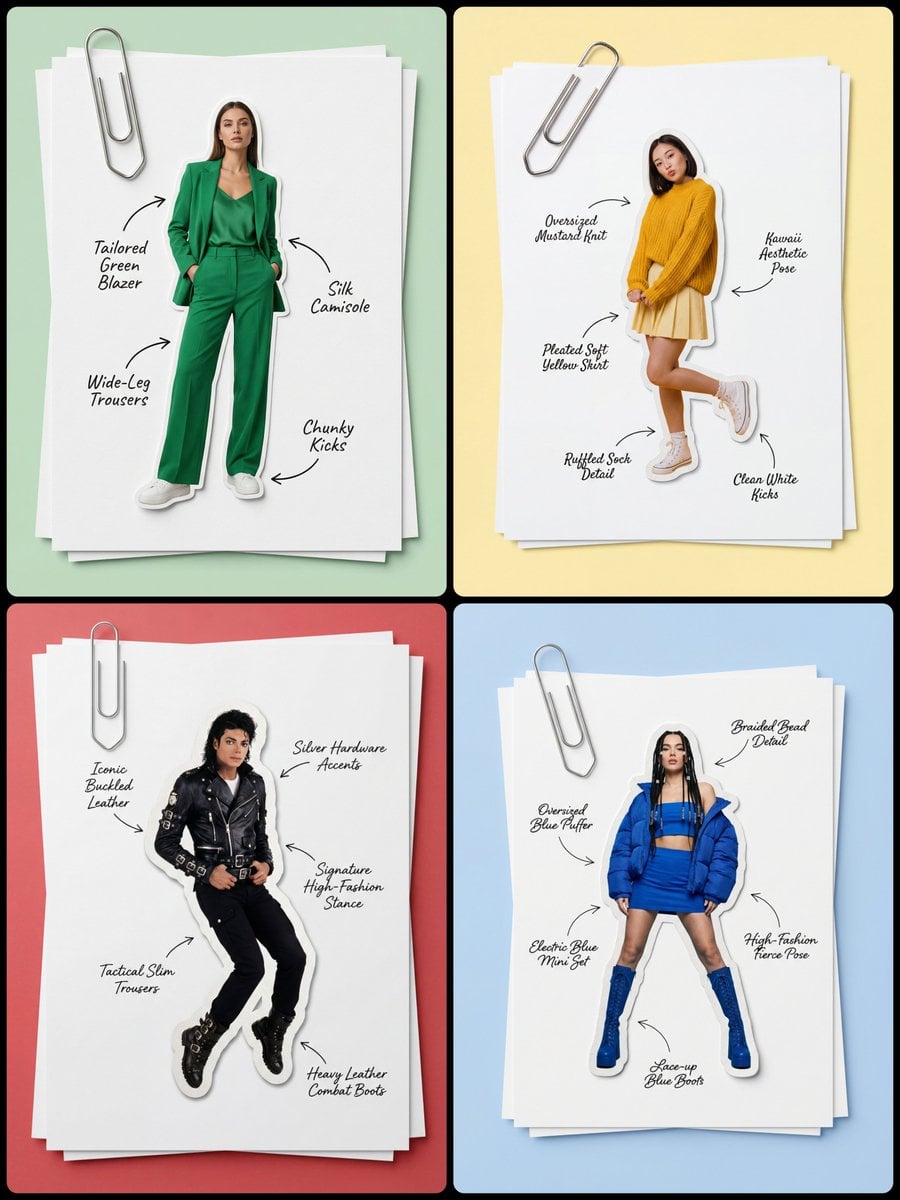
Masterpiece, best quality, high resolution, 8k, Photorealistic 1 4
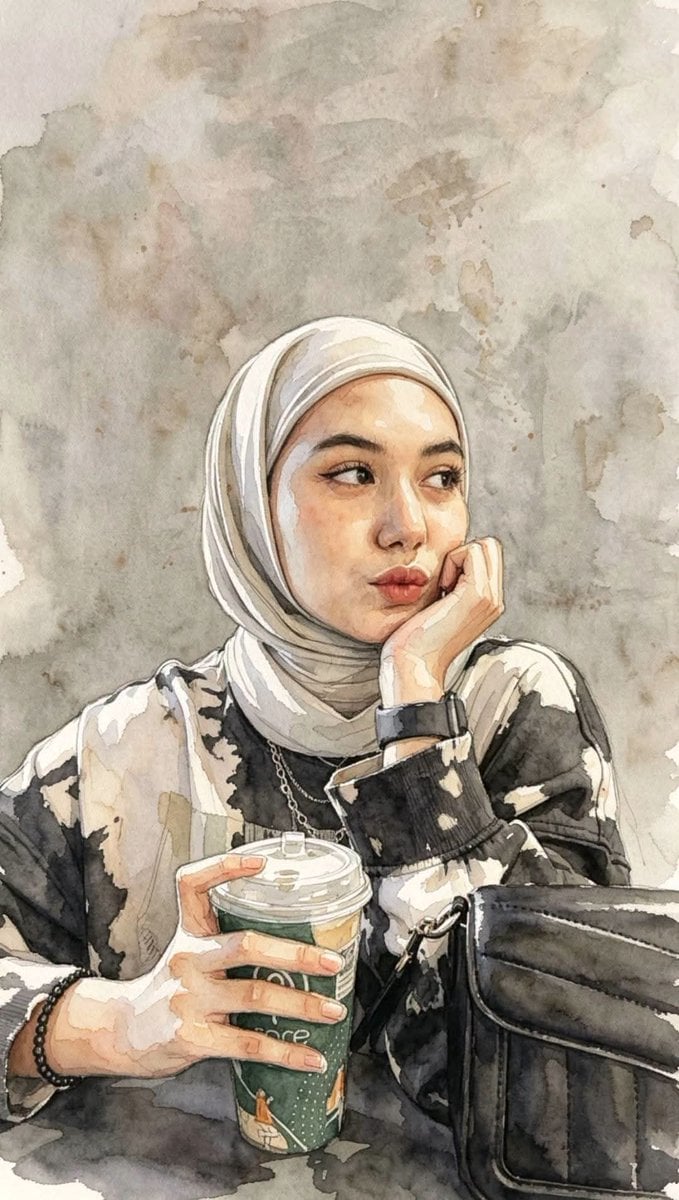
Masterpiece Watercolor Portrait Painting
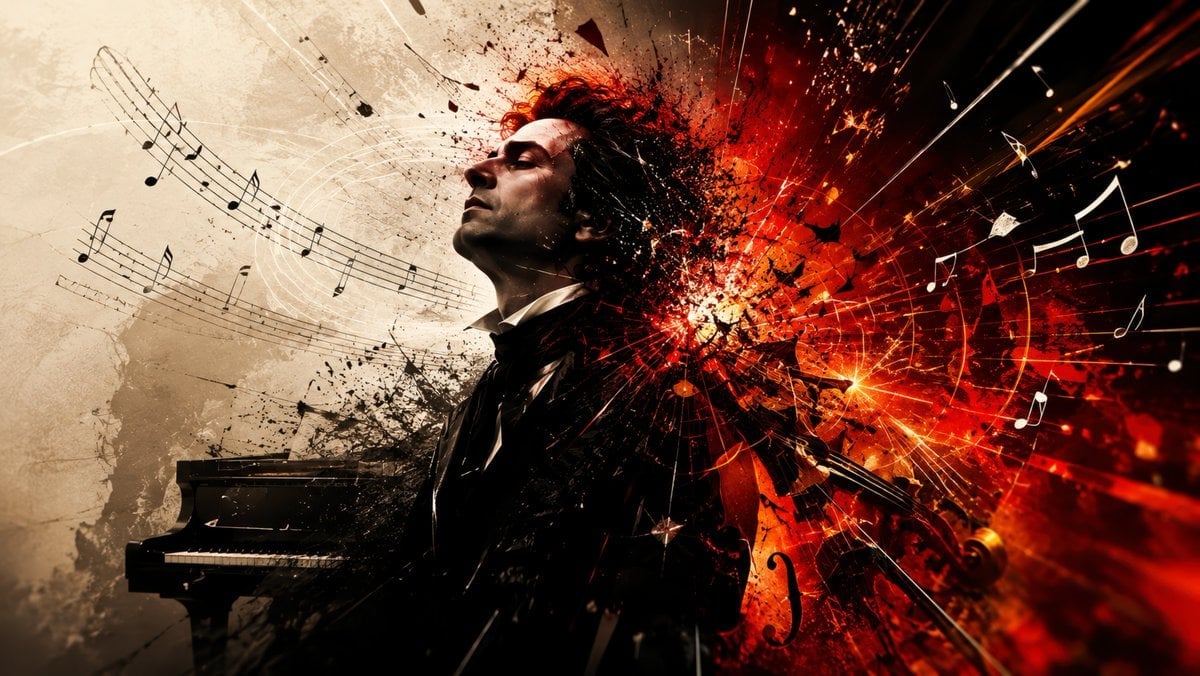
Explosive Classical Composer Artwork
Kashmir Luxury Rain Masterpiece

Baroque Composer Mystery Collage
Hyper-Realistic 3D Chalk Art Masterpiece
Origami Masterpiece Portrait
Noir Detective Film Masterpiece
Make it yours
Dying Composer Final Masterpiece works as-is. These are the safest ways to change it without losing the look.
Change one field
Copy a single group, rewrite it, and generate again so you can see what that field is doing.
Keep the frame, change the subject
Hold the composition and light of Dying Composer Final Masterpiece, then swap wardrobe, props or the person for a new take.
| If the result… | Why | Fix |
|---|---|---|
| The result drifts from the preview | Too many fields changed at once. | Reuse Dying Composer Final Masterpiece as-is first, then change one group — subject, light, or setting. |
| The model over-stylizes the scene | The prose prompt leaves finish and camera underspecified. | Add one camera or lighting sentence and stay on GPT Image 2. |
More GPT Image 2 templates
Other prompts made for GPT Image 2.

Six VTuber Japanese Logo Sheet

Realistic Portrait of Woman and Deer

The Vista Modular Condo Poster

AI Model Routing Comparison Infographic

2.5D Anime Art Board

Isometric Productivity Desk Scene

New York Double Exposure Poster

Four-Panel AI Landscape Comparison

Japanese Tatami Lifestyle Magazine Cover

NESCAFÉ Coffee Map Poster
More image prompts
Fresh picks from across the catalog.
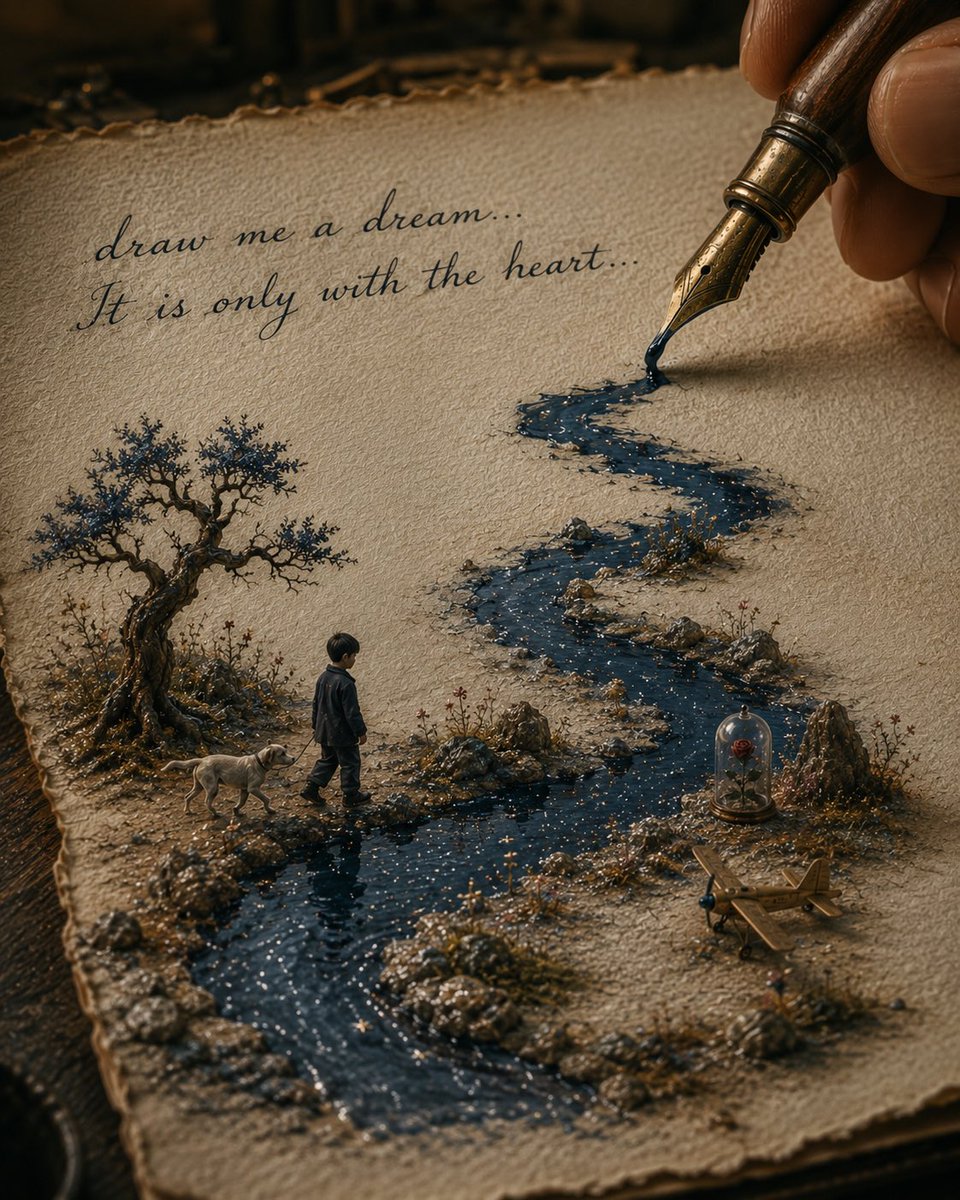
Ink River Fairy Tale Diorama

Fantasy Soda Commercial
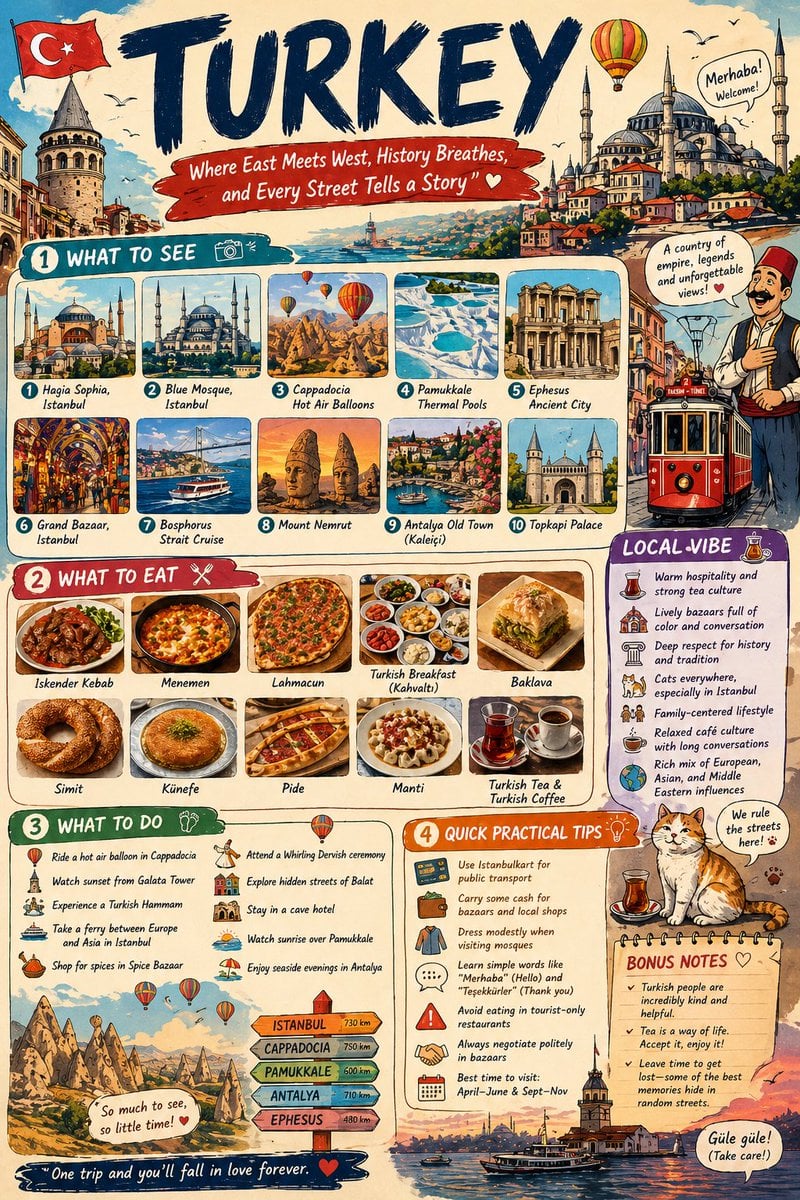
Infographic Travel Guide Poster

Arnold Schwarzenegger Silhouette with Volumetric Mountain Forest

Ultra-Realistic Beach Portrait with Identity Lock

Layered Acrylic Catmaid Postcard Display
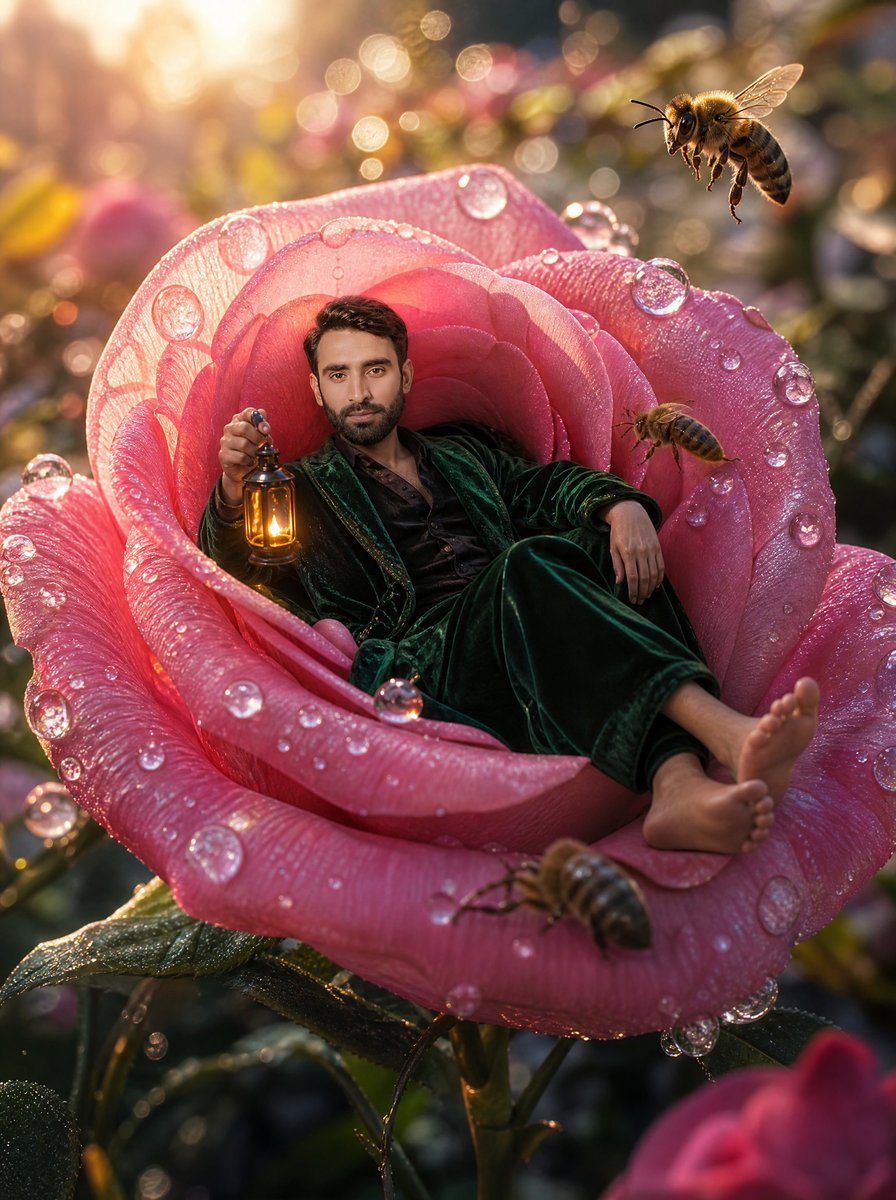
Tiny Man Lounging in Giant Rose
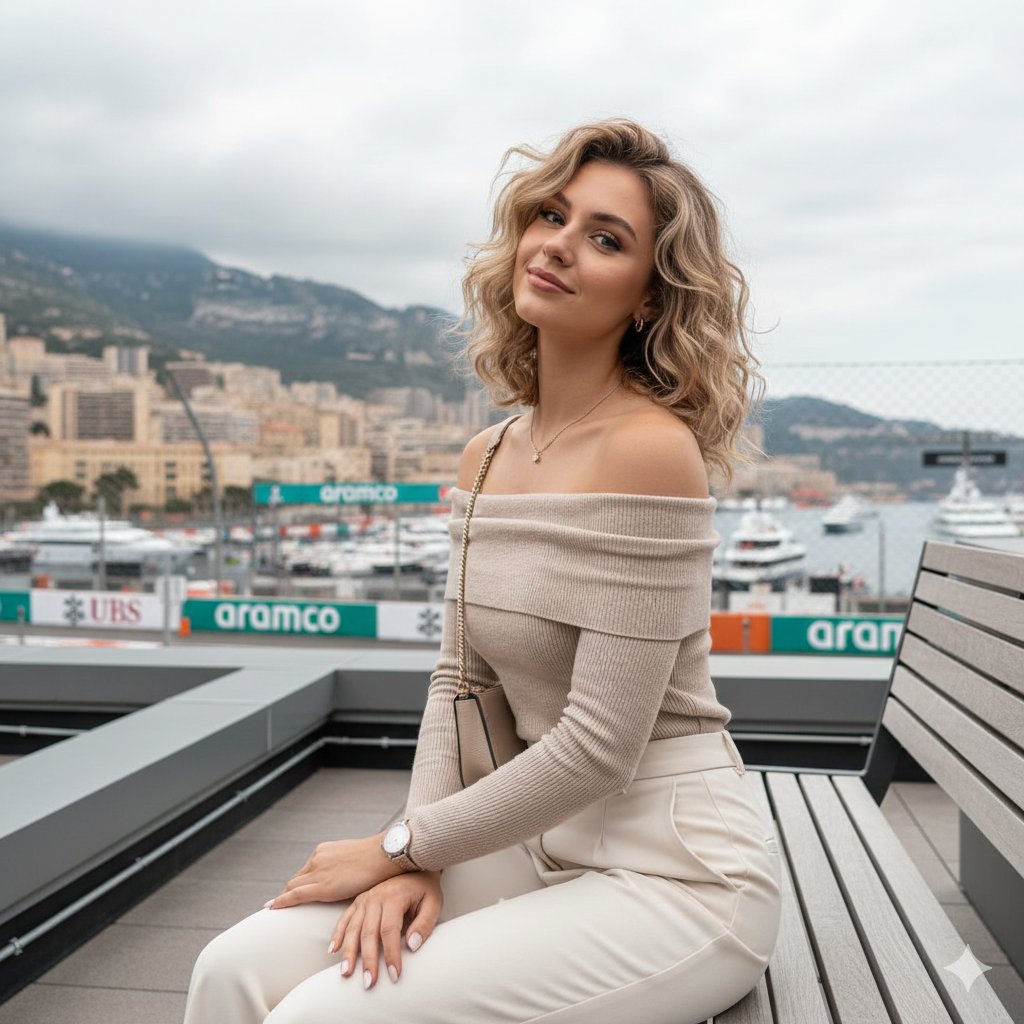
Detailed JSON-structured image generation prompt for a relaxed luxury portrait
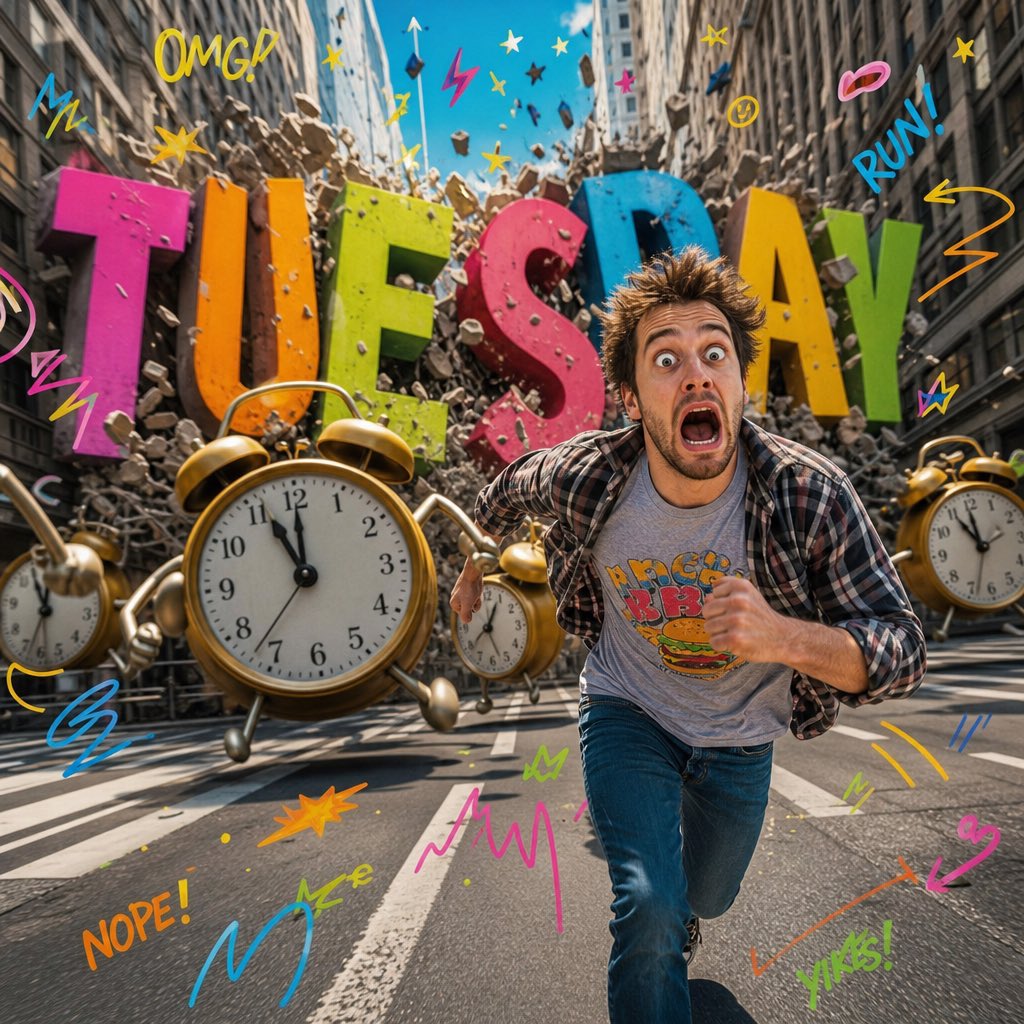
Surreal Pop-Art Tuesday Chaos
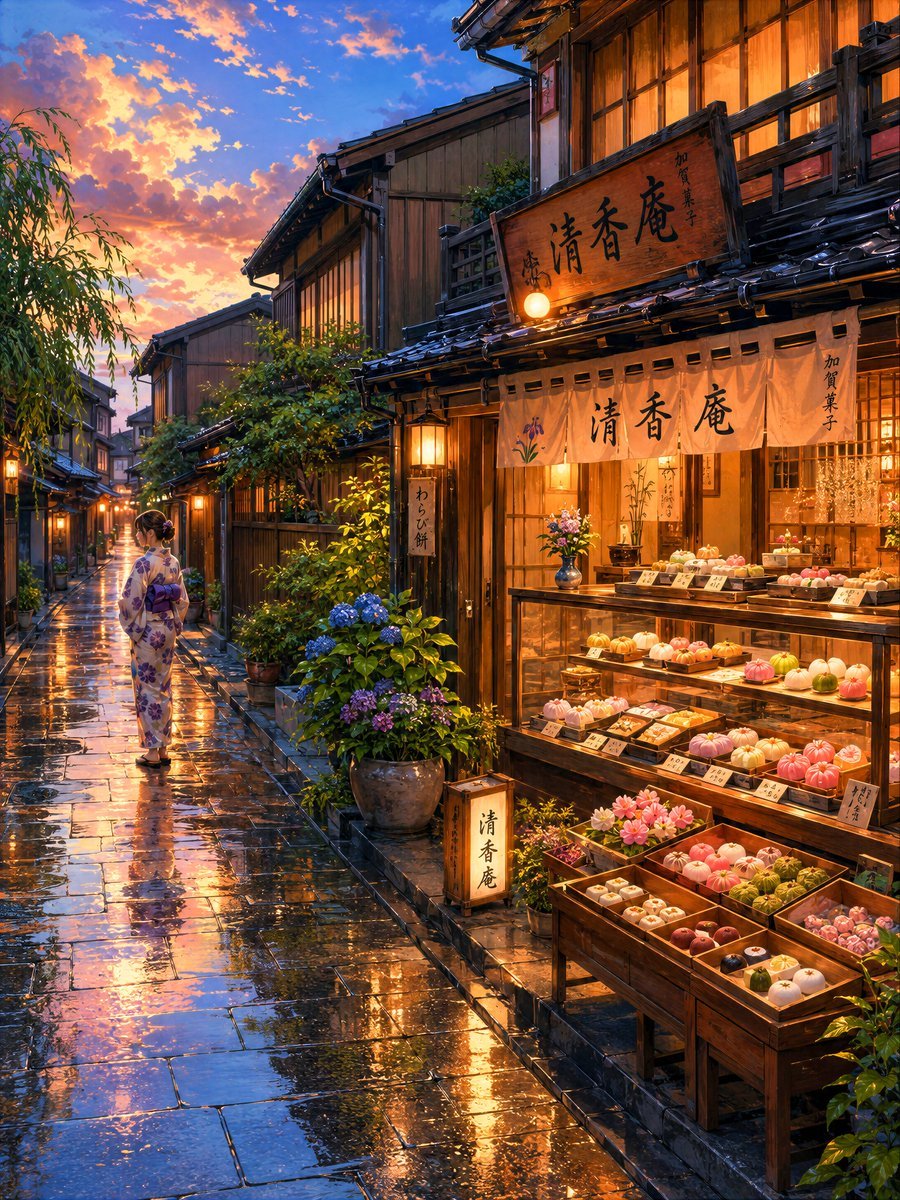
Cozy Evening Japanese Sweets Shop
Browse template categories
Dying Composer Final Masterpiece questions
How do I use the Dying Composer Final Masterpiece template?
Add your photo if the template asks for one, edit the prompt if you like — the template's model and format are already selected — and press Generate. Your version opens in PicX Studio.
Can I customize the Dying Composer Final Masterpiece template?
Yes. You can change the subject, setting, lighting, mood, format, and available model controls before creating your image.
Is the Dying Composer Final Masterpiece template free?
Opening and editing this template is free. Generating uses credits, shown on the Generate button when you are signed in.
Which AI model should I use?
Start with GPT Image 2, which is the model associated with this template. You can compare another compatible model for a different finish.
Looking for something else? Browse all templates.

Your photo, any look
Thousands of ready templates for every top image and video model, from one credit balance.