
Hyper-Realistic 3D Chalk Art Masterpiece
A detailed prompt for creating an immersive 3D chalk art scene on a street, featuring interactive elements and realistic pastel textures based on a facial reference.
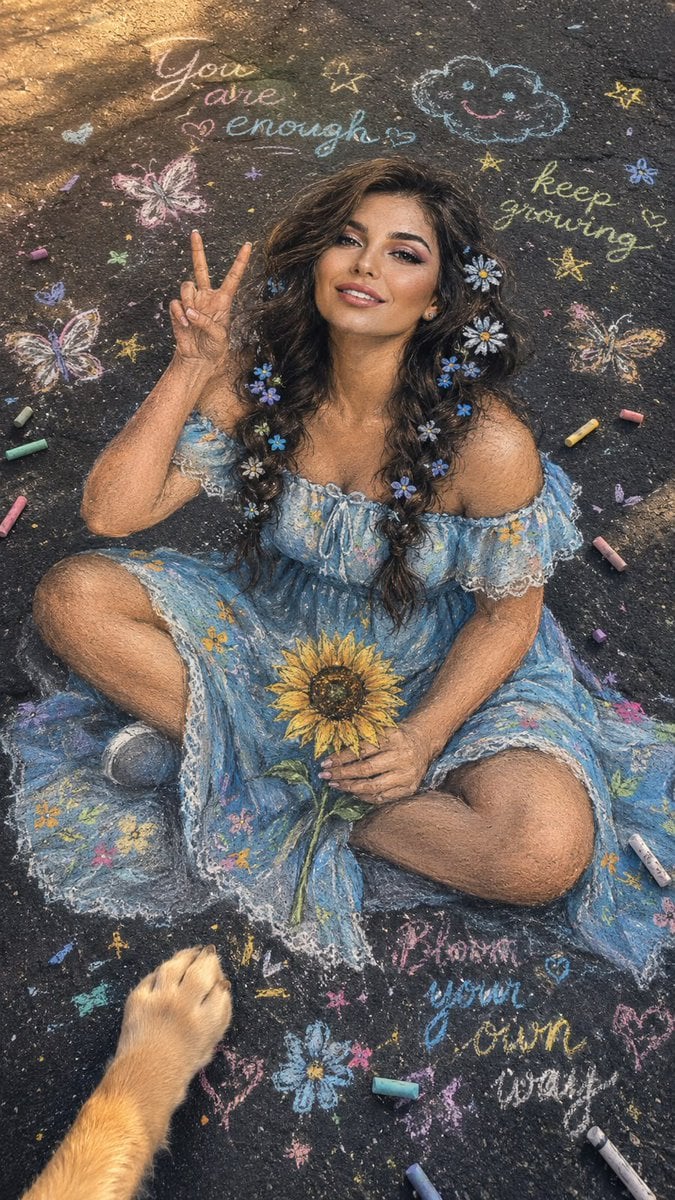
- Prompt included
- Model and format preset
- Premium template
The prompt behind this image
Copy the exact prompt behind Hyper-Realistic 3D Chalk Art Masterpiece, or open it in the studio and make it yours.
Use the attached reference image as the primary facial reference. Preserve the exact facial identity, recognizable facial structure, facial proportions, eye shape, nose shape, lip shape, jawline, cheekbone structure, natural asymmetry, skin characteristics, and overall appearance with maximum accuracy. Do not alter identity, ethnicity, age, or facial features. A breathtaking hyper-realistic 3D {argument name="art style" default="chalk art"} masterpiece drawn directly onto a weathered dark asphalt street, viewed from a high-angle perspective with a subtle Dutch angle. The same {argument name="subject" default="girl"} from the reference is illustrated as a life-sized chalk drawing sitting cross-legged and looking upward toward the camera with a bright, playful smile. One hand is raised in a cheerful peace sign while the other holds a chalk-drawn sunflower. She wears a flowing {argument name="clothing" default="pastel-blue off-shoulder summer dress"} decorated with hand-painted wildflower patterns and delicate lace details. Her hair is styled in two loose braided pigtails with tiny chalk-drawn daisy and forget-me-not flower accessories woven into the braids. Surrounding her are scattered pastel chalk sticks in soft pink, lavender, sky blue, mint green, and warm yellow. Around the artwork, whimsical chalk doodles include floating butterflies, tiny stars, flower petals, smiling clouds, and handwritten inspirational doodles. A chalk-drawn puppy paw reaches into the frame from the lower corner, creating a playful interactive street-art illusion. The chalk rendering is exceptionally detailed with realistic dusty pastel textures, soft blended skin tones, delicate hair strands, visible chalk powder residue, and layered shading that creates convincing depth. Golden-hour sunlight washes across the pavement, emphasizing the rough asphalt texture and producing soft realistic shadows. Slight film grain, subtle chromatic aberration near the edges, natural color grading, bright clean white balance, realistic smartphone photography aesthetics, ultra-detailed street art, whimsical yet elegant atmosphere, photorealistic chalk illustration, masterpiece quality, stunning depth and realism, –ar vertical.
How to use Hyper-Realistic 3D Chalk Art Masterpiece in 3 steps
- 1Upload ImagePNG, JPG or paste
Add your photo
Upload the photo the template builds on. The prompt, model and format are already set.
- 2…a portrait of your subject in softgolden-hour light, 85mm…
Personalize
Edit the subject and creative details for your destination.
- 3Generate
Generate
Press Generate — your image is created in PicX Studio, so you can compare it with the original and refine one variable at a time.
More like this
Templates with the same subject, style or setup. Open one to see its prompt.
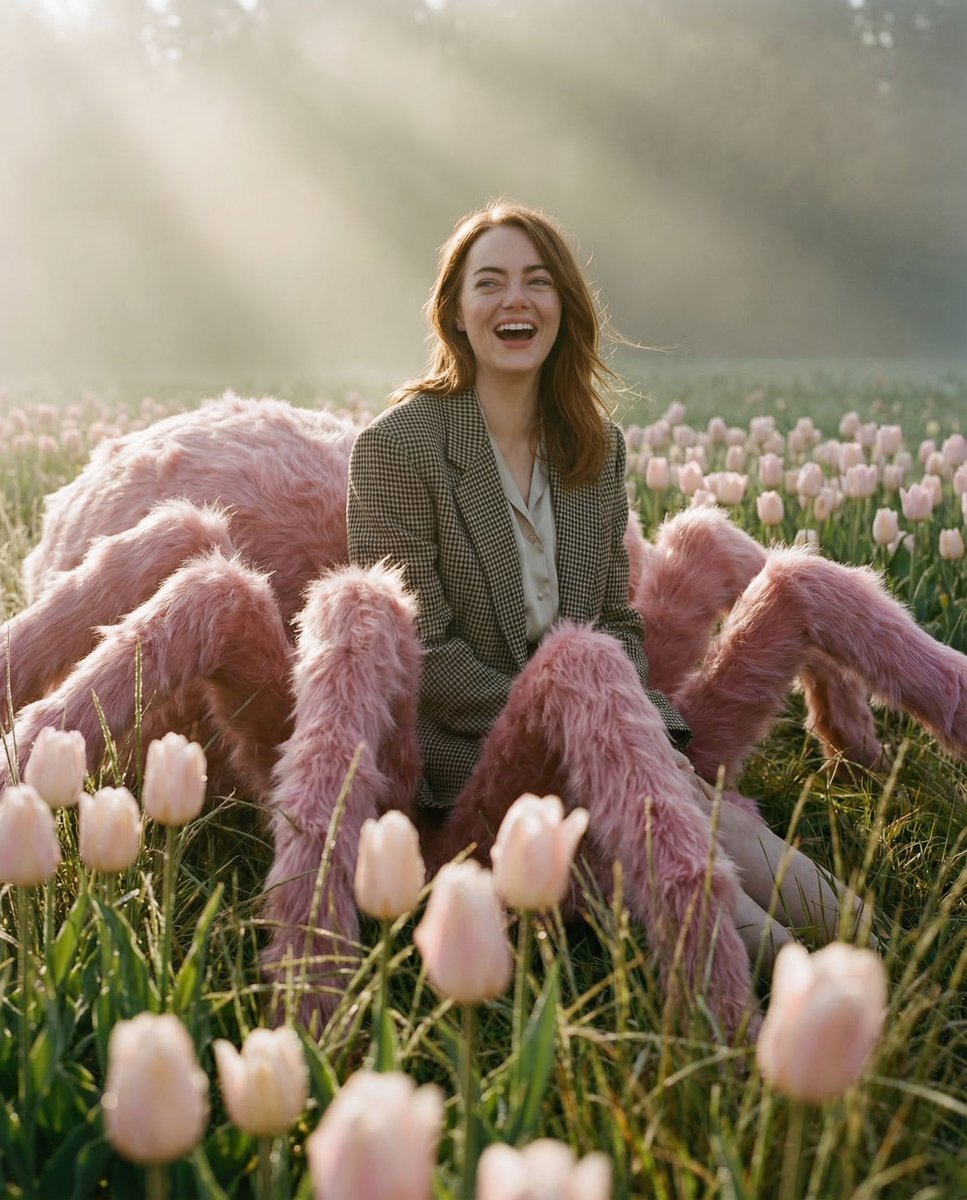
Pastel Arachnid Surreal Masterpiece
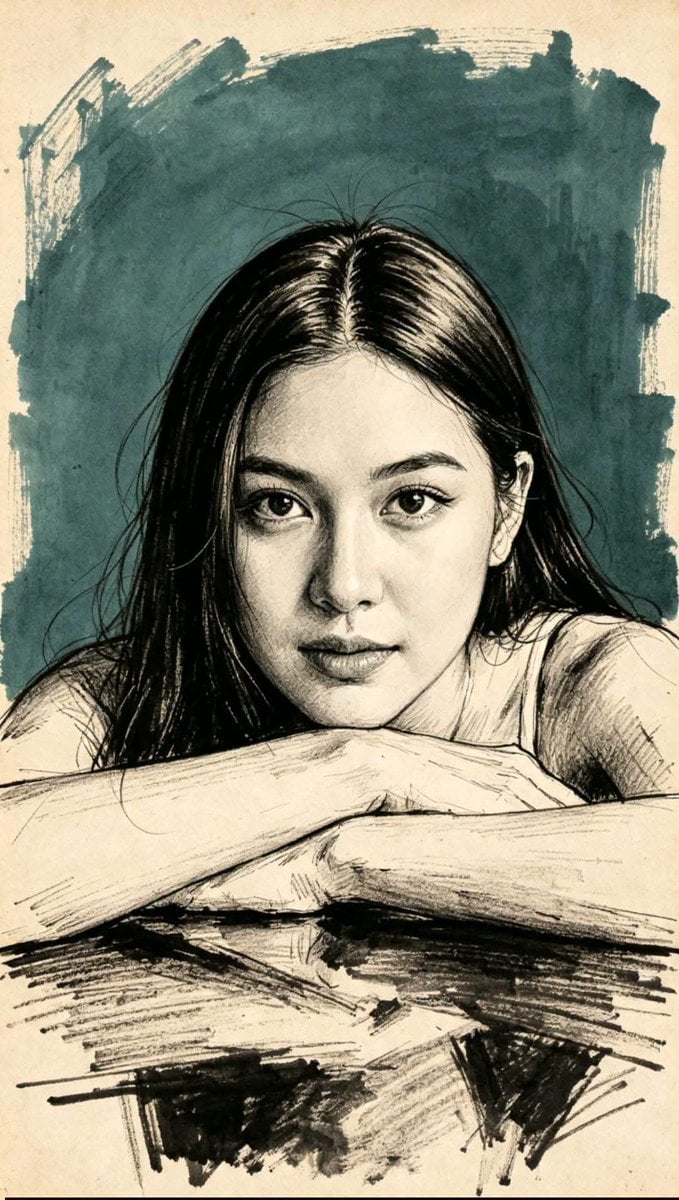
Traditional Masterpiece Sketch Technique
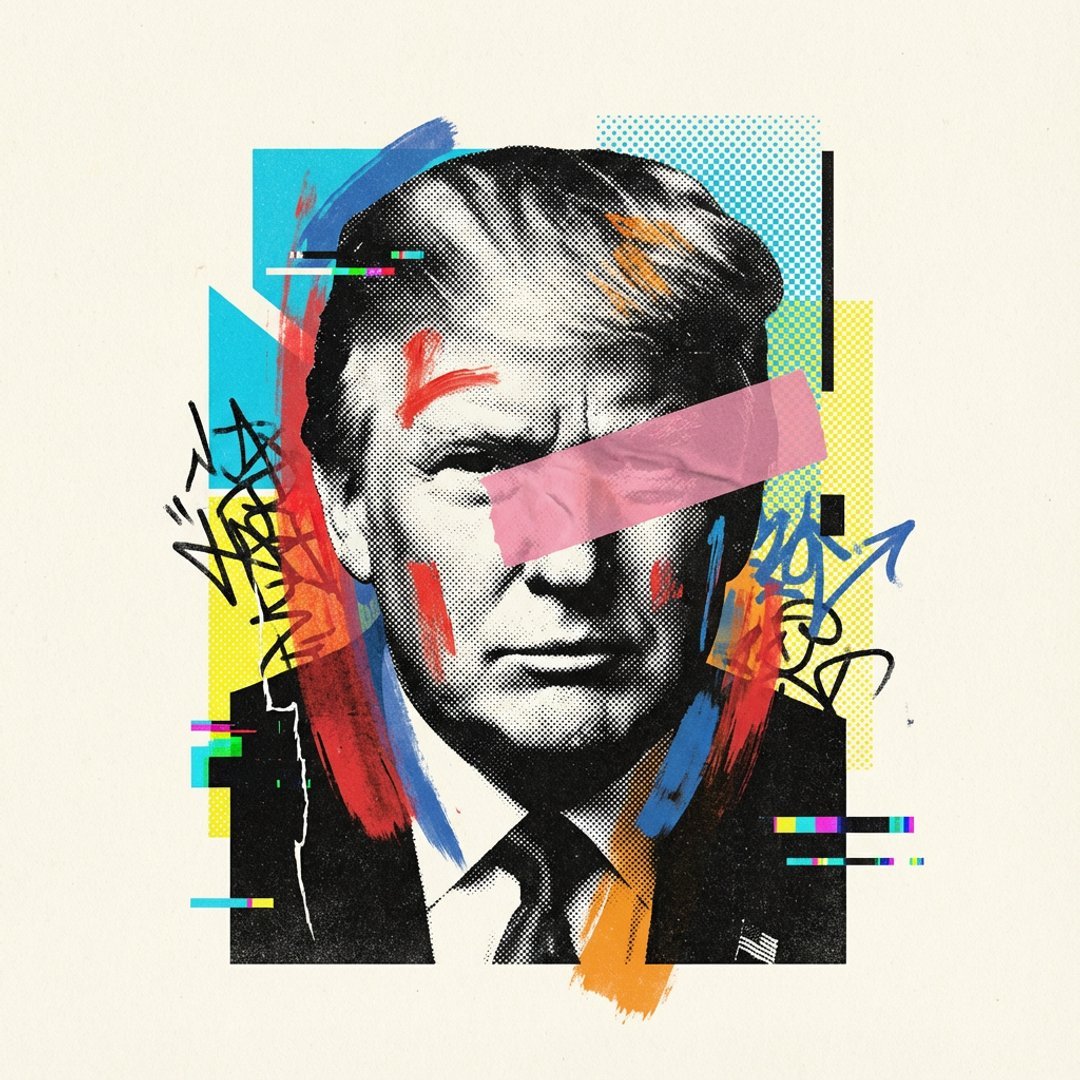
Visualized as the central masterpiece of a surreal avant-garde collage
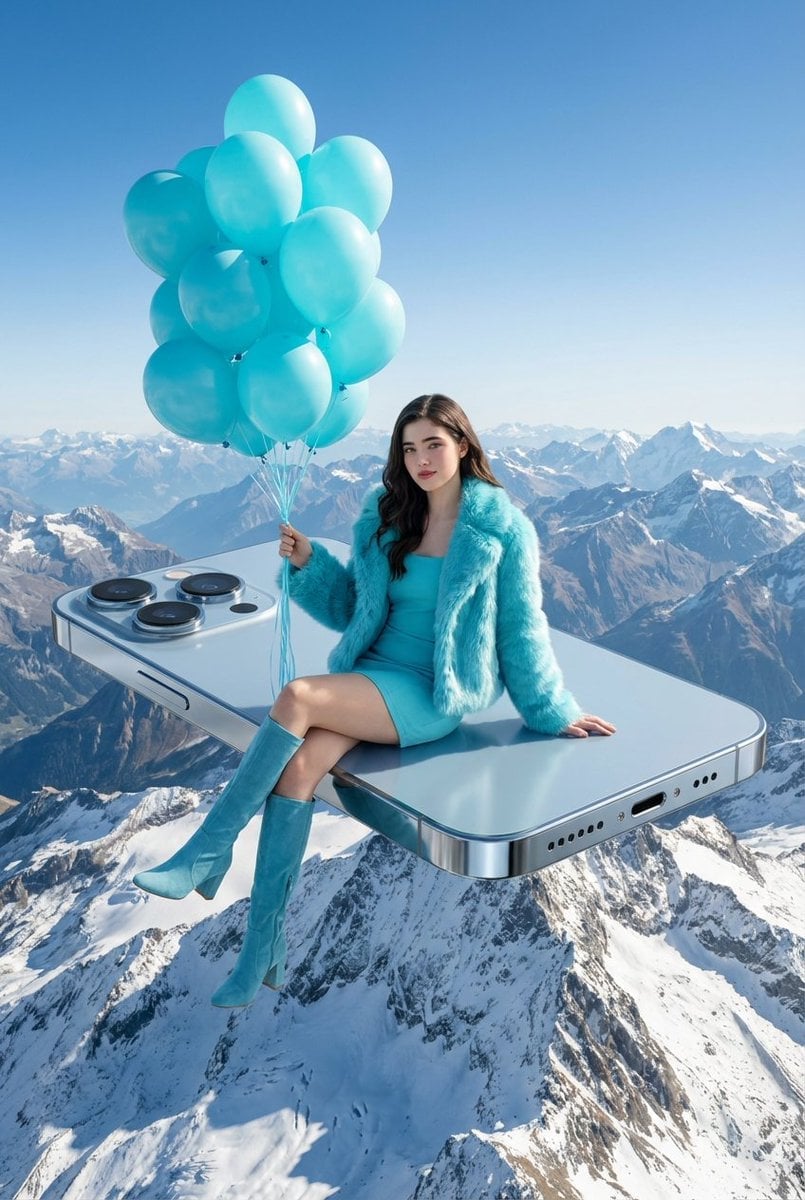
A surreal, high-concept masterpiece featuring uploaded face as reference
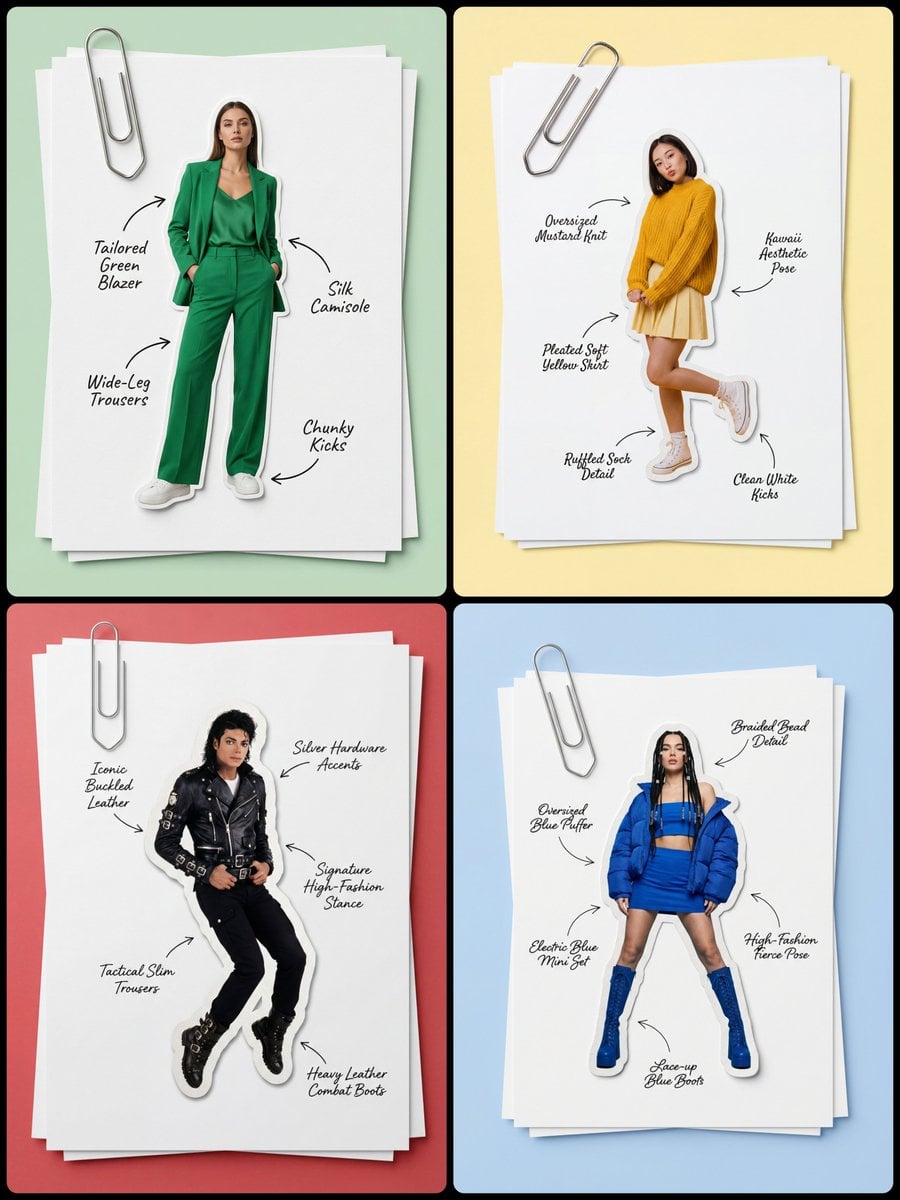
Masterpiece, best quality, high resolution, 8k, Photorealistic 1 4
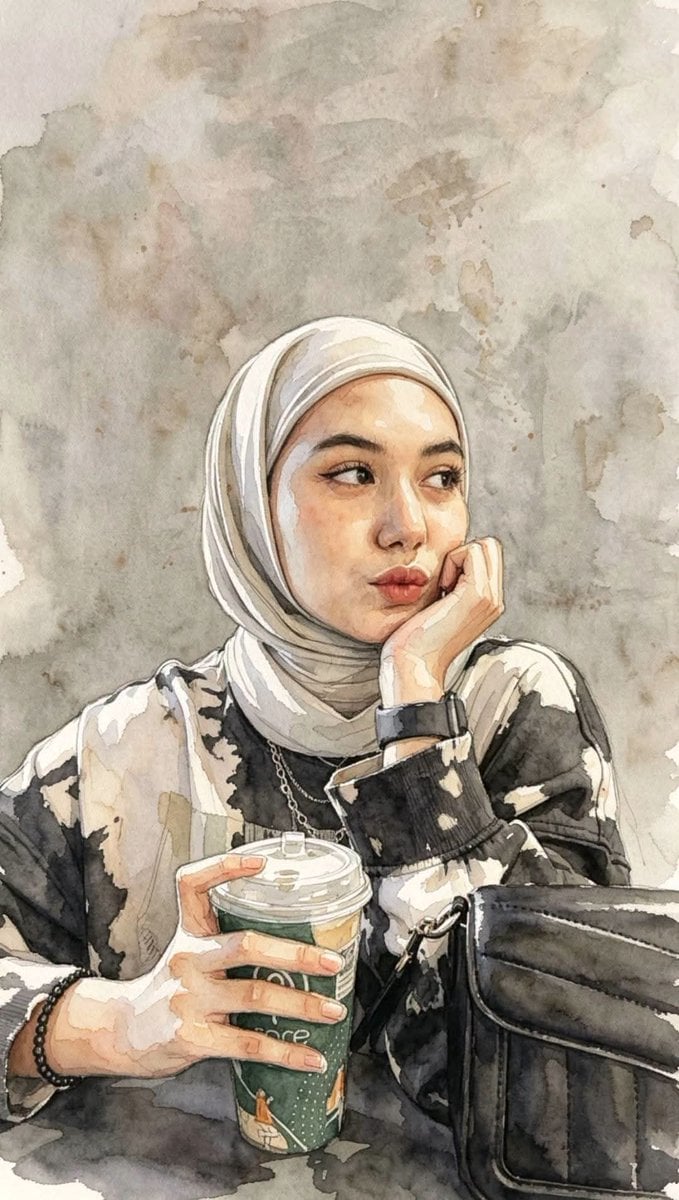
Masterpiece Watercolor Portrait Painting
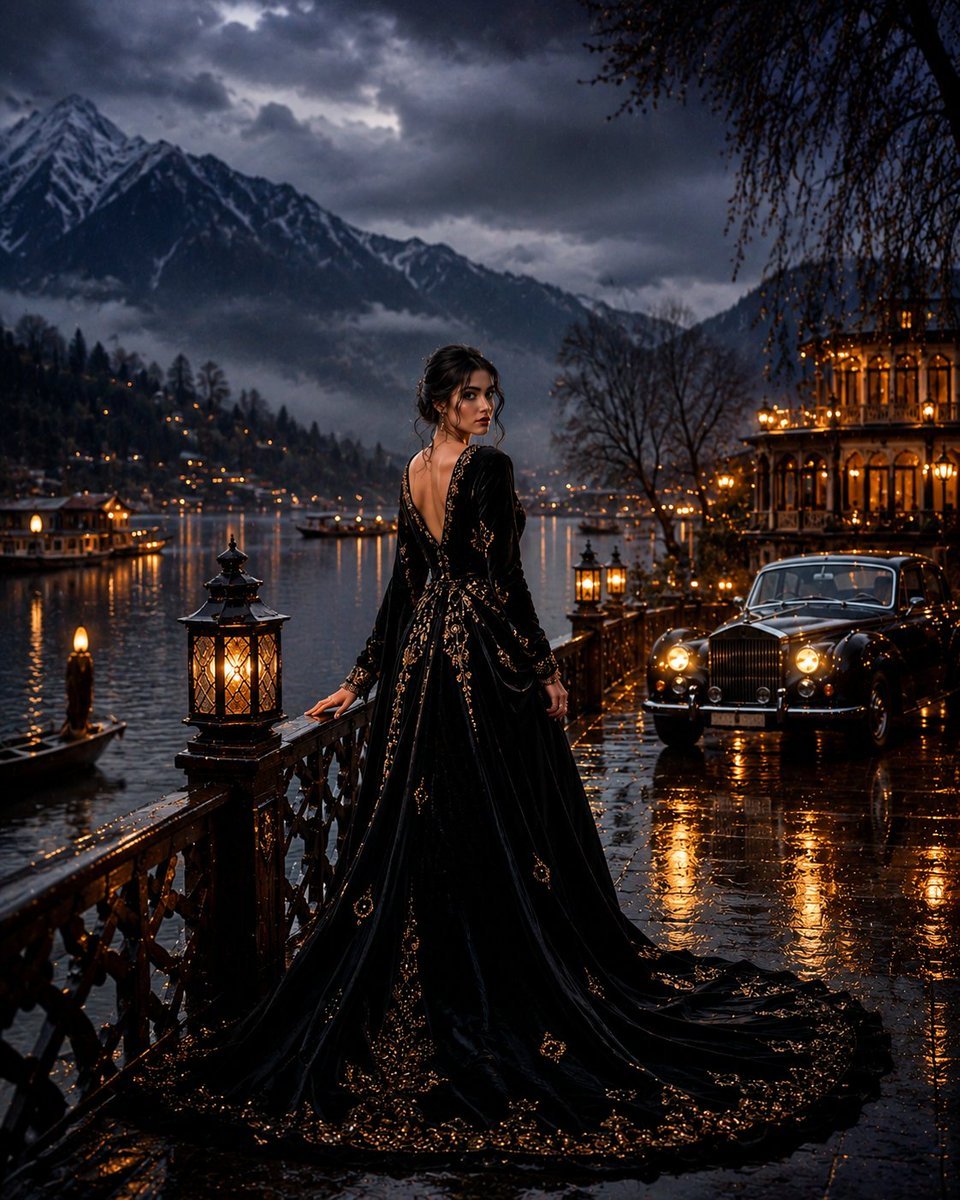
Kashmir Luxury Rain Masterpiece
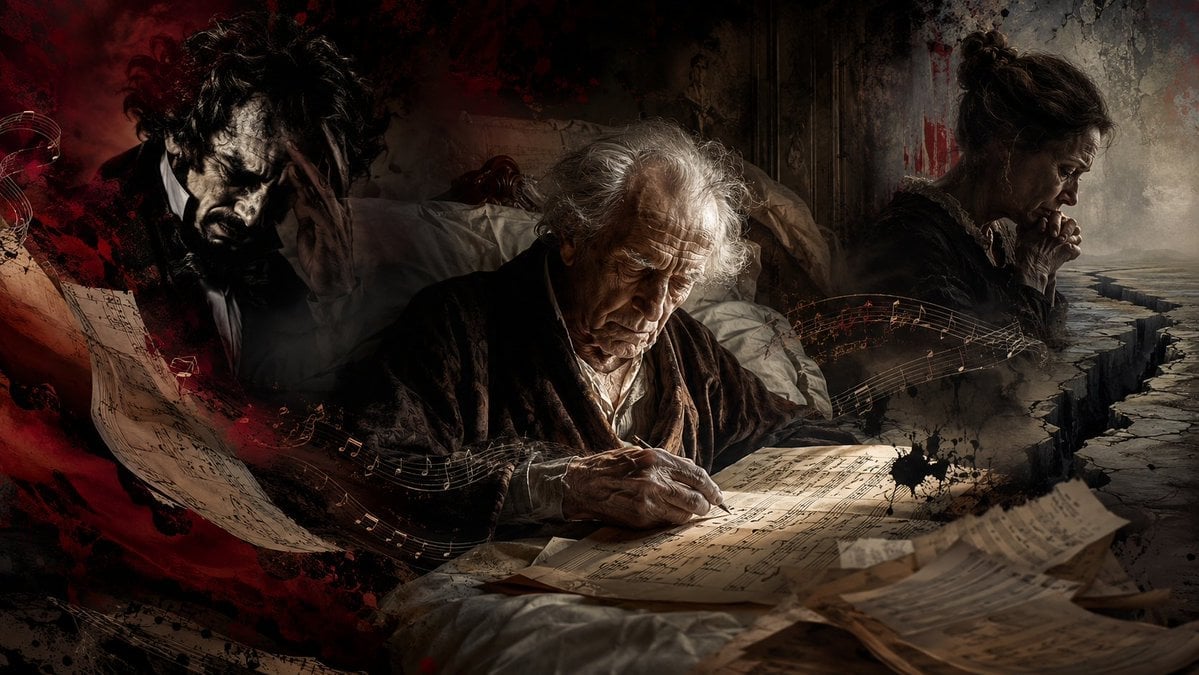
Dying Composer Final Masterpiece
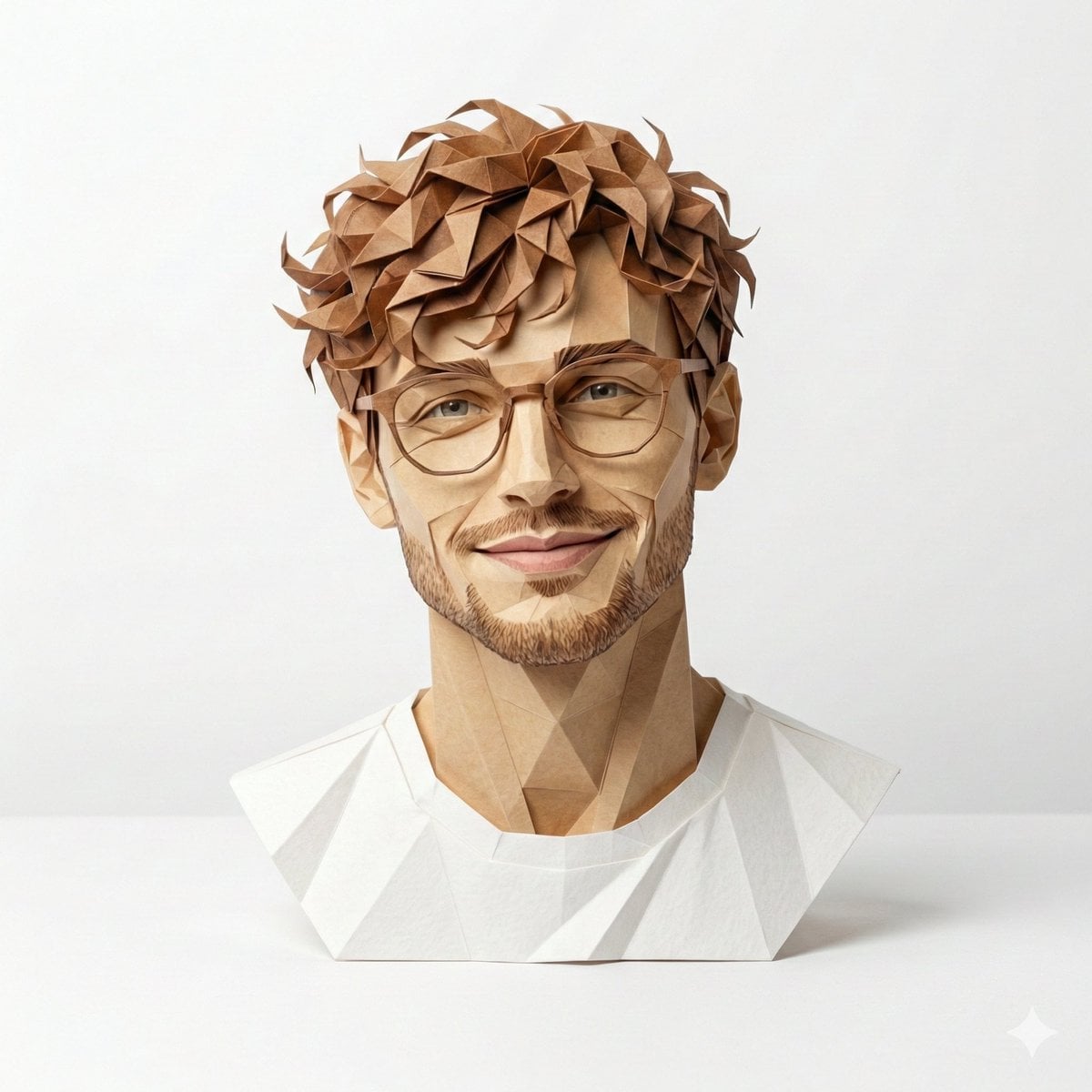
Origami Masterpiece Portrait
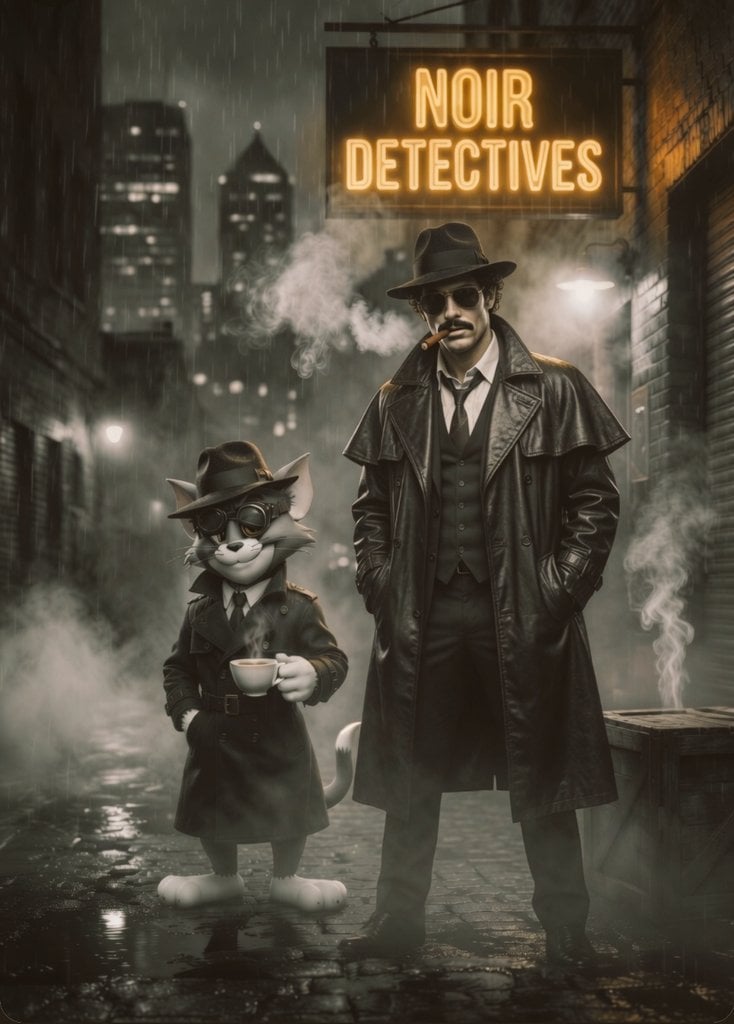
Noir Detective Film Masterpiece
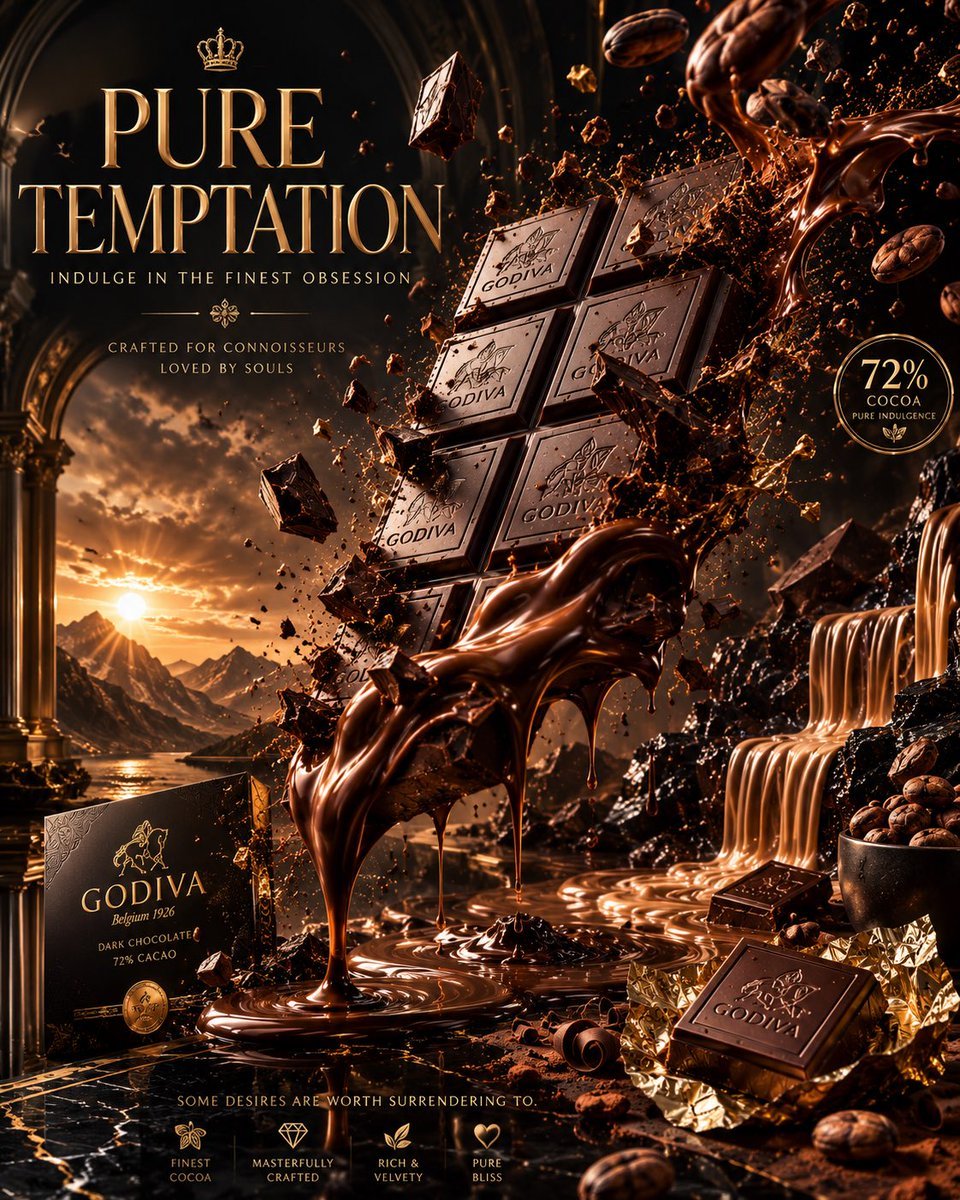
Luxury Chocolate Advertising Masterpiece
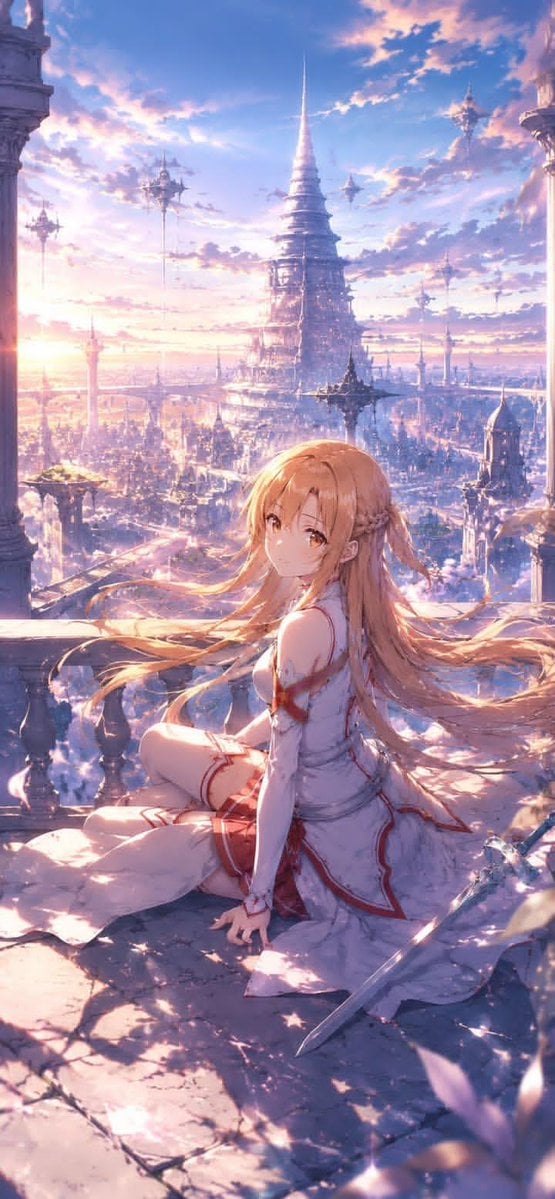
Masterpiece Anime Fantasy Girl
Make it yours
Hyper-Realistic 3D Chalk Art Masterpiece works as-is. These are the safest ways to change it without losing the look.
Change one field
Copy a single group, rewrite it, and generate again so you can see what that field is doing.
Keep the frame, change the subject
Hold the composition and light of Hyper-Realistic 3D Chalk Art Masterpiece, then swap wardrobe, props or the person for a new take.
| If the result… | Why | Fix |
|---|---|---|
| The result drifts from the preview | Too many fields changed at once. | Reuse Hyper-Realistic 3D Chalk Art Masterpiece as-is first, then change one group — subject, light, or setting. |
| The model over-stylizes the scene | The prose prompt leaves finish and camera underspecified. | Add one camera or lighting sentence and stay on GPT Image 2. |
More GPT Image 2 templates
Other prompts made for GPT Image 2.

Six VTuber Japanese Logo Sheet

Realistic Portrait of Woman and Deer

The Vista Modular Condo Poster

AI Model Routing Comparison Infographic

2.5D Anime Art Board

Isometric Productivity Desk Scene

New York Double Exposure Poster

Four-Panel AI Landscape Comparison

Japanese Tatami Lifestyle Magazine Cover

NESCAFÉ Coffee Map Poster
More image prompts
Fresh picks from across the catalog.
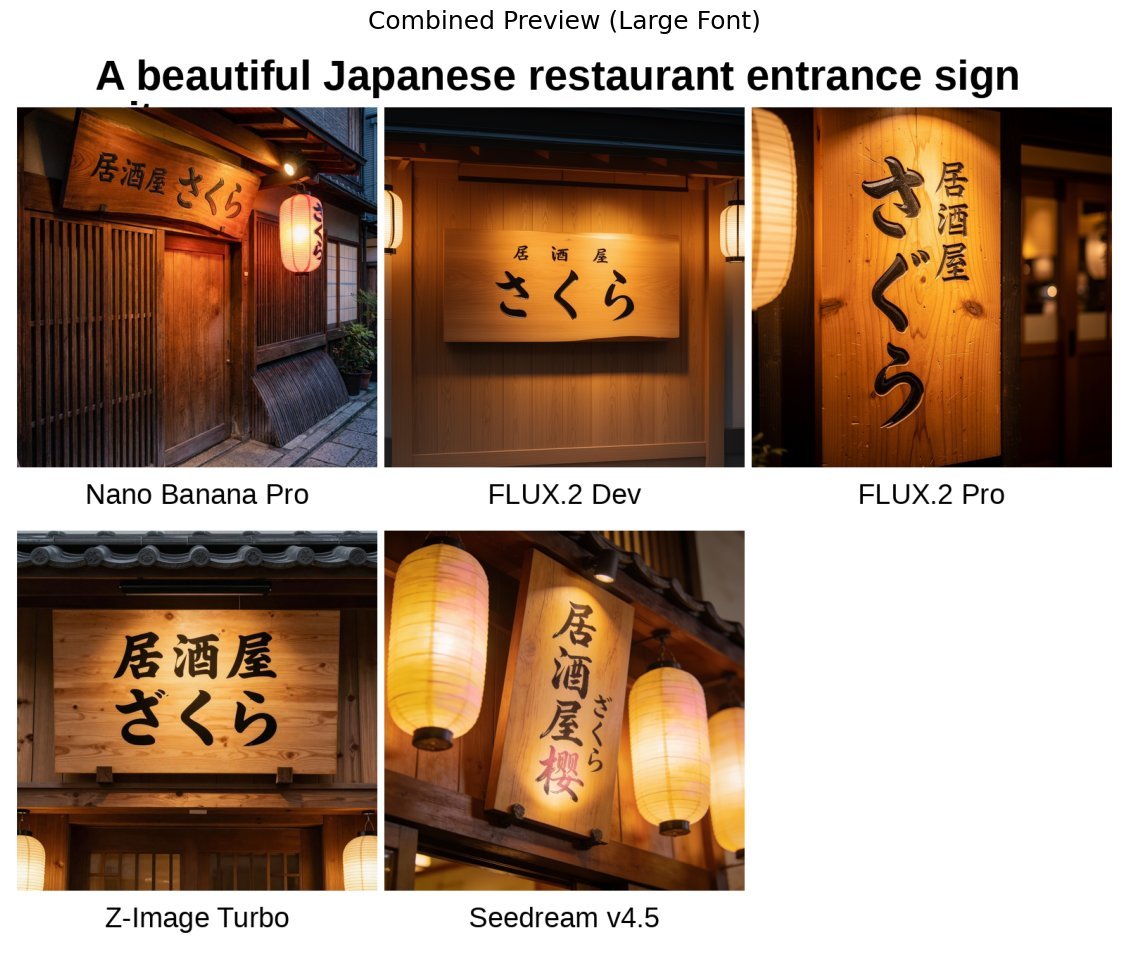
Japanese izakaya entrance sign image prompt for Nano Banana Pro

Muscular Party Man with Maracas
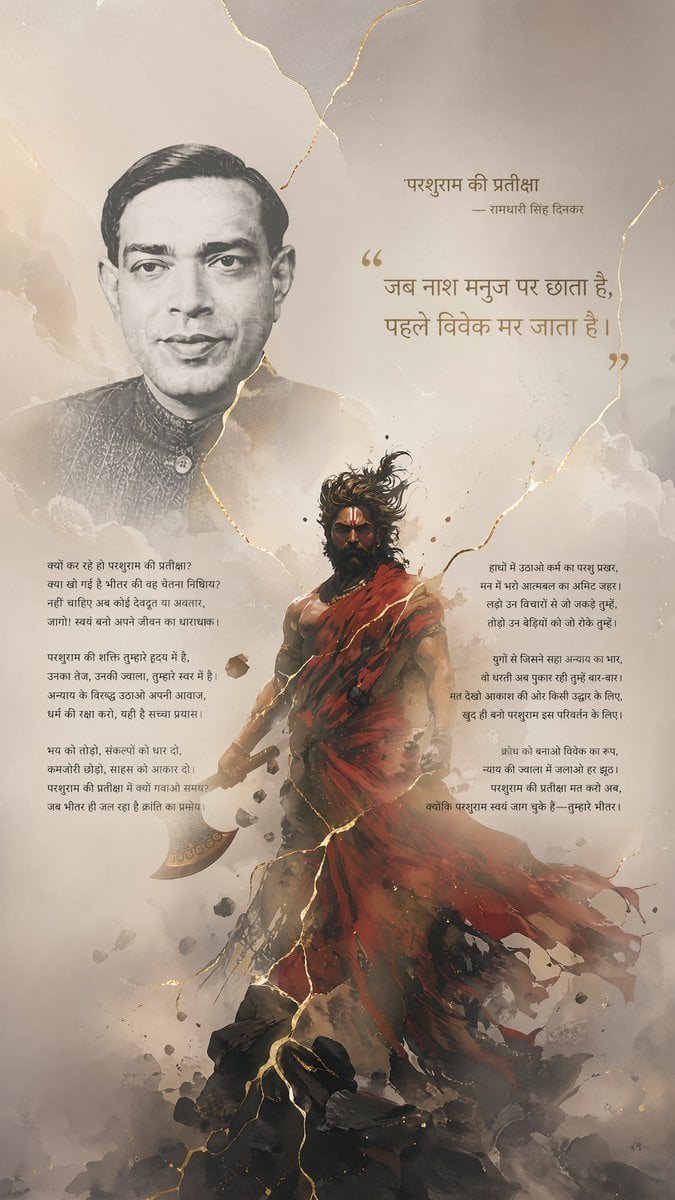
Hindi Poem Poster with Parashurama

Epic Momotaro Fantasy Cover
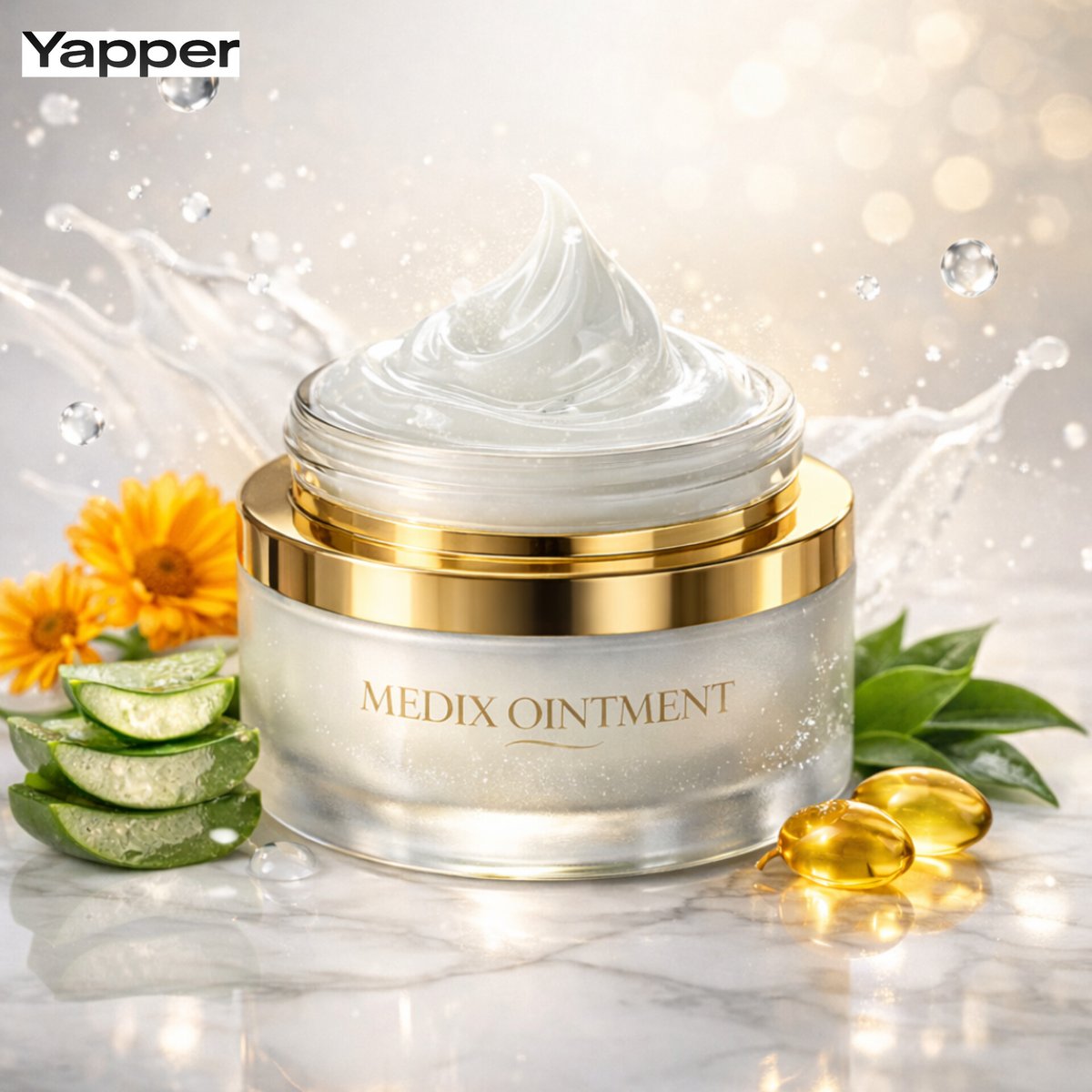
Ultra-Premium Cinematic Skincare Product Photography
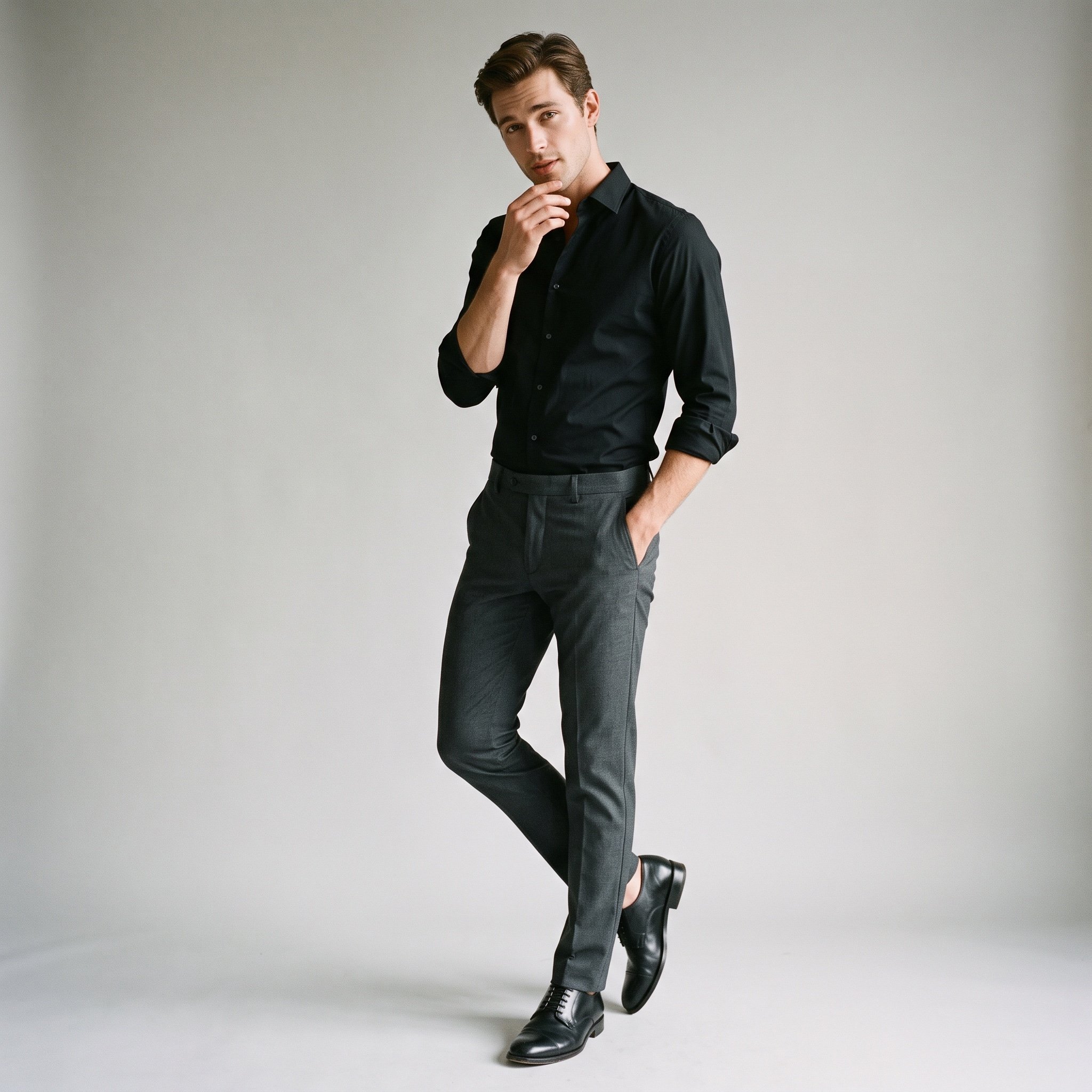
Minimalist Fashion Portrait Prompt for Google Gemini Nano Banana Pro
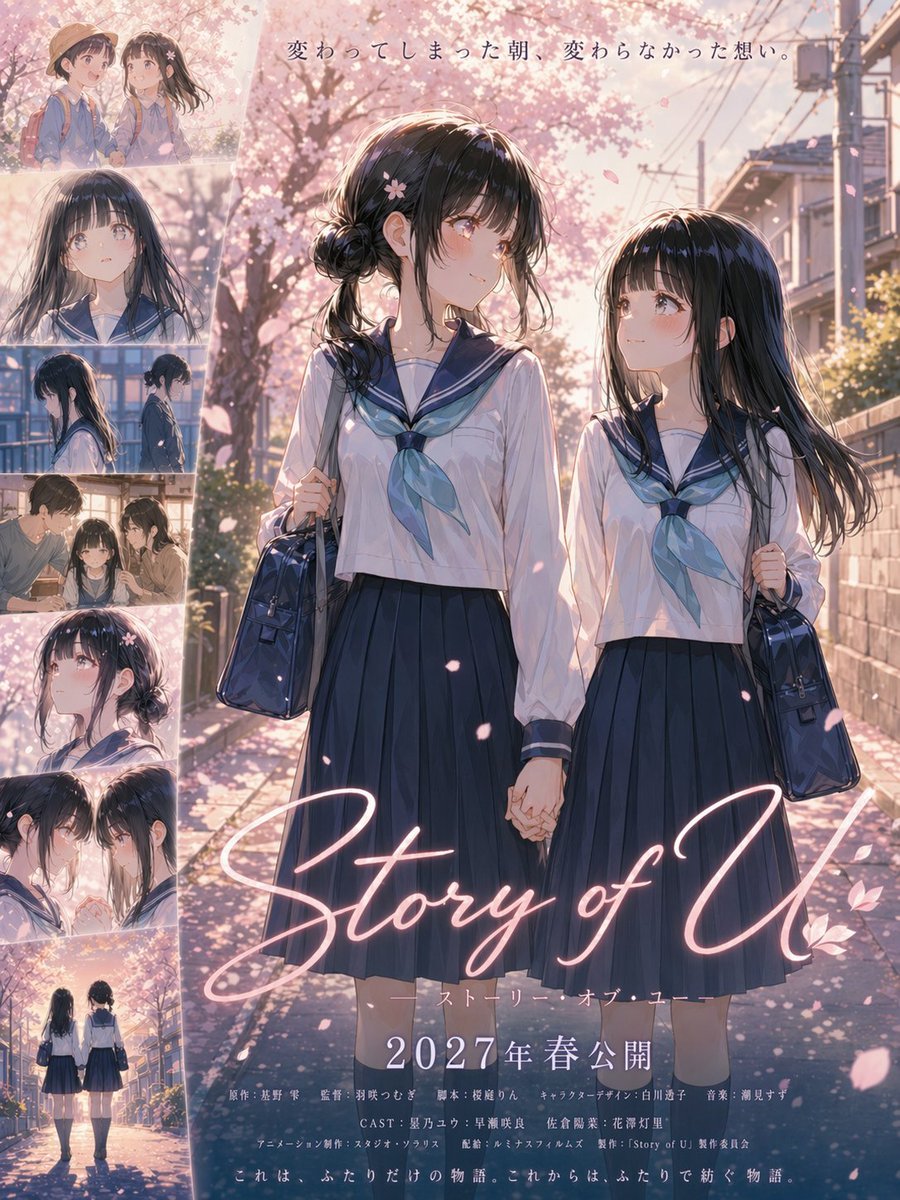
Anime Sakura Movie Poster
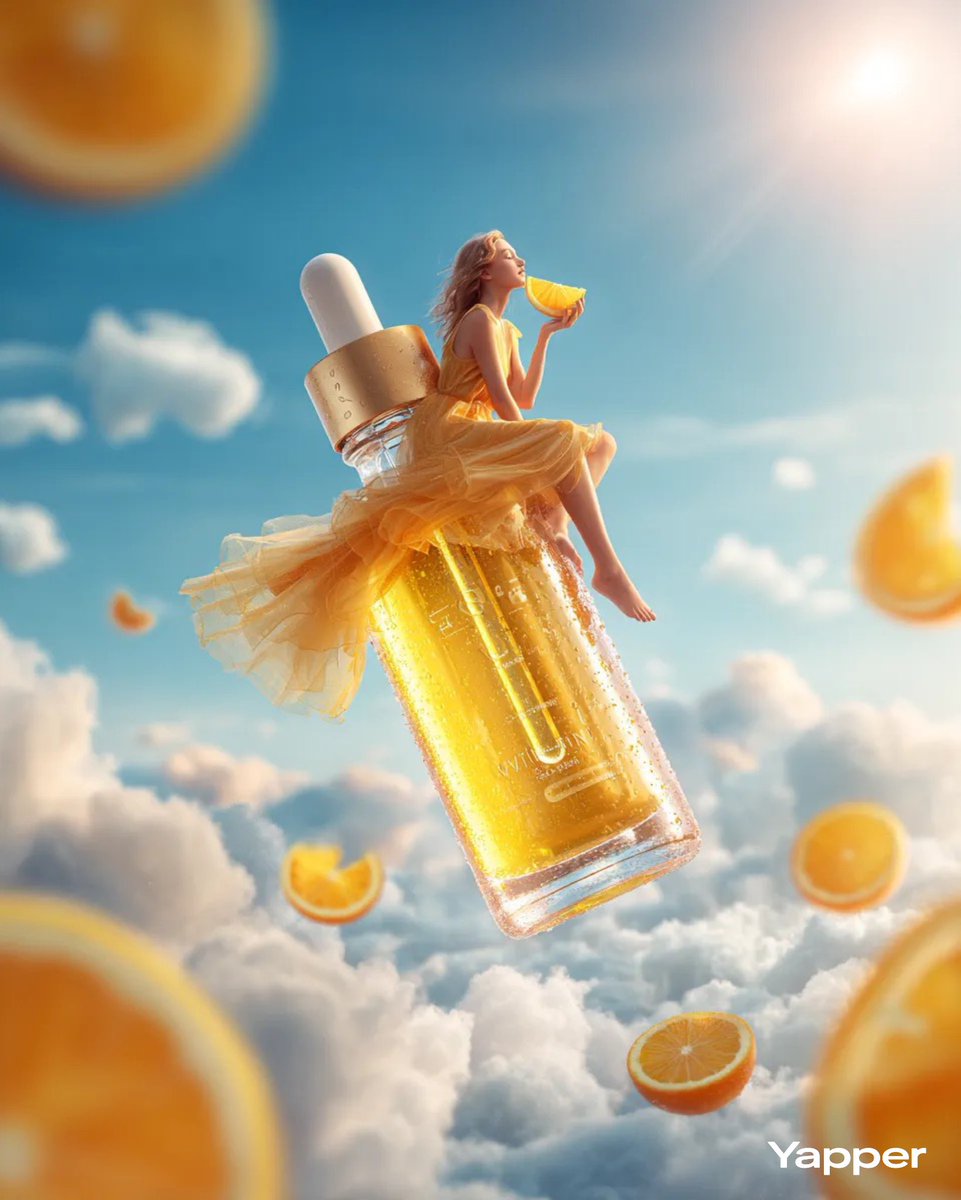
Surreal Skincare Product Ad
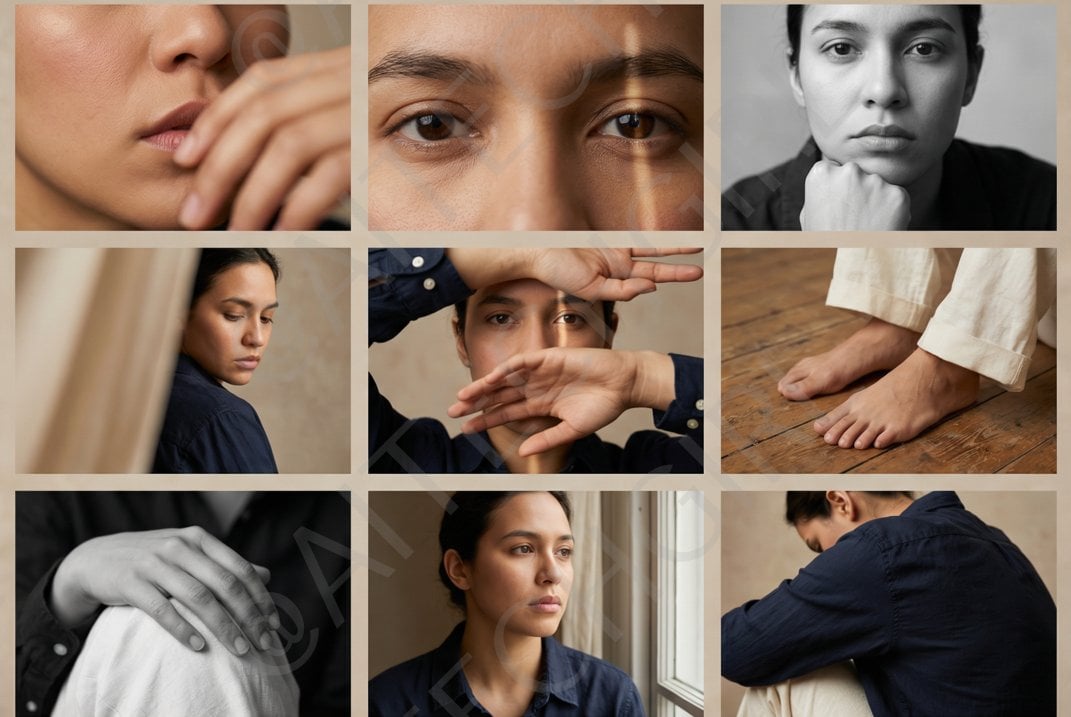
Shot Editorial Photo Grid Prompt for Nano Banana Pro
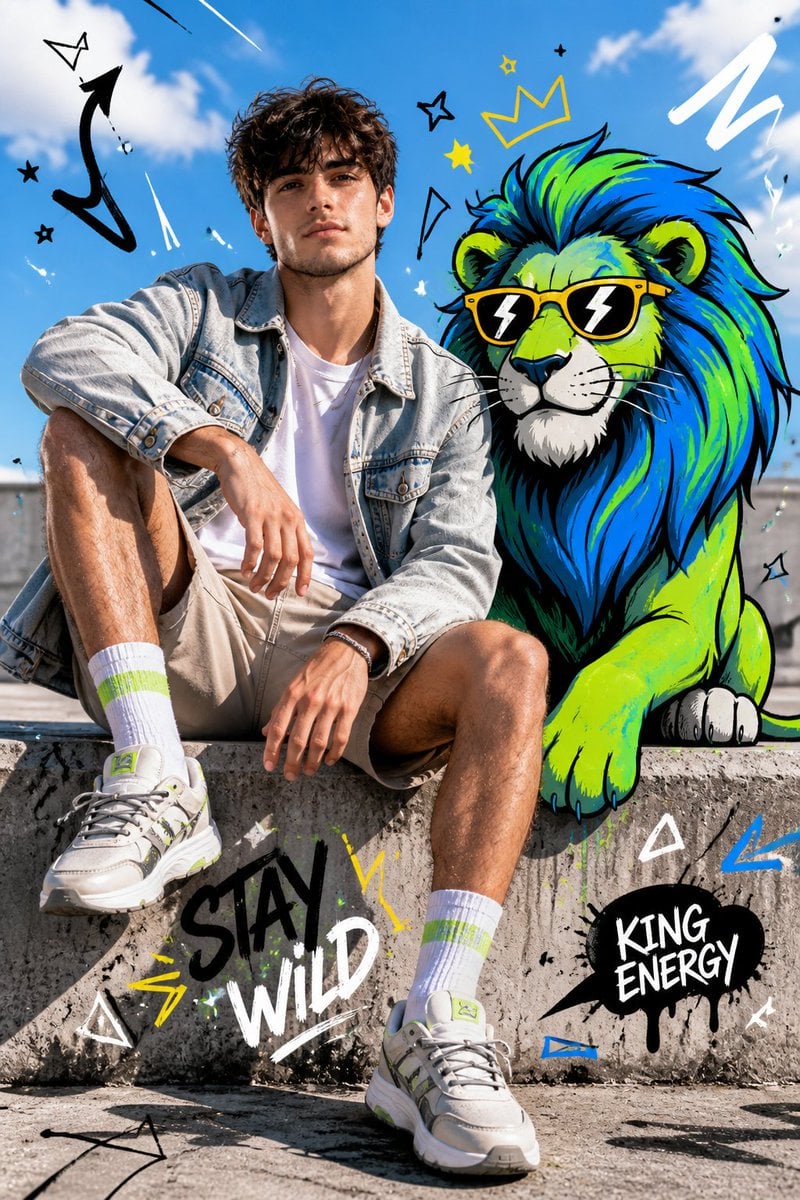
Fashion Editorial with Cartoon Fusion
Browse template categories
Hyper-Realistic 3D Chalk Art Masterpiece questions
How do I use the Hyper-Realistic 3D Chalk Art Masterpiece template?
Add your photo if the template asks for one, edit the prompt if you like — the template's model and format are already selected — and press Generate. Your version opens in PicX Studio.
Can I customize the Hyper-Realistic 3D Chalk Art Masterpiece template?
Yes. You can change the subject, setting, lighting, mood, format, and available model controls before creating your image.
Is the Hyper-Realistic 3D Chalk Art Masterpiece template free?
Opening and editing this template is free. Generating uses credits, shown on the Generate button when you are signed in.
Which AI model should I use?
Start with GPT Image 2, which is the model associated with this template. You can compare another compatible model for a different finish.
Looking for something else? Browse all templates.

Your photo, any look
Thousands of ready templates for every top image and video model, from one credit balance.