
Korean Style Portrait Photography Prompt
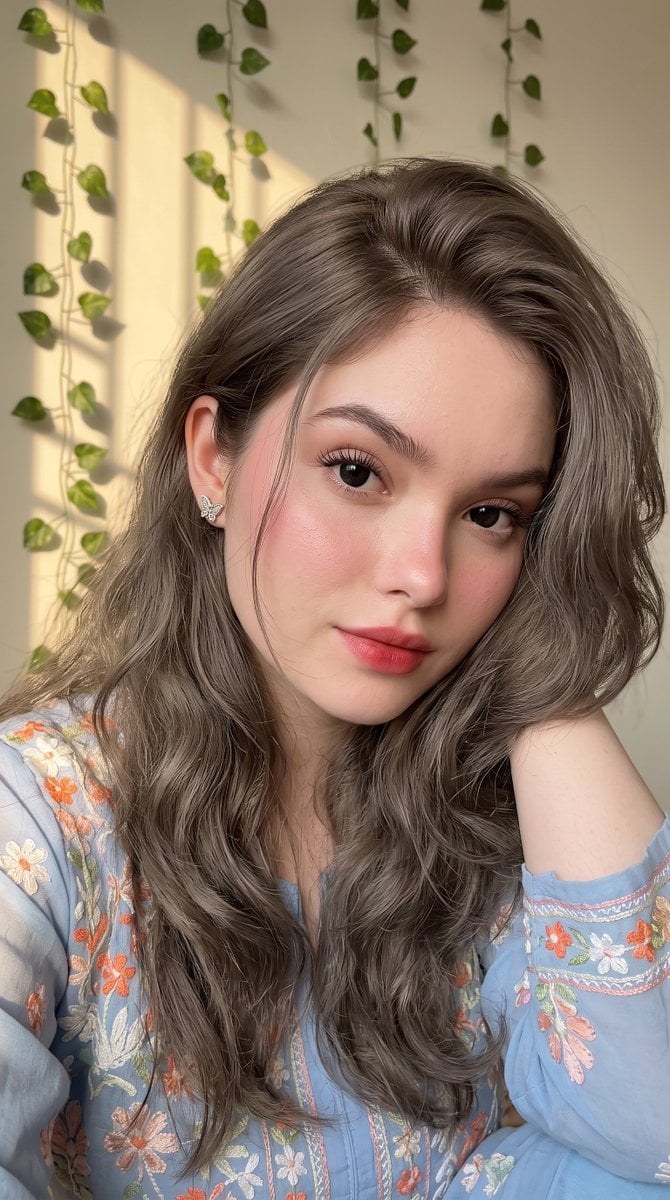
A detailed prompt for generating a soft, feminine portrait with warm natural lighting and intricate clothing details, inspired by Korean photography.
- Prompt included
- Model and format preset
- Free template
The prompt behind this image
Copy the exact prompt behind Korean Style Portrait Photography Prompt, or open it in the studio and make it yours.
Preserve her original facial features exactly as they are. She has a naturally beautiful appearance with perfect facial symmetry. She should appear youthful and feminine, with a naturally full bust rather than a flat chest. A close-up indoor selfie of a {argument name="subject" default="young woman"} with a soft, sweet face, illuminated by warm natural lighting reminiscent of golden hour. The image is ultra-realistic, featuring a beautiful fair-skinned young woman with balanced facial proportions and dewy skin that appears slightly moisturized. She has naturally groomed eyebrows, long, thick, curled upper eyelashes (lash extensions), equally long, dense, curled lower lashes, black contact lenses, and a reddish ombré lip tint. Soft pink blush is visibly applied across the bridge of her nose and beneath her eyes, creating a delicate, youthful aesthetic. Her complexion is fair with a subtle rosy undertone, rendered in ultra-high 8K detail, while a camera flash adds a luminous glow to her face. The composition emphasizes her facial expression, eyes, and makeup details. She rests her chin on her bent arm, wearing a gentle, soft smile with a calm gaze directed toward the camera. A few loose strands of hair fall naturally across her face, adding a dreamy, feminine, and effortless appearance. Her hair is long, loose, thick at the roots, and slightly wavy at the ends, colored in a {argument name="hair color" default="cool ash-brown"} shade. It is styled with a side part, with one section tucked behind her ear to reveal a small silver butterfly-shaped earring. Fine wisps of hair frame her face, enhancing the candid and natural feel. Top: She wears a {argument name="outfit" default="soft pastel blue Kashmiri embroidered kurta"} with three-quarter sleeves and a notched crew neckline. The kurta features intricate floral and vine embroidery in white, orange, and light pink across the chest, complemented by matching decorative embroidery along the sleeves, hem, and side slit. Warm midday sunlight streams through a nearby window, casting the shadow of the window bars onto the wall behind her. The warm light softly illuminates one side of her face, creating a golden glow that highlights the smooth texture of her skin and adds natural depth to her features. The background is a simple light cream-colored wall decorated with trailing green heart-shaped vines hanging from above, creating a clean, warm, and cozy indoor atmosphere. The image is captured vertically (9:16) using a smartphone in Portrait mode from a close selfie angle, with razor-sharp focus on her face, eyes, and accessories, while the background remains softly blurred with shallow depth of field. The overall aesthetic is inspired by Korean portrait photography, highlighting natural beauty under warm golden-hour lighting with a minimal, clean indoor setting. The image is ultra-photorealistic with highly detailed skin texture, soft cinematic lighting, HDR processing, 8K resolution, and calm pastel color grading that creates a warm, elegant, and soothing atm
How to use Korean Style Portrait Photography Prompt in 3 steps
- 1
Open
The prompt is already in the box next to the preview, with the template's model and format selected.
- 2…a portrait of your subject in softgolden-hour light, 85mm…
Personalize
Edit the subject and creative details for your destination.
- 3Generate
Generate
Press Generate — your image is created in PicX Studio, so you can compare it with the original and refine one variable at a time.
More like this
Templates with the same subject, style or setup. Open one to see its prompt.
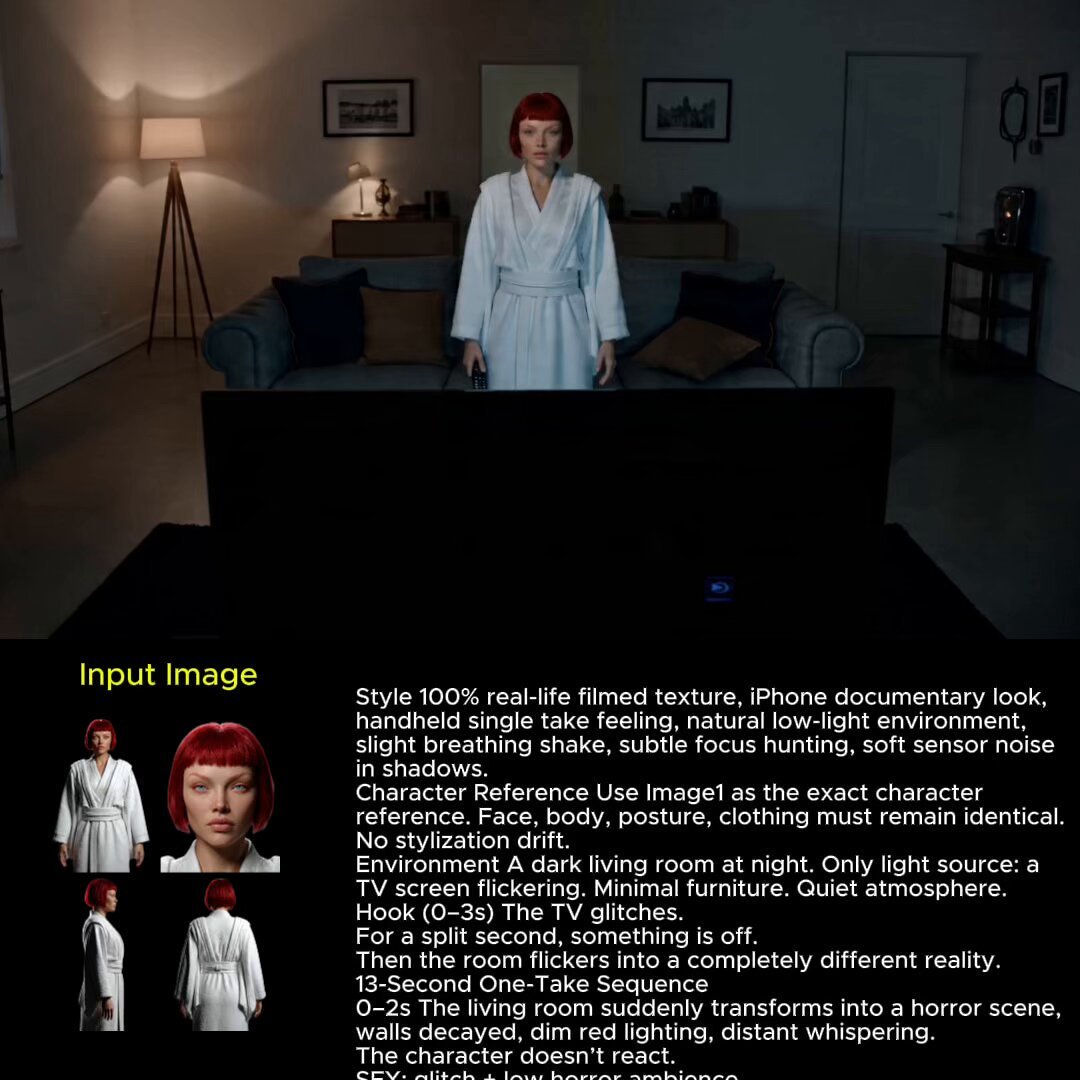
2025 Aesthetic Photography
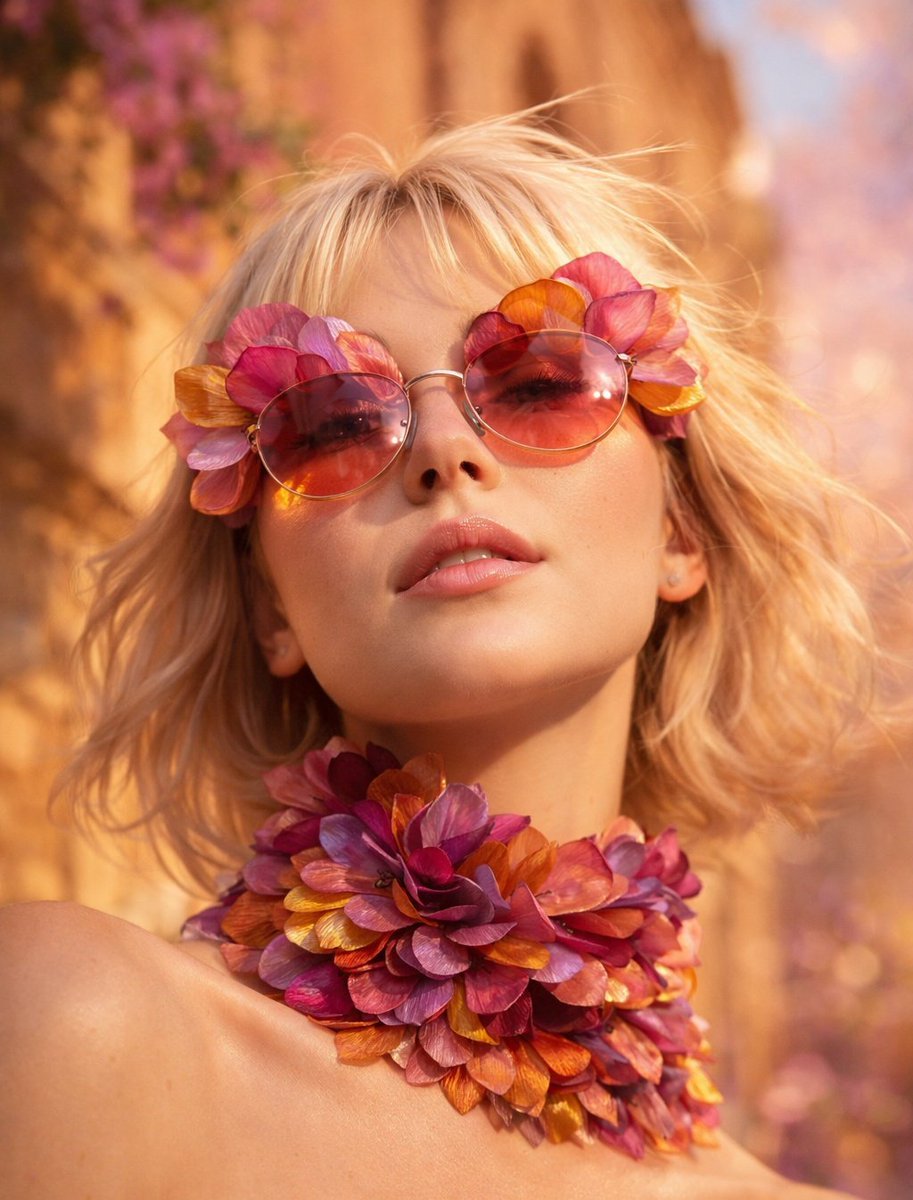
Flower Petal Sunglasses Couture Portrait
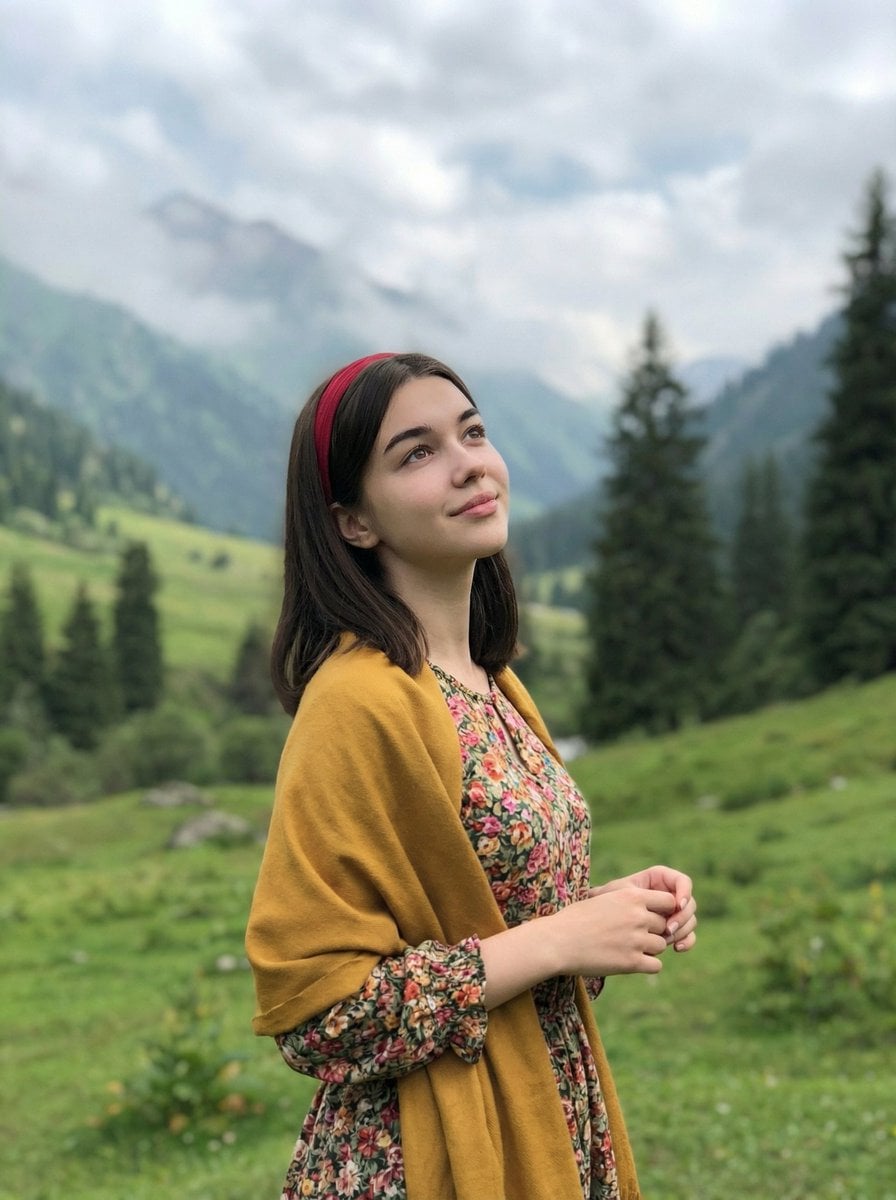
Mountain Valley Lifestyle Portrait

Portrait of a young woman in her early 20s walking calmly on a beautiful
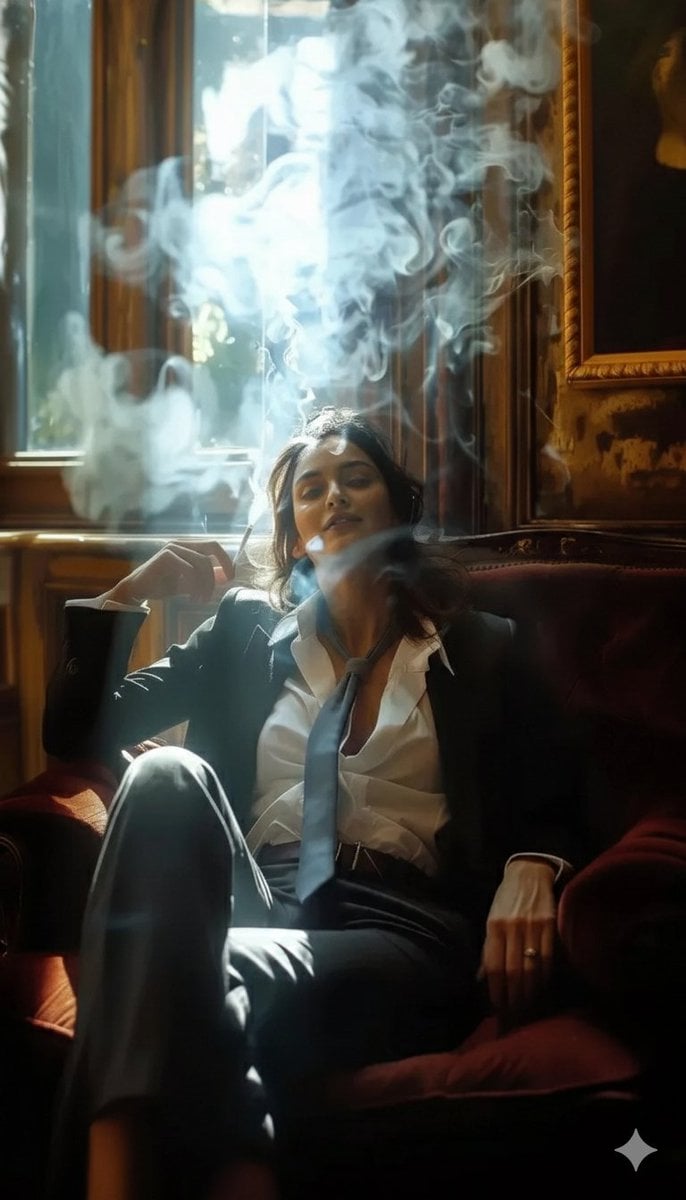
A high-definition cinematic portrait of a sophisticated woman sitting
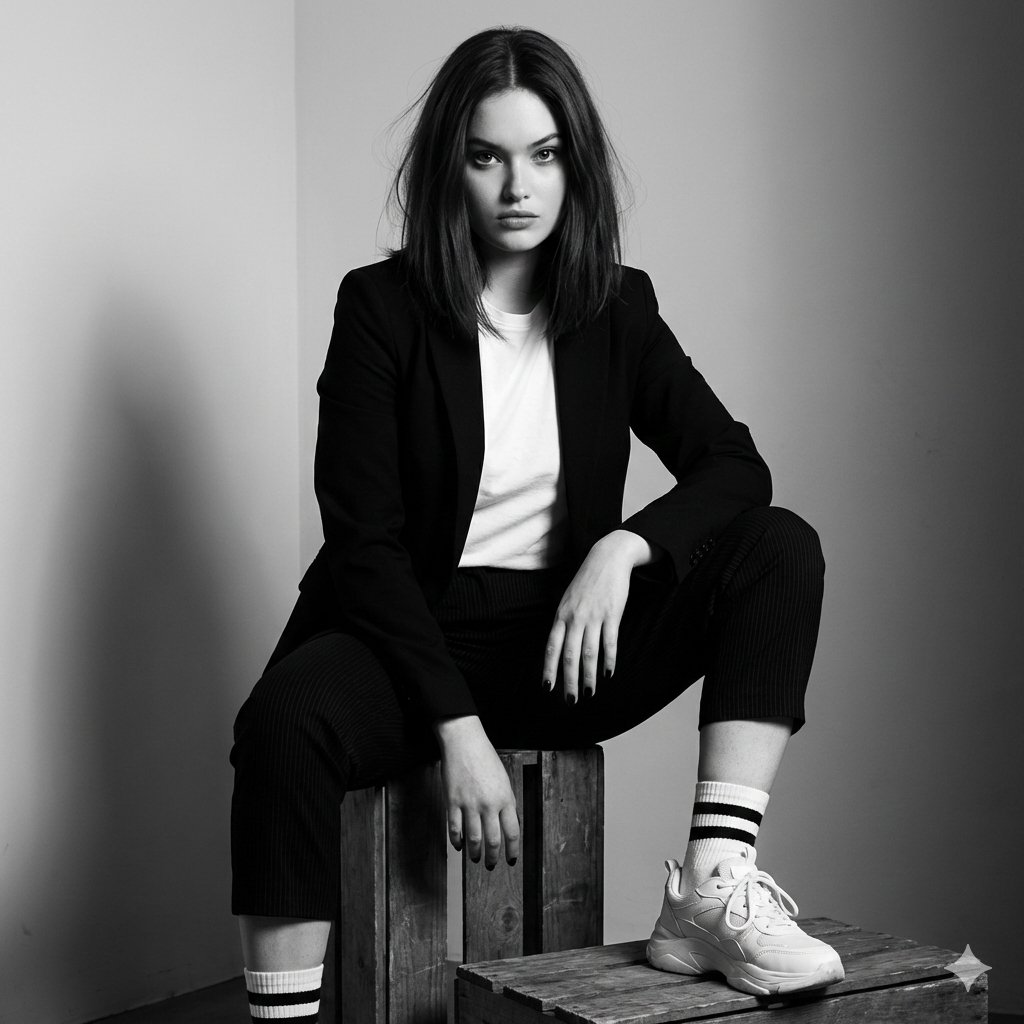
Realistic portrait 100 identical face, no editing allowed

Found Photograph: Us, 1970

80s Couple Studio Portrait

80s Bollywood Star

80s Golden Hour Cinema

Me in 1985

1985 Studio Portrait
Make it yours
Korean Style Portrait Photography Prompt works as-is. These are the safest ways to change it without losing the look.
Change one field
Copy a single group, rewrite it, and generate again so you can see what that field is doing.
Keep the frame, change the subject
Hold the composition and light of Korean Style Portrait Photography Prompt, then swap wardrobe, props or the person for a new take.
| If the result… | Why | Fix |
|---|---|---|
| The result drifts from the preview | Too many fields changed at once. | Reuse Korean Style Portrait Photography Prompt as-is first, then change one group — subject, light, or setting. |
| The model over-stylizes the scene | The prose prompt leaves finish and camera underspecified. | Add one camera or lighting sentence and stay on Nano Banana 2. |
More Nano Banana 2 templates
Other prompts made for Nano Banana 2.

Photorealistic Leaf Shaped Like a Dragon

K-Pop Idol Portrait Grid for Rapid Selection

Poetic Rain Forest Portrait During Golden Hour

Urban Street Portrait with Cartoon Inner Self Duo

Candid Nighttime Photo with Cat Prompt

High-Concept 3D Diorama Generation Prompt

Cinematic Futuristic Studio Portrait Template

Skincare Editorial Photography Collage Prompt

Hyper-Realistic Commercial Product Photography (Splash Effect)

Hyper-Realistic Nightclub Portrait Prompt
More image prompts
Fresh picks from across the catalog.
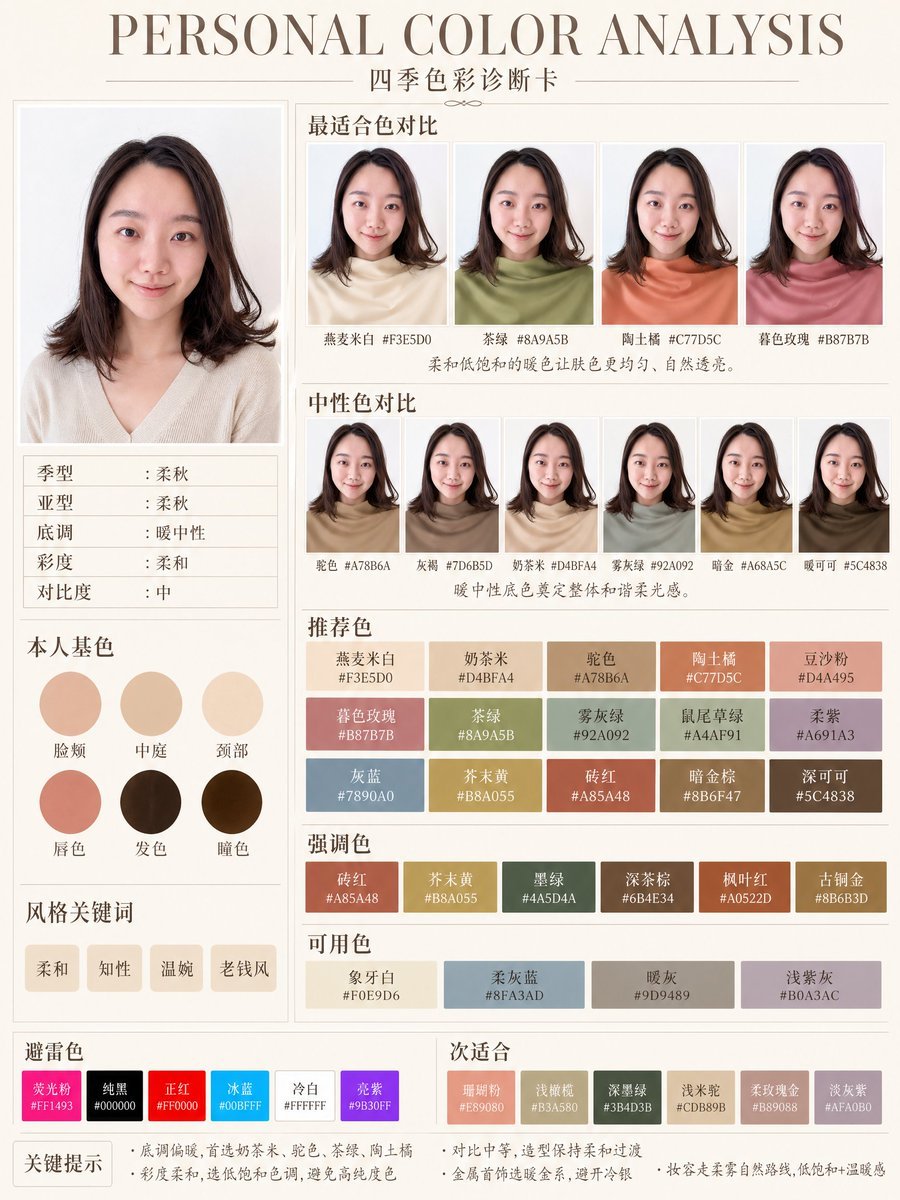
Soft Autumn Personal Color Card
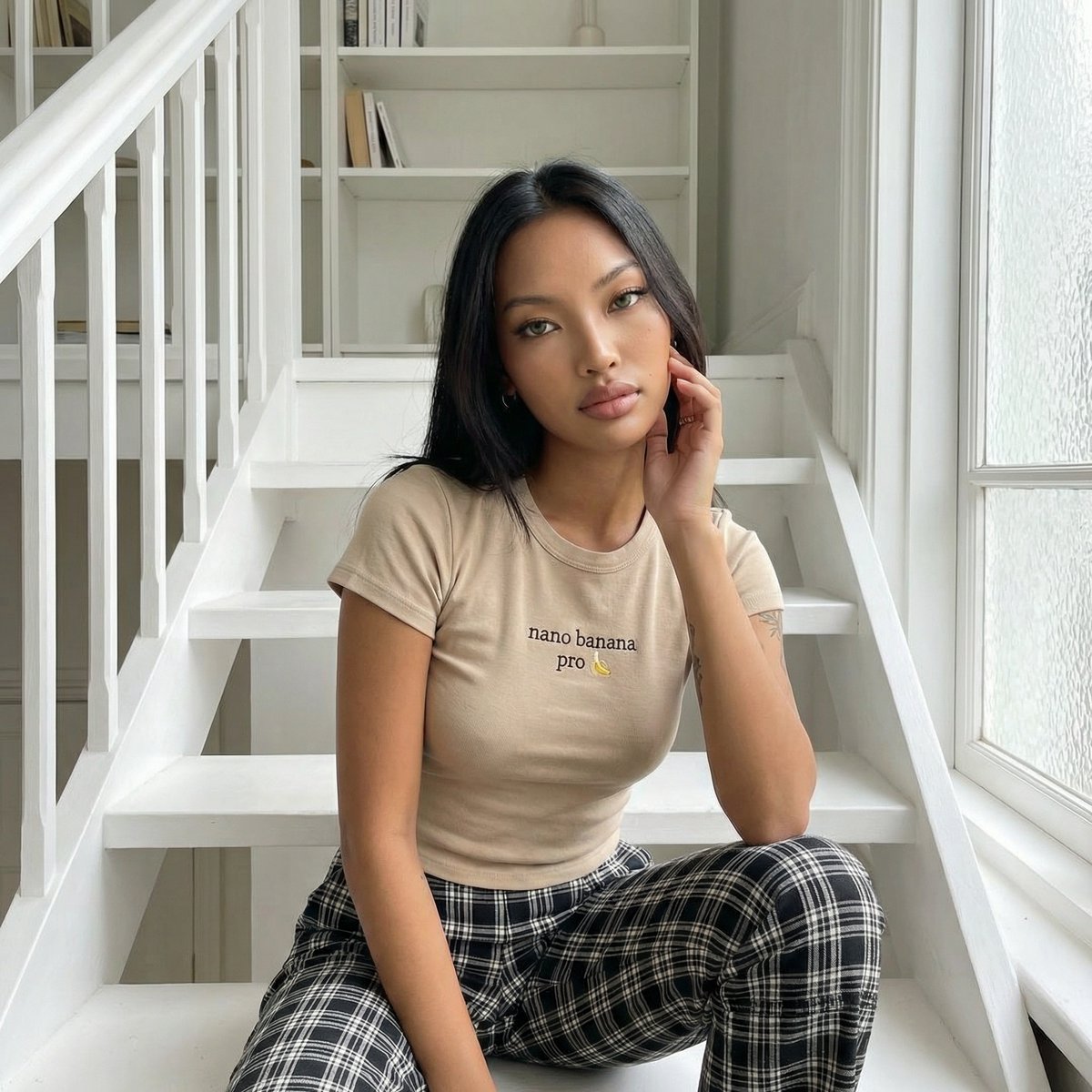
Editorial Portrait on Scandinavian Interior Stairs
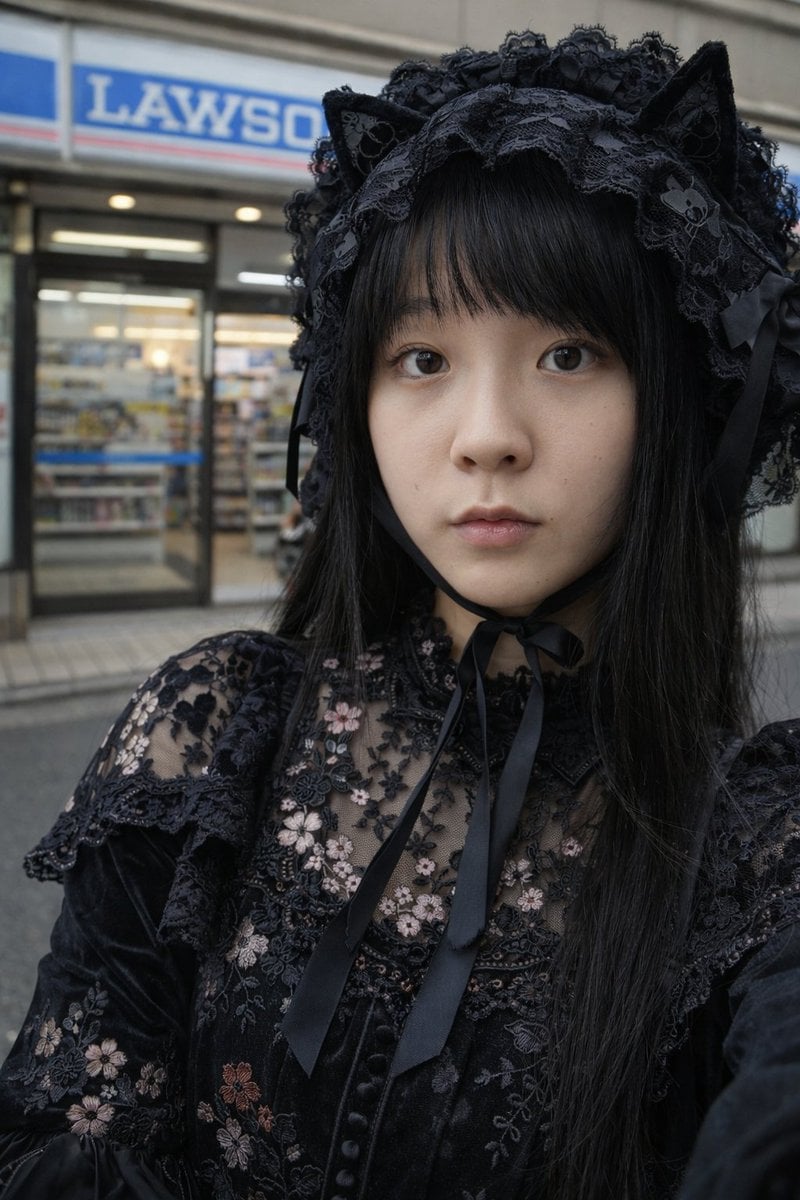
Gothic Lolita Portrait at Convenience Store

Lisbon Night Travel Poster
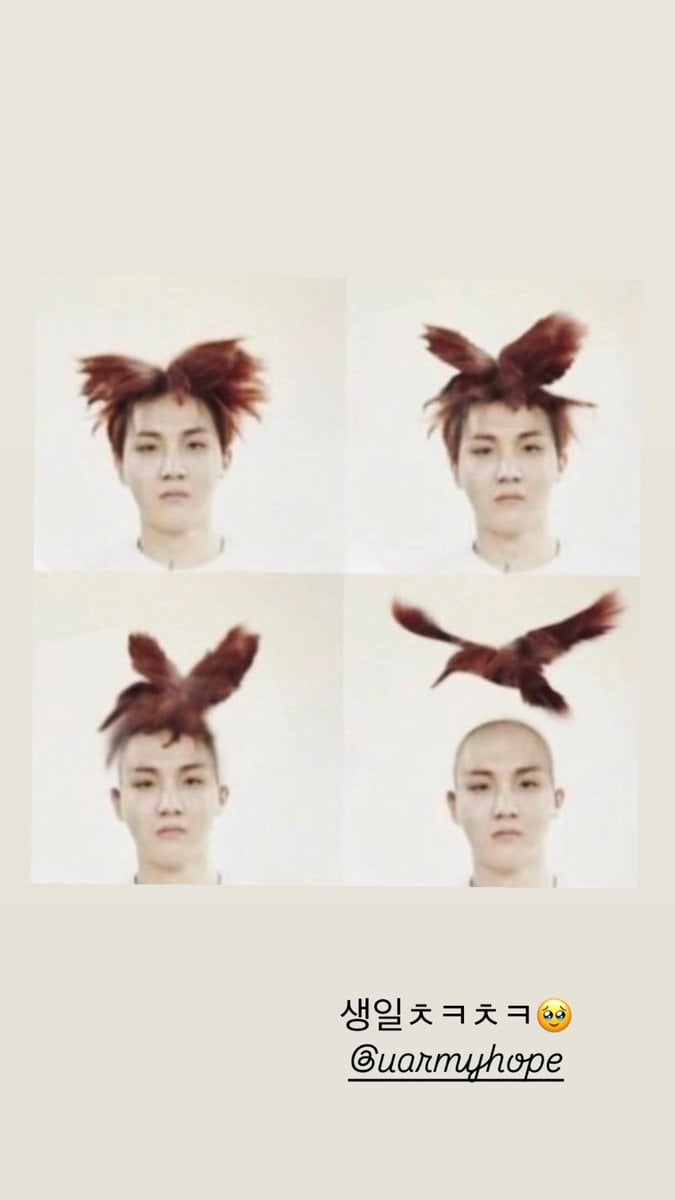
ASCII Art Face with Korean Text

OpenAI CEO Announcement Mockup
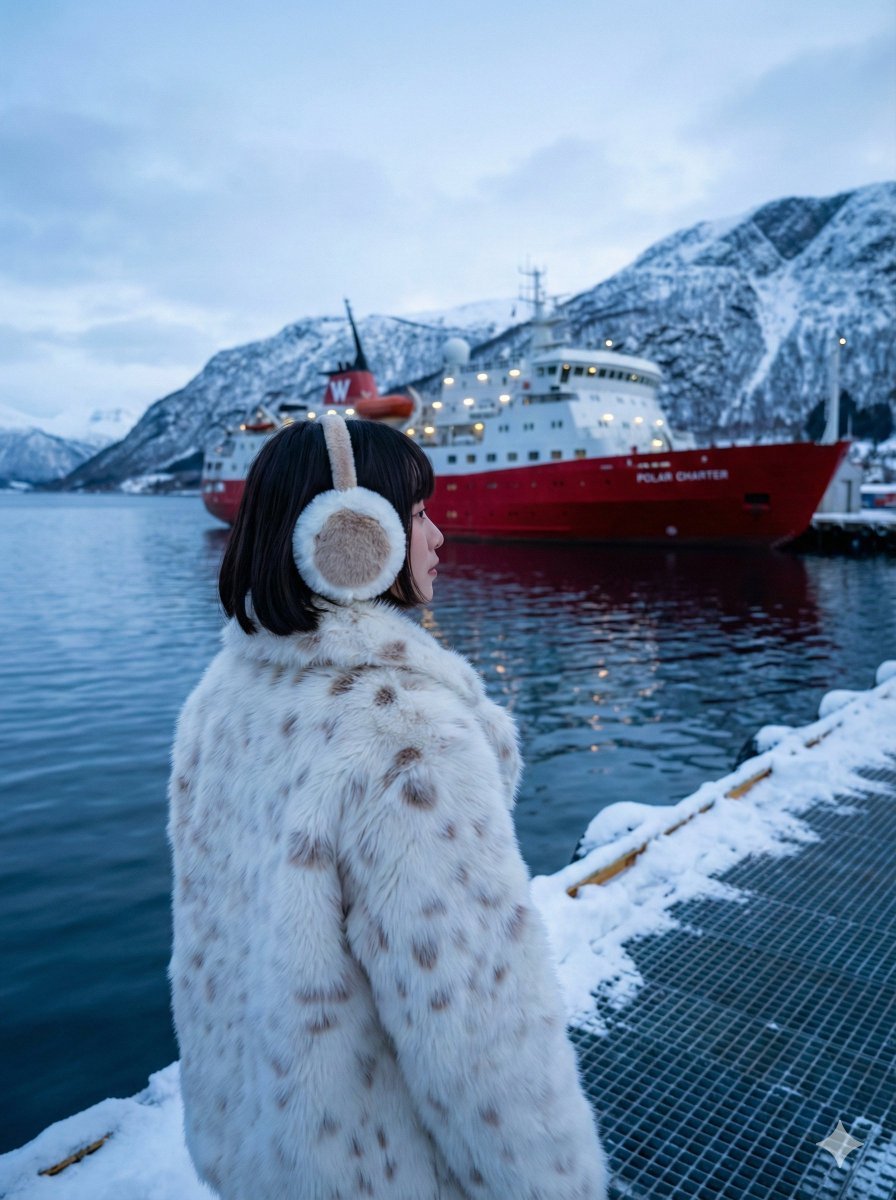
Moody Cinematic Travel Photo in Snowy Harbor

Premium Smartphone Ad Poster
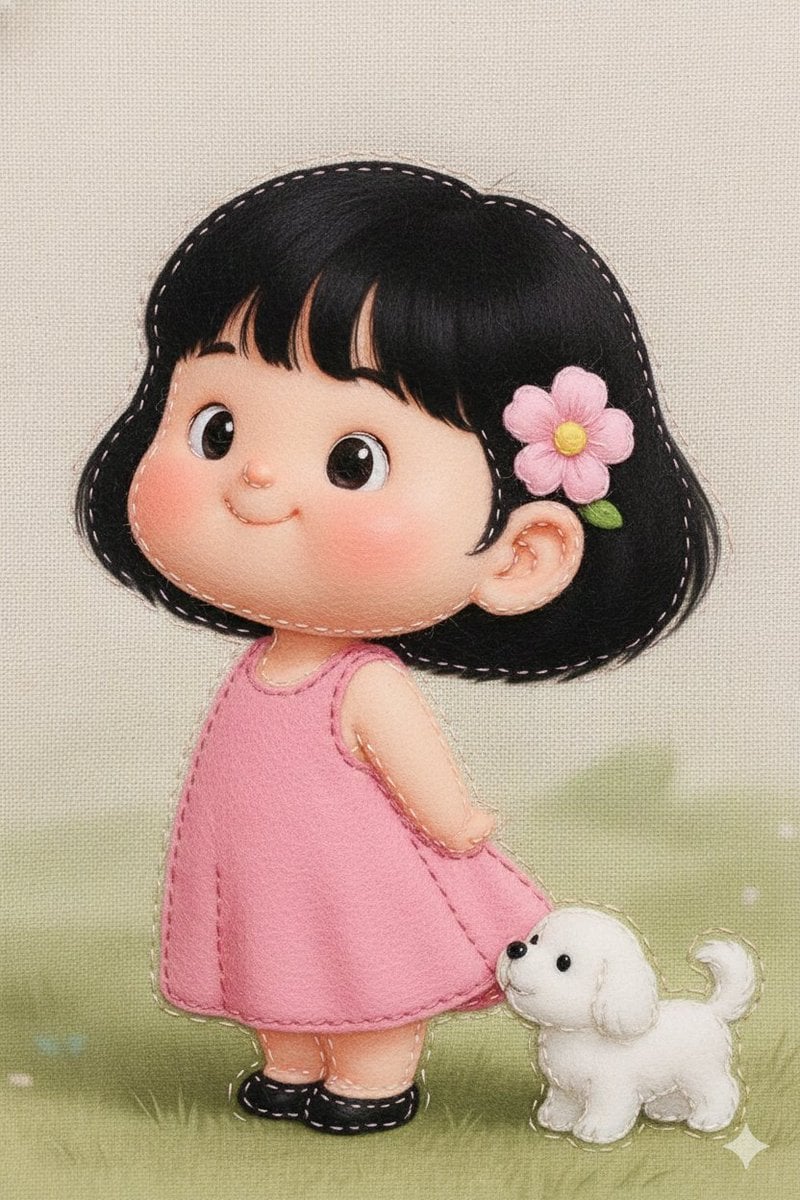
Felt Fabric Applique Art Style Transfer Prompt

Four Japanese Ad Visuals Collage
Browse template categories
Korean Style Portrait Photography Prompt questions
How do I use the Korean Style Portrait Photography Prompt template?
Add your photo if the template asks for one, edit the prompt if you like — the template's model and format are already selected — and press Generate. Your version opens in PicX Studio.
Can I customize the Korean Style Portrait Photography Prompt template?
Yes. You can change the subject, setting, lighting, mood, format, and available model controls before creating your image.
Is the Korean Style Portrait Photography Prompt template free?
Opening and editing this template is free. Generating uses credits, shown on the Generate button when you are signed in.
Which AI model should I use?
Start with Nano Banana 2, which is the model associated with this template. You can compare another compatible model for a different finish.
Looking for something else? Browse all templates.

Your photo, any look
Thousands of ready templates for every top image and video model, from one credit balance.