
Industrial Football Locker Room Campaign
A high-end editorial sports-fashion prompt featuring models in Portugal national jerseys within a gritty industrial locker room setting.
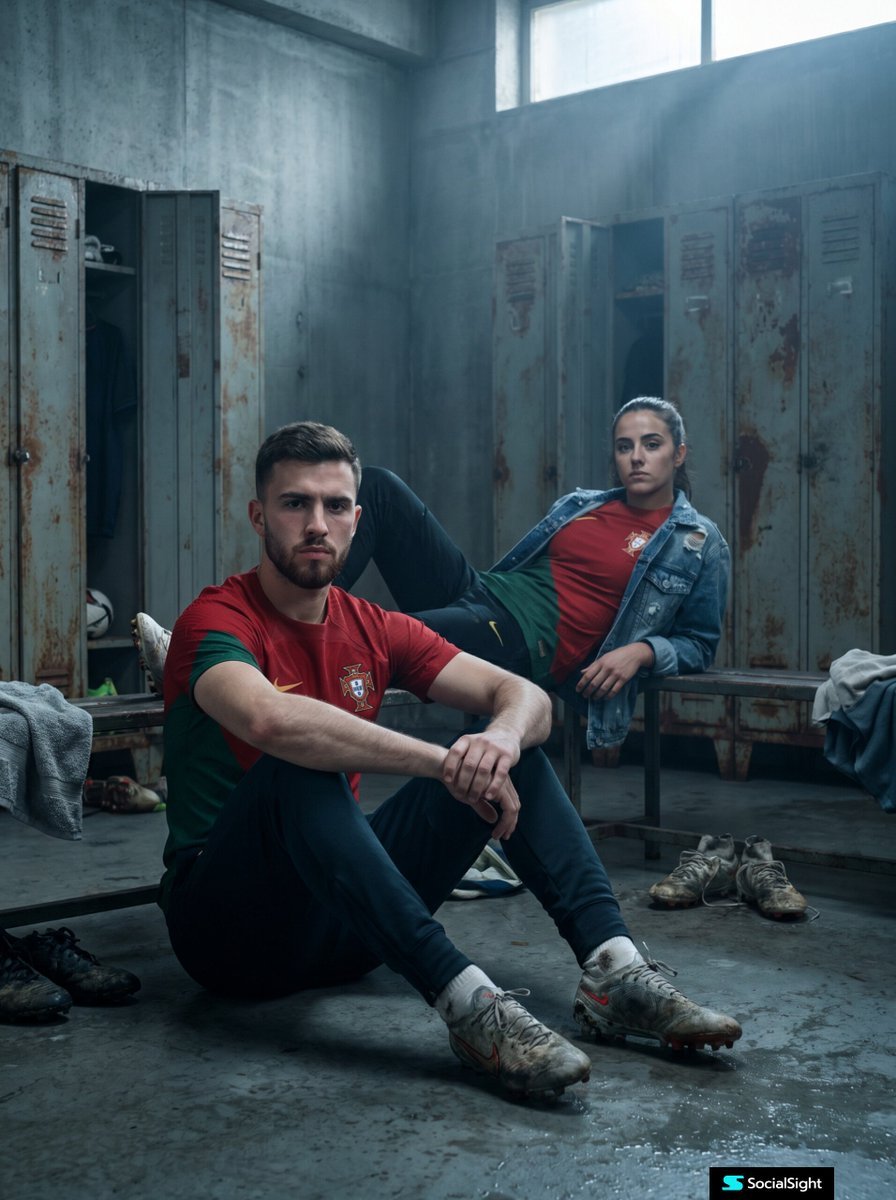
- Prompt included
- Model and format preset
- Free template
The prompt behind this image
Copy the exact prompt behind Industrial Football Locker Room Campaign, or open it in the studio and make it yours.
Ultra-realistic editorial sports-fashion campaign featuring {argument name="subjects" default="a young man and young woman"} wearing {argument name="clothing" default="authentic Portugal national football jerseys"} inside a {argument name="setting" default="gritty industrial locker room"}. The man sits confidently on the cold concrete floor in the foreground, leaning slightly forward with clasped hands, while the woman relaxes effortlessly on a worn steel locker-room bench in the background. Both have intense, serious expressions, creating a powerful sense of determination and quiet confidence. Raw concrete walls, distressed metal lockers, scattered football gear, worn boots, subtle moisture on the floor, and cinematic industrial textures enhance the atmosphere. Dramatic Rembrandt lighting with soft volumetric rays, deep shadows, cool grey tones contrasted by the vivid red Portugal jerseys. Luxury streetwear styling, modern football culture aesthetic, Vogue Sports editorial, Nike campaign quality, premium fashion photography, shallow depth of field, razor-sharp facial details, natural skin texture, realistic fabric folds, ultra-detailed embroidery, lifelike proportions, subtle film grain, HDR, 85mm lens, f/1.8, full-frame camera, high dynamic range, rich contrast, photorealistic, hyper-realistic, masterpiece, 8K, award-winning commercial photography, cinematic composition, magazine cover quality, no text, no watermark, no logos except jersey crest.
How to use Industrial Football Locker Room Campaign in 3 steps
- 1
Open
The prompt is already in the box next to the preview, with the template's model and format selected.
- 2…a portrait of your subject in softgolden-hour light, 85mm…
Personalize
Edit the subject and creative details for your destination.
- 3Generate
Generate
Press Generate — your image is created in PicX Studio, so you can compare it with the original and refine one variable at a time.
More like this
Templates with the same subject, style or setup. Open one to see its prompt.
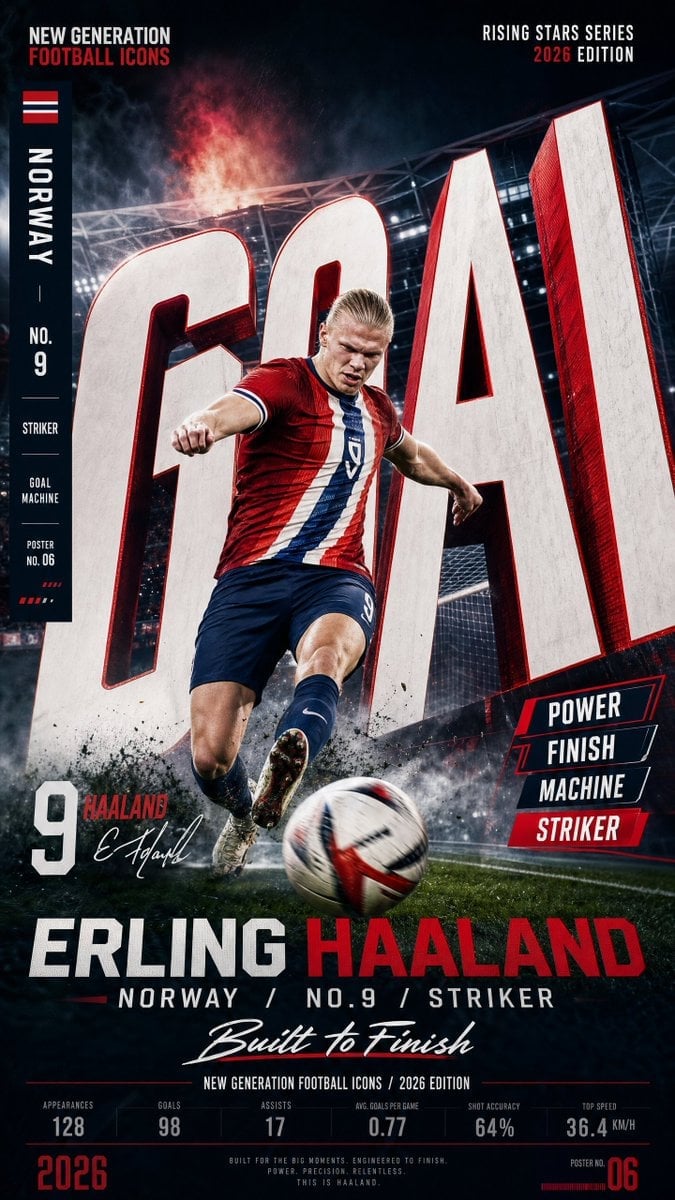
Vertical Football Star Campaign Poster

Monochrome Portrait Jersey Accent Poster
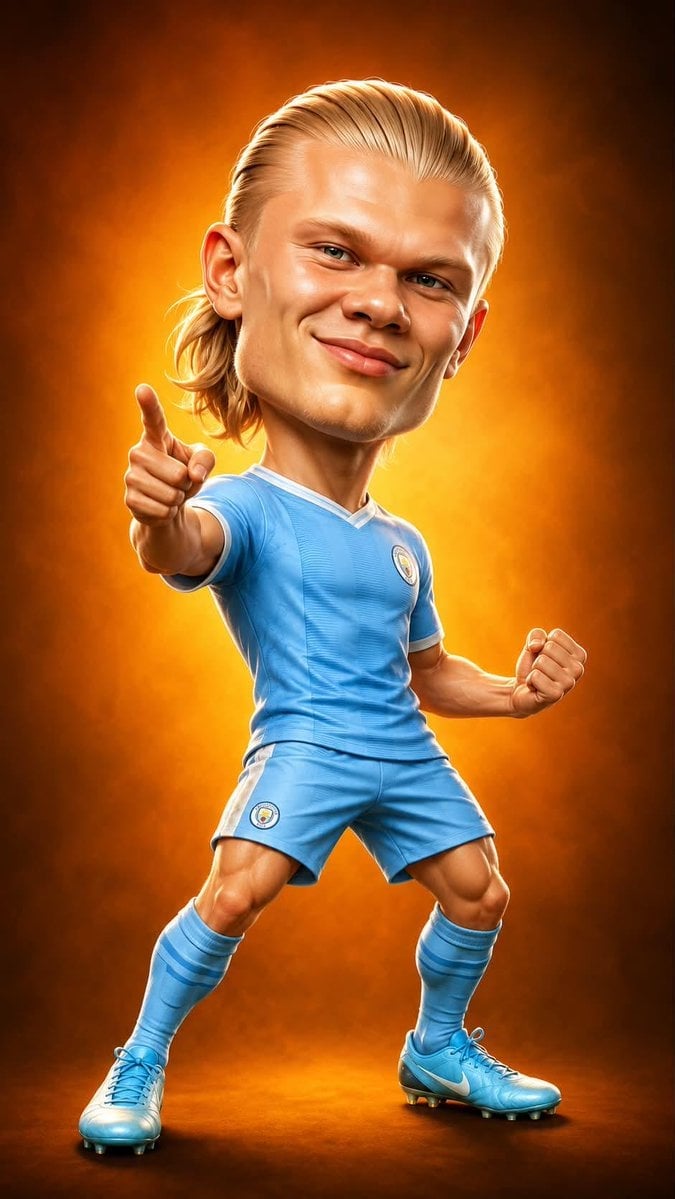
Legendary Icons Mixed Style Poster Pack

Goalmaster Youth Sports Poster
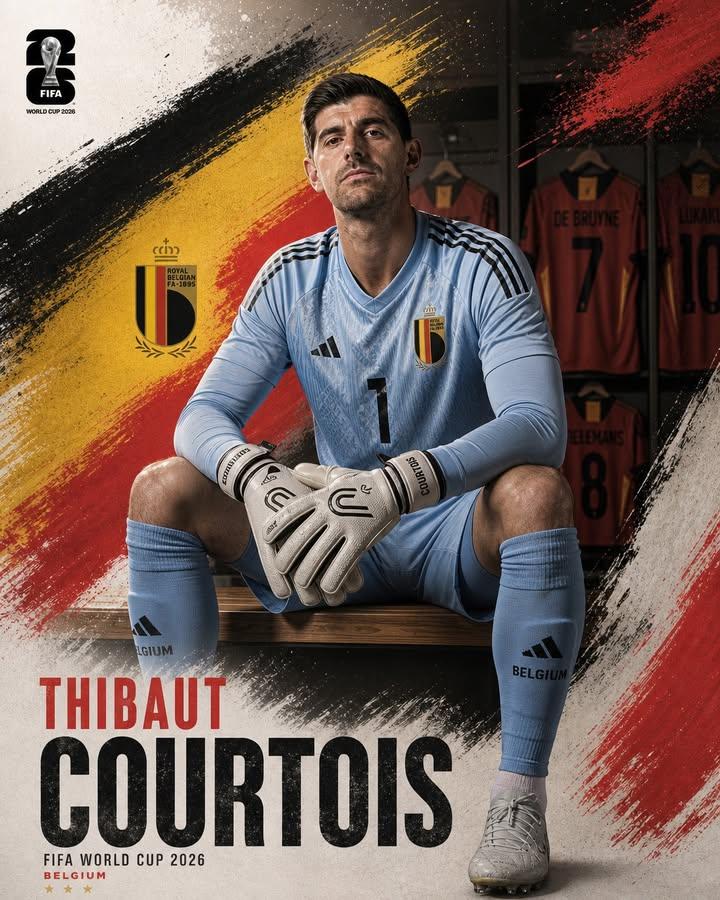
Professional Footballer Locker Room Poster
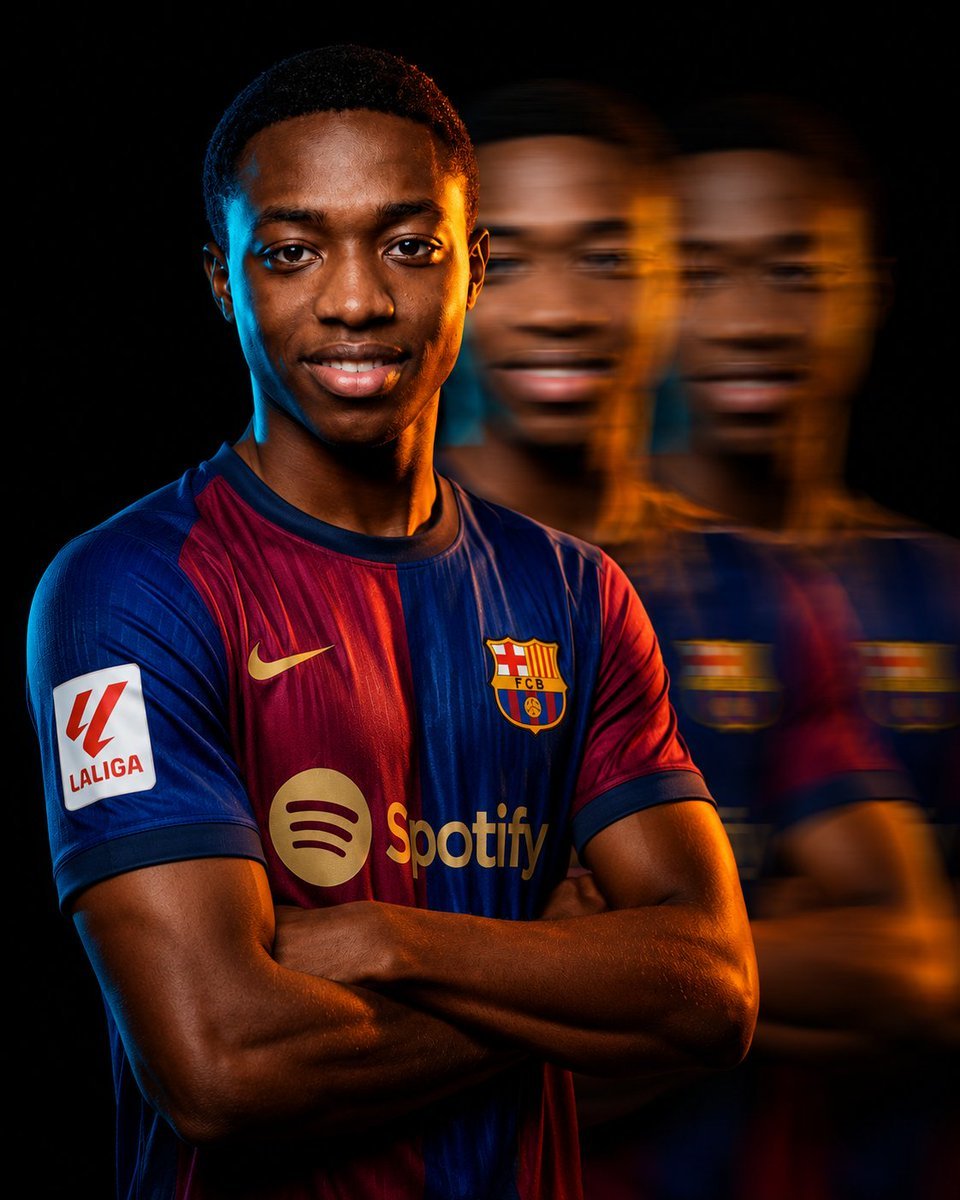
Cinematic Football Campaign Portrait
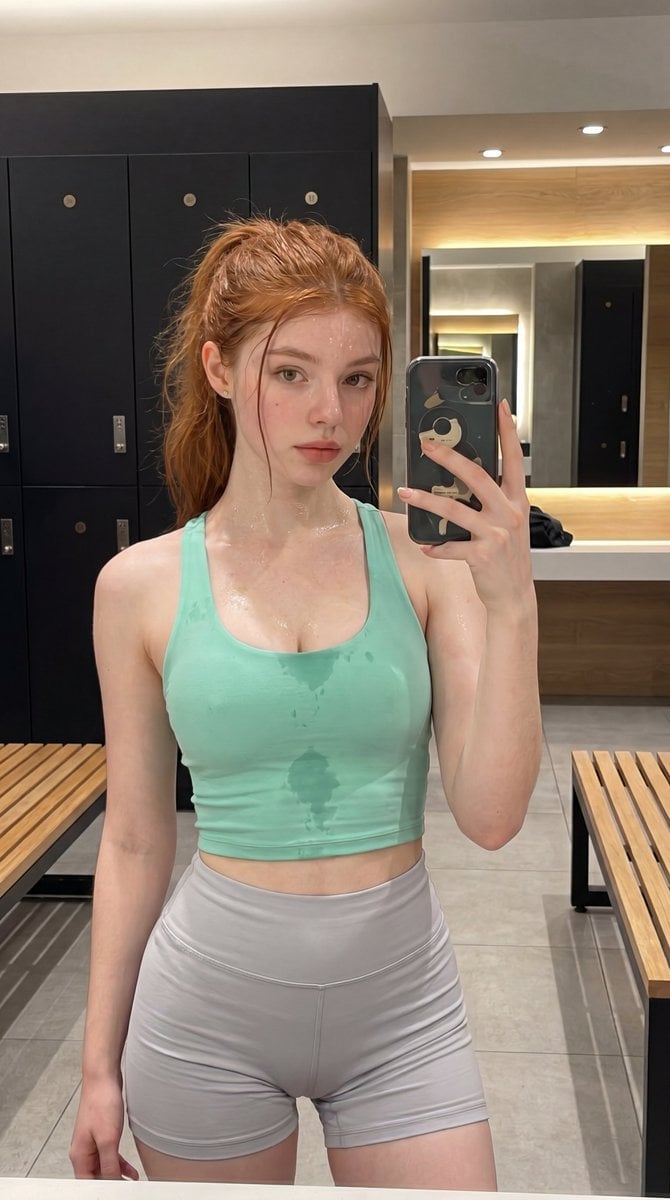
Luxury Gym Locker Room Portrait

Retro Pop-Art K-Fashion Ultraluxury Campaign Poster

Monroe and Ash Mediterranean Luxury Fashion Campaign

Polo Ralph Lauren Luxury American Heritage Fashion Campaign

Retro Mirror Luxury Fashion Campaign Poster

Luxury Fashion Campaign Typography Poster System
Make it yours
Industrial Football Locker Room Campaign works as-is. These are the safest ways to change it without losing the look.
Change one field
Copy a single group, rewrite it, and generate again so you can see what that field is doing.
Keep the frame, change the subject
Hold the composition and light of Industrial Football Locker Room Campaign, then swap wardrobe, props or the person for a new take.
| If the result… | Why | Fix |
|---|---|---|
| The result drifts from the preview | Too many fields changed at once. | Reuse Industrial Football Locker Room Campaign as-is first, then change one group — subject, light, or setting. |
| The model over-stylizes the scene | The prose prompt leaves finish and camera underspecified. | Add one camera or lighting sentence and stay on Nano Banana 2. |
More Nano Banana 2 templates
Other prompts made for Nano Banana 2.

Photorealistic Leaf Shaped Like a Dragon

K-Pop Idol Portrait Grid for Rapid Selection

Poetic Rain Forest Portrait During Golden Hour

Urban Street Portrait with Cartoon Inner Self Duo

Candid Nighttime Photo with Cat Prompt

High-Concept 3D Diorama Generation Prompt

Cinematic Futuristic Studio Portrait Template

Skincare Editorial Photography Collage Prompt

Hyper-Realistic Commercial Product Photography (Splash Effect)

Hyper-Realistic Nightclub Portrait Prompt
More image prompts
Fresh picks from across the catalog.
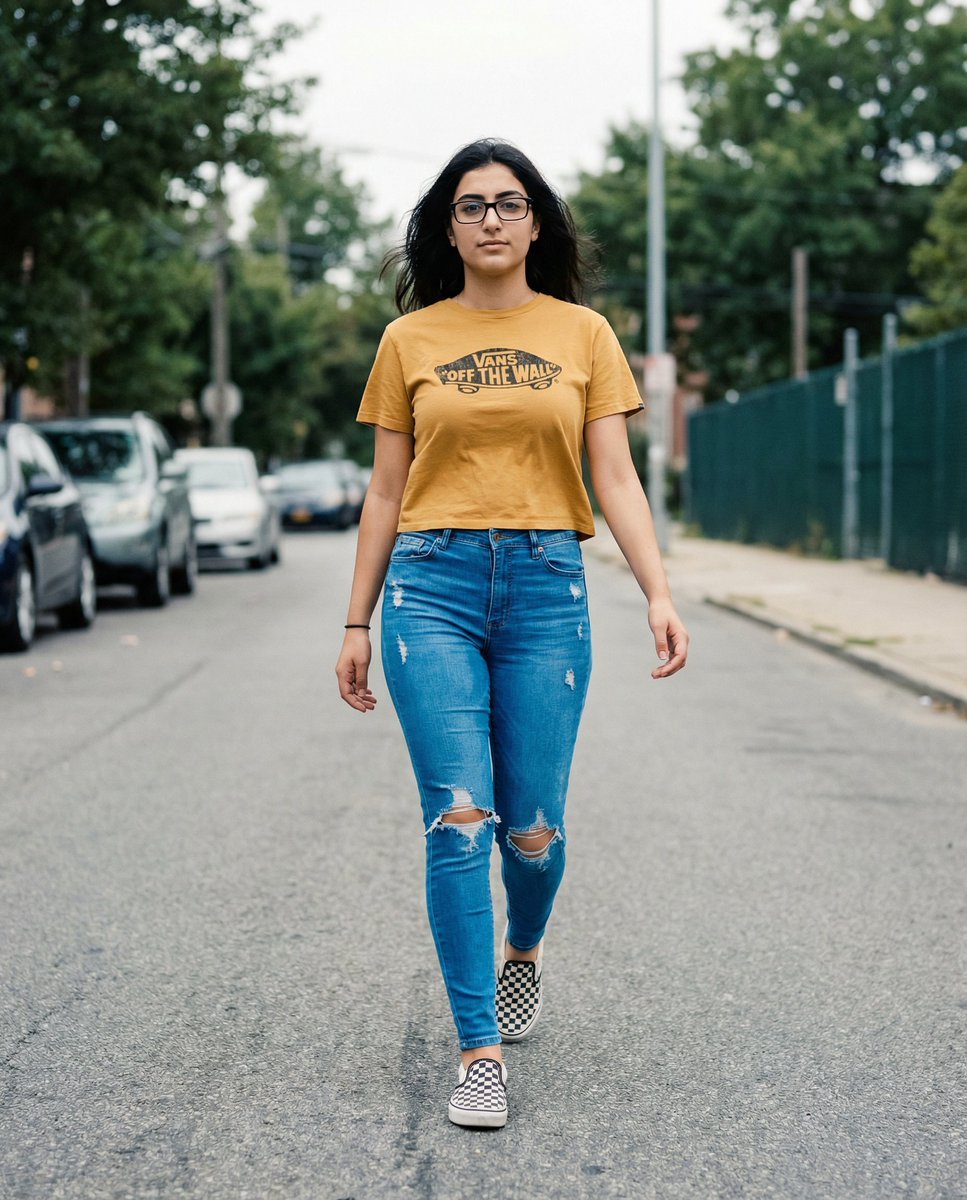
Vans Logo Street Fashion Portrait Replication
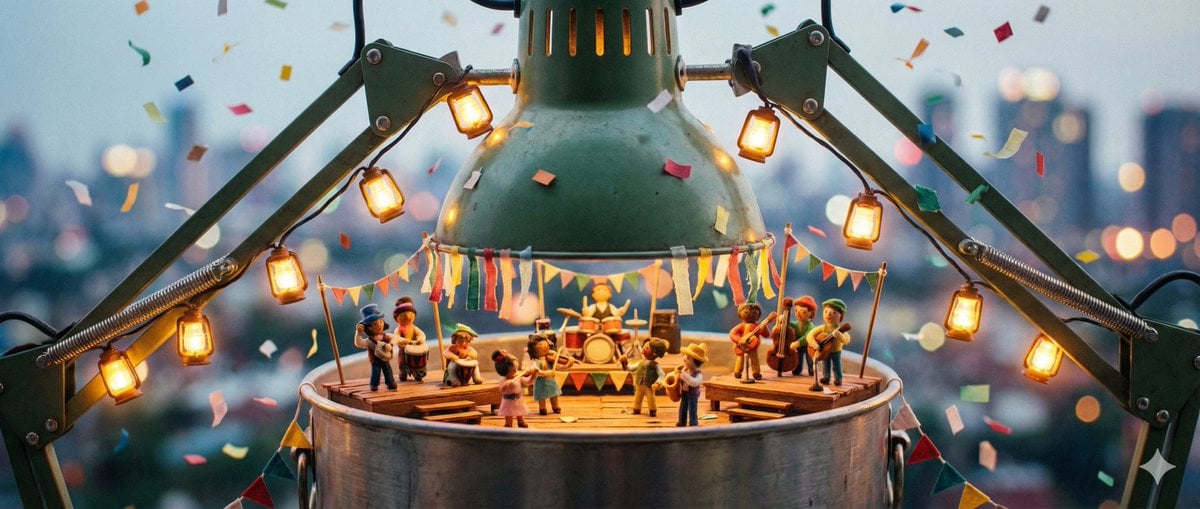
Tiny Characters Festival on Everyday Object Prompt
Roast Me Prompt for Nano Banana Pro
Six-Scene Facial Expression Difference Grid
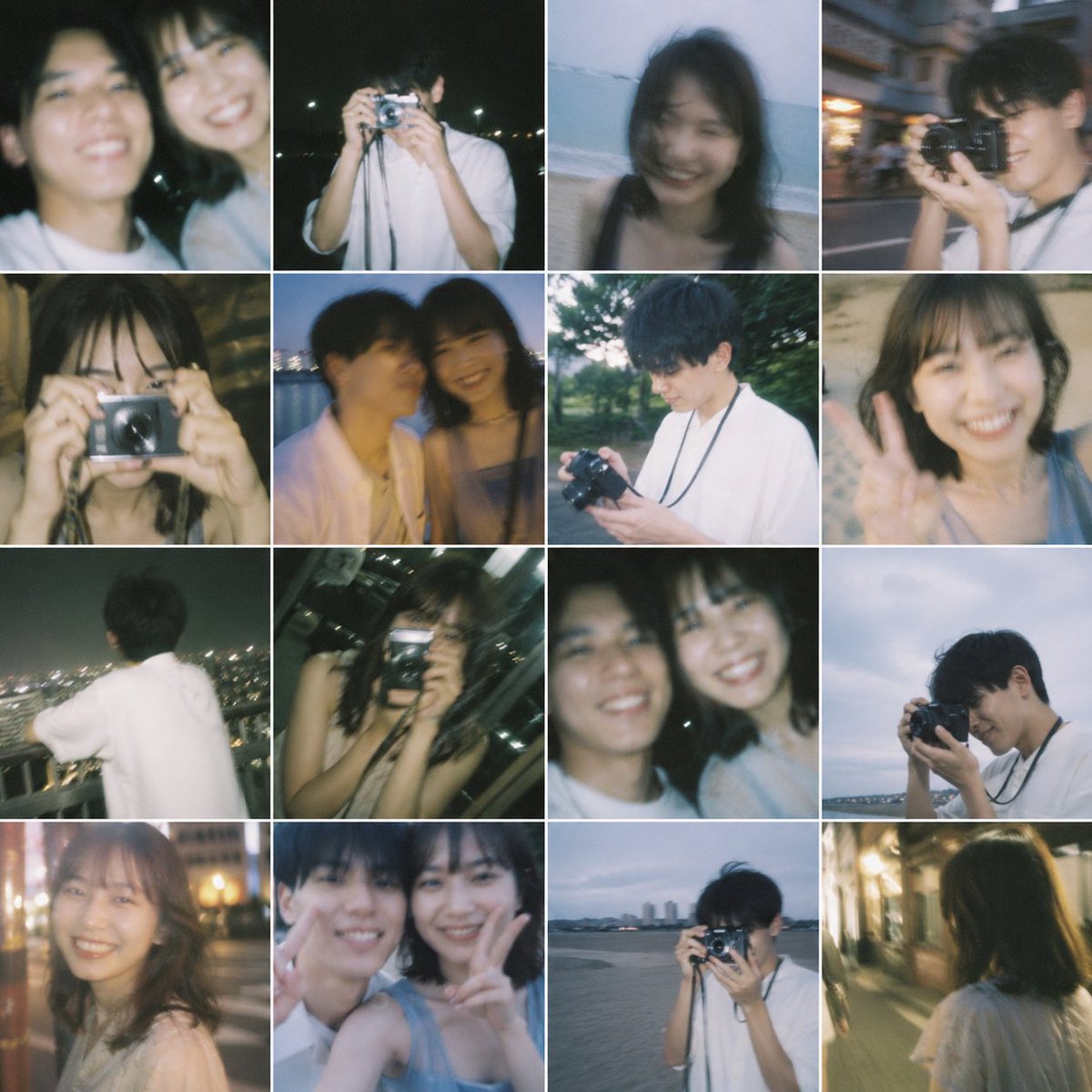
Nostalgic 16-Photo Couple Grid
Ultra-Realistic Portrait with Hard Lighting Prompt
Top-Down Product Zoom Video Prompt
Custom Cat Beastman Playing Cards

Editorial Lifestyle Prompt for Gemini Nano Banana Pro
Pencil Sketch Fashion Illustration
Browse template categories
Industrial Football Locker Room Campaign questions
How do I use the Industrial Football Locker Room Campaign template?
Add your photo if the template asks for one, edit the prompt if you like — the template's model and format are already selected — and press Generate. Your version opens in PicX Studio.
Can I customize the Industrial Football Locker Room Campaign template?
Yes. You can change the subject, setting, lighting, mood, format, and available model controls before creating your image.
Is the Industrial Football Locker Room Campaign template free?
Opening and editing this template is free. Generating uses credits, shown on the Generate button when you are signed in.
Which AI model should I use?
Start with Nano Banana 2, which is the model associated with this template. You can compare another compatible model for a different finish.
Looking for something else? Browse all templates.

Your photo, any look
Thousands of ready templates for every top image and video model, from one credit balance.