
Fashion Editorial Stool Portrait
A professional fashion editorial prompt designed to preserve facial identity while generating a luxury suit portrait in a studio setting.
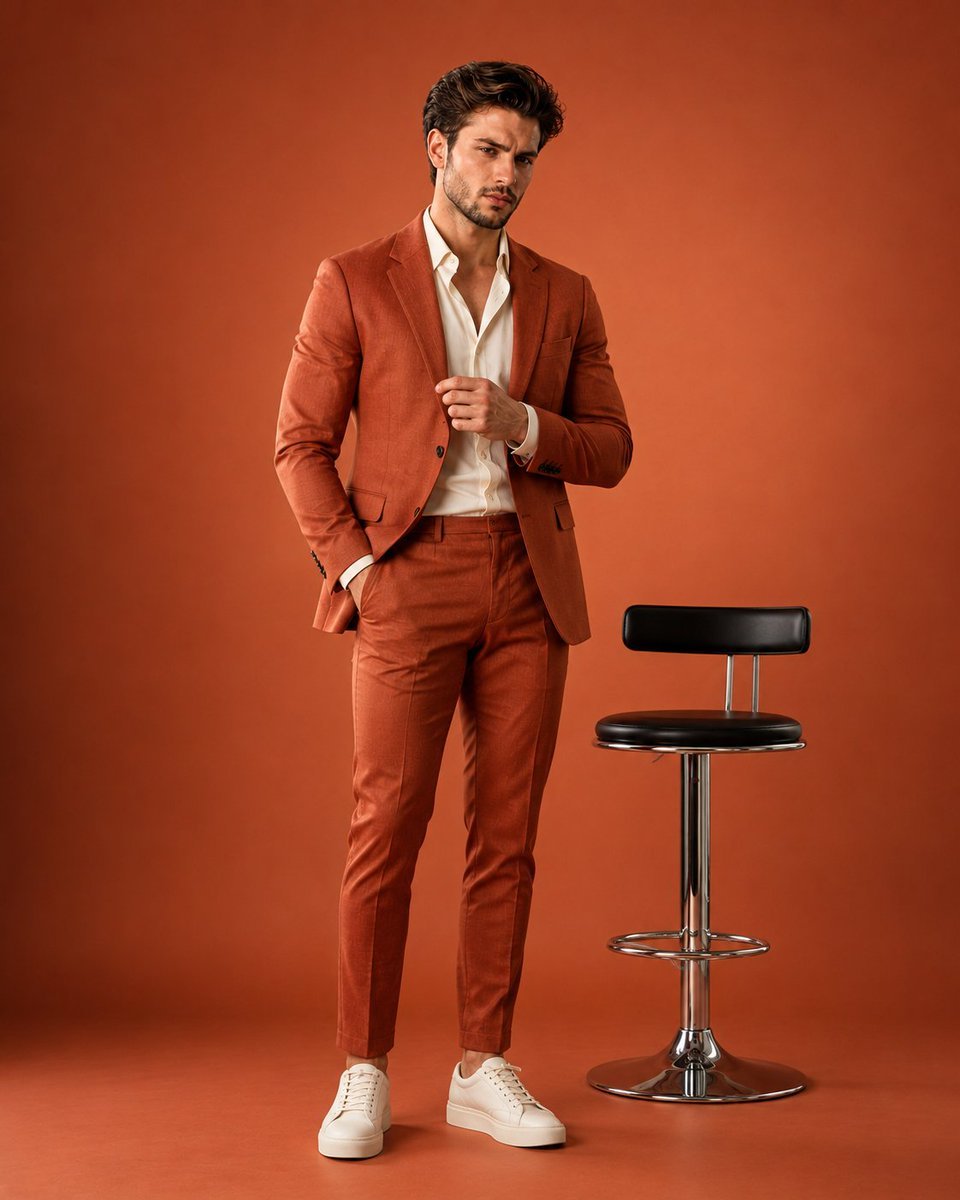
- Prompt included
- Model and format preset
- Premium template
The prompt behind this image
Copy the exact prompt behind Fashion Editorial Stool Portrait, or open it in the studio and make it yours.
Using the uploaded reference image, preserve the person's facial identity with absolute accuracy (100% identity preservation), maintaining the exact face shape, bone structure, forehead, eyebrows, eyes, nose, lips, ears, jawline, hairstyle, hairline, facial hair, skin tone, complexion, age, and natural expression without beautifying or altering the individual. Create an ultra-premium modern fashion editorial portrait of the same person seated confidently on a sleek chrome-and-black minimalist studio bar stool with a relaxed posture, legs naturally apart, one hand resting casually on the thigh while the other rests near the knee, making direct eye contact with a calm, confident, sophisticated expression. Dress the subject in a perfectly tailored monochromatic {argument name="suit color" default="burnt orange (terracotta)"} luxury suit with slim-fit trousers and a structured blazer layered over a {argument name="shirt color" default="crisp cream"} dress shirt with the top buttons open for a relaxed contemporary aesthetic, paired with {argument name="footwear" default="clean off-white premium leather sneakers"}. Place the subject inside a seamless monochromatic warm terracotta-to-rust gradient studio where both the floor and background blend together, creating a minimal, high-fashion environment with no props or distractions. Illuminate the scene using professional editorial studio lighting with a large softbox positioned slightly above and to camera left, subtle fill lighting, and gentle rim lighting to separate the subject from the background while producing soft cinematic shadows, realistic skin texture, and premium fabric detail. Capture the image in a perfectly balanced 4:5 vertical composition showing the full body and stool, centered with generous negative space, photographed using an 85mm medium-format portrait lens with shallow depth of field, razor-sharp focus, hyper-realistic skin pores, luxury commercial color grading, Apple-style minimalism, Vogue editorial quality, Forbes campaign aesthetic, HDR, photorealistic 8K resolution. Negative prompt: different person, identity change, face swap, altered facial features, beautified face, different hairstyle, incorrect facial hair, asymmetrical face, distorted anatomy, extra fingers, missing fingers, duplicate limbs, bad hands, blurry image, low quality, low resolution, cartoon, anime, CGI, illustration, plastic skin, oversmoothed skin, fisheye lens, wide-angle distortion, cluttered background, additional props, text, watermark, logo, cropped shoes, cropped body, artifacts.
How to use Fashion Editorial Stool Portrait in 3 steps
- 1Upload ImagePNG, JPG or paste
Add your photo
Upload the photo the template builds on. The prompt, model and format are already set.
- 2…a portrait of your subject in softgolden-hour light, 85mm…
Personalize
Edit the subject and creative details for your destination.
- 3Generate
Generate
Press Generate — your image is created in PicX Studio, so you can compare it with the original and refine one variable at a time.
More like this
Templates with the same subject, style or setup. Open one to see its prompt.
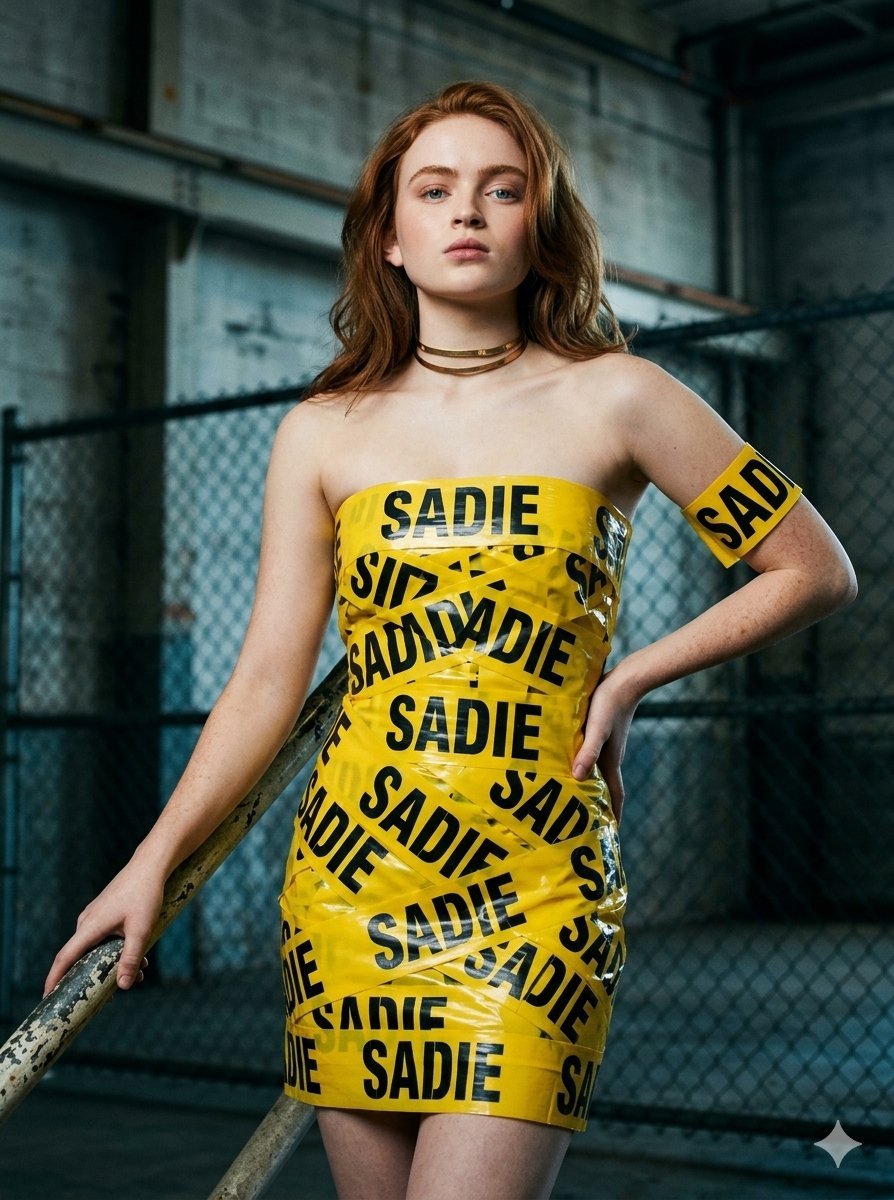
Caution Tape Fashion — Industrial Editorial
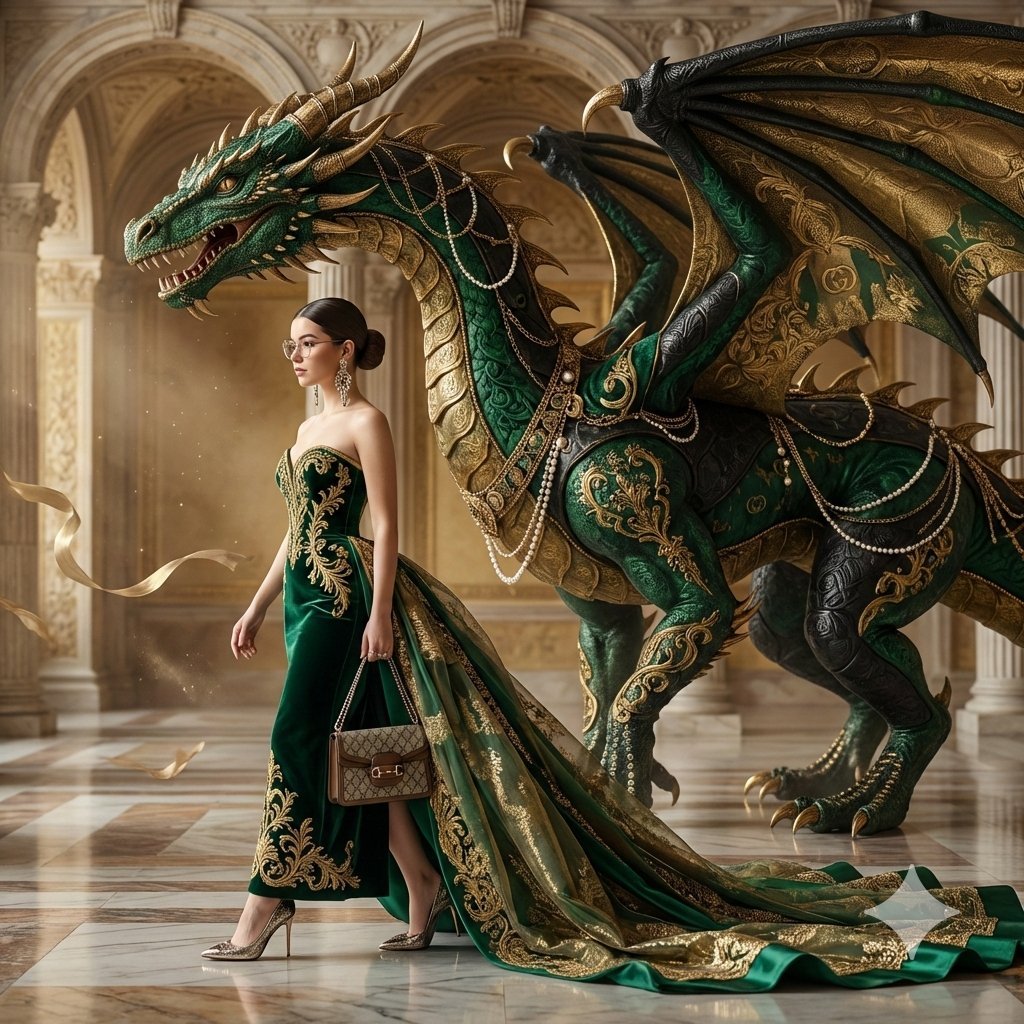
Couture Fashion Editorial Woman and Drag
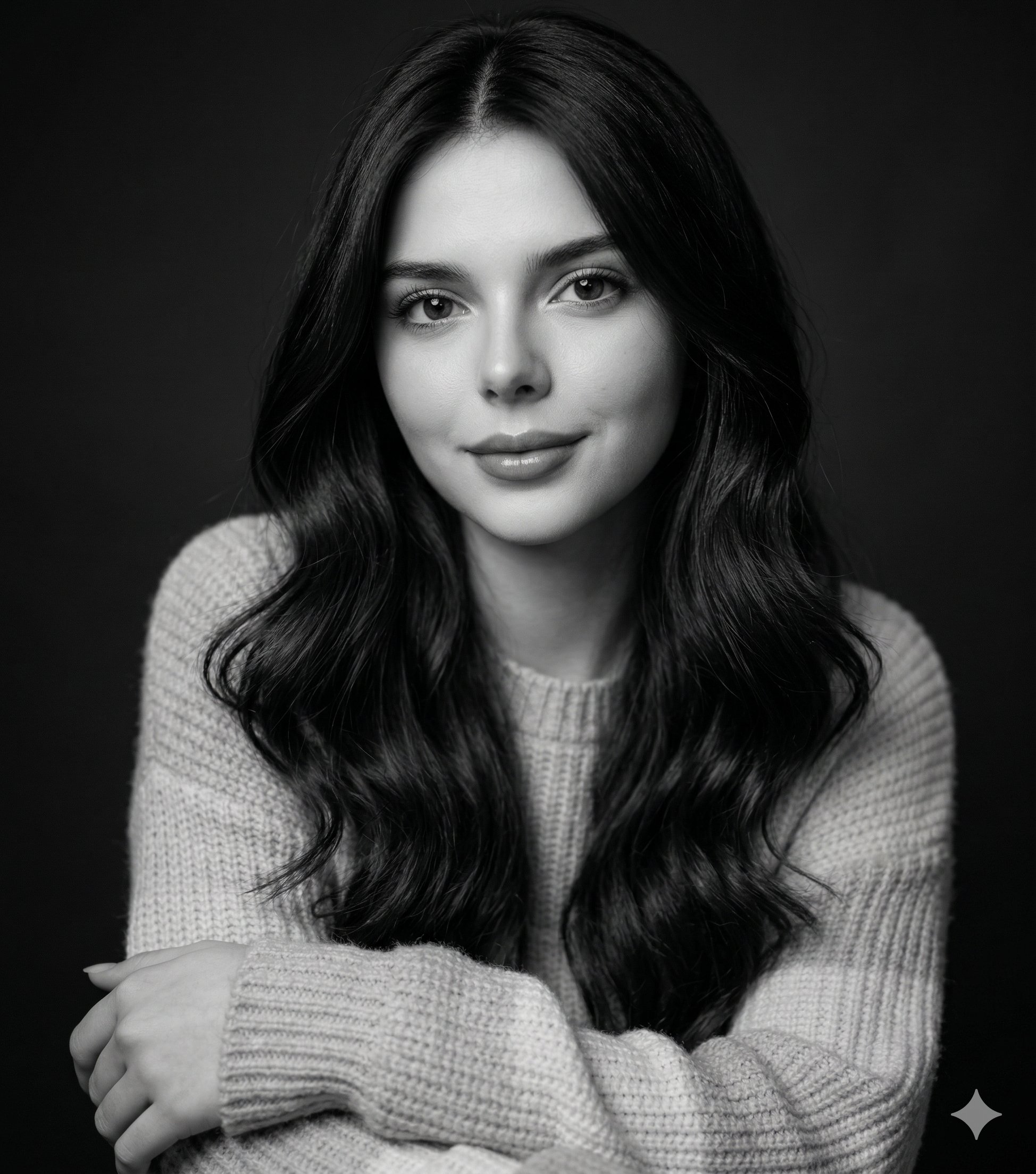
Nano Banana 2 Editorial Fashion Portrait
untitled
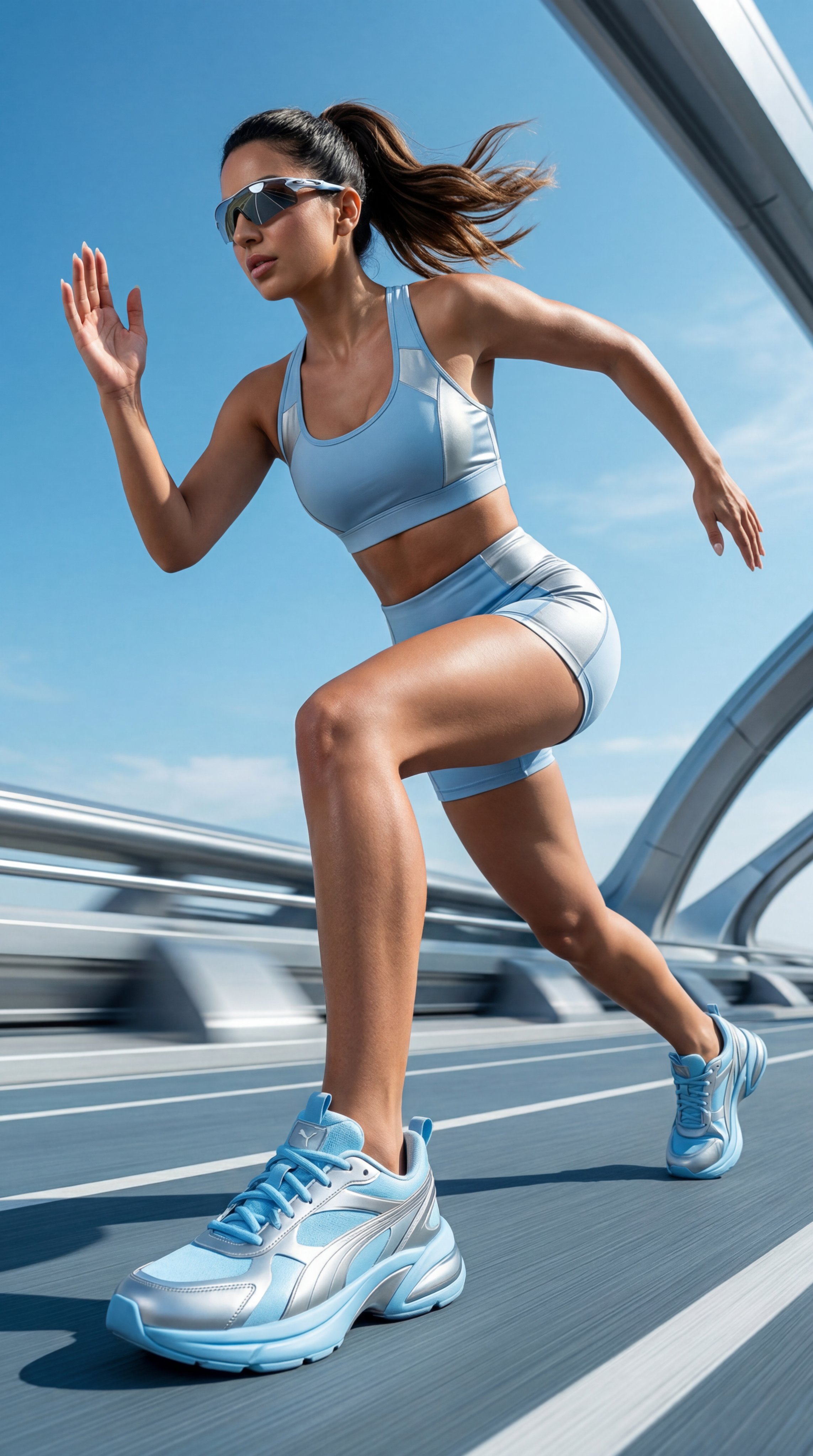
Nano Banana 2 High Fashion Sports Campai
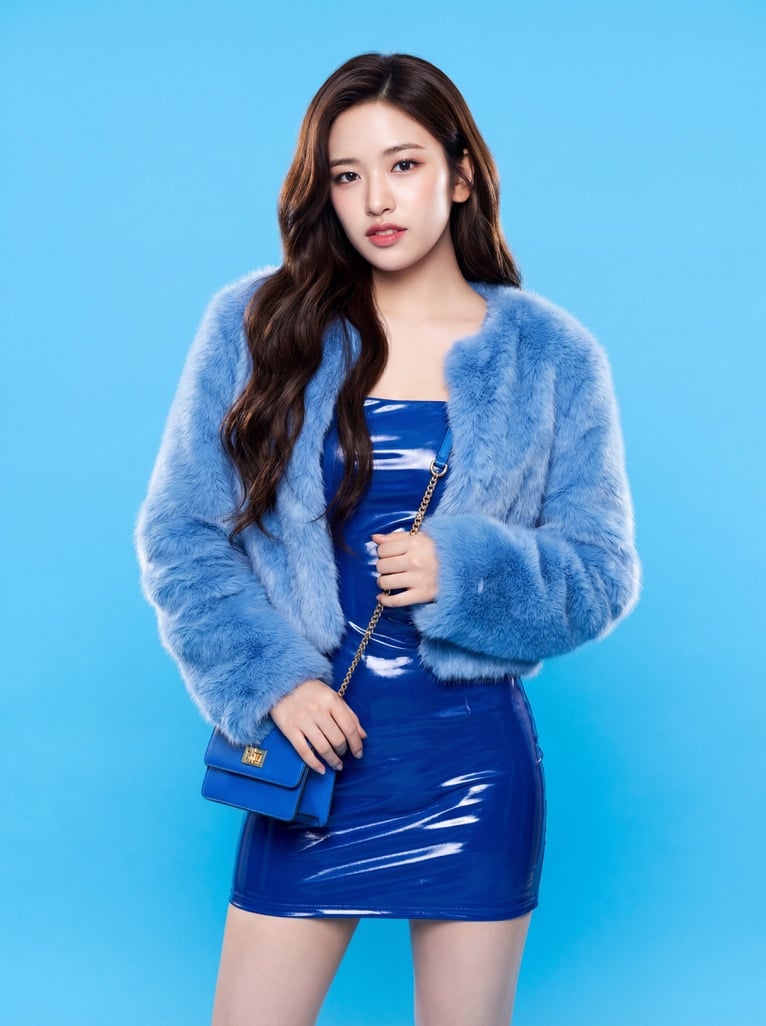
Ive Yujin Fashion Portrait in Blue
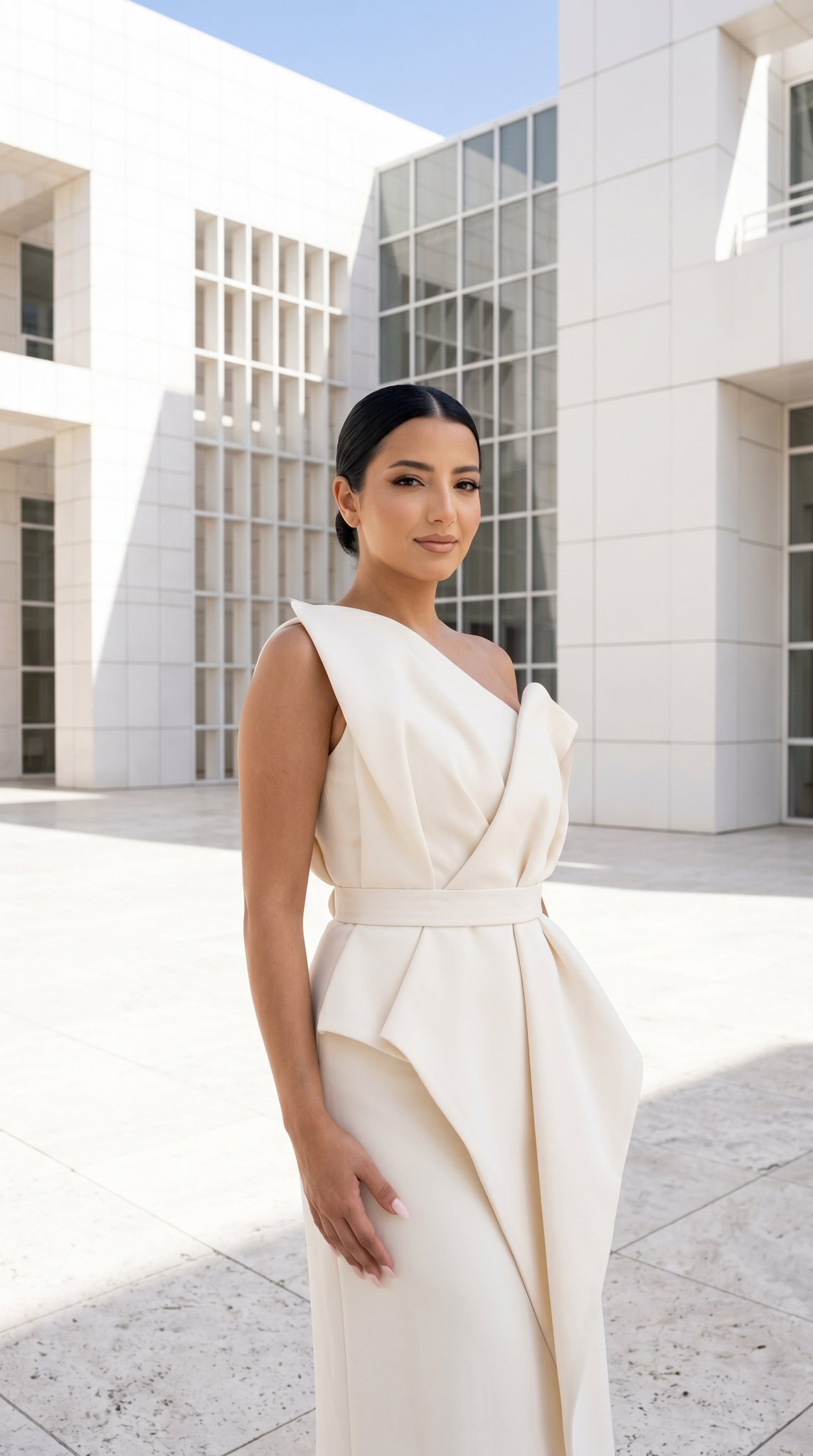
24 The Getty Center — California Series
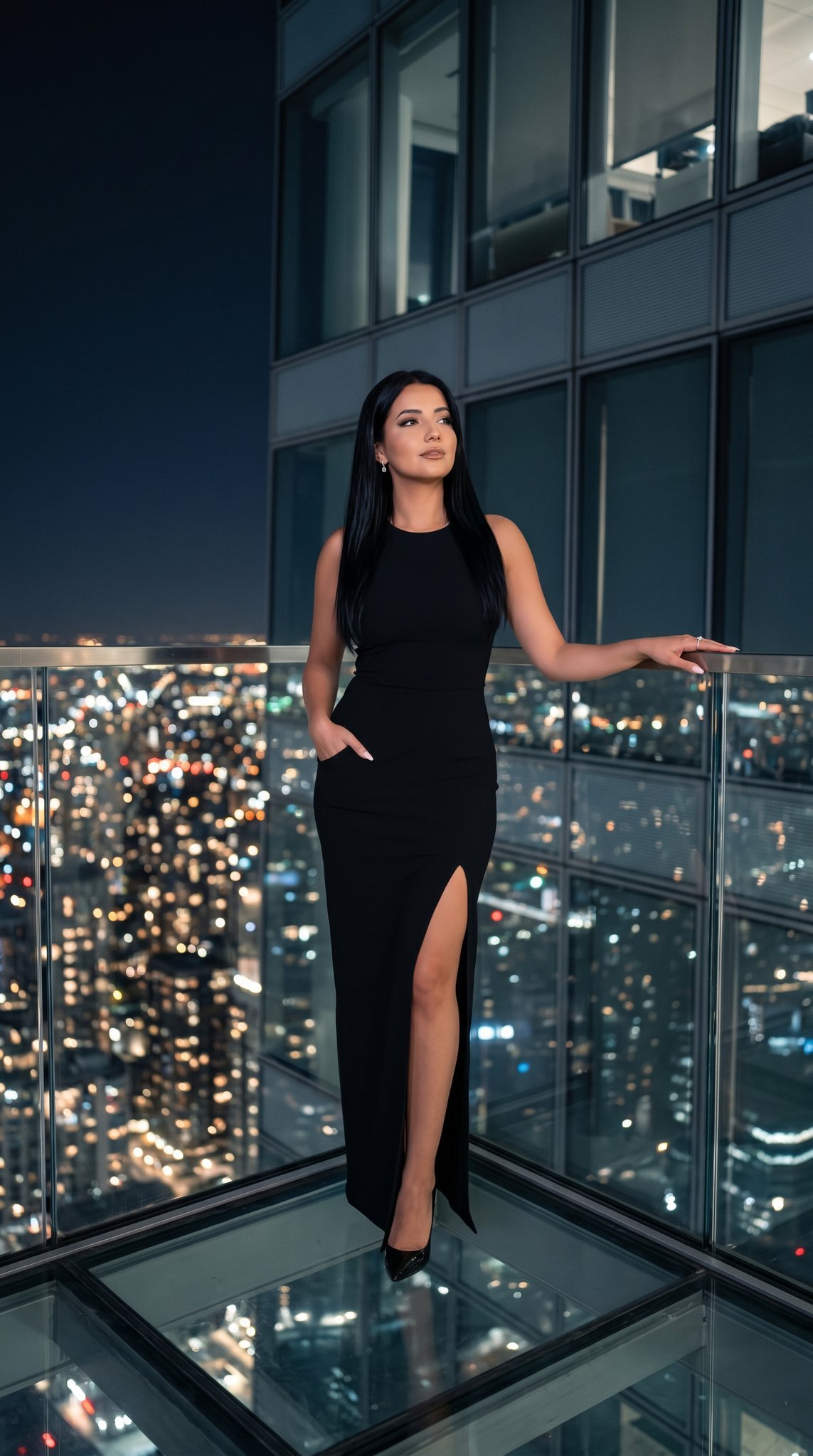
21 Glass Floor Skyscraper — California Series
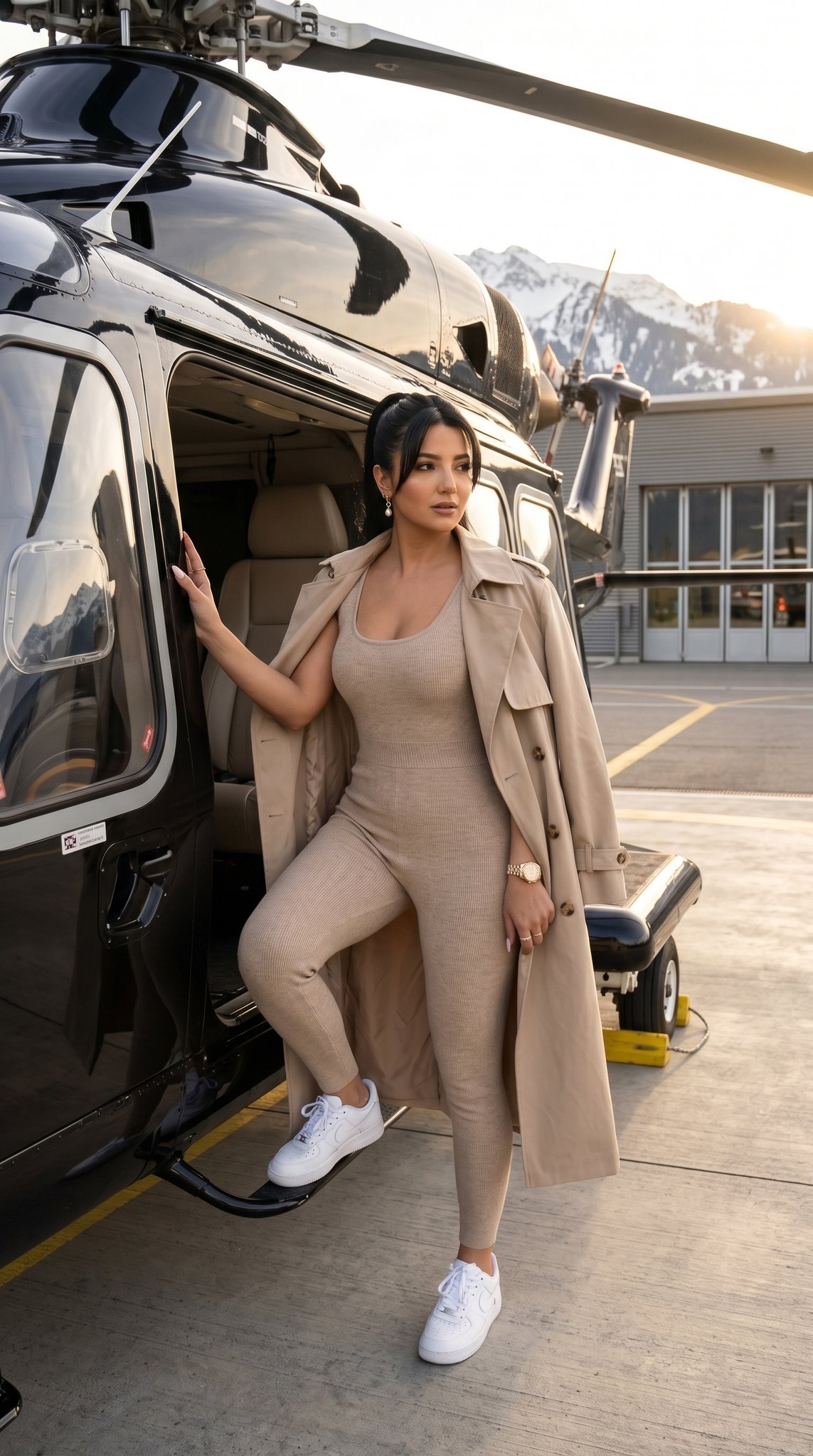
19 Luxury Helicopter Travel — California Series
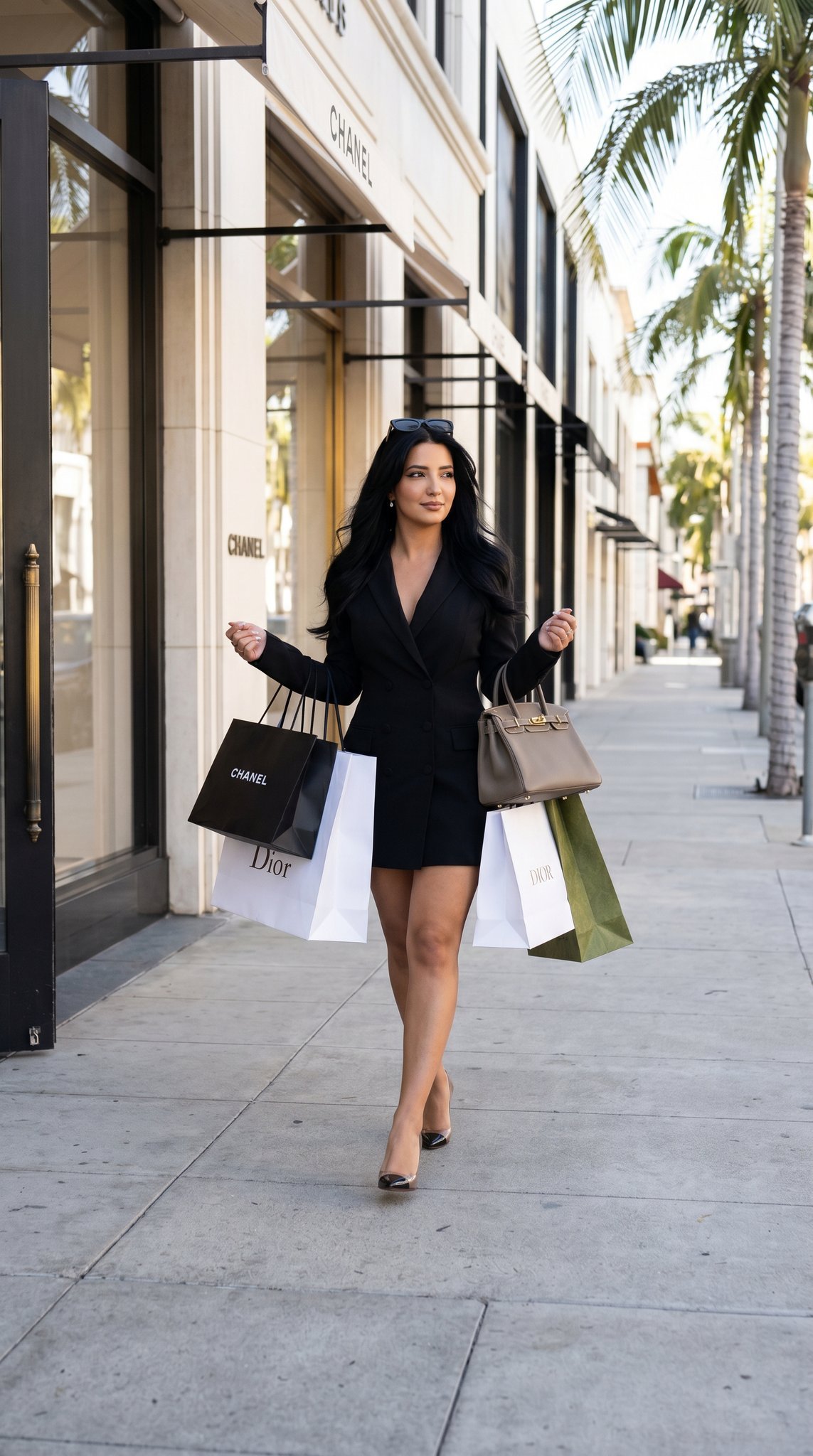
08 Rodeo Drive Luxury Exit — California Series
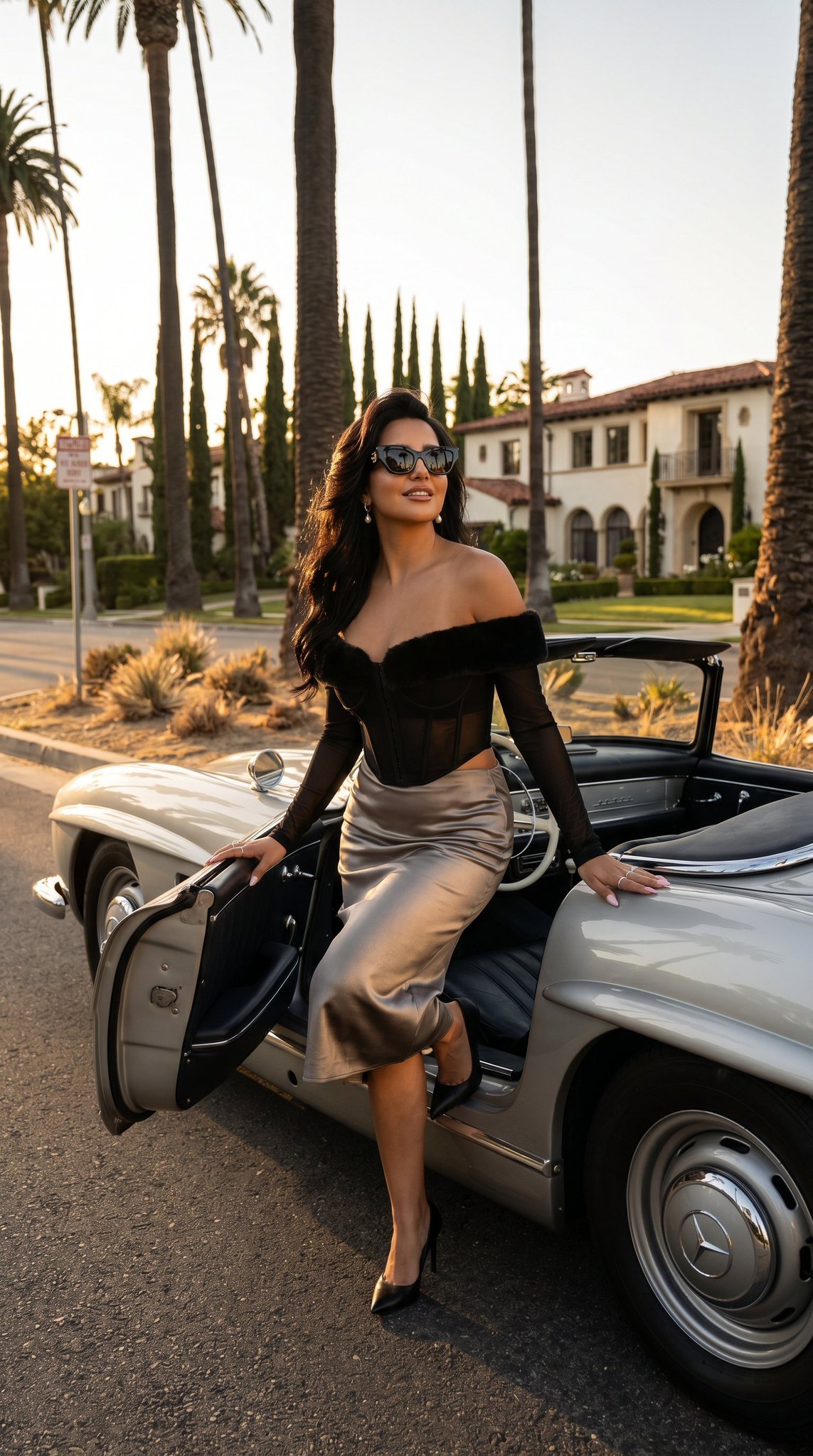
03 Beverly Hills Convertible — California Series
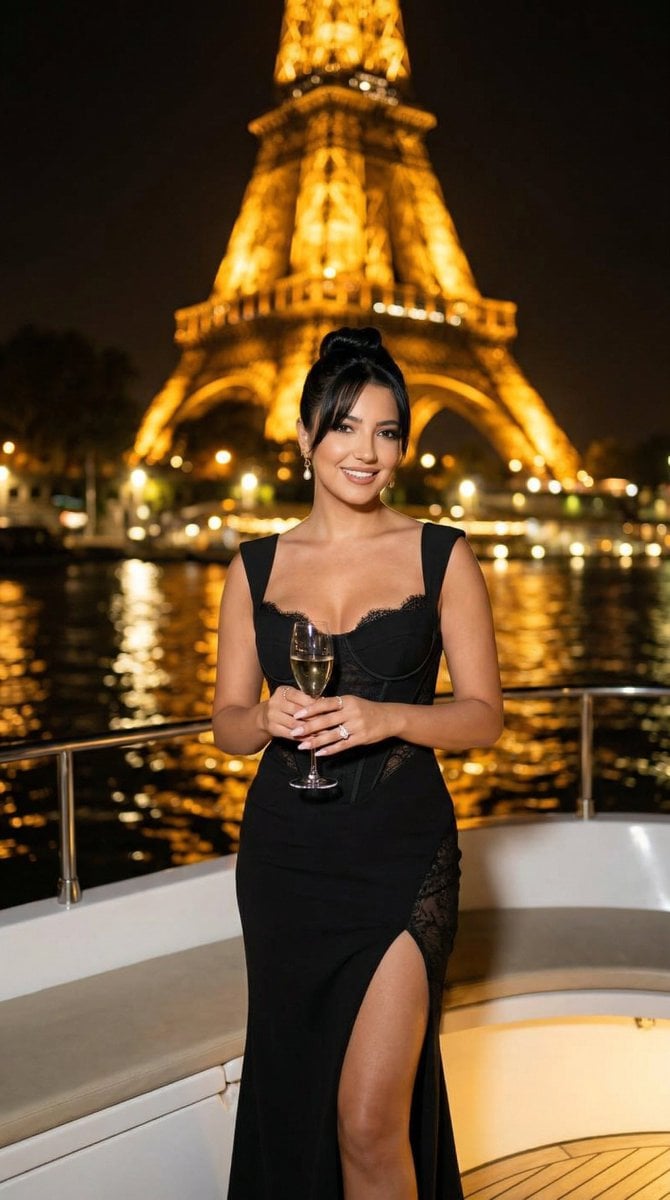
Nano Banana - Paris Cafe Editorial
Make it yours
Fashion Editorial Stool Portrait works as-is. These are the safest ways to change it without losing the look.
Change one field
Copy a single group, rewrite it, and generate again so you can see what that field is doing.
Keep the frame, change the subject
Hold the composition and light of Fashion Editorial Stool Portrait, then swap wardrobe, props or the person for a new take.
| If the result… | Why | Fix |
|---|---|---|
| The result drifts from the preview | Too many fields changed at once. | Reuse Fashion Editorial Stool Portrait as-is first, then change one group — subject, light, or setting. |
| The model over-stylizes the scene | The prose prompt leaves finish and camera underspecified. | Add one camera or lighting sentence and stay on Nano Banana 2. |
More Nano Banana 2 templates
Other prompts made for Nano Banana 2.

Photorealistic Leaf Shaped Like a Dragon

K-Pop Idol Portrait Grid for Rapid Selection

Poetic Rain Forest Portrait During Golden Hour

Urban Street Portrait with Cartoon Inner Self Duo

Candid Nighttime Photo with Cat Prompt

High-Concept 3D Diorama Generation Prompt

Cinematic Futuristic Studio Portrait Template

Skincare Editorial Photography Collage Prompt

Hyper-Realistic Commercial Product Photography (Splash Effect)

Hyper-Realistic Nightclub Portrait Prompt
More image prompts
Fresh picks from across the catalog.
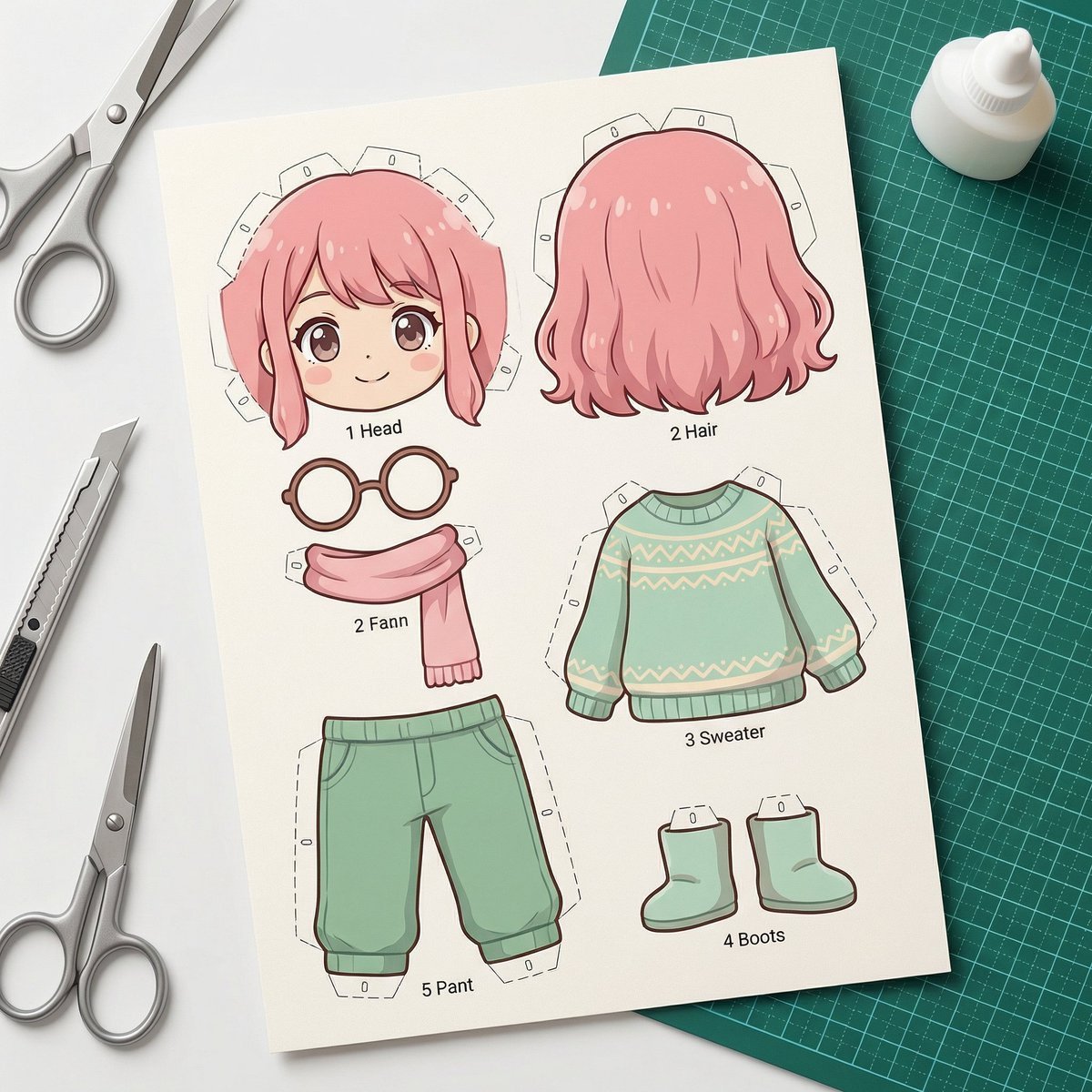
Image-to-SD Papercraft Conversion Prompt
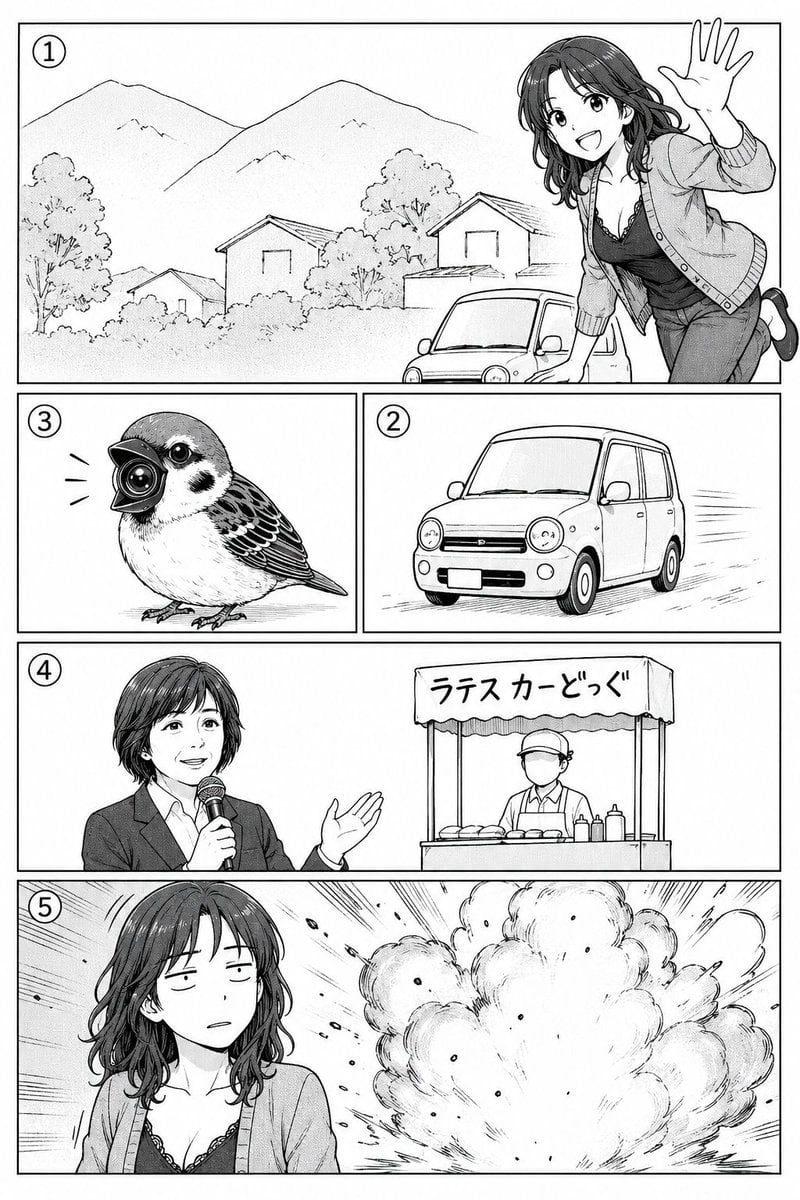
Polished Manga Page From Rough Storyboard
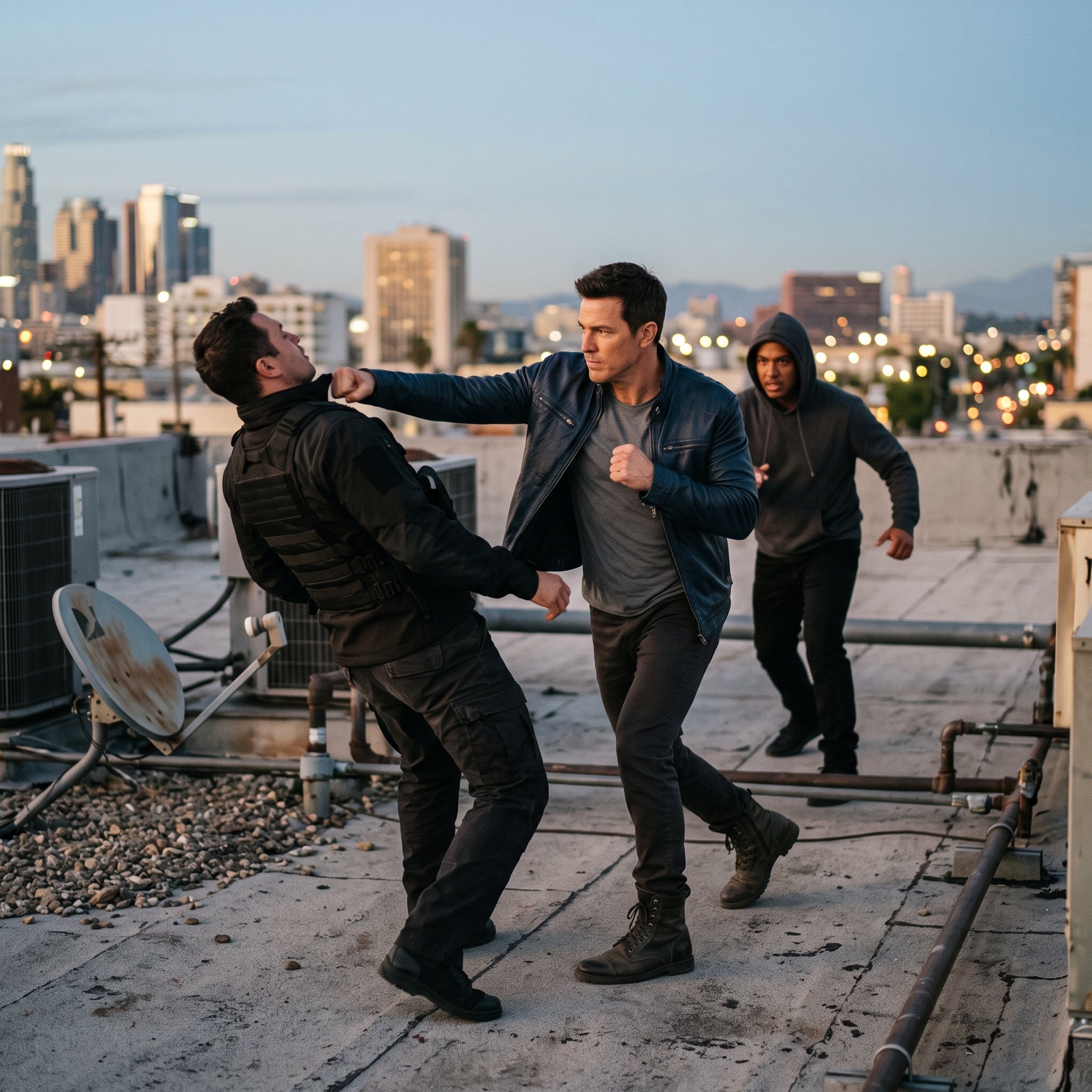
action movie hollywood movie hollywood fight scene... (IMAGE-NANO_BANANA)
Multi-Exposure Indian Woman Fashion Poster
Golden Wuxia Palace Poster
Movement Sheet - Dance Reference (Seedance 2.0)
Office Signage Dimension Mockup
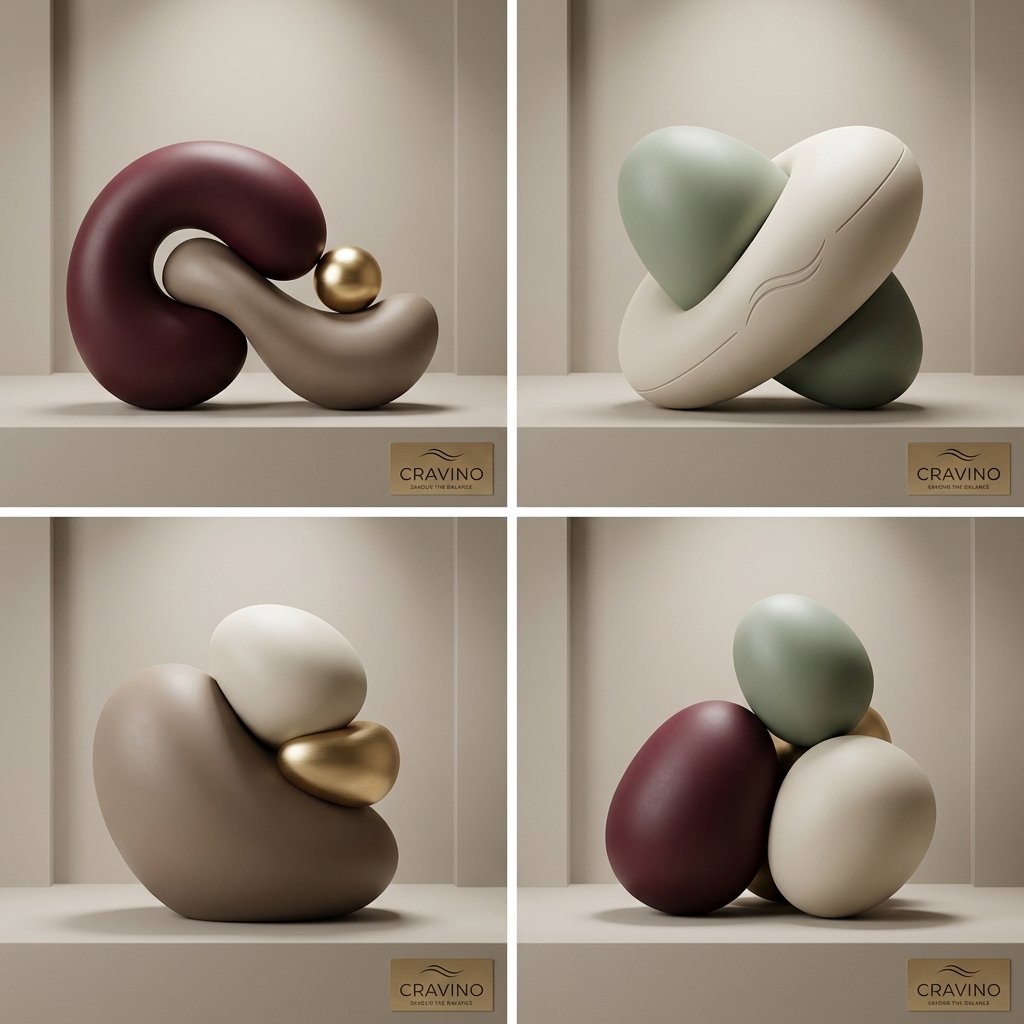
Ultra-High-End Abstract Composition
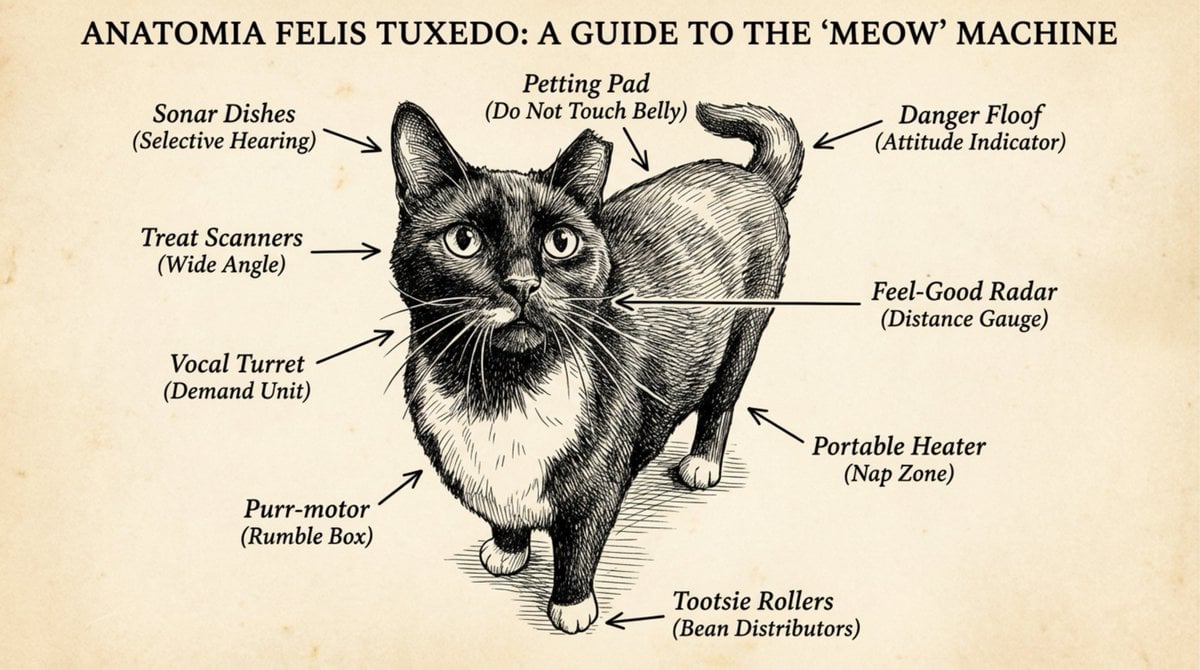
Funny anatomical diagram of a pet
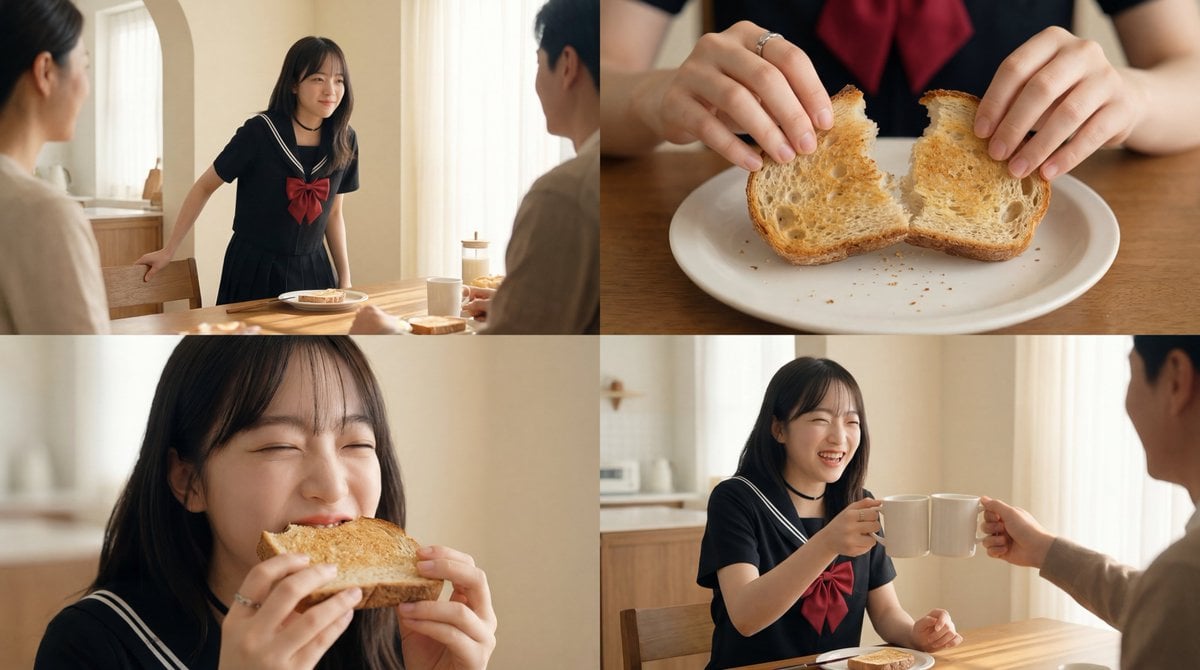
Cinematic Breakfast Scene
Browse template categories
Fashion Editorial Stool Portrait questions
How do I use the Fashion Editorial Stool Portrait template?
Add your photo if the template asks for one, edit the prompt if you like — the template's model and format are already selected — and press Generate. Your version opens in PicX Studio.
Can I customize the Fashion Editorial Stool Portrait template?
Yes. You can change the subject, setting, lighting, mood, format, and available model controls before creating your image.
Is the Fashion Editorial Stool Portrait template free?
Opening and editing this template is free. Generating uses credits, shown on the Generate button when you are signed in.
Which AI model should I use?
Start with Nano Banana 2, which is the model associated with this template. You can compare another compatible model for a different finish.
Looking for something else? Browse all templates.

Your photo, any look
Thousands of ready templates for every top image and video model, from one credit balance.