Zendaya Entomological Elegance Surreal Portrait
{
"vibe_title_en": "Entomological Elegance",
"master_prompt": "A hyper-realistic, macro-cinematic portrait of The Protagonist situated in a chaotic, dust-laden Victorian Entomology Workshop. The subject's face is artfully partially obscured by a swarm of hyper-detailed, jewel-toned obsidian arachnids and beetles, crawling delicately across the skin texture, mimicking a living veil. The environment is incredibly busy and claustrophobic, packed with shelves of antique apothecary jars, pinned butterfly specimens, scattered brass tools, decaying botanical manuscripts, and overflowing wooden drawers. The lighting is dramatic Chiaroscuro, utilizing a single cold key light to catch the gloss on the insects' carapaces and the natural oils of the subject's skin, while the background clutter fades into deep, textured shadows. Shot on a Phase One XF IQ4 150MP with a 120mm Macro lens for microscopic fidelity, rendered with the gritty, organic grain of pushed Kodak Tri-X 400 film stock. No neon, just dust, shadow, and organic texture.",
"meta": {
"intent": "Editorial Fashion / Surrealist Portrait",
"priorities": "Texture Fidelity, Surreal Realism, Atmospheric Density",
"device_profile": "Phase One XF IQ4 150MP"
},
"frame": {
"aspect": "4:5",
"composition": "Extreme Close-Up (Macro Focus)",
"layout": "Centralized Subject with Dense Peripheral Clutter",
"camera_angle": "Eye-Level",
"tilt_roll_degrees": "0°"
},
"subject": {
"gender": "Female",
"identity": "The Protagonist",
"demographics": "Young Adult, racially ambiguous",
"face": "Flawless skin texture visible beneath the surreal insect overlay, sharp cheekbones",
"hair": "Slicked back or pulled away to focus on the face and insects",
"body": "Shoulders visible, tension in the neck muscles",
"expression": "Stoic, intense, unblinking gaze directly into the lens",
"pose": "Static, frozen in a moment of symbiosis with the creatures"
},
"wardrobe_accessories": {
"garments": [
{
"item": "High-collar blouse",
"material": "Antique Lace / Silk",
"color": "Charcoal or Deep Black",
"fit": "Tight, Victorian silhouette"
}
],
"accessories": []
},
"environment": {
"setting": "Victorian Entomology Workshop / Taxidermy Lab",
"surfaces": "Aged wood, glass jars, brass metal, dust particles",
"depth": "Shallow depth of field, background is a blur of clutter",
"atmosphere": "Stagnant air, smell of old paper and preservative fluids, dusty",
"lens_interaction": "Sharp focus on the eyes and insects, heavy bokeh on background shelves"
},
"lighting": {
"key": "Hard, cold directional light (Moonlight or Laboratory Lamp)",
"fill": "Negative fill (deep shadows)",
"rim": "Subtle edge light on the insects",
"shadows": "Crushed blacks, high contrast",
"color_temperature": "Cool / Desaturated (5500K)",
"sensor_fla
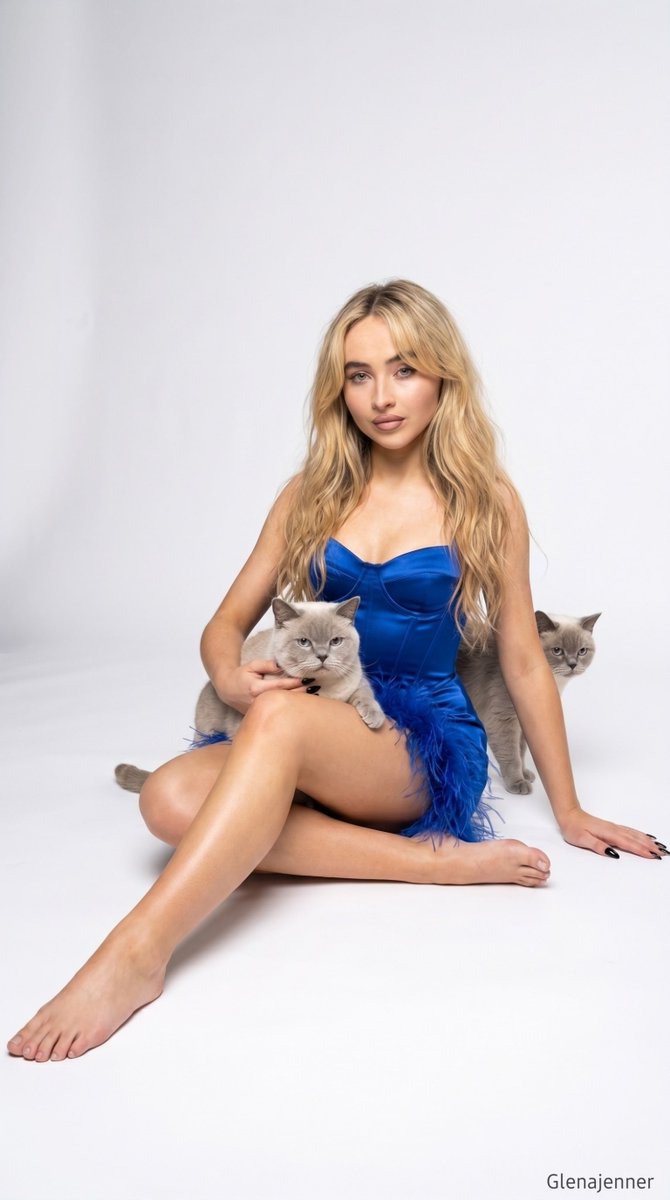
















![Naive doodle-style subject illustration — A doodle-style {argument name="subject" default="[subject]"}, naive lines, humorous shape exaggeration](https://pbs.twimg.com/media/G6Wl2YxbsAARB2b.jpg)















![Energy Figure in Motion — A {argument name="character type" default="[CHARACTER / FIGURE]"} entirely built from flowing {argum…](https://pbs.twimg.com/media/G9VE3JxbMAA1yxm.jpg)