
Luxury Winter Fashion Editorial
A high-fashion winter editorial prompt featuring a woman in a glamorous all-white fur outfit set against a scenic alpine mountain background.
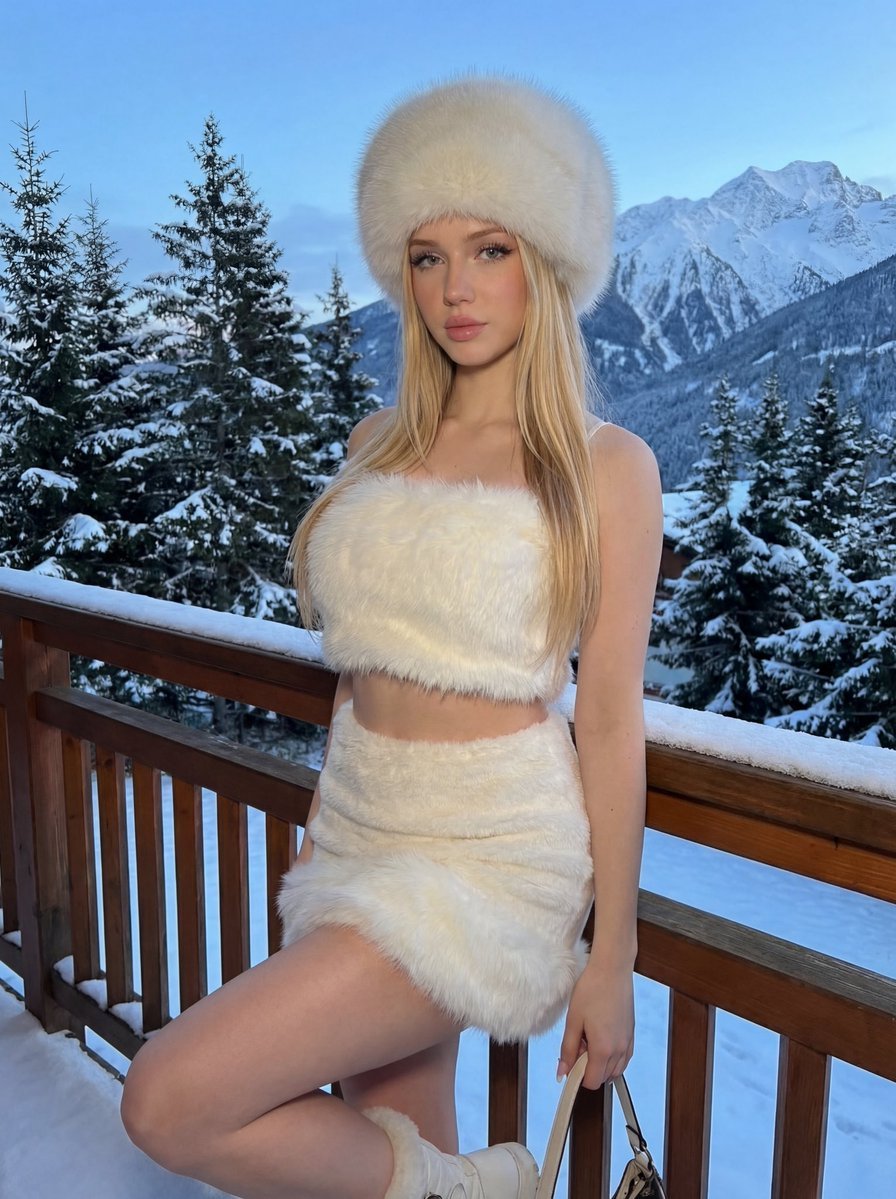
- Prompt included
- Model and format preset
- Free template
The prompt behind this image
Copy the exact prompt behind Luxury Winter Fashion Editorial, or open it in the studio and make it yours.
Create a high-fashion winter editorial image of a young woman standing on a {argument name="location" default="wooden balcony"} in a relaxed, confident pose. She leans her back against the balcony railing, with one leg straight and the other bent at the knee, her foot resting slightly behind her on the lower rail. Her body is angled a little toward the camera, and one hand holds the handle of a bag down at her side. She wears a glamorous {argument name="outfit color" default="all-white"} cold-weather outfit: a soft fluffy white fur crop top that reveals her midriff, a matching white mini skirt with thick plush fur trim along the hem, and a large round white fur hat pulled low enough to cover her forehead. The setting is a {argument name="background" default="scenic alpine balcony"} in winter. Behind her are tall pine trees heavily coated with snow and a dramatic range of snow-capped mountains stretching into the distance beneath a cold sky. Use soft natural ambient light, like a winter evening, with cool tones and no harsh shadows. The lighting should emphasize the texture and volume of the white fur while keeping the scene elegant and clean. The overall atmosphere should feel cold, luxurious, cozy, and aspirational, like a high-end influencer fashion shoot at a snowy mountain resort.
How to use Luxury Winter Fashion Editorial in 3 steps
- 1
Open
The prompt is already in the box next to the preview, with the template's model and format selected.
- 2…a portrait of your subject in softgolden-hour light, 85mm…
Personalize
Edit the subject and creative details for your destination.
- 3Generate
Generate
Press Generate — your image is created in PicX Studio, so you can compare it with the original and refine one variable at a time.
More like this
Templates with the same subject, style or setup. Open one to see its prompt.

19 Luxury Helicopter Travel — California Series

08 Rodeo Drive Luxury Exit — California Series

Google Gemini Nano Banana Pro

Conceptual Fashion Portrait in Spider We

01 Skincare Split Portrait — Nano Banana 2

24 The Getty Center — California Series

21 Glass Floor Skyscraper — California Series

03 Beverly Hills Convertible — California Series

Gpt Image 2 Fashion Portrait

Caution Tape Fashion — Industrial Editorial

Nano Banana - Paris Cafe Editorial

Luxury Fashion Editorial Portrait
Make it yours
Luxury Winter Fashion Editorial works as-is. These are the safest ways to change it without losing the look.
Change one field
Copy a single group, rewrite it, and generate again so you can see what that field is doing.
Keep the frame, change the subject
Hold the composition and light of Luxury Winter Fashion Editorial, then swap wardrobe, props or the person for a new take.
| If the result… | Why | Fix |
|---|---|---|
| The result drifts from the preview | Too many fields changed at once. | Reuse Luxury Winter Fashion Editorial as-is first, then change one group — subject, light, or setting. |
| The model over-stylizes the scene | The prose prompt leaves finish and camera underspecified. | Add one camera or lighting sentence and stay on GPT Image 2. |
More GPT Image 2 templates
Other prompts made for GPT Image 2.

Six VTuber Japanese Logo Sheet

Realistic Portrait of Woman and Deer

The Vista Modular Condo Poster

AI Model Routing Comparison Infographic

2.5D Anime Art Board

Isometric Productivity Desk Scene

New York Double Exposure Poster

Four-Panel AI Landscape Comparison

Japanese Tatami Lifestyle Magazine Cover

NESCAFÉ Coffee Map Poster
More image prompts
Fresh picks from across the catalog.

KAWAISALES Ad Design
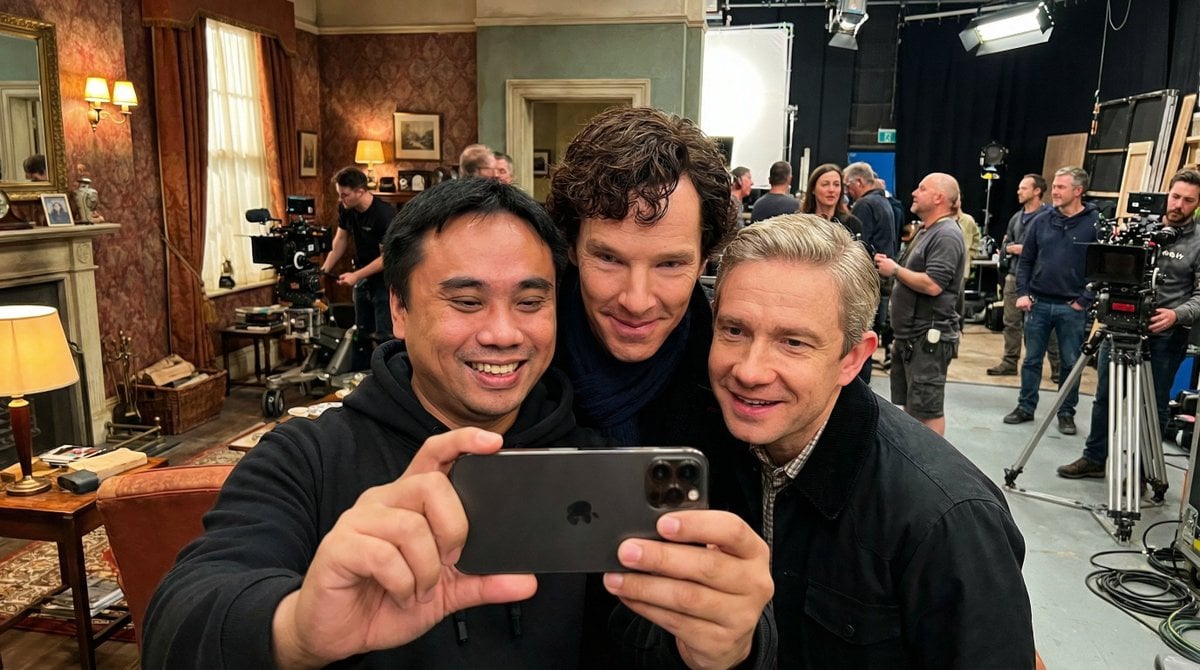
Behind-the-Scenes Movie Selfie with Identity Lock

Psychedelic Mathematics Fractal Prompt for Menger Sponge
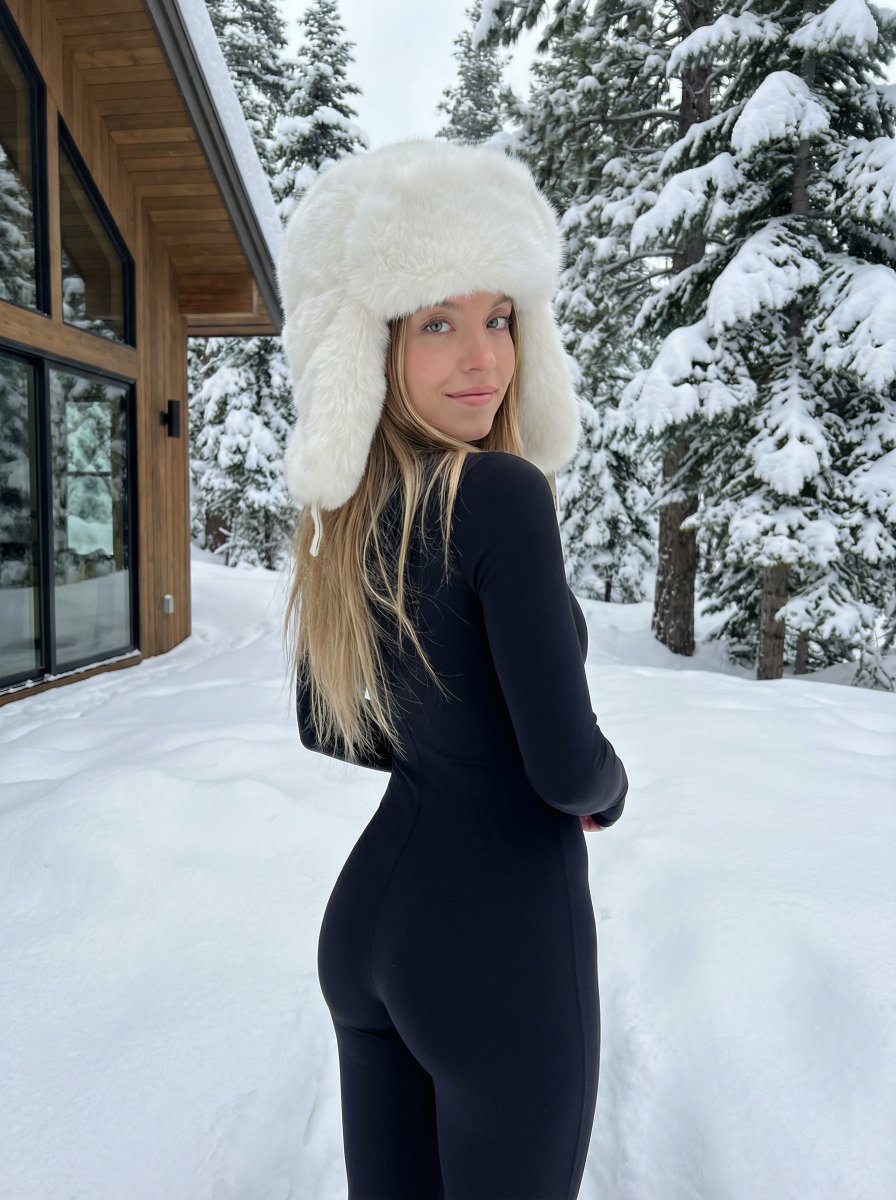
Winter fashion portrait with faux-fur hat and black bodysuit
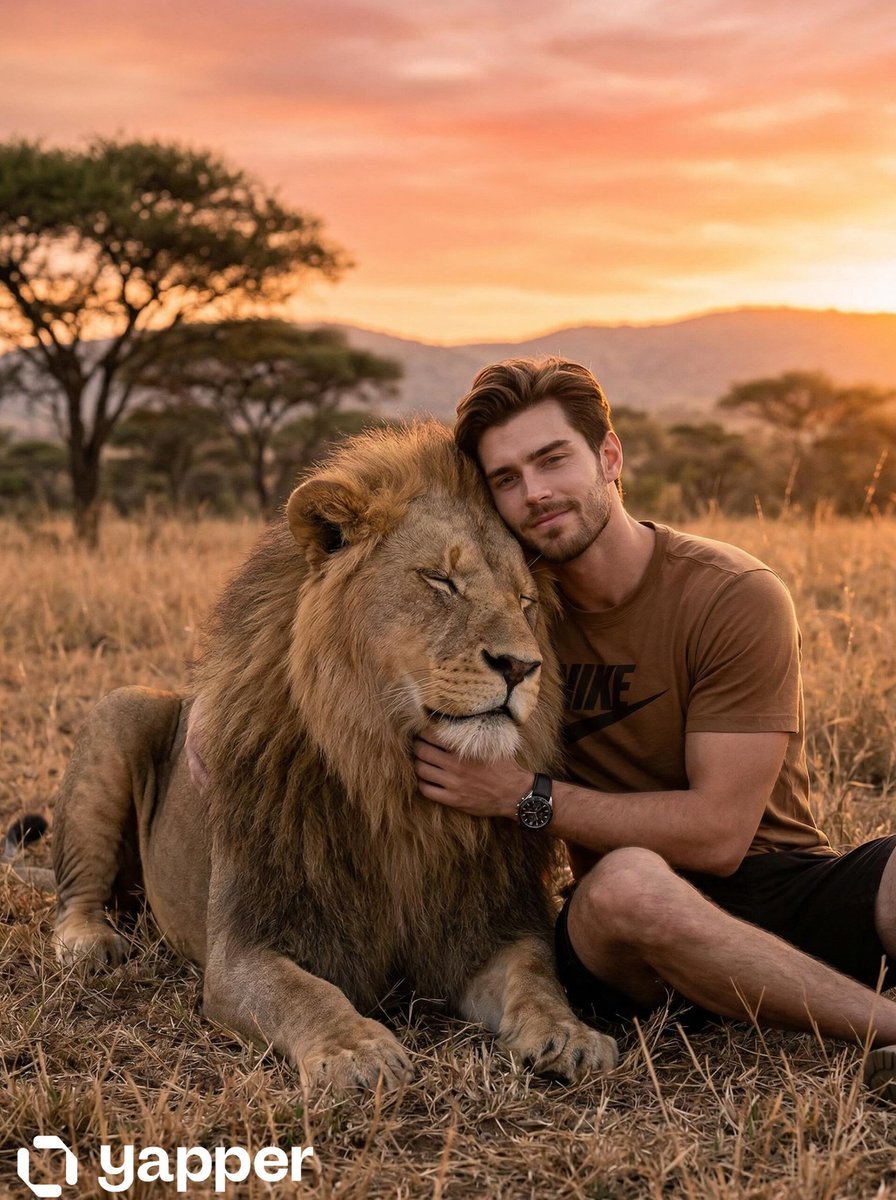
Cinematic Golden-Hour Scene in the African Savanna
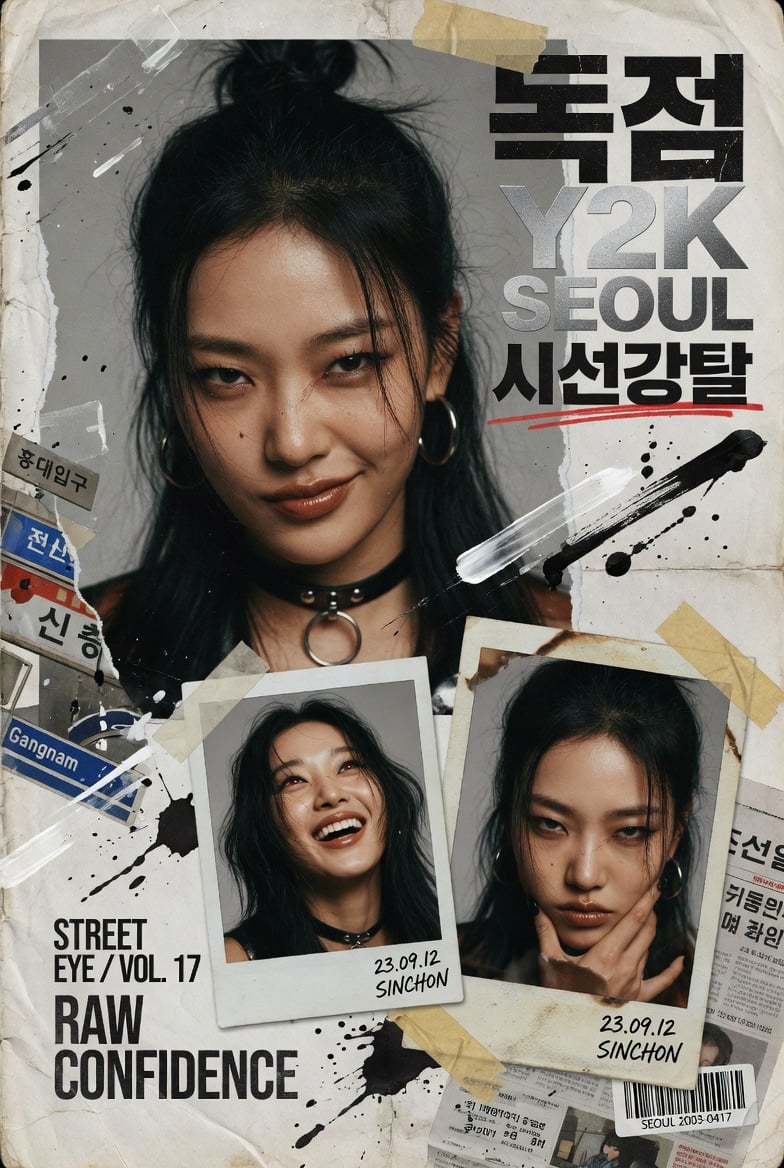
Y2K Korean Street Editorial Collage
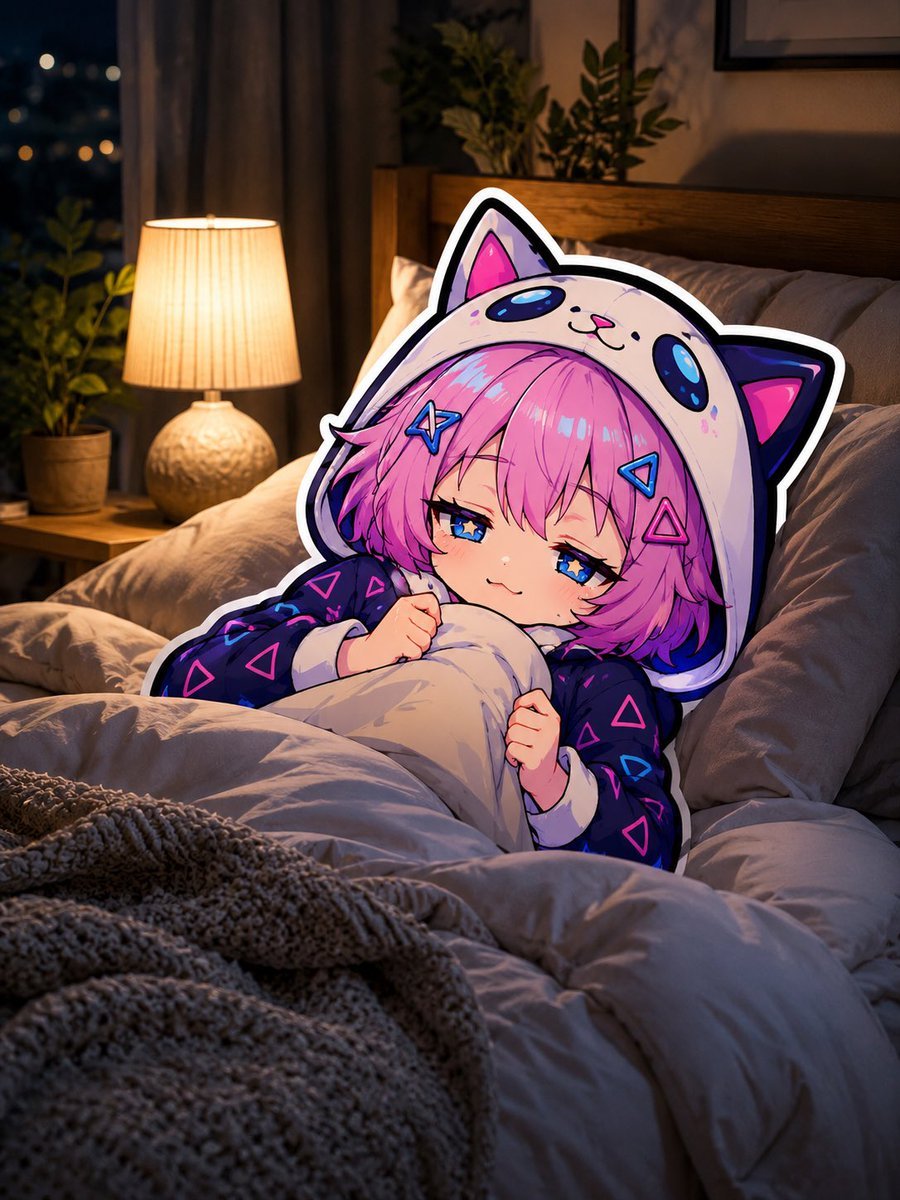
Sleepy Cat Hoodie Anime Girl in Bed
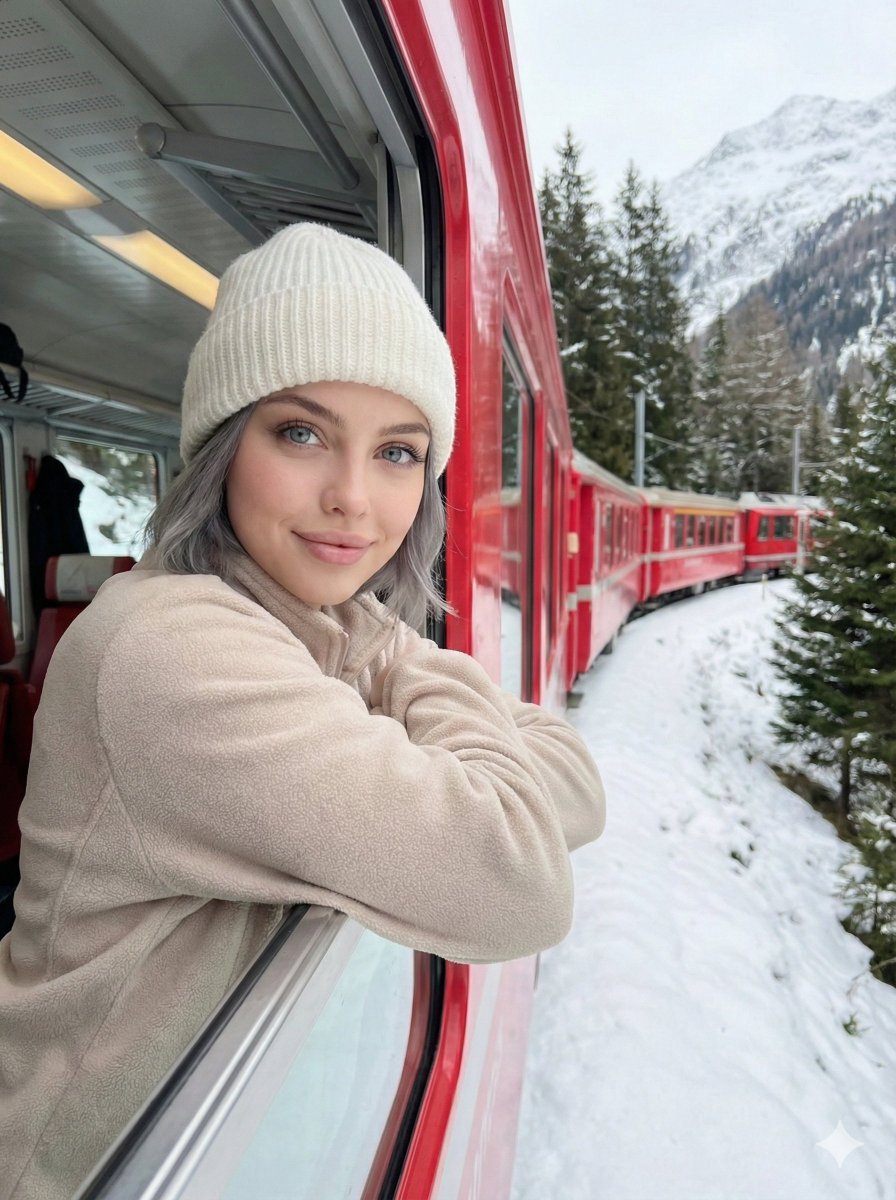
Detailed Image Generation Prompt for a Winter Train Journey Portrait
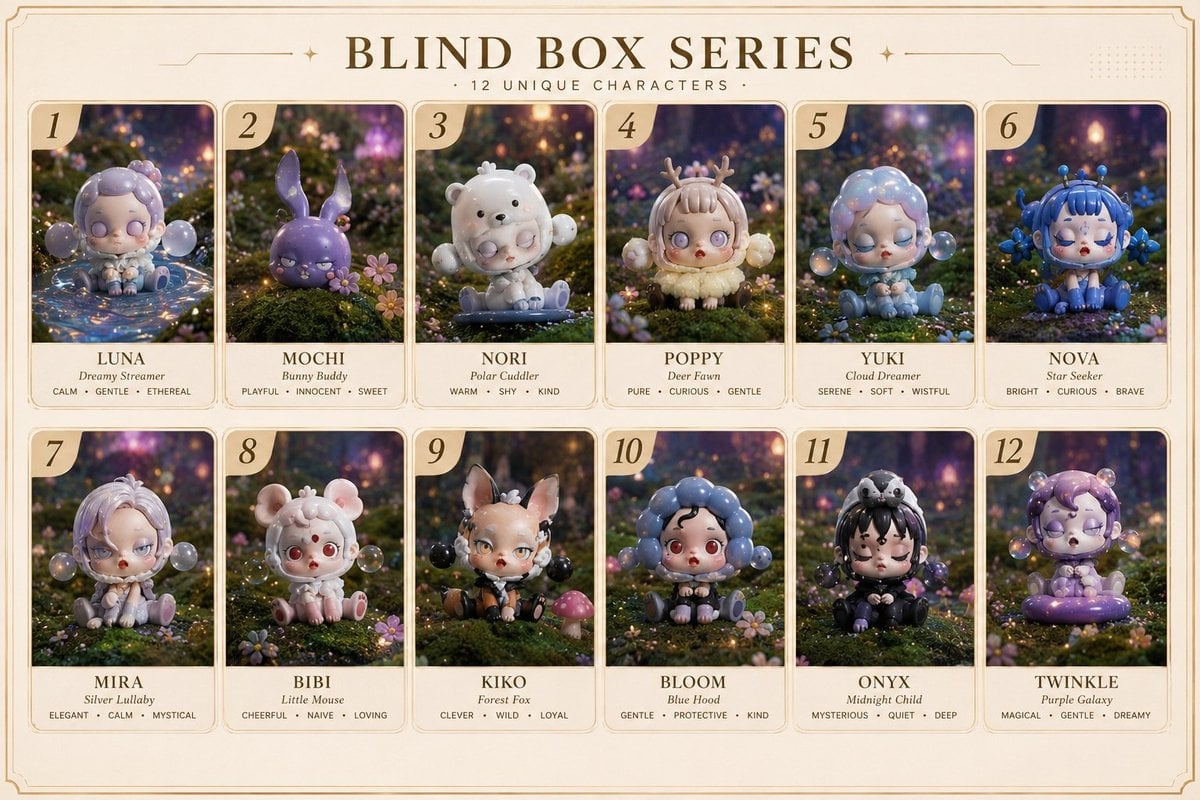
Fantasy Blind Box Character Series Poster
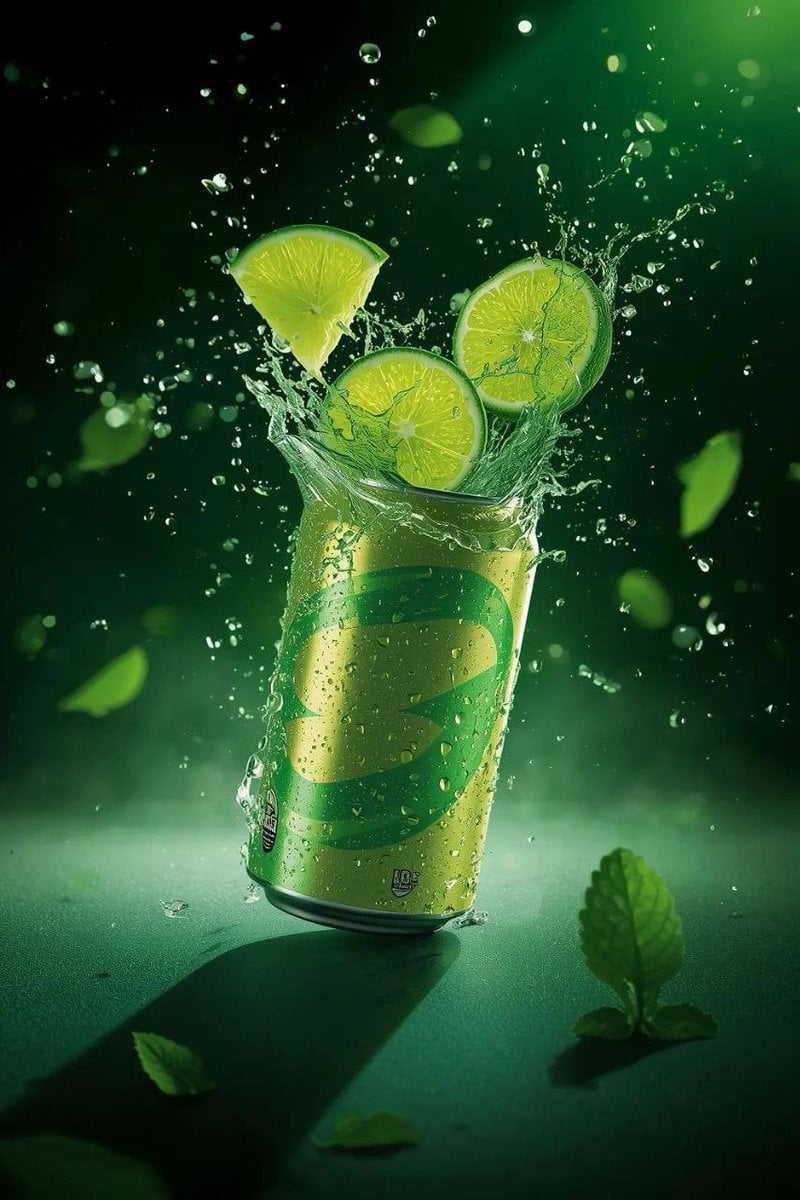
Hyper-Realistic Commercial Product Shot of Exploding Lime Soda Can
Browse template categories
Luxury Winter Fashion Editorial questions
How do I use the Luxury Winter Fashion Editorial template?
Add your photo if the template asks for one, edit the prompt if you like — the template's model and format are already selected — and press Generate. Your version opens in PicX Studio.
Can I customize the Luxury Winter Fashion Editorial template?
Yes. You can change the subject, setting, lighting, mood, format, and available model controls before creating your image.
Is the Luxury Winter Fashion Editorial template free?
Opening and editing this template is free. Generating uses credits, shown on the Generate button when you are signed in.
Which AI model should I use?
Start with GPT Image 2, which is the model associated with this template. You can compare another compatible model for a different finish.
Looking for something else? Browse all templates.

Your photo, any look
Thousands of ready templates for every top image and video model, from one credit balance.