How do I use the Dramatic Fire Editorial Portrait template?
Edit the prompt in the box under the preview — the template's model and format are already selected — and press Generate. Your version appears right on this page.
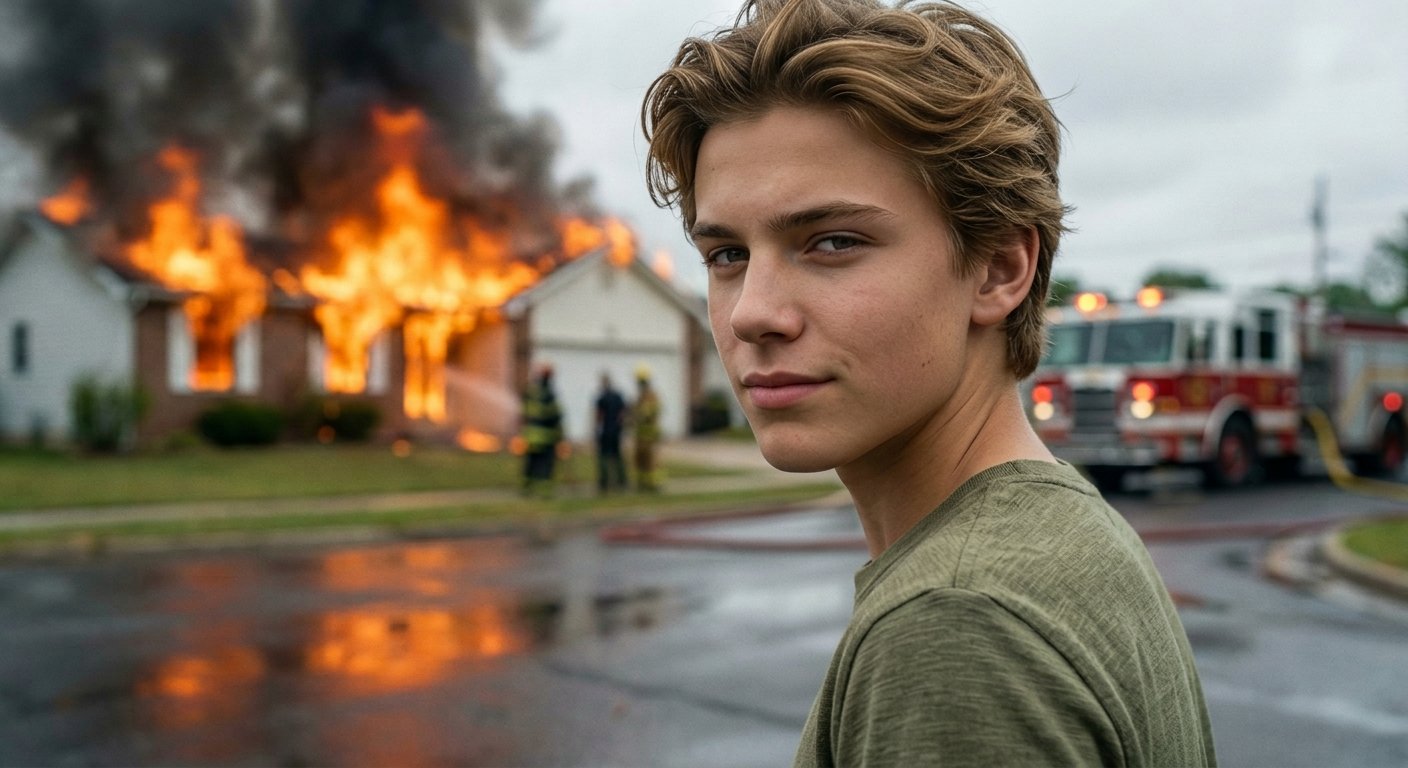
A striking hyper-realistic editorial prompt featuring a subject surrounded by flames and smoke, creating a cinematic and intense visual.

Dramatic wide portrait of {argument name="subject" default="IMAGE1"} sitting casually on wooden floor completely surrounded by large roaring flames and thick smoke, wearing a {argument name="top" default="sleeveless shirt"}, wearing dark baggy pants and {argument name="footwear" default="white sneakers (Nike Dunk style)"}, silver chain necklace, small earring, looking calmly and directly into camera, fire blazing on all sides in background, nighttime black sky, smoke filling frame, hyper-real editorial photography.
Dramatic wide portrait of {argument name="subject" default="IMAGE1"} sitting casually on wooden floor completely surrounded by large roaring flames and thick smoke, wearing a {argument name="top" default="sleeveless shirt"}, wearing dark baggy pants and {argument name="footwear" default="white sneakers (Nike Dunk style)"}, silver chain necklace, small earring, looking calmly and directly into camera, fire blazing on all sides in background, nighttime black sky, smoke filling frame, hyper-real editorial photography.
Edit the prompt in the box under the preview — the template's model and format are already selected — and press Generate. Your version appears right on this page.
Yes. You can change the subject, setting, lighting, mood, format, and available model controls before creating your image.
Opening and editing this template is free. Generating uses credits, shown on the Generate button when you are signed in.
Start with Nano Banana 2, which is the model associated with this template. You can compare another compatible model for a different finish.
Follow a topic to a crawlable collection of related PicX Studio templates.