How do I use the Intimate Nighttime Portrait in Purple Dress template?
Edit the prompt in the box under the preview — the template's model and format are already selected — and press Generate. Your version appears right on this page.
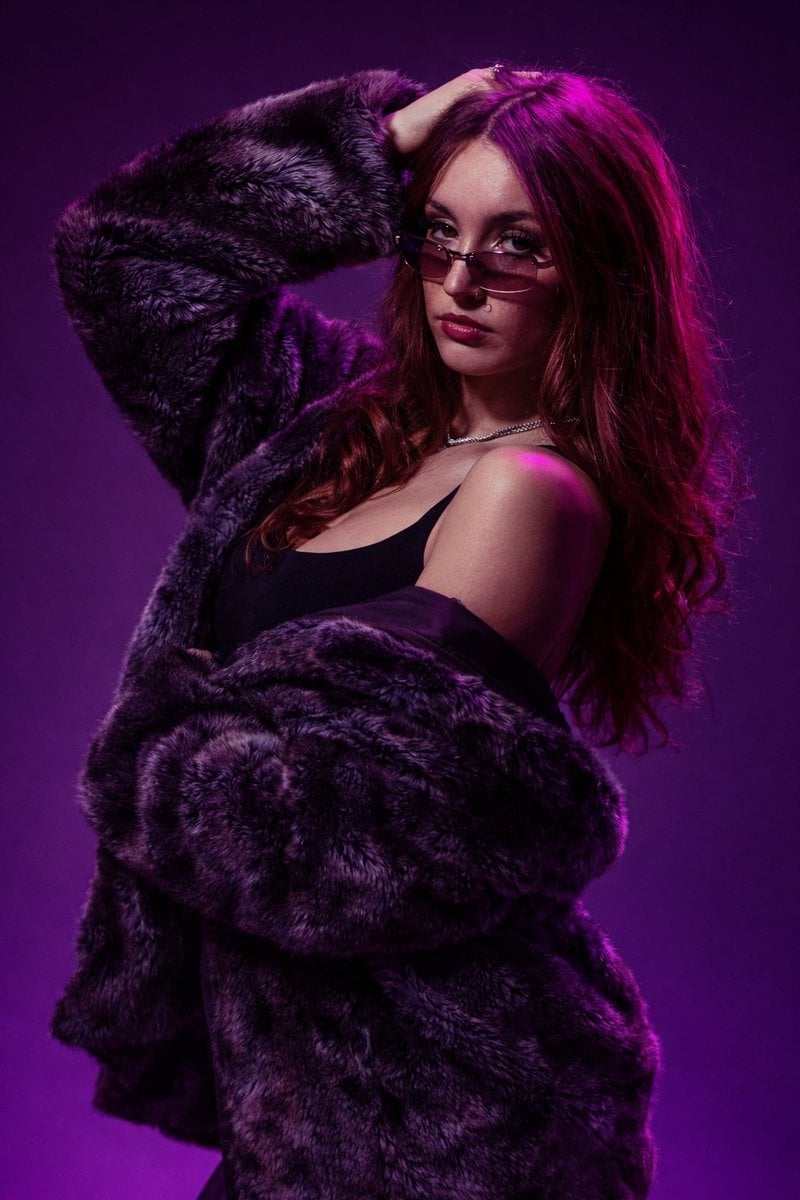
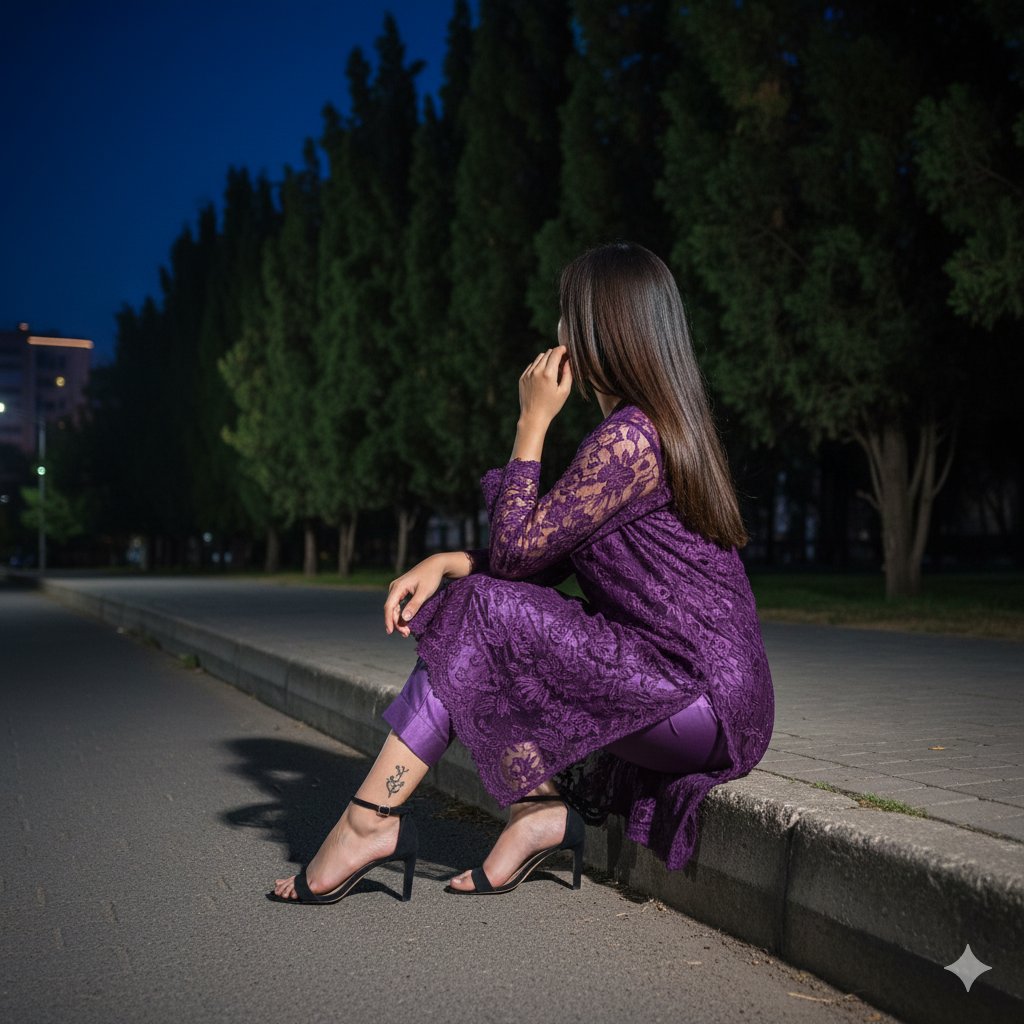
A complex structured prompt for a cinematic nighttime portrait of a woman in a purple dress, featuring detailed lighting and setting descriptions.

{ "type": "image_prompt", "description": { "subject": { "name": "{argument name="subject" default="[NAME]"}", "expression": "Soft and subtle smile", "hair": { "style": "{argument name="hair style" default="Side ponytail"}", "accessory": "Black and purple butterfly hair clip positioned on the right side", "details": "Fine, textured strands framing the face" }, "makeup": "Soft, natural makeup" }, "clothing": { "outfit": "{argument name="outfit" default="Fitted shiny purple mini dress"}", "sleeves": "Long sleeves", "neckline": "Deep V-neck", "fabric": "Smooth, elegant fabric", "fit": "Figure-enhancing silhouette" }, "pose": { "position": "Seated elegantly in a large armchair", "posture": "Slightly reclined with a relaxed posture", "left_arm": "Resting on the armrest", "right_arm": "Raised, forming a small finger-heart gesture", "legs": "Crossed at the knees, extending toward the lower-right corner of the frame" }, "setting": { "location": "Indoor nighttime environment", "furniture": { "chair": "Large ornate white velvet armchair with a dark wooden frame" }, "background": { "right_side": "Dark wooden bookshelves filled with books", "left_side": "Window revealing a dark night sky with tree silhouettes" } }, "props": [ "Ornate white velvet armchair", "Black and purple butterfly hair clip", "Two lit candles in brass candlesticks on a side table to the left", "Dark wooden bookshelf filled with books" ], "lighting": { "key_light": "Warm candlelight acting as the primary soft light source", "rim_light": "Subtle rim light separating the subject from the background", "effect": "Defined highlights on the skin, legs, and contours of the armchair" }, "mood": { "atmosphere": "Calm, intimate, and cozy nighttime ambiance" }, "technical": { "shot_type": "Full medium shot", "camera_angle": "Eye-level", "lens": "50mm", "aperture": "f/1.8", "depth_of_field": "Soft background bokeh", "style": "Cinematic nighttime portrait photography", "quality": "RAW 8K photography, rich natural textures, perfectly balanced exposure", "aspect_ratio": "9:16" } } }
{ "type": "image_prompt", "description": { "subject": { "name": "{argument name="subject" default="[NAME]"}", "expression": "Soft and subtle smile", "hair": { "style": "{argument name="hair style" default="Side ponytail"}", "accessory": "Black and purple butterfly hair clip positioned on the right side", "details": "Fine, textured strands framing the face" }, "makeup": "Soft, natural makeup" }, "clothing": { "outfit": "{argument name="outfit" default="Fitted shiny purple mini dress"}", "sleeves": "Long sleeves", "neckline": "Deep V-neck", "fabric": "Smooth, elegant fabric", "fit": "Figure-enhancing silhouette" }, "pose": { "position": "Seated elegantly in a large armchair", "posture": "Slightly reclined with a relaxed posture", "left_arm": "Resting on the armrest", "right_arm": "Raised, forming a small finger-heart gesture", "legs": "Crossed at the knees, extending toward the lower-right corner of the frame" }, "setting": { "location": "Indoor nighttime environment", "furniture": { "chair": "Large ornate white velvet armchair with a dark wooden frame" }, "background": { "right_side": "Dark wooden bookshelves filled with books", "left_side": "Window revealing a dark night sky with tree silhouettes" } }, "props": [ "Ornate white velvet armchair", "Black and purple butterfly hair clip", "Two lit candles in brass candlesticks on a side table to the left", "Dark wooden bookshelf filled with books" ], "lighting": { "key_light": "Warm candlelight acting as the primary soft light source", "rim_light": "Subtle rim light separating the subject from the background", "effect": "Defined highlights on the skin, legs, and contours of the armchair" }, "mood": { "atmosphere": "Calm, intimate, and cozy nighttime ambiance" }, "technical": { "shot_type": "Full medium shot", "camera_angle": "Eye-level", "lens": "50mm", "aperture": "f/1.8", "depth_of_field": "Soft background bokeh", "style": "Cinematic nighttime portrait photography", "quality": "RAW 8K photography, rich natural textures, perfectly balanced exposure", "aspect_ratio": "9:16" } } }
Edit the prompt in the box under the preview — the template's model and format are already selected — and press Generate. Your version appears right on this page.
Yes. You can change the subject, setting, lighting, mood, format, and available model controls before creating your image.
Opening and editing this template is free. Generating uses credits, shown on the Generate button when you are signed in.
Start with Nano Banana 2, which is the model associated with this template. You can compare another compatible model for a different finish.
Follow a topic to a crawlable collection of related PicX Studio templates.