
Hyper-Realistic Editorial Fashion Portrait
A highly technical and structured prompt for creating an editorial-style portrait of a woman with copper-red hair in a modern architectural setting.
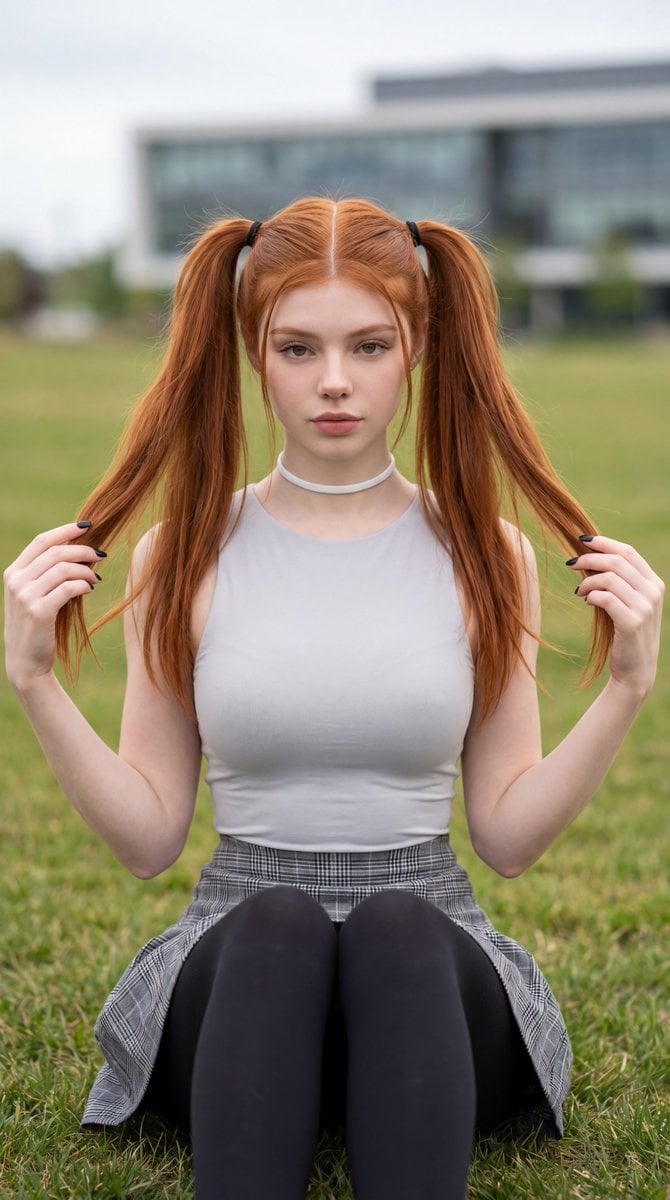
- Prompt included
- Model and format preset
- Free template
The prompt behind this image
Copy the exact prompt behind Hyper-Realistic Editorial Fashion Portrait, or open it in the studio and make it yours.
Ultra-realistic outdoor portrait of a young woman with vibrant copper-red hair styled in high twin ponytails, sitting on a grassy field in front of a modern contemporary building. She wears a fitted light-gray sleeveless top, a gray plaid skirt, black opaque tights, and a minimalist white choker necklace. Natural makeup, soft freckles, clear skin texture, and a calm direct gaze toward the camera. Overcast daylight creates soft even lighting and natural colors. Shallow depth of field with a gently blurred background, professional portrait photography, clean composition, highly detailed hair strands, realistic skin, photorealistic, editorial lifestyle aesthetic, premium fashion campaign quality. Negative prompt: blurry, low resolution, distorted anatomy, extra limbs, extra fingers, duplicate person, unrealistic proportions, plastic skin, excessive retouching, cartoon, anime, CGI, painting, watermark, text, logo, motion blur, noisy image, cluttered background, overexposed highlights, harsh shadows. Style: photorealistic. Camera: lens: 85mm, aperture: f/1.8, angle: eye-level portrait, depth_of_field: shallow. Lighting: type: soft natural daylight, direction: diffused overcast lighting, mood: clean, modern, serene. Composition: framing: vertical portrait, subject_position: centered seated on grass, background: modern architecture softly blurred in the distance. Quality: resolution: 8k, detail: ultra high, realism: maximum.
How to use Hyper-Realistic Editorial Fashion Portrait in 3 steps
- 1
Open
The prompt is already in the box next to the preview, with the template's model and format selected.
- 2…a portrait of your subject in softgolden-hour light, 85mm…
Personalize
Edit the subject and creative details for your destination.
- 3Generate
Generate
Press Generate — your image is created in PicX Studio, so you can compare it with the original and refine one variable at a time.
More like this
Templates with the same subject, style or setup. Open one to see its prompt.
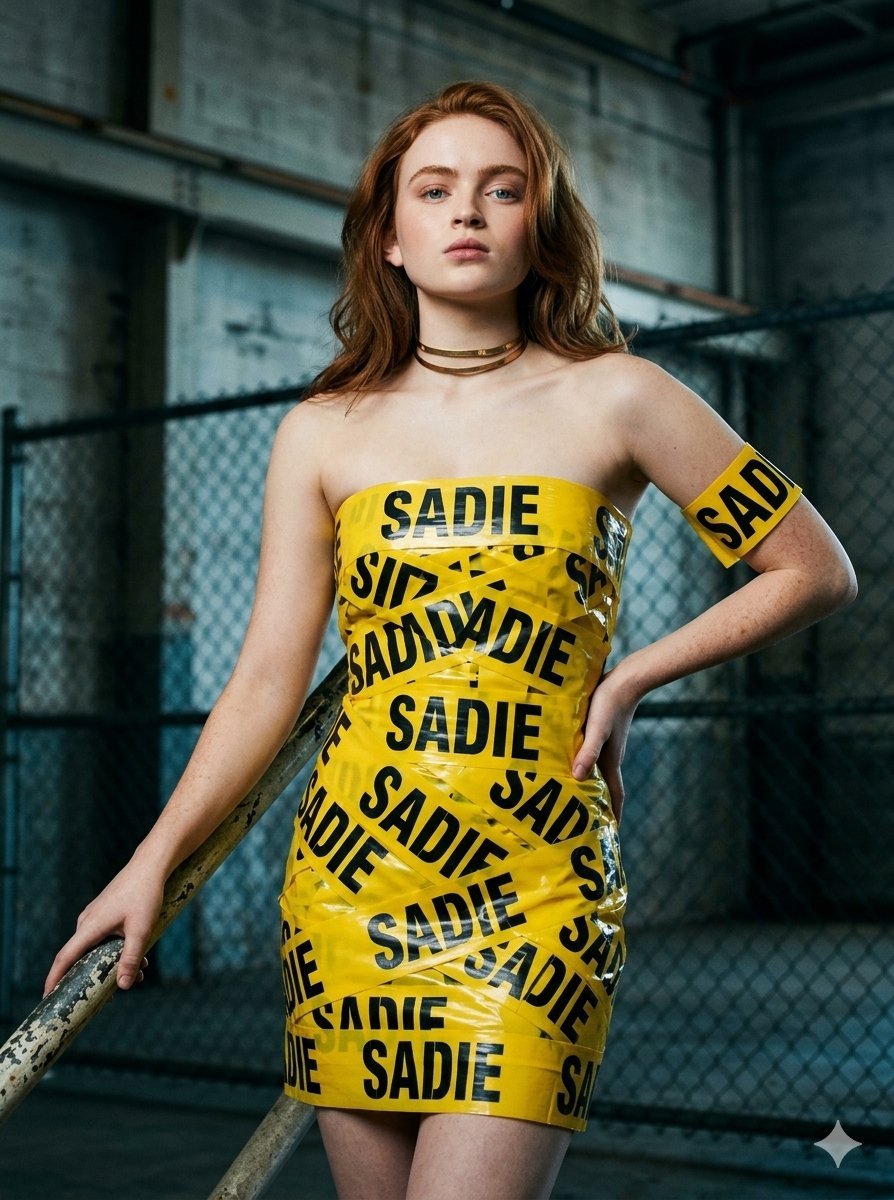
Caution Tape Fashion — Industrial Editorial
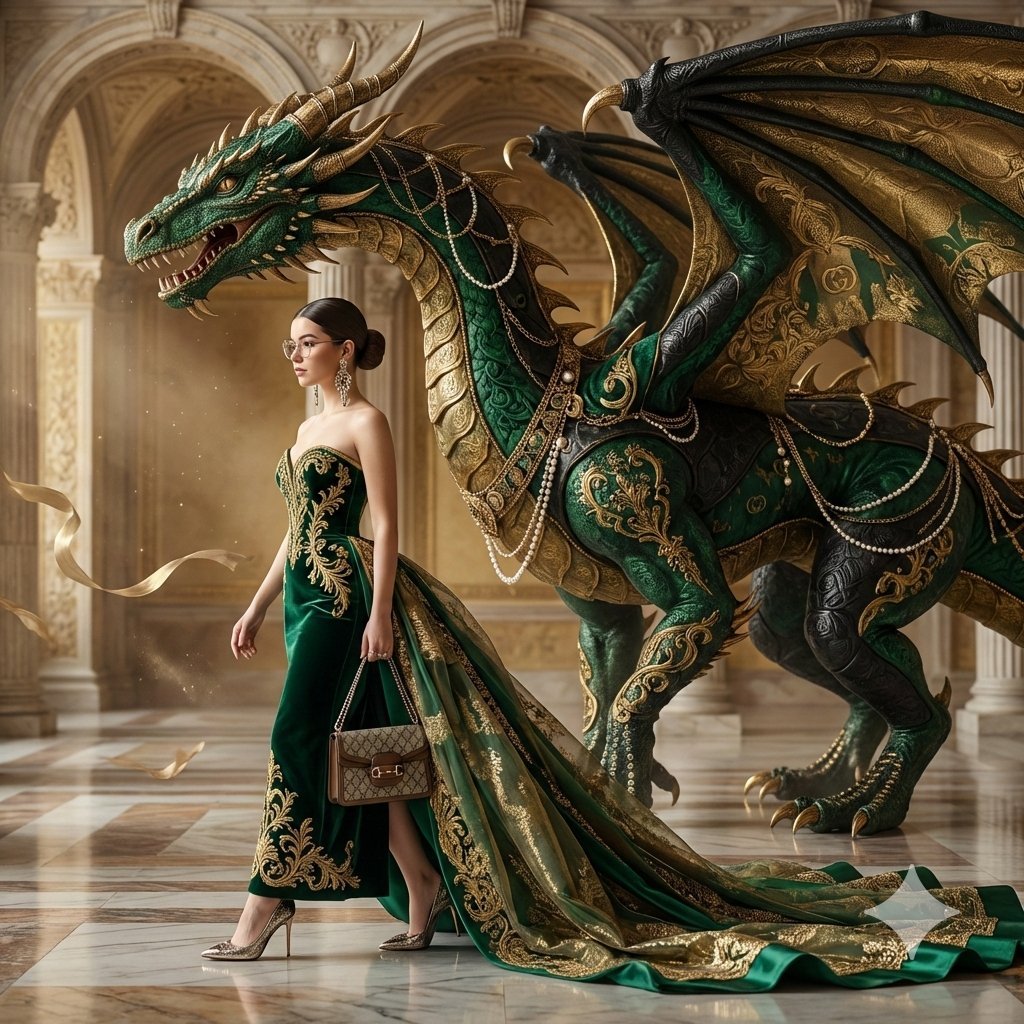
Couture Fashion Editorial Woman and Drag
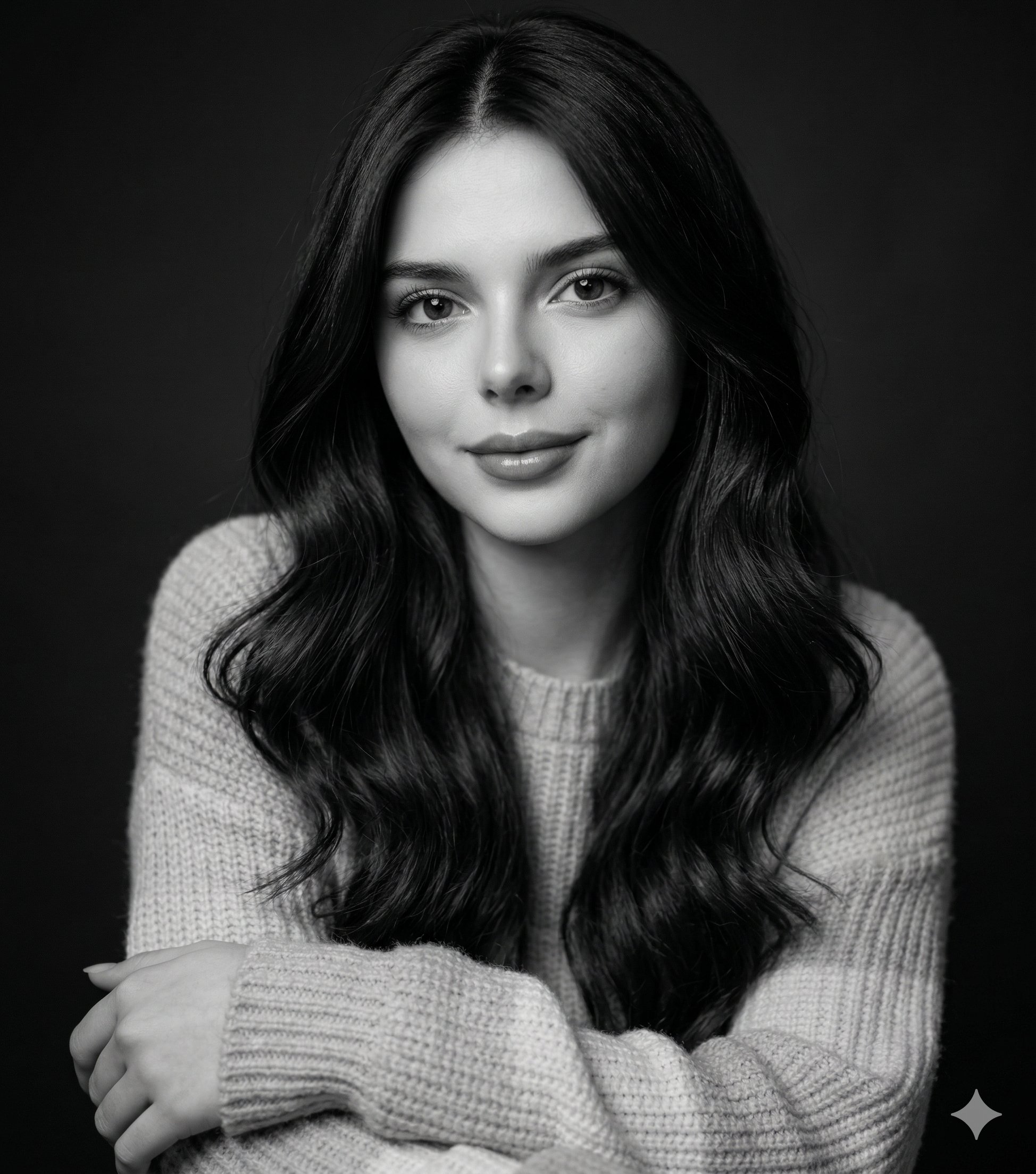
Nano Banana 2 Editorial Fashion Portrait
untitled
Nano Banana 2 High Fashion Sports Campai
Ive Yujin Fashion Portrait in Blue
24 The Getty Center — California Series
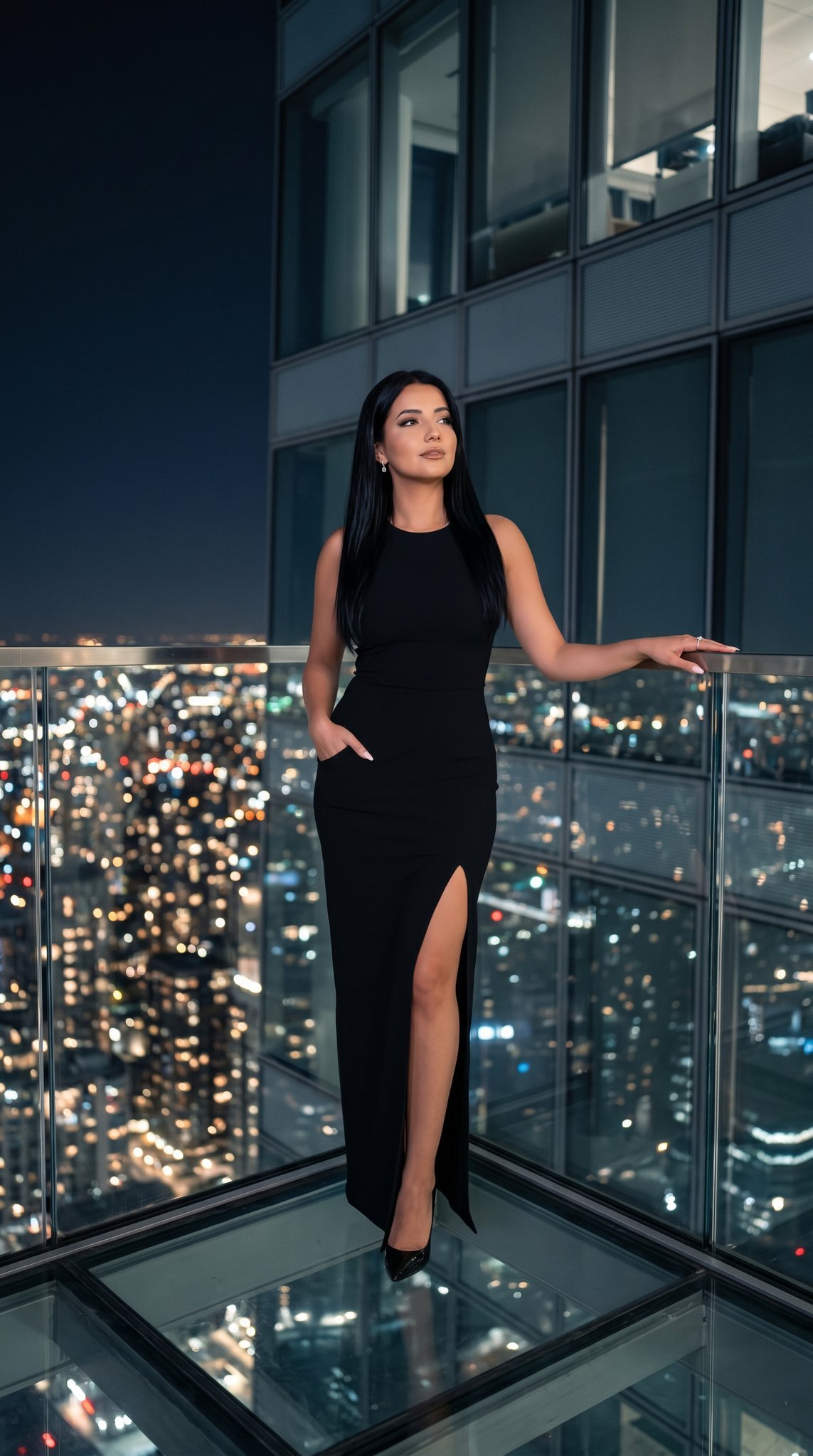
21 Glass Floor Skyscraper — California Series
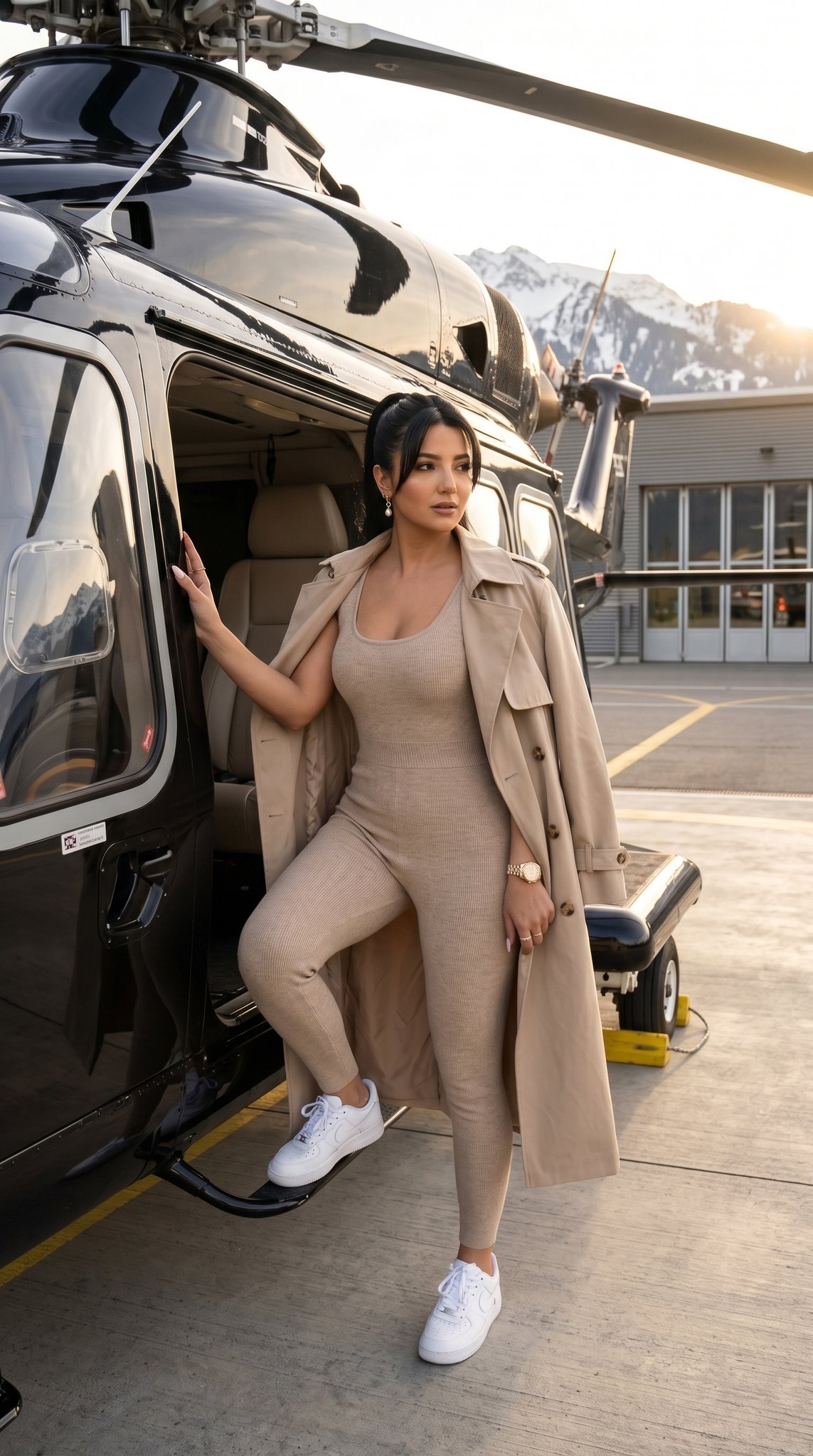
19 Luxury Helicopter Travel — California Series
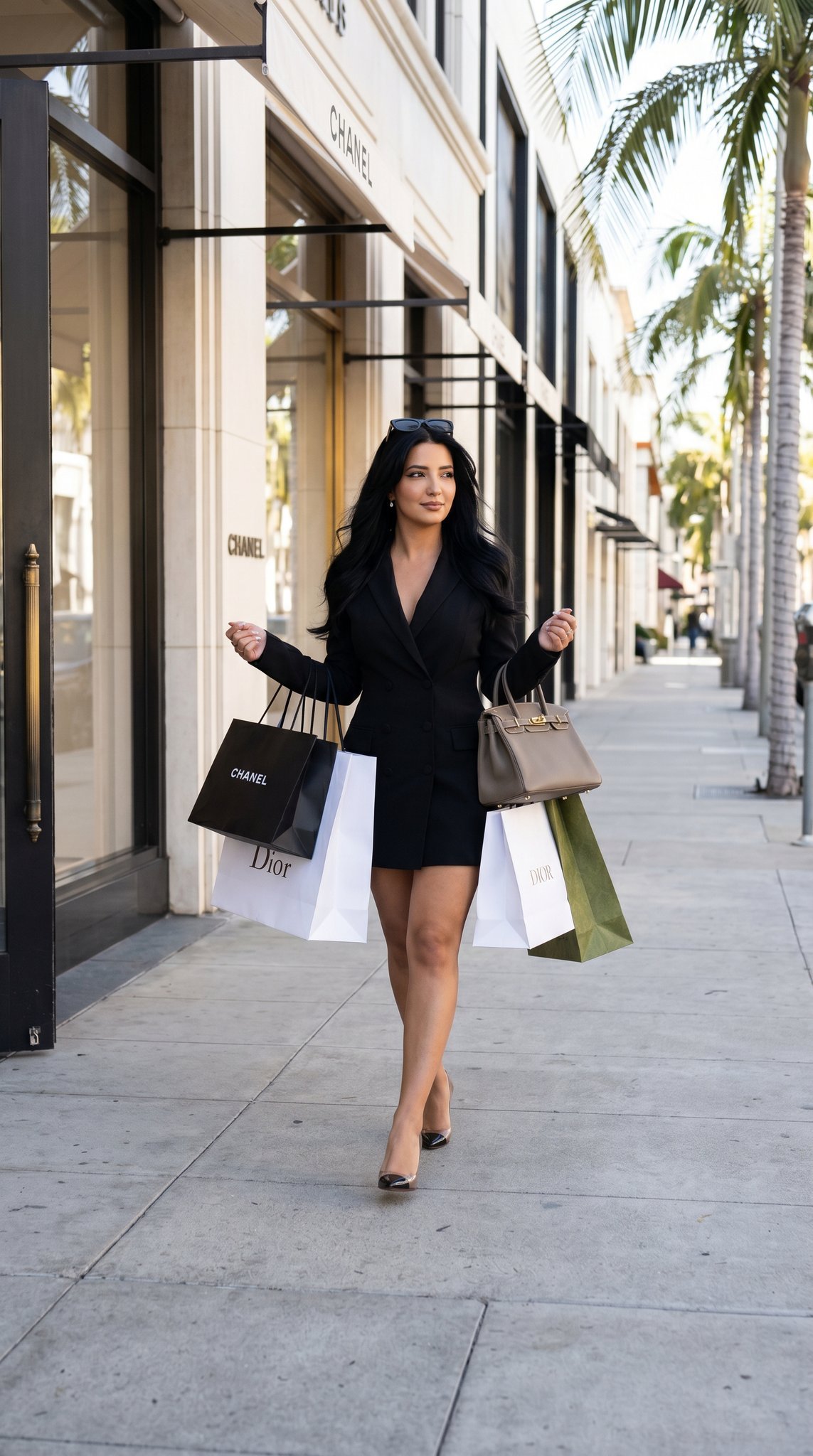
08 Rodeo Drive Luxury Exit — California Series
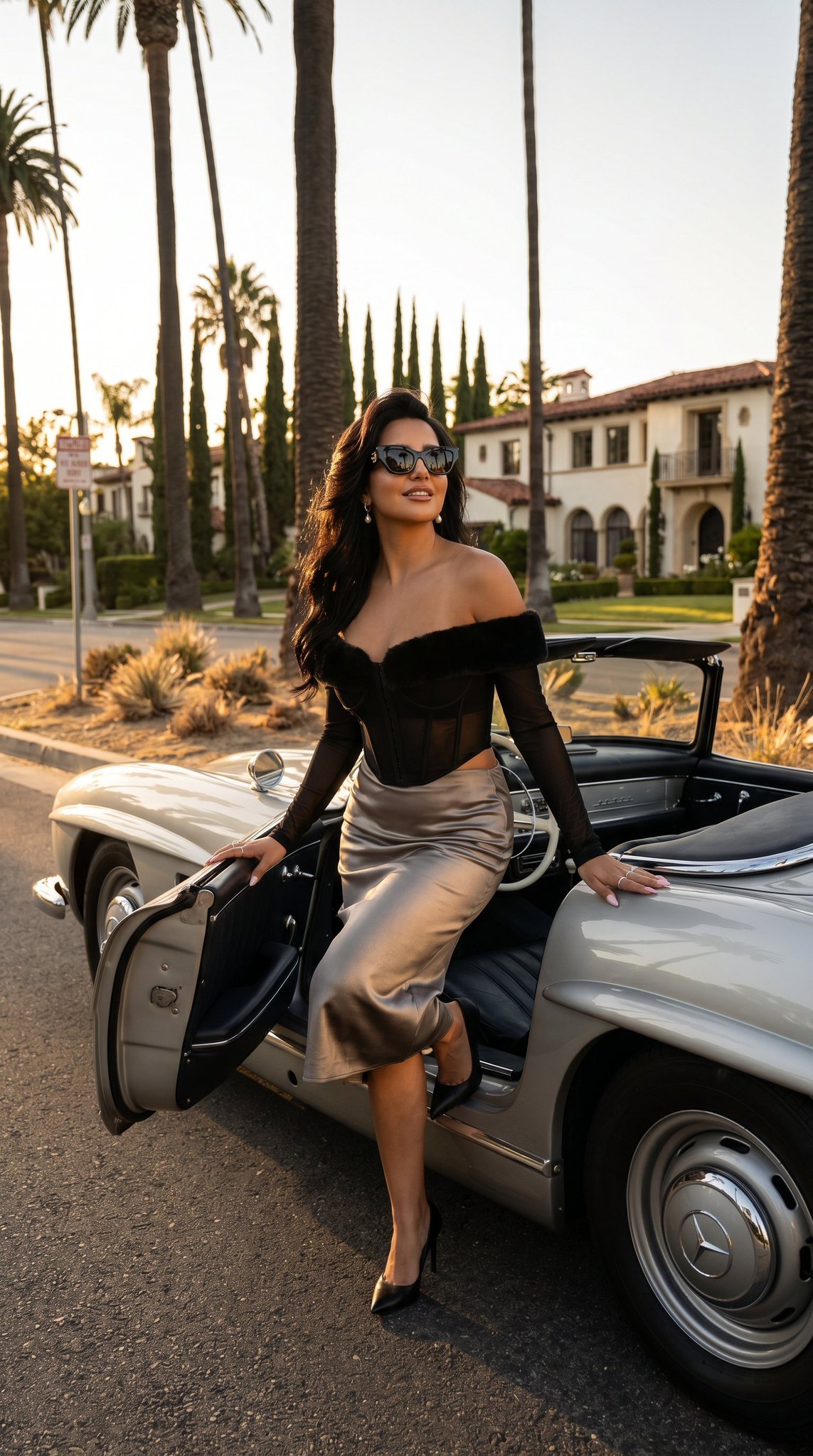
03 Beverly Hills Convertible — California Series
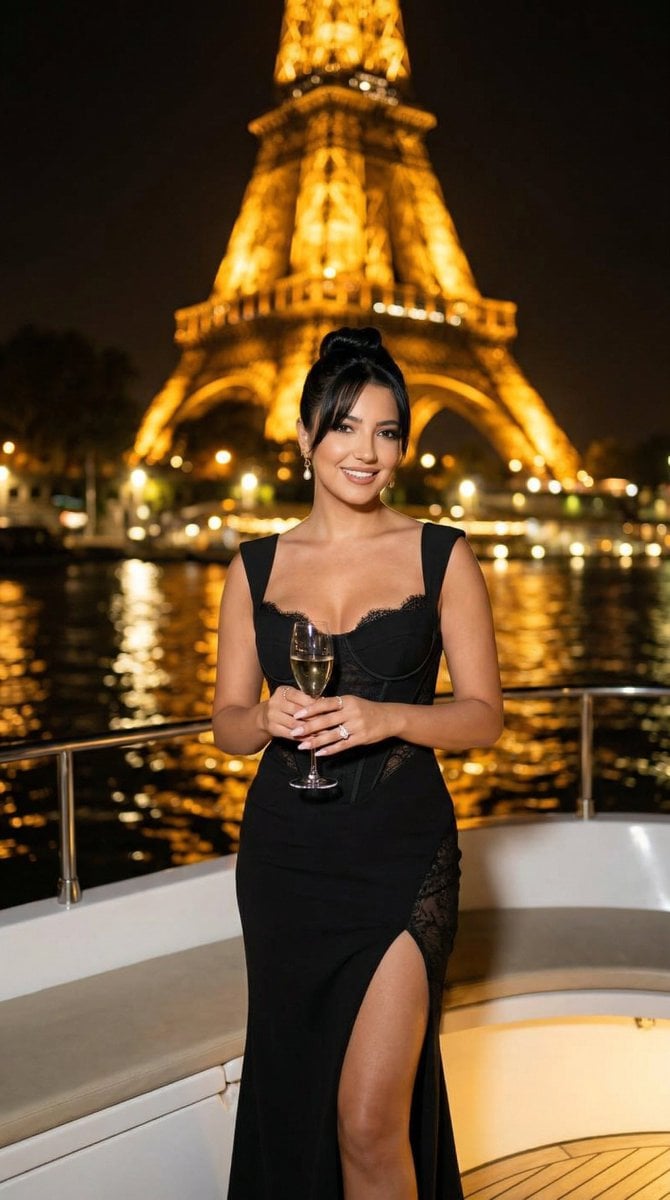
Nano Banana - Paris Cafe Editorial
Make it yours
Hyper-Realistic Editorial Fashion Portrait works as-is. These are the safest ways to change it without losing the look.
Change one field
Copy a single group, rewrite it, and generate again so you can see what that field is doing.
Keep the frame, change the subject
Hold the composition and light of Hyper-Realistic Editorial Fashion Portrait, then swap wardrobe, props or the person for a new take.
| If the result… | Why | Fix |
|---|---|---|
| The result drifts from the preview | Too many fields changed at once. | Reuse Hyper-Realistic Editorial Fashion Portrait as-is first, then change one group — subject, light, or setting. |
| The model over-stylizes the scene | The prose prompt leaves finish and camera underspecified. | Add one camera or lighting sentence and stay on Nano Banana 2. |
More Nano Banana 2 templates
Other prompts made for Nano Banana 2.

Photorealistic Leaf Shaped Like a Dragon

K-Pop Idol Portrait Grid for Rapid Selection

Poetic Rain Forest Portrait During Golden Hour

Urban Street Portrait with Cartoon Inner Self Duo

Candid Nighttime Photo with Cat Prompt

High-Concept 3D Diorama Generation Prompt

Cinematic Futuristic Studio Portrait Template

Skincare Editorial Photography Collage Prompt

Hyper-Realistic Commercial Product Photography (Splash Effect)

Hyper-Realistic Nightclub Portrait Prompt
More image prompts
Fresh picks from across the catalog.
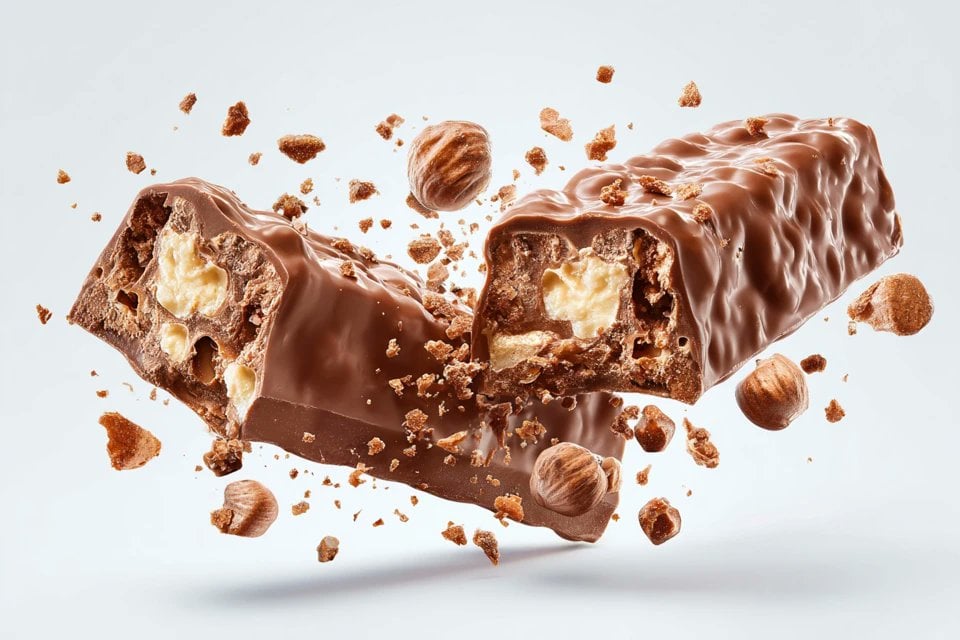
Exploding Food Commercial Photography
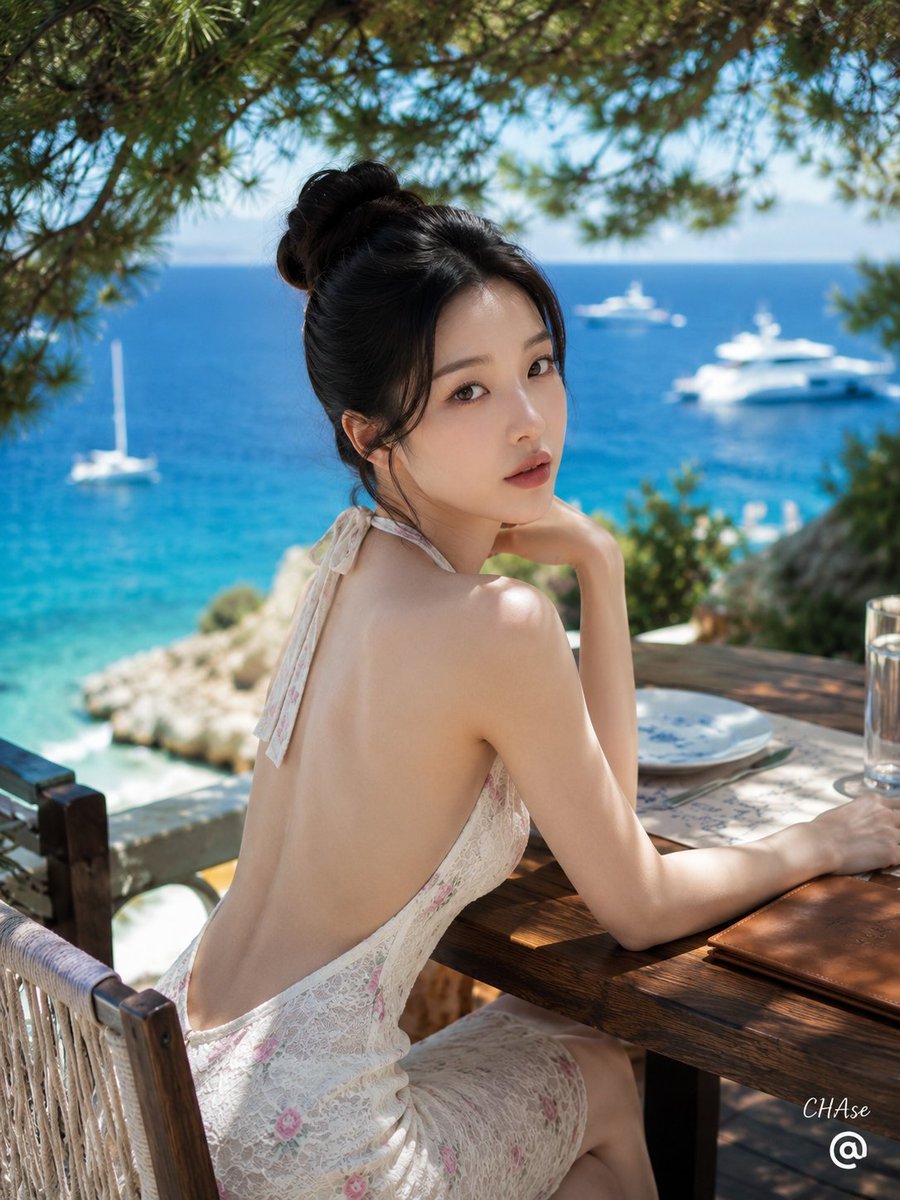
Mediterranean Resort Lace Dress Portrait
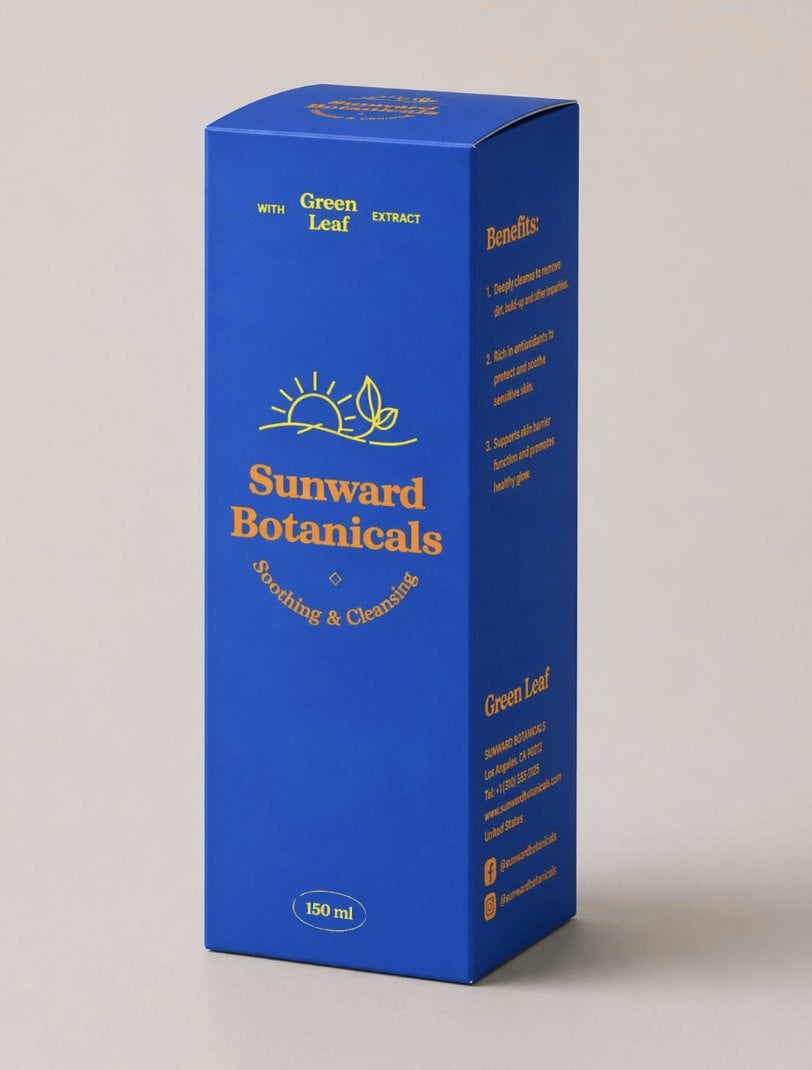
3D Product Box Dieline Visualization
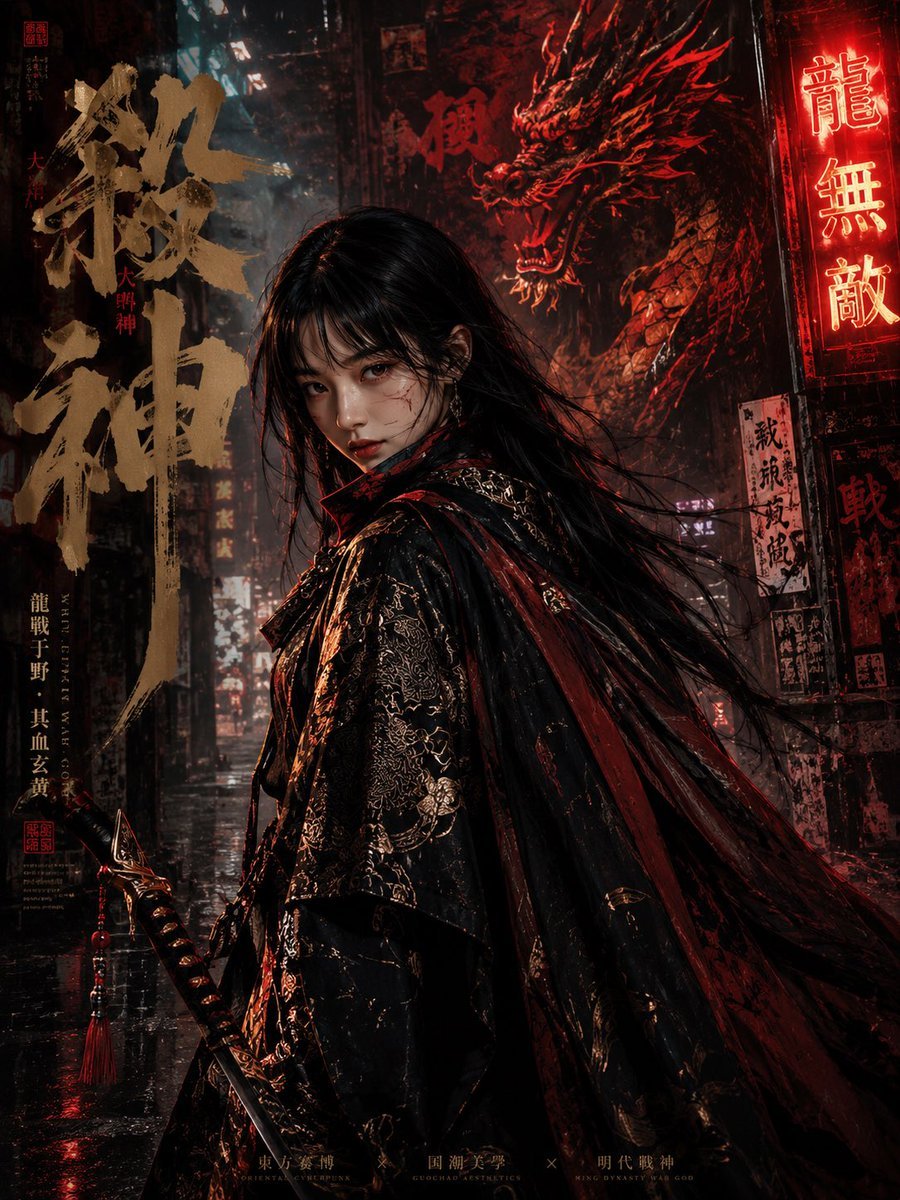
Cyberpunk Ming Dynasty Warrior Poster
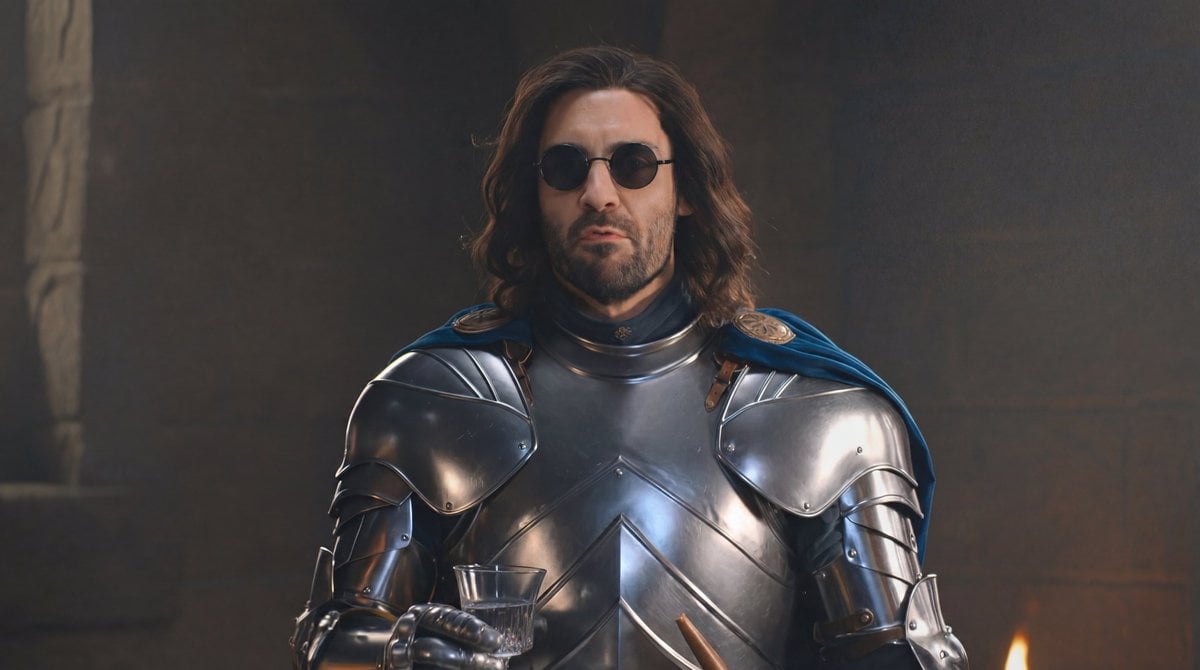
Glasses Removal and Face Integration
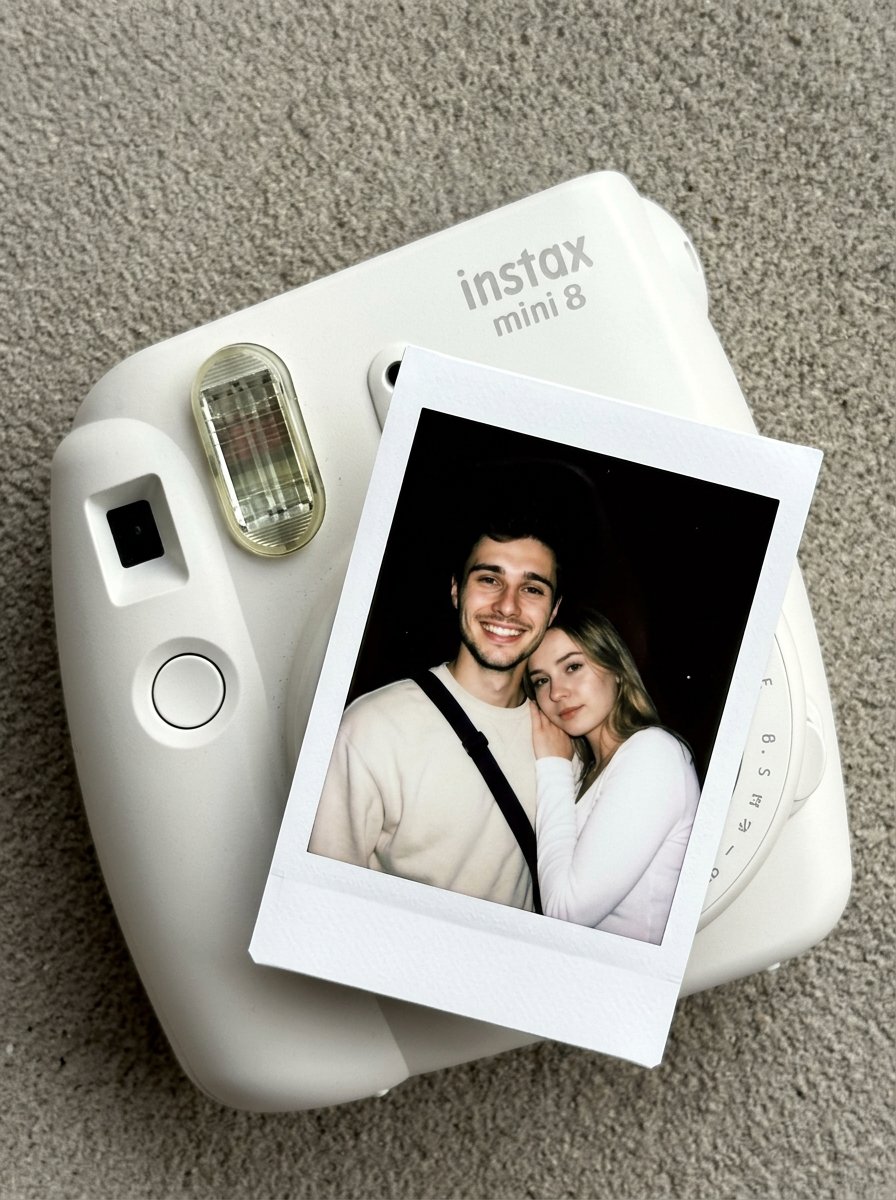
02 Instax Camera Product — Nano Banana 2
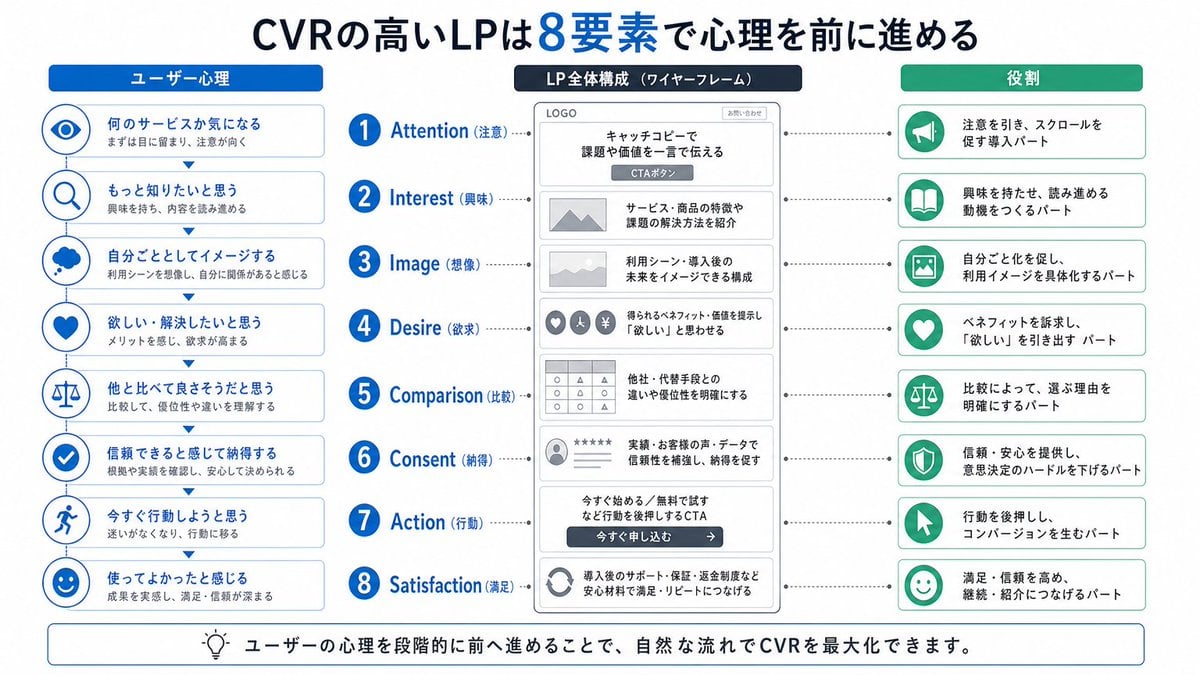
Japanese LP Psychology 8-Step Infographic

Ultra-Photorealistic Mirror Selfie in an Upscale Vintage Bistro
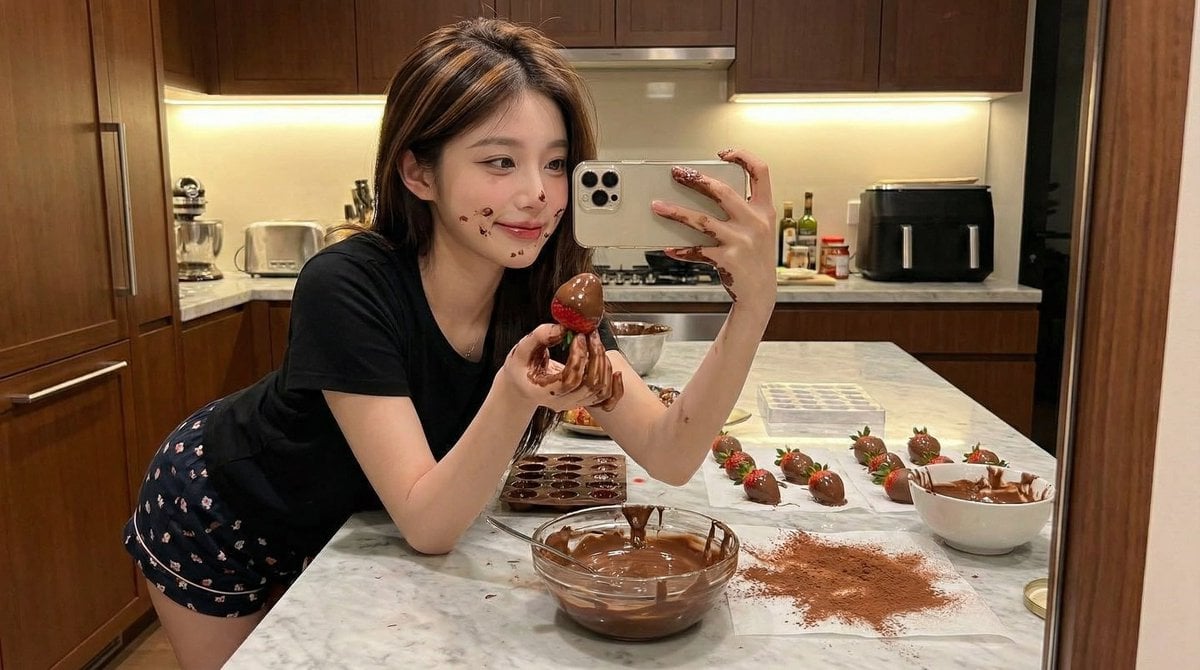
Ultra-Realistic Kitchen Selfie with Chocolate Smudge
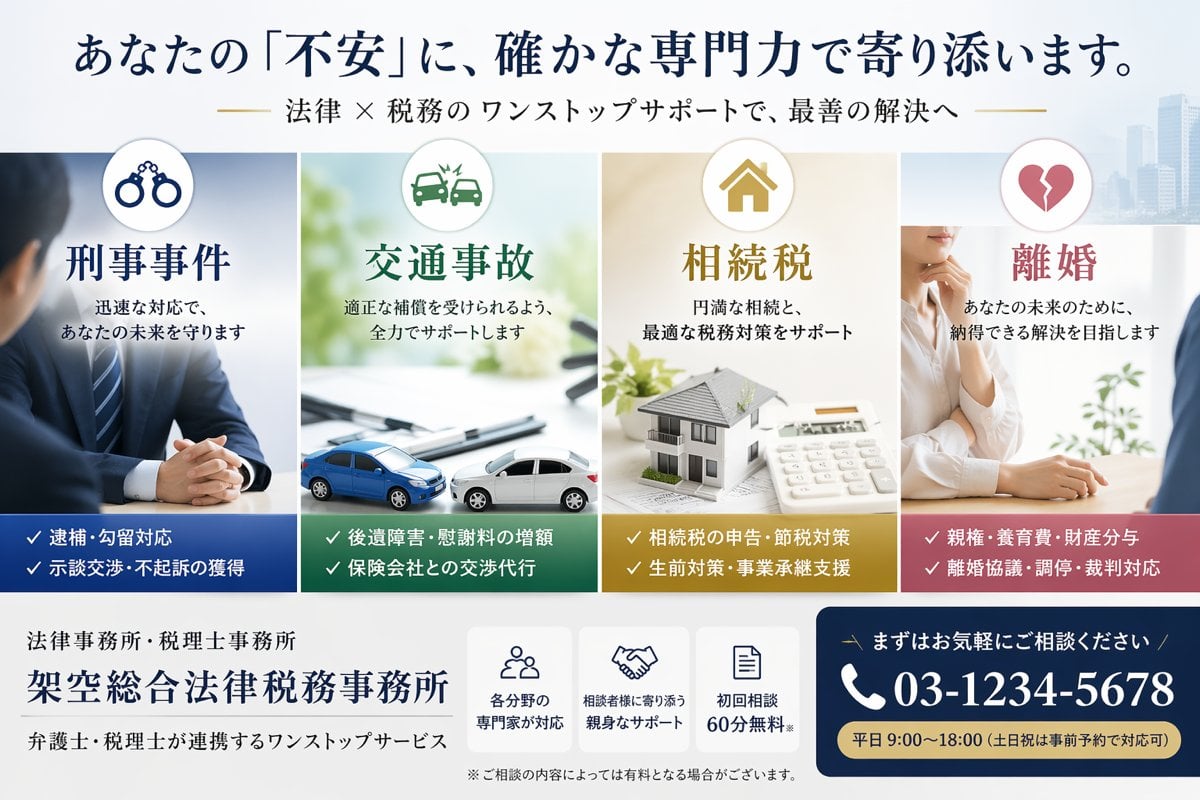
Japanese Law & Tax Services LP Hero
Browse template categories
Hyper-Realistic Editorial Fashion Portrait questions
How do I use the Hyper-Realistic Editorial Fashion Portrait template?
Add your photo if the template asks for one, edit the prompt if you like — the template's model and format are already selected — and press Generate. Your version opens in PicX Studio.
Can I customize the Hyper-Realistic Editorial Fashion Portrait template?
Yes. You can change the subject, setting, lighting, mood, format, and available model controls before creating your image.
Is the Hyper-Realistic Editorial Fashion Portrait template free?
Opening and editing this template is free. Generating uses credits, shown on the Generate button when you are signed in.
Which AI model should I use?
Start with Nano Banana 2, which is the model associated with this template. You can compare another compatible model for a different finish.
Looking for something else? Browse all templates.

Your photo, any look
Thousands of ready templates for every top image and video model, from one credit balance.