How do I use the Scarlett Johansson Luxury Editorial template?
Choose the primary action to open PicX Studio with the available template settings. Review the model and format, personalize the creative direction, and generate when ready.
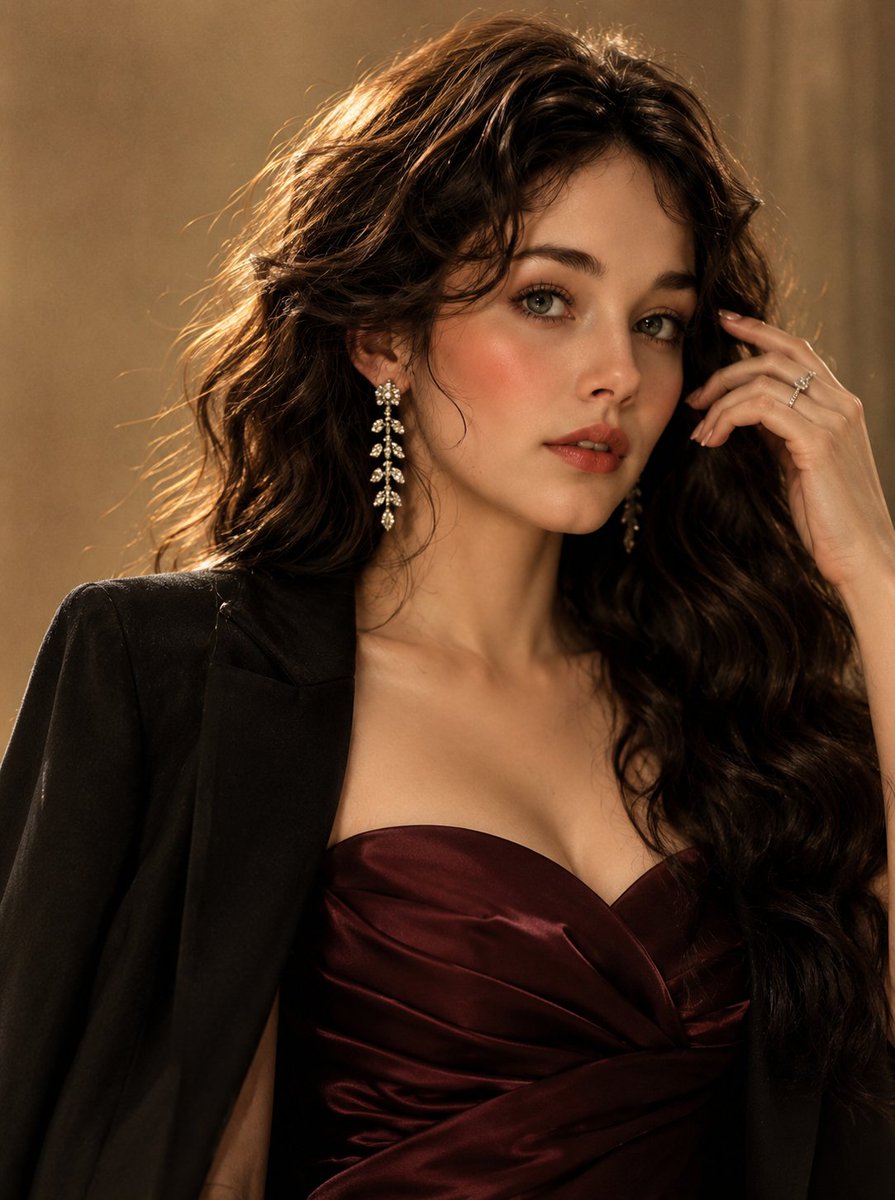
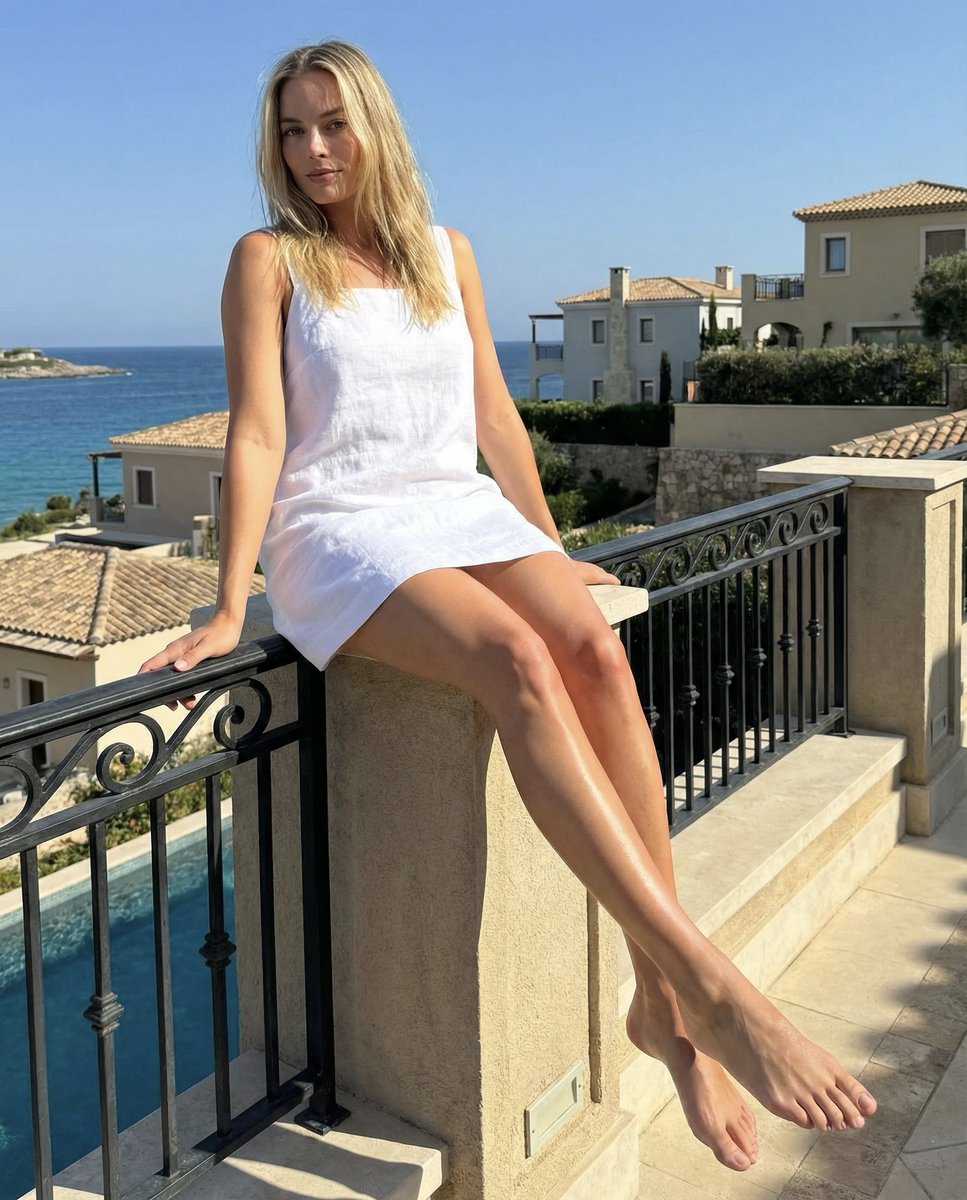
A comprehensive editorial prompt for a high-fashion portrait of Scarlett Johansson in a luxury living room setting.
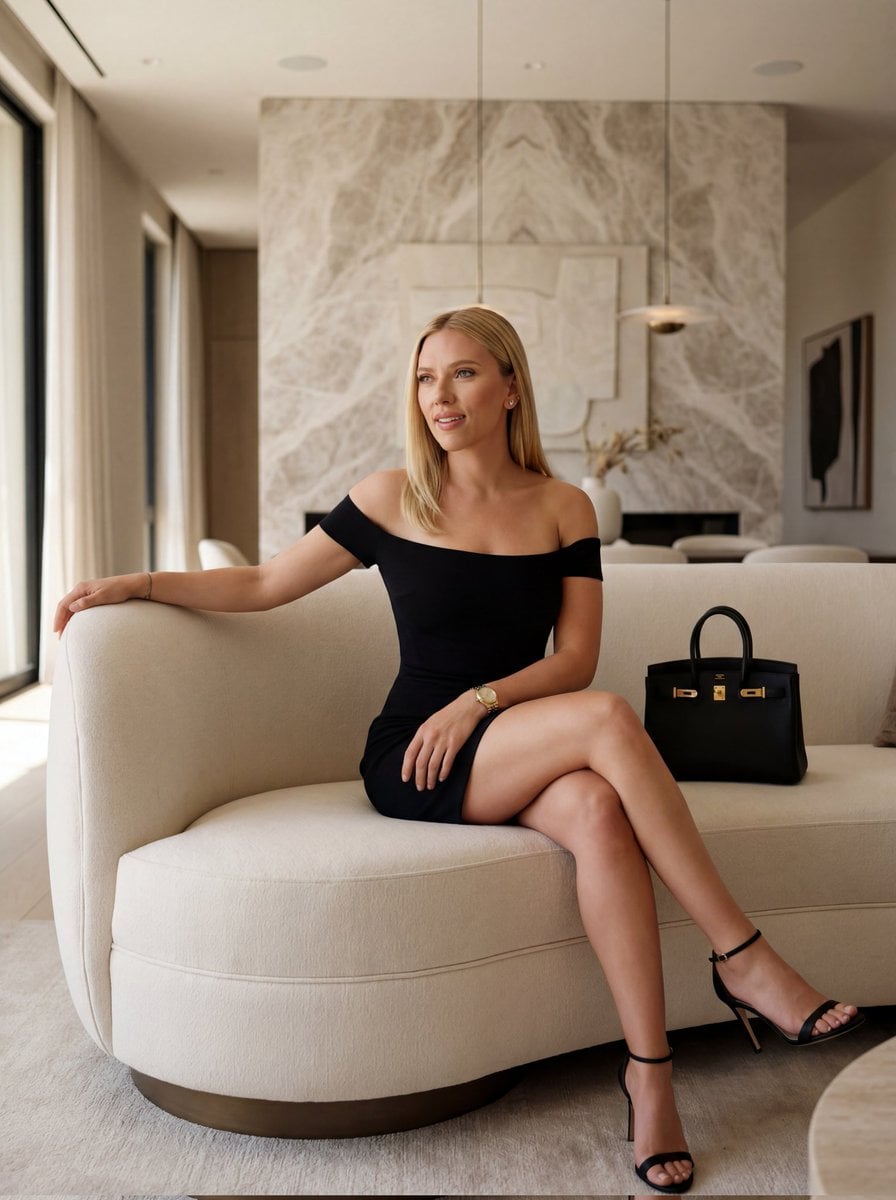
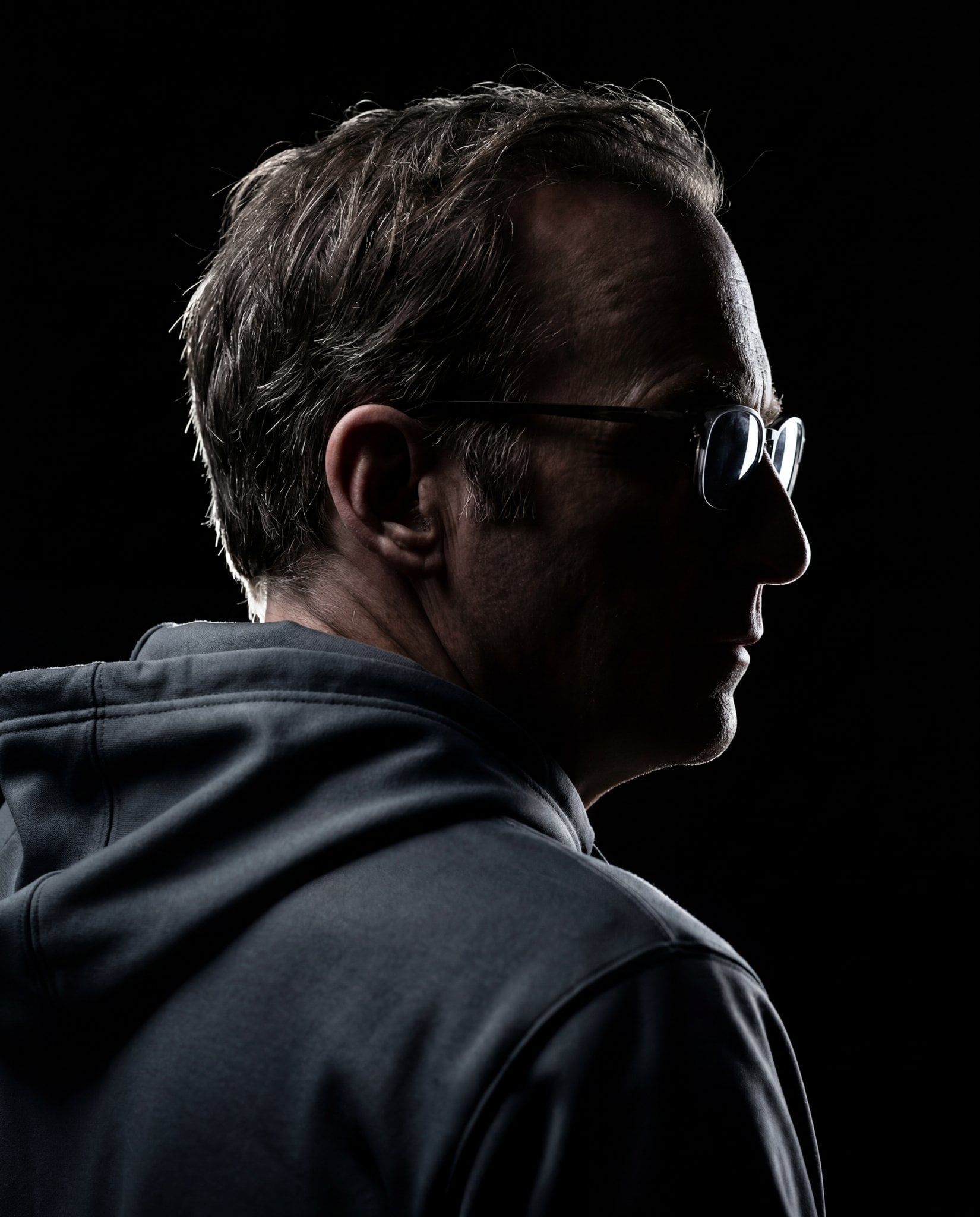
a model {argument name=\"celebrity\" default=\"scarlett johansson\"} with exact facial identity, body proportions, and realistic beauty details. Subject: Soft feminine face. Straight silky hair. Natural skin texture. Glossy lips. Luxury beauty photography realism. Pose: Sitting on a curved designer cream sofa. One arm resting on sofa back. One leg crossed elegantly over the other. Body leaning slightly sideways. Luxury handbag beside her. Relaxed confident posture. Expression: Playful half smile. Eyes looking slightly away from camera. High-fashion editorial attitude. Outfit: {argument name=\"dress\" default=\"Black fitted off-shoulder mini dress\"}. Gold watch. Diamond stud earrings. Black luxury heels. Environment: {argument name=\"location\" default=\"Modern luxury living room\"}. Large marble feature wall. Designer pendant lights. Minimalist artwork. Luxury interior decor. Soft neutral tones. Camera: Low seated camera angle. 50mm lens look. Medium full-body composition. Luxury magazine framing. Strong depth and perspective. Lighting: Soft window light from side. Warm indoor ambient lighting. Natural shadows. Realistic skin reflections. Premium editorial contrast. Style: Luxury fashion editorial. Modern influencer aesthetic. Ultra realistic photography. High-end Instagram content.
Choose the primary action to open PicX Studio with the available template settings. Review the model and format, personalize the creative direction, and generate when ready.
Yes. You can change the subject, setting, lighting, mood, format, and available model controls before creating your image.
This template is free to open and customize. Generation usage is shown in PicX Studio before you create.
Start with Nano Banana 2, which is the model associated with this template. You can compare another compatible model for a different finish.
Follow a topic to a crawlable collection of related PicX Studio templates.